How Appointment Scheduling Software Cuts No-Shows
Appointment scheduling software fixes booking chaos, but most guides stop at the calendar and ignore what happens the moment someone actually arrives. This piece covers what the software really does, the mistakes that waste its potential, when it doesn't work, and how a real healthcare deployment cut scheduling conflicts to zero.



Table of Content
Try Vizitor for Free!
Appointment scheduling software lets customers book a time slot online. It syncs that slot to a real calendar. It reminds people before they show up. That matters because empty slots and no-shows quietly drain revenue in any business built around appointments. Manual booking also eats hours that staff could spend on paying customers instead. But most articles stop there, as if the booking step is the whole problem. It isn’t. The real chaos rarely happens when someone books. It happens the second they walk in, and a calendar app has nothing to say about that.
What Appointment Scheduling Software Actually Does
At its core, this software replaces phone-and-paper booking with a shared online calendar. A customer picks an open slot on a website or app. They get an instant confirmation. They get a reminder closer to the date. The business sees every booking in one place, instead of scattered across a notebook and a wall calendar.
The better tools go further. They sync with Google Calendar and Outlook, so a booked slot disappears from every calendar at once. That’s what actually stops double-booking. They let customers reschedule or cancel without a phone call. That sounds small. But watch a receptionist lose a whole morning to “can I move my 2 o’clock” calls, and it stops sounding small. These tools also track booking patterns: which times fill up first, which services get cancelled most. A paper log never shows you that.
Two well-known tools show the range here. Calendly is built for one-off meetings and calls, the kind a sales team or recruiter books constantly. Acuity Scheduling leans toward service businesses that need intake forms, packages, and payment in one flow, closer to what a salon or clinic needs. Neither tool, by design, says anything about what happens at your front desk once the appointment time arrives.
Why Most Businesses Get Less Out of It Than They Expect
Scheduling software gets bought to solve a booking problem, and it does that. The disappointment comes later. It traces back to a few specific gaps.
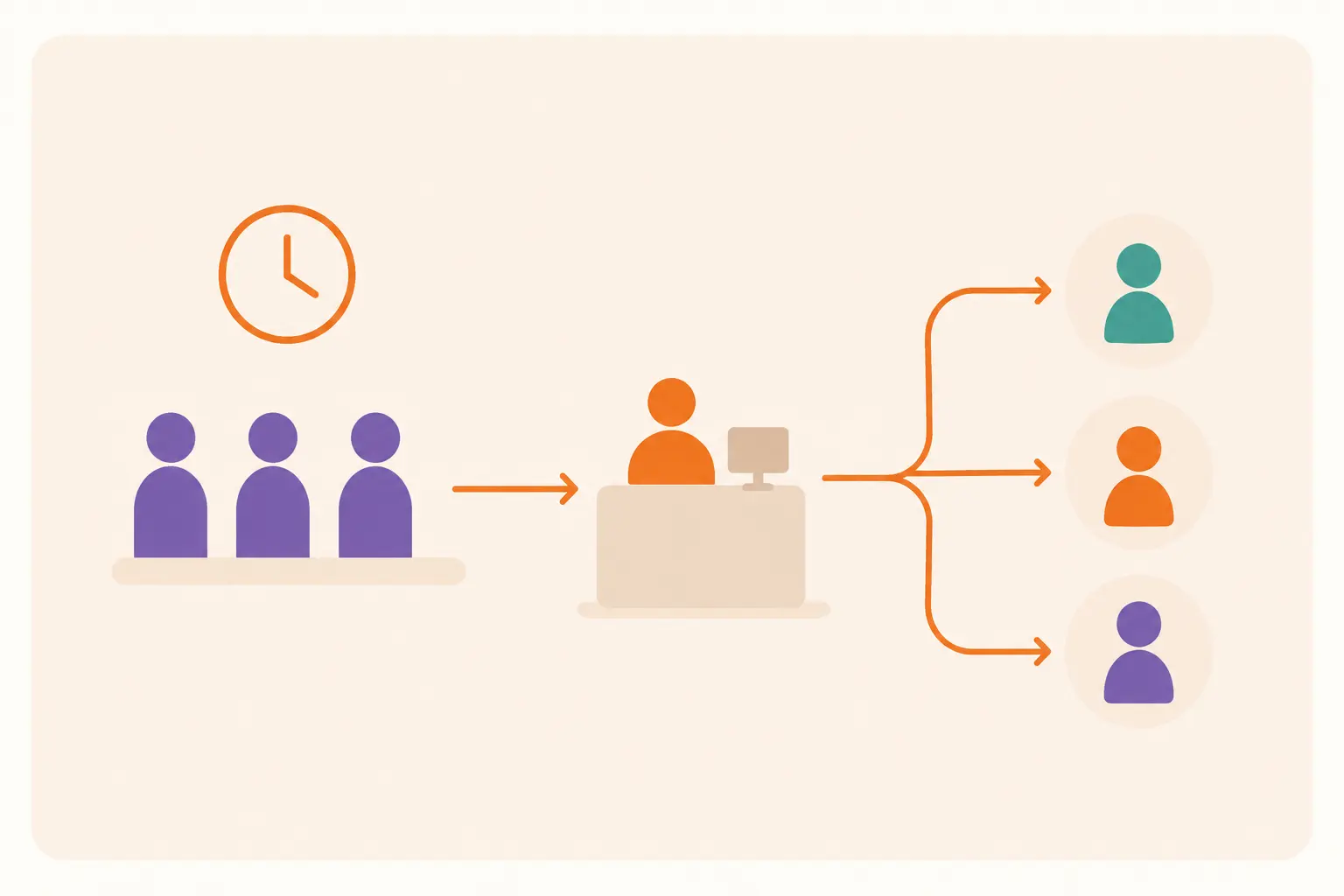
Businesses buy a calendar, not a workflow. The tool fills the slot. Nobody owns what happens between “booked” and “seated.” A dentist’s office can have a full calendar and still run forty minutes behind by 10 a.m. Nothing routes the early patient, the late one, and the walk-in who wants to be seen today.
Teams tune reminders for the average customer, not the habitual no-show. A reminder sent 24 hours out helps most people. It does almost nothing for the small group who no-show again and again, and that group usually costs the business more than anyone else.
Nobody asks why a slot went empty. A cancelled 8 a.m. slot and a cancelled 2 p.m. slot get logged the same way. The real story might be that nobody wants the 8 a.m. slot, and the schedule should stop offering it.
One slot length gets forced onto every service. A tool set to 30-minute defaults runs long for services that need 45 minutes. It leaves dead gaps for the ones that only need 15.
The software goes live for customers before staff get trained on it. The booking gets easier. The process behind the front desk doesn’t change, so staff end up running two systems side by side.
The Real Business Benefits
Set against those failure points, the benefits are concrete. A medical clinic that used to have someone on the phone all morning rebooking cancellations can hand that job to patients themselves. That frees staff for actual patient care. A salon or spa can send an automatic confirmation and a reminder text, and that matters more than it sounds. Clients who get a reminder are less likely to simply forget, and forgetting is the single biggest reason for no-shows in service businesses.
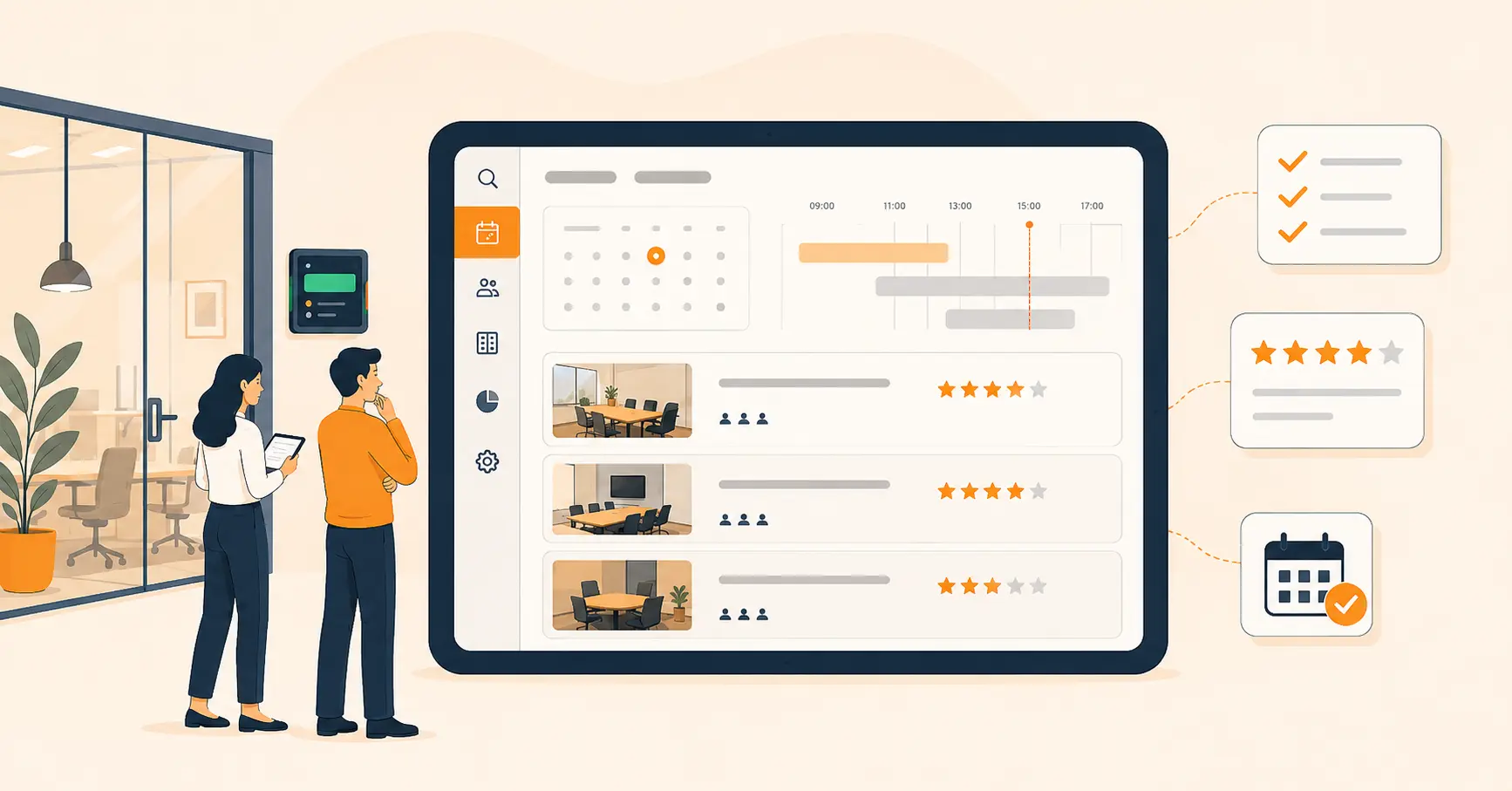
Retail and repair shops that book consultations or fittings can spread arrivals across the day instead of taking them all at opening time. That shrinks the visible line without hiring anyone new. Corporate teams get a version of the same benefit. An HR team that used to juggle meeting room bookings by email can hand it to a shared calendar instead. That stops the constant double-booking of the one conference room everyone wants.
None of this is theoretical. Retina Centre, a healthcare provider, used to run appointments through phone calls, paper registers, and handwritten check-in forms. It switched to Vizitor’s cloud-based scheduling and check-in system. Patients could book online. Reminders went out by SMS and email. Check-in at reception became fully digital. According to the published case study, scheduling conflicts dropped to zero from day one, and the rollout took a single day. That’s one customer’s sourced result, not a promise every clinic will match it. But it shows what closing the gap between booking and arrival looks like in practice.
Security is a smaller benefit, but a real one. Keep customer and appointment data in one system, encrypted, with a record of who booked what and when. That beats a paper register anyone at the desk can flip through. It matters in any industry. It matters even more in fields like healthcare and legal services, where a documented record of visits is expected.
Common Mistakes Businesses Make With Appointment Scheduling Software
The software solves less than teams expect when these mistakes go unchecked.
Assuming online booking alone stops no-shows. Booking convenience and no-show prevention are different problems. A confirmation email fixes forgetfulness. It does nothing for a customer who never planned to show up. Fix: add a short confirmation step, or a deposit, for first-time bookers where no-shows run high.
Using one slot length for every service. A single default duration creates awkward gaps for short services and overruns for long ones. Fix: set the duration per service from the start, not after the schedule is already a mess.
Ignoring walk-ins entirely. Most lobbies mix scheduled visitors with people who just showed up. Staff end up tracking both lists by hand anyway. Fix: connect the scheduling tool to a queue management system that ranks both by a rule, not by whoever’s at the desk that hour. For the full picture of how those systems work and how to pick one, see Vizitor’s guide to queue management systems.
Turning on every notification channel at once. Customers who get an email, a text, and a push alert for one booking start ignoring all three, including the one that matters. Fix: pick one main channel per customer, and save a second channel strictly for changes.
Never asking why specific slots go empty. The same time slot no-shows month after month, and nobody adjusts the schedule. Fix: check no-show data by time slot once a month, then change the availability, not just the reminder.
When Appointment Scheduling Software Doesn’t Work
It’s worth saying plainly where this software falls short, because the marketing rarely does.
If a business runs mostly on walk-in traffic, with little advance booking, a calendar has very little to organize. Think of a busy retail counter or a government service window. What that business needs is a way to manage the line as it forms, which is a queue management problem, not a scheduling one.
If service length varies a lot mid-visit, a generic calendar builds in guesswork no software can fully absorb. A repair that needs an extra part, or a consult that runs long, breaks a fixed-slot calendar fast. And padding every slot for the worst case just wastes the good days.
If adoption isn’t managed, two systems are worse than the one manual system they replaced. Staff who keep taking phone bookings off the books, alongside the official calendar, create two sources of truth. Someone eventually gets double-booked because of it.
If a business needs deep ties to insurance rules, provider records, or clinical charts, a general scheduling tool is usually too thin for the job. That calls for an industry-specific system built around those rules, not a generic calendar with a workaround bolted on.
And if nobody owns the calendar day to day, automation just moves the errors further down the line. Someone still has to check who confirmed, who cancelled, and who needs a follow-up call. Software replaces the notebook. It doesn’t replace the person who used to own it.
Where Vizitor Fits In
Vizitor isn’t a standalone booking tool like Calendly or Acuity Scheduling, and it doesn’t try to be. What it owns is the half of the appointment a pure calendar can’t touch: the arrival. A host sends a visitor an invitation for a set date and time. It goes out through the Vizitor dashboard or the Vizitor Pass app, with a QR code attached. The visitor fills in their details and signs any required document before they even leave their own office. When they arrive, that same QR code checks them in, prints a badge, and notifies the host. If there’s a wait or a walk-in at the desk, Vizitor’s queue management takes over from there.
If a business already books through Calendly, Acuity, or an industry-specific scheduler, here’s the honest pitch: keep the calendar you have. Add a visitor management system for what happens once the calendar’s job is done and someone is standing at your door.
Try Vizitor Free
No credit card required. Setup in under 5 minutes. Manage visitors, queues, meeting rooms, and more.
Start Free TrialFrequently Asked Questions
See Vizitor in action check-in a visitor in under 30 seconds
Trusted by 500+ businesses. QR check-in, badge printing, NDA signing. Plans from $36/mo.