How a Workspace Management System Pays Off
This article gives five practical reasons to adopt a workspace management system, covering space utilization, employee productivity, cost reduction, sustainability, and team collaboration. It also covers common rollout mistakes, when a WMS isn't worth it yet, and how Vizitor's platform supports space utilization.



Table of Content
Try Vizitor for Free!
Think about a few scenarios you probably recognize:
- Your team wastes hours each month hunting for an open desk or meeting room.
- Real estate research suggests most office space is emptier than leadership assumes — more on that below.
- Employees feel boxed in by rigid seating rules, and it shows up in morale.
These aren’t small annoyances. They’re the reason your office costs more than it should.
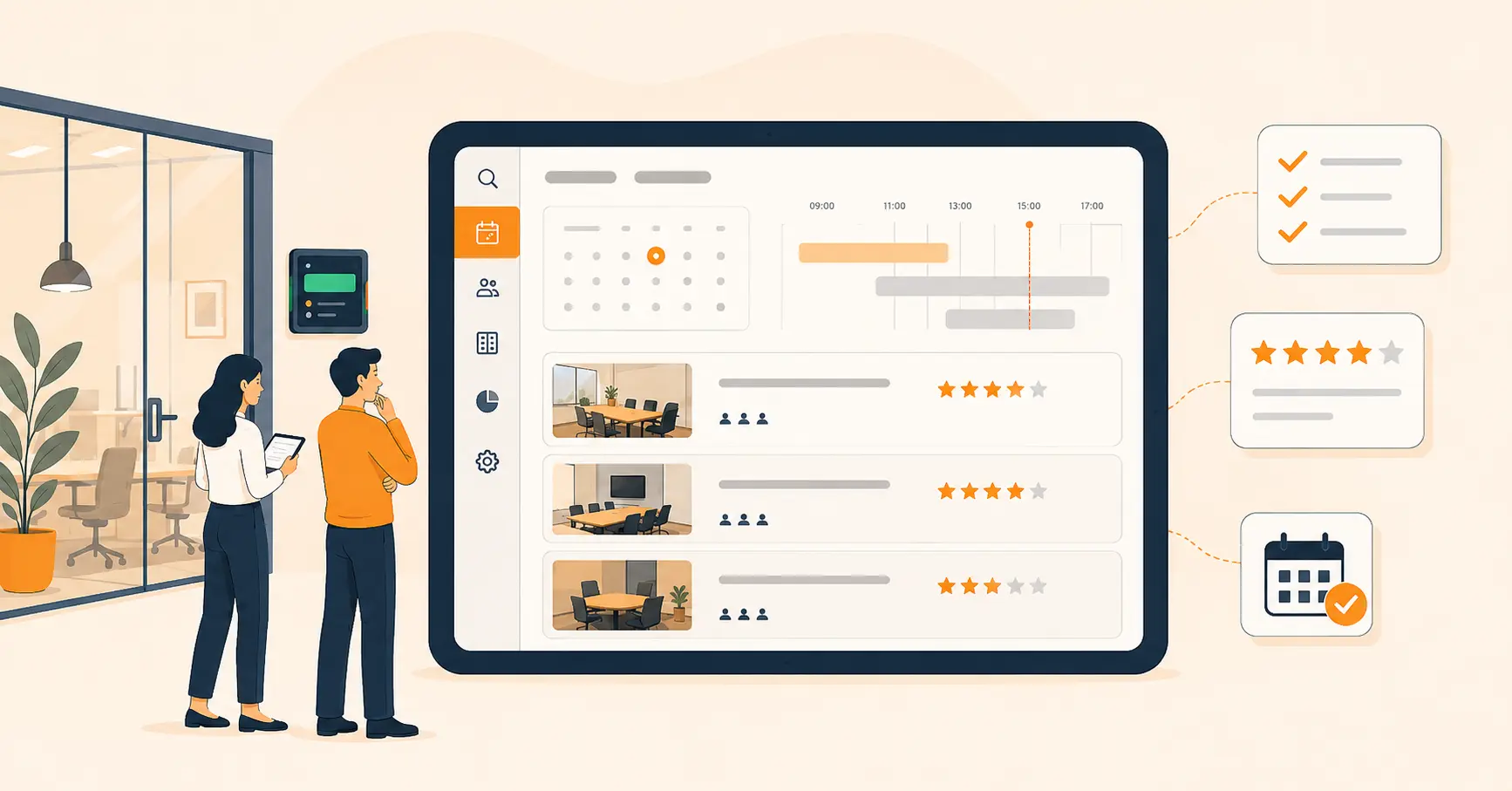
A workspace management system (WMS) is software that tracks and books your office space — desks, meeting rooms, and shared areas — in real time. It matters because most offices don’t know, day to day, how much of their space actually sits empty. That gap is where the wasted cost lives.
Workspace management software closes that gap. It’s the tool that turns guesswork about your office into a real-time picture of who’s using what, and when.
Picture the same office six months into using one well:
- Space gets reorganized around how people actually work, not how the floor plan was drawn five years ago.
- Employees book a desk or room in seconds from their phone.
- Facilities teams finally have the data to make a real case for downsizing or expanding.
Choosing the right workspace management software is what gets you there. Here are five reasons it’s worth doing.
1. Maximize Office Space Utilization: Make Every Square Foot Count
Office space costs money whether you use it or not. A WMS shows you exactly which desks sit empty, which meeting rooms rarely get booked, and which corners of the floor plan nobody uses.
With that data, you can:
- Rearrange the layout to fit more people without adding square footage.
- Turn dead space into breakout areas or extra hot desks.
- Cut costs by downsizing the space you don’t need.
CBRE’s research on office occupancy found that global office utilization has dropped well below pre-pandemic levels, leaving 64% of office space underused on an average day. The same research found that organizations using space data to guide real estate decisions have cut their portfolio size by up to 30% since 2020. That’s not a hypothetical. It’s what happens when you stop guessing and start measuring.
2. Boost Employee Productivity and Collaboration
A cluttered, hard-to-navigate office slows people down before they’ve done any real work. A WMS fixes the small frictions that add up over a week.
Two changes make the biggest difference. Instant room booking means employees reserve a space in a few taps instead of walking the floor looking for an open room. Flexible desk management lets people choose a fixed desk or hot-desk, whichever fits how they actually work that day.
Once meeting rooms and collaboration areas are easy to book, teams spend less time on scheduling logistics and more time in the meeting itself. That’s a small change with a compounding effect across a whole office. Software is only half the fix, though; layout, lighting, and culture matter just as much, which is why our guide to workspace optimization for an efficient office environment covers the human side of the same problem.
3. Reduces Unnecessary Expenses
Ask yourself three questions. Are there desks or rooms that rarely get booked? Could that space be used for something more valuable? Are you paying for more square footage than your team actually needs?
A space management system answers all three with data instead of guesswork. It tracks how your space gets used, so you stop paying for empty square footage and start making real decisions about your office size — the same decisions behind CBRE’s 30% portfolio-reduction figure above.
4. Optimize Your Workspace for a Greener Future
Sustainability isn’t optional anymore for most businesses. A WMS helps here too, mostly by cutting waste you wouldn’t otherwise notice.
Switching to digital scheduling and document sharing cuts paper waste almost immediately — no more printed sign-in sheets, booking confirmations, or visitor logs. And because a WMS tracks real usage instead of assumptions, it also curbs over-provisioning: if a floor of desks sits empty every week, you know that before you sign a bigger lease or order more furniture, not after.
5. Boost Team Collaboration
A WMS does more than organize your floor plan. Done well, it changes how teams find each other and meet.
Easy Meeting Room Booking
Quick booking means fewer scheduling conflicts and meetings that actually start on time, instead of the first five minutes lost to finding a free room.
Real-Time Availability
Seeing which rooms are free right now, not which ones were free when the calendar was last updated, lets teams make faster decisions about where to meet.
Integration With Tools Teams Already Use
A WMS that syncs with Microsoft Teams, Outlook, and Google Calendar keeps notifications and bookings inside the apps people already have open, instead of asking them to check a separate system.
Cross-Department Collaboration
Shared, bookable spaces make it easier for different teams to grab a room together on short notice, which is often when the most useful conversations happen.
Five Reasons at a Glance
| Reason | Problem It Fixes | What to Track |
|---|---|---|
| Space utilization | Paying for empty desks and rooms | Occupancy rate by floor/zone |
| Employee productivity | Time lost hunting for a desk or room | Average time-to-book |
| Cost reduction | Oversized real estate footprint | Cost per occupied desk |
| Sustainability | Paper waste, over-provisioning | Paper/print volume, unused inventory |
| Team collaboration | Scheduling conflicts, slow room turnover | Room booking-to-usage ratio |
Common Mistakes When Rolling Out a Workspace Management System
Most of the pain with a WMS shows up during rollout, not after. Here’s where teams usually go wrong.
Assuming the software fixes behavior on its own. Reality: people default to old habits — walking the floor, emailing to book a room — unless something nudges them off it. Fix: pair the rollout with a short training session and give it two weeks before judging adoption.
Skipping integration with tools people already use. Reality: a system that doesn’t sync with Outlook, Google Calendar, or Teams gets ignored within a month. Fix: connect calendar and notification integrations before go-live, not after.
Buying more system than the team needs. Reality: an overbuilt platform with modules nobody asked for slows adoption and burns budget. Fix: start with core desk and room booking, then add modules once people actually use the basics.
Collecting data and never acting on it. Reality: teams turn on occupancy tracking, then never look at the report again. Fix: put someone on the calendar to review utilization data monthly and act on it.
No single owner for the rollout. Reality: without one person accountable, feedback goes nowhere and small issues never get fixed. Fix: name one admin to own adoption for the first quarter.
For a deeper look at planning the rollout itself, see our full guide to choosing a workplace management system.
How to Choose the Right Workspace Management System for Your Business
Not all systems are built the same. Weigh these four factors before you commit to one.
Scalability matters because the system you pick should grow with your headcount, not need replacing in two years. Integration capability matters because it needs to work with the calendars and chat tools your team already uses. Ease of use matters more than any feature list — a simple interface is what actually gets adopted. Customization matters because your floor plan, seating policy, and booking rules aren’t the same as anyone else’s.
When a Workspace Management System Doesn’t Pay Off (Yet)
A WMS isn’t automatically worth it for every office. Here’s when to hold off.
If your whole team fits in one small office with more desks than people, a booking system solves a problem you don’t have yet. A shared calendar is enough until space actually gets tight.
If nobody with budget authority is willing to act on the data, tracking utilization is wasted effort. The value of a WMS comes from downsizing, reorganizing, or reallocating space based on what it shows you — not from the dashboard itself.
If your offices run on a strict fixed-desk policy with no hybrid flexibility, there’s less to optimize. Utilization tracking earns its cost fastest in offices where usage actually varies day to day.
How Vizitor Enhances Space Utilization
Vizitor’s workspace management system tracks occupancy in real time, so you always know which desks, rooms, and shared spaces are actually free.
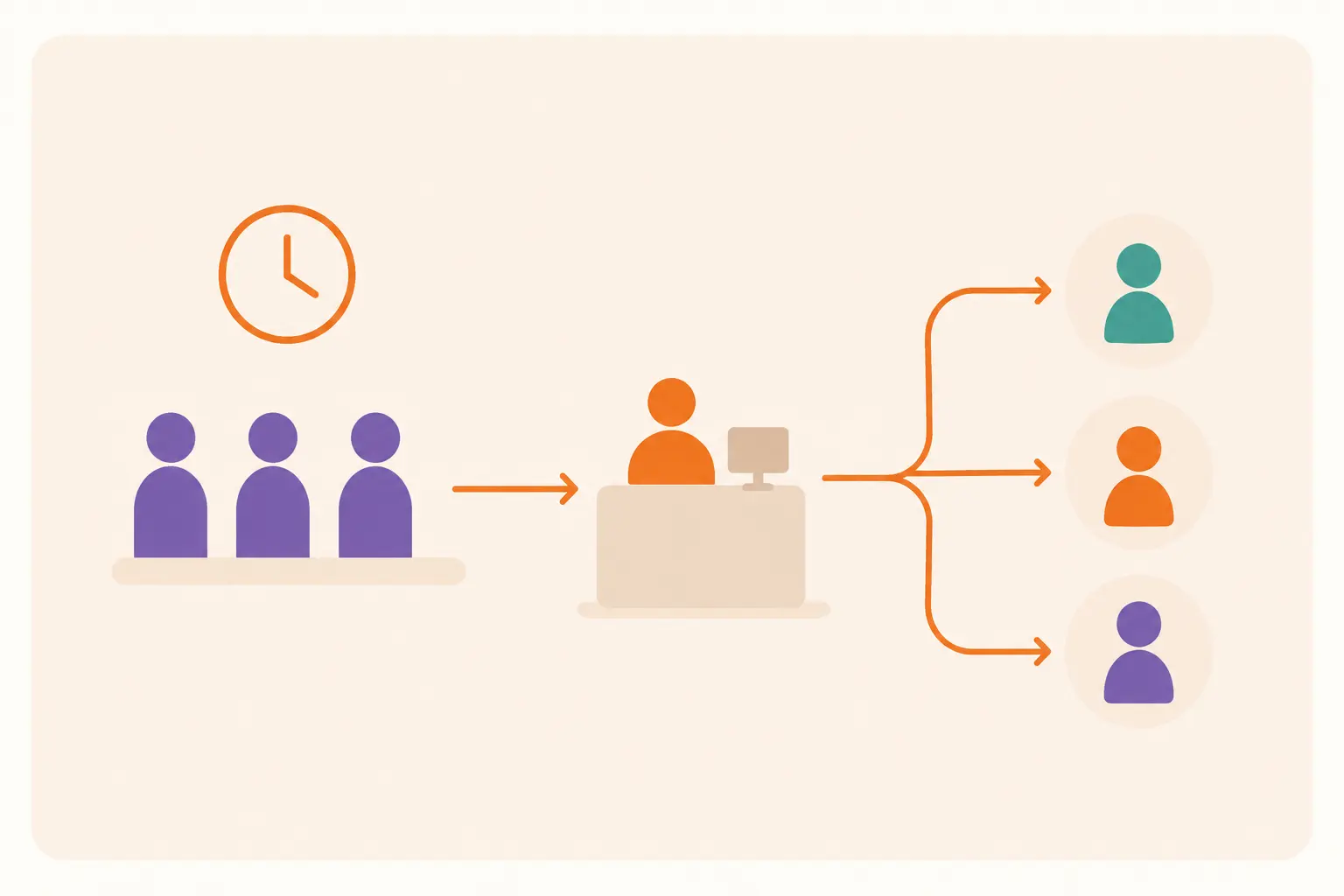
It links visitor check-ins with employee schedules, so guests and staff are managed from one system instead of two disconnected ones. Employees reserve workspaces around their own schedule, which keeps bookings from overlapping. And because Vizitor logs usage data as people actually check in and out, you get real insight into peak hours, underused zones, and employee preferences — not just what was booked on paper.
Whether the goal is lower costs, better efficiency, or a more collaborative office, Vizitor’s space management platform gives you the data to get there.
Contact us today and book a demo.
Frequently Asked Questions
See Vizitor in action check-in a visitor in under 30 seconds
Trusted by 500+ businesses. QR check-in, badge printing, NDA signing. Plans from $36/mo.