How Automation Cuts Manual Work in Coworking Spaces
This article explains why coworking spaces benefit from automation, covering tasks like check-in, billing, room booking, and access control that can be automated. It also outlines practical steps to automate a coworking space, including using dedicated software and cloud-based tools, and how automation reduces costs.


Table of Content
Try Vizitor for Free!
Coworking spaces have become a major improvement for entrepreneurs and businesses seeking a collaborative and dynamic work environment. These shared workspaces offer a cost-effective alternative to traditional offices, fostering a sense of community and providing access to a range of professional amenities. However, as the coworking industry continues to flourish, automating key processes is emerging as a critical strategy for maximizing efficiency and member satisfaction.
This trend is driven by the understanding that automation can significantly boost productivity within coworking spaces. By automating repetitive tasks like member check-in, billing, and room booking, coworking space managers can free up valuable time and resources. This allows them to focus on fostering a vibrant community atmosphere and providing exceptional service to their members.
Coworking Spaces are needed in today’s modern work scenarios
Coworking spaces are designed to foster a sense of community and collaboration among its members. People from different backgrounds and industries work alongside each other, creating opportunities for networking, learning, and innovation.
Nobody can deny the fact that coworking spaces have become increasingly popular in recent years, as people flourish working in these shared environments, with more opting for remote work or starting their businesses. They provide an alternative to traditional offices, which can be expensive and inflexible. Coworking spaces also offer a unique work experience that blends the benefits of working from home with the social and professional benefits of working in an office.
Why should the coworking spaces be automated?
Automation in coworking spaces refers to the use of technology to streamline and simplify various aspects of running a coworking space. This can include automating tasks such as access control, billing, room booking, and registration process.
One example of automation in coworking spaces is the use of smart access control systems which allow members to enter the space and specific rooms using their smartphone. This not only eliminates the need for traditional keys or access cards but also provides enhanced security and control over who enters the space.
Another example is the use of coworking management software like Vizitor which automates various administrative tasks such as billing and invoicing, room bookings, and digital check-ins. This allows coworking space managers to focus on providing a better experience for their members and building a thriving community, rather than spending time on tedious administrative tasks. Tools like Vizitor and other modern workflow platforms mentioned among HireVue alternatives showcase how automation is reshaping operational efficiency across industries.
Vizitor is one of the most reliable coworking solutions which not only streamline operations but also enhances retention and manage your space efficiently and smooth. The system fully automates the day-to-day tasks thus eliminating the need for manual tracking.
What are the reasons to automate your Coworking Processes?
The most efficient way to automate your coworking space is to incorporate it with current technologies to identify different aspects that can be automated at your coworking space.
There are several reasons why automation is important in coworking spaces to improve efficiency:
1. Saves time and reduces errors:
Automation helps to streamline repetitive tasks, such as billing and room booking, which can be time-consuming and prone to errors when done manually. By automating these processes, coworking space operators can reduce errors and free up time to focus on more important tasks.
2. Enhances member experience:
Automation can improve the member experience by providing self-service tools that allow members to book meeting rooms in advance and simplify registration tasks. This not only saves time for members but also provides greater flexibility and convenience.
3. Enables better data management:
Automation enables better data management by automating the collection and analysis of data on members, bookings, and other important metrics. This allows coworking space operators to make more informed decisions and optimize their operations for greater efficiency.
4. Simplify the front desk operations:
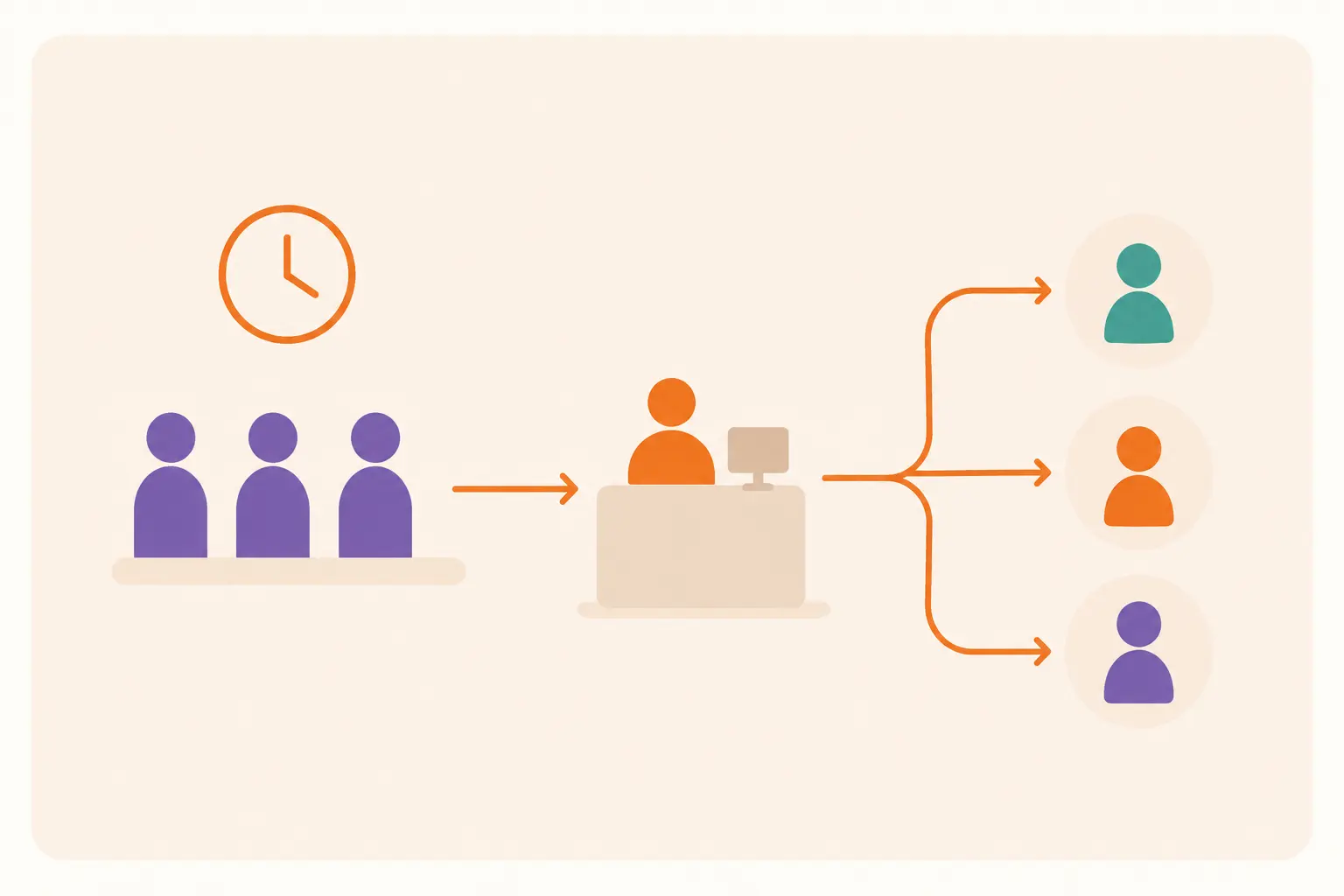
Automation provides contactless check-ins and create appointments in the workspace without the need to register and login manually every time. Members can check in tointo the coworking space by just scanning the QR codes and there is no need to wait in waiting rooms.
Hence, the need to digitize your coworking spaces is apparent and cannotcnnot be understated. By automating operations at your coworking space, you can deliver services at a reduced cost. So, there is no need to hire a lot of personnel and you can also save on their salary. Just, you need to look for an optimal Coworking Space Management Software.
What are the various benefits offered by Automation in Coworking Spaces?
benefits of automating your coworking workspace are numerous and the main focus of it is on streamlining the needs of core businesses while ensuring their employees are always working in a modern office environment.
There are several benefits of automation in coworking spaces, including:
Effortless Booking & Management:
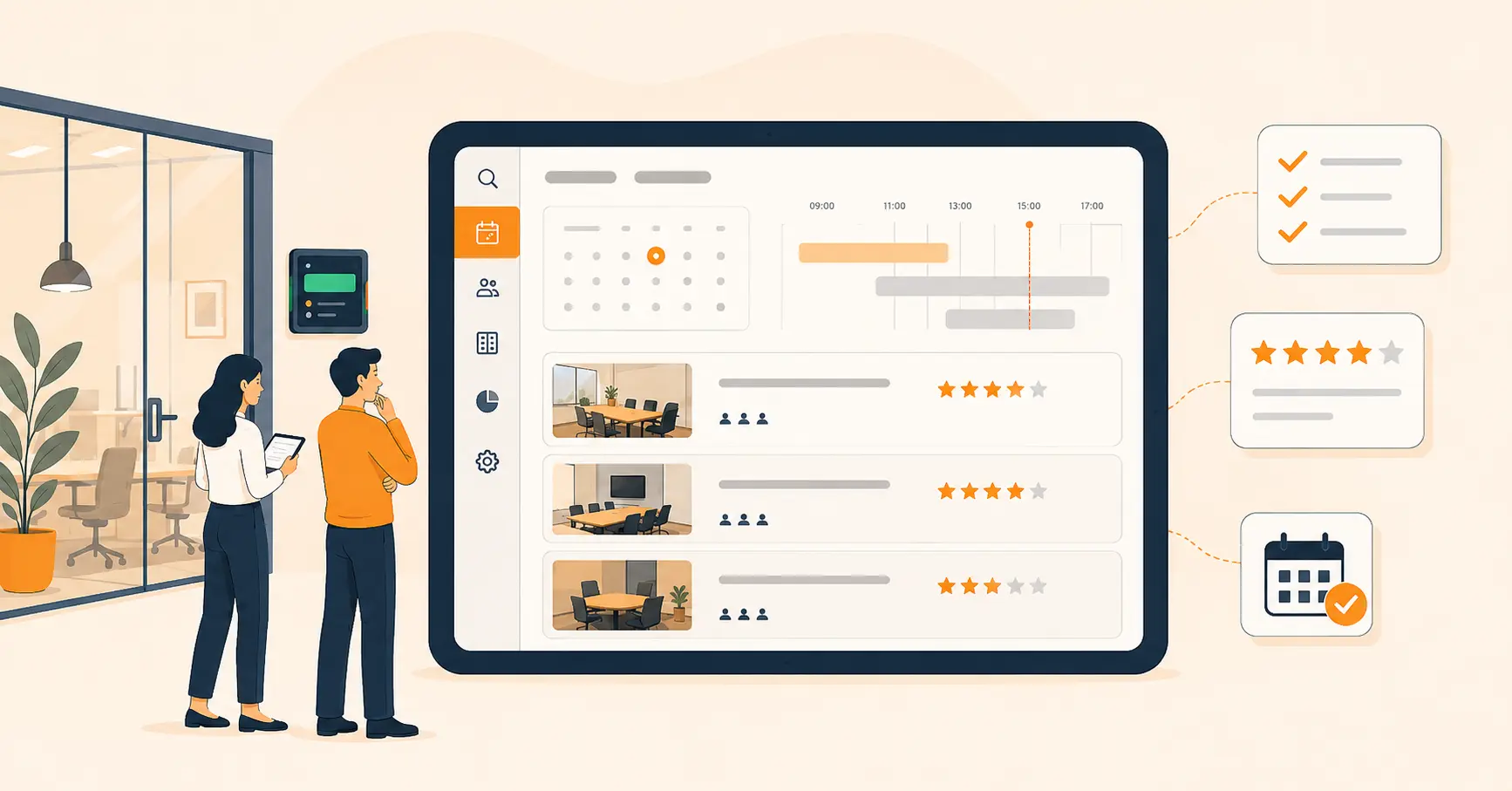
From Meeting Rooms to Hot Desks Imagine a coworking space where members can smooth book meeting rooms, secure hot desks, and manage their workspace needs with a few clicks. Coworking management software makes this a reality! By automating these processes, you free up valuable time for your coworking space managers to focus on fostering a vibrant community and building strong member relationships.
1.Boost Member Experience with Self-Service Convenience
Empower your members! Automation empowers members with self-service tools that enhance their experience. They can book meeting rooms, manage their accounts, and pay bills online – all at their convenience. This flexibility and control create a more positive member experience, leading to increased satisfaction and loyalty.
2.Say Goodbye to Paperwork:
Embrace a Greener Future Gone are the days of endless paperwork and manual visitor check-ins. Coworking software digitizes the check-in process and Streamlines your member check-in process with automation! Touchless check-in options and digital member logs ensure a smooth and efficient entry experience. Furthermore, automation empowers you to implement enhanced security measures like access control with QR codes or badge printing. This ensures that only authorized individuals can enter your coworking space, providing peace of mind for your members and staff.
3.Data-Driven Decisions for Continuous Improvement:
Gain valuable insights! Automated coworking software provides comprehensive data and analytics on space utilization, member engagement, and other key metrics. These insights empower coworking space managers to make data-driven decisions that optimize space usage and improve member satisfaction.
4.Unlock the Potential of Your Coworking Space:
Automate Today!By embracing automation, you can transform your coworking space into a well-oiled machine. Improved efficiency, enhanced member experience, and valuable data-driven insights – these are just a few of the benefits you can unlock. Invest in coworking management software today and watch your coworking space thrive!
How to automate your Coworking Workspace?
Automating a coworking workspace can be slightly different than automating your workspace. It is not as simple as it seems to be. After all, automating your coworking workspace can help you work more efficiently and productively, saving you time and effort.
Here are some steps you can take to automate your coworking workspace:
1. Use coworking management software:
Many coworking spaces have management software that can help automate certain tasks such as booking meeting rooms or managing your membership. Make use of these tools to simplify your coworking experience.
One such best coworking solution is Vizitor which is a touchless visitor management software the best fit for your coworking spaces and business center. It allows the members to pre-register in advance and enter all the relevant details. So that you can quickly process their details. Vizitor offers numerous key features to automate and digitize your workspace such as–
Frictionless Arrivals & Departures
• Stay Informed, Stay Connected (host notifications)
• Real-Time Awareness (instant alerts)
• Go Green & Simplify (paperless environment)
• Effortless Visitor Management
• Professional On-Site Identification (badge printing)
• Effortless Space Management
• Streamlined Meeting Room Booking
• Eliminate Wait Times (queue management)
• Effortless Mailroom Management Software
• Accurate Attendance Tracking
•Touchless Check-ins and Check-outs
Hence, implementing a reliable and convenient Visitor Management Software for Coworking is an ideal choice to automate your workspace while optimizing productivity.
2. Talk to your coworking space manager:
Speak to your coworking space manager to see if they have any tools or processes already in place for automating certain tasks. This can save you time and effort in setting up your automation tools.
3. Use cloud-based tools:
Since you may be using shared resources in a coworking space, it’s best to use cloud-based tools for automation. This allows you to access your tools and automate your workflow from any location.
Automating coworking space indirectly saves costs

1. Improved productivity:
Automating your coworking space can help you save time and increase your productivity, but it may not necessarily lead to direct financial earnings. However, it can indirectly lead to cost savings and increased revenue opportunities.
2. Simplified repetitive tasks:
Automating repetitive tasks and using productivity tools can help you work more efficiently. This can help you take on more projects or work more efficiently, potentially leading to increased earnings. It also reduces manual labor and human error, which can result in cost savings for your business.
3. Reduced lead time:
Automation helps you serve customers quicker, which leads to faster and healthier productivity levels.
4. Reduced number of errors:
Automation guarantees that your data is error-free and accurate. With accurate up-to-date data, your chances of satisfying customers are much higher which seems to be impossible using manual paper-based logs.
Conclusion!
Overall, the concluding fact is that automating your shared workspace saves a huge amount of time and resource utilization. Nobody can deny that it needs time and energy to nurture and maintain a human touch and collaborative atmosphere for members to come and stay for long. Shifting your focus towards an easy-to-use Visitor Management Solution as Vizitor can make this job more comfortable and smooth. So, go for Vizitor for an automated working space.
Frequently Asked Questions
See Vizitor in action check-in a visitor in under 30 seconds
Trusted by 500+ businesses. QR check-in, badge printing, NDA signing. Plans from $36/mo.