Why Businesses Are Ditching Paper Visitor Registers for Digital Logs
This article explains why organizations are replacing paper visitor registers with digital visitor log books, covering the data each system captures, the industries that benefit most, and how digital records improve security and compliance. It contrasts the accuracy and audit readiness of digital logs against the risks of illegible or lost paper entries.


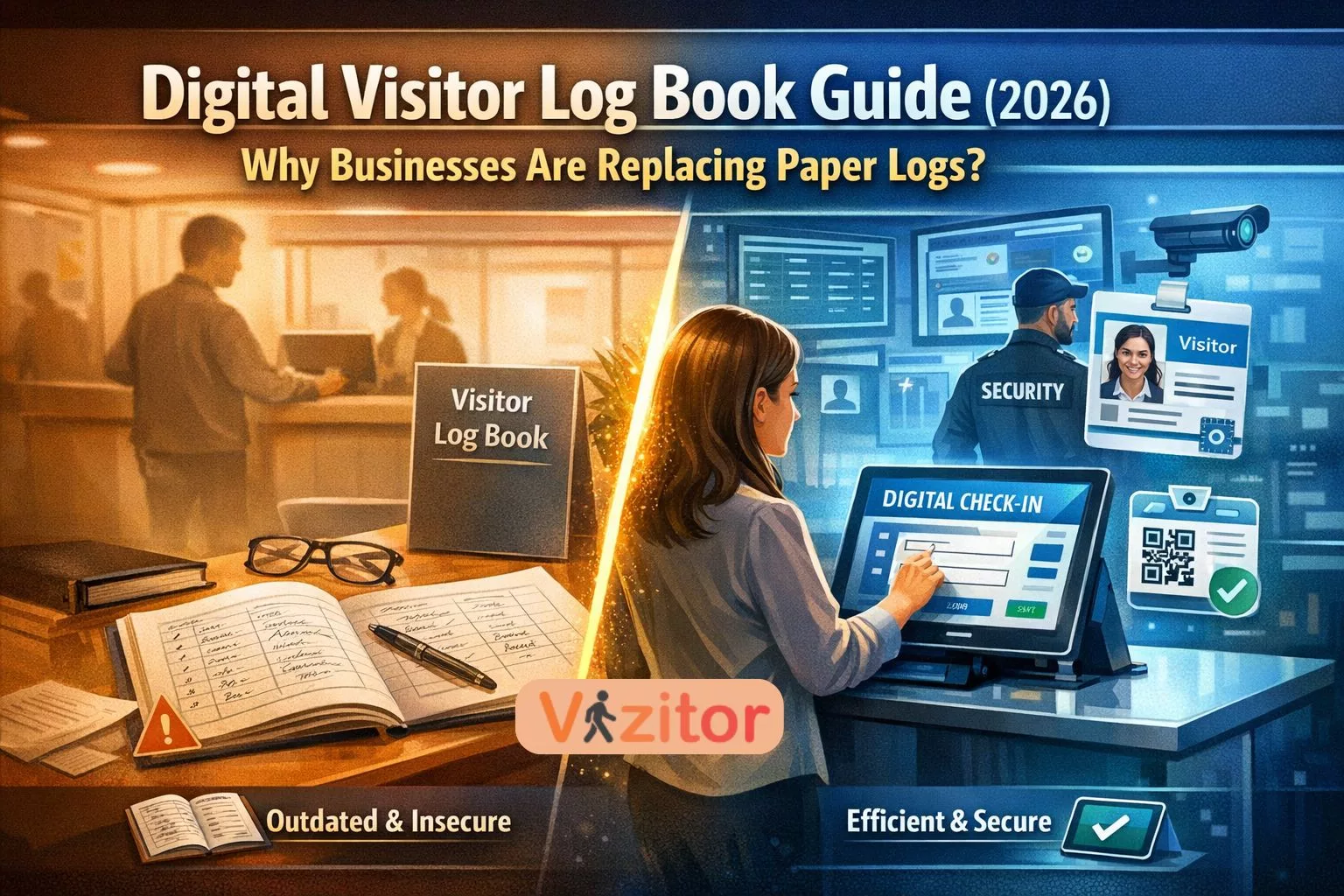
Table of Content
Try Vizitor for Free!
Visitor management has become a crucial part of workplace security and operational efficiency. Every day, organizations receive various types of visitors, including clients, vendors, job applicants, contractors, delivery personnel, and service providers. Tracking and managing these visitors is essential for maintaining a safe and well-organized facility.
For decades, businesses relied on paper visitor logbooks placed at reception desks. These logbooks were simple tools used to record the details of individuals entering and leaving the premises. However, as workplaces evolved and security requirements became more complex, traditional visitor logbooks began to show significant limitations.
Today, organizations across industries are replacing paper registers with digital visitor logbooks powered by modern visitor management systems. These systems offer greater visibility, stronger security controls, and improved efficiency in managing visitors. For the bigger picture on what replacing that logbook actually changes day to day at reception, see our guide on receiving visitors in the workplace.
This guide explores how digital visitor logbooks work, why traditional logbooks are becoming obsolete, and how organizations can transition to smarter visitor management solutions. For a closer look at what staying manual actually costs in time and errors, see our manual vs. digital gate pass cost comparison.
What Is a Visitor Log Book?
A visitor log book is a record used to track individuals entering and exiting a facility. It helps organizations maintain awareness of who is present on the premises at any given time.
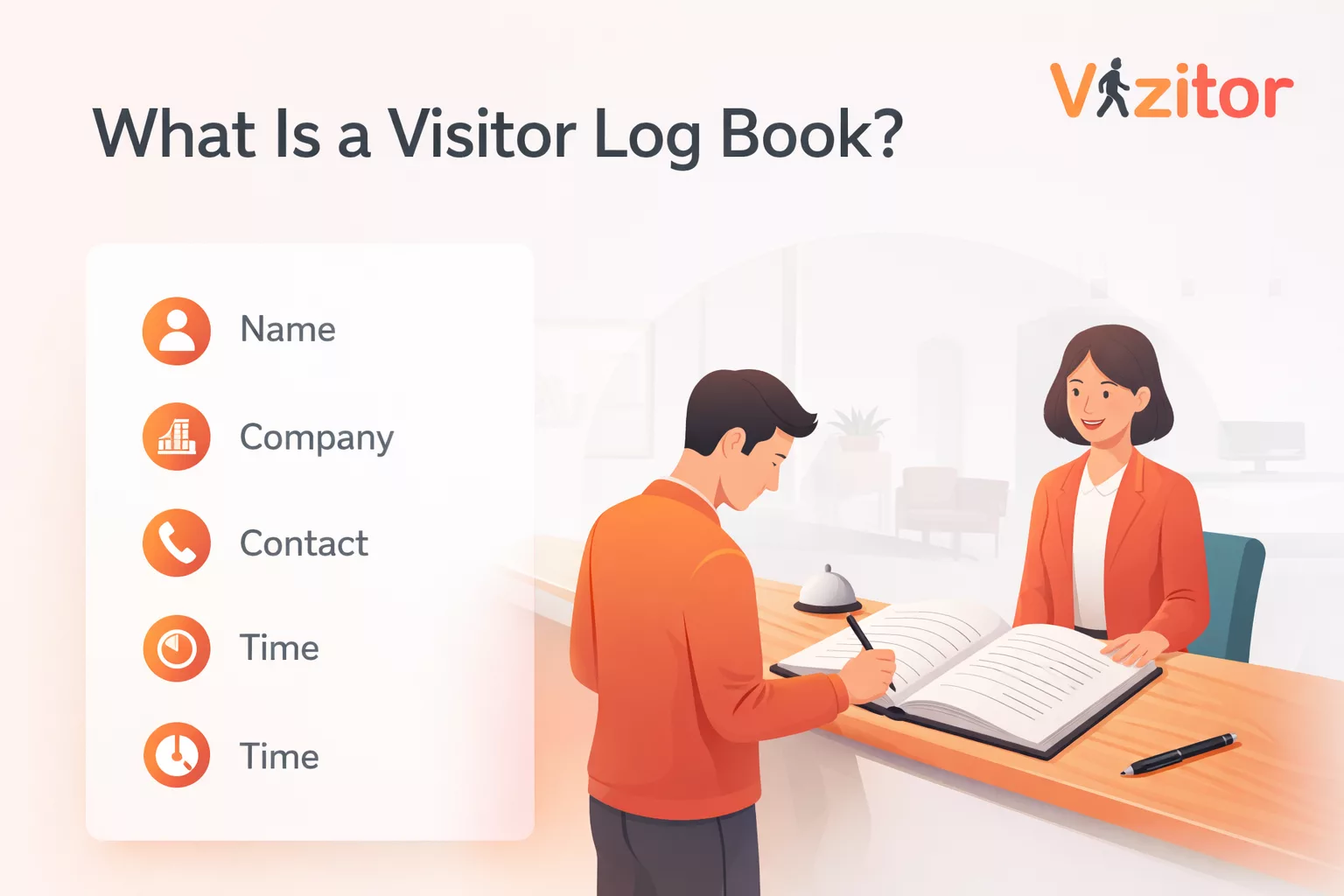
Traditionally, visitor logbooks required guests to manually write details such as:
- Name
- Company or Organization
- Contact Number
- Purpose of Visit
- Host Employee
- Arrival Time
- Departure Time
These records served as a basic form of access monitoring and were often maintained by reception staff or security personnel.
Visitor logs are useful for several reasons. They help organizations maintain security awareness, support emergency evacuation procedures, and maintain historical records of visitor activity. For a deeper look at exactly which fields belong on that record and which to leave off, see our guide on designing an office visitor log the right way.
However, manual logbooks were never designed for the level of security, privacy, and operational efficiency required by modern workplaces.
Why Traditional Visitor Logbooks Are Becoming Obsolete?
Paper visitor registers create problems that modern workplaces can no longer tolerate. Handwritten entries are often illegible, easy to falsify, and impossible to search when security teams need to reconstruct who was on-site during a specific window. A single unattended notebook also leaves every previous visitor’s name, company, and contact details exposed to anyone who flips through it, creating an avoidable data privacy risk.
These gaps become critical during audits, security incidents, or emergency evacuations, when organizations need instant, reliable answers about who is inside the building. Digital visitor logbooks close these gaps by replacing the notebook with a structured, automated workflow, covered in detail below.
How Digital Visitor Logbooks Work
A digital visitor logbook replaces the traditional paper register with a structured, automated workflow that manages every stage of the visitor journey. Instead of manually writing details in a notebook, visitors follow a guided digital process that records their information accurately and securely.
This process not only improves efficiency but also strengthens security, visibility, and compliance. Most digital visitor logbooks operate as part of a broader visitor management platform such as Vizitor, which helps organizations automate visitor registration, verification, and monitoring.
Below is a detailed breakdown of how a typical digital visitor logbook workflow functions from start to finish.
Step 1: Visitor Pre-Registration
The process often begins before the visitor even arrives at the facility.
An employee expecting a visitor sends a pre-registration invitation through the visitor management system. This invitation may be delivered via email or SMS and contains a secure link where the visitor can submit their details in advance.
During pre-registration, visitors may be asked to provide information such as:
- Full Name
- Organization or Company Name
- Contact Number or Email
- Purpose of Visit
- Host Employee Name
- Expected Arrival Time
Some systems may also allow visitors to upload identification documents or agree to facility policies before arrival.
Pre-registration offers several benefits. It allows organizations to review visitor details ahead of time, reduces waiting times at reception, and ensures that only authorized visitors are expected at the facility.
Step 2: Identity Verification
Identity verification is an important security step within digital visitor logbooks. Depending on the organization’s security requirements, visitors may be asked to verify their identity through methods such as:
- Scanning Government-Issued Identification
- Capturing a Visitor Photograph
- Verifying Mobile Numbers or Email Addresses
- Matching Pre-Registered Visitor Data
These verification steps help confirm that the person entering the facility matches the approved visitor request.
For facilities that manage sensitive operations, such as manufacturing plants, corporate headquarters, or logistics hubs, identity verification adds an extra layer of protection against unauthorized access.
Step 3: Visitor Badge Generation
After check-in, the visitor management system can automatically generate a visitor badge. These badges are usually printed at the reception desk and include important details such as:
- Visitor Name
- Organization Name
- Host Employee
- Visitor Photo (If Captured)
- Visit Date
- Access Permissions
Visitor badges help employees and security personnel quickly identify authorized guests within the facility.
In larger organizations with restricted zones, badges may also indicate which areas the visitor is allowed to access.
Clear identification reduces the likelihood of unauthorized individuals moving freely within operational spaces.
Step 4: Visitor Monitoring During the Visit
Once inside the facility, the visitor remains recorded within the digital visitor logbook system.
Security teams can monitor visitor activity through centralized dashboards that show:
- Who Is Currently Inside the Facility
- Which Employee They Are Visiting
- How Long They Have Been Present
- Which Department They Are Visiting
This real-time visibility allows security teams to maintain awareness of all visitors within the premises.
If necessary, access permissions can also be linked to electronic access control systems to restrict entry to certain areas.
Step 5: Automated Record Storage and Reporting
All visitor information collected during the process is stored securely within the digital visitor logbook system.
These records are organized and searchable, allowing organizations to retrieve visitor history instantly.
Security teams can generate reports showing:
- Daily Visitor Activity
- Frequently Visiting Vendors or Contractors
- Visitor Traffic Trends
- Historical Access Records
Having centralized digital records improves documentation and helps organizations maintain audit-ready visitor logs.
Step 6: Why This Automated Workflow Matters?
The structured workflow of a digital visitor logbook eliminates many of the problems associated with traditional paper registers.
Instead of relying on manual data entry, organizations benefit from:
- Accurate Visitor Records
- Faster Check-In Processes
- Improved Identity Verification
- Real-Time Facility Visibility
- Secure Storage of Visitor Data
For organizations managing busy workplaces or high-security environments, digital visitor logbooks create a streamlined and reliable system for tracking facility access.
As workplaces continue to adopt smarter security technologies, automated visitor management workflows are becoming the standard for efficient and secure visitor tracking.
Key Features of Digital Visitor Log Books
Digital visitor logbooks are far more than electronic replacements for paper registers. They function as intelligent visitor management systems that automate the entire visitor journey while improving workplace security, operational efficiency, and compliance tracking.
Modern visitor management platforms such as Vizitor integrate multiple features that simplify visitor tracking while ensuring organizations maintain clear visibility into who enters and exits their facilities.
Below are the core capabilities that make digital visitor logbooks a preferred solution for modern workplaces.
1. Pre-Registration
Pre-registration allows organizations to record visitor details before the guest even arrives at the facility. Instead of asking visitors to fill out forms at the reception desk, the host employee can send a digital invitation in advance.
The visitor receives a link through email or SMS where they can submit their information prior to arrival. This process typically collects details such as:
- Full Name
- Company or Organization Name
- Contact Information
- Visit Purpose
- Expected Arrival Time
- Host Employee Details
Once the information is submitted, the organization can review the request and either approve or decline the visit.
Pre-registration provides several advantages. First, it ensures that only expected visitors are allowed entry. Second, it significantly reduces waiting time at reception areas because visitors only need to confirm their details upon arrival.
For organizations that receive large numbers of visitors each day, pre-registration helps streamline visitor flow and reduces congestion at entry points.
2. Contactless Check-In
Modern workplaces are increasingly adopting contactless technologies to create safer and more efficient environments.
Digital visitor logbooks support contactless check-in through technologies such as QR codes and mobile-based check-in links.
When visitors arrive at the facility, they simply scan a QR code displayed at the reception desk or entry gate. This opens a secure digital check-in page on their mobile device where they confirm their information.
Because visitors complete the process on their own devices, there is no need to touch shared tablets or paper registers.
Contactless check-in offers several benefits:
- Faster Visitor Entry
- Reduced Physical Contact with Shared Surfaces
- Improved Hygiene Standards
- Better Visitor Convenience
This feature became particularly important following the COVID-19 pandemic, when organizations began prioritizing contactless workplace technologies.
Today, contactless check-in is considered a standard feature in modern visitor management systems.
3. Identity Verification
One of the biggest limitations of traditional paper logbooks is the lack of identity verification. Anyone can write a name in a register without confirming whether the information is genuine.
Digital visitor logbooks address this challenge by enabling identity verification during the check-in process.
Visitors may be asked to verify their identity through several methods, including:
- Scanning Government-Issued Identification
- Capturing a Visitor Photograph
- Verifying Phone Numbers Through Otp Authentication
- Matching Pre-Registered Information with ID Documents
These verification steps ensure that the individual entering the facility matches the approved visitor request.
Identity verification becomes particularly important in workplaces where security risks are higher, such as corporate offices, manufacturing facilities, logistics centers, and research environments.
By confirming visitor identities, organizations significantly reduce the risk of unauthorized access.
4. Automated Visitor Logs
Every visitor interaction within a digital visitor management system is automatically recorded and stored in a centralized database.
Unlike paper registers, which often contain incomplete or illegible entries, digital logs capture information in a structured and consistent format.
Typical visitor log entries include:
- Visitor Name
- Company or Organization
- Host Employee
- Purpose of Visit
- Arrival Time
- Departure Time
- Visitor Photograph (If Captured)
Because these records are stored digitally, organizations can easily search and retrieve visitor information whenever needed.
Automated logs also eliminate the risk of missing entries caused by visitors forgetting to sign out. Many systems automatically record exit times through badge scanning or check-out confirmation.
This level of accuracy makes digital visitor logs far more reliable than traditional manual records.
5. Badge Printing
Visitor badges play an important role in maintaining workplace security.
Once a visitor completes the digital check-in process, the system can automatically generate and print a temporary visitor badge.
These badges usually include key information such as:
- Visitor Name
- Company Name
- Host Employee
- Visit Date
- Visitor Photograph
- Access Permissions
By displaying this information clearly, visitor badges allow employees and security personnel to quickly identify authorized guests.
Badges also help prevent unauthorized individuals from moving freely within the facility.
In large offices, warehouses, and manufacturing facilities, clear visual identification helps maintain a secure environment while allowing employees to easily recognize visitors.
6. Host Notifications
Communication between reception teams and employees can sometimes slow down the visitor check-in process.
Digital visitor logbooks solve this problem through automated host notifications.
As soon as a visitor completes the check-in process, the system automatically sends an alert to the host employee.
Notifications can be delivered through various communication channels, including:
- Email Alerts
- Sms Messages
- Workplace Messaging Platforms
The notification usually contains the visitor’s name, organization, and arrival time.
This allows the host employee to greet the visitor promptly and escort them to the appropriate location.
Host notifications improve coordination while ensuring visitors do not wait unnecessarily in reception areas.
7. Real-Time Monitoring
Real-time monitoring is one of the most valuable advantages of digital visitor logbooks.
Security teams gain immediate visibility into all visitor activity through centralized dashboards.
These dashboards provide real-time information such as:
- Who Is Currently Inside the Facility
- Which Host Employee They Are Visiting
- When the Visitor Checked in
- How Long They Have Been Present
This level of visibility allows organizations to maintain better control over facility access.
In emergency situations such as fire evacuations or security incidents, real-time monitoring helps security teams quickly identify all visitors currently inside the building.
This capability significantly improves workplace safety and emergency response planning.
Industries Using Digital Visitor Logbooks
Digital visitor logbooks are no longer limited to high-security environments. Today, organizations across many industries rely on digital visitor management systems to monitor facility access, improve safety, and maintain accurate visitor records.
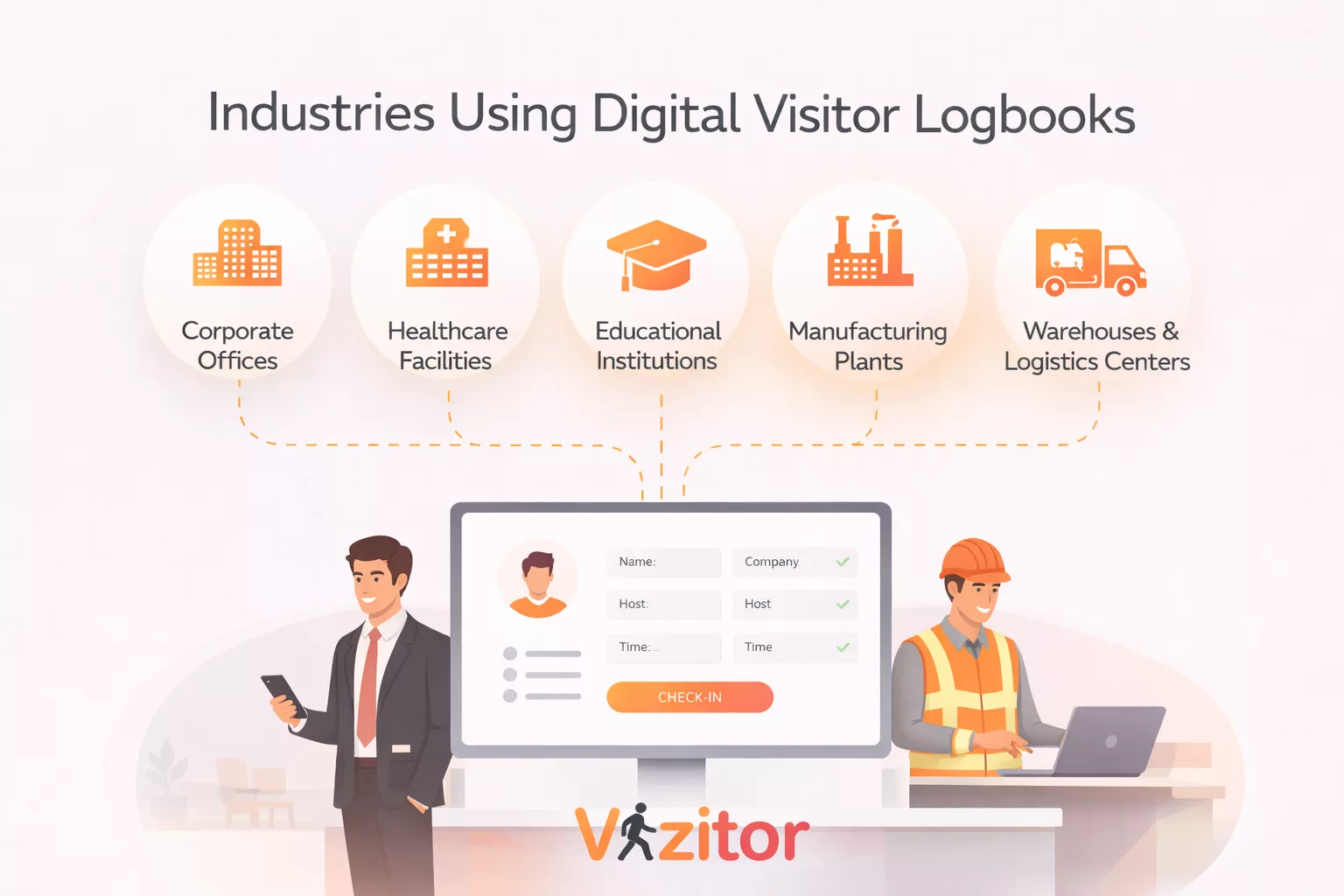
1. Corporate Offices
Corporate offices often receive a constant flow of visitors including clients, vendors, consultants, and job applicants. Managing these visits manually can quickly become inefficient and difficult to track.
Digital visitor logbooks allow reception teams to register visitors quickly, notify hosts instantly, and maintain an organized record of every visit. Many systems also support pre-registration, which allows visitors to submit their details before arriving at the office.
This not only reduces waiting time at the reception desk but also creates a more professional and secure visitor experience.
2. Healthcare Facilities
Healthcare environments require strict monitoring of visitor movement to protect patients, staff, and sensitive medical areas.
Hospitals and clinics use digital visitor logbooks to track patient visitors, regulate access to restricted zones, and maintain accurate visitor histories. In critical areas such as intensive care units, digital visitor systems help staff enforce visitor limits and maintain compliance with hospital policies.
Digital systems also help reduce manual paperwork, which is particularly important in environments where hygiene and efficiency are priorities.
3. Educational Institutions
Schools, colleges, and universities face the constant challenge of maintaining open campuses while ensuring student safety.
Digital visitor logbooks help institutions manage campus access by registering parents, guest lecturers, contractors, and event attendees. Reception teams can quickly verify visitor identities, issue temporary badges, and track who is present on campus at any given time.
In emergency situations, administrators can instantly review visitor logs to understand who is inside the facility. This level of visibility greatly improves campus security and operational control.
4. Manufacturing Plants
Manufacturing facilities often host contractors, technicians, suppliers, and inspectors who require access to specific production areas.
Digital visitor logbooks help plant managers track who enters the facility, which zones they access, and how long they remain on-site. This is particularly important in environments where safety protocols must be strictly followed.
Visitor systems can also ensure that contractors complete safety declarations or compliance forms before entering production areas, helping organizations maintain workplace safety standards.
5. Warehouses and Logistics Centers
Warehouses and logistics facilities handle large volumes of goods, many of which may be valuable or sensitive.
Digital visitor logbooks help these facilities maintain strict access control for drivers, delivery personnel, auditors, and vendors. The system records entry and exit times, helping managers monitor operational activity and identify unusual access patterns.
This level of oversight helps prevent unauthorized access while maintaining the smooth flow of logistics operations.
Across all these industries, digital visitor logbooks provide organizations with greater control over facility access, improved transparency, and more efficient visitor handling processes.
How to Implement a Digital Visitor Logbook System?
Transitioning from a traditional paper logbook to a digital visitor management system requires careful planning. A structured implementation process helps organizations adopt the new system smoothly while minimizing disruption to daily operations.
1. Assess Visitor Management Needs
The first step is understanding how visitors interact with the facility.
Organizations should evaluate key factors such as daily visitor volume, security requirements, building size, and the types of visitors typically entering the premises. Some facilities may need simple visitor registration, while others may require identity verification, access control integration, or compliance documentation.
A clear assessment ensures that the chosen solution aligns with operational needs.
2. Select the Right Visitor Management Platform
Once requirements are defined, the next step is selecting a suitable visitor management platform.
The ideal system should support digital visitor logbooks while also offering features such as identity verification, visitor pre-registration, host notifications, badge printing, and access monitoring. Integration with existing security infrastructure is also an important consideration.
Choosing a scalable platform ensures the system continues to meet the organization’s needs as visitor volumes grow.
3. Configure Visitor Workflows
After selecting a system, organizations must configure how visitors will move through the registration process.
This includes setting up visitor registration forms, approval workflows, badge templates, and automated notifications. For example, hosts may receive alerts when their guests arrive, while security teams can monitor visitor movement in real time.
Well-designed workflows help ensure the visitor experience remains smooth while maintaining security standards.
4. Train Reception and Security Teams
Even the best technology will struggle if the people operating it are not properly trained.
Reception staff and security personnel should receive hands-on training to understand how to register visitors, manage approvals, print badges, and handle exceptions. Training also ensures that staff can assist visitors who may be unfamiliar with the system.
When employees are confident using the platform, the transition from paper to digital becomes much smoother.
5. Review and Optimize Over Time
Once the system is live, organizations should regularly review visitor data and operational performance.
Visitor analytics can reveal patterns such as peak visitor hours, frequent guests, or bottlenecks in the registration process. By analyzing this information, organizations can refine their workflows, improve efficiency, and strengthen security protocols over time.
Future Trends in Visitor Management (2026)
Visitor management technology continues to evolve as organizations look for smarter ways to secure their facilities and improve operational visibility.
Several emerging technologies are shaping the future of digital visitor logbooks.
1. Artificial Intelligence for Visitor Analytics
Artificial intelligence is increasingly being used to analyze visitor traffic patterns.
AI-powered systems can identify peak visitor periods, detect unusual access patterns, and help organizations plan staffing levels at reception desks. Over time, these insights allow facilities to optimize visitor flows and reduce congestion during busy periods.
2. Facial Recognition for Faster Identity Verification
Facial recognition technology is also gaining attention as a potential method for speeding up visitor identification.
Instead of manually checking identification documents, visitors may be verified using facial recognition systems that match their identity against registered records. This technology can significantly reduce check-in times while strengthening identity verification processes.
However, organizations must carefully manage privacy considerations and regulatory compliance when implementing such technologies.
3. Smart Building Integration
Modern workplaces are becoming increasingly connected through smart building systems.
Visitor management platforms are beginning to integrate with building access control, surveillance systems, and facility management software. This creates a unified security environment where visitor activity can be monitored alongside other building operations.
For example, visitor systems may integrate with building security platforms developed by companies like Honeywell and Siemens, allowing security teams to manage multiple systems through a single interface.
4. Mobile-Based Visitor Credentials
Contactless technology is also transforming how visitors access facilities.
Instead of receiving a printed badge at reception, visitors may receive a digital credential on their smartphone. These credentials can function as temporary access passes that allow visitors to enter designated areas of a building.
Mobile credentials improve convenience for visitors while reducing reliance on physical badges and reception desk processes.
Final Thoughts
Traditional visitor logbooks once served as simple tools for tracking guests entering a facility. However, modern workplaces require stronger security, better privacy protection, and more efficient operational processes.
Digital visitor logbooks address these challenges by automating visitor registration, improving identity verification, and providing real-time visibility into facility access.
As organizations continue adopting smarter workplace technologies, digital visitor management systems are quickly replacing paper logbooks as the preferred solution for secure and efficient visitor tracking.
Frequently Asked Questions
See Vizitor in action check-in a visitor in under 30 seconds
Trusted by 500+ businesses. QR check-in, badge printing, NDA signing. Plans from $36/mo.