Why an Employee Clock-In System Is a Safety Tool, Not Just a Time Clock
This article explains how an employee clock in and out system supports workplace safety through real-time headcounts, access-control workflows, and emergency roll calls, and where a payroll-focused clock-in tool falls short on safety. It covers common rollout mistakes, OSHA's accountability requirement, and how Vizitor's GPS and QR-based attendance module fits into a broader safety and visitor management setup.


Table of Content
Try Vizitor for Free!
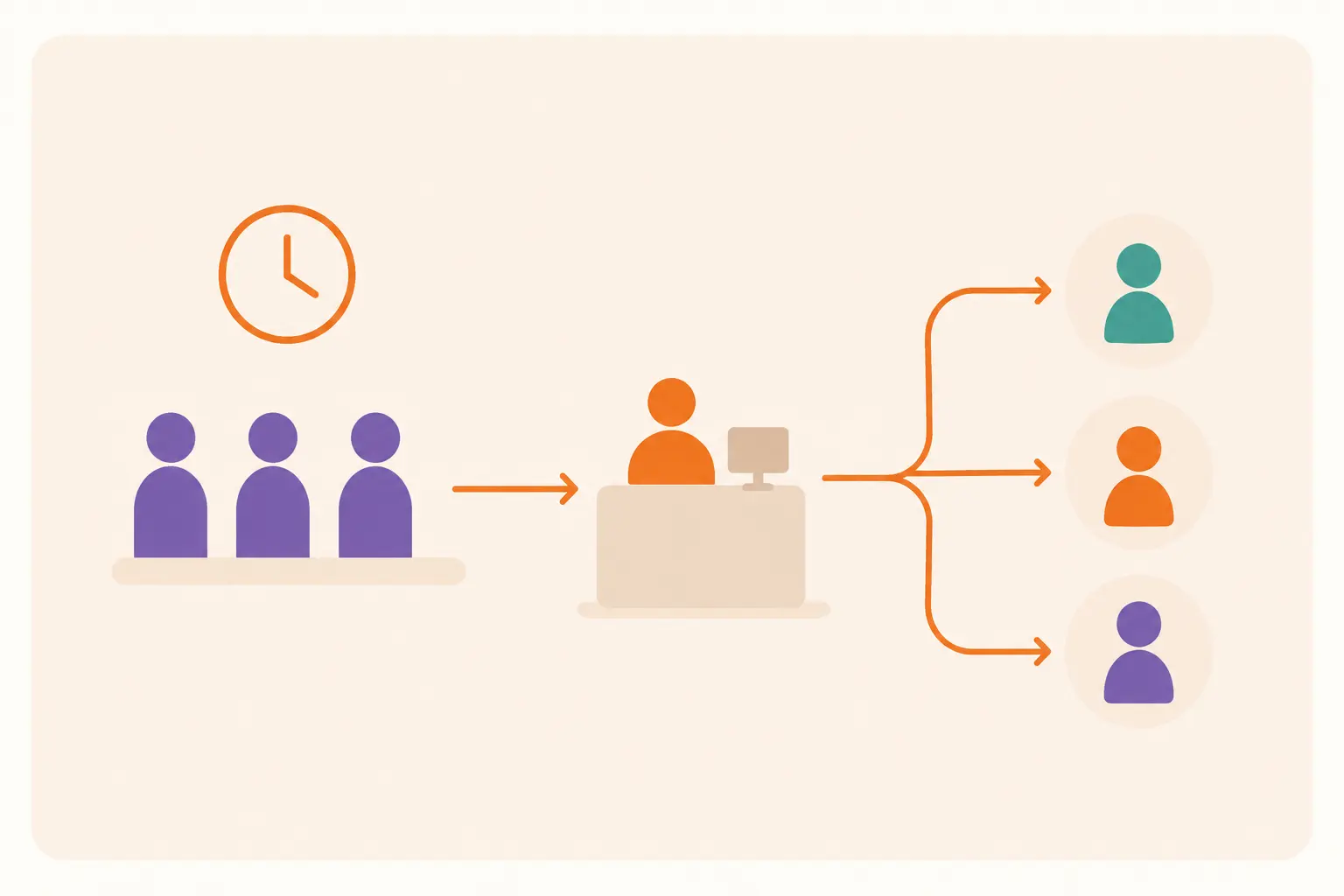
A payroll-grade clock-in system tells you how many hours someone worked. It does not always tell you whether they are still in the building right now. During an evacuation, that gap is the only thing that matters.
An employee clock in and out system is software or hardware that records when staff arrive and leave a workplace. It matters because that record does two different jobs. It feeds payroll, and it tells safety teams who is on-site during an emergency. Most systems are built to do the first job well. Far fewer are built to do the second.
That distinction gets lost in most buying guides. They treat every clock-in tool as if it existed to solve one problem. If you manage a factory floor, a hospital, a school, or a multi-tenant office, the safety question usually matters more than the payroll question. Choosing a system that only answers the payroll question leaves a real gap.
This guide focuses on the safety side. What a clock-in system needs to do to support real-time headcounts, access control, and emergency accountability. Where most implementations fall short. And how Vizitor’s attendance module fits into a broader workplace safety setup that covers visitors and contractors, not just employees.
Where Payroll-Built Clock-In Systems Fail at Workplace Safety
A time clock built for payroll accuracy and a system built for safety accountability solve different problems, even though they often look identical from the outside. Five gaps show up again and again.
Buddy punching breaks the headcount, not just the payroll. If one employee can clock in for another, your payroll numbers might survive it. Your safety headcount will not. A device that cannot verify the person standing in front of it cannot tell you who is actually inside the building.
Most systems never track departures reliably. A punch clock or app records arrivals well. Checkouts are optional, forgotten, or skipped once someone is running late for their next meeting. The result is a list of everyone who arrived today, not everyone who is still on-site right now. Those two lists drift apart within hours.
Clocking in and holding access get treated as the same thing, and they are not. An employee can clock in at the lobby kiosk, then badge into a restricted lab, server room, or loading dock that has nothing to do with attendance. Without a link between the clock-in event and the access-control system, a safety team cannot tell who is inside a specific zone, only that someone is somewhere in the building.
The data lives in the wrong place during an emergency. Payroll software is built to be opened at the end of a pay cycle, not from a phone in a parking lot during a fire drill. If pulling a current headcount means logging into a desktop dashboard back at a desk nobody can reach, the system fails at the exact moment it matters most.
Nobody tests the safety use case until there is a real emergency. Most organizations that run fire drills test the evacuation route. Far fewer test whether their clock-in system can produce an accurate, exportable, on-site headcount in under a minute. The first real test tends to happen at the worst possible time to discover a gap.
How a Safety-Focused Clock In and Out System Works
A system built to support both payroll and safety runs through the same basic sequence. Each stage carries more weight when safety is the actual goal.
1. Employee identification at check-in
Every method, a QR scan, an RFID tap, a mobile app, a biometric reader, exists to answer one question: is this the actual person, not someone using their credential? For safety purposes, this step matters more than convenience. A method that is easy to share, a shared PIN, a passed-along badge, is a method that cannot be trusted for a headcount.
2. Location verification for anyone off-site
Field staff, remote workers, and multi-site teams need geofencing or GPS confirmation, not just a timestamp. A GPS-verified check-in confirms someone clocked in from the right place. That matters for payroll accuracy, and it matters for knowing which building’s headcount that person belongs to.
3. Real-time status, not end-of-day reporting
A safety-relevant system updates its dashboard the moment someone checks in or out, not in an overnight batch. Supervisors and safety coordinators need current headcount on demand, not yesterday’s summary.
4. A link to access control, where one exists
Where a workplace already runs badge-based access control, clock-in data should sit next to it, not separately. That connection shows not just who is in the building, but who is authorized in which zone. Vizitor does not replace a full access-control system, but its records can sit alongside one, feeding the same audit trail described in our guide to access control systems for workplace security.
5. An export that works from a phone, outside the building
The headcount that matters during an evacuation is the one a safety coordinator can pull up standing in a parking lot, not the one locked inside a desktop payroll tool. If the system cannot produce a current, mobile-accessible list, it has not actually solved the safety half of the job.
6. A drill that tests the whole chain, not just the alarm
Run at least one drill a year where someone actually opens the clock-in export from outside the building, cross-checks it against who showed up at the muster point, and times how long that takes. A system that looks solid on a vendor’s demo call can still fall apart the first time a real coordinator tries to use it under pressure.
The Compliance Case for Digital Clock-In Records
Compliance is often the reason a clock-in project gets budget approval, even when safety was the original motivation.
OSHA’s evacuation planning standard, 29 CFR 1910.38(b)(4), requires employers to have procedures for accounting for all workers after an evacuation, including a designated assembly location and a person responsible for the headcount. The standard does not specify a digital system, but a system that can produce an accurate list is the difference between meeting that requirement and guessing. Our guide on what a muster point requires under OSHA covers the visitor and contractor side of that same requirement in more detail.
Labor-hour compliance runs on the same underlying records. Overtime rules, break requirements, and wage-and-hour audits all depend on accurate, timestamped clock-in and clock-out data. A digital record with no gaps is easier to defend in an audit than a paper log with someone’s handwriting filling in a missed punch after the fact.
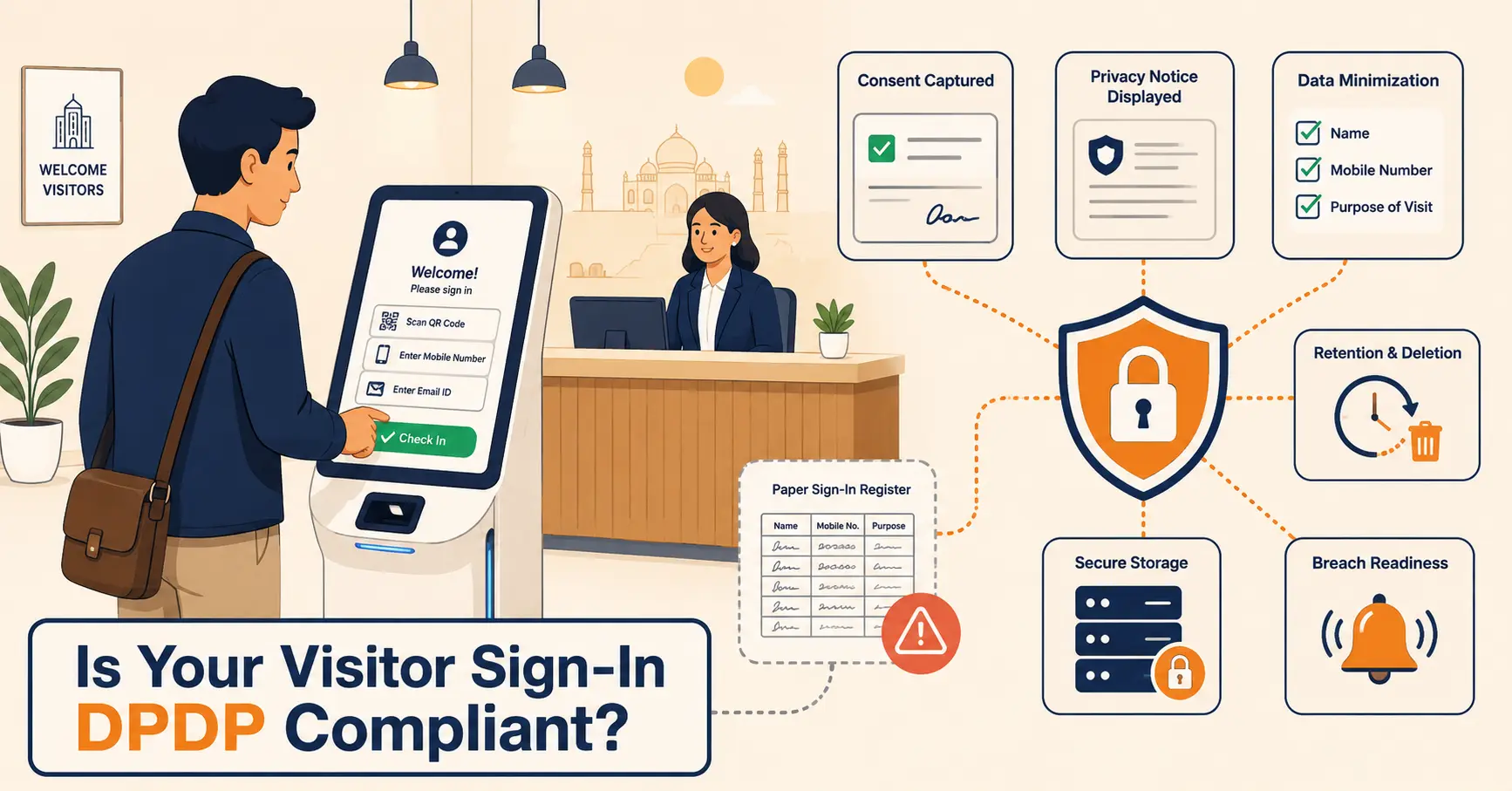
Data protection adds another layer. Attendance records contain names, timestamps, and sometimes location data, which makes them personal data under most privacy frameworks. Storing that data securely, limiting who can access it, and setting a clear retention policy matters regardless of which specific regulation applies in your jurisdiction; see our notes on GDPR-aligned data handling for the general principles. If your workplace also handles patient or student data, that adds separate obligations, HIPAA in healthcare, FERPA in schools, that a clock-in vendor’s marketing page will not answer for you. Check with your compliance team before assuming any tool covers a specific regulation out of the box.
Common Mistakes That Undermine Clock-In Safety Value
Buying for payroll and expecting safety features for free. The features that make a system great for wage compliance (integrations, tax rules, pay-period logic) are not the features that make it useful for a headcount. Confirm the safety capabilities separately before assuming they come bundled in.
Rolling out a new method without explaining why it matters. Employees who have used a shared PIN for years will keep sharing it unless someone explains that the headcount, not just the paycheck, depends on individual verification.
Treating checkout as optional. If clocking out is not enforced, your on-site list will always overcount who is actually present. Build checkout into the process the same way check-in is, with reminders or automatic prompts if the platform supports them.
Never testing the emergency export. A feature that looks fine in a demo can fail during an actual drill if nobody has opened it from a phone outside the building before. Test it during a scheduled drill, not during a real emergency.
Forgetting visitors and contractors entirely. A clock-in system usually only covers employees. Anyone else on-site, a contractor, a vendor, an interview candidate, still needs to be part of the same headcount. That is a visitor management system‘s job, and the two systems need to work from the same real-time picture during an emergency.
Assuming one bad incident was a fluke. If a headcount was wrong once during a drill, that is a system problem, not a one-off. Fix the process before the next drill, not after the next real emergency proves the same gap exists.
When a Clock-In System Isn’t Enough for Workplace Safety
A clock-in system, even a well-built one, does not solve every safety problem on its own.
It does not replace floor wardens or a written emergency action plan. The system produces a list. A trained person still has to run the evacuation, check that list against who is physically present at the muster point, and decide what to do about anyone missing.
It does not cover the building if people stop using it. Any system that depends on voluntary check-in breaks down the moment someone props a door open for a delivery, or lets a coworker in without a scan. Enforcement matters more than the software.
It does not account for visitors, contractors, or vendors unless it is connected to a visitor management workflow. An employee-only clock-in system can tell you your staff headcount is accurate and still leave you blind to the three contractors on the roof and the job candidate waiting in the lobby.
And it does not fix a workplace with no consistent culture around using it. A well-designed check-in method means little if half the team still holds the door open for the person behind them. Technology closes the accountability gap only as far as people actually use it the way it was designed.
How Vizitor Handles Employee Attendance and On-Site Visibility
Vizitor’s attendance module is built around QR-code and GPS-verified check-in through the Vizitor PASS mobile app, deliberately avoiding fingerprint or facial-recognition hardware. Employees scan a code or open the app, and the system timestamps the check-in along with a location match, which makes it harder for one person to clock in on behalf of another without also faking their GPS location.
That attendance data sits on the same dashboard as visitor, contractor, and delivery records, because Vizitor is built as one connected workplace management platform rather than a standalone time clock. For a safety coordinator, that means one screen shows who is checked in as staff and who is signed in as a guest, instead of cross-referencing two separate systems during an emergency.
Vizitor does not run payroll calculations or replace a dedicated wage-and-hour tool, and it is not a substitute for a full access-control system at every door. What it provides is a real-time, exportable on-site list and an audit trail for every check-in and check-out, the specific piece most organizations are missing when they discover their existing clock-in tool cannot answer “who is actually in the building” during a drill.
Organizations that need the visitor and contractor side of that same picture, not just employees, can pair the attendance module with Vizitor’s visitor management system so both records feed the same live roster.
Choosing the Right System: Safety First or Payroll First
If your primary need is defensible, payroll-grade wage tracking, with GPS as a feature rather than a safety requirement, a dedicated time-clock app is probably the better fit than a broader workplace platform. Our comparison of ten clock-in and clock-out apps by pricing, GPS tier, and payroll fit walks through Buddy Punch, Connecteam, QuickBooks Time, and others built specifically for that job.
If your primary need is knowing who is on-site right now, for safety, compliance, or access reasons, look for a system that treats real-time headcount as the main feature, not an add-on. That is a narrower list of vendors, and it is the gap this article has focused on closing.
Most organizations actually need both jobs done well. That is why it is worth asking any vendor, including Vizitor, to show you the emergency export and the checkout enforcement before you buy, not just the payroll integration.
What to Do Next
A clock-in system that only answers the payroll question is doing half its job. The other half, knowing who is actually inside your building right now, is the one that matters when an alarm goes off. It is usually the one nobody tests until it is too late.
Start by asking whether your current system can produce an accurate, on-site headcount from a phone outside the building, right now, without warning. If the answer is no, that is the gap to close first, before adding another payroll feature nobody asked for.
Book a demo of Vizitor’s attendance and visitor management platform to see how real-time check-in, access visibility, and emergency rosters work together in one system.
Frequently Asked Questions
See Vizitor in action check-in a visitor in under 30 seconds
Trusted by 500+ businesses. QR check-in, badge printing, NDA signing. Plans from $36/mo.