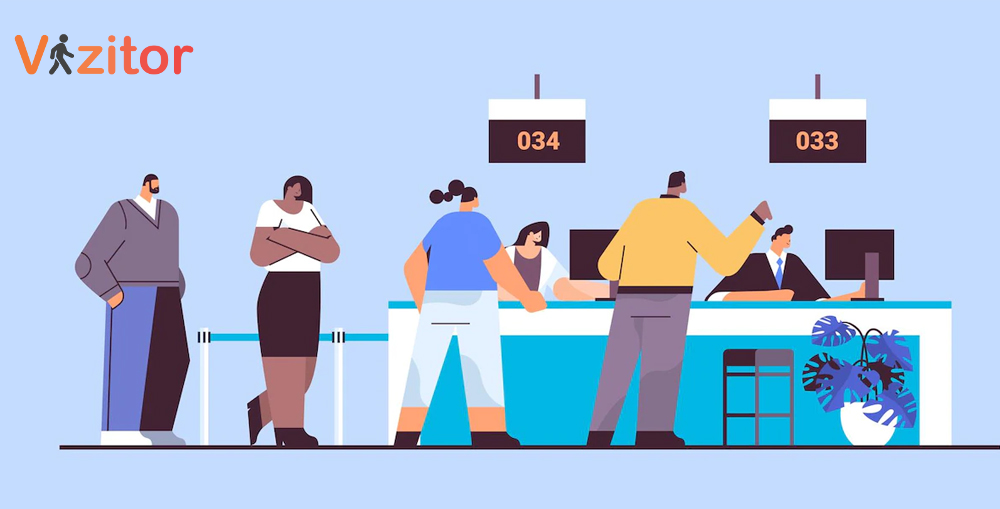
Front desk security gaps usually occur due to manual processes, lack of visibility, and human error. The most common risks include unauthorized entry, tailgating, missing visitor logs, unverified IDs, and poor emergency preparedness. These issues can be fixed with digital visitor management systems, access control integration, clear SOPs, and real-time monitoring.


Published on: Mon, Feb 2, 2026
Read in 6 minutes
Your front desk is more than a greeting point, it is your organization’s first line of defense and a critical control point for workplace security. It sets the tone for professionalism, trust, and safety.
Yet, in many organizations, this highly visible area hides serious vulnerabilities.
In today’s dynamic and hybrid work environments, reception teams are often overstretched, juggling visitor check-ins, package deliveries, vendor coordination, and internal requests. This operational overload creates security blind spots that attackers, opportunists, and even accidental breaches can exploit.
This blog highlights 10 common front desk security gaps, from manual visitor check-ins to poor emergency preparedness, and explains how modern visitor management systems, staff training, and clear protocols can transform reception areas into secure, audit-ready workplaces.
The Problem
Without a structured process, unauthorized individuals can walk in unnoticed.
The Fix
The Problem
Paper logbooks take 2-3 minutes per visitor, create queues, and leave room for error.
The Fix
The Problem
Obstructed layouts, oversized furniture, and dim lighting create blind spots.
The Fix
The Problem
Nearly 45% of employees receive no formal security awareness training, leaving receptionists unsure how to respond to threats.
The Fix
The Problem
Unattended deliveries can be stolen or used to introduce malicious items.
The Fix
The Problem
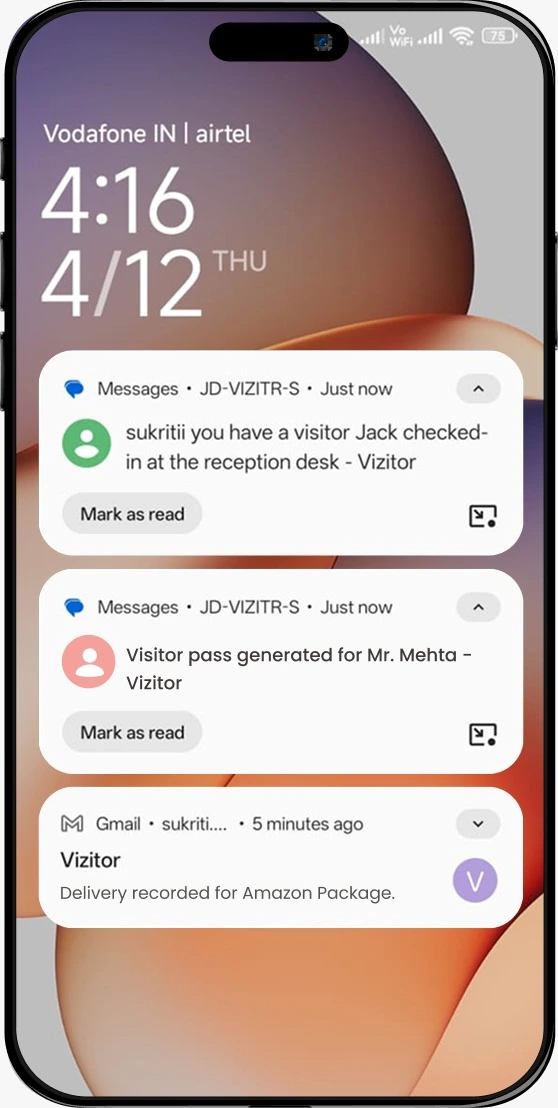
Visitors often wait 4-6 minutes because hosts are not informed promptly.
The Fix
The Problem
Unattended documents, badges, and devices increase theft and data breach risks. Visitor data breaches rose 7% last year alone.
The Fix
The Problem
Checked-in visitors can freely wander into restricted areas.
The Fix
The Problem
Without a clear plan, emergencies lead to confusion and delays.
The Fix
The Problem
Human error contributes to 90% of security breaches, and lack of surveillance increases risk.
The Fix
Front desk security failures don’t just result in awkward moments, they can trigger severe financial, legal, and reputational damage.
Key data points highlight the risk:
An unsecured front desk is not a minor oversight, it is a direct contributor to enterprise risk.
Organizations that prioritize training see 24% higher profit margins. Well-trained staff multiply the effectiveness of any security system.
Front desk security must align Facilities, IT, HR, and Security teams. Regular drills and clear reporting lines are essential.
Front desk security is non-negotiable.
By addressing these 10 overlooked gaps through a layered approach, combining technology, training, and collaboration, organizations can transform their reception from a liability into a strategic security asset.
Vizitor helps organizations transform their front desk into a smart, secure, and seamless entry point.
With Vizitor, you can:
If your front desk still relies on paper logs, manual calls, or trust-based access, it’s time to upgrade.
Explore how Vizitor can help you fortify your workplace security, starting at the front desk.
The front desk is the primary entry point into any workplace. Without proper visitor verification, access control, and monitoring, unauthorized individuals can enter unnoticed, leading to safety risks, data breaches, and compliance violations.
The most common gaps include manual visitor logs, lack of identity verification, poor host notification, unrestricted internal access, inadequate emergency preparedness, and limited visibility into who is inside the building at any given time.
A Visitor Management System (VMS) digitizes check-ins, verifies visitor identities, issues time-bound badges, notifies hosts automatically, and provides real-time visibility into on-site visitors, significantly reducing human error and unauthorized access.
No, Paper logbooks are prone to errors, data exposure, and lack audit trails. They do not meet modern security or compliance standards required for ISO, SOC 2, GDPR, or enterprise security policies.
Unauthorized physical access is a major contributor to data breaches. When visitors can move freely without controls, they may gain access to sensitive areas, systems, or information, increasing the risk of data theft or compliance violations.
Front desk staff act as the first line of defense. With the right tools and training, they can verify identities, enforce access rules, respond to incidents, and support emergency procedures effectively.
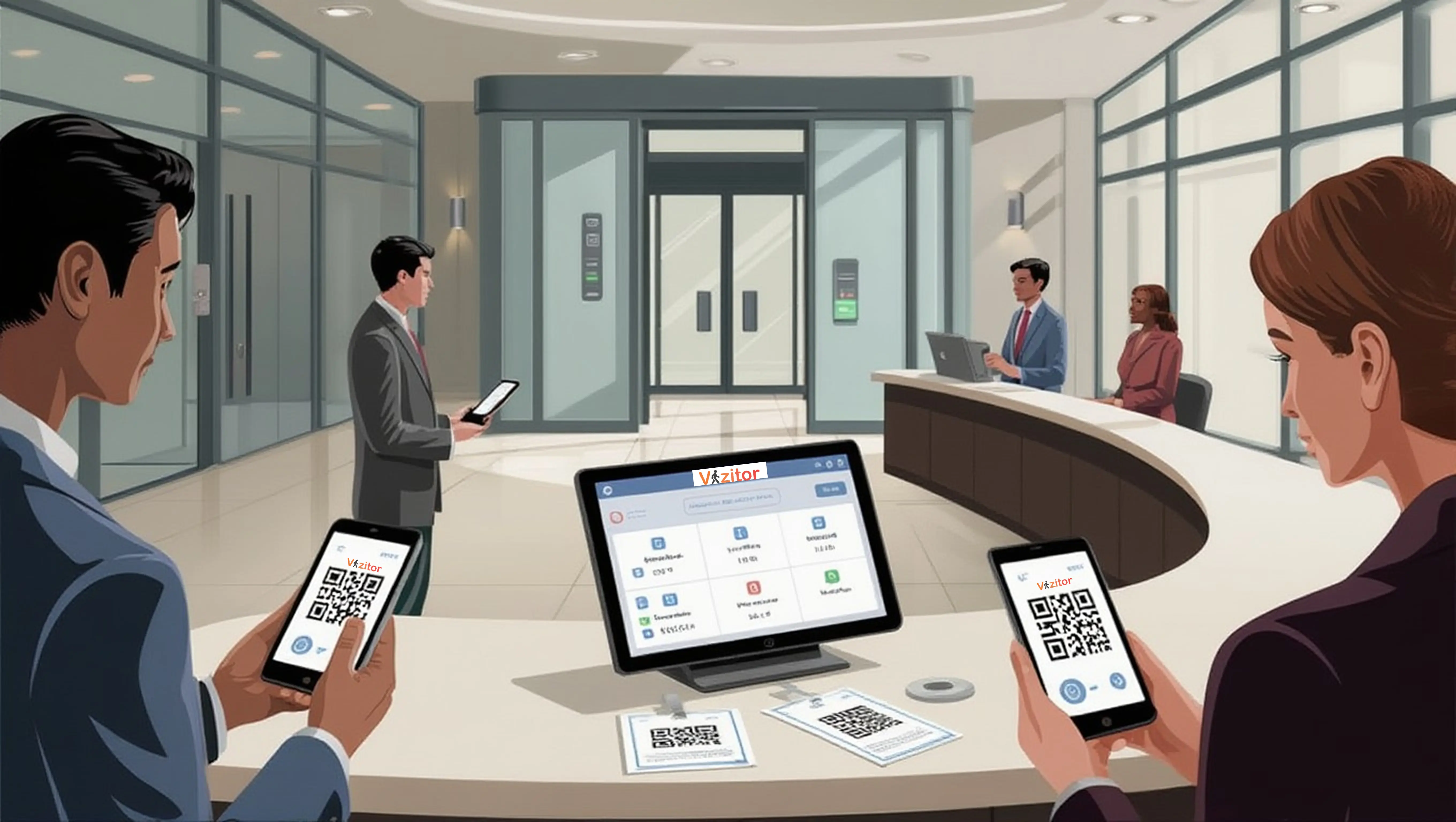
By automating manual processes. Digital visitor check-ins, QR-based registration, and automated host notifications improve both security and speed, creating a seamless and professional visitor experience.
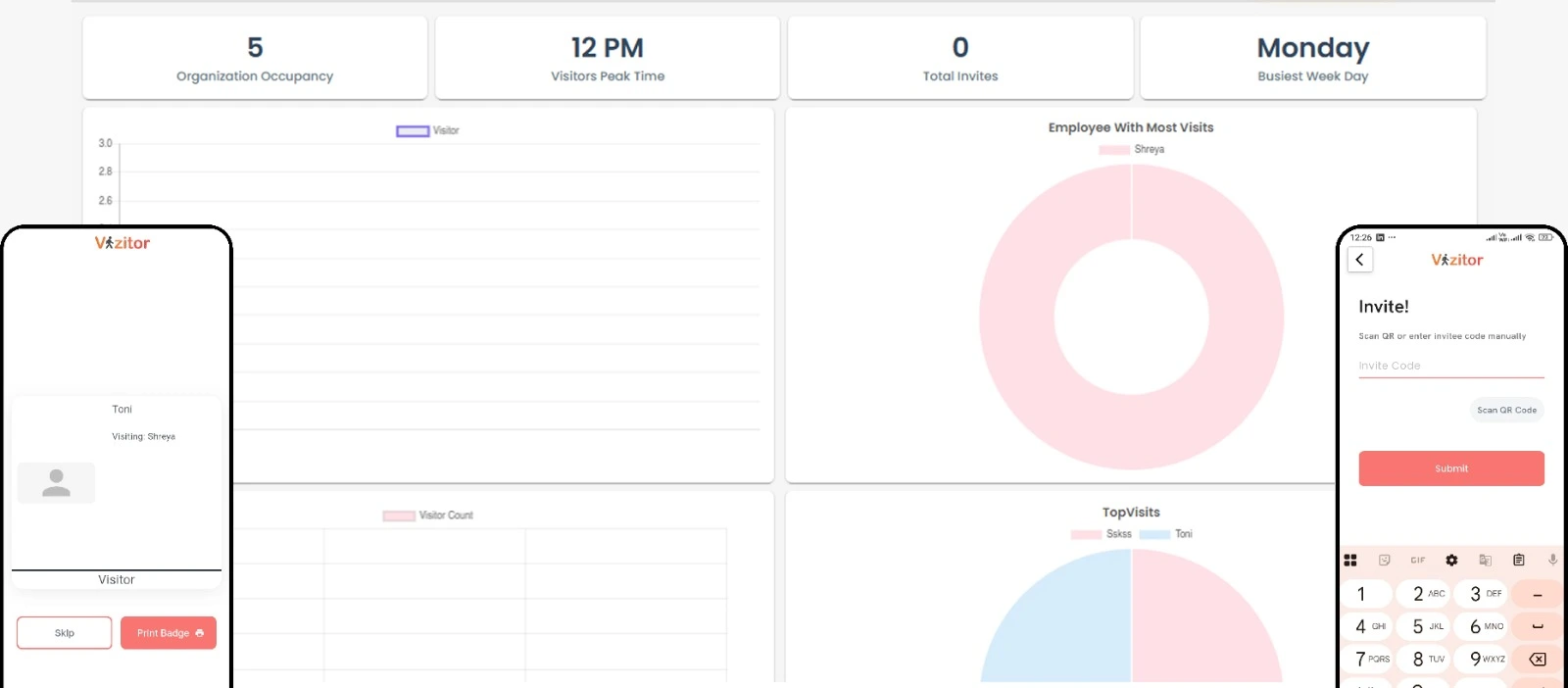
Vizitor enables secure digital check-ins, real-time visitor tracking, automated host notifications, audit-ready visitor logs, and access visibility, helping organizations turn their front desk into a controlled and compliant security layer.
Yes, A VMS provides real-time occupancy data and evacuation lists, helping teams account for visitors and staff quickly during emergencies such as fires, medical incidents, or evacuations.
Front desk security should be a shared responsibility between Facilities, IT, Security, and HR teams. Technology like Vizitor helps centralize control while enabling collaboration across departments.