Cutting Wait Times at Government Offices with Queue Management
This article examines why government offices struggle with high footfall and manual queues, then outlines how a queue management system with digital ticketing, virtual queuing, and citizen prioritization improves service delivery. It includes real DMV wait-time results, the common mistakes agencies make during rollout, and the features of Vizitor's public sector queue solution.



Table of Content
Try Vizitor for Free!
Oregon’s DMV rolled out a digital queue and appointment system called Next in Line across all 59 of its field offices. In the first months of use, wait times fell 68 percent, and no-shows dropped from 50 percent to 20 percent once reminders started going out automatically (GovTech).
That is what a queue management system does when it actually works. It is not a nicer waiting room. It is a different way of handling the line entirely.
Government offices deal with a kind of footfall retail and private offices rarely see: citizens who have no choice but to show up, often for something urgent, with no alternative provider to walk to instead. When the line breaks down, there is nowhere else for that person to go. That is why outdated, manual queue handling hits public offices harder than almost anywhere else, and why fixing it matters more than a shorter wait on paper.
What is a queue management system for the public sector?
A queue management system (QMS) for the public sector is software that replaces the paper-ticket-and-shouted-name approach to serving citizens with digital ticketing, real-time status updates, and appointment scheduling. It matters because a government office that can route citizens to the right counter automatically, and tell them how long the wait actually is, gets more people served per hour with the same staff.
Citizens take a token or book a slot online. Kiosks, mobile apps, and screens tell them where they stand in line. Staff spend their time serving people instead of managing crowd control. In an office handling thousands of citizens a day, across passports, licenses, tax filings, and benefits counters, that difference compounds fast.
Why government offices struggle with queue management
Even with the DMV examples above, plenty of public offices are still running the same queue process they had a decade ago. The reasons aren’t one thing. They stack.
1. High footfall, limited resources
Government offices handle more daily visitors than most private businesses, often without the staffing to match. Without a system in place, that turns into overcrowding and slower service for everyone.
2. Lack of clear communication
Citizens often arrive without knowing what to expect: which counter, what documents, how long. That gap produces repeated questions to staff and delays that have nothing to do with the actual service being requested.
3. Uneven distribution across counters
Some counters run backed up for hours while others sit idle. Nobody’s tracking it in real time, so nobody’s rebalancing it either.
4. Manual, rigid ticket systems
A paper token system can’t respond to a sudden surge. It hands out the same numbers in the same order regardless of what’s actually happening in the room.
5. Peak-time surges
Tax deadlines, benefit enrollment windows, license renewal cycles: these create predictable spikes that unprepared offices treat as surprises every single time.
6. No real-time data
Most public offices have no live read on how many people are waiting, how long they’ve waited, or which service is creating the backlog. Staffing decisions get made on instinct instead of numbers.
North Carolina’s DMV is a useful case in point. As of October 2025, its average wait time sat at 90 minutes. Its 2026-2030 strategic plan, released that November, sets a target of 15 minutes average and aims to push online transaction availability from 61 percent to 70 percent (WRAL). That’s not a small gap to close, and it’s the kind of number a queue system without real-time data would never have surfaced in the first place.
7. No prioritization for citizens who need it
Senior citizens, pregnant visitors, and people with urgent needs get treated the same as everyone else in a first-come queue with no override. That’s not neutral. It’s a design gap.
8. Long wait times as the default experience
Extended waits are the norm citizens expect walking in, which tells you how normalized the problem has become rather than how acceptable it actually is.
9. Staff without the training to use better tools
Even where offices have some technology, front-line staff often weren’t trained to use it well, so it ends up running below its actual capability.
Why queue management matters more now than it used to
The DMV numbers above aren’t outliers. They’re a preview of what’s coming for every high-volume public office that hasn’t modernized yet, for a few concrete reasons.
Citizens can see the wait, which builds trust
When people can watch their position move and get an honest estimate, frustration drops even if the wait itself doesn’t shrink much. Duration matters, but uncertainty is the part that actually erodes trust in a government office.
Staff stop managing the crowd and start doing the job
A counter clerk answering “how much longer” all day isn’t serving anyone. Automated notifications and live queue displays take that job away from staff entirely, which is exactly what Oregon’s DMV data reflects: the same locations, the same staff, and a 68 percent drop in wait time once the crowd-management burden moved to software.
Peak demand stops being a surprise
Historical queue data shows an office when its busy weeks are coming, whether that’s a tax deadline, a license renewal cycle, or a benefits enrollment window that repeats every year on roughly the same calendar. Appointment scheduling and virtual queuing let citizens spread their visits out instead of all arriving at 9am on the same Monday, which is usually when an unprepared office runs out of chairs before it runs out of staff patience.
No-shows drop when reminders are automatic
Oregon’s rollout also cut no-show rates from 50 percent to 20 percent once appointment reminders went out automatically by text and email (GovTech). A missed appointment slot in a government office isn’t just one lost visit. It’s a slot nobody else could book either.
The cost case holds up over time
A queue system is an upfront investment, but it pays back in fewer wasted staff-hours, fewer repeat visits caused by miscommunication, and a public office that isn’t constantly running behind. For the fuller math on this, see how to calculate queue management system ROI.
Key features of a queue management system built for government offices
Here’s what actually needs to be in a public-sector queue system, not a generic retail one relabeled for government use.
Real-time queue monitoring
Citizens and staff both see the current queue status. Live position tracking through a kiosk, app, or screen means nobody has to ask. Estimated wait times let people plan the rest of their day around the visit instead of just standing there. Alerts fire when a citizen’s turn is close, so they don’t have to watch the screen the whole time.
Digital ticketing and appointment scheduling
Paper tickets go away. Citizens book a slot in advance through a website or app, get a ticketless digital entry sent to their phone, and receive automated reminders by text, email, or app notification to cut no-shows. The same appointment queue management logic applies to routing late arrivals and walk-ins fairly.
Also worth reading: What is a ticketing kiosk? A beginner’s guide.
Virtual queuing
Citizens don’t have to occupy a physical seat to hold their place. They wait wherever they want and get notified by SMS or email when their turn is close, whether that’s from home, from their car, or from a different building entirely if the office serves multiple locations.
Prioritization and custom routing
Senior citizens, pregnant visitors, and people with urgent or emergency needs get fast-tracked instead of stuck behind a strict first-come order. The system also routes each citizen to the right counter based on the service they need, and separates short transactions from longer ones so a five-minute renewal doesn’t get stuck behind a 40-minute case review.
For more on how this holds up against a fully physical line, see virtual queuing and how it works.
Data analytics and reporting
Every completed service, every wait time, and every counter’s throughput gets logged automatically. That turns into footfall analysis for peak-time planning, service-time tracking to catch bottlenecks, and custom reports on performance and citizen satisfaction that a manual system could never produce.
Multi-channel access
Citizens reach the system through the office website, a dedicated mobile app, or a self-service kiosk at the location itself. No single channel becomes a bottleneck of its own.
A dashboard built for staff
Front-line staff and supervisors get a live view of queue depth, wait times, and visitor flow across every counter and department, plus the data to move people to wherever demand is actually building.
Less manual load on staff
Automated queue handling means staff aren’t manually calling names, sorting paper stubs, or settling disputes about who was next. Work gets distributed more evenly across counters, and services move faster because there’s less friction between “citizen arrives” and “citizen gets helped.”
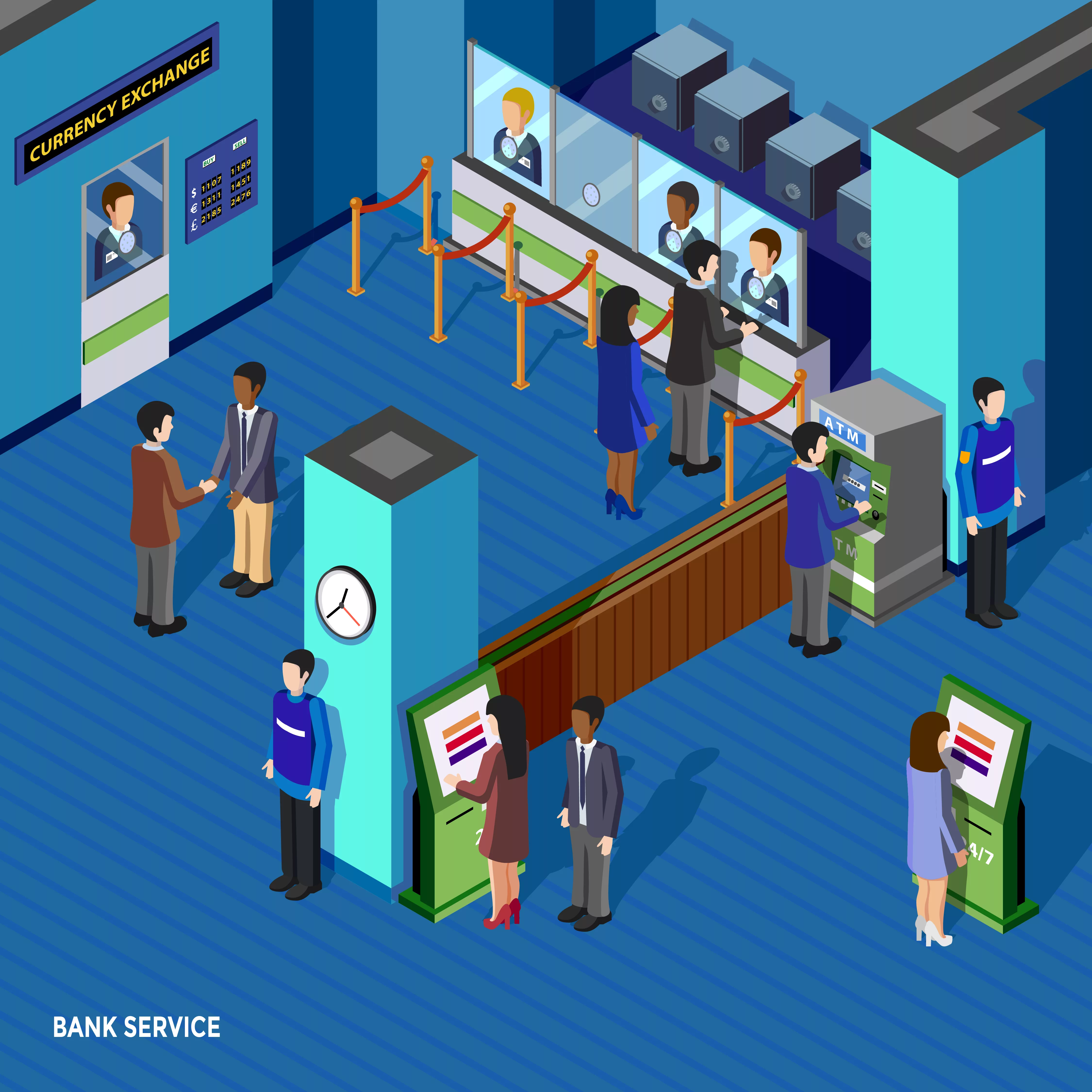
The green and social side of queue management in government
A queue system does more than move lines faster. It changes who gets to access a government service comfortably, and what that access costs the surrounding environment.
Virtual queuing means fewer people driving to an office just to sit in a waiting room for an hour. Less unnecessary travel means lower emissions and less pressure on parking and building energy use during peak hours. It’s a small climate line item, but it’s a real one across hundreds of public offices running the same pattern daily.
It also widens who can actually use the service without friction. A citizen who can’t stand for long periods, doesn’t speak the primary language fluently, or can’t take a full morning off work benefits from a system that lets them wait remotely and get notified instead of one that demands a physical seat and constant attention to a call board.
During public health events, keeping people out of a crowded waiting room isn’t a nice-to-have. Virtual queues and remote check-in reduce the density that turns a routine office visit into an exposure risk, which matters more in a building that a large share of the local population has no choice but to visit.
How Vizitor’s queue management system works for government offices
Citizen entry. Citizens take a token at a kiosk or book an appointment online before they arrive.
Queue allocation. The system assigns each citizen to the right service desk automatically, based on what they need and which counters are available.
Real-time updates. Citizens get their queue position and an estimated wait time through the mobile app or a lobby screen.
Service delivery. When their turn comes, the citizen is notified and service starts right away, without a staff member manually managing the handoff.
Feedback and analytics. After service, the system collects feedback and rolls it into the data administrators use to fix what’s actually slowing things down.
Common mistakes government offices make when adopting a queue system
Treating the software as the whole fix. A digital ticketing system layered on top of an undefined process just digitizes the confusion that was already there. Decide the routing rules and prioritization policy first, then configure the software around them.
Skipping staff training on the exceptions. Staff need to know how to check someone in on a normal day, and just as importantly, what to do when a citizen has no smartphone, no appointment, or a request the system doesn’t have a clean category for.
No backup plan for outages or offline citizens. A queue system that goes down, or a citizen who can’t use a kiosk or app, needs a manual fallback that doesn’t dump everyone into one unmanaged line the moment technology fails.
Ignoring the accessibility gap. Not every citizen has a smartphone, reliable data, or comfort with a self-service kiosk. A system built only for the tech-comfortable majority quietly excludes the people who often need the service most, including elderly citizens and people with disabilities.
Never adjusting after go-live. Oregon’s DMV team stayed cautious about their own early numbers and waited for a full year of data before drawing conclusions (GovTech). Offices that declare victory after week one and stop watching the data usually miss the second round of problems that only shows up under sustained load.
Choosing software around a procurement checklist instead of the actual workflow. Public-sector buying cycles reward long feature lists, but a system with forty features nobody at the counter uses is worse than one with ten features staff actually touch every day. Ask which features solve the specific bottleneck you measured, not which vendor has the longest spec sheet.
When a queue management system isn’t enough on its own
A queue system organizes the line. It does not fix an office that’s short-staffed for the volume it serves, and it won’t repair a process that’s broken regardless of how the queue is managed. If citizens are waiting 90 minutes because there are two clerks for four counters’ worth of demand, better queue software will make the wait more transparent, not shorter in any way that matters.
It also depends on adoption. A kiosk nobody explains, an app nobody promotes, or a policy that still lets staff skip the system for “regulars” undermines the whole point. The software only works as well as the process and the people running it.
Vizitor: built for public-sector queue volume
Vizitor’s queue management system covers the parts of this guide that are genuinely feature-backed today: digital token generation, real-time citizen notifications, department-wise routing, self-service kiosk and mobile check-in, and an analytics dashboard for staff. It’s built to handle the kind of daily footfall a busy government office actually sees, not a retail counter’s occasional rush.
Offices that also need to fix visitor logging and identity verification, separate from the queue itself, should look at our guide to visitor management systems for government offices, which covers the record-keeping side of the same building.
Streamline your public service lines with Vizitor
Isn’t it time your public office worked the way New Hampshire’s and Oregon’s DMVs now do? Explore how Vizitor’s queue management system can shorten waits and give staff their time back.
Book a demo and see what it looks like running in an office your size.
Frequently Asked Questions
See Vizitor in action check-in a visitor in under 30 seconds
Trusted by 500+ businesses. QR check-in, badge printing, NDA signing. Plans from $36/mo.