Tools That Keep Customer Lines Moving Smoothly
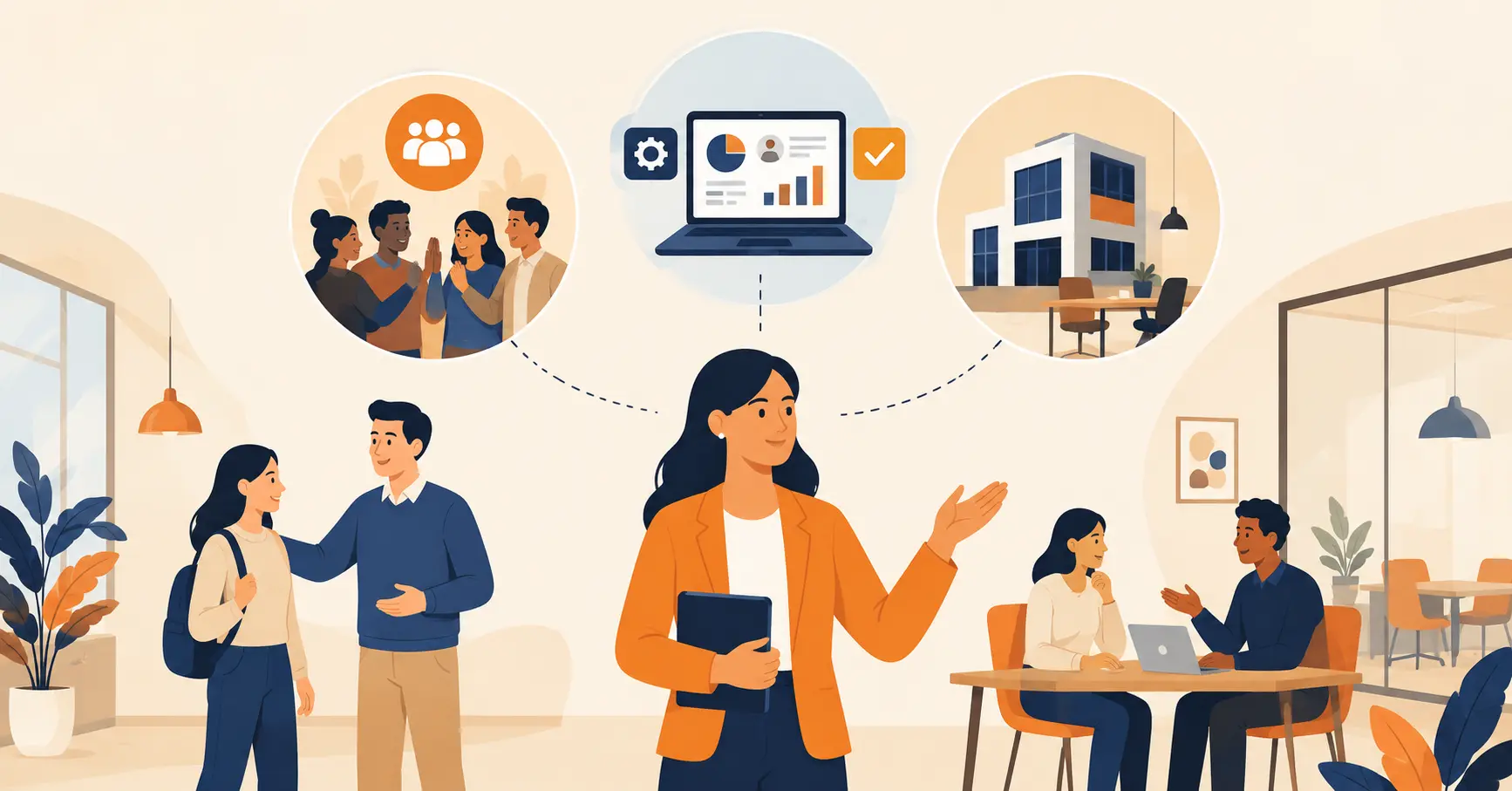
This article covers the core technologies that manage customer flow, queue management, appointment scheduling, visitor management, and meeting room booking, and explains why connecting them matters more than picking any single tool. It also covers the KPIs for measuring results and where technology alone will not fix a flow problem.



Table of Content
Try Vizitor for Free!
Walk into your favorite store. There is a palpable energy in the air. But then you see it: long lines ahead, no clear direction about where to go, and no indication of how long the wait will be. Patience erodes quickly.
That experience is where customer flow management either earns its value or fails to deliver it.
Preventing long lines is the visible part. The real work of customer flow management is understanding how people move through your space, what slows them down, and how technology can remove those friction points. Done well, it improves satisfaction and boosts operational efficiency. It also gives you the data to keep improving over time.

Whether you run a large retail chain, a single-location bank, or a hospital, the principles are the same. The tools vary by environment, but the goal is consistent: move people through your space faster and more comfortably, while giving your team the visibility to make smart decisions in real time.
Most guides to this topic list technologies in isolation: a queue system here, a booking tool there. That misses the real gain. A queue system that has no idea a visitor already pre-registered, or a room-booking tool that never tells reception a guest checked in, just moves the friction to a different screen. The technologies below work. They work far better connected to each other than bought one at a time.
What is Customer Flow Management?
Customer flow management, sometimes called foot traffic management or visitor flow management, is the process of overseeing the movement of customers or visitors within a physical space. It covers the entire journey from entry to exit, including browsing, waiting in queues, interacting with staff, completing transactions, and leaving.

For retail businesses, effective customer flow management means reducing checkout wait times, guiding customers through product areas efficiently, and ensuring popular sections do not become bottlenecks. For healthcare, dining, banking, and service center environments, managing customer flow is critical to minimizing wait times and ensuring smooth service progression throughout the day.
The stakes are higher than they appear. Poor flow management costs more than frustration. It costs real revenue. Customers who leave due to long lines do not always come back. Staff who spend their time managing crowds instead of serving customers deliver lower quality interactions. And without data on how flow is performing, operational improvements are guesswork.
Why Customer Flow Management Matters
Effective customer flow management creates two types of value that reinforce each other: customer satisfaction and operational efficiency.
Impact on Customer Satisfaction
When customers move through your space without friction, their perception of your business improves. They associate ease of movement with professionalism and care. Conversely, crowding, confusion, and long waits create negative associations that persist regardless of how good the actual service was.
Smooth flow reduces frustration and perceived wait times. That directly improves customer satisfaction scores. Happy customers return more often and recommend your business to others. The relationship between queue experience and retention is measurable and consistent across industries.
Much of that signal comes from the wait itself, not a survey sent afterward. See why capturing feedback in the moment beats asking afterward for how businesses turn queue data into an actual feedback channel.
Impact on Operational Efficiency
Optimized customer flow means faster service per customer, better use of staff time, and higher throughput without proportional cost increases. The efficiency gains compound. When staff aren’t managing crowds, they serve customers better. When customers move through faster, more customers get served in the same period.
Key performance indicators that improve with better flow include throughput rates (customers served per hour), average transaction time, customer wait time, and satisfaction scores. Tracking these metrics before and after implementing flow management technology reveals the return on investment clearly.
Technological Solutions for Customer Flow Management
Technology is the most scalable and data-rich way to improve customer flow. Four core technology categories address the problem from different angles, and each one gets stronger when it shares data with the others.
1. Queue Management Systems
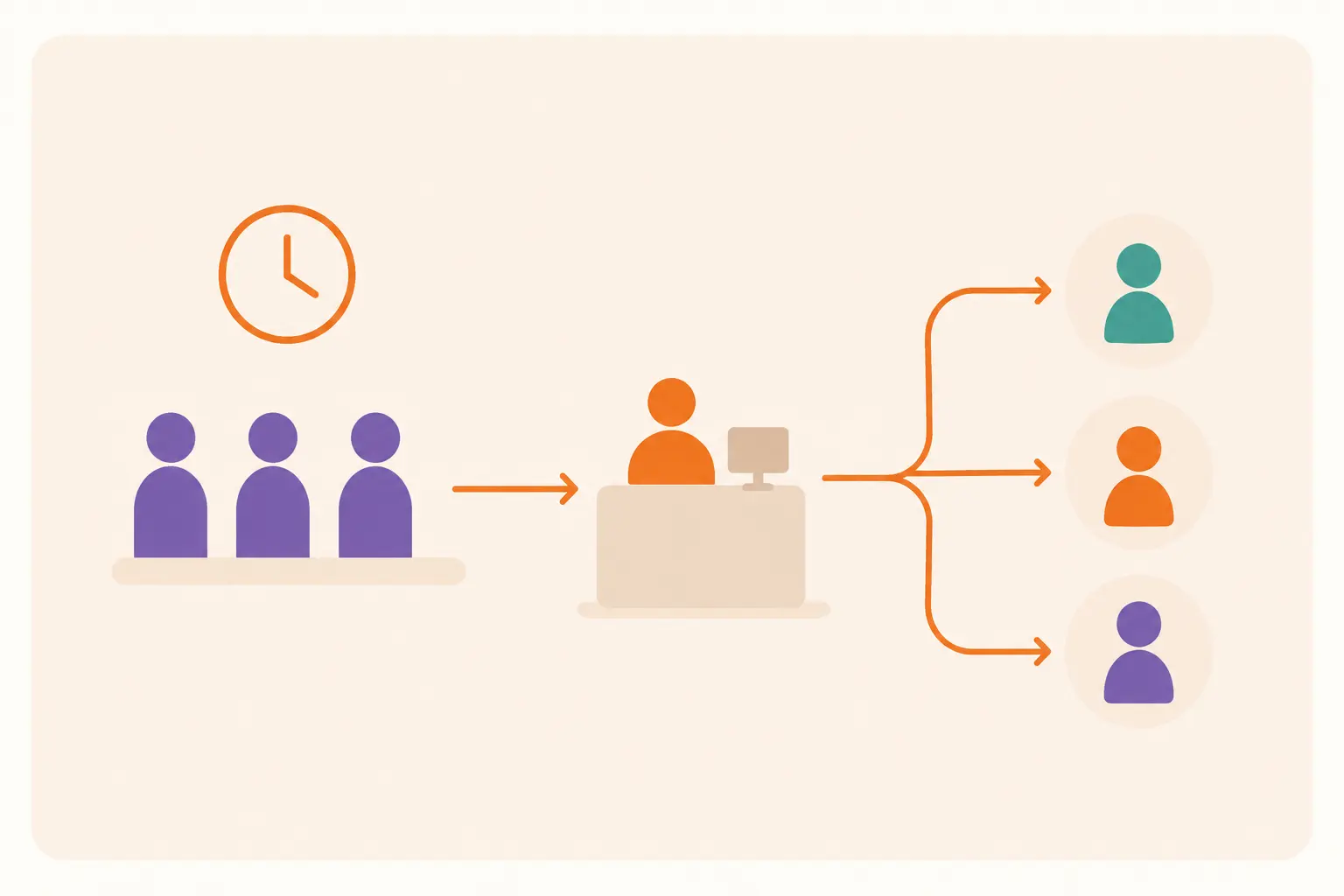
Queue management systems (QMS) address the most visible customer flow problem: waiting. Gone are the days of physical lines snaking through your establishment. Modern QMS platforms offer a digital approach to managing waiting customers, built from a few connected pieces.
Customers can join a queue from a mobile app, a website, or a kiosk at the door, so they wait remotely instead of standing in a line that blocks the entrance. Self-service kiosks hand out a digital token and a service assignment, which removes the argument about who’s next. The system can route priority customers, urgent cases, or loyalty-tier visitors automatically, without a staff member making that judgment call under pressure.
None of that matters if people can’t see it working. Real-time display boards show the current token, the estimated wait, and which counter is open, so every customer can check their own position instead of asking a staff member how much longer.
Vizitor’s queue management system offers virtual queuing, mobile ticketing, and real-time queue monitoring to keep customer flow smooth across any service environment. For a broader look at how a QMS changes customer-facing operations, see our guide on cutting down customer wait times with proven queue strategies. For the full rundown of every queue type and how to choose between them, see queue management systems: the complete guide.
2. Appointment Scheduling Systems
Appointment scheduling lets customers book a specific time slot, so they never have to walk in and face a queue they can’t predict. This benefits both the customer and the business.
Spreading arrivals across the day is the real value. Instead of a rush at opening and a dead patch mid-afternoon, appointments smooth out the spike-and-trough pattern that creates long lines during peak hours and idle staff during quiet ones.
Customers benefit from knowing exactly when they’ll be served, which removes the anxiety of an open-ended wait. Staff benefit on the other side: they can prepare for a scheduled visitor in advance, which cuts the time each interaction takes and lets the same team serve more people in a day.
For environments with both scheduled and walk-in customers, a hybrid approach works best. A QMS like Vizitor manages both queues at once, routing customers to an open counter based on appointment status and current load.
3. Visitor Management Systems
For businesses that receive clients, vendors, or contractors, a visitor management system turns entry into a secure, efficient flow instead of a name scribbled on a clipboard. The benefit isn’t only security. It’s the data and the queue integration that come with it.
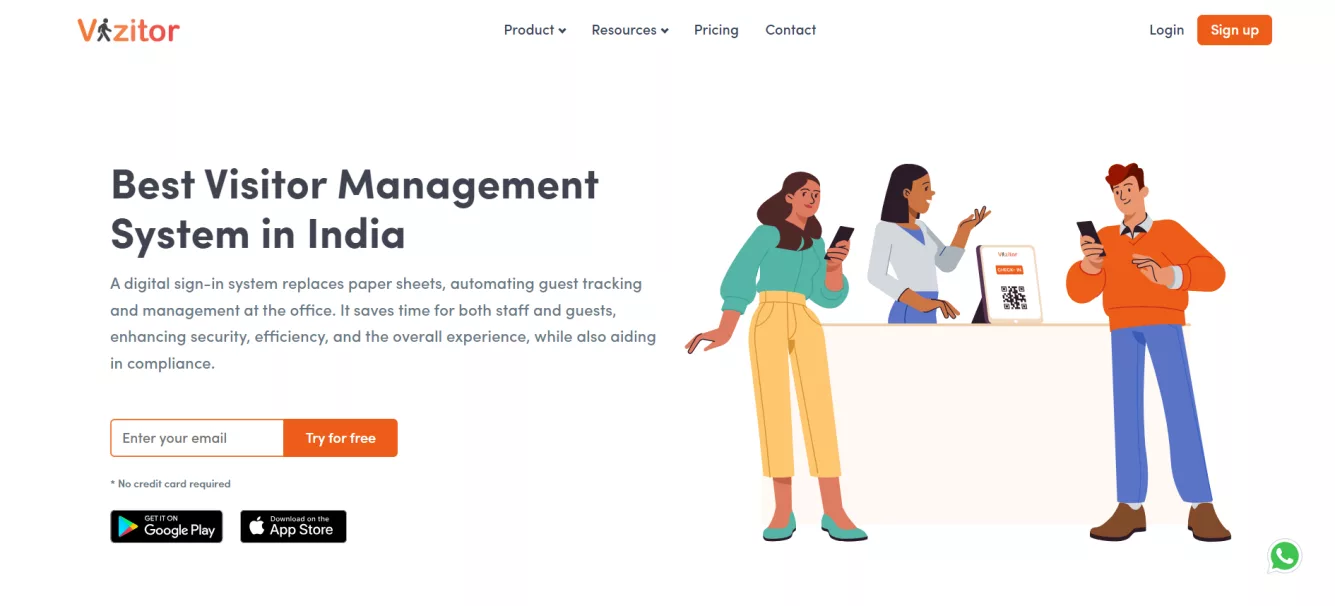
The system logs who arrived, when they left, and why they came, which creates a record you can actually analyze instead of a stack of paper. Badges carry specific access permissions, so only the people who should reach a restricted area do, and that check happens digitally instead of relying on a staff member remembering every face.
Visitors who register ahead of time can check in within seconds once they arrive. That removes the single biggest source of front-desk bottlenecks: the moment a first-time guest has to explain who they are and who they’re here to see. Once check-in is done, the system notifies the host directly by SMS or app, so the host can walk out and greet the visitor instead of leaving them waiting at reception, wondering if anyone even knows they’ve arrived.
Explore Vizitor’s visitor management system for digital sign-in, pre-registration, security clearance management, and automatic host notification.
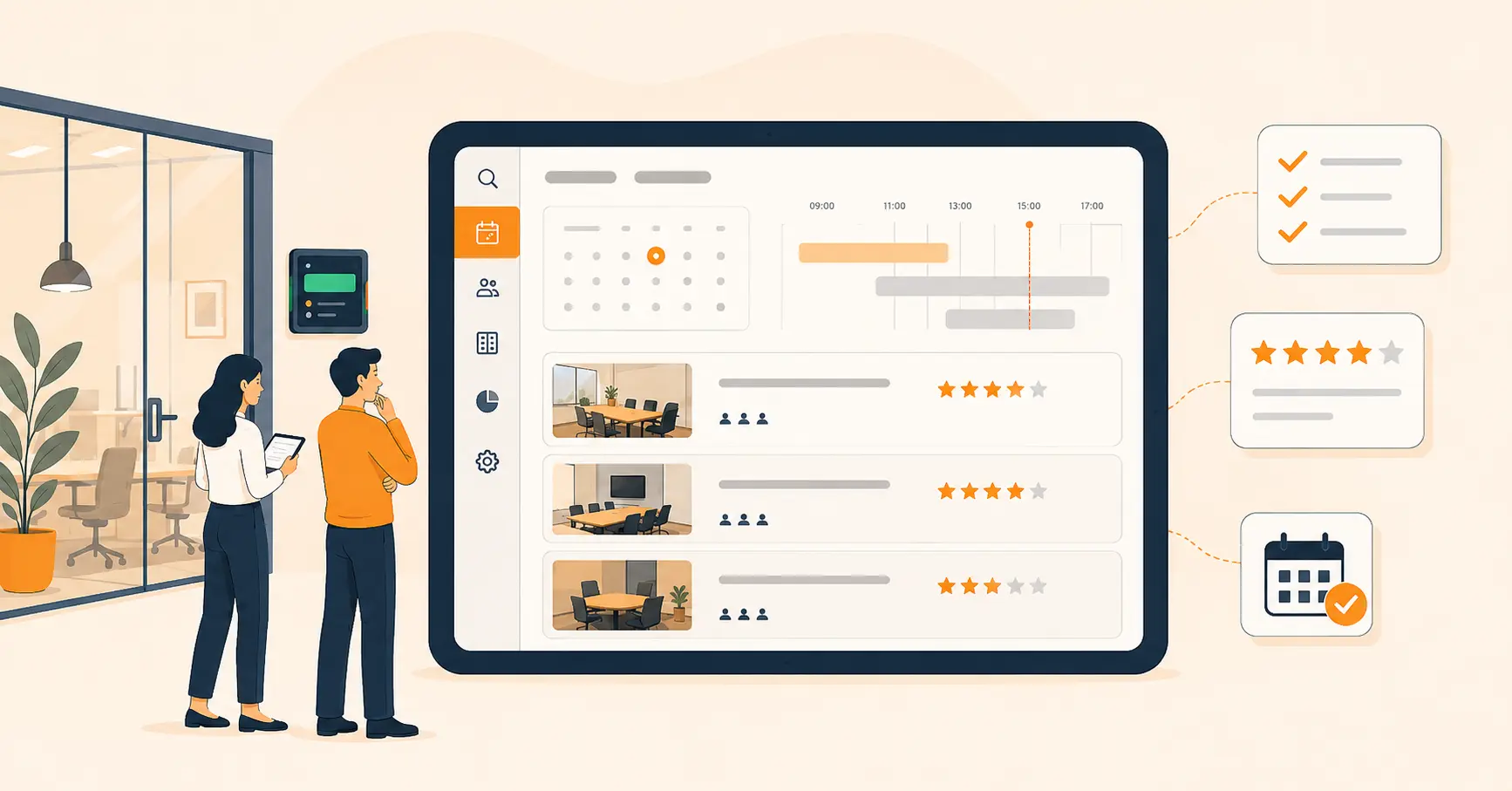
4. Meeting Room Management Systems
Meeting spaces waste money two different ways: a double-booked room that creates a standoff at the door, and an empty room that sits reserved but unused.
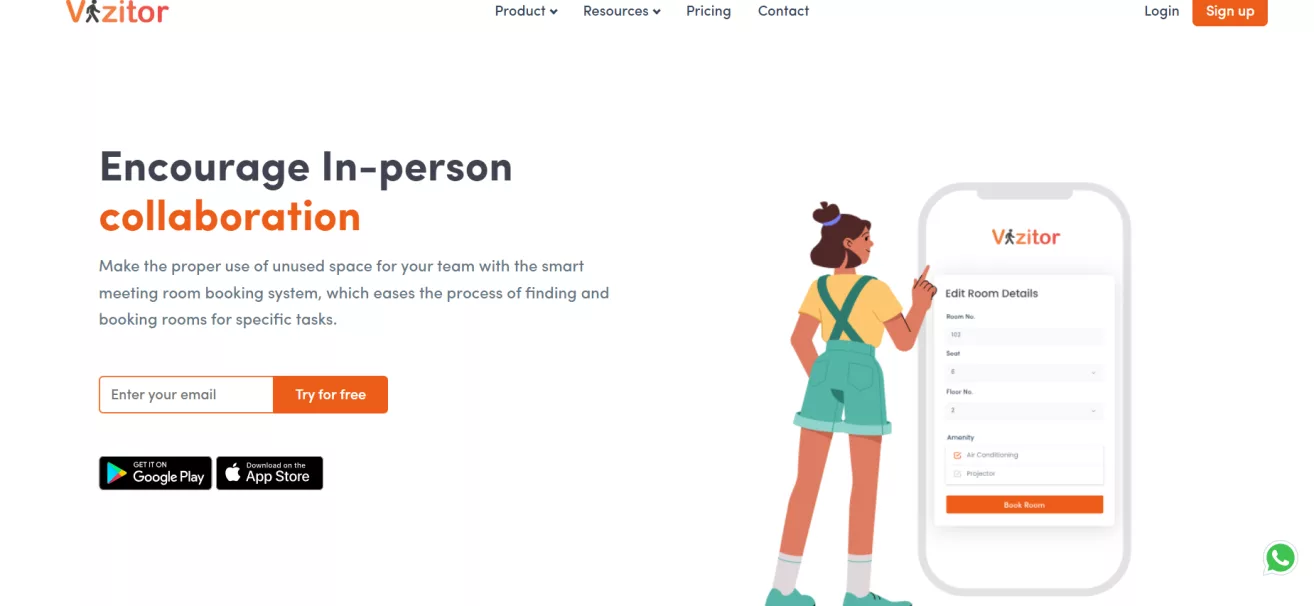
Fixing both starts with letting employees book rooms digitally, which stops the double-booking problem before it happens and gets meetings started on time instead of losing the first few minutes to an argument over whose booking is real.
The data side matters just as much. Usage patterns across weeks reveal which rooms sit chronically empty and could be repurposed, and which ones are booked solid and signal a real need for more space. Checking availability from a phone before walking anywhere removes the dead time of finding a room, discovering it’s occupied, and starting the search over.
Vizitor’s meeting room booking system offers a straightforward platform for scheduling meetings, managing resources, and keeping spaces in use throughout the day.
Put these four categories to work together, and customers get managed at entry through visitor management, queued efficiently through the QMS, served on time through appointment scheduling, and supported by meeting rooms that are actually available when booked. That’s the connected system this article opened with, not four separate tools bought on four separate timelines.
Why Buying These Tools Isn’t Enough
Technology fixes customer flow only when it’s chosen and connected on purpose. Four mistakes undo it more often than any single bad tool does.
Treating each tool as its own project. A queue system installed by operations, a booking tool installed by facilities, and a visitor log installed by security rarely share a login, let alone data. The customer experiences one visit. The business tracks it in three disconnected systems, and none of them sees the whole picture.
Buying a fix for the wrong bottleneck. A queue system organizes a line. It does not add staff. If the actual problem is that you’re short two people at the counter during lunch, a beautifully organized digital line still moves at the same slow pace, just with better signage. Diagnose the bottleneck first: is it visibility, routing, or headcount?
Skipping the process change that makes the tool work. A meeting room booking tool that nobody enforces still gets double-booked, because staff fall back on the old habit of grabbing whatever room looks empty. The software only pays off once the old workaround stops being available.
Rolling out customer-facing tech without a staff-facing view. Customers can see their position in a virtual queue. Staff need the same visibility, so they know who’s overdue and who just needs one more minute. A tool that only faces the customer solves half the friction.
Get the diagnosis and the connections right, and each technology above compounds the others. Get it wrong, and you’ve just replaced a paper bottleneck with a digital one.
See how Vizitor handles queue management
Join 500+ workplaces using Vizitor to reduce wait times and manage visitor flow. Free trial, no credit card required.
Book a Demo5 Practical Tips for Streamlining Customer Flow
Technology provides the infrastructure, but effective customer flow also requires the right operational practices. These five tips apply across industries and work alongside any technology stack.
1. Understand Your Customer Flow Patterns
Before optimizing anything, you need to know what is actually happening. Collect data from your QMS, point-of-sale systems, and footfall counters. Analyze arrival patterns by time of day and day of week. Identify which service categories take longest and which generate the most queue abandonment.
McKinsey’s research on experience-led growth found that businesses who build strategy around the full customer journey, not just individual touchpoints, see customer satisfaction and engagement improve by 20 to 30 percent (McKinsey, Growth through customer experience). The data exists in your systems already. Extracting and acting on it is the operational lever most businesses underuse.
2. Optimize Your Layout and Signage
Physical space design has a direct impact on customer flow. Customers who cannot find the right queue, cannot see the display board, or cannot locate the exit after service create friction that slows everyone behind them.
Review your layout based on observed flow patterns, following the same lobby management strategies that reduce crowding at the front desk. Place high-demand service counters where they are easiest to reach from the entry point. Install display boards at eye level and ensure they are visible from all seating areas. Use clear, directional signage at every decision point in the customer journey.
The impact of signage is not just a design opinion. A University of California San Diego study commissioned by the International Sign Association measured it directly across 162 fast-food locations: adding a single on-premise sign lifted annual sales revenue by 4.75 percent and transaction counts by 3.94 percent (study summary via Outdoor Signs America). The study is older, but the mechanism, clearer wayfinding removes friction before a customer even reaches a line, hasn’t changed.
3. Adopt the Right Technology Stack
Select technology solutions that match your environment’s specific needs. A single-counter operation with low traffic needs a different tool set than a multi-department service center with hundreds of daily visitors.
When evaluating technology, prioritize ease of adoption for both staff and customers, integration with your existing systems, and scalability to support growth. Cloud-based platforms minimize upfront cost and reduce IT overhead.
Vizitor’s own case study on Snapdeal, one of India’s largest online marketplaces, is a useful data point here. After Snapdeal replaced manual paper check-in with Vizitor’s digital visitor and queue system, check-in speed increased 5 times over, wait times dropped to near-zero across its office locations, and the company reported zero manual errors in its visitor records since (Snapdeal case study). That’s Snapdeal’s result, not a blanket promise for every office, but it shows what happens when the switch from manual to digital is treated as a full replacement instead of a bolt-on.
4. Train and Empower Your Staff
Technology is a force multiplier for well-trained staff, not a replacement for them. Employees who understand how to use the QMS dashboard, how to handle exceptions, and how to communicate with customers during waits extract more value from the system than those who see it as an obstacle.
Regular training on system use, combined with training on customer communication during queuing situations, produces the best outcomes. Empower staff to escalate queue management issues without waiting for supervisory approval. If a counter is falling behind, the staff member at that counter should have the authority to open an additional window or call for support.
Research from Gallup found that companies with an average of 9.3 engaged employees for every actively disengaged employee experienced 147 percent higher earnings per share than their competitors, while companies with far lower engagement ratios actually trailed their competitors (Gallup, employee engagement drives growth). Engagement comes in part from giving employees the tools and authority to do their jobs well.
5. Offer Self-Service Options Wherever Practical
Self-service does not reduce the quality of the customer experience. For routine transactions, it improves it. Customers who can check in, register, or access information without waiting for staff assistance move through the process faster and leave with a more positive impression.
A December 2018 Connected Retailer survey by SOTI found that 73 percent of shoppers preferred self-service technologies, like self-checkout, over waiting for a staff member (SOTI survey, via Retail Dive). Self-checkout adoption has only grown since, so treat 73 percent as a floor for how many of your own customers would rather help themselves, not a ceiling.
The key is designing self-service options that are genuinely easier than the alternative. A poorly designed kiosk that’s harder to use than talking to a staff member creates frustration rather than efficiency. Test usability before deployment and provide clear instructions at the point of interaction.
Measuring the Results of Customer Flow Improvements
Any investment in customer flow technology should be measured against clear key performance indicators.
A 2025 study in the Journal of Service Research found that customers who get real-time queue updates perceive their wait as 35 percent shorter than customers who get no updates at all (cited in industry wait-time research). That’s worth remembering before you track a single number: the KPIs below measure the experience of waiting, not just the clock.
Five KPIs matter most. Average customer wait time is the baseline, tracked by service category and time of day, so you can see exactly where a specific counter or service line is falling behind. Queue abandonment rate matters just as much: it’s the share of customers who check in and then leave before being served, and a rising abandonment rate hiding behind a flat average wait time is one of the most common ways a flow problem gets missed. Customer satisfaction scores, tracked through post-visit surveys or NPS, should move in response to flow changes, not sit flat while everything else supposedly improves. Throughput rate, customers served per hour, shows whether efficiency gains are translating into more people served, not just a calmer-looking lobby. And staff time on non-service tasks, the minutes spent managing crowds instead of actually serving customers, is the metric that tells you whether the technology investment freed up your team or just moved the same busywork onto a screen.
If you want to put a dollar figure on these gains before you commit budget, our guide to calculating queue management system ROI walks through the formula step by step, and the free queue wait time calculator lets you model the numbers against your own arrival volume.
Regular review of these metrics against targets allows organizations to identify which investments are working, which need adjustment, and where the next improvement opportunity lies.
Frequently Asked Questions
See Vizitor in action check-in a visitor in under 30 seconds
Trusted by 500+ businesses. QR check-in, badge printing, NDA signing. Plans from $36/mo.