7 Smart Ways to Fix Your Meeting Room Booking Process
This article covers seven practical steps to fix a broken meeting room booking process, from centralizing bookings to setting clear no-show rules and equipping rooms properly. It includes real data on ghost meetings, a quick-reference table of practices, and an honest note on when a small team doesn't need booking software at all.



Table of Content
Try Vizitor for Free!
It’s 9:58 for a 10 a.m. client presentation, and the room your team booked is already full of someone else’s meeting. Nobody double-checked. Nobody got a notification. Your team is now standing in a hallway with a laptop and no plan B.
That scene plays out in offices every week, and it’s rarely bad luck. It’s usually a booking process built on habit instead of rules.
A meeting room booking process is the set of tools and rules a workplace uses to reserve, track, and manage its shared rooms. It matters because a broken one costs real time: people end up hunting for space, waiting on approvals, or restarting a meeting because the whiteboard markers are dry and the video call won’t connect.
Managing meeting rooms well is bigger than a shared calendar. Whether you run a five-person startup or a 500-person company across three offices, a working meeting room booking system keeps operations smooth, cuts down on conflict, and gets more use out of the space you already have.
Here are seven practices that fix the most common failure points, plus a few extra moves worth adding once the basics are in place.
Why Meeting Room Booking Breaks Down Without a Process
Most offices don’t lack meeting rooms. They lack a system for using them well.
Workplace-tech company Pointr found that 48% of office workers report losing meaningful time hunting for a free meeting room, a habit that adds up fast across a team of any size. Separately, workplace analytics firm Density found that more than 25% of meeting room bookings at one Fortune 500 customer went unused entirely, based on an analysis of Google Calendar data across two office locations. Rooms sit reserved on the calendar, and empty in real life.
Both problems trace back to the same root cause: a booking process that relies on people remembering to update a shared calendar correctly, every time, with no system checking their work.
The fix isn’t more meeting rooms. It’s a process that removes the guesswork.
1. Centralize the Booking System
Manual booking, spreadsheets, and sticky notes on the door all break down the same way: nobody has one place to check what’s actually true.
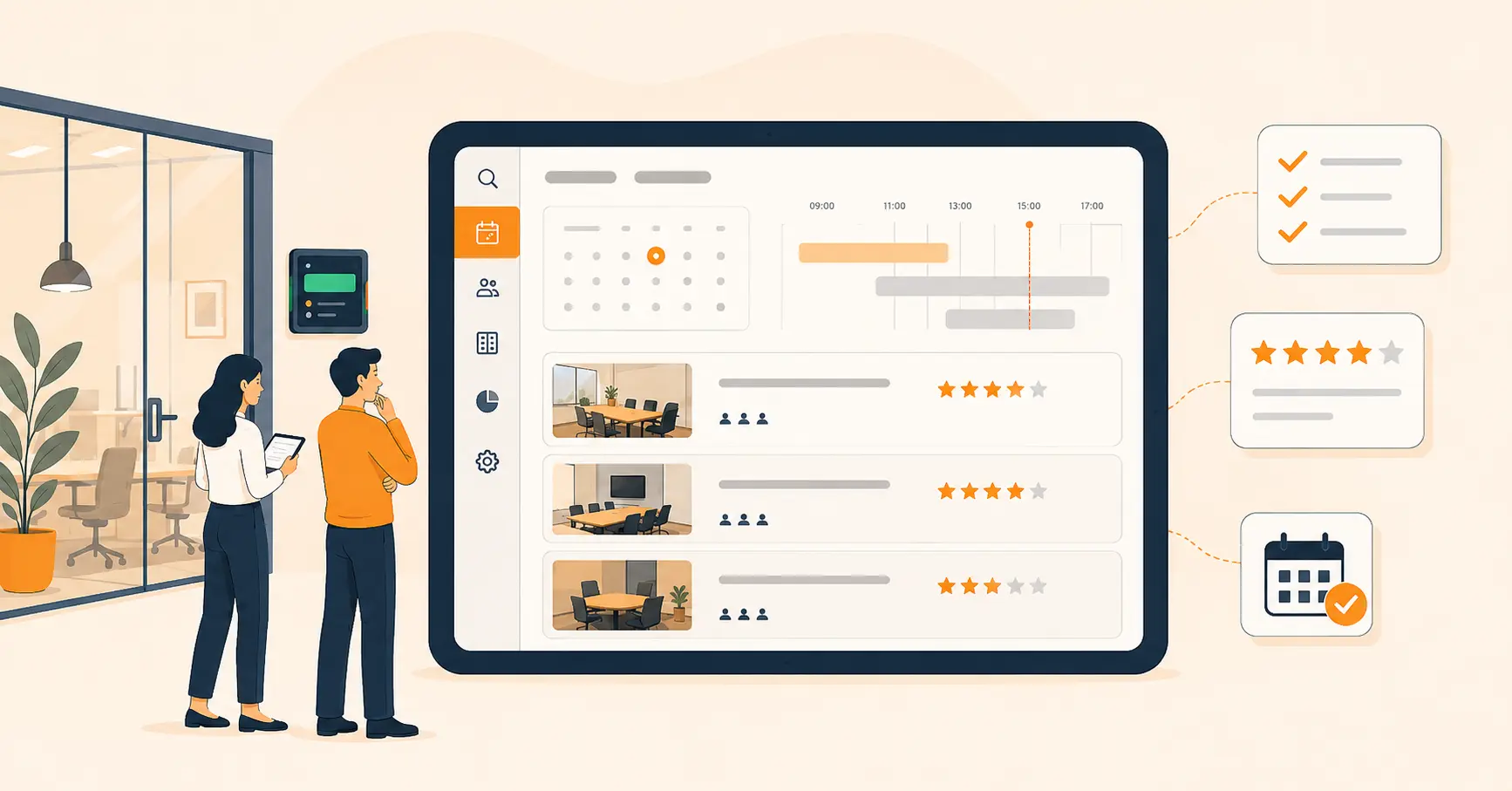
A meeting room booking system fixes this by giving every employee one screen to check availability, reserve a room, and change a booking without calling around first.
Pro tip: connect the booking system to your team’s existing calendar, whether that’s Google Calendar or Outlook, so a room reservation shows up automatically wherever people already check their schedule.
2. Give Employees Real-Time Availability
It’s Monday morning, and the marketing team needs a room for an unplanned client call. Every room looks booked on the calendar. Some of them are actually empty.
Real-time availability solves this by showing the true status of every room, not just what was booked last week. Most booking systems also let people filter by room size, equipment, or location, so a two-person call doesn’t end up stuck in a twelve-seat boardroom.
Real-time visibility does three things well: it saves employees time, it cuts down on no-shows because last-minute bookings become possible, and it stops overbooking because the system updates the moment something changes.
3. Set Clear Booking Rules
An employee books a room for an hour, wraps up in fifteen minutes, and leaves. The room stays marked “occupied” for the next 45 minutes while three other teams scramble to find space. This exact pattern is what workplace teams call a ghost meeting, and it’s more common than most facilities managers expect, per the Density data above.
Clear rules close that gap. Set a maximum booking length per person, a check-in window that releases the room automatically if nobody shows up within 5 to 10 minutes, and a policy for recurring bookings so one weekly meeting doesn’t quietly lock a room forever. Display these rules inside the booking software itself, not in a memo nobody reads. If ghost bookings are a recurring problem for your office, our guide to reducing ghost rooms walks through the check-in and auto-release settings that fix it.
Pro tip: let employees flag misuse or suggest a rule change inside the booking system. It turns room policy into something the team owns, not something handed down.
4. Adopt Touchless and Hybrid Booking
Safety and flexibility both matter more than they used to, and touchless, hybrid-friendly booking answers both.
That means QR code check-in for room access, a mobile app for booking and cancelling on the go, and a booking flow that connects to whatever video tool your team already uses.
Traditional booking often can’t keep up with hybrid work. A better setup handles it by connecting video conferencing platforms like Zoom, Microsoft Teams, or Google Meet directly to the room booking, so in-office and remote attendees land in the same call without anyone fumbling a link five minutes late. Pair that with reliable AV equipment in the room itself, and a hybrid meeting stops being a coin flip.
Pro tip: don’t assume employees will adopt touchless features on their own. A five-minute walkthrough during onboarding gets adoption up fast.
5. Equip Rooms With the Tools People Actually Need
The team gathers to brainstorm. The whiteboard markers are dry. The video system won’t connect. Fifteen minutes disappear before anyone says a useful word out loud.
Working rooms need three things: audio-visual equipment that actually works (microphones, speakers, a video system that doesn’t need troubleshooting), a digital display outside the door showing live availability synced to the calendar, and basic collaboration tools like a whiteboard or wireless screen sharing.
Vizitor’s Meeting Room Booking System handles the scheduling side of this: it shows real room availability, tracks which rooms have working equipment, and keeps bookings from colliding.
Pro tip: check room equipment on a schedule, not just when someone complains.
6. Automate Notifications
Manually tracking who’s supposed to be where, and when, doesn’t scale past a handful of meetings a day.
Automated notifications close three gaps at once: they remind attendees before a meeting starts, they confirm a booking instantly instead of leaving someone to wonder if it went through, and they alert everyone in real time if a room changes or a meeting gets cancelled.
Vizitor’s Meeting Room Booking System handles this automatically, so nobody has to manually chase down a room change five minutes before a call.
7. Build a Self-Service Booking Flow
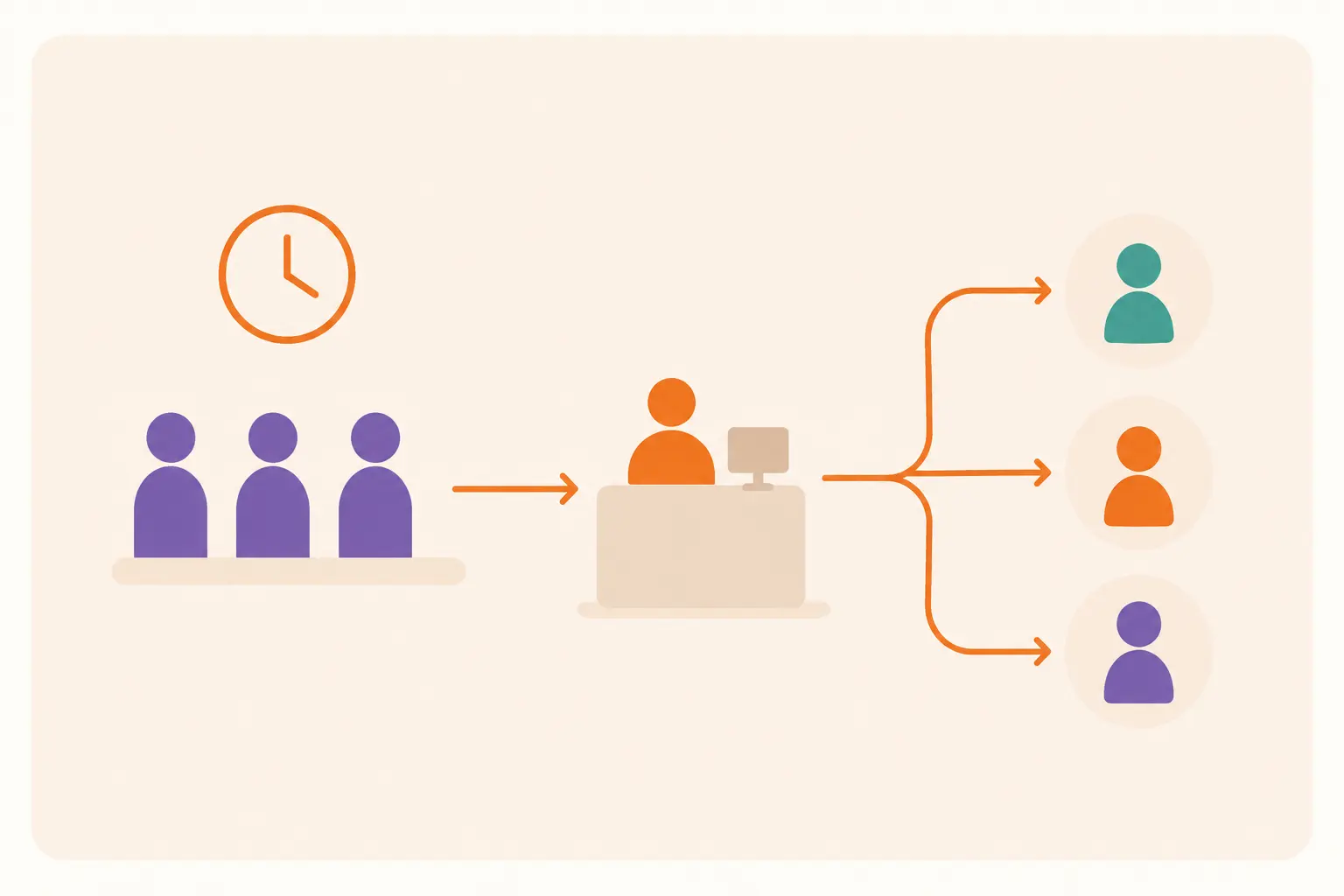
Coordinating every room booking through an admin or a shared inbox creates a bottleneck the moment your team grows past a dozen people.
A self-service flow fixes that. Employees book a room the moment they need one, without waiting on approval. The system checks the calendar automatically, so double bookings can’t happen. And employees can filter by size, equipment, or location instead of guessing which room might work.
Pro tip: pair self-service booking with the same booking rules from practice 3. Self-service without limits just moves the ghost-meeting problem somewhere else.
A Few More Ways to Sharpen the Process
Once the seven practices above are in place, these three extras get more value out of the system you’ve already built.
Track usage data. Most booking systems log which rooms get used, when, and for how long. That data shows you which rooms sit empty and which ones are permanently overbooked, so space decisions stop being a guess.
Use scheduling tools that suggest rooms automatically. Rather than making employees search manually, a system that matches team size and requirements to an available room removes a step nobody misses.
Set expectations for room etiquette. Cancel bookings you don’t need. Leave the room the way you found it. Don’t treat a booked room as a guarantee if you’re clearly not using it. None of this requires new software, just a policy that gets enforced consistently.
The 7 Practices at a Glance
| Practice | Problem it fixes |
|---|---|
| Centralize the booking system | No single source of truth for room status |
| Real-time availability | Wasted time searching for a free room |
| Clear booking rules | Ghost meetings and rooms held longer than needed |
| Touchless and hybrid booking | Friction for remote or safety-conscious teams |
| Properly equipped rooms | Meetings lost to broken AV and dead markers |
| Automated notifications | No-shows and missed last-minute changes |
| Self-service booking | Bottlenecks when an admin has to approve every request |
When You Don’t Need a Full Booking System Yet
Not every office needs software for this. If your team has one shared room, fewer than ten people, and nobody has ever actually double-booked it, a shared calendar and a spoken rule (“check first, cancel if you don’t need it”) will hold up fine.
The moment that changes, usually once you add a second room, a second floor, or a hybrid team, the manual approach stops scaling. That’s the point to centralize.
Why Choose Vizitor’s Meeting Room Booking System?
A meeting room booking system is only as good as the process it enforces. Vizitor’s version handles the reservation, the equipment tracking, and the notifications in one connected platform, so you’re not stitching together a calendar, a spreadsheet, and a group chat to manage the same rooms.
Key features:
- Real-time availability, so employees book based on what’s actually free
- Calendar sync with the tools your team already uses
- Touchless booking, so QR check-in and mobile reservations work without extra hardware
- Usage analytics, so facilities teams can see which rooms need to change
Get Your Booking Process Under Control
A meeting room booking process only works when the rules are consistent and the system enforces them without anyone having to police it manually.
Start with the basics: one centralized system, real-time visibility, and rules that actually get followed. Add the rest as your team grows.
Talk to Vizitor about setting up a meeting room booking system built around how your team actually works.
Contact us today for Vizitor’s Meeting Room Booking System
Frequently Asked Questions
See Vizitor in action check-in a visitor in under 30 seconds
Trusted by 500+ businesses. QR check-in, badge printing, NDA signing. Plans from $36/mo.