Your Visitor Software Renewal Just Went Up. Now What?
A practical playbook for the moment a visitor management renewal quote arrives higher than expected. Covers the five usual reasons a renewal jumps (list price, forced plan migration, usage tiers, location true-ups, expired discounts), how to judge whether the increase is normal using published SaaS benchmarks, what to ask the vendor for before you pay, a word-for-word email to send, and a 60-day migration plan if you decide to switch, including what to export from your old system. Also includes an illustrative worked example with the math shown, an honest list of situations where staying is the right call, common renewal mistakes, and how to benchmark your quote.


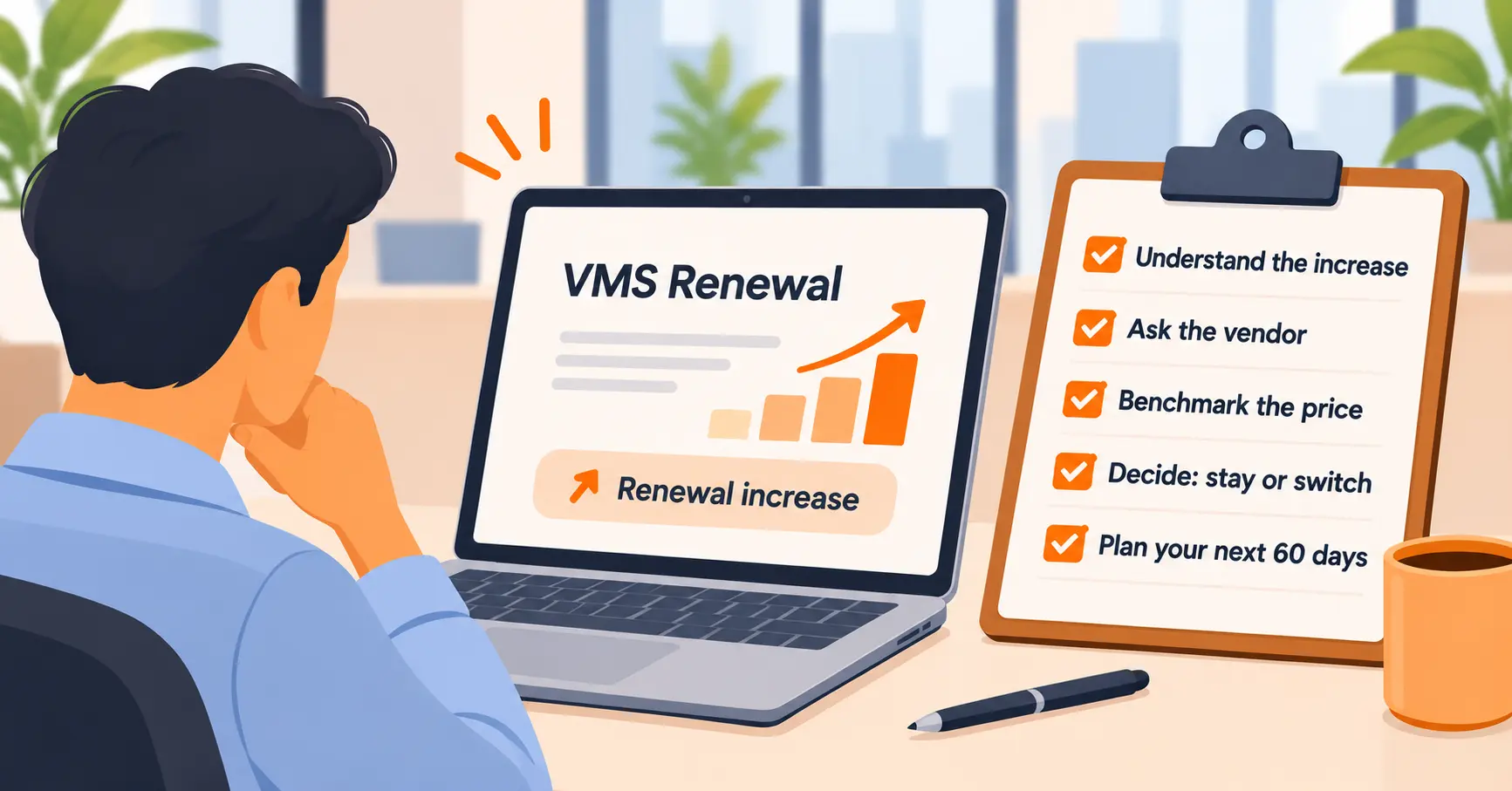
Table of Content
Try Vizitor for Free!
The invoice arrives, or the renewal email, and the number is higher than last year. Nothing about how you use the system changed. The same tablet sits at the same front desk, the same guests tap the same screen, and the price went up anyway.
That moment is a decision point, not an emergency. You have three moves: verify the increase, negotiate it, or leave. Which one is right depends on three numbers: how big the jump is, how much of the product you actually use, and what it would cost your team to move. This guide walks through all three in the order they come up, with a 60-day plan if you do switch.
Why Visitor Software Renewals Jump
Before you react to the total, read the line items. A renewal increase usually comes from one of five places, and each one points to a different response.
| Cause | What it looks like on the quote | What to do first |
|---|---|---|
| List price increase | Same plan, same locations, higher rate | Ask for the written reason and a cap |
| Forced plan migration | Your old plan is retired, new plan costs more | Ask whether the old plan can be grandfathered |
| Usage tier crossed | You passed an entry or visitor volume threshold | Check the real count against the tier boundary |
| Location true-up | More sites billed than you remembered | Reconcile against sites actually in use |
| Expired discount | Intro or first-year pricing ended | Ask what it takes to renew at the old rate |
The second and fourth rows catch people most often. Per-location pricing is standard in this category, which means a site you opened a quiet side entrance for can quietly become a billable location. Check the location count on the quote against the sites that actually have a tablet running.
Our visitor management pricing guide covers how per-location pricing, hardware, and add-ons change the real number, which is useful context when you are decoding a quote.
First 48 Hours: Read the Contract, Not Just the Quote
The quote tells you what the vendor wants. Your agreement tells you what you are bound to. Before replying to anyone, find these five things:
- The renewal date and notice window. Many agreements renew automatically unless you cancel within a stated period. Missing it can lock you in for another full term.
- Any price cap or increase language. Look for phrases like “standard increase” or “then-current list price” with no ceiling.
- What counts as a billable unit. Location, device, user, or entry volume.
- Termination and data export rights. Whether you can leave, and what you can take with you.
- Who must be notified, and how. A cancellation email to the wrong address does not count.
Put the notice deadline on a calendar immediately. Everything else in this guide is easier when you are not racing that date.
Is the Increase Actually High?
There is no published benchmark for visitor management software alone, so the best available yardstick is general SaaS renewal data. CloudNuro, a SaaS management vendor, publishes a rough scale: 3 to 5 percent is a normal cost-of-living adjustment, 5 to 10 percent is a standard annual increase, 10 to 15 percent is aggressive but negotiable, and 15 percent or more needs strong pushback or an exit plan. Treat that as one source’s rule of thumb. It is not a regulated standard, and the source describes its own figures as observations.
Use it as a rough filter:
- Under about 5 percent: Probably not worth a fight. Spend your effort on a cap for next year instead.
- 5 to 15 percent: Ask for a justification and a counteroffer. This is the normal negotiation zone.
- Above 15 percent, or a plan change you did not ask for: Get a competing quote before you reply.
What to Ask For Before You Pay
Vendors expect a response to a renewal quote. A reply asking questions is not hostile, and it often moves the number. Ask for these, roughly in this order:
- An explanation of what changed. A written reason for the increase and what you receive for it.
- A cap on future increases. The same CloudNuro guide suggests asking for a 3 to 5 percent ceiling in the contract.
- A multi-year lock. A longer term in exchange for a fixed rate, if you are confident you will still want the product.
- A smaller plan. If you do not use ID scanning, watchlists, or the advanced integrations, ask what the plan costs without them.
- The old rate for one more term. Especially if the migration was the vendor’s decision.
Here is a short email you can adapt:
Hi [name], thanks for sending the renewal quote. Before we sign, could you tell me what drove the increase from [old rate] to [new rate] per location, and what changed in the plan? We are also reviewing alternatives, and we would like to renew with you if the terms work. Could you offer a cap of [X] percent on future increases and confirm what a [two or three]-year term would cost? We need to decide by [date, before your notice deadline].
It is short, polite, and gives them a reason to move quickly. The line about alternatives only works if it is true, which brings up the next step.
Right-Size Before You Negotiate
The strongest position in any renewal is knowing what you actually use. Before you reply, pull the following from your admin dashboard:
- Monthly entries per location. Does any site sit near a tier boundary, or well below it?
- Locations in active use. Remove any site that is dormant.
- Features in real use. ID scanning, watchlist screening, host notifications, pre-registration, badge printing, NDA signing, integrations.
- Hardware. What tablets, printers, and scanners are tied to the current vendor.
If you are paying for four features and using one, you have a smaller plan to ask for, or a stronger reason to compare. If you are using nearly all of it, you will know the increase is buying you real capability, and you can negotiate on rate rather than scope.
When You Decide to Switch: The 60-Day Plan
Switching is not a weekend job, but it is a manageable one if you work backward from your contract’s end date. This timeline assumes roughly 60 days. Compress it for a single office, stretch it for multiple sites.
Days 1 to 10: Define what you need. List the features you use today and the ones you wish you had. Our checklist of questions to ask before buying a visitor management system and the RFP checklist for procurement teams both work as shortlists here.
Days 10 to 25: Get comparable quotes. Ask each vendor to quote the same feature list for the same number of locations. Comparing headline prices across different plans tells you nothing. Ask about hardware, onboarding, and what happens to your data on exit.
Days 20 to 35: Export your data. Request a full export from the current vendor and confirm the format in writing. Pull these:
- Visitor log history for your retention period
- Host and employee directory
- Pre-registered and recurring visitor records
- Watchlist or blocklist entries
- NDA and agreement templates
- Badge designs and branding
- Evacuation and attendance reports
Retention rules vary by country and industry. Our guide to visitor sign-in under India’s DPDP Act is a good starting point for the data-handling questions, and your own counsel should decide what you must keep and for how long.
Days 30 to 45: Pilot at one location. Run the new system at your simplest site. Check the host notification, the check-in flow, the badge print, and the report you actually send to security each month.
Days 45 to 55: Run both in parallel. Keep the old system live while the new one handles real visitors. This is the step people skip, and it is the one that catches missing integrations and broken workflows.
Days 55 to 60: Cut over and cancel. Roll out to the remaining sites, then send the cancellation in the exact form your contract requires. Keep proof that you sent it.
A Worked Example (Illustrative Numbers)
The numbers below are hypothetical. They show the arithmetic, not real vendor pricing.
A company has 5 locations. Last year it paid $140 per location per month, which is $8,400 a year. The renewal quote comes in 25 percent higher.
| Scenario | Annual cost | Difference vs. accepting |
|---|---|---|
| Accept the quote (+25%) | $10,500 | Baseline |
| Negotiate to a 5% increase | $8,820 | $1,680 saved |
| Negotiate a 5% cap plus drop one unused module | Lower again, depending on module price | Ask your vendor |
Now add the cost of switching. Suppose two staff members spend 10 hours each on exports, pilot, and parallel running, at $40 an hour. That is $800 of internal time. If a competing quote saves more than that in the first year, switching pays for itself, and the savings after year one are pure gain. If the saving is smaller than that, negotiate and stay.
The point of the exercise is not the specific figures. It is to put internal time on the same page as subscription cost, because teams usually forget the first when they weigh the second.
When Staying Is the Right Call
An honest guide includes this section. Paying the higher price can be the better decision when:
- The increase is within a normal range and the vendor will cap future years.
- You rely on deep integrations with access control, single sign-on, or an HR system that would be costly to rebuild. See our guide on how visitor management and access control work together.
- You are mid-rollout or mid-audit, and a migration would disrupt a compliance timeline.
- The vendor is genuinely adding value you will use, and you have confirmed that in writing.
If none of these apply, and the increase is large with no matching change in what you receive, it is reasonable to look elsewhere. Our guide to five signs your visitor management system needs replacing covers the non-price reasons to move.
Common Mistakes at Renewal
Letting auto-renewal pass. The most expensive mistake is a missed notice window. Calendar it on day one.
Negotiating only the rate. A lower price this year with no cap can mean a bigger jump next year. Ask for the cap in the same email.
Comparing sticker prices. A cheaper headline rate on a plan without the features you use is not a saving. Compare the same feature list.
Switching without exporting. Once access ends, your log history may go with it. Export first, confirm second, cancel last.
Treating a threat to leave as a bluff. Vendors can tell. Get a real quote before you say you are evaluating options.
Where Vizitor Fits
If you want a benchmark for your quote, Vizitor’s visitor management system starts at $36 per location per month on the public pricing page. It runs on standard iPad and Android tablets, so existing hardware can often be reused, and it supports multi-site setups from one dashboard. Vizitor also offers a free plan for startups and NGOs, capped at 100 entries a month, which requires a card on file and is activated by contacting the team.
Other Vizitor modules, such as queue management and space booking, are priced through the sales team rather than published.
That is not a reason to switch by itself. If your current vendor meets your needs at a fair price after negotiation, staying is a sound outcome. If you want to see what the same feature list costs elsewhere before you reply to your renewal notice, you can book a demo and ask for a quote on your actual site count. Do that before your notice deadline, not after.
Get a Quote on Your Actual Site Count Before Your Renewal Deadline
Bring your current feature list and number of locations. We will price the same setup so you have a real comparison when you reply to your vendor.
Frequently Asked Questions
See Vizitor in action check-in a visitor in under 30 seconds
Trusted by 500+ businesses. QR check-in, badge printing, NDA signing. Plans from $36/mo.