What It Actually Takes to Check In a Visitor Who Doesn't Speak English
How multiple languages make visitor check-in more accessible and more efficient, plus the security angle most coverage of this topic skips: an NDA signed without genuine comprehension carries less legal weight, and a visitor guessing at form fields they can't read produces inaccurate data that weakens watchlist screening and audit trails. Also covers genuine right-to-left layout support (citing Apple's Human Interface Guidelines on selective mirroring), host notifications in the host's own language independent of the visitor's, and the real distinction between pre-registration auto-detection and walk-in manual selection. Uses Vizitor's own multilingual check-in feature set (25+ languages, RTL support for Arabic/Hebrew/Farsi/Urdu, translated document uploads including NDAs) as the concrete example throughout.


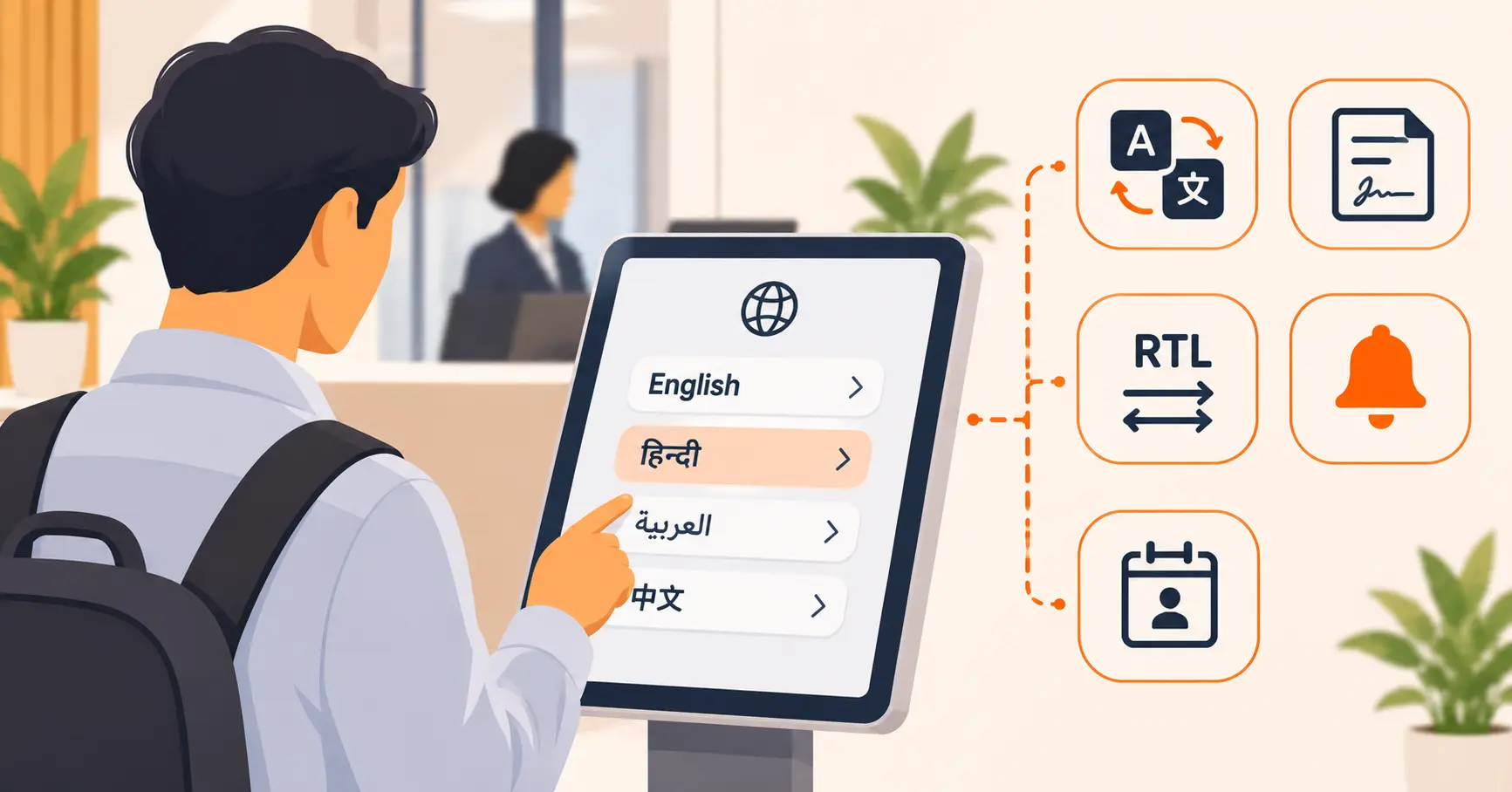
Table of Content
Try Vizitor for Free!
Multiple languages at check-in make visitor management more accessible and more efficient, and it’s worth being specific about what that actually means instead of leaving it as a slogan. Accessible, because a visitor who can read the form in their own language isn’t relying on guesswork, a staff member’s second language, or a translation app on their phone to get through your front door. Efficient, because a visitor who understands what they’re being asked completes check-in in one pass, instead of pausing to ask for help, misreading a field, or needing it re-entered. Neither of those is a nice-to-have once a meaningful share of the people walking through your lobby don’t read English fluently.
There’s a third dimension that gets less attention than it should: security. A check-in flow is also where identity gets captured, where legal documents get signed, and where a visitor’s details feed into whatever screening a facility runs. Language isn’t separate from any of that.
Translating the Form Is the Part Everyone Already Does
Every vendor in this space translates the check-in form. That’s table stakes, not a differentiator, and it’s also the easiest part to fake with a thin layer of translated labels sitting on top of a system that breaks the moment something unusual happens.
The real questions to ask, about any system, are less obvious:
- What happens when the form validation fails? Does the error message switch back to English, or stay in the visitor’s selected language?
- Can the admin interface itself be used in a language other than English? Some systems translate the visitor-facing side completely but leave the staff-facing dashboard in English only, which matters if front-desk staff don’t share a first language with head office.
- Are legal documents actually translated, not just the form around them? An NDA, a health declaration, or a GDPR consent form signed without genuine comprehension is a real liability question, not just a UX nicety, covered in more detail below.
None of this shows up in a demo of the check-in screen. It shows up when something goes slightly wrong, which is exactly when a visitor needs the language support most.
Why This Is a Security Question, Not Just a Convenience One
Treat language as a security variable, not just a hospitality detail, and a few things change.
An NDA someone didn’t understand is a weaker NDA. Consent and comprehension aren’t the same thing. A visitor who signs a digital NDA in a language they can’t read has technically completed a step, but the legal weight of that signature depends on them actually understanding what they agreed to. A translated agreement isn’t a courtesy here, it’s closer to the whole point of asking someone to sign one in the first place.
A form someone can’t read produces bad security data. Name spelling, company, host, purpose of visit, all of it feeds into whatever a facility checks that data against, whether that’s a simple visitor log or an active watchlist screen. A visitor guessing at a field they don’t understand is more likely to produce a typo or a mismatch, and a screening process is only as reliable as the data it’s screening.
For embassies, government offices, and defense-adjacent sites, this isn’t optional. Native-language check-in at these facilities is closer to a security and diplomatic requirement than a convenience feature. A visitor who can’t accurately state their own details in a form they understand undermines the exact audit trail that kind of facility exists to maintain.
None of this requires a visitor and a front desk to share a language once the system is actually doing its job in both of theirs.
Right-to-Left Isn’t “Flip the Text”
Arabic, Hebrew, Farsi, and Urdu read right to left. A surprising number of systems handle this by reversing the whole layout and calling it done. That’s not actually correct. Apple’s Human Interface Guidelines on right-to-left design note that mirroring needs to be selective. A phone number, a confirmation code, or an embedded word in English typically keeps its original left-to-right format, even inside an otherwise right-to-left layout. Flip everything indiscriminately and a badge number or a visitor’s email address can render backwards, which is worse than not translating at all.
Real RTL support means mirrored navigation and right-aligned text inputs where the script calls for it, while numbers, codes, and mixed-script content stay readable. It’s a genuinely different engineering problem than left-to-right translation, not a CSS toggle.
Auto-Detection Only Works Where There’s a Signal to Detect
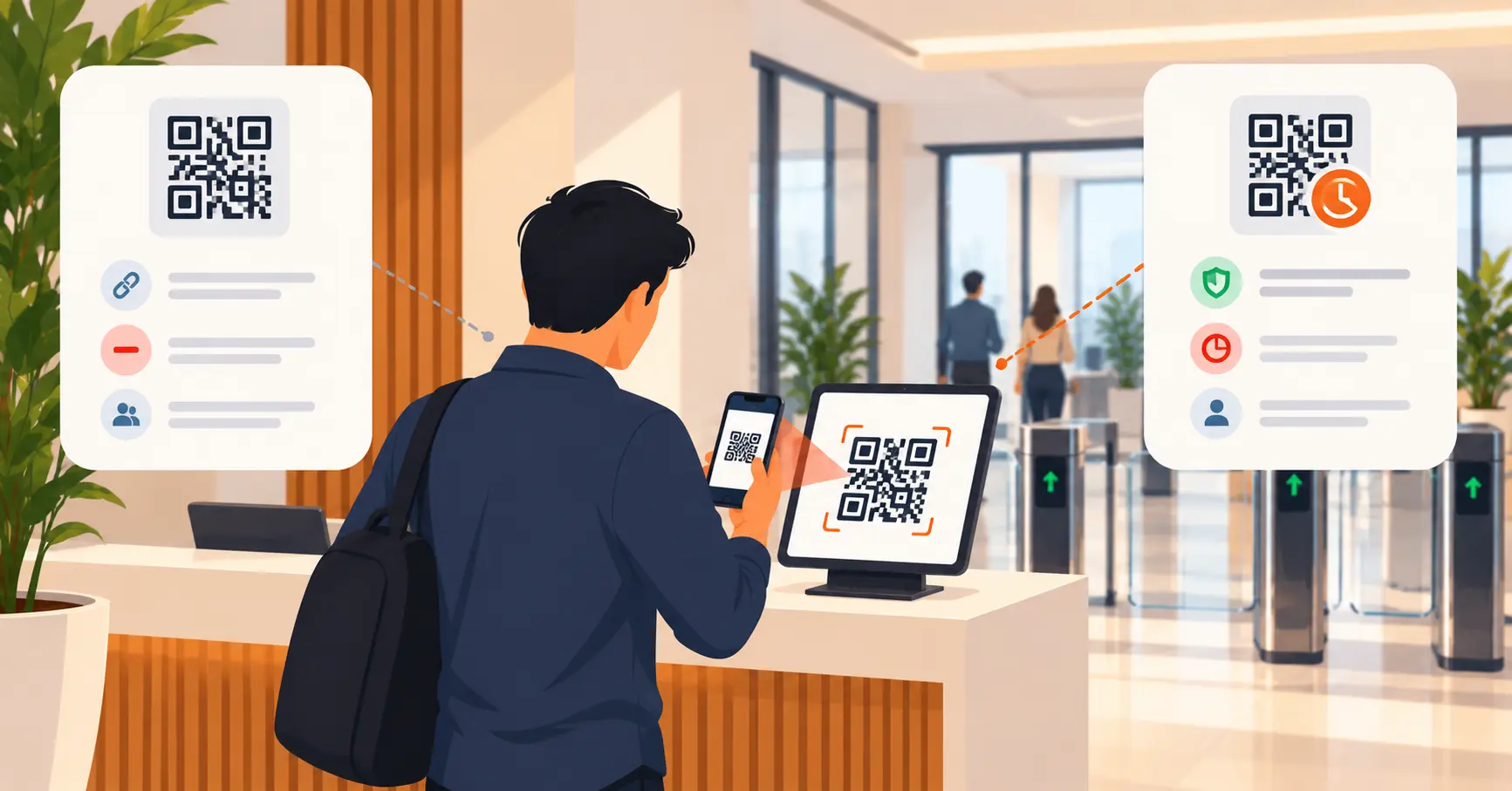
“Automatic language detection” sounds like the kiosk somehow knows what language a stranger speaks the moment they walk up. In practice, it works where there’s an actual device signal available. A visitor who pre-registers, by scanning a QR code or opening a check-in link sent in advance, has a browser locale setting the system can read. The form opens directly in their language, with nothing for them to choose.
A walk-in visitor at a physical kiosk, with no prior digital interaction, doesn’t have that signal available. That’s a manual language selection screen, and it should be. The honest version of this feature is: automatic where a device-level signal exists, a clear and fast manual choice everywhere else. Be skeptical of any vendor implying the second case magically resolves itself.
The Host’s Language and the Visitor’s Language Are Two Separate Settings
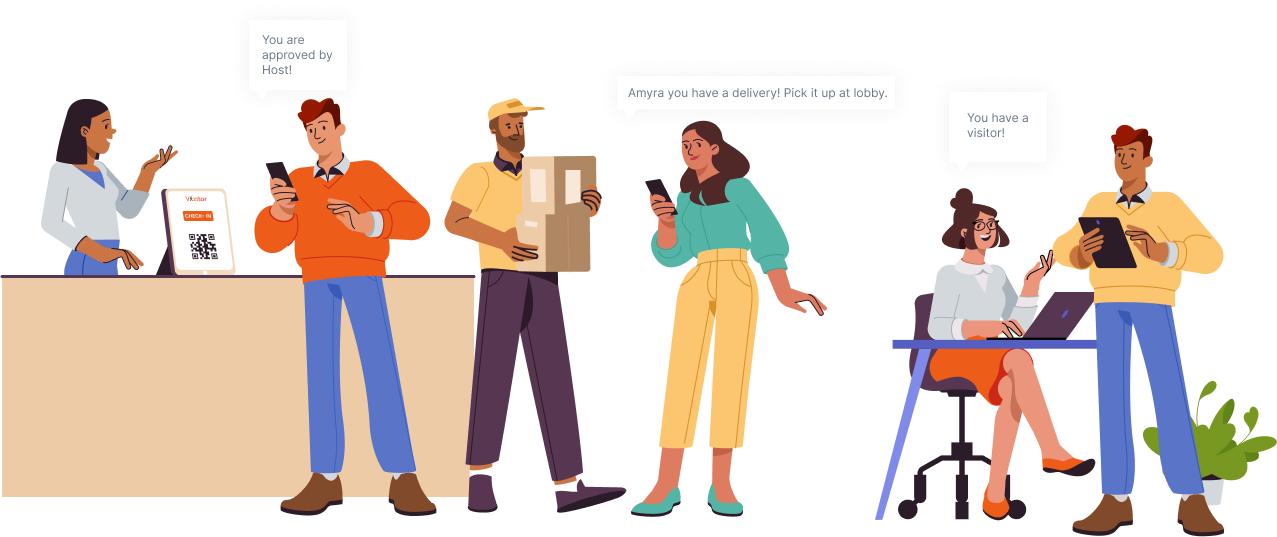
This is the detail that’s easy to miss and genuinely useful once you notice it. A visitor checking in doesn’t need to share a language with the person they’re visiting for the notification itself to work. The visitor’s check-in language and the host’s notification language are two independent settings, so a visitor can complete check-in in German while their host, two floors up, gets the arrival alert in English or Hindi. For a multinational office where visitors and hosts routinely don’t share a first language, this matters more than the check-in screen itself.
Who This Actually Matters For
Not every front desk needs this. It matters most for:
- Multinational offices and regional HQs receiving clients, partners, and staff from multiple countries through the same lobby
- Embassies and consulates, where native-language check-in is closer to a diplomatic expectation than a convenience
- Hotels and hospitality venues where international guests form a meaningful share of daily traffic
- Conference and event venues hosting delegates from many countries at once, often needing badges printed in native scripts
- Hospitals and universities serving genuinely diverse populations where a language barrier at the front desk has real consequences beyond inconvenience
A single-location domestic office with an occasional international visitor doesn’t need to prioritize this. A venue where a meaningful share of visitors don’t read English fluently does.
Where Vizitor Fits
Vizitor includes 25+ languages at no extra cost on every plan, among them English, Spanish, French, German, Arabic, Hindi, Chinese (Simplified and Traditional), Japanese, Portuguese, Russian, Korean, Italian, Dutch, Turkish, Polish, Swedish, Indonesian, Thai, Vietnamese, Malay, Bengali, Urdu, Farsi, and Hebrew. Arabic, Hebrew, Farsi, and Urdu get proper right-to-left layout, not just flipped text. You can upload translated versions of NDAs, health declarations, or consent forms. The system serves the correct one automatically based on the visitor’s selected language, with digital signatures captured and exportable either way. Host notifications go out in the host’s own preferred language, independent of whichever language the visitor used to check in. For pre-registered visits, language detection runs off the browser locale the moment someone opens their check-in link. Walk-ins get a manual language selection screen at the kiosk instead. All of this connects to the same visitor management system handling the rest of your front desk, not a bolted-on translation layer. See the full language feature breakdown for the complete list and setup details.
See Multilingual Check-In Running Live
25+ languages, real RTL support, and host notifications that don't depend on a shared language.
Frequently Asked Questions
See Vizitor in action check-in a visitor in under 30 seconds
Trusted by 500+ businesses. QR check-in, badge printing, NDA signing. Plans from $36/mo.