10 Conference Room Upgrades That Actually Improve Meetings
This article walks through 10 practical upgrades for conference rooms, from smart scheduling and modular furniture to touchless booking, eco-friendly design, and analytics-driven optimization. It explains how a meeting room booking system ties these ideas together to reduce scheduling conflicts and make better use of shared space.



Table of Content
Try Vizitor for Free!
Conference rooms are the heart of any modern office. Important decisions are made in them, collaborations happen in them, and deals are closed in them. Whether you are brainstorming with your team, pitching to clients, or working with remote colleagues, the right conference room setup has a measurable impact on how productive and professional those sessions feel.
Consider the numbers:
- 37% of meetings start late due to scheduling conflicts or room unavailability.
- Businesses spend up to 15% of their time resolving meeting room issues instead of focusing on productive work.
These are not problems caused by a shortage of meeting rooms. They are problems caused by outdated room setups, poor scheduling systems, and designs that have not kept pace with how work actually happens.
The good news is that each of these problems has a practical solution. Modern conference room design, paired with a Meeting Room Booking System, can transform how your team collaborates.
Here are 10 modern conference room ideas that improve both how rooms look and how they function.
1. Smart Scheduling for Conflict-Free Meetings
No conference room idea matters if people cannot reliably book and find available space. Scheduling conflicts, double bookings, and last-minute cancellations that never get communicated are the most common sources of meeting room frustration in any office.
Smart meeting room scheduling software solves this at the infrastructure level. Rather than relying on email threads or manual calendar management, a centralized booking system gives every employee a real-time view of what is available, when, and for how long.
Using a Conference Room Booking System like Vizitor, employees can check availability instantly from their phone or laptop, book a room in a few taps, set up recurring meetings without manual re-booking, and receive automatic reminders before each session. When a meeting ends early, the room can be released back into availability immediately rather than sitting blocked on the calendar.
The result: fewer conflicts, less time wasted on coordination, and more time spent on the work that the meeting was booked for.
Also explore: 7 Smart Practices for Meeting Room Booking Process
2. Modular Furniture for Maximum Flexibility
The fixed, immovable conference table that seats 18 is one of the least efficient room configurations in modern offices. It dominates the room at the same size and layout regardless of whether you are hosting 3 people or 18.
Modular furniture solves this. Lightweight tables with locking casters can be pushed together for large group sessions, separated into smaller clusters for workshop-style discussions, or moved to the walls to create standing presentation space. Chairs that stack and store easily let the room reconfigure in minutes rather than requiring a facilities team.
The practical principle: pair modular furniture with your meeting room booking system so that large rooms can be reserved for configurations they are actually suited for, and small groups are directed toward appropriately sized spaces rather than automatically defaulting to the biggest available room.
Modular rooms also extend the life of office real estate. A room that can serve five different purposes is worth significantly more per square foot than one that serves only one.
3. Real-Time Availability Displays Outside Every Room
One of the simplest and highest-impact conference room upgrades is a digital availability display mounted outside each room. These panels show the current room status in real time: occupied or available, current meeting name and end time, and upcoming bookings.
When a meeting ends early and the organizer releases the room through the booking system, the display updates immediately. When a new meeting starts, the display reflects it within seconds.
Real-time availability displays are connected directly to your booking system, so there is no lag between what the calendar shows and what the display shows. An employee walking the floor looking for a room can identify an available space at a glance without having to pull out their phone, check the booking platform, and match room numbers.
For example: a display outside a room currently in use might show “In Use: Available at 2:30 PM” in red. When the meeting ends at 2:15 and the room is released, the display switches to green with “Available Now.”
This eliminates the confusion that causes people to either knock on occupied rooms or walk past available ones. It also discourages ghost bookings by making room occupancy visible to everyone in the office rather than only to the person who made the booking.
For a broader look at the common problems that room displays solve, see our post on 7 common meeting room management challenges.
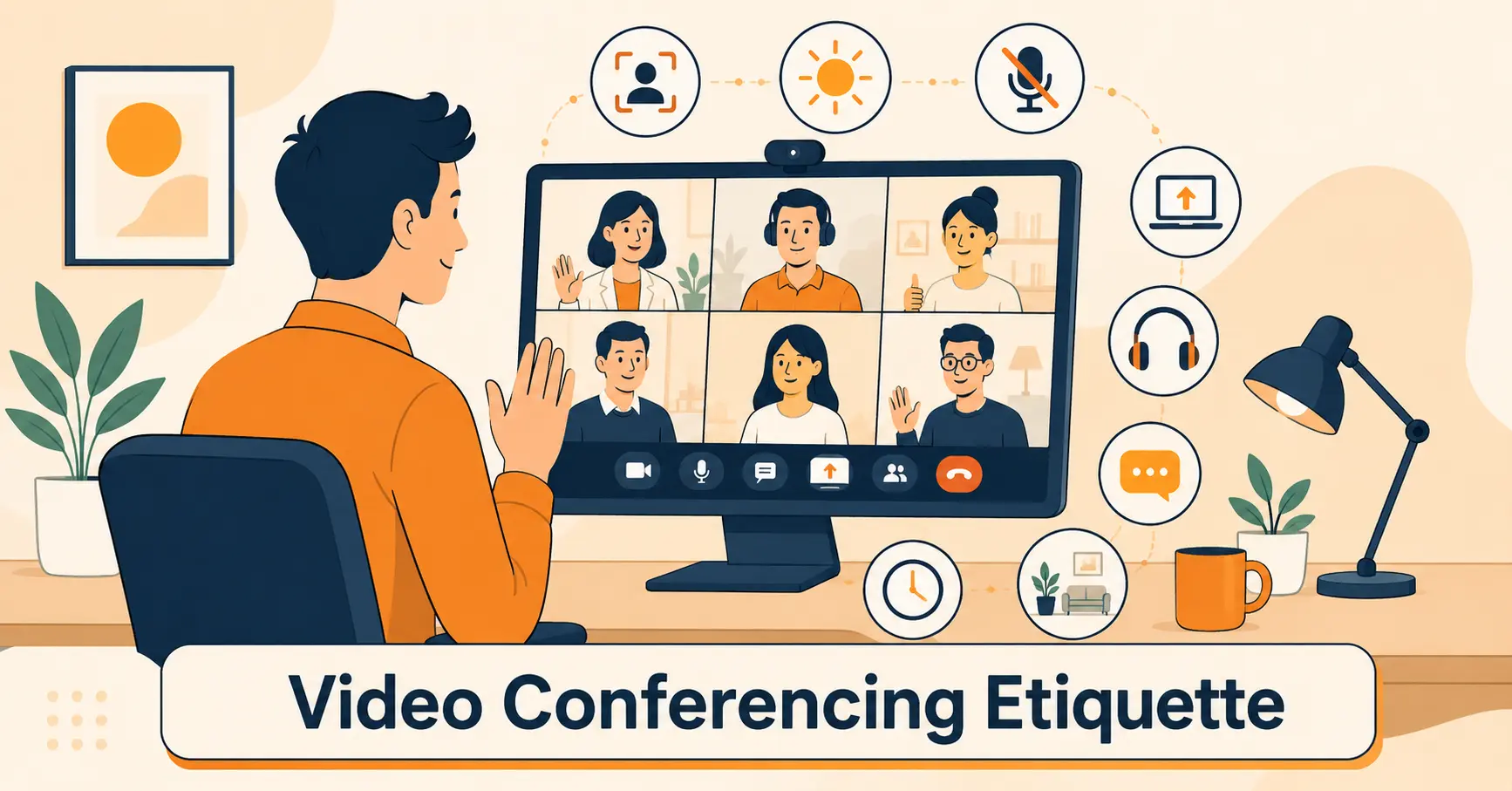
4. Integrated Video Conferencing Tools for Hybrid Meetings
The shift to hybrid work is permanent for most organizations. Meetings now routinely involve a mix of in-room and remote participants, and the quality of that experience for remote attendees depends entirely on the technology in the room.
Hybrid-ready conferencing tools are platforms and hardware setups that ensure remote participants can see, hear, and contribute equally alongside those in the room. The worst hybrid meetings are ones where remote attendees can barely hear the discussion, cannot see the shared screen clearly, and have to repeatedly ask “can you repeat that?” This creates a two-tier meeting experience that limits the quality of participation and signals to remote employees that they are second-class attendees.
Key elements of a well-equipped hybrid conferencing room:
Camera placement: Wide-angle cameras that capture the full room without dead zones, plus the ability for remote participants to see who is speaking.
Audio quality: Room-filling microphone arrays that pick up voices clearly without echo or background noise. This is the most commonly underinvested element in hybrid meeting setups.
Screen sharing: A display large enough for in-room participants to see remote faces while simultaneously viewing shared content.
Software integration: Conferencing tools that work natively with your meeting room booking system, so scheduled meetings automatically appear with the correct join link and room configuration.
Popular platforms that integrate well with booking systems include Zoom, Microsoft Teams, and Google Meet. Each integrates with major calendar tools, and meeting room booking systems like Vizitor sync with all three.
5. Eco-Friendly Conference Room Design
Sustainability in office design has moved from aspiration to expectation for many organizations. A conference room that incorporates sustainable materials and energy-efficient features is not just a statement of values. It creates a healthier, more productive environment for the people who use it.
Practical eco-friendly elements to consider:
- Energy-efficient lighting: LED fixtures with motion sensors that switch off when the room is empty. This also solves the common problem of lights being left on in unused rooms.
- Sustainable materials: Reclaimed wood furniture, low-VOC paints, and non-toxic finishes improve air quality and reduce off-gassing that can cause headaches in enclosed spaces.
- Plants and biophilic elements: Adding real plants to conference rooms improves air quality, reduces acoustic echo, and has been shown in research to improve focus and reduce stress. A room with natural elements feels more comfortable for longer sessions.
- Smart thermostats: Temperature control that responds to occupancy rather than running at a fixed setting all day reduces energy cost and maintains comfort for the people actually in the room.
An eco-conscious conference room design signals to employees and clients alike that the organization’s stated values around sustainability are reflected in operational decisions, not just in communications.
6. Sleek Minimalist Design for Maximum Focus
Clutter in a meeting room competes for attention. The more visual complexity in the space, the harder it is for participants to maintain focus on the meeting itself. Minimalist conference room design reduces this cognitive load.
Key principles of minimalist conference room design:
- Neutral color palette: Whites, light grays, and muted blues create a calm, professional background that does not distract. Reserve accent colors for functional elements like status displays or branding.
- Clean cable management: Nothing undermines a sleek room faster than a tangle of visible cables. Install cable channels, wireless presentation systems, and under-desk routing to eliminate visible wiring.
- Minimal décor: One piece of art or a single branded element is sufficient. Every additional decorative object is one more thing competing for attention.
- Clear surfaces: Provide sufficient built-in storage so that the table and surrounding surfaces stay clear during meetings.
A minimalist room is also easier to maintain. Fewer surfaces and objects means faster cleaning between meetings and less opportunity for the room to accumulate clutter over time. Pair this with booking policy enforcement through your room management system and the room stays in consistent condition for every group that uses it.
See how Vizitor handles meeting room booking
Join 2,000+ workplaces using Vizitor to eliminate scheduling conflicts and optimize room usage. Free trial, no credit card required.
Book a Demo7. Ergonomic Furniture for Comfort and Sustained Attention
Uncomfortable seating is one of the most reliable ways to degrade meeting quality. When participants are physically uncomfortable, their attention drifts and their patience shortens. This becomes more pronounced in meetings that run longer than 45 minutes.
Investing in ergonomic chairs is one of the highest-ROI conference room upgrades available because it directly affects participation quality in every meeting the room hosts.
What to look for in conference room ergonomic seating:
- Adjustable lumbar support: Accommodates the range of body types that will use the chairs.
- Adjustable seat height: Particularly important in rooms with mixed standing and seated configurations.
- Adequate padding density: Chairs that are comfortable for the first 20 minutes but cause discomfort by 45 are the wrong choice for a conference room.
- Appropriate mobility: Chairs on casters that allow users to shift position naturally without scraping or noise.
Adjustable-height tables are worth considering for rooms that host longer workshops or mixed-activity sessions. Standing options for part of a long meeting improve energy levels and attention without requiring participants to stand for the full duration.
8. Natural Lighting and Circadian-Aware Illumination
Natural light is one of the most significant environmental factors affecting cognitive performance and mood in office settings. Research shows that employees working in offices with natural light report better sleep, higher energy levels, and better overall wellbeing.
For conference rooms:
- Maximize natural light: Position rooms with exterior walls and large windows where possible. Use glass partitions or borrowed light from adjacent spaces when exterior windows are not available.
- Specify adjustable artificial lighting: Lighting that can shift between cooler (more blue-toned, 5000-6500K) for focused work sessions and warmer (3000-4000K) for comfortable longer discussions improves the room’s ability to support different meeting types.
- Use daylight-responsive controls: Sensors that adjust artificial lighting intensity based on available natural light maintain a consistent, comfortable brightness without manual intervention.
- Avoid harsh overhead fluorescents: Ceiling-mounted fluorescent lights at full intensity are uncomfortable for extended meetings and make video conferencing footage look flat and unflattering.
The booking system dimension: knowing what type of meeting is booked in advance allows smart room management systems to pre-configure lighting settings before participants arrive. A morning creative session might use warm lighting. An afternoon presentation might use bright, crisp illumination.
9. Touchless Booking and Room Status Displays
Touchless technology in conference rooms reduces physical contact points and makes the booking process faster for everyone.
External room displays that connect to your booking system allow instant ad-hoc booking for rooms that are currently vacant. An employee walking past a free room can tap the display to book it for the next 30 minutes without opening an app or going to a laptop.
For rooms that are occupied, the display shows clear status information and when the room will be available next, preventing the awkward situation of someone opening the door of an in-use room to check its status.
The operational benefits of touchless room displays:
- Immediate booking: Available rooms can be claimed in seconds.
- Ghost booking reduction: Auto-release rules kick in when no check-in is recorded, and the display reflects the updated availability immediately.
- Better room flow: Clear status information across all rooms creates better awareness of where space is available at any given moment, reducing the “wandering for a room” behavior that wastes collective time.
Pair the display hardware with a platform like Vizitor and room status, booking capability, and check-in functionality all live in the same connected system.
10. Meeting Room Analytics for Continuous Optimization
The final and most often overlooked conference room idea is treating your room data as an ongoing operational resource rather than a one-time setup decision.
Conference room analytics reveal usage trends over time: which rooms are in high demand and at what hours, which rooms are consistently underbooked relative to their size and cost, and whether booking patterns are changing as team size and hybrid schedules evolve.
This data drives decisions that static design choices cannot:
- Identifying when a large room should be subdivided based on consistent small-group usage
- Discovering which AV equipment is most frequently reported as problematic and needs replacement
- Understanding whether your meeting room to headcount ratio is appropriate given current attendance patterns
- Informing future real estate decisions with evidence rather than assumptions
Analytics work only if the booking system generates quality data. This requires that employees actually book rooms rather than using them ad hoc, and that the system captures check-in and actual occupancy alongside scheduled bookings.
Vizitor’s analytics dashboard provides these metrics in a format that facilities managers can act on, including historical trends, utilization rates by room, and no-show data that flags ghost booking patterns.
Also explore: Meeting Room Analytics: Key Benefits and Usage for Offices
Bringing It All Together: The Role of a Meeting Room Booking System
Each of the 10 ideas above has independent value. But the most significant compound effect comes from integrating them through a single meeting room management platform.
Smart scheduling prevents conflicts. Real-time displays make availability visible. Touchless booking reduces friction. Analytics drive continuous improvement. All of these capabilities connect through the booking system that sits at the center of how rooms are found, reserved, used, and evaluated.
A smart meeting room booking system like Vizitor provides:
- Real-time availability across all rooms from any device
- One-click booking with calendar integration
- Automated check-in and room release
- Visitor management for external meeting participants
- Analytics and reporting for utilization optimization
- Support for hot desking alongside meeting room management
Vizitor’s pricing starts at $20/month with a free trial and no credit card required. For organizations managing multiple rooms or locations, the platform scales to cover the full scope of workplace management needs.
Final Thoughts
Modern conference rooms require both good design and good operational infrastructure. The physical elements: ergonomic furniture, natural light, modular layouts, sustainable materials, and minimalist aesthetics, create an environment where collaboration can happen effectively. The technological elements: smart scheduling, real-time displays, touchless booking, analytics, and AV integration, ensure that the rooms function reliably and improve over time.
Together, they transform conference rooms from the source of daily workplace frustration into spaces that actively support the work that happens in them.
Ready to optimize your meeting rooms? Contact us now for a demo and see how Vizitor’s meeting room booking system makes every one of these ideas operational.
Frequently Asked Questions
See Vizitor in action check-in a visitor in under 30 seconds
Trusted by 500+ businesses. QR check-in, badge printing, NDA signing. Plans from $36/mo.