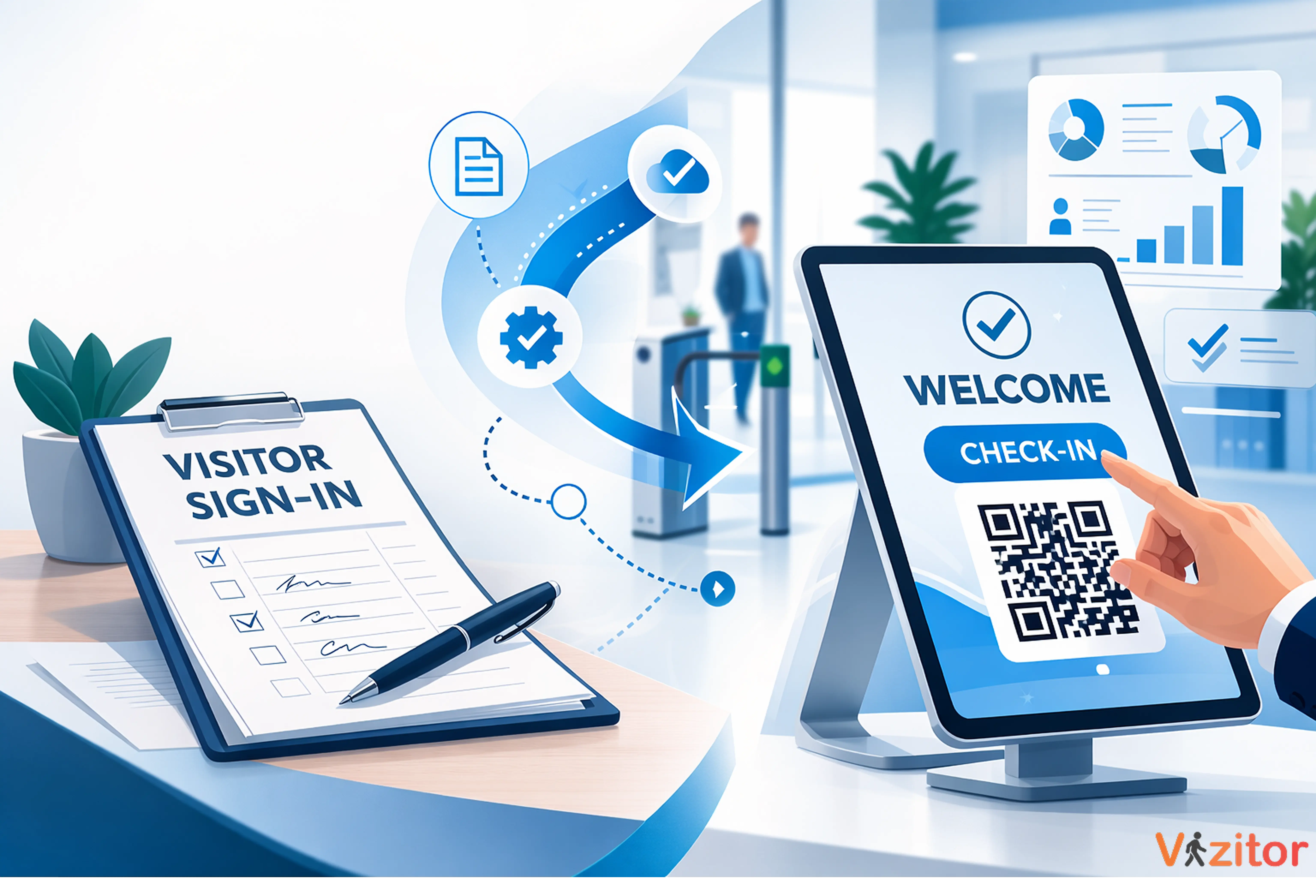
This guide explains why visitor security breaks down when companies with multiple offices let each branch manage it independently and how a centralized visitor management system fixes it. It covers the five most common problems that arise with branch-by-branch visitor management: inconsistent check-in processes, no unified audit trail, compliance gaps between locations, no real-time occupancy visibility, and slow rollout when opening new offices. For each problem, it explains what goes wrong operationally and how Vizitor's multi-location dashboard, cloud-based configuration, and unified reporting solve it. The guide is written for facility managers, IT leads, and HR teams at companies with Multi locations who need consistent, auditable security without building a separate process for every branch.


Published on: Sun, Mar 8, 2026
Read in 11 minutes
Here is what happens when a company with five offices manages visitor security without a centralized system.
The head office runs a digital check-in with photo ID capture, NDA signing, and badge printing. Mumbai’s office uses a paper logbook and a handwritten visitor badge. Hyderabad’s office uses a different app that the local admin set up independently, which nobody at HQ has access to. The Pune office has no visitor process at all, reception buzzes visitors through and trusts they’ll sign in somewhere. And the new Bengaluru office hasn’t sorted anything yet because it just opened.
All five offices are part of the same company. All five carry the same liability. None of them are operating under the same standard.
This is more common than most companies want to admit. Research shows that 60% of companies experienced a physical security breach in the past five years and for businesses running multiple offices, inconsistent entry processes are one of the hardest vulnerabilities to close.
Source: Market.us Physical Security Statistics, January 2025 (link)
The good news is that fixing this doesn’t require a security overhaul at every branch. It requires one system, configured once, deployed everywhere. Here’s what goes wrong when you don’t have it and how Vizitor’s multi-location dashboard changes the picture.
A single office has one reception, one set of policies, and one person responsible. When something goes wrong, it’s immediately visible. When a visitor doesn’t get checked in properly, someone notices.
Add a second office and suddenly you have two receptions, two local admins, and two interpretations of the same company policy. Add a third, fourth, and fifth, and you have a patchwork, each location doing something slightly different, with no one at the centre able to see the full picture.
The challenge isn’t that branch offices don’t care about security. It’s that without a unified system, they can only do what they can see and they can’t see what’s happening at the other branches. Neither can you.
Managing offices independently creates operational gaps and inconsistent experiences. The further those branches are from head office, the wider those gaps tend to grow.
When there’s no central system, each office defaults to whatever the local admin set up or inherited. One location uses a tablet app. Another uses paper. A third skips the process entirely for ‘familiar’ visitors. A fourth collects data the other three don’t.
The result is that your company’s security posture is defined by its weakest branch, not its strongest. A contractor who would be required to sign an NDA and wear a badge at your head office walks straight through your Pune office without any of that and the difference between those two experiences represents real legal and security exposure.
Vizitor lets you configure one standard check-in flow at the central admin level and push it to every location simultaneously. Every branch runs the same visitor types, the same required documents, and the same notification rules, with local adjustments only where genuinely needed. You set the baseline. Local admins can customize within it, but they can’t fall below it.
When a compliance audit happens or a security incident is investigated, the first question asked is always: who was in your buildings, when, and why? For a company with multiple offices running different systems, assembling that answer means contacting five different admins, chasing five different logs, and hoping none of them are in a notebook that’s been misfiled.
This isn’t a theoretical problem. It’s the exact scenario that turns a manageable audit into a painful, expensive exercise and that turns a security incident into a liability, because you can’t demonstrate what access controls were in place.
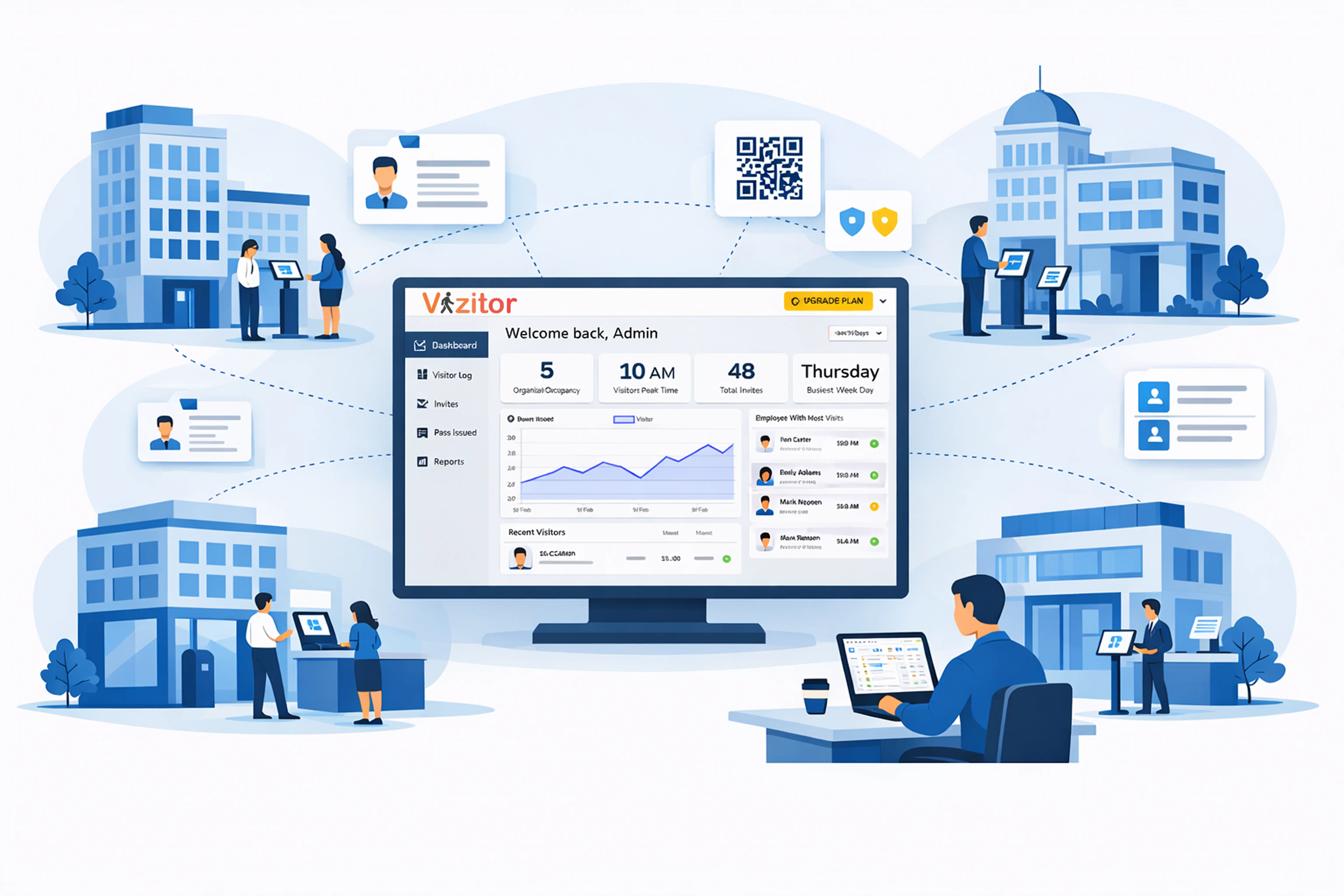
Every visitor check-in across all Vizitor locations feeds into one cloud dashboard in real time. From your admin account, you can search any visitor by name, date, purpose, or location across all branches, in seconds. Audit reports covering every location can be exported in a single action. You don’t need to contact anyone. You don’t need to wait. The data is there.
Different locations often face different compliance requirements. An office in a city with stricter data protection enforcement may need to collect visitor consent differently than a warehouse in a smaller town. A research facility needs every visitor to sign a confidentiality agreement that a sales office doesn’t. A manufacturing floor requires a safety induction that a corporate lobby doesn’t.
Without a centralized system that supports location-specific configuration, companies typically solve this one of two ways: they apply the most restrictive standard everywhere (which creates friction at locations that don’t need it), or they let each location decide (which creates inconsistency and gaps).
Vizitor supports location-level configuration within a shared admin account. You define company-wide policies, what every visitor at every location must do. Then you add location-specific requirements on top: the safety video for the factory, the additional NDA for the research centre, the ID verification for the data centre. Each location gets exactly what it needs. Nothing more, nothing less. All of it managed from one dashboard.
As an operations lead, facility manager, or IT head responsible for multiple offices, there’s a question you should be able to answer at any moment: who is in each of your buildings right now? Not who was expected. Not who signed in this morning. Who is physically present, in which building, on which floor.
With branch-by-branch systems, you can’t answer that. You’d have to call each location, or log into each separate system, or wait for someone to send you a report. By which point the information is already out of date.
This matters most in two scenarios: an emergency evacuation, where an accurate headcount could be the difference between a complete roll call and a dangerous gap and a security concern, where you need to know if a specific person is currently on your premises.
Vizitor’s multi-location dashboard shows live occupancy across every branch from a single login. You see who is in each office, in real time, without calling anyone or switching between systems. In an emergency, the facility manager at any location opens the app and has an accurate evacuation list instantly. At the admin level, you have the same view for every location simultaneously.
Growing companies open new offices. Every time they do, someone has to figure out the visitor management setup for that location from scratch; choose a system, configure it, train the team, and hope it ends up consistent with what every other office is doing.
In practice, it usually doesn’t. The new office opens with a temporary solution that becomes permanent. Another branch is added to the patchwork.
With Vizitor, adding a new location means duplicating an existing configuration. Your check-in flows, visitor types, document requirements, badge templates, and notification rules copy across in minutes. A new office is operational the day it opens, running the same standard as every other branch, with no rebuild required and no local admin having to make decisions that should have been made at the company level.
When it’s working properly, multi-location visitor management is almost invisible. Here’s what that looks like in practice:
None of this requires a dedicated security team at each branch. It requires one well-configured system, managed centrally, with the right level of local flexibility built in.
The most common concern when a company decides to standardise visitor management across branches is the rollout itself, how do you get every location live without creating confusion, resistance, or a gap in coverage?
In practice, a phased rollout is both the safest and the fastest approach:
Set up your master configuration; visitor types, document requirements, badge design, notification channels, and data retention policy. This is the company standard that every location will run. Spend time on this. It’s the foundation everything else is built on.
Run Vizitor at your main office for two to four weeks before rolling out to branches. This surfaces any configuration issues in an environment where you have direct oversight and gives you a working example you can show local admins elsewhere.
Start with your highest-traffic or highest-risk branches, the ones where inconsistent security matters most. Add location-specific requirements at this stage: the factory safety briefing, the research centre NDA, the data centre ID verification. Each branch goes live with the company standard plus its own local layer.
Any office opened after the initial rollout copies an existing configuration. From this point, opening a new office doesn’t mean solving the visitor management problem again. It means duplicating what already works.
Most companies complete the full multi-location rollout within two to four weeks, depending on the number of branches and the complexity of location-specific requirements.
A multi-location visitor management system is a centralised digital platform that manages visitor check-ins, security protocols, and audit records across two or more office locations from a single admin account. Rather than each branch operating an independent system, a multi-location VMS gives administrators a unified view of visitor activity across all sites, while allowing location-specific configurations where needed.
Consistency across offices requires a centralised system where company-wide policies; visitor types, required documents, badge standards, notification rules are configured once and applied to all locations automatically. Each branch runs the same baseline standard, with location-specific requirements layered on top. Without a centralised system, each office defaults to its own process, creating gaps that accumulate over time.
Yes, Vizitor supports both company-wide configuration and location-specific customisation within the same admin account. A corporate office might require a basic digital sign-in. A manufacturing facility might add a mandatory safety video and health declaration. A research centre might require an additional NDA. Each location gets the standard it needs, all managed from one dashboard.
All visitor check-in data from every Vizitor location is stored in a single encrypted cloud account. Admins can search, filter, and export visitor records across all branches from one dashboard. Location-level admins can see data for their specific site. Company-level admins can see everything. No data sits in a local system that head office can’t access.
Adding a new location in Vizitor takes minutes, not days. Administrators duplicate an existing location’s configuration; visitor types, check-in flows, documents, badge templates and assign it to the new site. Local admins at the new office receive their login credentials and the location is operational immediately, running the same standard as every other branch.
Yes, Vizitor’s multi-location dashboard gives admins a consolidated view of visitor activity across all locations in real time. Reports can be filtered by location, date range, visitor type, or host and exported as a single file covering all branches. This is particularly useful for compliance audits, where visitor records from multiple sites are required in a unified format.
Yes, Vizitor is cloud-based and location-independent, it works wherever you have a tablet and an internet connection. For companies operating across multiple cities or countries, location-specific compliance requirements (different NDA versions, data consent language for different jurisdictions) can be configured per branch within the same admin account.