How to Fix Slow Hotel Check-In Without Overhauling Your PMS
This guide separates the two systems hotels lump together under "check-in": the property management system that assigns rooms and issues keys, and the front-desk layer that gets guests through the lobby fast. It covers why queues form, the math behind fixing them, common buying mistakes, and where a tool like Vizitor genuinely helps versus where it doesn't.


Table of Content
Try Vizitor for Free!
A hotel check-in system is the software and hardware a guest uses to confirm a reservation, hand over ID and payment, and get a room key, whether that happens at a desk, a self-service kiosk, or a phone before arrival. It matters because a slow check-in is the guest’s first hands-on experience of your hotel. It colors everything that follows.
Most guides on this topic treat check-in as one problem with one fix: buy new check-in software. It isn’t one problem. A hotel runs two separate systems that both touch the word “check-in.” One is the property management system, or PMS, the software that assigns rooms, takes payment, and issues keys. The other is the front-desk layer: the part that gets a guest from “I have a reservation” to “I have my room key” without a ten-minute wait in the lobby.
Confusing the two is why hotels spend money on the wrong fix. A property can run a modern PMS and still have a miserable check-in line, because the PMS was never built to handle twenty guests arriving inside the same half hour. This guide covers both layers: what each one actually does, why lines form even with good technology already in place, and where a front-desk tool like Vizitor helps, and where it stops.
The Two Layers of Hotel Check-In
A PMS such as Cloudbeds, Mews, or Oracle Hospitality owns the transaction side of check-in. It confirms the reservation, runs the payment, assigns the specific room, and, on many properties, issues a digital or physical key. This is the system a front-office manager thinks of first when someone says “upgrade our check-in.”
The front-desk layer sits in front of that transaction. It is everything that happens before a staff member opens the PMS screen: the guest walking in, showing ID, confirming details already submitted online, and waiting for a human or a kiosk to be free. A queue management system belongs here too, because the biggest driver of a bad check-in experience usually isn’t the software. It’s twelve guests standing in one line for one counter during a 3pm arrival rush.
Most hotel check-in guides only describe the PMS side: room assignment, digital keys, payment authorization. That’s real, but it answers a different question than the one most guests and most front-office managers actually have, which is “why is there a line, and how do I get rid of it.” The rest of this guide answers that question directly, then covers where a PMS upgrade is genuinely the right call instead.
Queue behavior matters more than most check-in guides admit. A guest who can see they’re third in line and knows roughly how long that will take tolerates the wait far better than one standing in an unmarked crowd with no idea if it’s two minutes or twenty. That’s the actual mechanism behind a queue management system: it doesn’t make the desk process any single guest faster, it removes the uncertainty that makes a five-minute wait feel like fifteen.
How Manual Check-In Used to Work
Before digital systems, checking into a hotel was a manual, paper-driven process. A clerk recorded guest details in a logbook by hand, filled out paper forms, and checked ID visually against a paper reservation sheet. During busy periods, this took several minutes per guest, sometimes much longer.
Room assignment worked the same way. A guest often stood at the counter while a key was found, a room card was written out, or a physical key was retrieved from a wall of hooks behind the desk.
The whole experience depended on how many staff were on shift and how sharp they were that hour. A busy front desk with two clerks on a night with one hundred arrivals produced long lines almost by default. Errors were common too: a room double-assigned, a reservation misread, a guest’s name spelled wrong on a key card that then failed to scan.
Guest expectations shifted faster than most front desks did. Vizitor’s own hotel data puts guest preference for a digital check-in experience at 68%, and that number lines up with what most travelers will say directly if asked: after filling out a form once online, nobody wants to fill out the same form again standing at a counter with a rolling bag. The gap between what guests expect now and what a purely manual desk can deliver is exactly where queues come from today, not from bad staff or bad intentions.
Why Front-Desk Queues Still Happen
Digital check-in fixed a lot of this, but queues haven’t disappeared from hotel lobbies. They happen for specific, fixable reasons, not vague “poor planning.”
Arrivals cluster in narrow windows. Flights land in waves, buses arrive on schedule, and conference attendees show up between sessions. A property with 40 rooms checking in over eight hours has no line. The same 40 rooms checking in inside one 90-minute window does.
Pre-registration doesn’t always reach the front desk. A guest fills out a form online, but if that data doesn’t flow into what the desk clerk sees, staff re-enter the same details by hand. The guest gets none of the speed they were promised.
One counter serves several different guest types. Hotel guests, event attendees checking into a conference in the same building, and contractors arriving for maintenance all funnel through the same lobby desk with the same slow process, even though only one of those groups needs a room key.
Staffing follows a schedule, not the actual arrival curve. Front desks are staffed to a shift pattern, not to the specific 30-minute window when three tour groups happen to land at once.
There’s no visibility into who’s already checked in versus who’s a walk-in. Without a live lobby view, staff can’t tell at a glance who’s ready for a two-second confirmation and who needs the full process, so everyone gets treated the same way, and the queue moves at the speed of the slowest case.
What Actually Speeds Up the Front Desk
Fixing these five problems doesn’t require replacing a hotel’s PMS. It requires closing the gap between “the guest already gave us this information” and “the desk can act on it instantly.”
Pre-arrival registration is the biggest lever. When a guest completes ID and preference details before arriving, using an online check-in flow similar to appointment-based scheduling, the front desk’s job shrinks to a confirmation, not a data-entry session. ChargeAutomation’s 2026 guide to contactless hotel check-in reports that properties can save up to 30 minutes per booking when pre-arrival messaging is timed correctly, and that online check-in completion can reach 93% when guests are prompted at the right moment before arrival.
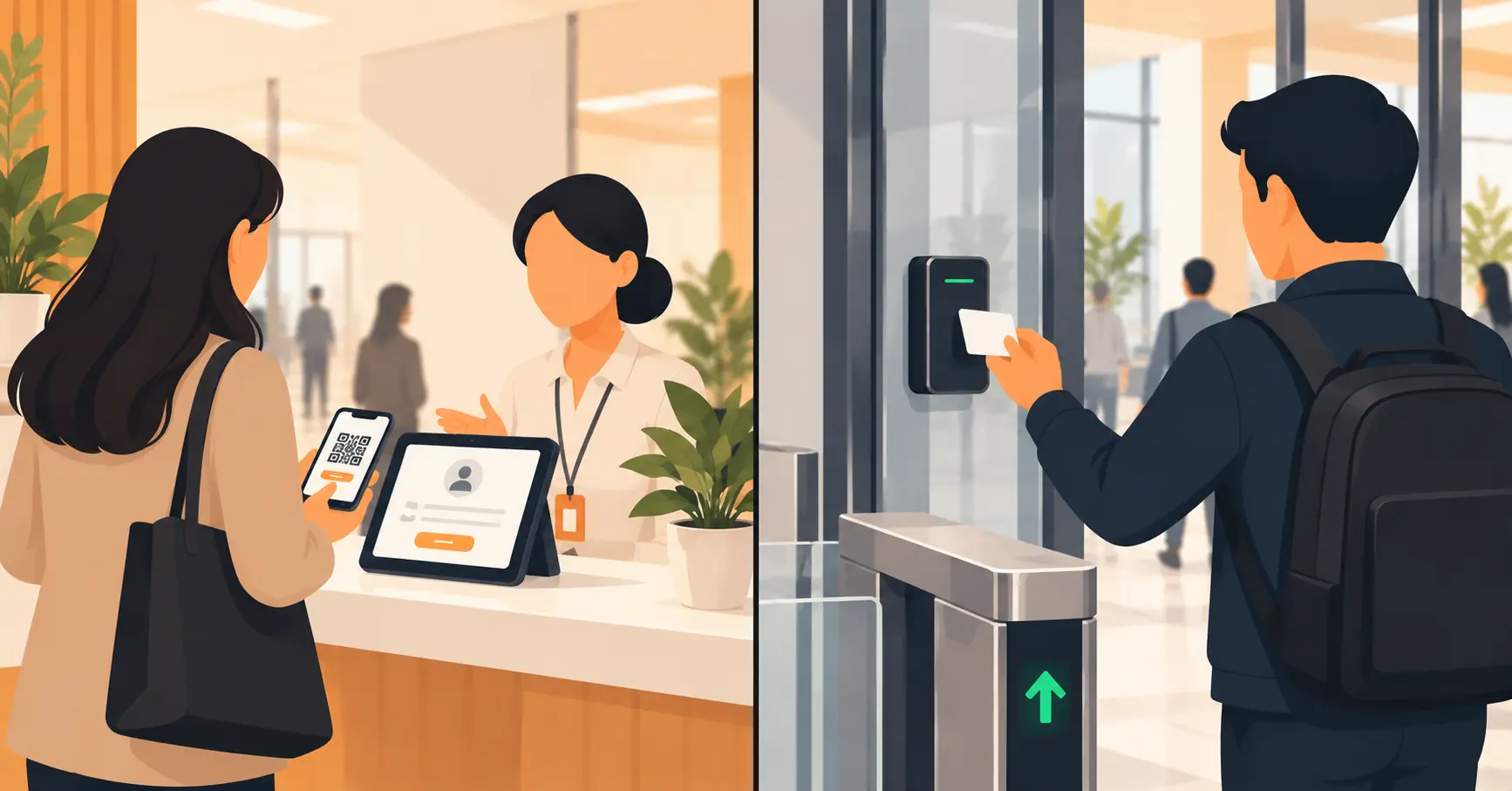
Self-service kiosks handle the walk-in side of the same problem. A guest without a completed pre-registration can still avoid the counter entirely, feeding in ID and payment at a kiosk built for exactly that job. On the lobby-traffic side specifically, not the full PMS transaction, Vizitor’s own hotel deployments show a QR-based check-in completing in under 10 seconds, with an average of 4 minutes saved per visitor interaction across pre-registered arrivals.
Separating guest streams matters as much as the technology. A front desk that routes hotel guests, event attendees, and contractors through different check-in paths, even if they’re standing in the same lobby, stops one group’s slow process from backing up everyone else’s line. This is where a lobby-level view pays off: staff can see who’s a two-second confirmation and who needs the full flow, and route accordingly instead of treating every arrival the same.
Real-time lobby visibility closes the loop. When staff can see who has already checked in online, who’s mid-process at a kiosk, and who just walked in cold, they can pull people out of line for a fast confirmation instead of making everyone wait their turn at one counter.
None of this is only about guest comfort. Little Hotelier’s operations research found that hotels using mobile check-in see front-desk labor costs drop 25 to 30% during peak periods, since fewer staff-hours are needed to process the same number of arrivals. At kiosk-enabled properties, 30% of U.S. guests now complete check-in through the kiosk rather than the counter, cutting wait time by roughly a third and, notably, generating 25% higher upsell revenue, since a kiosk screen is also a natural place to offer a room upgrade or a late checkout add-on. Separately, 71% of surveyed guests say they’re more likely to book a hotel that offers contactless check-in in the first place. That makes this a booking-conversion lever as much as an operations fix.
How to Audit Your Own Front Desk: 5 Steps
Before buying anything, a front-office manager can find the real bottleneck with five steps and no new software.
1. Track actual wait time at your busiest hour, for two weeks. Not the average across the whole day, the worst 60 to 90 minutes. Stand near the desk with a stopwatch, or pull timestamps from your PMS log if it records them. This number is the one that matters, and most hotels have never measured it directly.
2. Segment arrivals by guest type. Split your busiest-hour data into standard hotel guests, event or group traffic, and anyone else (contractors, late checkouts waiting on a room). If one segment is driving most of the wait, the fix belongs there, not across the whole system.
3. Find where pre-arrival data dies. Ask a desk clerk to walk you through what happens, screen by screen, when a guest who filled out an online form arrives. If the clerk re-types information the guest already submitted, that’s the leak. Fixing that single handoff often does more than any new hardware.
4. Pilot one fix, not five. Add a kiosk, or turn on pre-arrival messaging, or add a second podium during the known rush window. Change one variable so you can tell what actually worked.
5. Re-measure at the same busy hour. Compare against the baseline from step one, at the same time of day and the same guest mix. A fix that only helps on a quiet Tuesday afternoon hasn’t told you anything.
Do the Math: A Worked Example
Example, illustrative numbers only, not a measurement from any real property: a 150-room hotel gets 60 arrivals between 5pm and 7pm, staffed with two front-desk clerks.
At a fully manual pace of 6 minutes per check-in, per clerk, total demand is 60 guests × 6 minutes, or 360 staff-minutes. Total available capacity across the two-hour window is 2 clerks × 120 minutes, or 240 staff-minutes. That’s a shortfall of 120 staff-minutes, which is exactly where a visible lobby line comes from.
Now add pre-arrival registration that gets 70% of guests (42 of the 60) down to a 1-minute confirmation, with the remaining 18 still needing the full manual process. New demand: (42 × 1) + (18 × 6) = 42 + 108, or 150 staff-minutes, against the same 240 staff-minutes of capacity.
The line doesn’t just shrink, it disappears, and the two clerks have 90 staff-minutes of slack left over during what used to be the worst hour of the day. That slack is worth something too: it’s the difference between a rushed, transactional handoff and a clerk who actually has thirty seconds to ask about a guest’s trip.
The formula behind this is simple: staff-minutes needed = arrivals × average check-in time, checked against staff-minutes available = staff on shift × shift length. Any hotel can run this math with its own numbers before spending a dollar on new software.
The Check-In Flow, Step by Step
Before arrival. Many hotels send a pre-arrival link by email or text. The guest fills in ID, payment method, and room preferences (bed type, floor, dietary notes for a stocked minibar) ahead of time. This step belongs to whichever system a hotel uses for pre-registration, whether that’s a feature built into the PMS or a separate front-desk tool. Either way, the goal is the same: the front desk should already know who’s coming and what they asked for before that guest walks in.
Arrival and confirmation. If pre-arrival check-in is complete, the front desk (or a kiosk) simply confirms identity and hands over a room key. This step should take under a minute. If it doesn’t, that’s usually a sign pre-arrival data isn’t reaching the desk, not that the front desk itself is slow.
Room assignment and key issuance. This step sits squarely inside the PMS. The system assigns the specific room number based on preferences and availability, and either prints a key card or, on properties with the right hardware, pushes a digital key to the guest’s phone. A front-desk layer tool doesn’t do this part; it hands the confirmed, ID-verified guest off to whatever system does.
Information and resolution. Staff give a short amenities overview (breakfast hours, Wi-Fi, gym location) and handle any last-minute issues, like a room type mismatch or a missing reservation note. This is the one step that still benefits from a real person, regardless of how automated the earlier steps are.
Common Mistakes Hotels Make When Fixing Check-In
Buying a PMS overhaul to fix a queue problem. This is the single most expensive version of the wrong fix. If guests are waiting because arrivals cluster in a 90-minute window, a new PMS with better key technology won’t touch that. A queue and pre-registration fix will, at a fraction of the cost and disruption.
Building the system around individual guests only. A hotel that only accounts for standard room-night arrivals will still have chaos the day a 200-person conference checks into the same lobby. Event and contractor traffic needs its own path through the same front door.
No fallback when the kiosk or Wi-Fi goes down. A system with zero manual backup turns a five-minute outage into a lobby full of stranded guests. Staff need a known, practiced paper or offline path for exactly this scenario.
Measuring completion rate instead of actual line length. A 90% online pre-registration rate looks great on a dashboard, but if that 90% still funnels through the same single counter as the other 10%, the line hasn’t gotten shorter. The metric that matters is minutes waited at the busiest hour, not the percentage who filled out a form.
Skipping staff training on the digital path. A kiosk or app that front-desk staff can’t troubleshoot in ten seconds becomes something guests get stuck at instead of something that saves them time. The system is only as fast as the slowest handoff between a guest and a staff member who doesn’t know how to help.
Treating check-in and checkout as unrelated problems. A room isn’t ready for a new arrival until housekeeping clears it, and housekeeping can’t clear it until the previous guest has checked out. A front desk that speeds up arrivals but ignores checkout delays just moves the bottleneck a few feet, from a check-in line to a “your room isn’t ready yet” line. Fixing one side without the other only relocates the wait.
Assuming every guest has a working smartphone and signal. Mobile and kiosk check-in cover most arrivals, but not all of them. An older guest without a smartphone, or anyone arriving with a dead battery or no signal in an underground lobby, still needs a working counter path. A hotel that quietly lets the traditional desk atrophy ends up with a worse experience for exactly the guests who needed the most help.
When a Front-Desk Layer Tool Isn’t Enough
A tool built for the front-desk layer, Vizitor included, is not a replacement for a PMS, and it shouldn’t try to be one. If what a property actually needs is dynamic room pricing, channel-manager sync across booking platforms, payment processing at check-in, or a digital room key that opens a specific door, that’s PMS territory, owned by platforms like Cloudbeds, Mews, or Oracle Hospitality, not a lobby check-in layer.
A small property with light, spread-out arrivals may not need this layer at all yet. If a 15-room bed and breakfast rarely sees more than two guests in the lobby at once, the “problem” this guide solves doesn’t really exist there, and the fix is a good PMS and a friendly front desk, nothing more. Adding a kiosk and a pre-registration flow to a property that size is a solution looking for a problem, and the budget is usually better spent elsewhere.
The honest split: if the complaint is “guests wait too long in our lobby,” a front-desk layer tool is the right conversation. If the complaint is “our room assignment and payment process is clunky,” that’s a PMS conversation, and no amount of kiosk hardware in the lobby will fix it.
There’s a third case worth naming: a property that already has both a PMS and a front-desk tool, but the two don’t talk to each other. Staff end up keying the same guest into two systems, which is worse than either system alone, because now there are two places a typo or a missed field can hide. If that’s the situation, the fix isn’t more software, it’s a conversation with both vendors about whether the two can share data, and if they can’t, whether one of them needs to change.
Where Vizitor Fits, and Where It Doesn’t
Vizitor’s hotel check-in tools are built for the front-desk layer specifically, not the PMS layer. In practice, that means pre-arrival registration sent by SMS or email, a QR-based check-in that completes in under 10 seconds at the door, photo ID capture at the kiosk, and an instant notification to the front desk the moment a pre-registered guest arrives. It also handles the traffic a standard PMS never touches well: event check-in for conferences and weddings with a live headcount dashboard, and contractor or vendor access with pre-clearance, NDA capture, and a full visit history log, all through the same lobby entry point as hotel guests.
Every check-in, whether it’s a guest, an event attendee, or a contractor, lands in one encrypted, exportable audit trail, searchable by date, area, or visitor type. That record is useful for a very different reason than speed: if a hotel ever needs to answer “who was in the building at 2pm,” a front-desk log answers it in seconds instead of a manual search through paper. It’s also the kind of record insurers and security teams ask for after an incident, well after the speed benefit of the check-in itself has stopped mattering to anyone.
Hard Rock Cafe Nigeria, which isn’t a hotel but has the same high-volume lobby problem at its restaurant and entertainment venue, automated check-in completely with this approach: 100% of check-ins handled digitally, with zero physical contact between staff and arriving guests. The lesson transfers directly to a hotel lobby handling a similar mix of walk-ins, groups, and repeat guests during a rush.
The hardware side is deliberately unglamorous: the kiosk piece runs on a standard iPad or Android tablet, the same setup covered in Vizitor’s visitor check-in kiosk guide, rather than a proprietary terminal a hotel has to special-order and wait on. That matters for a property testing whether this layer is worth the investment before committing to anything permanent in the lobby.
What it doesn’t do: assign rooms, process room payment, or issue a digital key that unlocks a door. That work stays with the PMS. A hotel evaluating this layer should book a demo with that split in mind, and expect to run it alongside their existing PMS, not instead of it.
What’s Next for Hotel Check-In
A few trends are worth watching, without overstating where they stand today. ChargeAutomation’s 2026 buyer’s guide lists selfie-based biometric ID verification as a feature hotels are starting to shortlist when evaluating check-in software, mainly as a faster way to confirm identity than a manual document check. Adoption is still early and varies a lot by property size and region.
AI-driven pre-arrival messaging, the kind that times a check-in prompt to actually land when a guest is likely to open it, is the piece behind that 93% completion figure mentioned earlier. As more properties tune the timing rather than just sending one generic email, completion rates across the industry should keep climbing.
The deeper shift is architectural, not visible to guests at all: tighter, faster data handoff between the front-desk layer and the PMS, so a guest’s pre-arrival form doesn’t have to be manually re-typed by a clerk who’s already looking at the same information on a different screen. That handoff, done well, is what actually shortens lines, more than any single new feature on either side of it.
None of this changes the core split covered above. Whichever new feature a vendor leads with, the first question worth asking is still the same one: does this fix a line in the lobby, or does it fix a transaction inside the PMS? Most sales pitches blur that line on purpose, because a PMS upgrade is a bigger deal to close than a lobby kiosk. A hotel that keeps the two separate in its own head will spend its budget on whichever one actually has a problem.
Frequently Asked Questions
See Vizitor in action check-in a visitor in under 30 seconds
Trusted by 500+ businesses. QR check-in, badge printing, NDA signing. Plans from $36/mo.