How to Choose the Right Meeting Room Booking Software
This guide walks through how to evaluate and choose meeting room booking software: the criteria that actually separate good tools from bad ones, a step-by-step rollout process, common mistakes buyers make, and real numbers on what unmanaged meeting rooms cost in wasted time and space. It is a buyer's guide, not a vendor comparison or a general explainer.


Table of Content
Try Vizitor for Free!
Introduction
Meeting room booking software is a system that shows which rooms are free right now, lets someone reserve one in a few taps, and syncs that reservation to the calendar tools a team already uses. It matters because most offices don’t have a room shortage. They have a visibility problem, and the wrong software purchase just moves that problem somewhere else.
Here’s the number that should worry any facilities manager still running rooms off a shared calendar: workplace analytics firm Density installed occupancy sensors across two Fortune 500 office locations in Atlanta and Chicago and cross-referenced the readings against Google Calendar bookings. More than 25% of the 783 meetings booked across those two sites never happened, what facilities teams call ghost rooms, rooms marked “occupied” on the calendar while sitting empty in reality. Separately, workplace-tech company Pointr found that 48% of office workers report losing meaningful time each week hunting for a free room, and that employees who search often lose around 30 minutes a day to it.
Neither of those numbers gets fixed by adding more rooms. They get fixed by software that shows the truth in real time and automatically releases a room nobody showed up for, the core job of a meeting room booking system. That’s the actual job this article is here to help you do: not explain what meeting room software is in the abstract, but help you evaluate, choose, and roll one out without wasting the budget on the wrong tool. If you want a general primer on what these systems are and how the category works, or a ranked comparison of specific vendors, we link to both further down. This piece is about the decision itself.
What Is Meeting Room Reservation Software?
Meeting room reservation software is workplace technology built to manage shared meeting spaces: who has a room, when, and whether they’re actually using it. Instead of employees emailing around or checking a wall calendar, the software gives everyone one place to look.
The features that matter fall into a short list:
- Real-time availability, shown on a web app, mobile app, or a display mounted outside the room.
- Self-service booking, so employees reserve a room themselves without routing through an admin.
- Automated reminders, sent to attendees before the meeting starts.
- Conflict prevention, tracking every reservation so two teams can’t claim the same slot.
- Calendar sync, so a booking shows up automatically in Outlook or Google Calendar.
- Usage reporting, so facilities teams can see which rooms actually get used.
It shows up in three shapes: standalone booking apps, a module inside a larger integrated workplace management system, and digital signage mounted at the room door with a booking interface built in. Which shape fits depends on how many rooms you’re managing and what else you’re already running through software, which is exactly the question the next section walks through.
Software solves who gets the room and when. It has nothing to say about whether that room should be arranged boardroom-style for a client review or U-shaped for a workshop; our guide to meeting room layout types covers that side of the decision separately.
How to Choose the Right Meeting Room Booking Software
This is the part most guides skip past with a bullet list of adjectives. Here’s what each criterion actually means in practice, and what to check before you sign anything.
Ease of use. A tool that takes a 20-minute training session to explain isn’t user-friendly, no matter what the sales page says. Ask to try booking a room yourself, on a phone, before a demo call walks you through it. If it takes more than three taps, most employees will quietly go back to email.
Calendar and tool integration. This is the single biggest point of failure in real deployments. Eptura’s 2025 Workplace Index, based on a survey of 200 VP and C-suite workplace leaders at enterprises with more than 5,000 employees, found that 67% of businesses run their workplace operations across six to 40 different, disconnected software tools, and only 4% have one fully integrated system. Every tool you add without checking its sync quality adds to that pile. Confirm the integration is two-way: a booking made in the room software should update Outlook or Google Calendar, and a booking made in the calendar should update the room software, not just one direction.
No-show handling. Ask specifically how the tool releases a room when nobody checks in, not whether the feature exists on a checklist. Vizitor’s own guidance on reducing ghost rooms and the auto-release settings that fix it recommends a 3-to-10-minute check-in window before a room reopens automatically. A vendor that can’t tell you their default window, or can’t let you change it, hasn’t actually built this feature; they’ve just added a status label.
Reporting you can export. “Analytics” on a features page can mean a live dashboard, or it can mean a static PDF nobody opens. Ask to see an actual usage report before buying, and check whether it breaks down by room, by time of day, and by no-show rate, not just total bookings. Facilities teams need this data to justify adding or cutting rooms, not just to admire it.
Scalability across rooms and locations. A tool that works cleanly for one floor can fall apart once you add a second office, because permissions, room naming, and calendar sync all get more complicated with each new location. Ask a vendor for a reference customer running the same number of locations you’re planning to reach in two years, not just the one you have today.
Support and onboarding. Find out what happens when the sync breaks at 9 a.m. on a Monday: is there a support line, a chatbot, or a ticket queue with a two-day response time? For a tool that sits between your employees and their calendars, slow support turns a small sync glitch into a week of double-bookings.
Cost against what it actually replaces. Weigh the subscription price against the real cost of the status quo, not against zero. If Pointr’s number holds for your office, and roughly half your employees lose real time each week hunting for rooms, that’s a cost you’re already paying in salaried hours; software just makes it visible and, ideally, smaller. For a full walkthrough of that math, including a worked example, see what staying manual actually costs in wasted room-hours.
API or webhook access, if IT needs to be involved. Facilities teams often buy this software alone, then discover IT or security wants a say once the tool needs to talk to single sign-on, an access-control system, or an internal dashboard. Ask upfront whether the vendor exposes an API or webhooks, even if you don’t need it on day one, so you’re not stuck re-shopping the whole category a year later just to unlock that connection.
If you’d rather see how specific vendors stack up against each other on price, ratings, and reviewer complaints, our comparison of 15 meeting room booking software options covers that ground in detail; this guide focuses on the criteria you’d use to judge any of them.
Setting Up Your Meeting Room Scheduler: Step by Step
Buying the software is the easy part. Rolling it out badly is how a good tool ends up back on a shared spreadsheet within three months.
- Assess your actual needs first. Count your rooms, note their capacities, and list who needs booking access versus who just needs to view availability. Flag any room with fixed equipment, like video conferencing gear, that needs to factor into the booking rules.
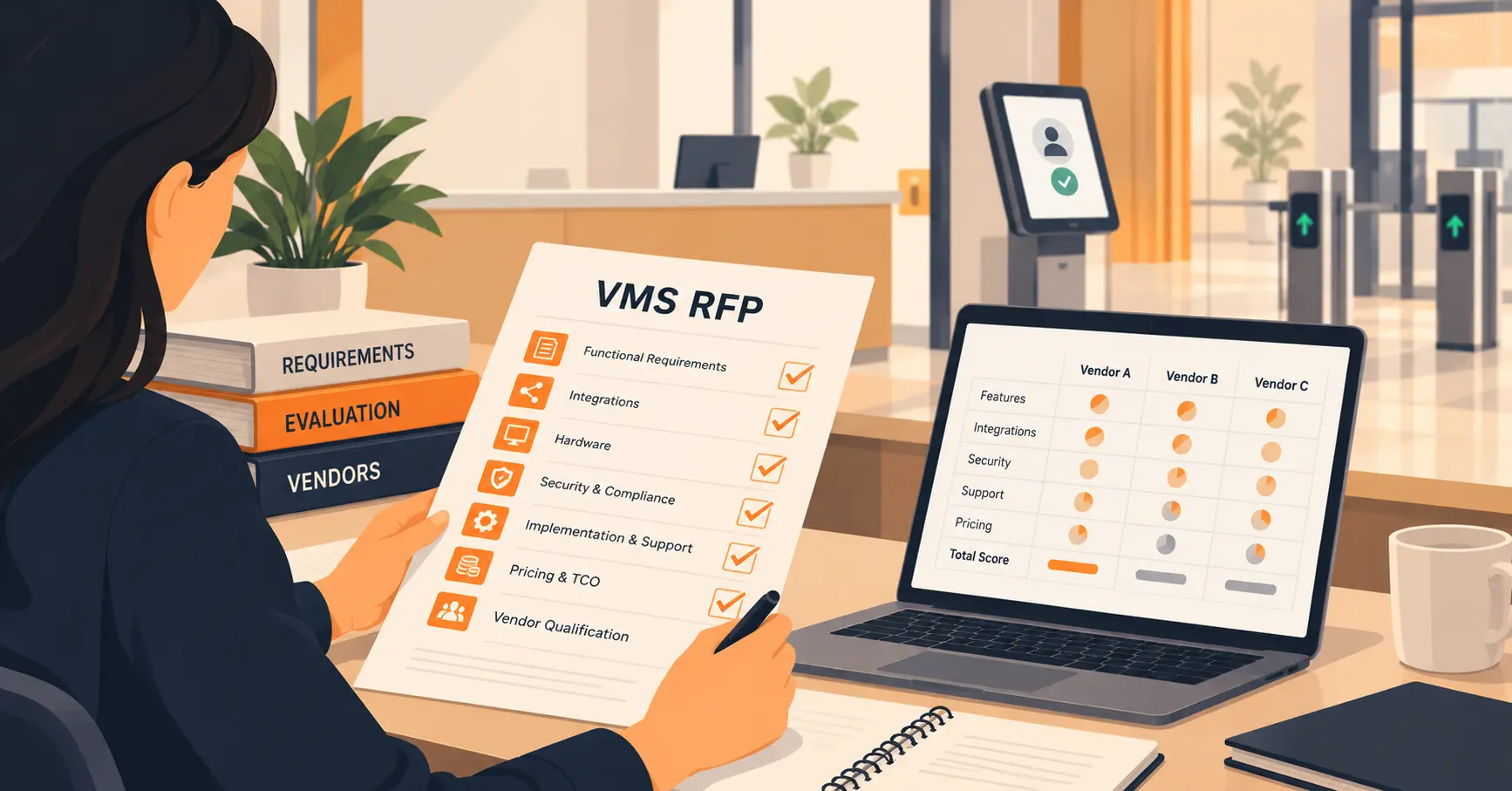
- Choose the software against the criteria above. Don’t skip a trial. A short pilot with real bookings, even for one team over two weeks, surfaces sync problems no sales demo will show you.
- Install and connect your calendar systems. Confirm the two-way sync actually works before rolling it out company-wide: book a room in the new tool, check it appears in Outlook or Google Calendar within a minute, then reverse the test.
- Configure your booking rules. Set a maximum booking duration, a buffer between meetings for setup and cleanup, and the no-show auto-release window discussed above. Write these rules down somewhere employees can actually find them, not just inside a settings menu.
- Add every room and every user before go-live. Missing rooms get booked around the system, which defeats the point immediately. Assign access levels so the right people can approve, book, or just view.
- Run a short training pass, then go live. A five-minute walkthrough during onboarding, not a lengthy manual, gets adoption moving. Monitor bookings closely in the first two weeks and fix friction points fast, before people form workarounds.
- Review the usage data monthly for the first quarter. Early data tells you if a room is oversized for its actual use, if a booking rule is being ignored, or if one team is quietly hoarding a popular room.
Where a Booking System Earns Its Keep
The clearest payoff shows up in exactly the two numbers from the introduction. A system that shows real-time availability and auto-releases no-shows directly targets the 25%-plus ghost-booking rate Density measured, and it directly targets the time Pointr’s respondents lose hunting for a room that turns out to already be free. Neither of those is a hypothetical benefit; they’re the specific failure modes the software exists to close.
Beyond that, three effects compound over time. Usage reporting turns space decisions from guesswork into evidence: a facilities team that can see a 20-seat room sitting at 15% occupancy has a real case for converting it into two smaller huddle rooms, instead of arguing from a hunch. Our free meeting room utilization calculator is built for exactly that first conversation, turning a vague sense that “rooms feel underused” into a number a budget committee will actually act on. Calendar sync removes the second-source-of-truth problem entirely, since employees stop needing to check two places to know if a room is actually free. And self-service booking removes the admin bottleneck that shows up the moment a company grows past a dozen people and every room request used to route through one person’s inbox.
There’s also a quieter cost that’s easy to miss: paper-free booking removes the printed room signs and sign-up sheets that many offices still tape to doors, which is a small but real reduction in the manual admin overhead facilities teams carry.
Common Mistakes When Choosing or Rolling Out Meeting Room Software
Buying for the room count you have, not the one you’ll have in a year. A tool that handles five rooms cleanly can slow to a crawl at twenty if it wasn’t built for multi-location scale. Ask directly about performance at your projected size, not your current one.
Skipping the calendar-sync test. Sales demos rarely show sync failures, because they’re staged with clean test data. Run your own two-way test before committing, using a real Outlook or Google Calendar account with normal booking traffic.
Setting no booking rules at all. Software without an auto-release window or a maximum booking length just digitizes the ghost-room problem instead of fixing it. The rules matter as much as the software that enforces them.
Rolling out to everyone at once with no pilot. A two-week trial with one team catches sync bugs and confusing workflows while the blast radius is still small. Skipping straight to a company-wide launch means every problem surfaces at full scale, all at once.
Choosing based on the features list instead of the actual reviews. A vendor’s own features page will never mention its own weak points. Reading real user reviews on sites like G2 or Capterra, the way our vendor-by-vendor comparison does, surfaces the calendar-sync bugs and setup friction that feature pages leave out.
Leaving IT and security out of the decision until after signing. Facilities usually owns this purchase, but if the tool needs SSO, touches an access-control system, or stores employee data, IT and security are stakeholders whether they were in the room for the demo or not. Looping them in during the trial, not after the contract is signed, avoids a rollout stall while procurement re-reviews a tool that’s already live.
Real-World Use Cases
Tech startups and remote-first teams use cloud-based booking so distributed and hybrid employees can grab a room for a stand-up without a back-and-forth email thread.
Large enterprises run dozens of simultaneous meetings across multiple floors and departments, where a shared spreadsheet would collapse under the booking volume alone.
Co-working spaces allocate rooms across multiple paying clients, tracking usage by account so no single tenant can quietly monopolize the best rooms.
Law firms and consulting practices manage client consultations, board meetings, and video conferences where a double-booked room in front of a client is a visible, embarrassing failure, not just an internal inconvenience.
Universities and training centers schedule lectures, workshops, and administrative meetings across departments that often don’t share a single calendar system by default.
Not every organization needs to be at enterprise scale to benefit. If your team is weighing whether you’re even at the point of needing dedicated software yet, our guide to fixing a broken meeting room booking process covers exactly where that line sits. And if the pain right now is day-to-day rather than the buying decision itself, things like double bookings, no-shows, and rooms that are never the right size, our breakdown of common meeting room management struggles is the more direct read.
Wrapping It Up
The right meeting room booking software solves two specific, measurable problems: rooms that show as booked but sit empty, and employees who lose real time each week just trying to find a space that’s actually free. Everything else, the mobile app, the room displays, the analytics dashboard, matters only to the extent it supports those two outcomes.
Vizitor runs meeting room booking alongside visitor check-in, queue management, and desk booking in one connected platform, with real-time host and booking notifications and two-way calendar sync with Google Calendar and Outlook. It carries a 4.7 rating on Capterra as of our own vendor comparison research. If your rooms are one piece of a bigger front-desk and workplace puzzle rather than the only problem you’re solving, that connected approach is worth a look; if rooms are genuinely the only issue, a single-purpose specialist from our comparison list may be the better fit.
Whichever direction you go, run the trial, test the calendar sync yourself, and check the no-show handling before you sign anything. That’s the difference between software that fixes the ghost-room problem and software that just adds a login screen on top of it.
Try Vizitor Free
Setup in under 5 minutes. Manage visitors, queues, meeting rooms, and more.
Start Free TrialFrequently Asked Questions
See Vizitor in action check-in a visitor in under 30 seconds
Trusted by 500+ businesses. QR check-in, badge printing, NDA signing. Plans from $36/mo.