Inside Smart Space Software: Features and Benefits
This article explains what smart space software is, the IoT, AI, and automation behind it, and how it connects meeting room booking, desk booking, hot desking, and visitor flow into a single platform. It covers why manual space tracking breaks down, the common mistakes offices make when adopting this software, and when a business does not need it yet.



Table of Content
Try Vizitor for Free!
A meeting room sits empty on the calendar and full in real life, because someone booked it and never showed. A desk gets “claimed” by a jacket left on the chair since March. A visitor waits at reception while someone tracks down the host by phone. None of these are IT problems. They’re the same problem: nobody has one accurate picture of who is using the space right now.
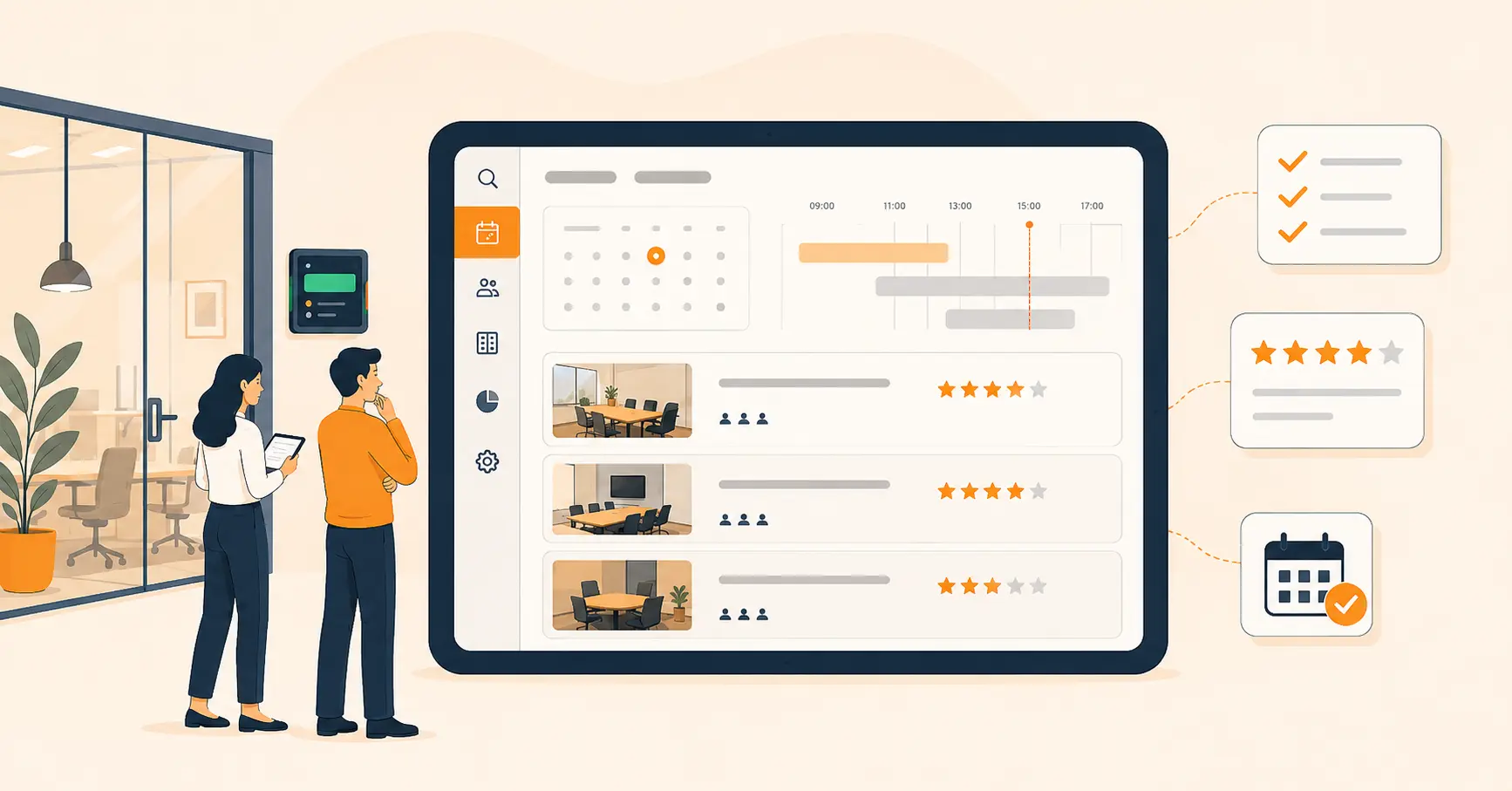
Smart space software fixes that by putting room booking, desk booking, hot desking, and visitor check-in behind one dashboard instead of four disconnected habits. Think of it less as a single app and more as a category of connected tools. IoT sensors, booking data, and some automation work together to tell a facilities team what’s actually happening in their building. That’s different from what a spreadsheet from last quarter assumes is happening.
What is smart space software?
Smart space software is a set of connected applications that use IoT sensors, data analytics, AI, and automation to manage a physical workspace. It matters because most offices still run space decisions on guesswork: a lease renewed because “we might need the room,” a floor plan drawn once and never revisited. Smart space software replaces that guesswork with usage data pulled straight from how desks, rooms, and visitor traffic actually move through the building.
The market backing this shift is not small. The global smart office market is on pace to grow from $55 billion in 2026 to $125 billion by 2033, a compound annual growth rate of 10.8 percent, according to Coherent Market Insights. That growth is a symptom, not the story. The real driver is that hybrid schedules broke the old assumption that every desk and every room has one fixed owner.
The numbers on actual usage back this up. Global office utilization climbed to 53 percent in 2026, up from 38 percent in 2024 and 35 percent in 2023, according to CBRE’s Global Workplace and Occupancy Insights report. That’s a real jump. It also means close to half of enterprise office space still sits unused on a given day, which is exactly the gap smart space software is built to close and a spreadsheet never will.
Who actually manages this, and why it lands on their desk
The person who owns this decision is usually a facilities manager, a workplace operations lead, or whoever holds the real estate budget. IT and security get pulled in because visitor check-in and badge data touch their systems too, and finance cares the moment the conversation turns to whether the company needs to renew a floor lease.
None of these people are buying software because it’s trendy. They’re buying it because someone asked a question they couldn’t answer with confidence: how much of this building do we actually use? A shared calendar and a spreadsheet cannot answer that question with real data behind it. That’s the gap smart space software exists to close, not employee experience for its own sake.
What’s actually inside a smart space software platform
Four modules do most of the work, and they’re worth separating because vendors bundle them differently.
Meeting room booking gives people a real-time view of which rooms are free, so they can reserve, locate, and use a room without a chain of Slack messages. Vizitor’s meeting room booking system is one example: it removes the double-booking problem by showing live availability instead of a static calendar that goes stale the moment someone forgets to cancel.
Desk booking, sometimes called office space desk parking, handles the allocation side. Employees reserve a specific desk for the day instead of guessing which one is free when they arrive. Sensors or check-in data confirm whether the booking actually turned into a person sitting there, which is the detail a plain calendar can’t give you.
Hot desking is the flexible-seating model this desk data supports. Instead of a fixed seat, employees choose a desk based on that day’s task, quiet focus work versus a spot near the team. Our complete guide to hot desking covers the rollout side of this in more depth, including the scheduling conflicts that show up when a company skips the software and tries to run hot desking on trust alone.
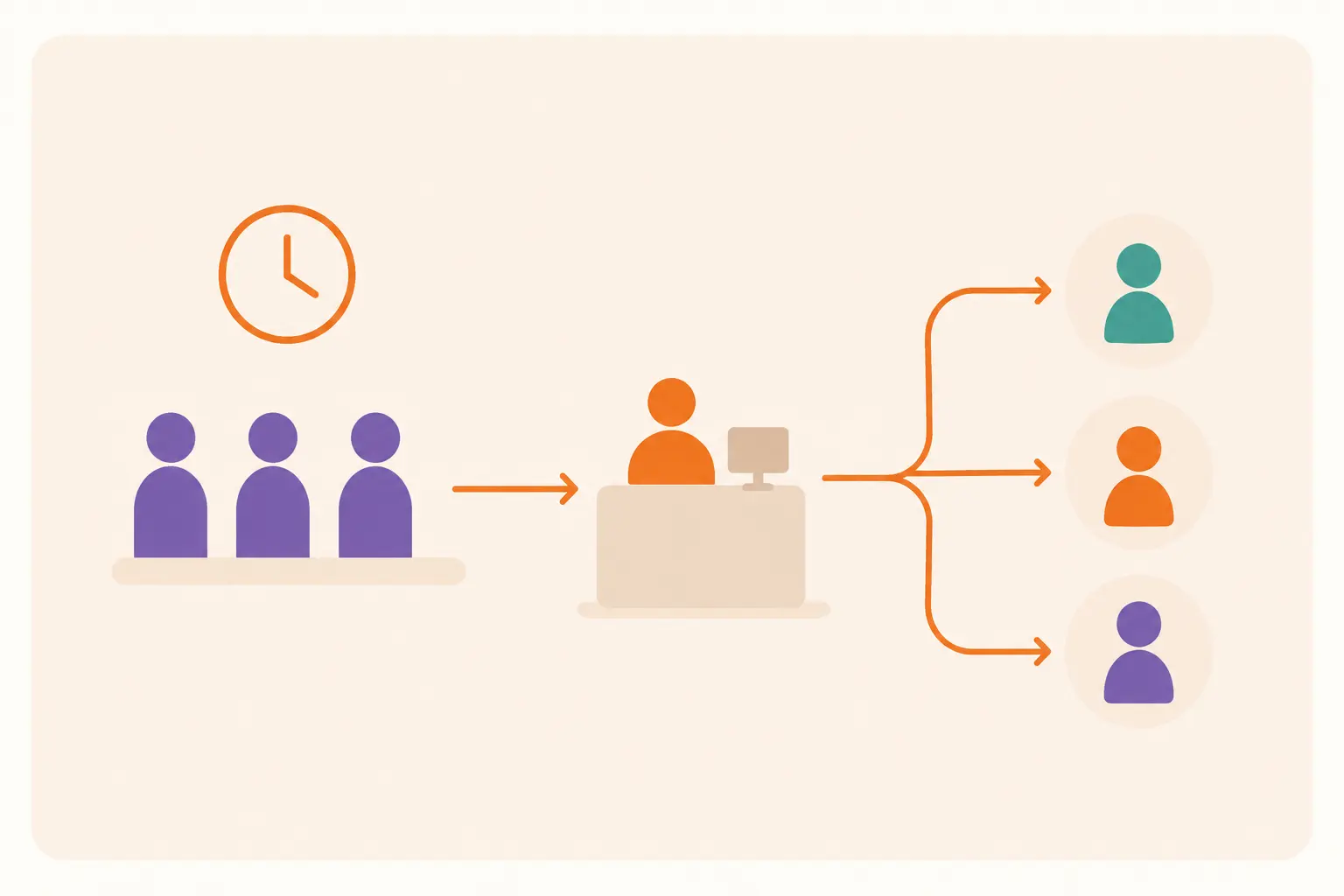
Visitor management rounds out the platform. It automates registration, check-in, and host notification for guests, while giving security a record of who entered and when. Vizitor’s visitor management system folds this into the same dashboard as desks and rooms, so a facilities manager isn’t checking one tool for headcount and a separate one for who’s in the lobby.
Underneath all four sits the occupancy layer: sensors and booking logs that turn “we think the third floor is busy” into an actual number. That’s the part a dedicated space management platform is built to track, and it’s the data every other module in this list ultimately depends on.
Why manual space tracking breaks down
Most offices don’t fail at space management because they lack effort. They fail because the tools they’re using were never built to answer the question they’re asking.
A shared calendar can tell you a room was booked. It can’t tell you the booking was for three people who never arrived, so the room sat empty while someone next door was standing in the hallway. Booking data and usage data are not the same thing, and treating them as the same thing is the single most common mistake in this space.
Spreadsheets fail the same way desk-by-desk. Someone updates the seating chart when a new hire joins, and it’s accurate for about a week. After that, people move seats informally, and the “official” chart becomes fiction that nobody trusts enough to use for planning.
Visitor logs kept separately from room and desk systems create a third blind spot. Security knows who’s in the building. Facilities knows which rooms are booked. Neither system knows that the visitor waiting in reception is actually there for the 2 p.m. meeting in the room that’s about to sit empty.
And IoT sensors bolted onto old processes without changing the process just add a dashboard nobody checks. A sensor that reports desk occupancy to a screen in the facilities office, with no link back to the booking system employees actually use, produces data that looks impressive in a slide deck and changes nothing day to day.
How smart space software works day to day
The mechanics are simpler than the marketing around them suggests.
An employee opens the app and checks live availability for a desk or room, not a static list that was accurate an hour ago. They book the one that fits, a quiet desk, a room with a screen, whatever the task needs. Sensors or check-in scans confirm the booking turned into real use, which is what lets the system flag a no-show and release that space back to someone else. Visitor arrivals run through the same platform, so a guest checking in at reception and an employee booking the room they’re meeting in are two events in one system, not two systems that never compare notes. Over weeks and months, that combined data becomes a usage record: which rooms run near capacity, which floor is underused, where a lease could shrink without anyone noticing the difference.
Most platforms also sync with the calendar tool people already use, Google Calendar or Outlook, so a room booking made inside the smart space platform shows up on the same calendar invite everyone already checks. That’s a small detail, but it’s usually the difference between a tool employees actually adopt and one they quietly route around after the first week.
None of this requires ripping out existing infrastructure. Most rollouts start with the module causing the most visible pain, usually meeting rooms or desks, and add visitor management or deeper analytics once the first piece is working. A company that starts with room booking, gets it adopted for a full quarter, then adds desk booking, ends up with better data than one that launches all four modules on day one and hopes everyone remembers the training.
A quick worked example
Here’s how the utilization math actually plays out. This example uses illustrative numbers, not a Vizitor customer figure, just to show the shape of the calculation.
Utilization rate = desk-hours actually occupied ÷ desk-hours available.
Say a 200-desk floor is open 10 hours a day. That’s 2,000 desk-hours available daily. If badge and sensor data show only 900 of those desk-hours occupied, utilization is 45 percent, close to the CBRE benchmark above. A facilities team looking at that number has a real decision to make: shrink the floor, or accept the lower rate because visitor and hybrid traffic still need the buffer.
The immediate saving is easy to see: fewer desks to lease, heat, and clean. The deferred saving is easy to miss: a smaller footprint also means a smaller cleaning contract, less furniture depreciation, and a shorter list of desks IT has to keep provisioned with docking stations and monitors. Neither number means the company should cut desks blindly. It means the decision is now based on a real occupancy rate instead of a guess about how full the floor “feels.”
Common mistakes when adopting smart space software
Buying sensors before fixing the process. Hardware without a booking workflow behind it produces data nobody acts on. Start with the booking system; add sensors to verify it, not replace it.
Rolling out every module at once. Teams that try to launch room booking, desk booking, hot desking, and visitor management in the same week overwhelm both IT and the staff learning four new habits simultaneously. One module, adopted well, beats four adopted poorly.
Ignoring the change-management side. The software doesn’t fail; the adoption does. If employees keep booking rooms by walking over and checking the door, the system never gets the usage data it needs to be useful.
Treating occupancy data as a one-time report. A single utilization snapshot from launch month tells you almost nothing about a full quarter. The value is in the trend, not the first reading.
Assuming every location needs the same setup. A 15-person satellite office and a 300-person headquarters have different booking pressure and different visitor volume. Applying one config to both usually means the smaller site abandons the tool within a month.
When smart space software isn’t worth it yet
It’s an honest question, and the answer isn’t always yes.
A small team, fewer than 20 people, working from one fixed layout with no visitor traffic and no hybrid schedule, will usually get more value from a shared calendar than a platform built for contention that doesn’t exist yet. The software earns its cost once there’s real competition for desks or rooms, more than one office location to compare, or a steady enough flow of visitors and contractors that tracking them by hand has become its own job.
It’s also not a fix for a layout problem. If the office genuinely doesn’t have enough meeting rooms for the team size, better booking software will just make the shortage more visible, not solve it. That’s a real estate decision, not a software one.
Where this fits in a smart office
Smart space software is one layer of a bigger shift toward IoT-driven, AI-assisted offices. It’s the layer that touches booking and check-in most directly, which is also why it tends to be the first piece a facilities or operations team adopts before expanding into broader building automation.
Ready to see room booking, desk booking, hot desking, and visitor check-in running from one dashboard instead of four separate habits? Book a demo and walk through it with your own floor plan.
Frequently Asked Questions
See Vizitor in action check-in a visitor in under 30 seconds
Trusted by 500+ businesses. QR check-in, badge printing, NDA signing. Plans from $36/mo.