Key Features to Compare When Choosing a Desk Booking Tool
This article explains what a desk booking system is and outlines the features to evaluate when choosing one, such as a user-friendly interface, integrations, and reporting. It also compares hot desking with office hoteling and explains how a desk booking system supports hybrid work arrangements.



Table of Content
Try Vizitor for Free!
In today’s dynamic work environment, where hybrid and flexible work arrangements are becoming the norm, the importance of efficient desk booking systems cannot be overstated. These systems play a crucial role in optimizing workspace utilization, enhancing employee productivity, and facilitating smooth collaboration. However, with a plethora of options available in the market, choosing the right desk booking system can be daunting. In this blog, we’ll explore how to navigate through the myriad of choices and select the desk booking system that best suits your organization’s needs.
Understanding Desk Booking Systems:
A desk booking system is a technology solution designed to streamline the process of reserving and managing desk spaces within a workplace. Whether it’s in a traditional office setting, a coworking space, or a hybrid workspace, these systems provide employees with the flexibility to book desks according to their preferences and work requirements. From hot desking to office hoteling, desk booking systems offer various features and functionalities tailored to meet the diverse needs of modern work environments.
Choosing a Desk Booking System:
When it comes to choosing a desk booking system, it’s essential to avoid apples-to-oranges comparisons and focus on identifying the features and capabilities that align with your organization’s specific requirements. Here are some key factors to consider:
Features of Desk Booking System:
User-Friendly Interface: Look for a system that is intuitive and easy to use for both employees and administrators.
Flexibility: Choose a system that supports a variety of desk booking options, including hot desking, office hoteling, and flexible seating models.
Integration: Ensure that the system smooth integrates with your existing workplace technologies, such as calendar apps and communication platforms.
Reporting and Analytics: Opt for a system that provides robust reporting and analytics capabilities to track desk utilization and identify optimization opportunities.
Hybrid Workspace Desk Booking:
Consider whether the system supports hybrid work arrangements, allowing employees to book desks both in-office and remotely. Look for features that facilitate easy coordination and collaboration among hybrid teams, such as real-time availability updates and remote desk booking capabilities. The right features here depend heavily on which hybrid work model your organization is actually running; a flexible, employee-choice model needs different visibility tools than a company-scheduled split-week arrangement.
Desk Booking App:
Evaluate whether the system offers a mobile app that enables employees to book desks on the go, providing flexibility and convenience.
Desk Booking System Benefits:
Assess the overall benefits of the system, including increased flexibility, improved workspace utilization, enhanced collaboration, and cost savings.
Hot Desking vs. Office Hoteling:
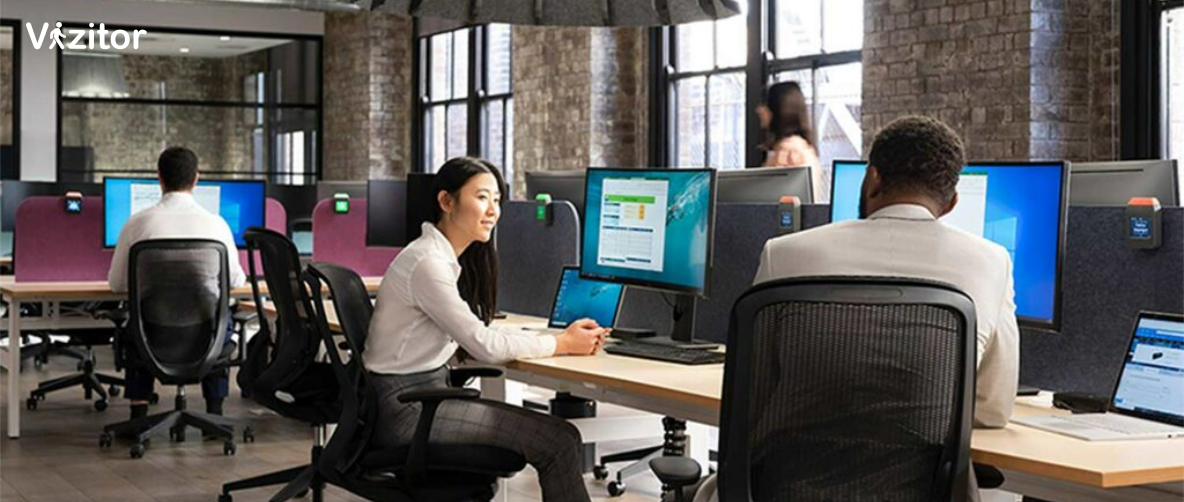
It’s essential to understand the differences between hot desking and office hoteling and choose a desk booking system that aligns with your preferred workspace model. Hot desking allows employees to choose any available desk on a first-come, first-served basis, promoting flexibility and freedom of choice. On the other hand, office hoteling assigns designated desks to employees on a reservation basis, providing a more structured and personalized workspace experience.
In Conclusion:
Choosing the right desk booking system is crucial for optimizing workspace utilization and supporting modern work trends like hybrid and flexible work arrangements. By considering factors such as features, flexibility, integration, and overall benefits, organizations can make informed decisions and select a system that meets their unique needs and objectives.
Frequently Asked Questions
See Vizitor in action check-in a visitor in under 30 seconds
Trusted by 500+ businesses. QR check-in, badge printing, NDA signing. Plans from $36/mo.