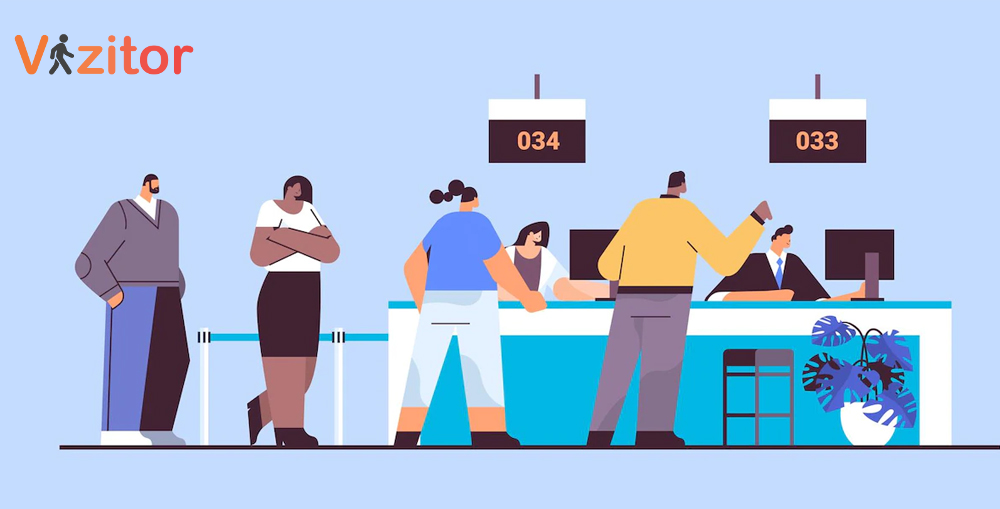
Manual visitor logs are no longer practical for modern workplaces. This blog explains how to implement digital visitor management using Vizitor through a phased rollout that avoids front desk disruption. By starting with pre-registration, running digital check-ins alongside paper logs, automating host notifications, and scaling gradually, organizations improve security, compliance, and visitor experience without operational chaos.



Published on: Tue, Feb 10, 2026
Read in 5 minutes
Once the decision to replace manual visitor logs is made, the next challenge is execution. Implementation often fails not because of the software, but because front desk operations are disrupted too early or too aggressively.
Implementing digital visitor management using Vizitor works best when the system is introduced as a layer over existing workflows, not a replacement overnight. This approach ensures continuity, staff confidence, and faster time-to-value.
The first step is alignment, not automation.
Vizitor should be set up to reflect how your front desk currently works:
By mapping Vizitor to existing processes, front desk teams don’t feel like they’re learning a new job, they’re simply using a better tool.
Pre-registration is the lowest-risk way to start implementation.
Using Vizitor, employees register expected visitors in advance, capturing required details and approvals before arrival. Visitors arrive prepared, which immediately reduces queue length and check-in time, even before the paper log is removed.
This step alone often delivers visible improvement within the first week.
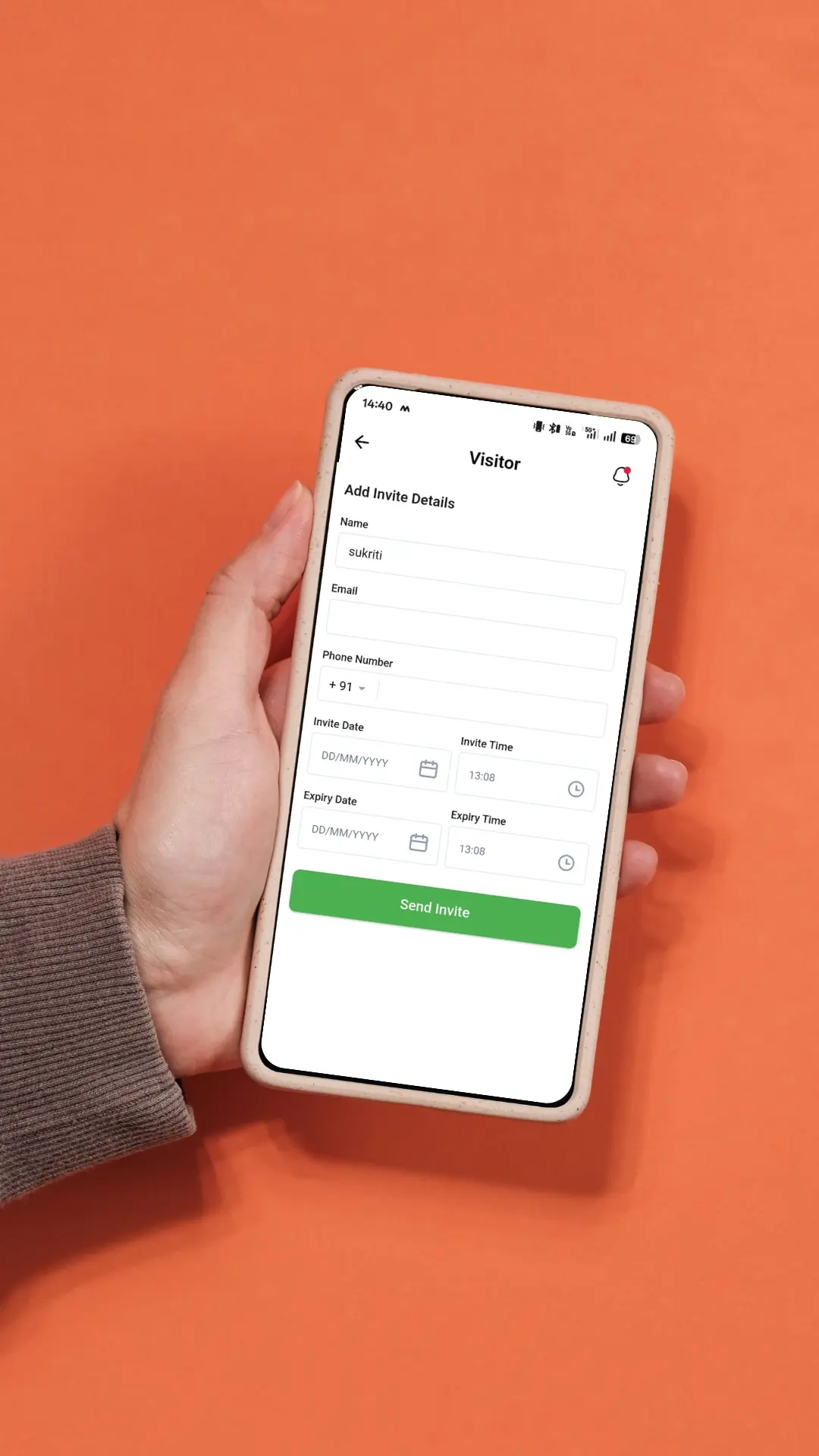
Rather than removing the manual register immediately, introduce Vizitor in parallel.
Visitors are encouraged to check in digitally using a tablet or kiosk, while the paper log remains available as a fallback. This builds confidence for both staff and visitors and avoids resistance during the early phase.
Reception teams stay in control while gradually relying less on manual processes.
One of the most immediate operational improvements comes from automation is Automatic Host Notifications.
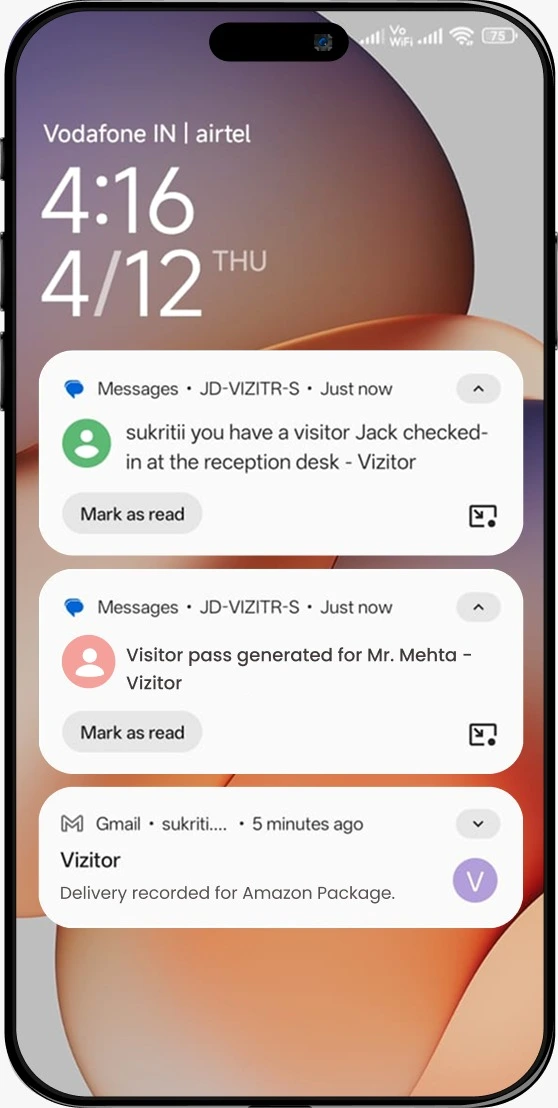
With Vizitor, hosts are notified automatically when their visitor arrives. This removes the need for receptionists to call, message, or chase employees, reducing interruptions and lobby wait time.
Front desks become calmer without changing staffing levels.
As digital usage rises, Vizitor offers real-time visibility regarding the people currently on site.
Facilities and security teams can instantly access:
This visibility supports emergency response, audits, and daily operations without relying on reception for updates.
Once the use of manual logs is phased out, the approach to governance becomes important.
Vizitor allows organizations to:
This step ensures visitor data handling aligns with modern privacy expectations and reduces long-term compliance risk.
After a successful rollout at one location, Vizitor enables organizations to replicate the same workflows across offices without starting from scratch.
This consistency is key for:
Scaling becomes an operational decision, not a technical challenge
Vizitor succeeds because it respects front desk reality:
By introducing automation in layers, organizations replace manual visitor logs without chaos, while meeting modern expectations for security, compliance, and experience.
Implementing digital visitor management is no longer about experimentation. It’s about executing a transition that front desks can sustain.
Using Vizitor, organizations can move away from manual visitor logs step by step, improving control and visibility without disrupting daily operations.
Explore Visitor Management System
Yes, Manual logs lack real-time visibility, expose personal data, and fail to meet modern security and compliance expectations. Most workplaces now treat digital visitor management as a baseline requirement.
Yes, The key is a phased rollout. Running digital check-ins in parallel with paper logs initially allows staff to adapt without pressure or disruption.
In most cases, organizations see value within the days. A pilot location can be live quickly, with gradual rollout across offices afterward.
Trying to remove the paper log too early. Successful implementations focus on confidence and workflow fit before full replacement.
No, when implemented correctly. Clear instructions, pre-registration links, and simple interfaces usually reduce check-in time to under a minute.
Yes, when using a modern platform. Digital visitor management systems provide controlled access, secure storage, and audit-ready records that paper logs cannot offer.
Good visitor management systems support fallback or offline handling, ensuring front desk operations continue without disruption.
No, Any workplace that receives external visitors benefits from replacing manual logs, regardless of size.
Because expectations have changed. Security, privacy, and visitor experience standards are higher, and manual logs can’t keep up.
Compared to the risks and inefficiencies of manual logs, digital visitor management is a low-cost operational upgrade with clear ROI.