Guide to Choosing the Perfect Queue Management System


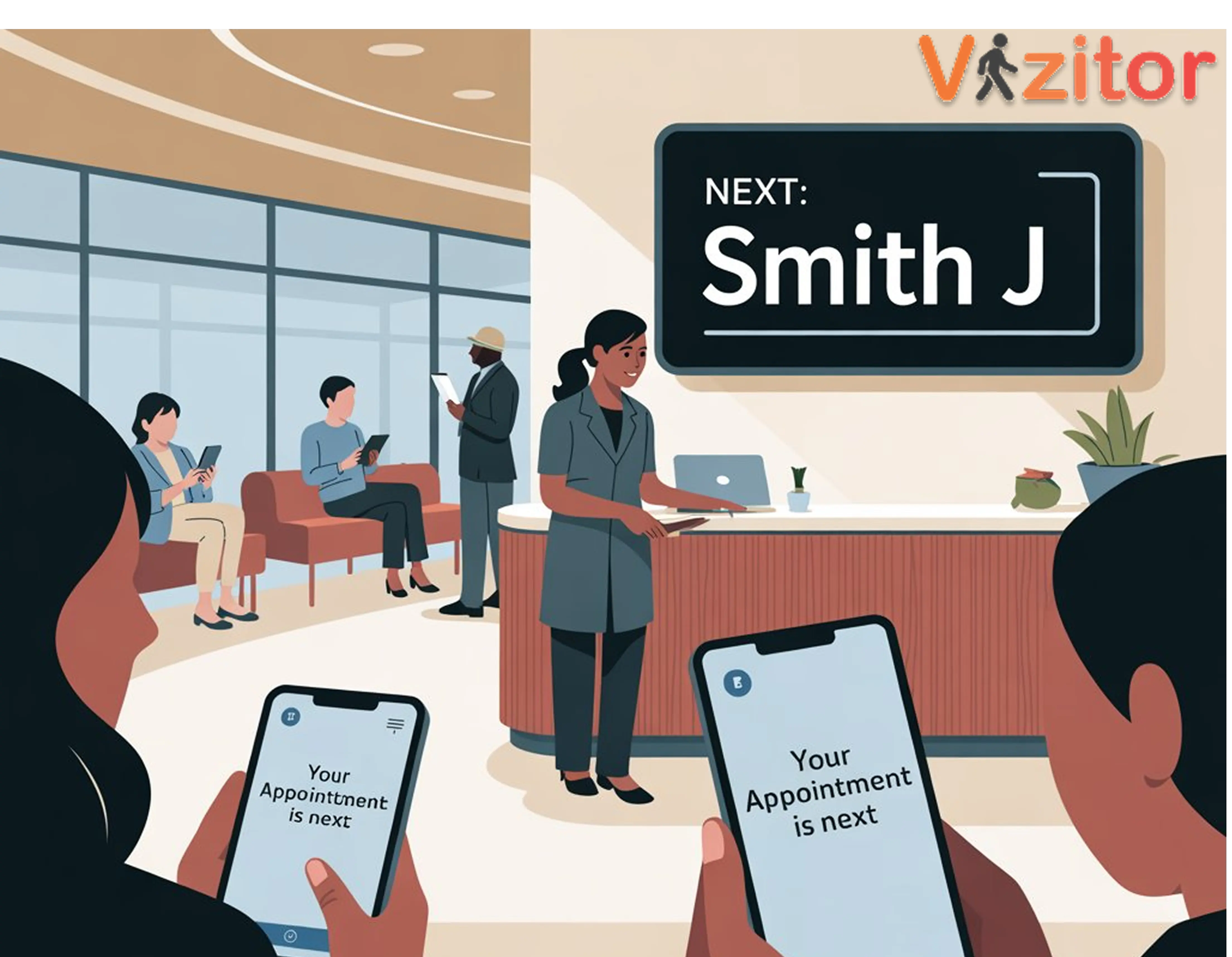
Table of Content
Try Vizitor for Free!
Why Choosing the Right Queue Management System Matters
Long, frustrating queues drive customers away and strain your staff. In experience-driven markets across retail, healthcare, government, and enterprise environments, businesses need a Queue Management System (QMS) that does more than just organize a line. The right system streamlines visitor flow, improves satisfaction scores, and gives your team the operational data to keep improving.
The challenge is that there are many QMS options on the market, each with different features, architectures, and pricing models. Choosing the wrong one means either overpaying for complexity you do not need or underinvesting in a system that cannot handle your volume or use case.
This guide provides a structured approach to evaluating and selecting a QMS that aligns with your business goals, enhances the visitor experience, and maximizes operational efficiency.
Why Investing in a Queue Management System Makes Business Sense
Before getting into how to choose, it helps to be clear on what you are investing in and what returns to expect.
Reduced Wait Times
A QMS minimizes frustrating queues by managing service order automatically, distributing load across counters, and keeping visitors informed through digital displays and SMS. Businesses typically see a 20 to 40 percent reduction in perceived wait times after implementation. That reduction directly improves customer satisfaction scores and drives retention.
Enhanced Customer Experience
Visitors value two things above almost everything else: knowing what is happening and knowing it is fair. A QMS delivers both. Digital displays show current service numbers and estimated wait times. Queue order is enforced automatically, removing the perception of favoritism or unfairness. Visitors feel respected because they are kept informed throughout their wait.
Improved Staff Efficiency
A QMS removes administrative overhead from front-line staff. The system handles queue order, directs visitors to the right counter, sends notifications, and updates display boards automatically. Staff freed from these tasks can focus entirely on delivering quality service. This typically translates to a 15 to 20 percent increase in effective staff productivity.
Data-Driven Operational Insights
Every interaction with a QMS generates data: arrival times, wait times, service durations, abandonment rates, counter performance. This data enables decisions that manual queue management cannot support. You can staff based on actual peak patterns rather than assumptions, identify process bottlenecks, and track service level improvements over time.
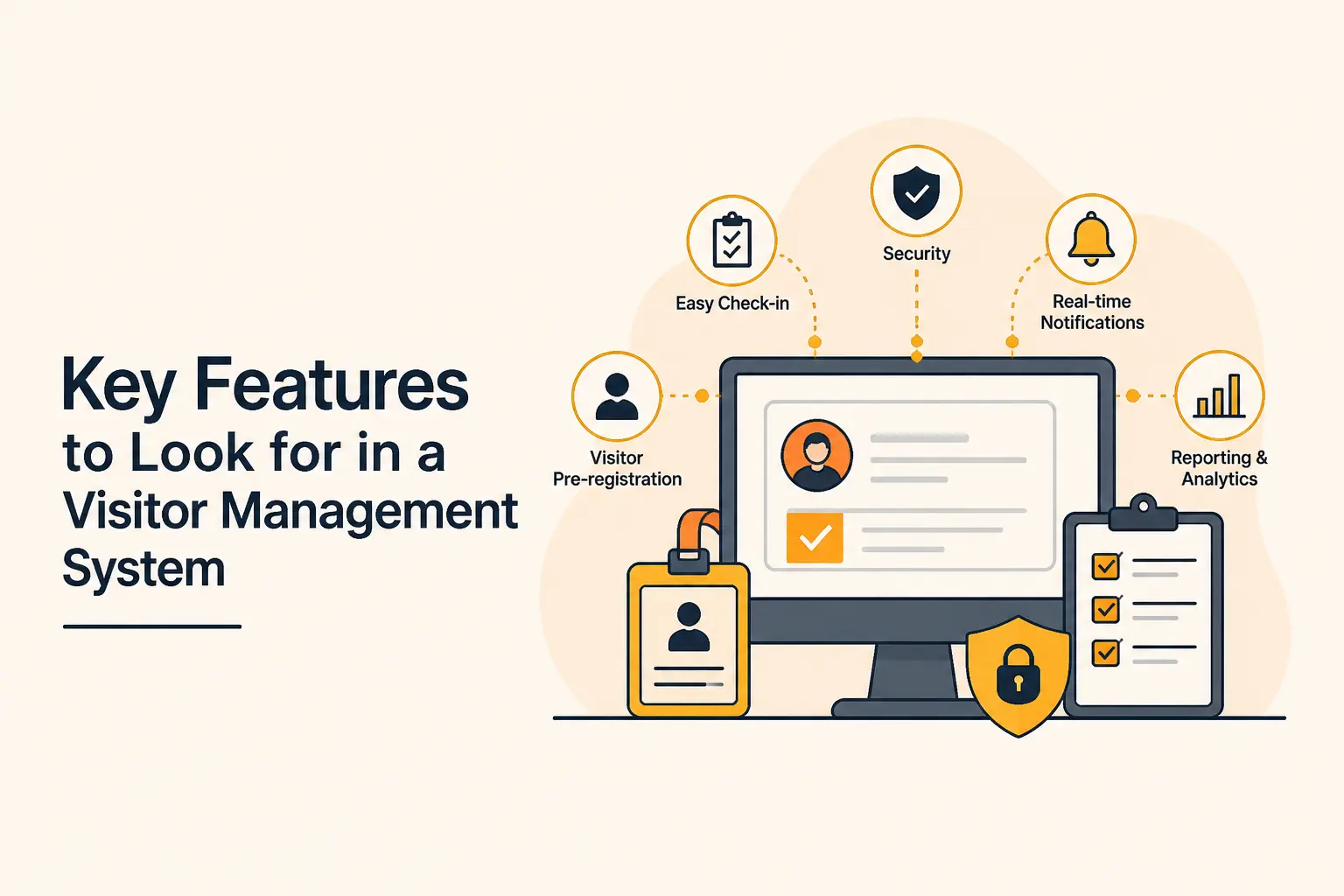
Key Features to Evaluate in a Queue Management System
Not all QMS platforms offer the same capabilities. When evaluating options, focus on features that address your specific environment and workflows.
Department and Service Management
Department creation: Organize visitors by service type or department so they are routed to the correct counter from check-in. A visitor arriving for returns should never be in the same queue as a visitor arriving for a new account consultation.
Token generation by department: Unique tokens for each service category allow display boards to show relevant information to each visitor without confusion across service types.
Staff assignment updates: The ability to reassign staff to departments dynamically based on queue load is essential for high-volume environments.
Real-Time Communication
Instant staff notifications: When a visitor checks in, the relevant staff member or department is notified immediately. No manual check-ins required from the reception desk.
Visitor position updates: SMS or app notifications keep visitors informed of their position throughout the wait. The frequency and content of these updates should be configurable.
Counter assignment notifications: When it is a visitor’s turn, they receive a notification directing them to the specific counter. This eliminates confusion and the need for staff to physically call out names.
Queue Flow Management
Department transfers: Multi-step service journeys, common in healthcare and government, require the ability to queue a visitor for their next department without requiring them to start the check-in process again.
Automatic serial reset: Display boards and counters reset automatically at the start of each service period so there is no manual administration required at shift changes.
Priority queue management: The ability to elevate certain visitors, whether urgent cases, VIP clients, or pre-scheduled appointments, without disrupting the overall queue order.
Analytics and Reporting
Wait time tracking: The fundamental metric. Track average, median, and maximum wait times by service category, time of day, and day of week.
Peak hour identification: Automated identification of when demand spikes occur, enabling proactive staffing rather than reactive scrambling.
Service efficiency analysis: Time-per-service-interaction data by counter and staff member reveals training needs and process inefficiencies.
Feedback collection: Built-in post-visit feedback collection within the QMS workflow generates data at the highest possible response rate.
See how Vizitor handles queue management
Join 2,000+ workplaces using Vizitor to reduce wait times and manage visitor flow. Free trial, no credit card required.
Book a DemoA Step-by-Step Process for Choosing the Right QMS
Step 1: Map Your Current Visitor Flow
Before evaluating any system, document exactly how visitors move through your environment today. Where do they enter? How do they register? How are they directed to the right service? Where do waits occur? Where do staff spend the most time on coordination?
This mapping exercise reveals the specific pain points that a QMS needs to address. It also helps you avoid buying features you do not need because the problem they solve does not exist in your environment.
Step 2: Define Your Requirements
Translate your pain points into a requirements list. Typical requirements include:
- Number of concurrent service categories
- Expected daily visitor volume at peak
- Check-in methods (kiosk, QR code, mobile app, staff-assisted)
- Communication channels needed (SMS, display board, app notification)
- Integration requirements with existing systems (CRM, scheduling, POS)
- Reporting needs and who will review the data
- Multi-location management if applicable
With a clear requirements list, vendor evaluation becomes structured rather than subjective.
Step 3: Evaluate Ease of Use for Both Audiences
A QMS has two user groups with very different needs: your staff and your visitors.
For staff: The system needs to be simple enough that it does not require frequent retraining, can be learned quickly by new employees, and does not create workflow friction during busy periods. A complicated staff dashboard that requires multiple clicks to call the next visitor is a problem during peak hours.
For visitors: The check-in process needs to be intuitive for first-time users. If visitors frequently need assistance from staff to complete check-in, the self-service benefit is negated. Test the visitor-facing interface with people who have not seen it before to identify friction points.
Step 4: Assess Integration Capability
A QMS that works in isolation from your other systems creates data silos and duplication of effort. The right system integrates with:
- Your visitor management system for unified check-in and security workflows
- Appointment scheduling tools so pre-booked visitors flow directly into the queue
- CRM or customer databases for personalized service routing
- Existing communication tools for host notifications
For a comprehensive look at how QMS integrates with broader visitor management, see our post on common visitor queue problems and how Vizitor fixes them.
Step 5: Confirm Scalability
Your QMS needs to handle your current volume and your projected volume two to three years from now. Questions to ask vendors:
- What is the maximum number of concurrent visitors the system supports?
- How does performance hold up during peak periods?
- How difficult is it to add service categories or departments?
- Can the system manage multiple locations under a single account?
- What happens to historical data if you need to scale up the plan?
Cloud-based systems like Vizitor scale without hardware investments. The subscription tier determines feature access and support level, not processing capacity.
Step 6: Evaluate Vendor Support
The best QMS becomes a liability if the vendor’s support is slow or unhelpful. During evaluation, test how quickly the vendor responds to pre-sales questions. This is a reasonable proxy for how they will respond when you have a problem during a busy Monday morning.
Key support factors to evaluate:
- Response time SLA for support tickets
- Availability of live support during business hours
- Quality of documentation for self-service troubleshooting
- History of platform stability and uptime
- Roadmap transparency
Step 7: Calculate Cost Against Expected ROI
QMS pricing varies from $20/month for cloud-based systems like Vizitor to tens of thousands for enterprise on-premise deployments. For most organizations, a cloud-based subscription delivers the best balance of functionality and cost.
The ROI calculation is straightforward:
- Reduction in staff time spent on queue administration (translate to labor cost savings)
- Reduction in customer walkouts multiplied by average transaction value
- Reduction in customer complaints and associated resolution costs
- Improvement in customer retention over time
For most mid-sized operations with consistent visitor volume, the ROI on a cloud-based QMS is positive within the first month.
Benefits Beyond the Queue: What a Good QMS Delivers
Investing in the right QMS goes beyond reducing wait times. The downstream effects include:
Improved customer retention: Customers who experience efficient, transparent service return more often. Retention improvements compound over months and years into significant revenue impact.
Operational efficiency: Staff spend more time delivering value and less time coordinating logistics. This improves service quality and staff satisfaction simultaneously.
Brand perception: Modern, efficient waiting experiences communicate organizational competence and care. This shapes how visitors evaluate your business overall.
Compliance and safety support: In healthcare and regulated environments, a QMS helps maintain safe distancing, provides auditable visitor logs, and supports crowd control compliance.
Best Practices for QMS Implementation
Choosing the right system is only half the work. Implementation determines whether you realize the potential.
Train staff before go-live: Every staff member who will interact with the system needs at least a basic orientation before the first visitor uses it. This is especially important for the dashboard that front desk staff use to call visitors and manage queue exceptions.
Communicate the change to visitors: If you are replacing a familiar physical queue with a digital system, brief signage at the entry point explaining the new process prevents confusion on the first days. Visitors who understand why they are being asked to check in digitally adapt quickly.
Monitor performance metrics from day one: Establish baseline metrics before go-live so you can measure improvement accurately. Review them weekly for the first month, then monthly once the system is stable.
Collect and act on visitor feedback: Use the built-in feedback features to gather visitor responses within the first few weeks. Early feedback often surfaces configuration issues that are easy to fix before they become habitual.
Adjust queue configuration based on data: The initial setup is a starting point, not a final state. Review the analytics after the first month and adjust service categories, counter assignments, and routing rules based on what the data reveals about actual visitor behavior.
For a broader view of how queue management fits into peak-period visitor management, see our post on best practices for managing visitors during peak hours.
FAQ
What types of businesses benefit most from a queue management system?
Banks, hospitals, retail stores, government offices, service centers, corporate headquarters, and any customer-facing organization with significant visitor traffic benefits from a QMS. The higher the daily visitor volume and the more service categories you manage, the greater the impact.
Can a QMS integrate with existing visitor management or CRM software?
Yes. Modern QMS solutions including Vizitor offer integration with visitor management systems, CRM platforms, appointment scheduling tools, and POS systems. This creates a connected workflow where visitor data is consistent across all systems.
How does a QMS improve customer satisfaction specifically?
By reducing actual wait times through better queue management, reducing perceived wait times through real-time communication, and creating a fair and transparent service order, visitors feel respected and informed. This directly improves satisfaction scores and reduces complaint volume.
What features are non-negotiable in a QMS?
At minimum, a QMS needs: multi-service routing, token generation, real-time display boards, SMS notifications, a staff dashboard, and analytics on wait times and throughput. Any system without these basics will require too many manual workarounds to deliver real value.
Is implementing a QMS expensive?
Cloud-based QMS platforms like Vizitor start at $20/month. The ROI is typically positive within the first month for any organization with consistent visitor volume. Implementation costs are minimal for cloud-based systems since no custom hardware or development is required.
How long does it take to see results after implementing a QMS?
Most organizations see measurable improvements in wait times and visitor satisfaction within the first week. Staff efficiency improvements are visible immediately once the system handles queue administration automatically. Data for strategic decisions accumulates over the first one to two months.
Try Vizitor Free
No credit card required. Setup in under 5 minutes. Manage visitors, queues, meeting rooms, and more.
Start Free TrialSee Vizitor in action check-in a visitor in under 30 seconds
Trusted by 500+ businesses. QR check-in, badge printing, NDA signing. Plans from $36/mo.