Visitor Management Systems: Stay Ahead of Competitors


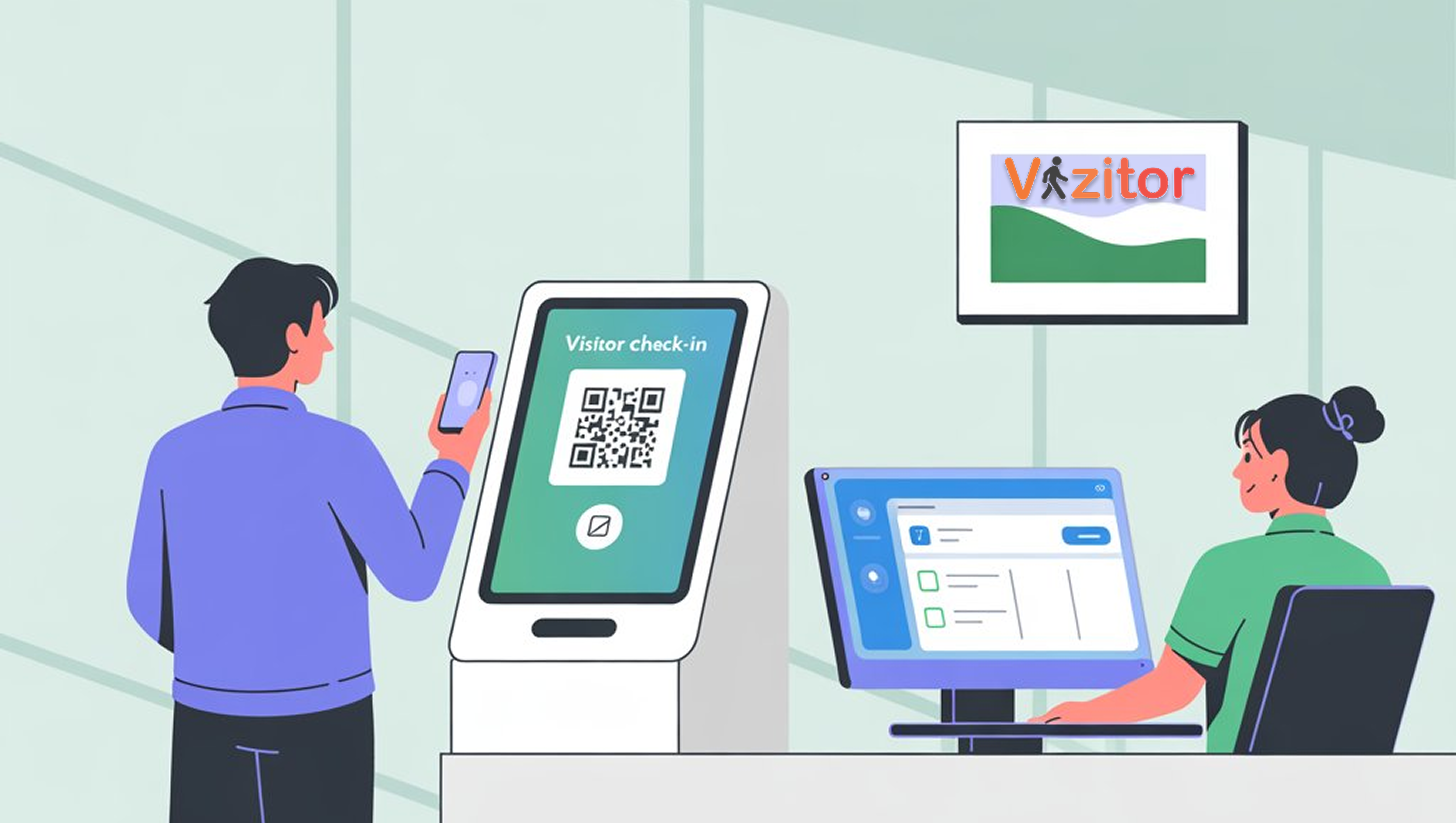
Table of Content
Try Vizitor for Free!
Still relying on paper logbooks and manual registers at your front desk?
Chances are, your competitors aren’t.
Businesses that implement a Visitor Management System (VMS) report up to 60% higher operational efficiency and a 40% boost in visitor satisfaction. In modern workplaces, falling behind on technology means losing on efficiency, compliance, and customer trust simultaneously.
A modern visitor management solution doesn’t just track visitors. It enhances security, creates better guest experiences, ensures compliance, and provides data insights that improve operations. The gap between organizations using digital visitor management and those still running paper processes is widening every year.
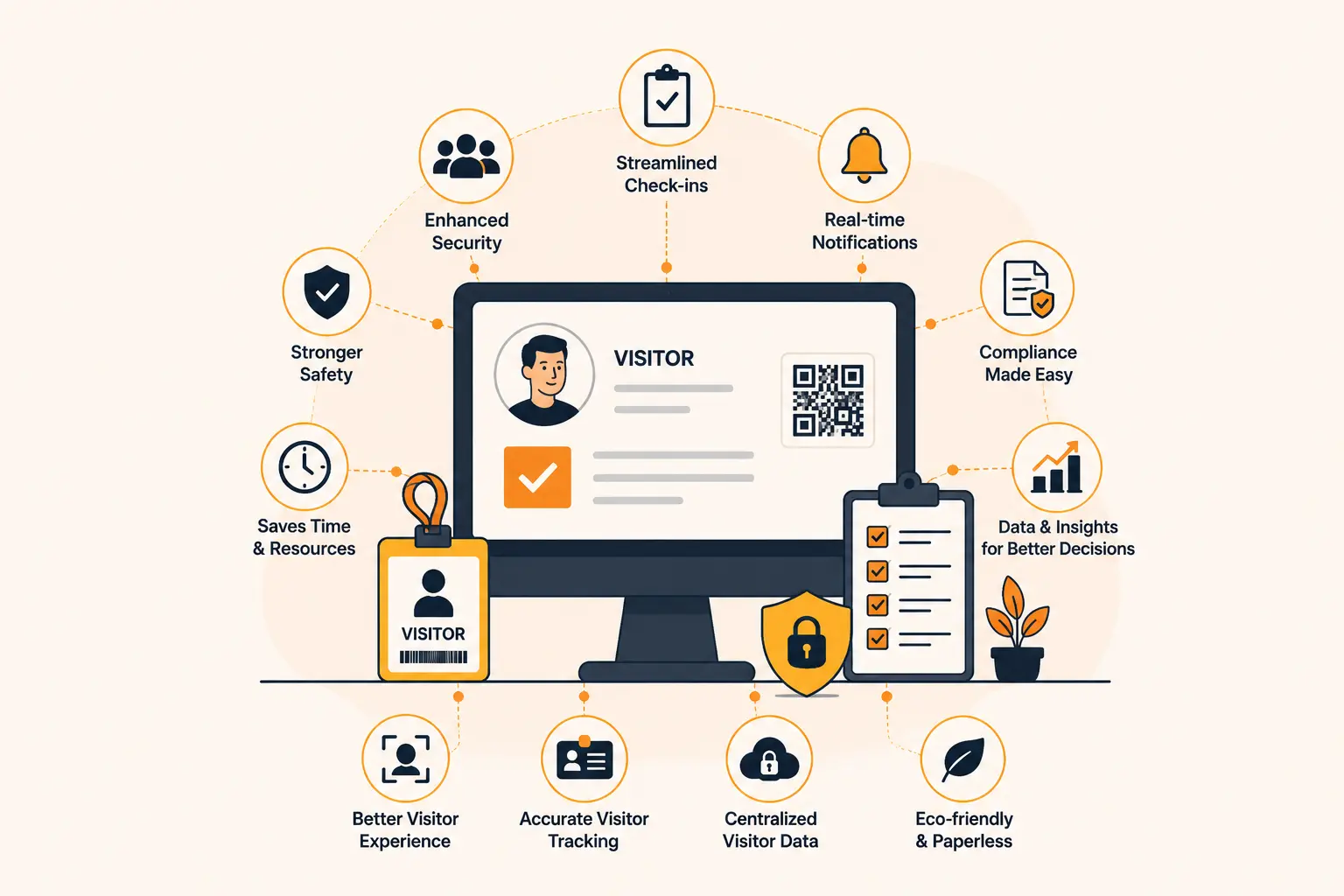
Why Businesses Are Switching to Visitor Management Systems
The shift to digital visitor management isn’t driven by novelty. It’s driven by concrete operational problems that paper systems can’t solve.
Enhanced Security
Know exactly who is entering and leaving your building at every moment. A reliable VMS logs visitor details, prevents unauthorized access, and keeps sensitive areas protected. Paper logs create ambiguity. Digital systems create certainty.
When a security incident occurs and you need to determine who was in the building during a specific window, a digital system gives you a searchable, timestamped, photographic record. A paper log gives you whatever was written down by whoever was at the desk that day.
Better Visitor Experience
Nobody enjoys waiting. A digital check-in system reduces queues, issues badges instantly, and greets guests with a personalized touch. The first impression your organization makes starts at reception. A polished, fast, digital check-in communicates professionalism before a single word is exchanged.
Compare that to a visitor being handed a paper form and asked to fill in their details by hand while standing at a counter. The contrast is significant.
Increased Operational Efficiency
Manual data entry, physical logbooks, and phone-based host notifications consume staff time that could be spent on higher-value work. Automating check-in saves hours across your reception team, reduces paperwork, and frees your staff for tasks that actually require human judgment.
Compliance Made Easy
Many industries require visitor data tracking for audits and regulations. Healthcare facilities need to know who accessed patient-adjacent areas. Financial institutions need documented visitor records. Manufacturing sites need contractor compliance records. A quality visitor management system stores secure, timestamped records that are ready for audit at any moment.
Competitive Positioning
When clients and partners walk in, they notice. A digital check-in process positions your brand as organized, modern, and security-conscious. A paper logbook positions you as a company that hasn’t thought much about its own front desk.
In B2B sales contexts, this matters. The client who walks into your office before signing a contract is forming an impression of how you run your business.
The Real Cost of Staying on Paper
Before looking at what a VMS delivers, it’s worth quantifying what paper costs.
A typical office with 40 daily visitors and a 2-3 minute manual check-in process spends 80-120 minutes of staff time per day on visitor management. That’s 400-600 hours per year for a single reception desk, most of it on tasks that a digital system handles automatically.
Add to that: NDAs that go unsigned because no one tracked them, compliance logs that don’t hold up to audit review, visitor experience problems that reduce confidence in your organization, and the risk exposure from data that anyone can read in your paper logbook.
The cost of maintaining a paper process is higher than most organizations calculate, because most of it is invisible until something goes wrong.
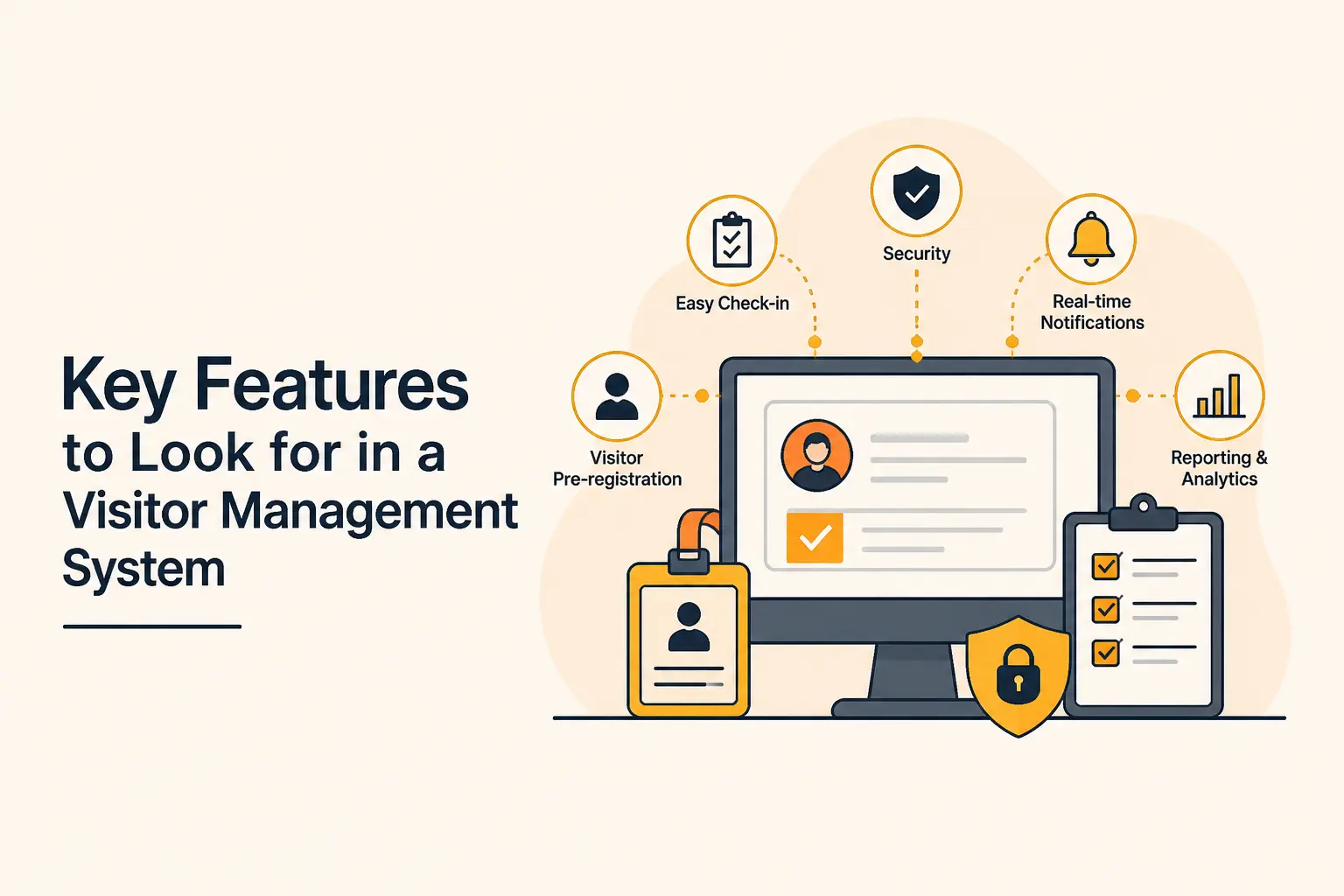
Must-Have Features of the Best Visitor Management System
Not all systems deliver equally. Here’s what the best visitor management systems include:
1. Security and Access Control
- ID scanning and photo capture at check-in
- Digital badges for quick identification by staff
- Restricted access zones for sensitive areas, enforced via badge permissions
- Watchlist screening that automatically flags flagged individuals
2. Efficiency and Automation
- Touchless check-in via QR code or kiosk tablet
- Quick checkout when the visit is complete
- Digital signatures for NDAs and compliance agreements during check-in
- Pre-registration so expected visitors check in in under 30 seconds
3. Data Insights and Reporting
- Real-time dashboards showing who’s on-site
- Visitor traffic analytics by time, day, and location
- Custom reports for audits and operational decisions
- Multi-site rollup for enterprise visibility
4. Compliance and Data Privacy
- Encrypted cloud storage for all visitor data
- GDPR and CCPA compliance tools including consent capture and deletion workflows
- Automated record-keeping with configurable retention periods
- Audit trails showing who accessed visitor data and when
5. Emergency Readiness
- Real-time evacuation management with accurate on-site headcount
- Instant alerts for security incidents or unauthorized access attempts
- Visitor headcount by location for multi-site emergencies
6. Integration and Customization
- Integration with access control systems, CRMs, HRMS, and communication tools
- Customizable branding: badges, check-in screens, workflows
- APIs for custom integrations with your technology stack
See how Vizitor handles visitor management
Join 2,000+ workplaces using Vizitor to manage visitors securely. Free trial, no credit card required.
Book a DemoWhy Organizations Need a Reliable Visitor Management System
Managing visitors is no longer just about signing a register. Security, compliance, and efficiency in modern workplaces demand more. Here’s what a reliable VMS delivers:
Enhanced Security. Know who is on your premises at any given time. Digital logs and real-time tracking prevent unauthorized access and reduce intrusion risk. When incidents occur, you have a verifiable record.
Professional First Impressions. A smooth, tech-enabled check-in creates a modern and trustworthy impression before any meeting begins.
Regulatory Compliance. Industries like healthcare, finance, and manufacturing require strict visitor tracking. A VMS automates these records, ensuring accuracy and readiness for audits.
Operational Efficiency. Reception teams save hours previously spent on manual registrations. Automated notifications alert employees when their guests arrive, cutting waiting time.
Emergency Preparedness. In case of a fire or security incident, digital visitor data provides an up-to-date list of everyone on-site, supporting quick evacuations and safety checks.
A visitor management system isn’t an add-on. It’s a core workplace tool that strengthens security, boosts productivity, and elevates the visitor experience simultaneously.
The Competitive Gap Is Growing
Organizations adopting digital visitor management today are building a compounding advantage. As their processes improve and their data accumulates, the operational and compliance benefits grow. Meanwhile, organizations still running paper processes fall further behind.
The competitive dynamic is worth taking seriously:
- Your client visits your office and checks in via a professional digital system. Then they visit your competitor and sign a paper form. Which organization looks more credible?
- Your compliance team pulls a complete audit report in two minutes. Your competitor spends hours searching through logbooks. Which team has more capacity for strategic work?
- Your security team gets a real-time alert when a flagged vendor attempts check-in. Your competitor finds out about the problem after the fact. Which organization is better protected?
These differences compound over time. Getting ahead now is easier than catching up later.
For a practical guide to evaluating and purchasing a visitor management system, see our buyer’s guide to visitor management software.
Making the Switch: What Implementation Actually Looks Like
One reason organizations delay adopting digital visitor management is the perception that implementation is complex and disruptive. In reality, the opposite is true.
Most organizations running Vizitor went live within a single afternoon. The setup process is straightforward:
Hardware: Vizitor runs on any existing Android or iOS tablet. No specialized hardware purchase is required. If you have a spare tablet in a drawer somewhere, that’s your check-in kiosk.
Configuration: Set up visitor types (client, contractor, delivery), define what information to collect from each, upload any documents for digital signing, and build your host list. This takes 1-2 hours depending on complexity.
Notification setup: Connect to the channels your team actually uses. If your team uses Slack, set up Slack notifications. If they check WhatsApp, use WhatsApp. The system adapts to your workflow, not the other way around.
Going live: Switch on the kiosk at reception. Brief your team in 10 minutes. You’re live.
Review: After two weeks, check completion rates and notification timing. Make any adjustments. The system then runs without ongoing management.
The organizations that delay adoption waiting for the right time or a less busy period are losing the benefits every day they wait. There is no less disruptive time than today. The implementation takes an afternoon. The benefits start immediately.
For a detailed step-by-step walkthrough of the migration process, see our sign-in sheet to smart office migration guide.
Why Vizitor Is the Right Choice
Vizitor goes beyond basic visitor tracking. It’s designed to make workplaces smarter, safer, and more efficient.
- QR-based check-in: Contactless entry eliminates queues and paper logs
- Multi-location support: Manage one office or fifty from a single centralized dashboard
- Real-time notifications: Staff get instant alerts when their guests arrive
- Customizable workflows: Tailor visitor badges, NDAs, health forms, and check-in sequences
- Emergency management: Always know who’s inside your premises for accurate evacuations
- Scalable pricing: Starts at $20/month. Free trial with no credit card required.
Vizitor is built to fit organizations at every scale, from growing startups to large enterprises with complex multi-site requirements. The system is deployed on existing hardware, typically up and running in an afternoon.
FAQs
1. What is a Visitor Management System (VMS)? A Visitor Management System is a digital solution that replaces manual registers with secure, automated check-ins. It helps organizations track visitor data, improve security, and create a professional entry experience.
2. Why should businesses move away from paper registers? Paper-based logs are error-prone, insecure, and don’t meet modern compliance requirements. A digital VMS ensures accurate records, real-time notifications, and compliance with data privacy standards including GDPR and CCPA.
3. Is a Visitor Management System only for large enterprises? No. Modern VMS solutions are scalable, making them suitable for startups, SMEs, and multi-location enterprises. Vizitor is designed to fit both small teams and large organizations.
4. How does a VMS improve workplace security? A VMS maintains a live record of everyone on-site, issues visitor badges, captures IDs when required, flags watchlisted individuals, and supports emergency evacuations with accurate headcounts.
5. Can Vizitor be customized for different industries? Yes. Vizitor supports customizable workflows for corporate offices, co-working spaces, hospitals, schools, and manufacturing units, each with different visitor types, compliance requirements, and check-in flows.
6. How does Vizitor keep data secure? All visitor information is encrypted in transit and at rest, with role-based access controls and configurable data retention policies. The platform is designed for compliance with GDPR, CCPA, and enterprise security frameworks.
7. How quickly can Vizitor be deployed? Most organizations go live within a single afternoon. Setup involves configuring visitor types, uploading required documents, building the host list, and selecting notification channels. No dedicated IT project required.
8. What does it mean that your competitors are already using a VMS? It means they’re processing visitors faster, maintaining better compliance records, making stronger first impressions, and operating with more security than organizations still running paper processes. The gap grows over time as their data accumulates and their processes mature.
Try Vizitor Free
No credit card required. Setup in under 5 minutes. Manage visitors, queues, meeting rooms, and more.
Start Free TrialSee Vizitor in action check-in a visitor in under 30 seconds
Trusted by 500+ businesses. QR check-in, badge printing, NDA signing. Plans from $36/mo.