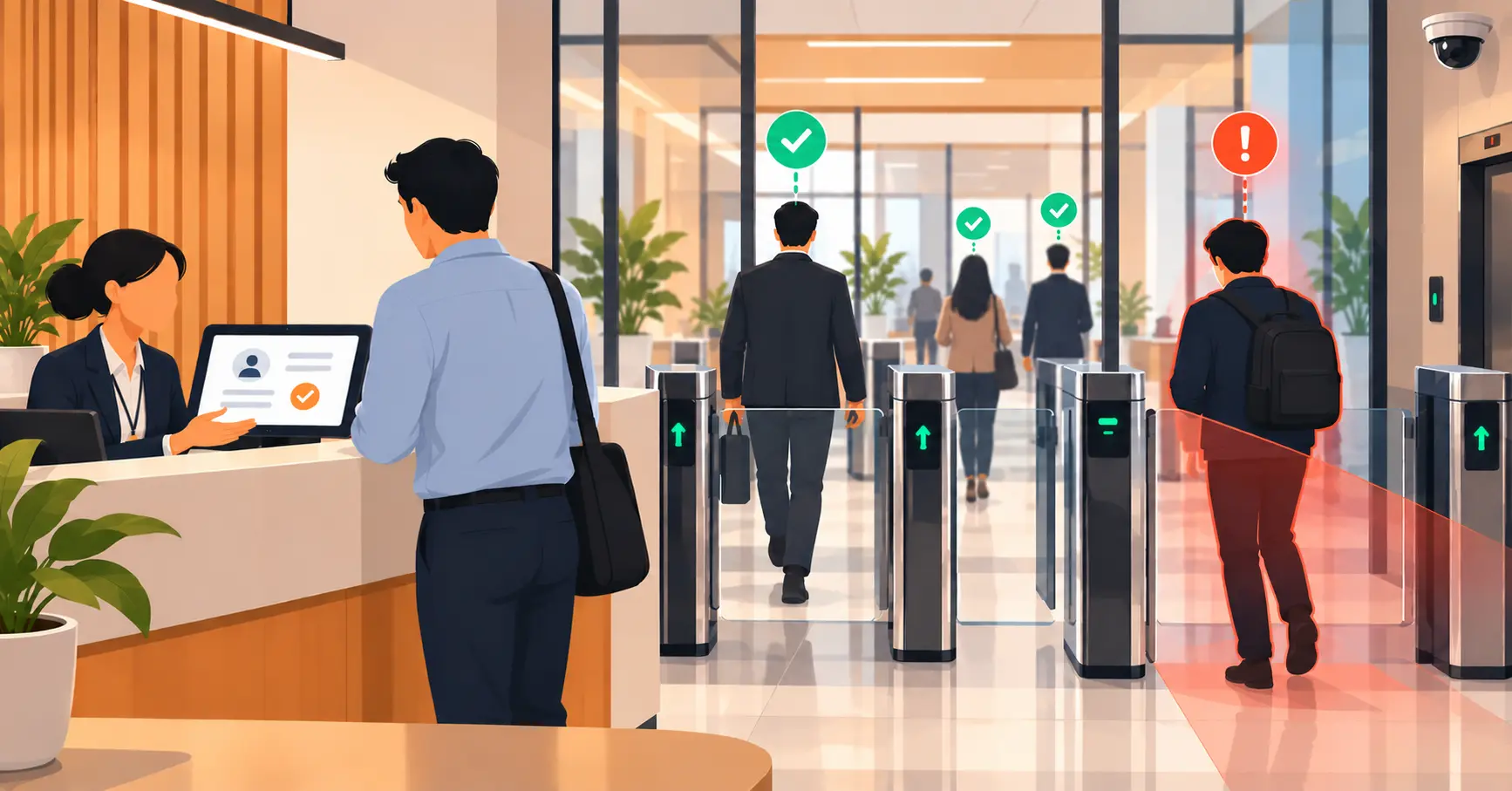
How Visitor Management Systems Keep Visitor Data Compliant
Data privacy compliance is a growing concern for businesses handling visitor information. This blog explains why front desk operations pose risks and how modern visitor management systems help maintain compliance, security, and a seamless visitor experience.



Table of Content
Try Vizitor for Free!
Data is at the center of modern business operations. From employee records to customer interactions, the sensitive information collected at your front desk exposes your organization to serious risk if it isn’t handled correctly.
Visitor management, once a simple task of recording names and printing badges, is now at the heart of data privacy compliance. In fact, it’s one of the biggest liabilities for businesses that fail to modernize their front desk operations.
This post explains why data privacy compliance matters for visitor management, how outdated systems create legal and security risk, and how a modern VMS keeps your organization protected.
Why Your Front Desk Is a Compliance Risk
Many businesses still rely on traditional guestbooks, manual check-in processes, and paper logs to manage visitors. These methods seem simple, but they carry serious compliance problems:
Data Exposure: Handwritten guestbook entries sit open on a counter. Any visitor can read the names, companies, and visit details of the people who checked in before them. Paper logs can be lost, stolen, photographed, or simply read by the wrong person at the wrong time.
Human Error: Mistakes in data entry or failure to capture consent create gaps in your compliance records. An auditor asking for a complete log of everyone who visited your office on a specific date will find that paper systems can’t reliably provide it.
Compliance Gaps: Privacy laws like GDPR, CCPA, and HIPAA require explicit consent for data collection, secure storage, and the ability to delete or provide access to data on request. Paper systems make it structurally impossible to meet these requirements consistently.
When visitor data is managed poorly, businesses face heavy fines, reputational damage, and in regulated industries, loss of operating licenses. As regulatory scrutiny increases, the cost of maintaining outdated visitor management systems is rising every year.
What Data Privacy Laws Require from Visitor Management
GDPR (EU) requires that personal data be collected with explicit consent, stored securely, used only for the stated purpose, and deleted when no longer needed. Individuals have the right to access their data, correct it, and request deletion.
CCPA (California) gives consumers similar rights: the right to know what data is collected, the right to opt out of data sale, and the right to deletion.
HIPAA (US Healthcare) requires strict controls over who can access patient-related information, which extends to visitor logs in healthcare facilities where visitor data might be connected to patient information.
ISO 27001 and other enterprise security frameworks require documented, auditable processes for managing physical access, which includes visitor management.
The common thread: these regulations require you to know exactly what data you’re collecting, why, how long you’re keeping it, and who has access to it. Paper systems can’t answer any of these questions reliably.
How Outdated Visitor Systems Create Compliance Violations
Let’s be specific about where the violations happen.
Unauthorized data access: A paper logbook visible at the reception desk exposes every previous visitor’s name and company to the next visitor who walks in. This is a GDPR violation in any jurisdiction that applies it.
Missing consent records: If a visitor didn’t explicitly consent to having their data collected and stored, you can’t legally retain it under GDPR. Paper systems have no reliable way to capture, document, or prove that consent was given.
No deletion capability: If a visitor exercises their right to be forgotten under GDPR or CCPA, you need to be able to find their records and delete them. A paper log cannot be partially deleted. You either keep all of it or shred all of it.
No audit trail for access: Regulations often require you to demonstrate that access to personal data was controlled and logged. Paper systems have no way to show who accessed the logbook, when, or for what purpose.
Inconsistent retention: How long do you keep paper visitor logs? Most organizations have no documented policy for this, which means they either keep records indefinitely (violating data minimization principles) or destroy them too early (violating retention requirements for regulated industries).
How a Visitor Management System Ensures Compliance
A modern VMS addresses each of these gaps systematically.
1. Encrypted Data Storage
Modern VMS solutions store visitor data in encrypted cloud databases with access controls that prevent unauthorized viewing. The visitor data is not visible to other visitors, not accessible to unauthorized staff, and not exposed if a device is lost or stolen.
2. Automated Consent Capture
Vizitor automates the process of obtaining and storing visitor consent for data collection. Visitors digitally sign their consent during check-in, and the system captures a timestamped record of that consent. This creates a defensible compliance record that holds up to regulatory review.
3. Access Controls and Audit Logs
Role-based access ensures that only authorized staff can view visitor records. Every access to visitor data is logged with a timestamp and user identifier. If a regulator asks who accessed a visitor’s data and when, you can produce that record instantly.
4. Data Retention and Deletion Policies
Vizitor allows you to configure automated data retention rules: visitor records are kept for the required period and then deleted automatically. When a visitor exercises their right to deletion, the record can be removed immediately and the deletion documented.
5. Real-Time Notifications and Tracking
The system alerts relevant staff when visitors arrive, ensuring that sensitive information is handled by the right people. Data is logged with timestamps and audit trails suitable for compliance audits.
See how Vizitor handles visitor management
Join 500+ workplaces using Vizitor to manage visitors securely. Free trial.
Book a DemoVisitor Safety Features That Support Compliance
Data privacy and physical safety are related. A VMS that handles both strengthens your overall compliance posture.
Visitor ID Badges and Access Control: A VMS automatically prints ID badges for visitors with clear access permissions. Visitors only access approved spaces, reducing the risk of unauthorized access to areas where sensitive data is processed or stored.
Emergency Management: In emergencies, a VMS provides accurate real-time lists of all on-site visitors. This supports safe evacuation and reduces liability related to missing individuals during incidents.
Security Screening: Many VMS platforms integrate with security systems for automated identity verification and background checks, preventing entry by flagged individuals while maintaining a documented record of the screening.
Compliance in Regulated Industries
Different industries face different specific requirements, and a VMS should adapt to each.
Healthcare: Visitor logs may be connected to patient records in ways that require HIPAA compliance. A digital VMS with role-based access, encrypted storage, and audit trails is the minimum standard.
Financial Services: Financial institutions face strict requirements around visitor access to trading floors, data centers, and executive areas. Audit-ready logs and access control integration are essential.
Manufacturing: Contractor and vendor access to production facilities requires documented verification, NDA compliance, and safety induction records. A visitor management system for manufacturing can manage all of these at check-in.
Education: Schools handle data related to minors, which carries additional protections under FERPA in the US and similar frameworks elsewhere. Visitor access to student areas requires verified authorization.
For a broader view of how visitor management connects to workplace security policy, see our complete visitor management system overview.
The Benefits of Switching to a Digital Visitor Management System
The compliance case is clear, but the operational benefits are equally real:
Improved Compliance: Automated data collection, consent capture, and reporting make it straightforward to stay compliant with privacy regulations across jurisdictions. The compliance work moves from manual to automatic.
Enhanced Security: Encrypted storage and role-based access protect sensitive data. Real-time visibility into who is on-site provides security teams with the information they need without creating privacy risks.
Better Visitor Experience: A fast, digital check-in process impresses visitors and reflects organizational professionalism. The same system that protects their data also makes their experience better.
Operational Efficiency: Staff spend less time managing paper records and more time on higher-value work. Report generation for audits goes from hours to minutes.
How Vizitor Helps You Stay Compliant
Vizitor provides a cloud-based visitor management system that combines compliance, security, and efficiency in one platform. Key features include:
- Digital check-ins with automated consent capture
- Real-time visitor notifications to ensure proper data handling
- Encrypted cloud storage to protect sensitive information
- Customizable visitor badges with access control integration
- Audit trails and automated reporting for compliance purposes
- Emergency evacuation management with real-time on-site lists
- Data retention policies and deletion workflows built into the platform
Vizitor is built for organizations that need to demonstrate compliance, not just claim it. The audit trail is always ready. The consent records are always documented. The data is always protected.
For more on navigating compliance-specific challenges, see our post on data privacy in visitor management systems.
Building a Compliance-Ready Visitor Management Program
Implementing a digital VMS is necessary but not sufficient for compliance. The system needs to be configured correctly and operated within a clear organizational framework.
Define your data categories. Identify exactly what data you collect from visitors and why. Name, contact details, purpose of visit, photo, and signed documents each have a justification under data minimization principles. Anything you collect should be documented with a legitimate purpose.
Establish retention periods. How long do you keep visitor records? The answer depends on regulatory requirements in your industry and jurisdiction. Healthcare facilities may have specific retention obligations. Organizations under GDPR must document and enforce retention periods. Set automated deletion rules in your VMS to enforce these policies without manual effort.
Define access controls. Not everyone in your organization should be able to access visitor records. Define who can view records, who can export data, and who can delete records. Document these policies and enforce them through the VMS’s role-based access controls.
Create a response process for data requests. Under GDPR and CCPA, visitors have the right to request access to their data or request deletion. Define the process for receiving, verifying, and fulfilling these requests. Your VMS should enable you to find and delete specific visitor records quickly.
Train reception and security staff. The most secure system can be undermined by staff who share screens, leave records visible, or access visitor data for unauthorized purposes. Basic privacy training for anyone who touches visitor data is essential.
Audit periodically. Conduct an annual review of your visitor data practices: what you’re collecting, how long you’re keeping it, who can access it, and whether your practices match your documented policies. This review catches drift before it becomes a compliance violation.
For organizations that want to see how all these elements come together in a complete visitor management approach, see our visitor management system guide.
Frequently Asked Questions
See Vizitor in action check-in a visitor in under 30 seconds
Trusted by 500+ businesses. QR check-in, badge printing, NDA signing. Plans from $36/mo.