
Attendance Management System
Get Real-Time Attendance Insights with Our Smart Management System!
Track every check-in, shift, leave, and overtime record automatically. Vizitor runs on any device your team already owns, no biometric scanners, no hardware procurement, no manual reconciliation before payroll closes.











Still Running Attendance on Spreadsheets and Paper Registers?
Manual attendance tracking has a 1 to 8 percent error rate according to the American Payroll Association. Every wrong entry creates a payroll dispute, a compliance gap, or an HR investigation that costs your team hours to resolve. Without an attendance management system, HR spends more time correcting data than using it.
Manual Errors at Every Clock-In
Wrong entries make your attendance data unreliable
Wrong entries, missed punches, and altered registers make your attendance data unreliable before it ever reaches payroll.
No Visibility Into Who Is Actually In
Absences found hours after the shift started
Managers find out about absences and late arrivals hours after the shift started - when it is already too late to act.
Proxy Attendance and Time Theft
Employees clock in for absent colleagues undetected
Without location verification, employees clock in for absent colleagues. Undetected time theft compounds silently every pay cycle.
Hybrid Teams Fall Through the Gaps
WFH employees are invisible on paper registers
WFH employees are invisible on paper registers. HR has no way to verify remote attendance or track WFH versus office days accurately.
Leave Approvals Create Email Chaos
No traceable system for requests or enforcement
Leave requests go through email chains and verbal approvals that nobody can track, enforce, or audit consistently.
Payroll Takes Days to Reconcile
Manual reconciliation is full of errors and delays
HR manually reconciles attendance logs with leave records and overtime every pay cycle - a process full of errors and delays.
Attendance error rate with manual tracking (American Payroll Association)
HR hours lost every week to manual attendance and leave processing
Workplaces trust Vizitor globally for attendance tracking
The Complete Attendance Management System for Modern Workplaces
Replace manual registers with GPS and QR check-ins. Get real-time attendance, shift management, leave approvals, and payroll-ready reports from one platform.
- GPS and QR check-in verifies employee location automatically at every clock-in
- Real-time dashboard shows present, absent, late, and WFH status by department and site
- Shift management handles multiple and rotating schedules including 24/7 operations
- Leave approval workflows with multi-stage approval and automatic balance tracking
- Payroll-ready reports with verified hours, overtime, and leave records in one export
* Free trial available · No setup fee · No hardware required
How Vizitor's Attendance Management System Works
Vizitor uses four steps from admin setup to payroll export. No IT department required, no hardware to rack.
Admin Configures the System (under 20 minutes)
Set up departments, shift patterns, overtime rules, leave policies, and GPS office boundaries from the Vizitor dashboard. Multi-location businesses configure each site independently from the same admin panel.
Employees Get a Personal QR Code
Each employee receives a unique QR code through the Vizitor Pass app or printed on their ID badge. The QR is individual, it cannot be shared or used to clock in on behalf of another employee, which eliminates buddy punching.
Clock In by Scanning, Not Touching
Employees scan their QR at the entrance tablet or from their phone. The system verifies their GPS location against the approved office boundary and logs the record. Average check-in time: three seconds. Managers receive an instant notification for any late arrivals or absences.
Reports and Payroll Exports Are Ready Automatically
Managers see a live dashboard, who's present, who's late, who's on approved leave. At the end of the pay period, export attendance data in CSV or PDF format, pre-formatted for ADP, QuickBooks, Gusto, or any payroll system your team uses.
Key Features of Vizitor's
Attendance Management System
Six confirmed features that eliminate manual tracking errors, give HR real-time workforce visibility, and make every attendance record payroll-ready from day one.
Via Vizitor Pass app · No hardware
3 Shifts Active
Morning Shift
09:00 AM – 06:00 PM · 12 staffEvening Shift
02:00 PM – 11:00 PM · 8 staffNight Shift
11:00 PM – 07:00 AM · 5 staffQR-Based and GPS-Verified Clock-In
Employees clock in using a unique personal QR code scanned from their phone or an entrance tablet. GPS verification confirms the employee is within the approved office boundary before logging the record. This combination stops buddy punching, one of the most common causes of inflated payroll in US businesses, without requiring facial recognition software or biometric data storage. Works on any Android or iOS device. No proprietary terminal. No installation contract.
- GPS verified against designated office at every check-in
- QR-based check-in via Vizitor Pass mobile app
- Blocked when employee location doesn't match office
- No biometric hardware, scanner, or RFID required
- Works for on-site, hybrid, and multi-location employees
Real-Time Manager Dashboard
The manager dashboard shows the live attendance status of every employee, present, absent, late, on approved leave, or unaccounted for. At 9:05 AM, a manager can see exactly who has clocked in, who hasn't, and send a notification to absent employees from the same screen. For US operations managers running multi-location businesses, the dashboard aggregates data across all sites. Filter by location, department, shift, or date range without switching between systems.
- Live status per employee on every check-in
- Filter by department, location, shift, or individual
- WFH and WFO tracked and displayed separately
- Late and absence alerts auto-sent to managers
- Emergency headcount available from the live dashboard
Shift Scheduling and Management
Create rotating shifts, fixed schedules, and 24/7 shift patterns from the admin dashboard. Assign shifts to individuals or departments, set grace periods, and configure automatic overtime alerts. Employees receive shift assignments and changes directly in the Vizitor Pass app, no printed schedules, no group emails. For US businesses managing hourly workers across multiple shifts, the system tracks Fair Labor Standards Act (FLSA) overtime thresholds automatically and flags employees approaching the 40-hour weekly limit before overtime is triggered.
- Configure multiple and rotating shifts from the admin dashboard
- Attendance tracked against each employee's individual shift window
- Supports 24/7 round-the-clock shift scheduling
- Late arrivals, early departures, and missed shifts flagged automatically
- Add, delete, update shifts and send alerts to employees
Leave and PTO Management
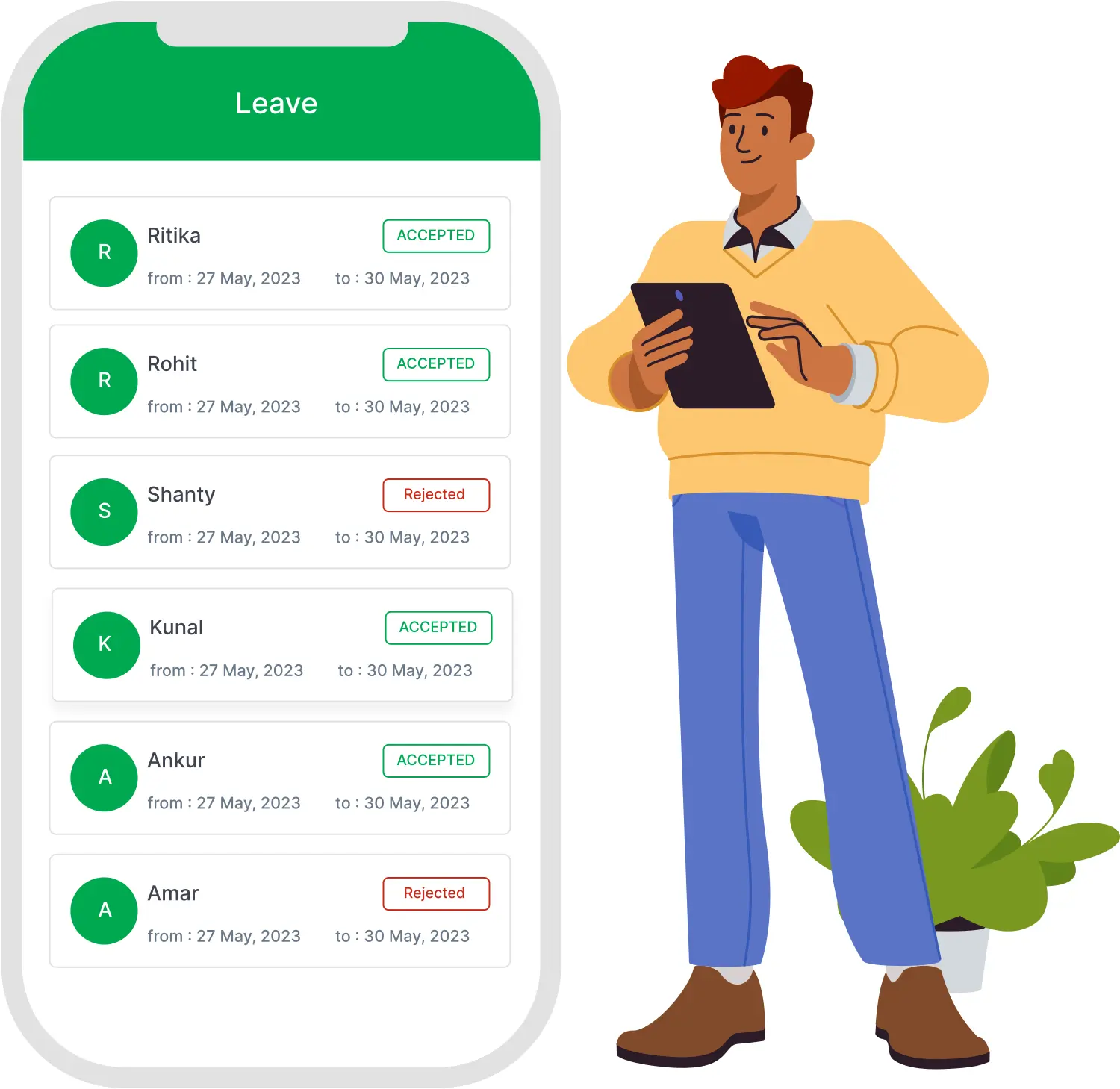
Employees submit leave requests through the Vizitor Pass app. Requests go directly to the assigned approver, a manager or HR lead, who approves, rejects, or returns them for revision. Multi-stage approval workflows support organizations where leave decisions go through department heads before reaching HR. The leave dashboard shows each employee's remaining PTO balance, pending requests, and full leave history. HR teams see an organization-wide view: who's on leave, who has requested, and what the staffing picture looks like for any given day.
- Employees submit time off requests through Vizitor Pass app
- Multi-stage approval workflows configurable by level or department
- Approved leave updates attendance calendar and balance automatically
- Managers approve, reject, or hold requests from the app
- Admins manage holidays; employees view the holiday dashboard
Multi-Location Management
Manage attendance across every office location from one admin panel. Each location has its own GPS boundary, shift configuration, and leave calendar, but all data feeds into a single dashboard for cross-location reporting. Expanding to a new US location means configuring a new GPS zone, not procuring hardware.
- WFH attendance marked through the Vizitor Pass mobile app
- GPS confirms employee location at every WFH check-in
- Real-time WFH and WFO status on the central dashboard
- WFH vs. office split trackable by department and date
- Dashboard shows total remote days in monthly overview
Payroll-Ready Exports
Export attendance data on demand in CSV or PDF format. The export includes every clock-in, clock-out, break, overtime, and leave record with timestamps. Most US payroll platforms, ADP, Gusto, QuickBooks, Paychex, accept this format directly, which means no manual reentry and no reconciliation step between attendance and payroll. For businesses in regulated industries, the same export functions as the attendance audit trail for OSHA compliance inspections and wage-and-hour investigations.
- Export verified total hours, overtime, and leave per employee
- Overtime tracked and included automatically in every payroll export
- Reports cover any date range: daily, weekly, or monthly
- Attendance and leave combined in one exportable report
- Eliminates manual reconciliation and calculation errors before payroll
Attendance error rate eliminated with Vizitor
HR time reclaimed from manual attendance processing
Workplaces trust Vizitor globally
Countries where Vizitor is actively used
Attendance Management Software Built for
Every Industry and Workforce Type
From corporate offices managing hybrid teams to manufacturing plants running rotating shifts, Vizitor adapts to the workforce structure and compliance requirements of every sector.
Corporate Offices: Key Challenges
Hybrid work has made attendance invisible. Employees split time between home and office with no accurate system to track WFH versus office days, leaving HR with self-reported data nobody can verify or enforce consistently.
Manual attendance registers and spreadsheets cannot scale with growing teams. HR spends 5 to 10 hours every week correcting entries, chasing approvals, and reconciling attendance with leave records before payroll can run.
How Vizitor Fixes It for Corporate Offices
- GPS and QR check-in tracks WFH and WFO attendance separately with location verification at every clock-in, giving HR accurate hybrid data without relying on self-reporting from employees
- Real-time dashboard shows present, absent, late, and WFH status instantly by department, eliminating the end-of-day reconciliation that costs HR teams hours every single week
- Payroll-ready reports export verified hours and overtime automatically without any manual reconciliation required
Why HR Teams and Operations Managers Choose
Vizitor's Attendance Management System
Six practical reasons organizations switch to Vizitor and stop running attendance on spreadsheets.
Touchless QR Attendance Without Biometric Hardware
Employees check in via QR code through the Vizitor Pass app on their own device. No fingerprint scanner, no RFID device, no shared surface required. Completely contactless and hygienic from day one.
GPS Verification Eliminates Proxy Attendance
Every check-in is verified against the employee's designated office location via GPS. If the location does not match, the check-in is blocked. Proxy attendance and time theft are eliminated without any hardware investment.
One Platform, Eight Products
Attendance tracking, visitor management system, meeting room booking system, mailroom management software, queue management system, space management software, ticketing management system, and contractor management system all run from one Vizitor dashboard. One login, one vendor, one support contract for your entire workplace.
Hybrid Teams Finally Visible
WFH and WFO attendance tracked separately with GPS confirmation on every remote check-in. HR sees the real hybrid split - not what employees self-report - and manages workforce policies on accurate data.
Payroll-Ready in Minutes, Not Days
Verified hours, overtime, and leave records export instantly into a clean structured report your payroll team processes without manual correction. The dashboard also displays monthly totals, remote work days, and leave balances in one view.
Live in Under 30 Minutes
No hardware installation, no IT project, no onboarding delays. Vizitor runs on any Android or iOS device your team already uses. Most organizations are live and tracking real attendance within 30 minutes of creating their account.
Frequently Asked Questions About
Vizitor's Attendance Management System
An attendance management system is software that automatically records employee clock-ins, clock-outs, breaks, leave, and overtime without manual data entry. It replaces paper registers, spreadsheets, and biometric terminals with digital records that feed directly into payroll and HR systems. The American Payroll Association reports manual tracking carries a 1-8% error rate; automated systems eliminate payroll discrepancies at the source.
Each employee has a unique personal QR code that cannot be shared, combined with GPS verification that confirms the employee's device is within the approved office boundary at the time of check-in. This two-factor verification, unique identifier plus location, makes proxy clock-ins detectable and rare. Unlike biometric systems that can be spoofed with photographs, Vizitor ties every clock-in to an authenticated device session.
Yes. Remote and field employees use the Vizitor Pass mobile app to clock in from their phone. GPS verification confirms they are within an approved location boundary, which can be a client site, satellite office, or home office zone configured by the admin. All remote attendance data appears in the same manager dashboard as on-site staff, with no reconciliation required.
Vizitor tracks weekly hours and flags employees approaching the 40-hour FLSA overtime threshold in real time. All attendance records carry tamper-proof timestamps and are exportable for wage-and-hour audits. The system does not collect biometric data, which removes BIPA exposure for businesses operating in Illinois and other US states with biometric privacy laws.
The admin configuration, departments, shifts, GPS boundaries, leave policies, takes under 20 minutes. Employees are enrolled by downloading the Vizitor Pass app and receiving their personal QR code, which takes under a minute per employee and can be done in bulk via CSV import.
Vizitor exports attendance data in CSV and PDF formats compatible with ADP, Gusto, QuickBooks, Paychex, and most other US payroll platforms. The export includes all clock-in, clock-out, overtime, and leave records with timestamps, ready for direct import without manual cleanup.
Ready to Replace Your Attendance System?
Vizitor's attendance management system is live in 30 minutes, works on hardware you already own, and exports payroll-ready reports that go directly into ADP, Gusto, or QuickBooks. No hardware procurement. No biometric data risk. No manual reconciliation.