Building a Complete Visitor Policy for Your Office
Workplace visitor rules define who enters an office, how they check in, where they can go, and how their data is stored. A complete visitor policy covers: pre-registration, check-in process, visitor badges, escort rules, behavioral guidelines, data retention, and emergency evacuation lists.


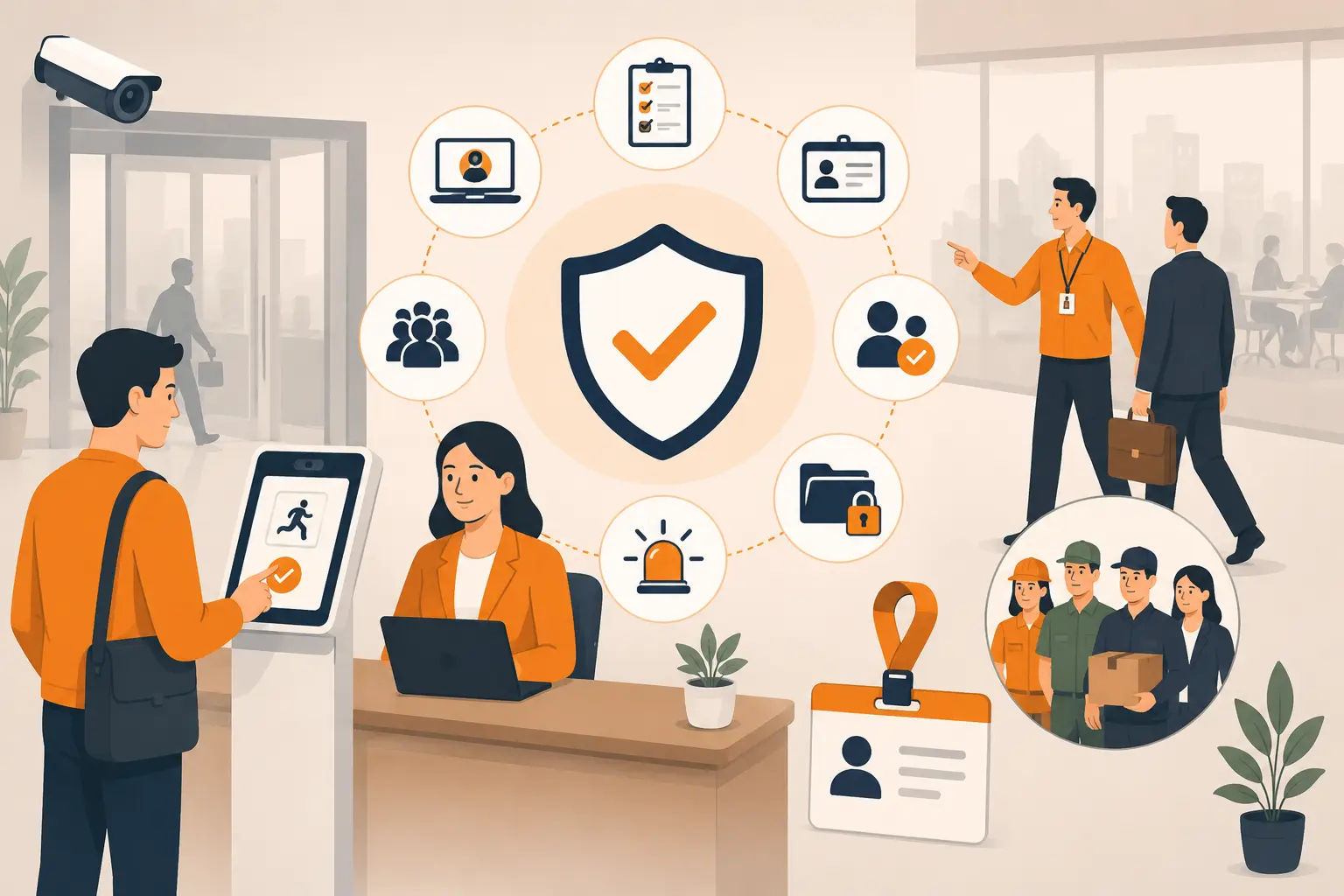
Table of Content
Try Vizitor for Free!
Most offices have some version of visitor rules. A laminated sheet by the front desk. A line in the employee handbook nobody reads. A receptionist who figures it out case by case.
That’s not a visitor policy. That’s a liability.
Whether your office receives five visitors a week or five hundred, having clear, documented workplace visitor rules does three things: it protects your people, it protects your data, and it creates a check-in experience guests actually remember for the right reasons.
This guide walks you through everything, what strong visitor rules look like, how to build them, how to enforce them without turning your lobby into an airport security line, and how a visitor management system makes all of it automatic. If you need the actual document, not just the rules, see our section-by-section guide to writing a workplace visitor policy.
What Are Workplace Visitor Rules?
Workplace visitor rules are a set of written guidelines that define who can enter your office, how they check in, where they can go, what they can and can’t do while on-site, and how they check out.
Think of them as the operating manual for your front door. Without them, every visitor is handled differently depending on who happens to be at reception that day. With them, every guest gets the same professional, secure experience, whether you’re there or not.
Strong workplace visitor rules cover six things: who qualifies as a visitor, how check-in works, what access is granted, what behavior is expected, how data is stored, and what happens in an emergency.
Why Most Offices Get This Wrong
Here’s the honest truth: most offices treat visitor management as an afterthought.
A paper logbook gets started. Nobody checks it. Visitors wander the office without a badge. A contractor signs in under “guest” with no record of who they work for. An ex-employee walks back in because the front desk person didn’t recognize them.
These aren’t edge cases. They happen in offices every week, in companies of every size.
The problem isn’t bad intentions. It’s the absence of a clear, enforced policy. When the rules only exist in someone’s head, they don’t scale. And when your office grows, goes hybrid, or faces a compliance audit, informal processes collapse fast.
The 6 Types of Visitors Your Policy Needs to Cover
Not every visitor is the same. Your workplace visitor rules should define each visitor type separately, because the access they need and the risk they carry, is different.
1. Clients and business guests These are scheduled visitors coming in for meetings. They should be pre-registered by the host, signed in on arrival, issued a visitor badge, and escorted to the meeting room. They don’t need access beyond the meeting space.
2. Vendors and service providers Vendors often visit repeatedly, for IT support, catering, cleaning, or maintenance. They need defined access to specific areas only, and your policy should require them to check in every visit rather than being waved through because “they’re always here.”
3. Contractors and temporary workers Contractors can be on-site for days, weeks, or months. They need role-based access, the facilities contractor shouldn’t have the same clearance as the IT contractor. Your policy should specify induction requirements, NDAs, and time-bound access for this group.
4. Interview candidates Job candidates need a smooth, professional welcome but also limited access. They should be kept to reception and interview rooms, never left to wander, and their personal data handled carefully given privacy regulations.
5. Delivery personnel Couriers and delivery staff are the most frequent visitors in most offices and the least managed. Your policy should define a designated delivery area, a sign-in process, and a package handover procedure especially important for hybrid offices where the recipient may not be on-site.
6. Personal guests Employees sometimes bring personal visitors, family members, friends, or former colleagues. Your policy needs a clear position on whether this is allowed, under what conditions, and whether they follow the same sign-in process as everyone else. Consistency matters here.
What Your Workplace Visitor Rules Should Include
A well-written visitor policy isn’t long. It’s clear. Here are the eight elements every solid workplace visitor policy needs:
1. Pre-registration requirement Visitors should be expected not surprised. Require hosts to register guests at least 24 hours in advance. This lets your system send a pre-arrival email, collect details, and prepare the check-in before the visitor even walks in.
2. Check-in process Define exactly how check-in happens. Digital self-check-in on a tablet? QR code scan from a pre-arrival email? Front desk assisted? Whatever the method, it should be the same every time. A consistent process is an enforceable one.
3. ID verification Decide what ID visitors need to show and when. For most corporate offices, a photo check at sign-in is sufficient. For regulated industries: manufacturing, healthcare, defense, you may need to log government-issued ID details or cross-check against a watchlist.
4. Visitor badges Every visitor should wear a badge while on-site. No exceptions. The badge should show their name, the date, their host’s name, and for larger offices, the areas they’re authorized to access. Badges that expire make it easy for anyone in the office to spot an unauthorized visitor.
5. Escort rules Some visitors can move freely in common areas. Others need to be escorted everywhere. Your policy should be specific about which visitor types require an escort, which areas are off-limits without one, and what employees should do if they see an unescorted visitor in a restricted zone.
6. Behavioral guidelines This is the section most offices skip. It should cover: no photography or recording without permission, no access to company systems or Wi-Fi (or limited guest Wi-Fi only), no bringing in unauthorized devices to sensitive areas, and the expected code of conduct on your premises.
7. Data and privacy rules You’re collecting visitor data: names, contact details, visit records, sometimes ID. Your policy needs to state what data you collect, how long you keep it, who can access it, and how it’s deleted. In the US, this is increasingly important under CCPA and state-level privacy laws. In the EU, GDPR applies.
8. Emergency and evacuation procedures Your visitor log is your evacuation list. Your policy should require that every visitor is checked out upon leaving not just checked in, so your emergency headcount is accurate. Visitors should be briefed on your evacuation procedure during check-in, and your system should be able to generate a real-time “who’s in the building” report at any moment.
How to Enforce Visitor Rules Without Turning Your Lobby Into a Checkpoint
This is the tension every office manager knows: you want tight security without making visitors feel like suspects.
The answer is process, not personality. When your visitor rules are built into a digital check-in system, they happen automatically without your receptionist having to awkwardly ask someone to fill in another form or explain why they need a badge.
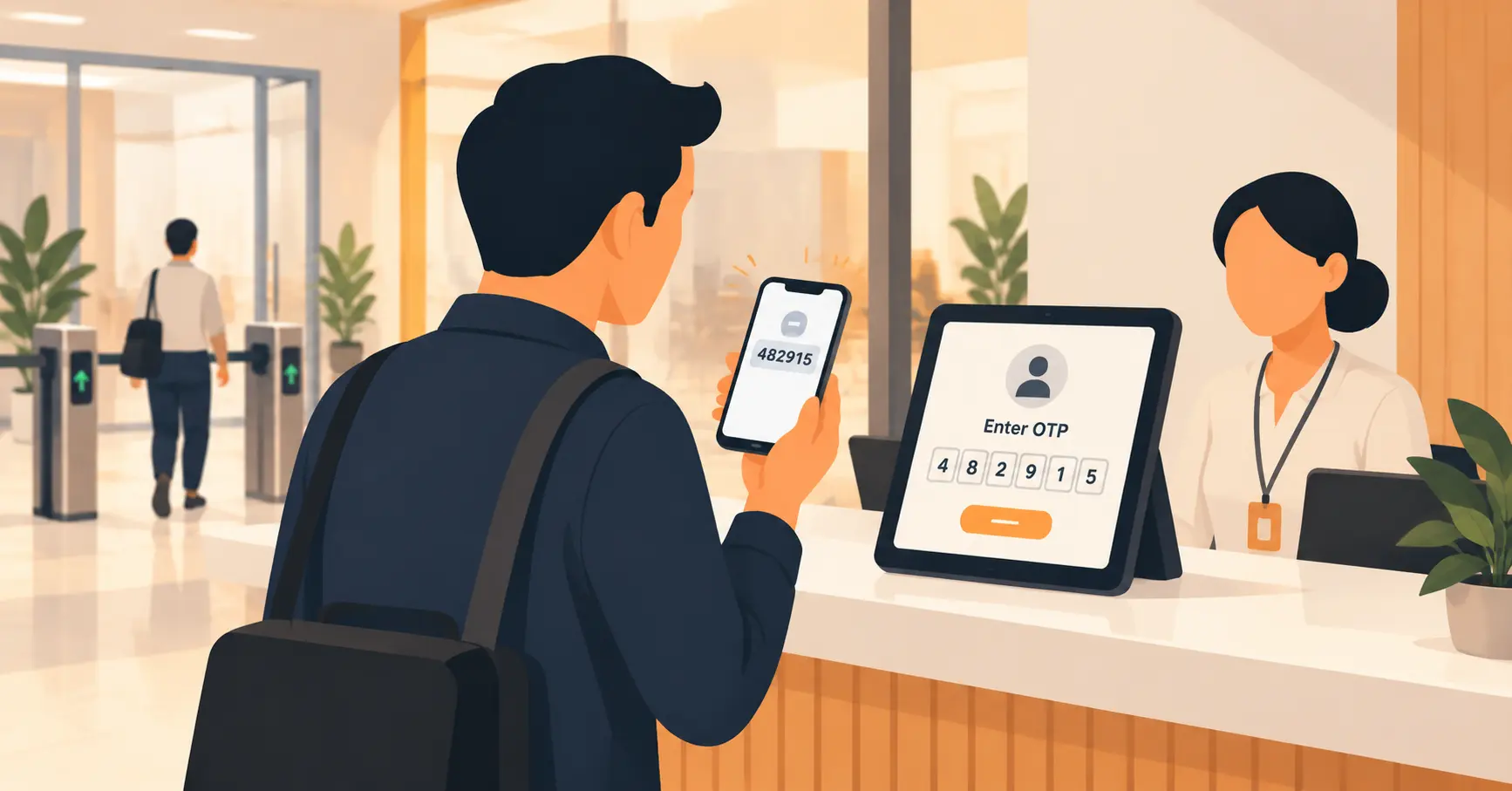
A good visitor management system like Vizitor handles all of this at the point of check-in. Pre-registration emails go out automatically. Visitors check in on a tablet in under 60 seconds. Badges print instantly. Hosts get a Slack or Teams notification the second their guest arrives. NDAs get signed digitally before the visitor even leaves their desk.
The visitor experiences a smooth, professional welcome. Your office gets a compliant, documented process. Nobody has to be the bad guy.
Visitor Rules by Industry: What Changes and What Stays the Same
The core of a visitor policy is consistent across industries. But certain sectors have compliance requirements that add specific layers.
Manufacturing and industrial facilities OSHA requires that visitors in hazardous areas receive safety briefings before entering. Your policy should include a mandatory safety induction for any visitor going beyond the reception area, plus documented proof that the briefing happened. ITAR-regulated manufacturers must also screen visitors against restricted-party lists before access is granted.
Healthcare and medical offices HIPAA doesn’t have a specific visitor policy requirement, but it does require that patient information isn’t accessible to unauthorized individuals. Your policy should restrict visitor movement near clinical areas and patient records, require NDA or confidentiality acknowledgment for any visitor with potential PHI exposure, and enforce strict check-out to ensure no visitors remain after hours.
Technology companies and startups IP protection is the primary concern. Your visitor rules should include a photography and recording ban in office areas, a guest Wi-Fi policy that keeps visitors off your internal network, and confidentiality agreements for any vendor or partner visiting product or engineering areas.
Financial services Regulatory exams and internal audits require clean records. Your visitor log needs to be complete, consistent, and retrievable on short notice. Digital systems that auto-timestamp every entry and export logs in a clean format are a significant advantage here.
5 Signs Your Current Visitor Process Has Gaps
Before you can fix your visitor rules, it helps to know where the current process is failing. Here are the five most common warning signs:
- You’re still using a paper sign-in book. Paper logs can be read by the next visitor, can’t be searched, and are gone if the book gets damaged or lost. If your visitor data exists only on paper, it’s not really data.
- Visitors aren’t wearing badges. If you can’t tell the difference between an employee and a visitor by looking at them, neither can anyone else in your office.
- Hosts don’t always know when their guests arrive. A visitor sitting in reception for ten minutes because the host wasn’t notified is both a security gap and an embarrassing first impression.
- You can’t answer “who’s in the building right now” in under 30 seconds. If a fire alarm went off today, how long would it take you to generate an accurate headcount? If the answer isn’t “immediately,” your process has a gap.
- Your visitor data lives in multiple places. Paper log, a spreadsheet, a shared inbox, if your records are scattered, they’re not auditable, and they’re not useful in an emergency.
Built for Secure and Efficient Workplace Operations
Vizitor helps teams manage visitors, meetings, and workplace access, all from one platform.
How to Build Your Workplace Visitor Policy in 5 Steps
You don’t need a legal team or a six-week project to write a solid visitor policy. Here’s a straightforward process:
Step 1: Map your visitor types List every category of person who visits your office. Go beyond “clients” include vendors, contractors, delivery staff, job candidates, personal guests, and anyone else who shows up regularly. Define what access each type needs.
Step 2: Walk your check-in process today Physically walk through what a visitor experiences from the moment they arrive at your building to the moment they leave. Note every step that’s manual, inconsistent, undocumented, or relies on someone remembering to do it.
Step 3: Write the rules Using the eight elements above as a framework, write your policy. Keep it plain English. One page is enough for most offices. Longer is only necessary if you have multiple sites or compliance-heavy requirements.
Step 4: Choose a system that enforces the rules automatically A policy on paper is only as good as its enforcement. A visitor management system like Vizitor turns your written rules into automated workflows; pre-registration, check-in, badge printing, host notifications, data storage, and evacuation lists happen without anyone having to manually follow a checklist.
Step 5: Train your team and communicate it to visitors Employees need to know the policy exists and what their role is especially around escorting visitors and reporting policy breaches. Visitors can be informed of key rules during the check-in flow itself, where they confirm they’ve read and accepted your terms before they step past the front desk.
Conclusion
Clear workplace visitor rules aren’t just a security measure. They’re a sign of a well-run office.
When your check-in process is consistent, your visitor data is accurate, and your team knows exactly what to do whether it’s a routine client visit or a fire drill, you’re operating at a level most offices never reach.
The good news: you don’t need to build this from scratch manually. A visitor management system like Vizitor takes your policy and turns it into an automated, repeatable process that works the same way every time, for every visitor, at every location.
If your current process is a paper book and a “someone will come get you” approach, it’s time for an upgrade.
See how Vizitor makes workplace visitor rules effortless to enforce.
Book a free demo and we’ll show you exactly how it works for your office.
Frequently Asked Questions
See Vizitor in action check-in a visitor in under 30 seconds
Trusted by 500+ businesses. QR check-in, badge printing, NDA signing. Plans from $36/mo.