VMS or WMS: Which One Fits Your Office Better?
A visitor management system (VMS) digitizes guest check-ins, visitor badges, host notifications, and visitor logs. A workplace management system (WMS) includes all of that plus desk booking, meeting room reservations, delivery management, employee attendance tracking, and space utilization analytics. For single-site offices with straightforward visitor needs, a VMS is enough. For hybrid workplaces managing shared desks and flexible schedules, a WMS is the more complete solution.


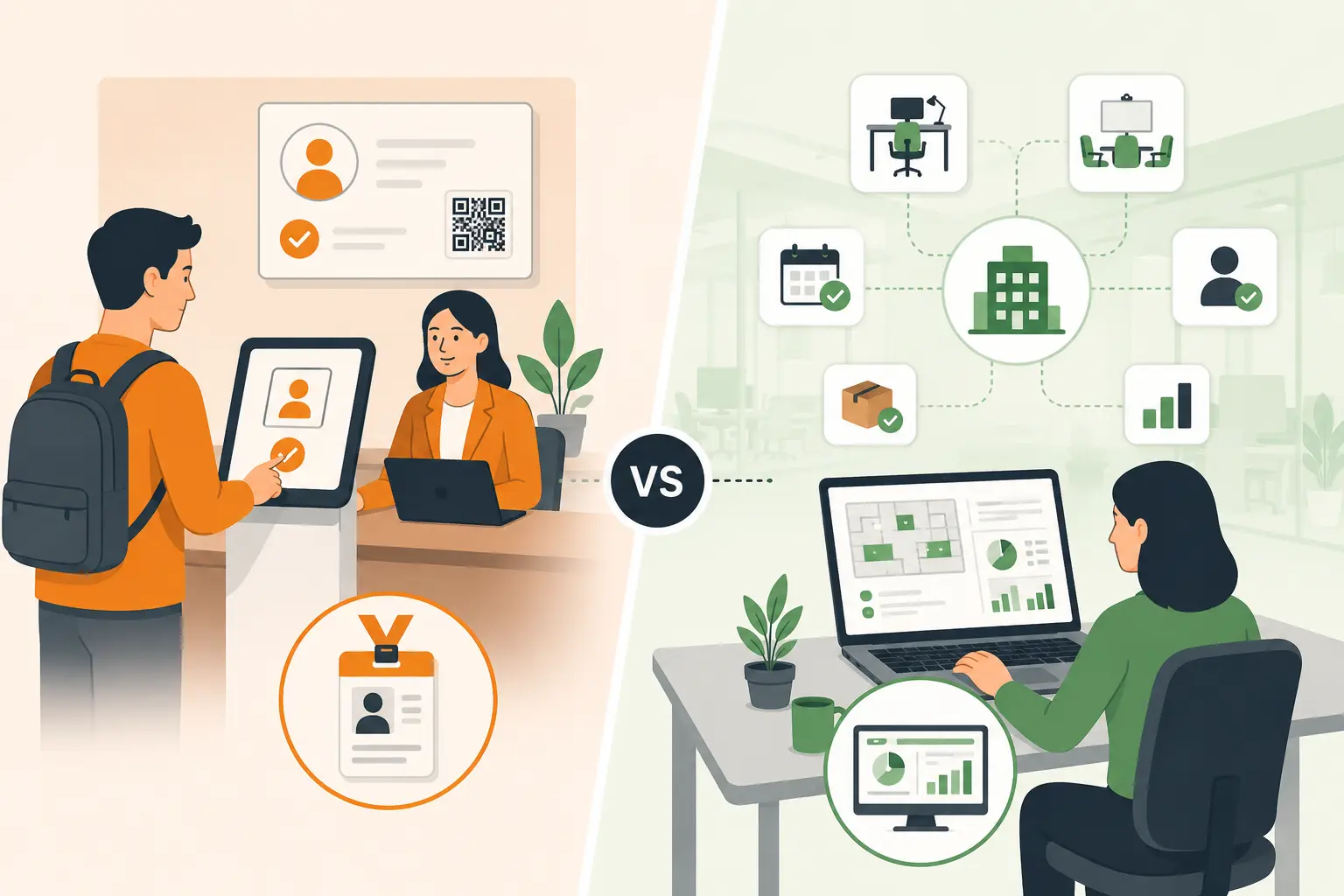
Table of Content
Try Vizitor for Free!
Visitor Management System vs Workplace Management System: What’s the Difference?
If you’ve been looking for office software lately, you’ve probably bumped into both these terms and thought; wait, aren’t these the same thing?
They’re not. But they’re close enough to confuse almost everyone, including IT managers, HR leads, and operations directors who’ve been doing this job for years.
Here’s the short version: a visitor management system handles one specific job, managing guests who walk through your front door. A workplace management system does that and a whole lot more.
In this guide, we’ll break down exactly what each one does, where they overlap, which one your office actually needs right now, and how a single platform can handle both without the mess of juggling two separate tools. (If you’re comparing categories more broadly, office management software vs. a full workplace management system is the other distinction worth getting straight first.)
What Is a Visitor Management System?
A visitor management system (VMS) is software that digitizes and automates the process of welcoming, logging, and tracking visitors at your office.
Think of it as your front desk except it doesn’t take lunch breaks, never misses a notification, and keeps a perfect record of every person who ever walked in.
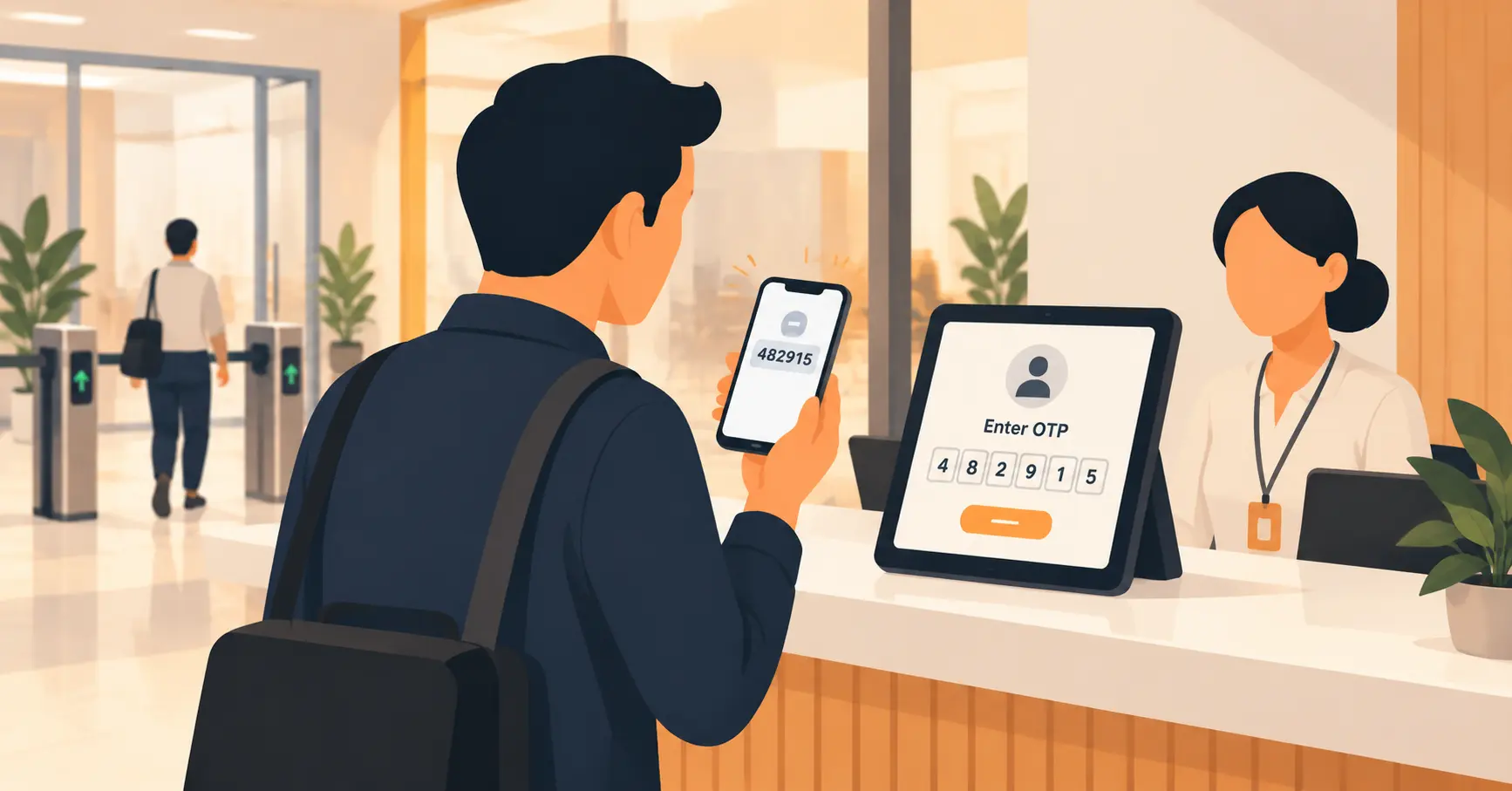
Instead of handing guests a paper logbook and a pen, a VMS lets them check in on a tablet or kiosk, scan a QR code, take a photo, sign an NDA, and get a visitor badge, all in under 60 seconds.
Here’s what a typical visitor management system handles:
- Digital check-in and check-out- no paper, no clipboards, no handwriting nobody can read
- Host notifications- your employee gets a text or Slack message the moment their guest arrives
- Visitor badges- printed automatically with name, photo, host, and date
- Pre-registration- invite guests ahead of time so they can fill in details before they arrive
- Visitor logs- a searchable, real-time record of everyone on your premises
- Watchlist screening- automatic alerts if a flagged individual tries to check in
- Emergency evacuation lists- know exactly who’s in the building at any moment
Visitor management systems are used in offices, hospitals, schools, warehouses, coworking spaces, and anywhere that regularly receives guests, contractors, or vendors.
What Is a Workplace Management System?
A workplace management system (WMS) is a broader platform that manages the full operation of your physical office not just who walks in through the front door, but everything that happens once people are inside.
A WMS includes visitor management as one feature, but it goes significantly further.
Here’s what a workplace management system typically covers:
- Visitor management - all the check-in and tracking features of a standalone VMS
- Desk booking - employees reserve a desk before they come in, especially in hot-desking and hybrid setups
- Meeting room booking - teams book conference rooms through an app or calendar integration
- Delivery management - the mailroom logs incoming packages and automatically notifies recipients
- Employee attendance tracking - see who’s in the office on any given day
- Office space analytics - data on how desks, rooms, and common areas are being used
- Queue management - organized check-in flows for high-traffic locations like clinics or government offices
A workplace management system is designed for the reality of the modern hybrid office where not everyone is in every day, space needs to be shared intelligently, and data needs to guide real estate decisions.
Visitor Management System vs Workplace Management System: The Key Differences
Here’s a side-by-side breakdown so you can see exactly where these two systems differ:
| Feature | Visitor Management System | Workplace Management System |
|---|---|---|
| Guest check-in and badges | Yes | Yes |
| Host notifications | Yes | Yes |
| Pre-registration for visitors | Yes | Yes |
| Watchlist and security screening | Yes | Yes |
| Visitor logs and reporting | Yes | Yes |
| Desk booking for employees | No | Yes |
| Meeting room reservations | No | Yes |
| Delivery and mailroom management | No | Yes |
| Employee attendance tracking | No | Yes |
| Space utilization analytics | No | Yes |
| Queue management | No | Yes |
| Integration with HR systems | Limited | Yes |
The pattern is clear: a visitor management system is a focused, specialist tool. A workplace management system is an all-in-one office operations platform that includes visitor management as one of its core modules.
When Does Your Office Need a VMS?
A standalone visitor management system is the right fit if:
You have a simple, single-site operation. If your office has one location, receives a moderate number of outside visitors, and your employees all have assigned desks, a basic VMS covers you well. You don’t need the added complexity of desk booking or space analytics.
Your main pain point is front-desk efficiency. If your receptionist is drowning in paper sign-in sheets, forgotten name badges, and missed host notifications, a VMS fixes that immediately. It’s a quick win that takes a day to set up.
You’re managing compliance requirements. Industries like manufacturing, healthcare, and defense contracting often need to prove who was on-site and when, for OSHA inspections, ITAR audits, or HIPAA compliance. A VMS gives you that paper trail digitally.
Keep in mind, though: if your team is hybrid, coming in on different days, sharing desks, booking meeting rooms, a VMS alone won’t solve the bigger coordination problem. That’s where a workplace management system comes in.
When Does Your Office Need a Workplace Management System?
A full workplace management system is the right call when:
You’re running a hybrid office. If your employees split their time between home and the office, you need a system that helps them book a desk before they come in, see which teammates are in that day, and reserve a meeting room, all without sending 14 emails. A VMS can’t do any of that.
You’re paying for office space nobody’s using. Space is expensive. If you don’t have data on which desks are occupied, which meeting rooms sit empty, and which days your office is actually at capacity, you’re flying blind. A WMS gives you that occupancy data so you can make smarter real estate decisions.
You’re managing multiple office locations. Running one site is manageable. Running five, across different cities, with different teams and different policies, requires a centralized platform not five separate spreadsheets.
You want to replace 3-5 tools with one. Many offices end up stitching together a VMS for check-ins, a separate booking tool for desks, a calendar plug-in for rooms, and a spreadsheet for deliveries. A workplace management system replaces all of that with a single login.
Why Most Growing Offices End Up Needing Both, Covered by One Platform
Here’s what typically happens: an office starts with a basic visitor sign-in app. It works fine for a while.
Then the team shifts to hybrid work. Half the people aren’t in every day. Employees start booking desks informally, first via Slack messages, then via a shared spreadsheet that no one maintains. Meeting rooms get double-booked constantly. The mailroom fills up with packages no one knows about.
Suddenly the office manager is managing four different systems, none of which talk to each other.
This is the problem a workplace management system is built to solve.
A good WMS like Vizitor handles visitor management, desk booking, meeting room scheduling, delivery notifications, and Space Management from a single platform. Your receptionist manages check-ins from the same dashboard where your HR team tracks attendance and your ops director pulls utilization reports.
One platform. One login. No juggling.
What to Look for When Choosing Between Them
Whether you’re leaning toward a standalone VMS or a full workplace management system, here are four things worth checking before you sign anything:
1. Does it cover your actual workflow, today and in 12 months? Don’t just solve today’s problem. If you’re planning to go hybrid next quarter, getting a VMS-only tool now means buying again in six months.
2. Is it easy enough that people will actually use it? The best workplace software in the world fails if employees find it confusing and skip it. Look for clean mobile apps, calendar integrations (Outlook, Google Workspace), and Slack or Teams notifications because people book things from tools they already use.
3. Is the pricing transparent? Some platforms charge per user, some charge per desk, some charge per location and some charge all three. Make sure you understand exactly what you’ll pay at your current team size and at double that size.
4. Does it work with what you already have? Check integrations before you buy. Your WMS should connect with your HR directory, your calendar apps, and your access control system. If it can’t, you’ll still be manually copying data between systems.
Conclusion
If your office is small, single-site, and your biggest headache is the paper sign-in book, a visitor management system is a great starting point.
But if you’re running a hybrid team, sharing desks, booking rooms, managing deliveries, and trying to make sense of who’s actually using your office space, you need a workplace management system. And you’ll want one that includes visitor management built in, so you’re not paying for two tools doing half a job each.
Vizitor is built exactly for this. One platform that handles visitor check-ins, desk booking, meeting room management, delivery tracking, and Space Management without the enterprise price tag or the six-month setup process.
Ready to see what a unified workplace management system looks like in action?
Book a free demo with Vizitor and we’ll show you around in 20 minutes.
Frequently Asked Questions
See Vizitor in action check-in a visitor in under 30 seconds
Trusted by 500+ businesses. QR check-in, badge printing, NDA signing. Plans from $36/mo.