
Cutting Down Customer Wait Times


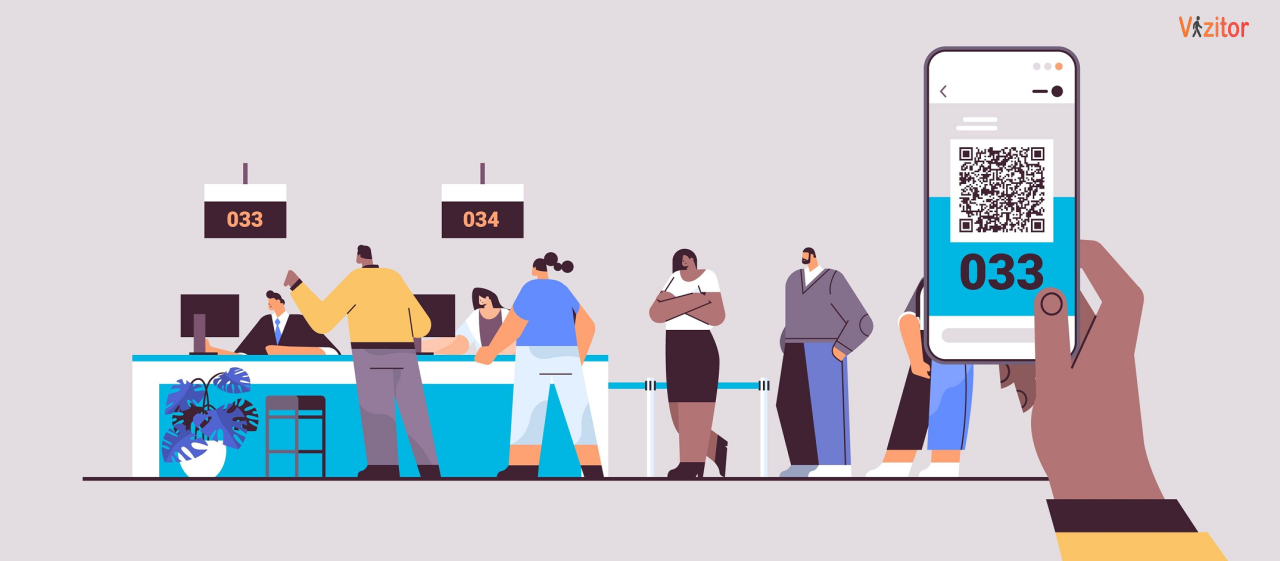
Table of Content
Try Vizitor for Free!
No one enjoys waiting in line. Whether it is the frustration of line-cutters, the uncertainty of not knowing how long it will take, or the general sense of wasted time, queues can quickly sour the customer experience. But beyond the tangible wait time, the perceived wait time plays an equally important role in customer satisfaction.
Customers who wait two minutes without information feel it longer than customers who wait five minutes with clear updates. The psychological dimension of queuing is as important to manage as the operational one.
This guide covers 12 proven strategies for reducing both actual and perceived wait times across customer-facing environments. These strategies use technology, process optimization, and customer experience design to shrink wait times, reduce abandonment, and transform the front-of-house experience in your business.
1. Implement a Queue Management System
The most direct investment you can make in wait time reduction is a purpose-built Queue Management System (QMS). These systems go far beyond simple ticketing and address queue problems at a structural level.
Modern QMS platforms, including Vizitor’s Queue Management System, offer:
Virtual queuing: Customers join the queue remotely via smartphone or tablet, eliminating physical lines and allowing them to wait comfortably elsewhere.
Mobile queuing: Customers receive updates and notifications about their position on their mobile devices in real time.
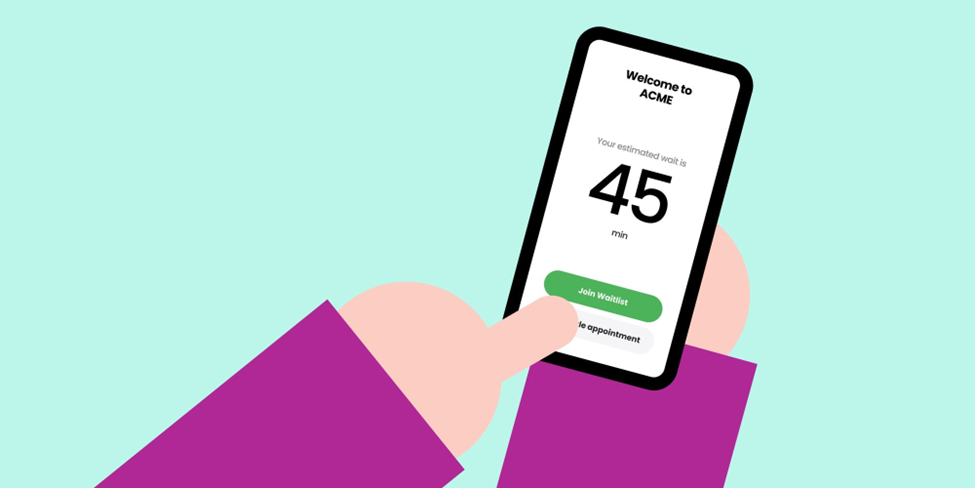
Appointment scheduling: Customers book specific time slots, reducing walk-in queues and improving predictability for both visitors and staff.
Real-time data and analytics: Managers gain live visibility into customer flow, wait times per service category, and staff performance to optimize operations continuously.
The measurable impact of QMS adoption is consistent across industries: wait times reduce by 30 to 50 percent, customer satisfaction improves, and staff efficiency increases because administrative coordination is handled by the system.
For a complete breakdown of what to look for when selecting a system, see our guide to choosing the perfect queue management system.
2. Pre-empt the Rush with Appointment Scheduling
Walk-in queues are inherently unpredictable. Appointment scheduling turns unpredictable volume into planned capacity.
Offering customers the option to book time slots in advance provides several advantages:
- Customers with specific service needs arrive at scheduled times rather than creating spontaneous demand spikes
- Staff can prepare for each customer’s needs before they arrive, reducing service time per interaction
- Scheduling systems reveal demand patterns that inform staffing decisions across the week
- Customers feel more in control of their experience and arrive with a better mindset
Appointment scheduling does not need to replace walk-ins. Hybrid models that allocate a portion of capacity to scheduled appointments and the rest to walk-ins work well in high-traffic environments. The QMS manages both queues in parallel.

3. Deploy Self-Service Kiosks at Entry Points
Self-service kiosks remove the most common bottleneck in any queue: the registration desk. When customers can check in, register their visit, select their service type, and receive a queue token without staff assistance, the entire entry process becomes parallel rather than sequential.
Kiosks handle:
- Customer check-in and registration
- Service type selection and queue assignment
- Badge printing for office and enterprise environments
- Information lookup and document access
- Payment for certain service environments
The impact on wait times at the registration desk is immediate and substantial. Staff who previously spent most of their time managing check-ins are freed to focus on service delivery and exception handling.
A well-placed kiosk at an entry point with clear signage can reduce registration desk wait time by 60 percent or more during peak hours. The key is placement: kiosks need to be visible from the entrance and positioned before customers join the physical flow toward service counters.
4. Optimize Staff Allocation Based on Demand Data
Over-staffing quiet periods and under-staffing busy ones is a near-universal problem in customer-facing operations. It happens because staffing decisions are based on general patterns rather than precise demand data.
The solution is two-part: collect the right data, then act on it.
Collect: A QMS tracks customer arrival rates, service durations, and queue lengths throughout the day and week. Over time, this data reveals exactly when peaks occur and how long they last.
Act: Use this data to shift staff assignments so that counter capacity aligns with demand. Cross-train employees to handle multiple service types so they can be deployed flexibly. Consider staggered shifts rather than standard hours so staffing peaks align with customer peaks.
During the day itself, live queue data allows supervisors to make real-time adjustments. If a counter is running slower than usual or a surge arrives unexpectedly, the dashboard surfaces the issue immediately and staff can be redirected before the queue grows to a frustrating length.
5. Use Data-Driven Forecasting to Anticipate Peaks
Historical data does not just help you understand the past; it helps you predict the future. A QMS that tracks customer flow over weeks and months builds a dataset that enables genuine demand forecasting.
With forecasting capability, you can:
- Staff correctly for the Tuesday afternoon rush before it happens
- Identify seasonal patterns that require additional capacity planning
- Detect anomalies like unusually long service times that signal a process problem
- Run targeted promotions during historically slow periods to smooth demand
The McKinsey research cited widely in operations management suggests that businesses with strong understanding of customer journey patterns see 20 to 30 percent increases in satisfaction and measurable revenue improvements. The mechanism is straightforward: when you know what is coming, you can prepare.
6. Communicate Clearly and Continuously During the Wait
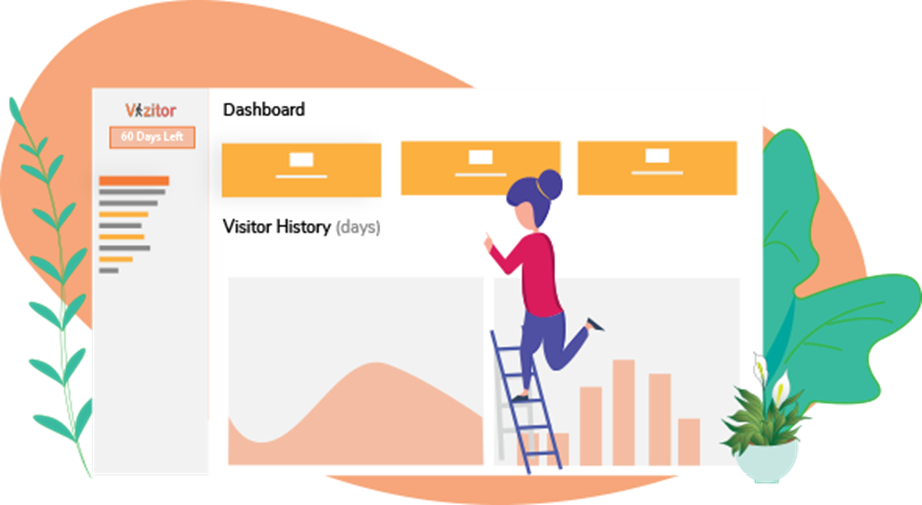
The single most impactful thing you can do for perceived wait time, without changing the actual wait time at all, is communicate clearly throughout the experience.
Customers who know their position, their estimated wait, and what happens next tolerate waits that would otherwise drive them to leave. Uncertainty amplifies perceived wait time. Clarity compresses it.
Communication channels to use:
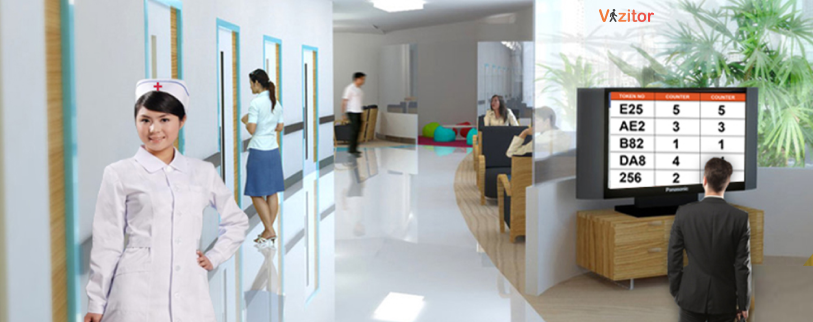
Digital display boards: Show current token numbers being served, estimated wait times by service category, and counter assignments. Place boards where they are visible from all seating areas.
SMS notifications: Send automated updates when a customer is a certain number of positions away from service. This allows customers to wait outside the immediate area and return at the right time.
Audio announcements: For environments where visual displays are insufficient, audio calls for token numbers provide a reliable backup.
Staff interactions: Train staff to proactively communicate with customers who appear frustrated or confused. A brief acknowledgment and an updated estimate changes the emotional experience substantially.

7. Identify and Eliminate Process Bottlenecks
Wait times often have nothing to do with the number of customers. They result from specific process failures that slow down service at a particular step. Identifying these bottlenecks and fixing them is often more effective than adding staff or capacity.
Common process bottlenecks in customer-facing operations:
- Manual data entry that could be automated with pre-registration
- Paper-based verification that could be replaced with digital document upload
- Sequential department visits that could run in parallel
- Unclear signage causing customers to arrive at the wrong counter
- Outdated point-of-sale or service software that slows transaction completion
A systematic process review using queue data reveals where time is actually going. If the average service time for one category is twice the others, the process for that category needs redesign, not more staff.

See how Vizitor handles queue management
Join 2,000+ workplaces using Vizitor to reduce wait times and manage visitor flow. Free trial, no credit card required.
Book a DemoOnce bottlenecks are identified, process improvements compound. A single step that is reduced from three minutes to one minute, multiplied across hundreds of daily interactions, is a significant operational gain.
8. Monitor Queue Status in Real Time
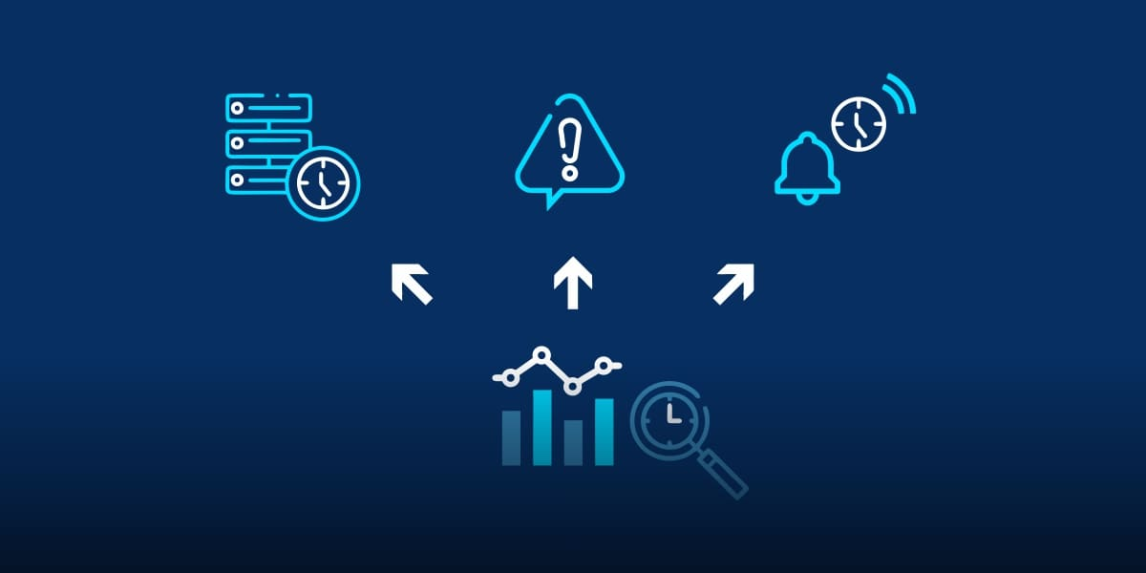
Real-time monitoring gives managers the visibility they need to intervene before problems become customer complaints.
A QMS with live dashboard capability shows:
- Current queue lengths by service category and counter
- Average service time versus target service time
- Wait time trends across the current day
- Areas where queue length is approaching threshold levels
This visibility enables proactive management. Rather than waiting for a complaint or a visible crowd at the door, managers see the data and act. Additional counters open, staff are reassigned, or customers are redirected to a faster-moving service category.
For multi-location businesses, centralized real-time monitoring provides visibility across all sites simultaneously. A regional manager can see if one location is struggling and dispatch support before the situation affects customers.
9. Reduce Perceived Wait Time by Engaging Customers
When customers are engaged, they perceive time differently. A five-minute wait with something interesting to look at or do feels shorter than a two-minute wait in a bare, silent room. Investing in the waiting environment is one of the highest-ROI changes an organization can make to perceived wait times.
Strategies that work:
- Display branded content, product information, or service updates on screens near the waiting area
- Offer free Wi-Fi and phone charging stations so customers can use their own devices
- Provide reading materials relevant to your customer base
- Use the queue number display as an opportunity to show relevant offers or educational content
- For longer waits, consider light refreshments or interactive product demonstrations
The goal is to make the wait feel purposeful rather than wasted. Customers who receive useful information during their wait may leave knowing more about your offerings than customers who were served immediately.

10. Prioritize Comfort and Accessibility in Waiting Areas
The physical environment of the waiting area shapes the emotional experience of queuing. An uncomfortable, poorly designed waiting area amplifies frustration. A well-designed one neutralizes it.
Key considerations:
- Sufficient seating for peak-hour volumes, with clear visual access to queue status displays
- Clean, well-maintained restrooms nearby
- Adequate temperature control and ventilation
- Accessible facilities for visitors with mobility limitations
- Clear wayfinding signage so visitors know immediately where to go
Physical comfort is a baseline expectation. When waiting areas fall below that baseline, the queue management system and staff quality matter less because the environment itself is generating negative sentiment.
11. Collect Feedback and Iterate Continuously
Queue management optimization is not a one-time project. Customer expectations change, business volumes shift, and processes evolve. The organizations that maintain excellent queue experiences are those that treat it as a continuous improvement effort.
Structured feedback collection:
- Short post-service surveys triggered automatically by the QMS when a visit is completed
- Dedicated feedback kiosks or QR codes in the waiting area
- Regular review of negative feedback themes with the front-line team
- Monthly review of queue performance data against targets
The most valuable improvements often come from patterns in negative feedback that are individually small but collectively significant. A single complaint about confusing signage is easy to dismiss. Twenty complaints over a month with the same theme is a clear signal.

12. Map the Full Customer Journey Beyond the Queue
The queue is one part of the customer journey, but the experience begins when a customer decides to visit and ends when they leave the building. Mapping the complete journey reveals wait times and friction points that exist outside the formal queue, yet still shape the overall perception of your service quality.
Customer journey mapping typically reveals:
- Waits at parking or building entry that occur before any queue system is even visible
- Confusion in wayfinding that adds time before customers reach the service area
- Post-service steps like payment or document collection that create secondary queues
- Follow-up processes that are slow and generate inbound contact to your front desk
Addressing the full journey produces better outcomes than optimizing the queue in isolation. For many businesses, the biggest improvements come from pre-visit improvements like pre-registration and appointment reminders that reduce the volume needing walk-in service.
Choosing the Right Queue Management Software
With multiple QMS options available, choosing the right platform requires evaluating several factors against your specific environment:
- Volume and complexity: High-volume multi-service environments need more robust routing and analytics capabilities than a single-counter setup
- Integration requirements: The system should connect with your existing visitor management, CRM, or appointment scheduling tools
- Ease of adoption: Both staff and customers need to be able to use the system without significant training
- Scalability: The platform should handle growth without requiring a switch to a different product
- Pricing and ROI: Cloud-based systems like Vizitor (starting at $20/month) offer immediate ROI given the operational improvements they generate
For a detailed framework on making this decision, see our post on 5 signs your office needs a digital queue management system.
FAQ
What is the fastest way to reduce wait times in a high-traffic environment?
Deploying a QMS with virtual queuing and pre-registration typically produces the fastest results. Pre-registration eliminates data entry at arrival. Virtual queuing removes the need for physical crowding at the service point. Together, these changes can reduce visible wait times by 30 to 50 percent within the first week.
How much does a queue management system cost?
Pricing varies by platform and features. Cloud-based systems like Vizitor start at $20/month, making them accessible to small and mid-sized businesses. Enterprise pricing scales with location count and feature requirements.
Can queue management improvements help with customer retention?
Yes. Research consistently shows that wait time is one of the top factors in customer satisfaction and return intent. Customers who have a positive, efficient experience are significantly more likely to return and recommend your business to others.
What is the difference between actual wait time and perceived wait time?
Actual wait time is the measured time from joining the queue to being served. Perceived wait time is how long the wait feels. Perceived wait is influenced by communication, environment, uncertainty, and engagement. Customers can tolerate longer actual waits when perceived wait is managed well through clear updates and a comfortable environment.
Does appointment scheduling work for high walk-in environments?
Yes, through a hybrid model. A portion of capacity is reserved for scheduled appointments while the rest accommodates walk-ins. The QMS manages both queues simultaneously, routing customers to available counters based on service type and current load.
How do digital display boards improve queue management?
Display boards make the queue transparent. Customers can see which tokens are being served, their estimated wait time, and which counter to go to. This transparency reduces the anxiety of uncertainty, cuts the number of “how much longer?” questions to staff, and helps customers self-direct to the correct service point.
Try Vizitor Free
No credit card required. Setup in under 5 minutes. Manage visitors, queues, meeting rooms, and more.
Start Free TrialSee Vizitor in action check-in a visitor in under 30 seconds
Trusted by 500+ businesses. QR check-in, badge printing, NDA signing. Plans from $36/mo.





