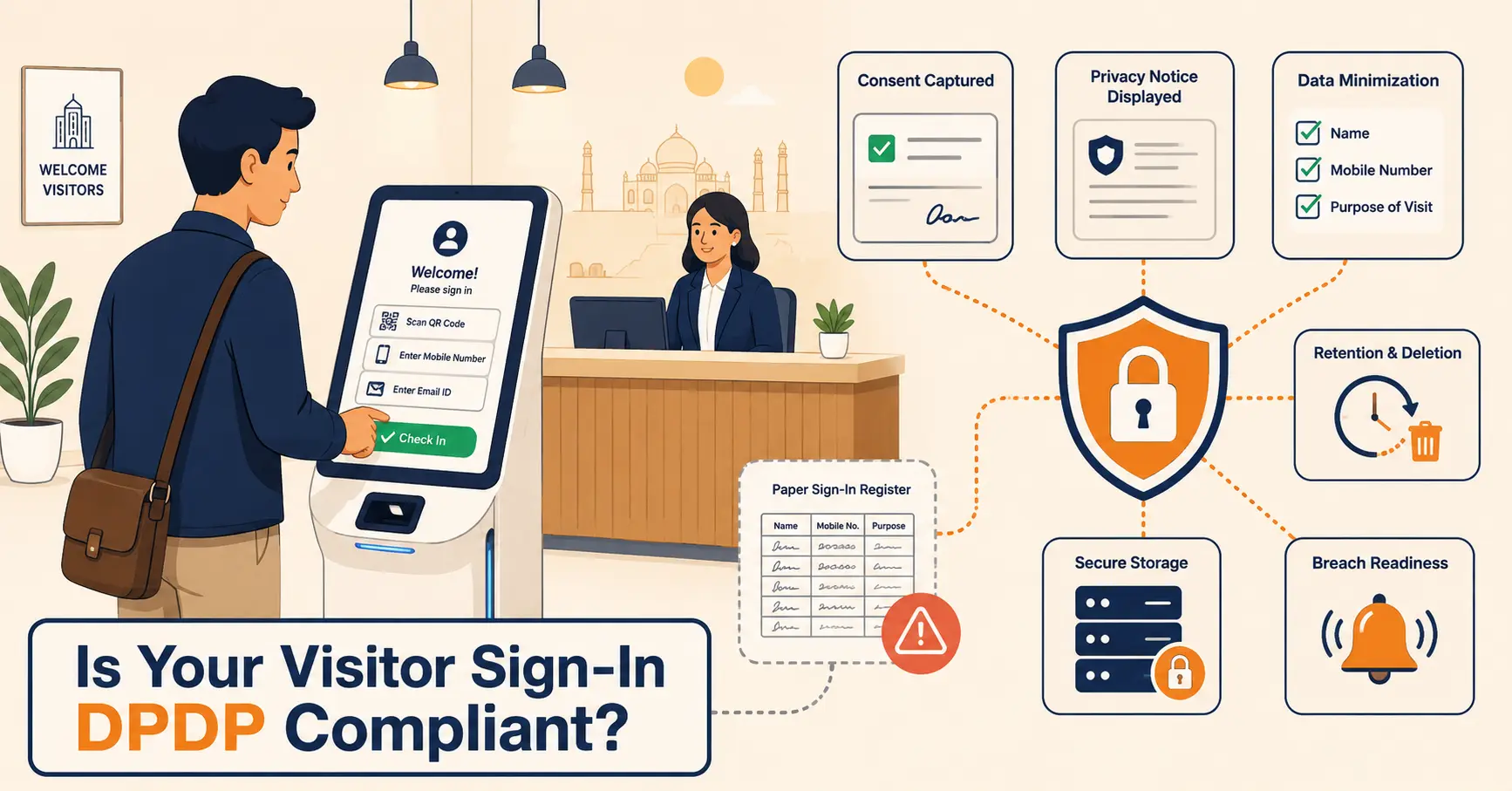
Six Modules Every Workplace Management System Should Have
A workplace management system (WMS) is software that connects visitor check-in, meeting room and desk booking, attendance tracking, mailroom handling, and space-utilization tracking into one platform instead of five disconnected tools. This guide covers all six modules, current 2026 hybrid-work and office-vacancy data, a framework for choosing software, common rollout mistakes, when a WMS isn't worth deploying yet, and how to work out your own ROI instead of trusting a vendor's slide.


Table of Content
Try Vizitor for Free!
A visitor shows up unannounced at 8:52 AM. Two teams are already fighting over the one conference room with a working screen. A package has sat unclaimed at reception since Tuesday. HR is still reconciling last week’s attendance from a spreadsheet three people have edited separately, all before 10 AM. That’s not a staffing shortage, every one of those breakdowns traces back to the same root cause: five workflows running with no shared record between them.
A workplace management system (WMS) is software that connects those workflows, visitor check-in, meeting room and desk booking, attendance tracking, mailroom handling, and space-utilization tracking, into one platform instead of five disconnected tools. It matters because the cost of running them separately doesn’t show up as a line item on anyone’s budget. It shows up as vacant floors nobody’s tracking and reception staff doing manual work a system should absorb.
The scale of that cost is measurable. Cushman & Wakefield’s Q2 2026 office report puts the national US office vacancy rate at 20.1%, down slightly from recent highs, but still close to one in five square feet paid for and sitting empty. At the same time, Gallup’s Q2 2026 workforce data shows 52% of remote-capable US employees now work hybrid, a split that’s held roughly steady since 2022. Occupancy on any given day is now the default condition you’re managing around, not an occasional scheduling inconvenience.
What Is a Workplace Management System?
At its simplest, a workplace management system brings every day-to-day physical-workspace task into one platform: checking in visitors, reserving meeting rooms and desks, tracking attendance, logging deliveries, and measuring how space actually gets used. Think of it as the office’s operating system, the layer that coordinates what employees, visitors, and facilities teams are each doing, the way a phone’s OS coordinates apps that would otherwise run in isolation.
What about IWMS (Integrated Workplace Management System)?
An IWMS is the enterprise-scale version of this. It adds real estate portfolio management, capital project tracking, and facility maintenance workflows on top of the same daily modules. Organizations running multiple buildings or campuses typically need that layer eventually; a single-site company usually doesn’t yet. Vizitor’s own integrated workplace management system connects visitor check-in, desk booking, room scheduling, attendance, deliveries, and queue management under one shared record, which covers what most mid-size and growing organizations need before they need a full real-estate-portfolio IWMS.
Why Workplace Management Matters More Than Ever in 2026
The numbers make the case better than opinion does.
Office vacancy nationally reached 20.1% in Q2 2026, per Cushman & Wakefield’s latest MarketBeat report. Vacancy is easing from its recent peak, but the recovery is uneven across markets, and most organizations are still paying for space they can’t account for hour by hour.
Hybrid work isn’t a transition phase anymore. As of Q2 2026, 52% of remote-capable US employees work hybrid, 26% are fully remote, and 22% are fully on-site, according to Gallup, a split that’s held steady since 2022. Separately, Zoom’s 2026 hybrid work research found 64% of employees say their company already operates on a hybrid model, and 58% of organizations now run a flexible, not fixed-schedule, version of it.
None of this is free. Gallup’s 2026 State of the Global Workplace put the cost of low engagement at $10 trillion in lost productivity worldwide, 9% of world GDP, with engagement falling to its lowest level since 2020. A workplace running on guesswork about who’s actually coming in, and paper trails for who did, is compounding that cost, not fixing it.
With hybrid work now the dominant model, managing a workplace is no longer just about keeping the lights on. It’s about:
- Making unpredictable occupancy patterns manageable
- Justifying every square foot of leased space to CFOs
- Creating an employee experience worth the commute, not just permitted by policy
- Maintaining security and compliance across flexible access points
The pattern across all three data points above is the same: nobody is short on evidence that the problem exists. What’s usually missing is a system that turns “we should probably fix this” into a specific report someone acts on every week.
Modules of a Workplace Management System
Here’s what each of the six modules actually does, and where it fits.

1. Visitor Management System
What it does: Replaces the paper sign-in book with a fully digital, touchless experience. Visitors pre-register online, receive a QR code, scan in at arrival, print a badge, and trigger automatic host notifications.
Why it matters: Your reception desk is the first impression of your brand. A digital visitor management system signals professionalism, reinforces security, and eliminates the risk of confidential visitor data sitting in an open logbook.
Key features to look for:
- Pre-registration and invite links
- Watchlist / blocklist screening
- NDA and document signing at check-in
- Photo capture and badge printing
- Multi-location support
- Audit trails for compliance
Vizitor’s Visitor Management System supports all of the above, including WhatsApp and SMS host notifications.
2. Meeting Room Booking System
What it does: Provides a real-time calendar of available meeting spaces, allows instant or advance booking, sends reminders, and automatically releases rooms if a meeting is abandoned (no-show detection).
Why it matters: Meeting room conflicts are among the top complaints in office environments. Double-bookings, “ghost meetings” where rooms sit empty, and the endless “has anyone seen a free room?” Slack thread, a room booking system eliminates all of it.
Key features to look for:
- Real-time availability display (calendar + floor map view)
- No-show auto-release
- Outlook and Google Calendar integration
- Capacity and amenity filters (AV, whiteboard, phone)
- Usage analytics
3. Space Management System
What it does: Tracks how physical space is being used across your office, which desks, floors, and zones are occupied vs. empty, and at what times.
Why it matters: With US office vacancy still around 20.1% (Cushman & Wakefield, Q2 2026), most companies are already paying for space they don’t use. Space management data is the business case for smarter real estate decisions, and it pairs directly with a dedicated desk booking system for day-to-day reservations.
Key features to look for:
- Interactive floor plan with real-time occupancy
- Hot desking and desk hoteling tools
- Utilization heatmaps and trend reports
- Neighborhood/team zone management
- Sensor integration (optional, for advanced tracking)
Software only tracks the data; someone still has to act on it with a smarter layout, better lighting, and a culture that uses the space well. Our guide to workspace optimization covers that side in detail.
4. Attendance Management System
What it does: Automates employee check-in/check-out, tracks working hours, flags absences, and generates reports for payroll and HR teams.
Why it matters: Manual timesheets are error-prone and time-consuming for both employees and HR. An automated attendance system reduces disputes, syncs with payroll exports, and gives managers real visibility into workforce patterns.
Key features to look for:
- Touchless check-in (QR code, mobile app)
- Shift and schedule management
- Leave integration
- Payroll-ready export formats
- Remote and hybrid attendance tracking
5. Mailroom Management Software
What it does: Logs incoming packages, notifies recipients instantly, tracks delivery status, and maintains a chain-of-custody log.
Why it matters: As employees increasingly ship personal and work packages to the office, mailrooms get overwhelmed. Unclaimed deliveries pile up, items get lost, and reception staff spend hours on manual tracking. A mailroom management system solves this in minutes, as this step-by-step mailroom management guide shows.
Key features to look for:
- Barcode / QR scanning on arrival
- Automated recipient notifications (email, SMS, WhatsApp)
- Photo capture at receipt
- Pickup confirmation and digital signatures
- Delivery analytics
6. Queue Management System
What it does: Organizes and manages waiting lines in high-traffic service areas, reception desks, HR counters, service centers, healthcare waiting rooms.
Why it matters: Disorganized waiting is worse than waiting itself. A digital queue system reduces perceived wait time, improves service flow, and gives managers data on peak service hours, which also matters for lobby management.
Key features to look for:
- Digital token issuance (kiosk, mobile, web)
- Real-time queue display
- Multi-counter support
- Wait time analytics
- SMS/screen notifications when it’s your turn
Core Benefits of a Workplace Management System
1. Enhanced Security and Compliance
A WMS replaces paper visitor logs and manual ID checks with digital workflows: pre-registration, photo capture, NDA sign-offs, watchlist screening, and auto-generated audit trails. For industries with compliance requirements, healthcare, finance, education, a documented audit trail is what a regulator or auditor asks for during an incident review, not a nice-to-have.
GDPR note: Modern WMS platforms include data retention controls and consent management, helping you stay accountable to privacy regulations across regions.
2. Space Optimization and Cost Reduction
Real estate is typically an organization’s second-largest expense after payroll. With US office vacancy still around 20.1% (Cushman & Wakefield, Q2 2026), most companies are already paying for more space than they use. A WMS gives you live occupancy data, which desks are booked, which rooms are used, which floors are quiet at 2 PM on Fridays, and that data drives real decisions: downsizing underused floors, reconfiguring layouts, eliminating redundant reservations.
The scale this reaches in practice varies by organization, but Vizitor’s Hard Rock Cafe deployment, 175 locations across 74 countries, shows what’s possible: fully automated check-in with zero physical contact points at every single location. That kind of standardization is what makes space and staffing decisions defensible at scale, rather than a guess dressed up as a plan.
3. Improved Employee Experience
Friction kills morale. When employees waste time finding an available desk, show up to a double-booked room, or can’t locate a delivery, it signals that the organization doesn’t value their time. A WMS removes that friction: employees book spaces in seconds, visitors check in without waiting, and packages are tracked the moment they arrive.
Steelcase’s global employee engagement report found that among highly engaged employees, 88% say they can choose where in the office to work based on the task at hand, a level of control that’s structurally hard to offer without a booking and space system behind it. The same report found only 13% of workers globally are both highly engaged and highly satisfied with their work experience, which is the gap a connected WMS is positioned to help close.
4. Data-Driven Workplace Strategy
A WMS turns your office into a data source. Space utilization heatmaps, visitor traffic patterns, peak occupancy hours, meeting room usage rates, this is the intelligence workplace leaders need to make confident decisions about headcount, layout, and lease renewals. Without this data, you’re guessing and calling it a strategy.
5. Built-In Hybrid Work Support
With 52% of remote-capable employees working hybrid (Gallup, Q2 2026) and 64% of employees saying their company operates on a hybrid model (Zoom, 2026), hot desking, desk hoteling, neighborhood booking, and remote check-in aren’t optional add-ons anymore, they’re baseline requirements. A WMS is built for the reality that not everyone comes to the office every day. Employees can see who’s coming in, book their preferred spot in advance, and coordinate with their team, all from a mobile app.
Before vs. After: What a WMS Actually Changes
| Scenario | Without WMS | With WMS |
|---|---|---|
| Visitor arrives | Paper logbook, manual host call | Pre-registered QR check-in, instant notification |
| Meeting room needed | Email chain, Outlook conflicts | One-click booking, no-show auto-release |
| Desk in hybrid office | Arrive and hope a desk is free | Book preferred desk the night before from mobile |
| Package delivered | Sitting unclaimed at reception | Recipient gets a notification immediately |
| Attendance for payroll | Manual timesheets, reconciliation disputes | Auto-generated attendance report, payroll-ready |
| Compliance audit | Digging through paper logs | Exportable audit trail |
| Space utilization | Gut feel and guesswork | Real-time heatmaps, occupancy trends |
| Security incident | No log of who was in the building | Time-stamped digital record of every visit |
Want to experience the “After”?
Try Vizitor’s workplace management system →
Common Mistakes When Rolling Out a Workplace Management System
Buying modules one at a time instead of one connected system. Facilities buys a room-booking tool, IT buys a separate visitor kiosk, HR keeps its own attendance spreadsheet, each solves its own problem and creates three new data silos instead of one shared record. Audit what’s already in place before adding anything, and prioritize a platform that shares data across modules even if you roll them out in phases.
Treating the rollout as an IT project instead of a change-management one. The best software in the world fails if reception, facilities, and employees aren’t trained and bought in before launch. Assign an owner for adoption, not just for procurement.
Skipping the pain-point audit and buying off a feature checklist. Vendors will show you every feature they have. That’s not the same as the three or four problems actually costing you time and money. List your specific pain points first, then evaluate against them.
Assuming audit trails and retention work automatically. Who can see visitor NDAs, how long logs are retained, whether contractor data is separated from visitor data, these are configuration decisions, not defaults. Set them deliberately during setup, not after an audit asks for them.
Not standardizing configuration across locations. Multi-site organizations that let each office set its own check-in flow lose the one thing a WMS is supposed to give them: comparable data across sites. Decide the standard workflow centrally, then allow only the local exceptions that genuinely need to differ.
When a WMS Doesn’t Make Sense Yet
A workplace management system isn’t automatically worth deploying, and an honest guide says so.
If you’re a single-location team under roughly 20 people, with one shared calendar and a reception desk that already knows every regular visitor by name, the coordination problem a WMS solves may not exist for you yet. If leadership won’t enforce adoption, no mandate, so half the team keeps booking rooms over email, the tool will sit unused regardless of how good it is; that’s an adoption failure the software can’t fix on its own. If the goal is to replace a physical access-control system, turnstiles, badge readers, entirely, a WMS isn’t that: it coordinates and logs who should be where, and works alongside access hardware rather than instead of it. And if the real problem is real-estate strategy, whether to renew a lease, rather than day-to-day coordination, the occupancy data helps inform that decision, but the system won’t make it for you.
How to Choose the Right Workplace Management Software
With dozens of tools on the market, here’s a practical framework for evaluating your options.
Step 1: Audit Your Current Pain Points
Start by listing your top 3-5 workplace frustrations. Is it visitor chaos? Wasted meeting rooms? Payroll errors from manual attendance? Your biggest pain points should drive feature prioritization, not a vendor’s checklist.
Step 2: Define Your Workplace Model
Are you fully in-office, hybrid, or managing multiple locations? Your workplace model determines which modules are essential. Multi-location companies need centralized dashboards and role-based access controls.
Step 3: Evaluate Integration Compatibility
A WMS that doesn’t talk to your existing tools creates new silos. Before committing, verify integrations with:
- Your calendar platform (Google Workspace or Microsoft 365)
- HR and payroll systems, if you need attendance data to flow through automatically
- Access control or building-entry systems, if visitor and employee flow need to share data
Step 4: Prioritize User Adoption
The best WMS in the world fails if employees don’t use it. Look for platforms with intuitive mobile apps, minimal training requirements, and setup times measured in minutes, not months.
Step 5: Check Security and Compliance Standards
Confirm the platform offers encrypted data storage, configurable retention policies, and exportable audit logs. If you operate in a regulated industry, ask specifically what the vendor can document, VAPT reports, ISO 27001 status, encryption standards, rather than accepting a general “we’re compliant” answer.
Step 6: Start With a Free Trial
No demo replaces hands-on use. Compare shortlisted plans on the vendor’s pricing page, then run a free trial with a cross-functional team, HR, IT, facilities, a few end-users, to get feedback before committing.
What ROI Actually Looks Like
Justifying the spend is easier when you’re tracking the right things, but be skeptical of any vendor, including us, who quotes a single universal percentage without showing the math.
| What to track | How to measure it |
|---|---|
| Space cost | Booked-vs-actual desk and room usage over 90 days, against your current lease cost per seat |
| Admin time | Hours per week reception or HR spends today on manual check-in, timesheets, or package logging |
| Meeting room conflicts | Double-bookings and no-show holds per month, before and after |
| Visitor experience | Time from arrival to host notification |
| Compliance readiness | Time to produce a full visitor or attendance audit trail on request |
Example: illustrative numbers, not a Vizitor customer figure: a 200-person office spending 30 minutes a day of admin time on manual attendance and visitor logging, at a fully loaded admin cost of $25/hour, is burning roughly $3,250 a month in labor before counting disputes, re-entry errors, or wasted meeting-room holds. Automating that specific workflow doesn’t need to eliminate the role; it needs to get that number close to zero to pay for itself. Run this math with your own numbers before trusting anyone’s ROI slide, including ours.
The Real Question Isn’t Whether You Need a WMS
It’s whether you’re still solving these six problems separately, in five different tools, with no shared record between them. A workplace management system doesn’t replace facilities judgment or HR policy. It replaces the paper trail and the “let me check with three people” coordination tax that most offices have simply learned to live with.
If disconnected tools, not a lack of software, are the actual problem in your office, the hidden cost of disconnected workplace tools walks through six specific ways that shows up before you even get to buying anything.
Start a free Vizitor trial or compare plans on the pricing page. Setup takes under five minutes, no credit card required.
Frequently Asked Questions
See Vizitor in action check-in a visitor in under 30 seconds
Trusted by 500+ businesses. QR check-in, badge printing, NDA signing. Plans from $36/mo.