Why Workplaces Are Getting Smarter, and What It Means for You
This guide covers why companies are moving toward smart workplace technology now, what the market data actually shows, and how to build the business case internally. It includes a readiness checklist, the mistakes that waste budget on this kind of project, and where visitor and access management fit into the bigger picture.


Table of Content
Try Vizitor for Free!
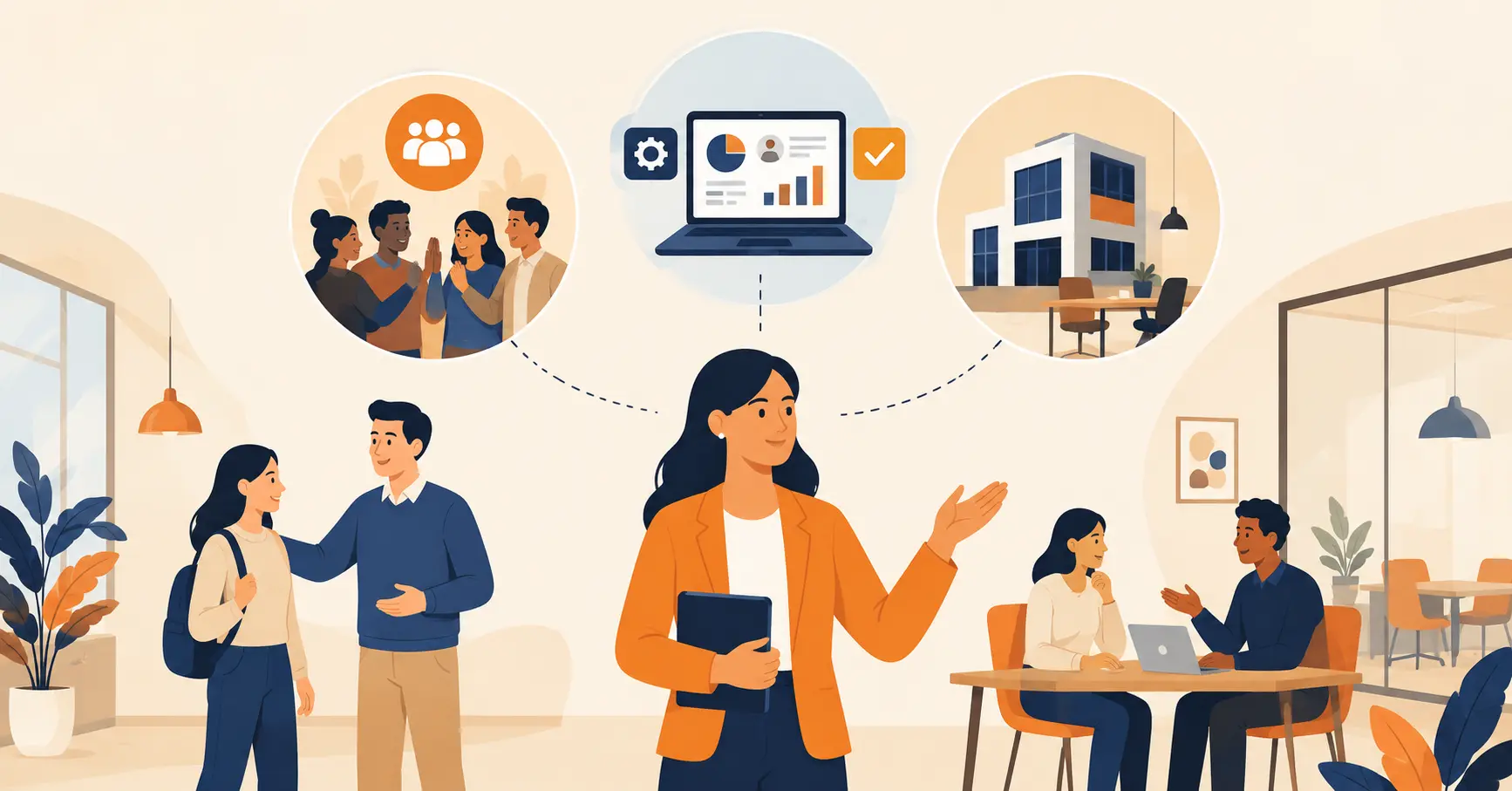
Most companies don’t wake up one day and decide to become a “smart workplace.” They notice that a competitor’s office runs on fewer spreadsheets, or that hybrid schedules have turned desk booking into a weekly headache, and they start looking for a fix. That’s the real starting point for almost every rollout we see, and it’s a more useful place to begin than a glossary definition.
A smart workplace is an office that uses connected technology, sensors, software, and data, to run itself instead of relying on manual coordination. It matters because manual processes are expensive in ways that don’t show up on a single line item: wasted square footage, slow visitor check-ins, double-booked rooms, and hours lost to tasks a system could handle in seconds.
This guide skips the generic tech tour you’ve probably already read elsewhere. Instead, it covers what the market data actually says about this shift, what it costs a company to wait, how to know if your organization is ready to invest, and the specific mistakes that waste budget on projects like this. If you want the deeper technical breakdown of individual tools, our tech stack guide covers that ground in detail.
What the Market Data Actually Shows
Market-research estimates for “smart office” or “smart workplace” spending vary by firm, because each one scopes the category differently. The Business Research Company’s most recent projection puts the global smart office market at $116.37 billion by 2030, growing at a 14% compound annual growth rate. Other analyst firms land at different absolute numbers, but every recent report agrees on the direction: sustained double-digit growth, not a short-term spike.
A separate 2026 report from Research and Markets puts the smart workplace market at $54.88 billion this year alone, up from $48.07 billion in 2025, a different scope than the Business Research Company figure above but the same growth story. That growth isn’t coming from novelty spending on gadgets. It’s coming from three specific pressures companies are dealing with right now. Hybrid schedules mean nobody knows which desks and rooms will actually be used on a given day. Rising real-estate and energy costs make unused square footage a direct hit to the budget. And security and compliance teams need documented, traceable records of who was on-site, not a paper sign-in sheet nobody can search.
One popular stat you’ll still see repeated on older articles, including an earlier version of this one, claims that “75% of the global workforce will be millennials by 2025.” That figure has been circulating since the mid-2010s and never held up. Analysts have since publicly corrected it, and recent workforce data puts millennials closer to 35% of the workforce, the largest single generation, but nowhere near 75%. We’re removing it here rather than repeating it, because a wrong number doesn’t make the underlying trend any less real.
What’s Actually Driving Companies to Modernize
Six forces show up again and again when facilities and operations leaders explain why they’re investing now.
Efficiency. Automated scheduling, routing, and check-in remove tasks that used to eat staff time. A receptionist manually logging visitors by hand can process a fraction of the volume a QR check-in kiosk handles without a line forming.
Collaboration. Distributed and hybrid teams need shared visibility into who’s in the office, which rooms are booked, and where people actually sit that week. Cloud tools and shared dashboards close that gap; email threads and whiteboards don’t scale past a certain team size.
Cost control. Occupancy sensors reveal which floors, rooms, or desks are genuinely underused. That data lets a company shrink its real-estate footprint or renegotiate a lease with actual usage numbers, not a guess.
Employee experience. Flexible booking, personalized comfort settings, and shorter visitor and vendor wait times all show up in employee satisfaction surveys. People notice friction, even when they can’t name the cause.
Competitive positioning. Candidates and clients form an impression fast. A chaotic front desk or a confusing badge process reads as disorganized, whether or not the rest of the business is running well.
Better decisions. Space-utilization and traffic data replace anecdote-driven planning. A facilities team that can see six months of actual room-usage data makes a very different call than one working from a hunch.
The Technology Making This Possible
A handful of technology categories show up across almost every rollout, regardless of industry.
IoT sensors track occupancy, temperature, humidity, and air quality in real time, feeding that data into lighting and HVAC systems that adjust automatically instead of running on a fixed schedule. Collaboration platforms like Microsoft Teams and Slack cut the email back-and-forth that used to eat a chunk of every workday. AI-driven analytics turn raw occupancy and booking data into an actual layout or staffing decision instead of a spreadsheet nobody reads. Smart access control, badges, biometric scanners, or mobile credentials, replaces the physical key or generic swipe card with something a security team can actually audit.
Google Workspace is a common reference point here: it consolidated email, docs, video calls, and file storage into one login, which is exactly the kind of consolidation smart workplace tools apply to physical space and access. Siemens’ building-management systems do the same thing for HVAC, lighting, and space data at the facility level. Both are useful examples of the same underlying pattern: fewer disconnected tools, more shared data.
What Waiting Actually Costs
The cost of not modernizing rarely shows up as a single number on a P&L, which is exactly why it gets deprioritized. It shows up as three-minute front-desk queues during a client visit, a facilities team that can’t answer “how much of our floor 3 is actually used,” and a security review that takes days because visitor logs are in a paper binder instead of a searchable system.
Hybrid work makes this worse every quarter it goes unaddressed. A company running manual desk assignment for a hybrid team is effectively re-solving the same scheduling puzzle every single week, with no record of what worked last time. That’s not a technology gap so much as an operational tax that compounds.
There’s also a hiring and retention angle worth naming directly. Candidates and new hires form an opinion of a company within their first ten minutes on-site. A confusing check-in process or a front desk that can’t find a host’s name doesn’t sink a hire on its own, but it’s a small, avoidable data point against the company at exactly the moment it’s trying to make a good impression.
How to Tell If Your Company Is Ready to Invest
Not every organization needs to act on this today. Use these five questions to find out where you actually stand, rather than reacting to a competitor’s press release.
1. Can you name your highest-friction workflow? If nobody can point to a specific process, desk conflicts, visitor delays, badge tracking, that’s currently broken, you’re not ready to buy anything yet. Start by mapping the actual pain point.
2. Do you have more than one location, or a hybrid schedule? Manual coordination scales badly past a single office or a fixed five-day-a-week schedule. Below that threshold, the case for investment is weaker.
3. Is your current data trustworthy? If your visitor logs, attendance records, or space data live in spreadsheets that nobody reconciles, fix the data problem before layering software on top of it.
4. Does a specific team own this project? Rollouts stall when nobody has clear responsibility for adoption, training, and follow-up. Assign an owner before you sign a contract.
5. Can you pilot one workflow before committing to five? The strongest rollouts we’ve seen start with a single module, desk booking, or visitor check-in, prove it works, and expand from there. Trying to modernize every workflow simultaneously is where most budget gets wasted.
A realistic pilot for one workflow, visitor check-in on a single floor, for example, takes one to two weeks to set up and about a month to see whether adoption actually sticks. That’s a small enough commitment that most facilities budgets can approve it without a lengthy sign-off cycle, and it gives you real usage data before you commit to a wider rollout.
Common Mistakes That Waste the Budget
Buying the tool before defining the problem. A team sees a competitor’s kiosk or sensor system and buys something similar without confirming which task it’s actually meant to fix. The underlying bottleneck stays exactly where it was.
Skipping a pilot. Rolling out five modules across three offices at once means that if one piece breaks, employees lose trust in the entire system, including the parts that were working.
Ignoring the visitor and contractor layer. Companies often modernize desks and rooms first and leave front-desk sign-in as an afterthought, even though it’s usually the most visible touchpoint to outsiders and the one most exposed during a security or compliance review.
No one reviews the data. Occupancy sensors and booking systems start generating useful data from day one, but if nobody’s assigned to actually look at it, insights about wasted space or peak-hour conflicts just sit there.
Treating it as a one-time purchase. Smart workplace tools need light ongoing management, badge updates, workflow adjustments, new-hire onboarding, not a install-and-forget setup.
Where Vizitor Fits
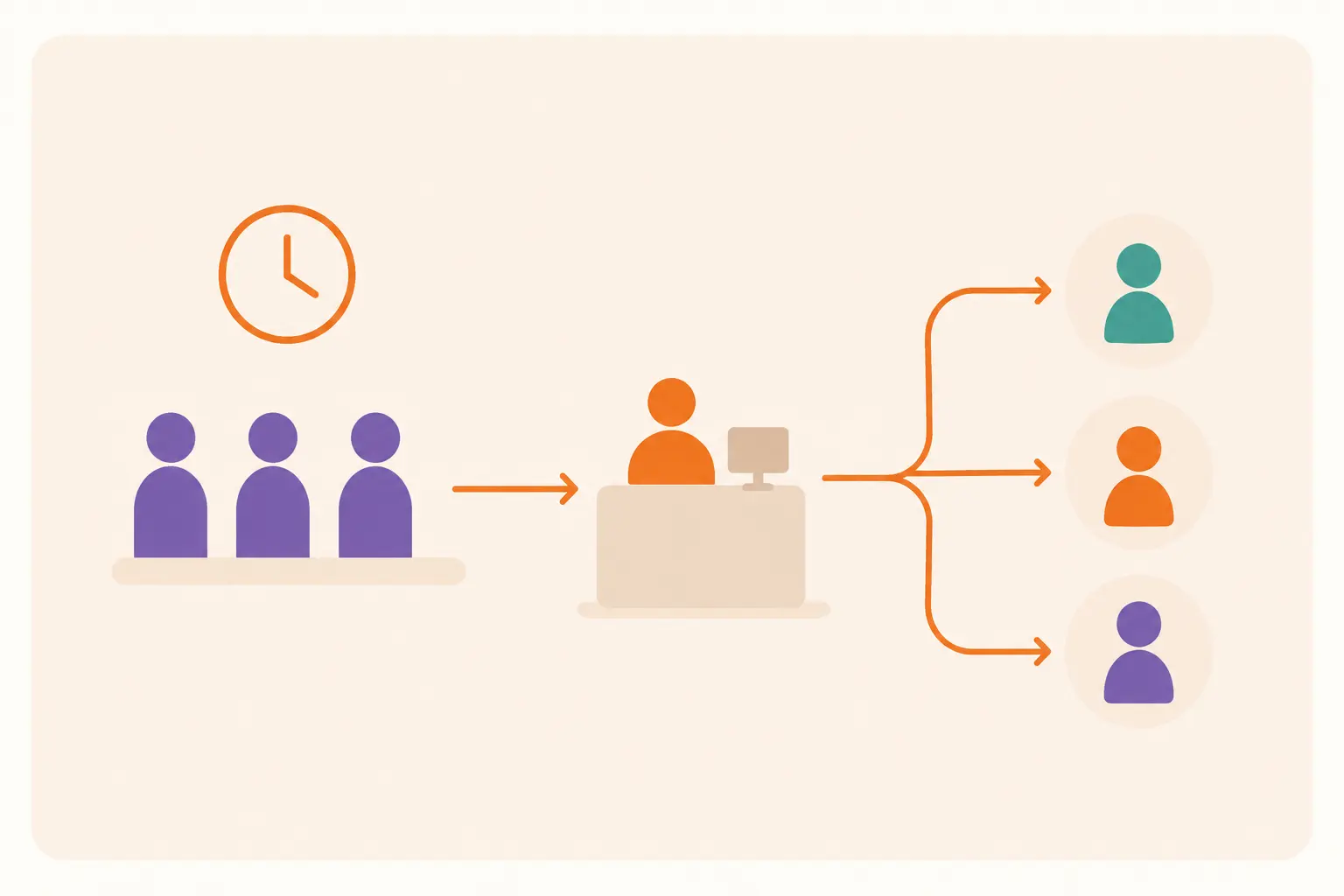
Vizitor covers the part of this stack that’s easiest to overlook and hardest to fix after the fact: the visitor, contractor, and access layer. Digital check-in through self-service kiosks or a smartphone app replaces the paper logbook, cuts wait times, and takes routine work off the receptionist’s plate. Every check-in generates a record a security or compliance team can actually search, instead of a stack of sign-in sheets nobody wants to dig through after an incident.
Hard Rock Cafe’s rollout is a useful, real example of what this looks like at scale. Across 175 locations in 74 countries, the chain moved to 100% contactless check-in with a unique ID for every guest, letting staff trace any visit instantly instead of relying on paper records spread across dozens of properties. That’s not a claim we’re generalizing to every customer; it’s what happened at that specific scale, with that specific setup.
Beyond check-in, Vizitor adds digital badges and access restrictions for sensitive areas, customizable workflows so the check-in process matches how your business actually operates, and real-time analytics on visitor flow and peak hours. It stores visitor data with configurable retention and deletion settings, which supports GDPR-aligned data handling without requiring a separate compliance project. And because it’s built to connect with the rest of a workplace stack, adding visitor management doesn’t mean ripping out the badge system, the room-booking tool, or the facility management platform you already run.
Building the Case Beyond Visitor Management
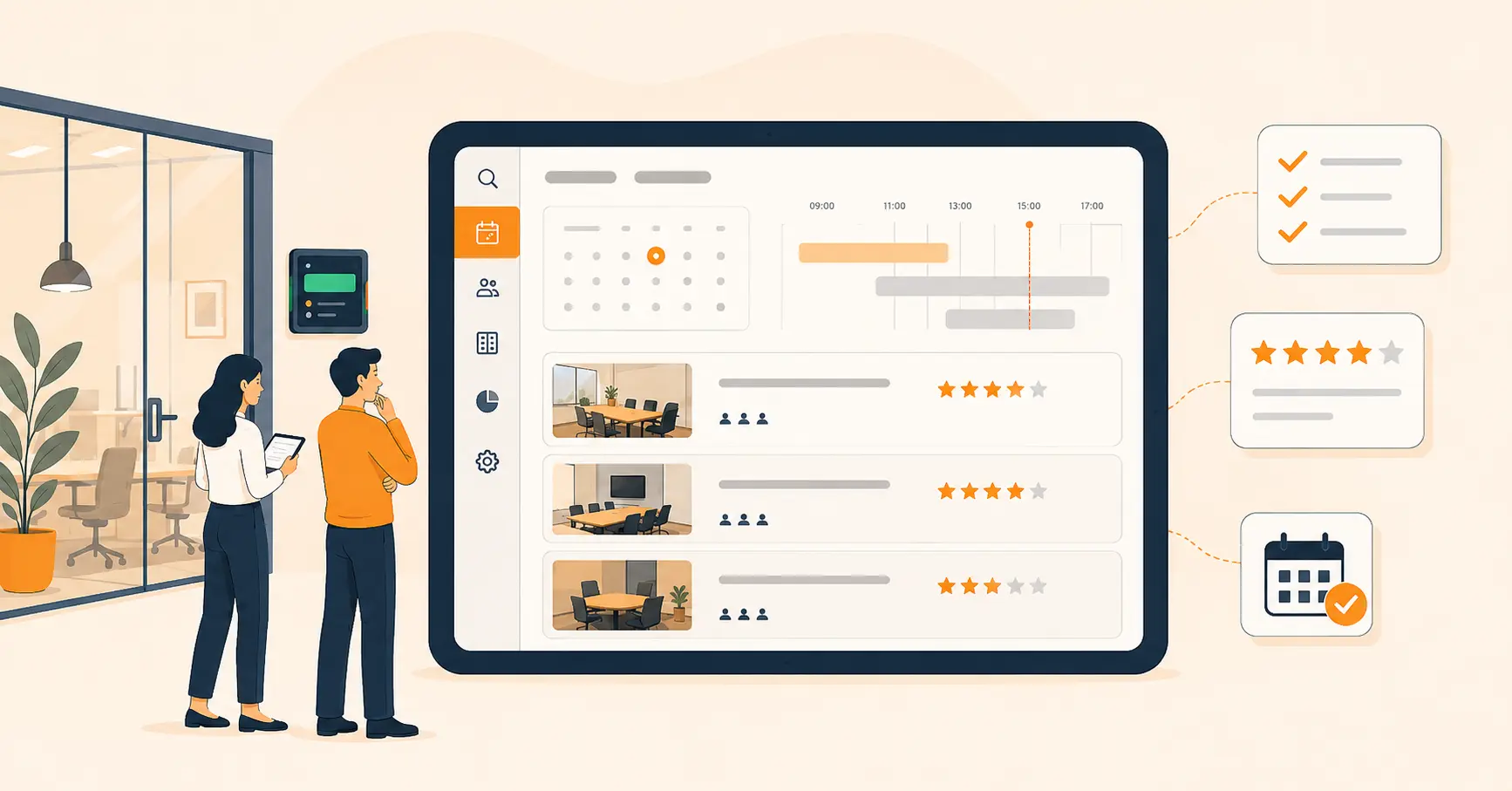
Visitor and access management is one entry point, but most smart workplace rollouts eventually touch desk booking, meeting rooms, and space planning too. Desk booking software solves the hybrid-schedule problem directly: employees reserve a desk for the days they’re actually coming in, instead of a facilities team guessing at headcount. A meeting room booking system does the same for shared spaces, cutting the double-booked conference room that derails a Monday morning.
IoT sensors and access-control hardware (companies like Philips Hue for lighting and HID Global for badge systems are common names in this space) generate the occupancy and entry data that makes the rest of the stack useful. Digital wayfinding tools help employees and visitors navigate larger campuses without stopping every ten feet to ask directions. And space management software turns all of that data into an actual seating and layout plan instead of a hunch about which floor feels crowded.
For companies further along, facility management software centralizes maintenance requests, equipment tracking, and service schedules alongside the visitor and space data above, so facilities teams aren’t juggling five separate logins to answer one question about building operations.
None of this needs to happen at once. The companies that get the most out of a smart workplace investment tend to pick the workflow costing them the most time right now, fix that first, and expand once the first module is actually working.
If your front desk is the bottleneck today, that’s the module worth piloting first. Book a demo and see how Vizitor’s check-in, badge, and analytics tools fit into whatever you’re already running, or start with the workflow that’s actually costing you the most time this quarter.
Frequently Asked Questions
See Vizitor in action check-in a visitor in under 30 seconds
Trusted by 500+ businesses. QR check-in, badge printing, NDA signing. Plans from $36/mo.