What Is Virtual Queuing and How Does It Work?
This article defines virtual queuing and walks through the digital check-in, tracking, and notification steps that let people wait remotely instead of standing in a physical line. It replaces the original's vague, unsourced statistics with a named 2024 consumer survey and Vizitor's own Snapdeal and Retina Centre case-study results, and adds sections on where virtual queuing gets rolled out wrong and where it genuinely doesn't fit.


Table of Content
Try Vizitor for Free!
A visible line does something most businesses never intend: it tells everyone who sees it that waiting here might not be worth it. Virtual queuing exists to remove that visual without removing the wait itself. The line still exists. It just stops living in your lobby.
What Is Virtual Queuing?
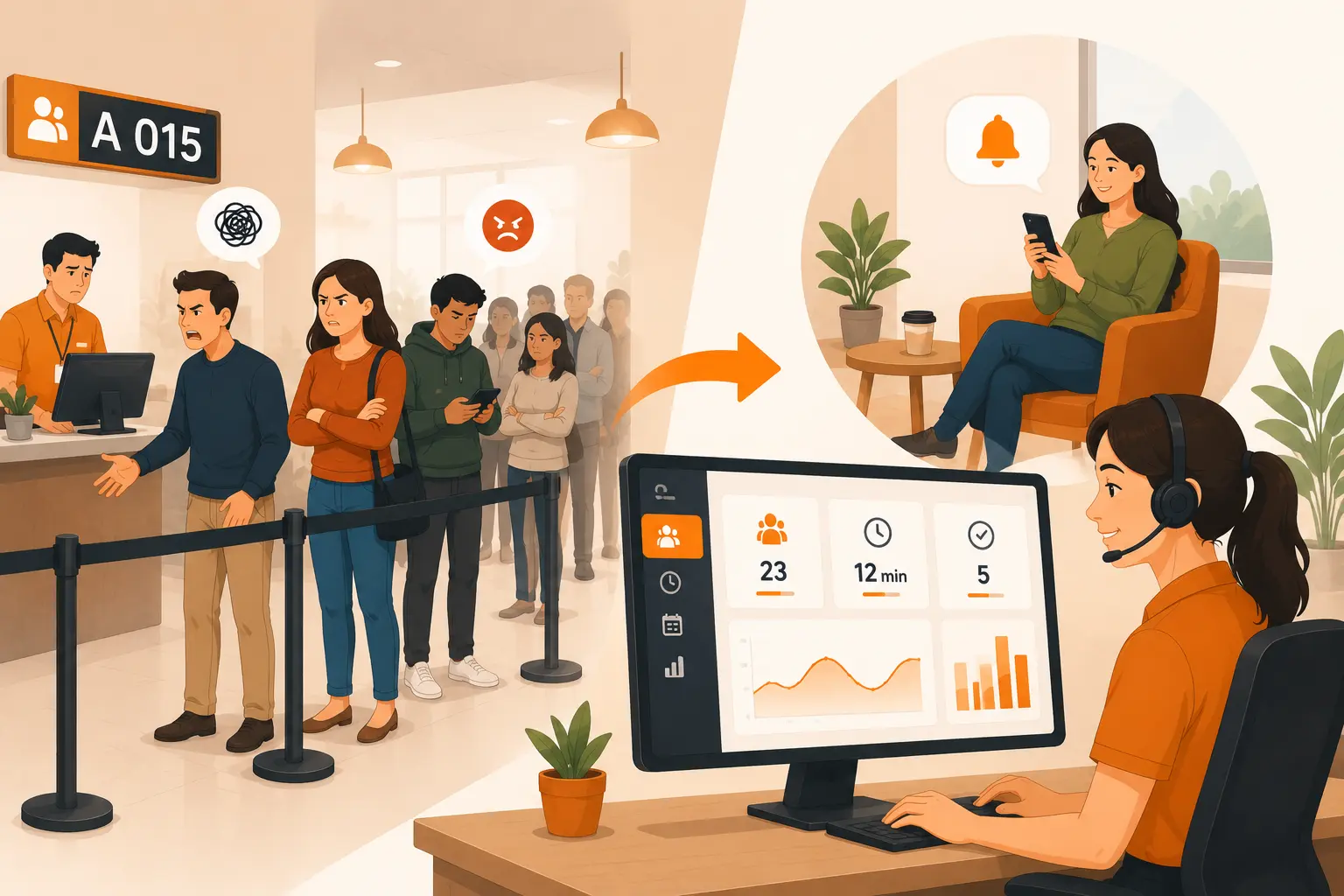
Virtual queuing is a system that lets someone claim a place in line digitally, by scanning a QR code, texting a number, or checking in through a kiosk or app, and then wait wherever they want instead of standing in a physical row. It matters because the wait itself doesn’t disappear; only its cost does. A clinic serving twenty patients still takes the same total time to see all twenty. What changes is whether those twenty people spend that time packed into a waiting room, or sitting in their car, working from a nearby coffee shop, or browsing a store two doors down.
Compared to a physical line, three things change: customers get a visible position and estimated wait instead of guessing, staff get a queue they can route and reorder instead of a fixed row, and the physical space stops filling up with people who are simply waiting rather than being served.
How Does Virtual Queuing Work?
Virtual queuing follows the same basic sequence regardless of industry, though the channels vary by vendor.
1. Digital check-in
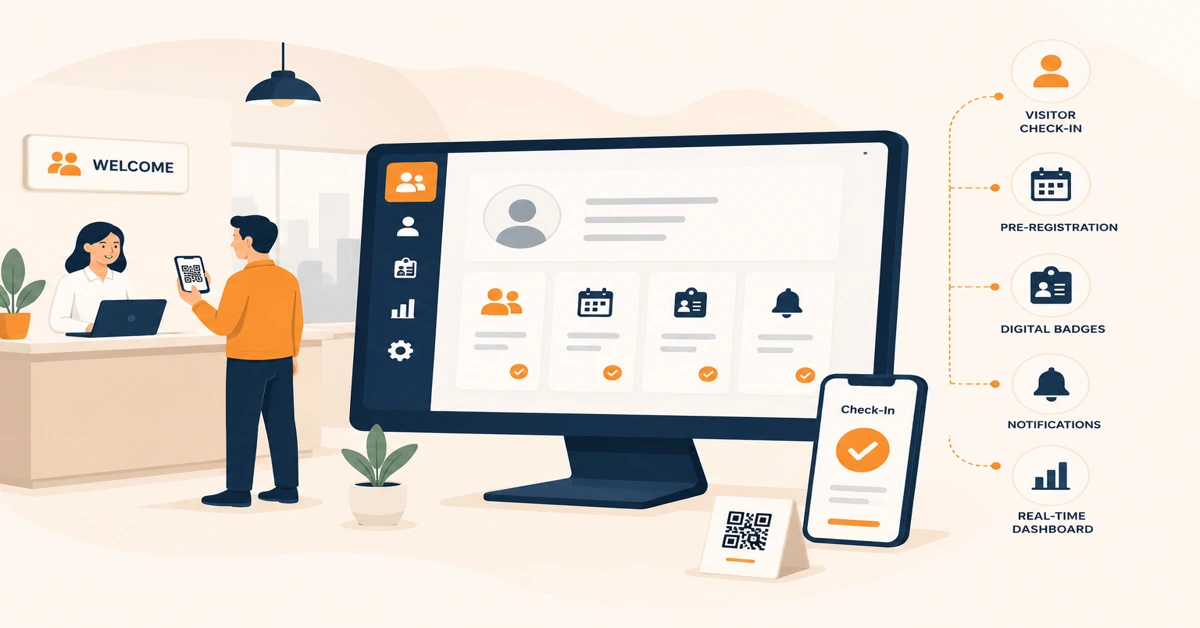
Customers join through a QR code at the entrance, a self-service kiosk, or a shared web link. Most systems don’t require an app download at all, since asking for one before someone has even decided to wait is a fast way to lose them.
2. Digital queue tracking
Once registered, the customer gets a queue position and an estimated wait, updated as the line moves.
3. Status notifications
The system alerts the customer as their turn approaches, typically through the same channel they used to join. Channel support differs by platform though; Vizitor’s own queue module, for example, currently runs on QR check-in and a live staff dashboard rather than SMS or WhatsApp alerts, so it’s worth confirming what a specific vendor supports before promising a channel to customers.
4. Flexible waiting
People move around, shop, or sit down while their place in line holds.
5. Service call
When it’s their turn, staff call them through, either from a dashboard or by announcement.
Why Most Virtual Queuing Rollouts Underperform
Adding a queue product doesn’t automatically fix a queue problem. Most underperforming rollouts trace back to one of these.
Businesses treat it as a notification bolt-on rather than a redesign. They add SMS or app alerts to the same physical line that already existed, so people still crowd near the door “just in case,” and the lobby never actually empties out.
They skip the manual fallback. A queue that only works through a smartphone turns away the walk-in traffic it was meant to serve, particularly in government offices, healthcare settings with older patients, or any location with weak signal at the counter.
They run one universal queue instead of routed ones. Mixing a two-minute question with a twenty-minute consultation in the same line reproduces the exact unpredictability virtual queuing was supposed to solve, just with a phone notification attached to it.
They measure the wrong number. Counting how many people joined the queue says nothing about whether the business actually kept them. The businesses that get real value track walkouts prevented and staff time recovered instead, which is also the basis of a proper ROI calculation for a queue management system.
Staff habits don’t change alongside the tool. Reception teams keep managing the room the way they always did, watching the door instead of a dashboard, so none of the promised efficiency shows up. This is a staffing and training gap more than a software one, and how virtual queuing changes the job for reception staff is worth reading alongside the customer-facing pitch.
Why Businesses Use Virtual Queuing
Waitwhile’s 2024 survey of 1,000 U.S. consumers found that 80% avoid a business altogether when they see or expect a line, and close to 40% of those people go to a competitor or abandon the purchase entirely rather than wait. That’s the real cost virtual queuing addresses: not rudeness, walkouts. The same survey found 52% of respondents prefer a virtual queue over a physical one, and people report tolerating meaningfully longer waits in a virtual queue than they would standing in a physical row, largely because the wait doesn’t feel like being stuck in one spot.
The speed gain is measurable too, from an actual deployment rather than a survey response. Vizitor’s own deployment at Snapdeal replaced manual paper sign-in with digital check-in across its offices and cut check-in time five-fold, with zero manual errors recorded since go-live. In healthcare, Vizitor’s Retina Centre rollout moved to fully digital check-in with zero scheduling conflicts since going live, in a setting where a scheduling mistake means a missed appointment slot, not just a longer wait.
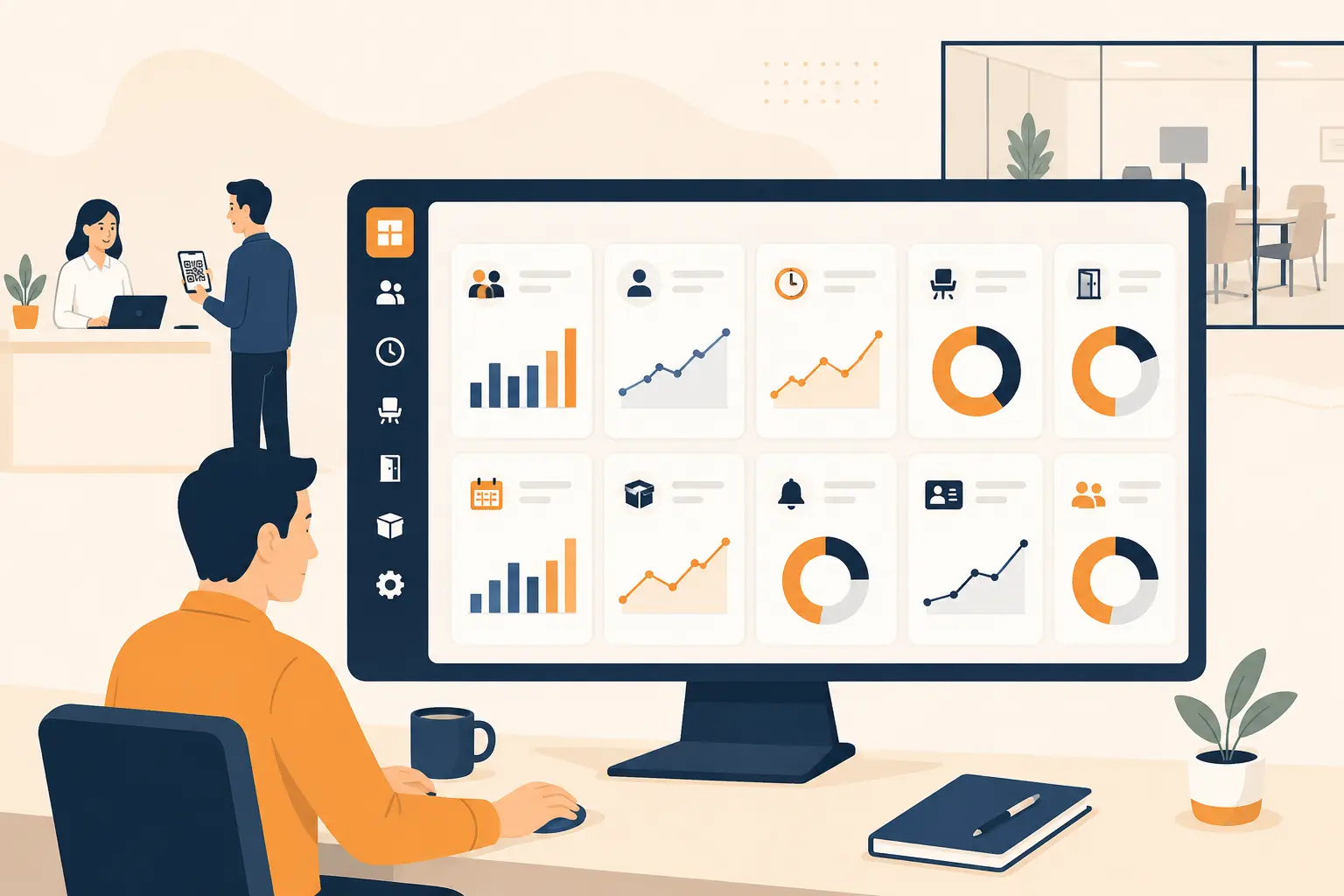
Beyond the walkout and speed numbers, the shift shows up in three other places. Staff stop managing a physical row and start managing a dashboard, which frees them to actually help the people waiting rather than police a line. Lobbies and waiting rooms stay less crowded, which matters most in healthcare, government offices, and any space where fire code or comfort caps how many people can occupy a room at once. And customers who can see their position and get a real alert report feeling more in control of the wait, even when the underlying service time hasn’t changed at all.
Who Uses Virtual Queuing
Virtual queuing shows up wherever walk-in volume is unpredictable and waiting-room space is limited.
Hospitals and clinics use it to keep patients out of crowded waiting rooms, letting people wait in a car or a nearby area until they’re called. Retailers use it during peak hours to manage checkout and customer-service lines without losing shoppers to a visibly long queue. Government offices, including many post offices and licensing counters, use it to cut the time citizens spend physically standing in a building. Restaurants use it to text a table-ready alert so guests can wait at a nearby café instead of crowding the entrance. And banks use it for loan consultations and account openings, where the wait is often long enough that standing through it is a genuine deterrent. Hospitals specifically get outsized benefit here, since reducing wait times and congestion directly affects patient experience and outcomes.
Common Mistakes That Undercut Virtual Queuing
No fallback for people without a working smartphone or signal, which quietly excludes exactly the customers most likely to need help.
Choosing a notification channel that doesn’t match the audience. An app-only alert works poorly for an older customer base or a region where WhatsApp or SMS is the default way people communicate; check what a vendor actually supports rather than assuming.
No buffer for no-shows, so the same customer gets called two or three times in a row while staff wait, creating the exact duplicate-handling problem virtual queuing was supposed to eliminate.
Not tracking queue abandonment. If nobody is watching how many people leave the queue before being served, the business has no way to know whether the system is actually working or just moving the same walkout problem online.
Using virtual queuing for situations that need real-time human judgment about priority, not turn order, such as triage in an emergency setting, where “first come, first served” isn’t the right rule to begin with.
When Virtual Queuing Doesn’t Work
Virtual queuing isn’t the right fix everywhere, and pretending otherwise wastes budget on the wrong problem.
It adds unnecessary complexity in very low walk-in environments, like a boutique that sees three or four visitors a day and rarely has anyone waiting at all. There’s no line to digitize.
It struggles in settings that need immediate physical triage or judgment calls rather than sequential order, such as emergency intake, where urgency, not arrival time, has to decide who gets seen next.
It underperforms where connectivity is unreliable or the customer base is resistant to any digital step, unless the business builds and actually staffs a strong manual fallback rather than treating it as an afterthought.
And it doesn’t remove a physical presence requirement that some processes genuinely need, like certain in-person ID verification counters. A digital position in line doesn’t shrink the number of people who still have to show up and be physically checked, so the gains there are smaller than the pitch usually implies.
The Actual Test
If your front desk, clinic, or retail counter still runs on a physical line, the fastest way to know whether virtual queuing is worth the switch isn’t reading another explainer. It’s counting how many people walked away before they were served this week. That number is the one virtual queuing is built to fix, and it’s also the one that tells you whether the rollout actually worked six months from now.
See how Vizitor’s queue management system handles routing, notifications, and reporting, or book a demo to see it against your own walk-in volume.
Frequently Asked Questions
Virtual queuing is a system that lets someone hold their place in a line digitally, by QR code, text message, web link, or app, instead of standing in a physical row. They get a position and an estimated wait, then a notification when it's their turn.
A customer joins through a QR code, kiosk, or link, receives a digital token with their position, waits wherever they want, and gets an alert when it's close to their turn. The line itself doesn't disappear; it just stops requiring anyone to physically stand in it.
No. Most systems run on a QR code that opens a browser page, no download required. Apps make sense for businesses customers visit multiple times a week; for occasional or one-time visits, an app is friction most people won't accept.
Healthcare, retail, government offices, banks, and food and hospitality are the heaviest users, since all five deal with unpredictable walk-in volume and limited waiting-room or lobby space.
Mostly the feeling of waiting, unless it's paired with real process changes like department routing or added staff. The underlying service still takes the same amount of time; virtual queuing changes where people spend that time and how much control they feel they have over it.
Many platforms do, but integration depth varies a lot by vendor, so confirm what's actually supported before assuming a connection exists rather than treating it as a given.
Assuming every customer has a working smartphone and skipping a manual staff-assisted fallback. That single gap turns away exactly the walk-in traffic virtual queuing was meant to serve.
See Vizitor in action check-in a visitor in under 30 seconds
Trusted by 500+ businesses. QR check-in, badge printing, NDA signing. Plans from $36/mo.