Ghost Rooms Explained: How to Stop Wasted Meeting Room Bookings
This article defines ghost rooms, meeting rooms that show as booked but sit empty, and explains why they waste space and cause friction in hybrid offices. It offers five practical tips to reduce no-shows, including remote check-in, automatic booking cancellation, and analyzing usage data.


Table of Content
Try Vizitor for Free!
Meeting rooms are poised to become a hot commodity with more employees returning to the office. Gone are the days of empty conference spaces – hybrid work is fueling a surge in demand for in-person collaboration.
What is a Ghost Room?
Have you ever walked past a meeting room labeled “occupied," only to find it empty? This frustrating phenomenon is known as a ghost room, or a “no-show” meeting. These unused, yet seemingly booked spaces, waste valuable resources and disrupt workflows.
Remember the frustration of searching for a meeting room, only to discover it’s “booked” but empty? This is the dreaded “no-show” meeting room, a common pain point in the pre-pandemic era.
What is a Ghost Meeting?
A ghost meeting, often called a no-show meeting, occurs when someone schedules a meeting but does not attend. This results in a significant waste of meeting room resources, as these unattended meetings cause rooms to be marked as occupied on the shared booking calendar, despite being unused.
Standing meetings are a common source of this problem. A one-time meeting that gets cancelled usually takes its room booking with it, but a weekly or monthly meeting can keep reserving a room long after anyone still needs it, especially once the project it supported has wrapped up.
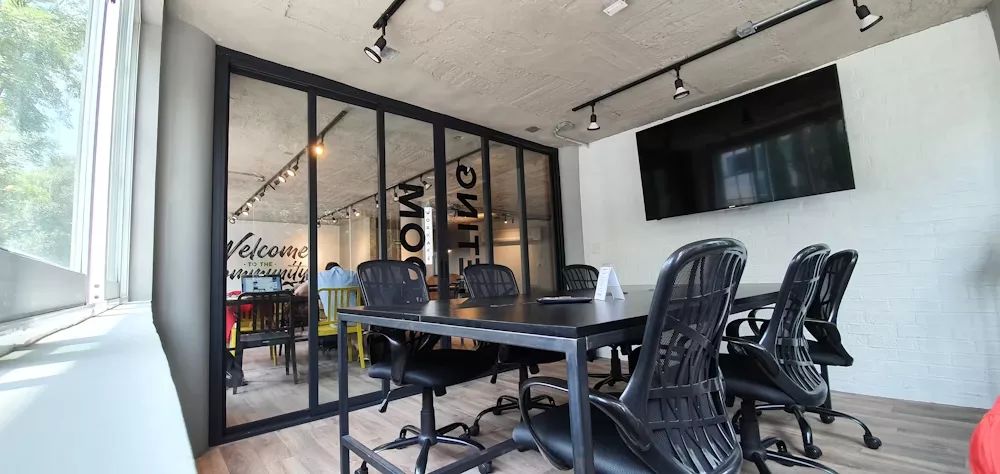
Fear not! This guide offers solutions to reduce no-shows and optimize meeting room management in today’s hybrid work environment.
Remember the frustration of searching for a meeting room, only to discover it’s “booked” but empty? This is the dreaded “no-show” meeting room, a common pain point in the pre-pandemic era.
Why Ghost Rooms Matter
No-show meetings happen for various reasons, often stemming from poor meeting management. Here’s how ghost rooms create problems:

• Wasted Time: Employees waste valuable time searching for an available space when one appears booked but empty.
• Frustration and Tension: Unreleased rooms create friction among colleagues, disrupting workflow and collaboration.
• Inefficient Space Utilization: Ghost rooms prevent others from utilizing valuable meeting space.
Banishing the Ghosts: Practical Tips
By implementing these simple strategies, you can significantly reduce ghost rooms and optimize your meeting space utilization:
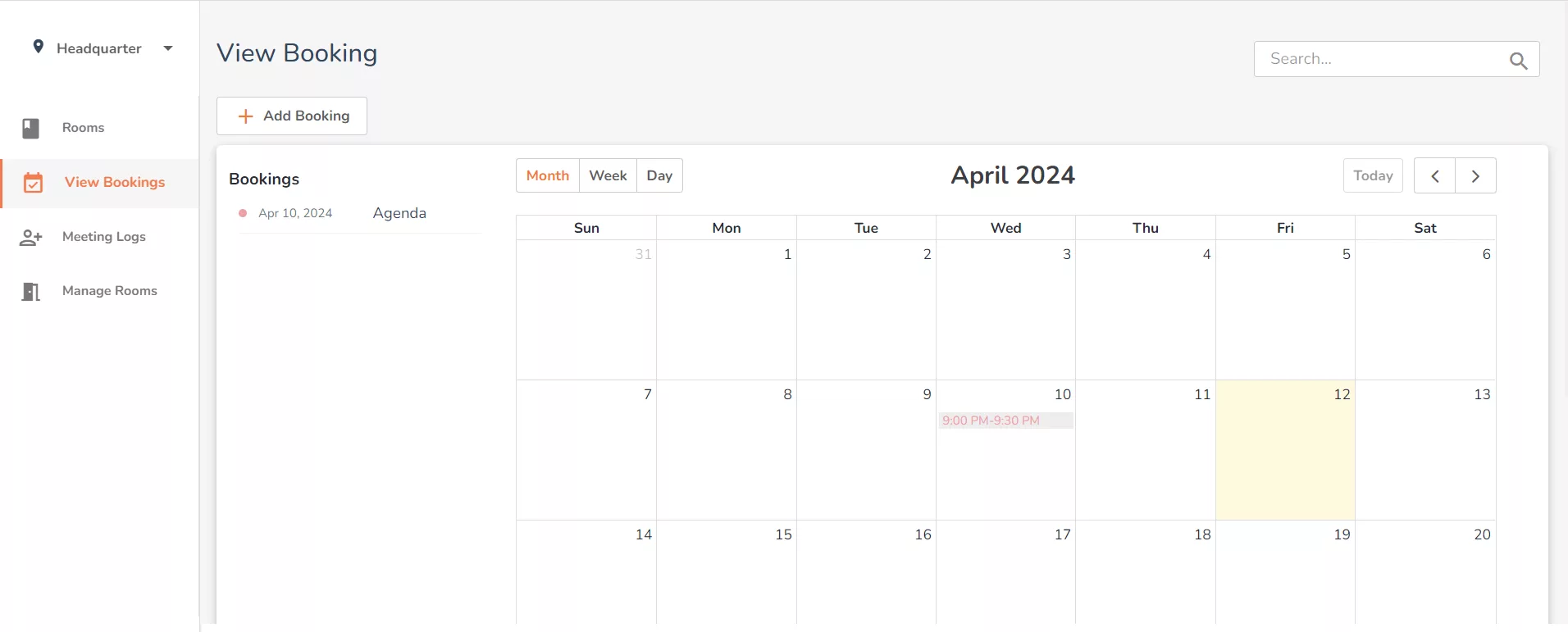
1. Fresh Start: As employees return to the office more frequently, clear all existing meeting room bookings. Require everyone to re-book, eliminating outdated reservations.
2. Remote Check-In: Modern meeting room booking software often offers a “check-in” feature accessible from anywhere, like a smartphone app. This allows attendees running late to claim the room remotely, while also notifying colleagues of their intention to use the space.
3. Establish a Room Booking Policy: Implement clear guidelines for booking and using meeting rooms, drawing on smart practices for the meeting room booking process. For instance, set a timeframe for attendees to check in upon arrival. If no one shows up within a designated period (typically 3-5 minutes), the system automatically cancels the reservation, freeing up the room for others. This policy encourages respect for shared resources.
4. Spread the Golden Rule: Just as you wouldn’t want to be left searching for a booked room, always remember to cancel unused reservations. This courtesy ensures your colleagues can maximize their workspace experience.
5. Analyze Usage Data: Many booking systems track data on space utilization. Analyzing this information can reveal patterns – like teams prone to no-shows or high-demand times. A meeting room utilization calculator can help quantify what those patterns are actually costing you. This data is invaluable for optimizing your space allocation and meeting room scheduling.
Embrace a Culture of Respectful Booking
By following these tips, you can combat ghost rooms and encourage responsible room booking practices. This promotes a more efficient and collaborative work environment where everyone has access to the resources they need to succeed.

Ready to banish ghost rooms from your office?So visit here and sign up now!
Frequently Asked Questions
See Vizitor in action check-in a visitor in under 30 seconds
Trusted by 500+ businesses. QR check-in, badge printing, NDA signing. Plans from $36/mo.