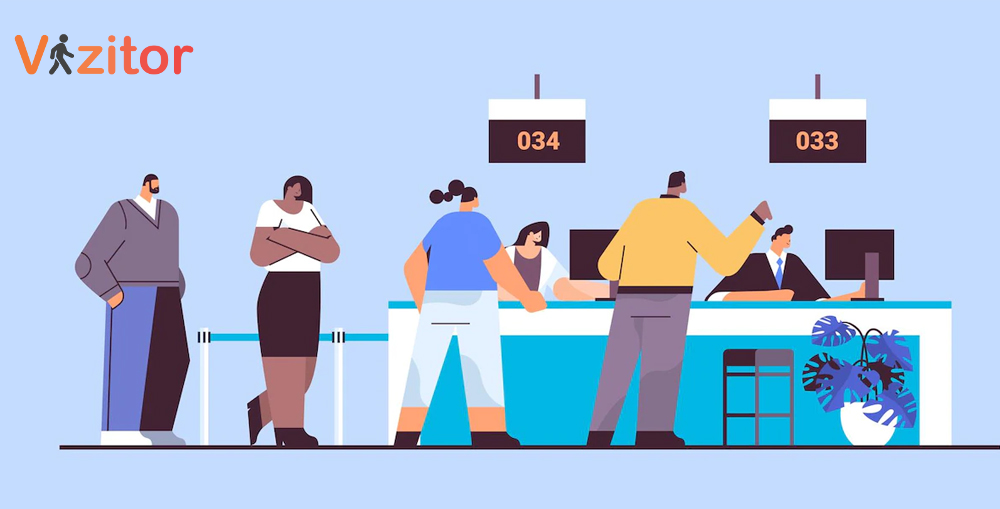
Learn how educational institutions use queue management systems to reduce wait times at admissions, registrar offices, libraries, and student service counters.


Published on: Wed, Mar 18, 2026
Read in 8 minutes
During enrollment season, a university registrar office can see hundreds of students in a single day. Financial aid windows, library service desks, and IT support counters face similar surges. Without a structured system to manage these queues, students spend hours waiting, staff become overwhelmed, and the overall campus experience suffers.
A 2022 study by EDUCAUSE found that 68% of students cited long wait times at campus offices as a significant source of frustration, and institutions that implemented digital queue solutions saw an average 40% reduction in student wait times within the first semester.
This is where a purpose-built queue management system transforms campus operations from chaotic to efficient.
What is queue management for education? Queue management for education refers to the use of digital tools and processes to organize, monitor, and optimize student and visitor queues across campus service points. This includes admissions offices, registrar counters, financial aid desks, academic advising, library services, IT help desks, and more.
In this guide, we cover the specific challenges educational institutions face, the features that matter most, and how to implement a system that works for students and staff alike.
Enrollment periods, financial aid deadlines, and exam seasons create massive spikes in demand. A registrar office that handles 30 students per day in a normal week may see 300 during registration week.
Universities have dozens of service counters across campus. Without a unified system, there is no visibility into which offices are backed up and which have capacity. A connected queue system with multi-department routing solves this.
Today’s students manage their entire lives from their phones. Expecting them to stand in a physical line and wait for a paper ticket feels disconnected from the rest of their digital campus experience.
Educational institutions operate on tight budgets. Improving staff efficiency at service counters means more students served per hour, which means fewer overtime hours and better resource allocation.
See how Vizitor's queue system works for universities
Reduce student wait times at admissions, registrar offices, and financial aid counters. Digital ticketing, SMS notifications, and real-time queue analytics built for campus operations.
Explore Queue Management Book a DemoWhen selecting a queue management platform for a campus environment, look for:
| Challenge | Impact on Students | Impact on Staff |
|---|---|---|
| Long lines during enrollment | Missed classes, frustration | Burnout, errors, overtime |
| No visibility into wait times | Wasted time, multiple trips to campus | Repeated “how long?” questions |
| Unbalanced counter loads | Some windows overwhelmed, others idle | Uneven workloads |
| No priority system | Urgent cases wait alongside routine queries | Difficulty triaging |
| Paper-based sign-in sheets | Disorganized, names skipped | Manual tracking, data loss |
| No data on service patterns | Cannot plan for peak periods | Reactive staffing decisions |
A student approaches the admissions building and scans a QR code posted at the entrance. On their phone, they select the service they need (transcript request, enrollment question, document submission) and enter their student ID and phone number.
The system places the student in the correct queue based on their selected service. If multi-department routing is configured, students needing multiple services can be routed sequentially.
The student receives their queue position and estimated wait time. They can wait in the lobby, head to the library, grab coffee, or attend a class. The system will notify them when their turn approaches.
When the next counter is available, the student receives an SMS. They proceed to the assigned window, get their issue resolved, and the system logs the interaction.
Every interaction is recorded: check-in time, wait time, service time, which counter, which staff member. This data feeds into analytics dashboards that help administrators plan better.
| Feature | Traditional (Paper/Walk-Up) | Digital Queue Management |
|---|---|---|
| Student check-in | Walk to counter, wait in line | QR code, kiosk, or web portal |
| Wait time information | None | Real-time estimates |
| Notification when ready | Name called out | SMS to student’s phone |
| Multi-department routing | Student walks to each office separately | System routes sequentially |
| Peak period management | Add temporary staff | Data-driven staffing and routing |
| Accessibility | Limited for mobility-impaired students | Remote check-in, wait anywhere |
| Analytics | None | Full reporting dashboard |
| Integration with campus systems | None | Connects with visitor management |
Do not try to deploy across the entire campus at once. Begin with the registrar or admissions office where wait times are longest and frustration is highest. Prove the value there, then expand.
Campus security and front desk operations benefit from connecting queue management with visitor management. When a parent or external visitor arrives on campus and needs to visit a specific office, the same system can manage their check-in and queuing.
Large displays showing current queue status, estimated wait times, and “now serving” numbers keep students informed and reduce the number of “when will I be called?” inquiries.
For services like academic advising or financial aid counseling, let students book appointments in advance. The queue system blends these scheduled visits with walk-in traffic so both are handled efficiently.
Students will not use a new system if they do not know about it. Send campus-wide emails, post signage at every service office, and train front desk staff to direct students to the digital check-in.
Track these KPIs to measure impact:
Vizitor’s queue management system is designed for multi-department environments like university campuses. With self-service check-in, SMS notifications, department-wise token generation, and centralized analytics, it helps educational institutions serve more students with less chaos.
The platform also integrates with Vizitor’s workplace management tools, providing a unified system for visitor check-in, room booking, and queue management across campus.
Ready to modernize your campus queuing?
Schedule a demo to see Vizitor in action for educational environments, or visit our pricing page to explore options.
Yes. Modern cloud-based queue systems are designed to scale. During peak periods, the system handles increased check-ins, sends more notifications, and provides real-time data to help administrators add counters or shift staff where needed.
Students can check in by scanning a QR code posted at the service office entrance, using a self-service kiosk, or visiting a web-based check-in page on their phone. No app download is required with most systems.
Absolutely. A good queue management system blends pre-scheduled appointments with walk-in visitors, ensuring both groups are served fairly and efficiently. This is especially useful for advising offices and financial aid counters.
With multi-department routing, the system can queue a student for their first service, then automatically add them to the next department’s queue once the first visit is complete. This eliminates the need to start over at each office.
No. Most systems are cloud-based and require only a tablet for staff, QR code signage for students, and optionally a display screen for the waiting area. Setup typically takes one to two days per location.
Try Vizitor Free
No credit card required. Setup in under 5 minutes. Manage visitors, meeting rooms, queues, and more.
Start Free Trial