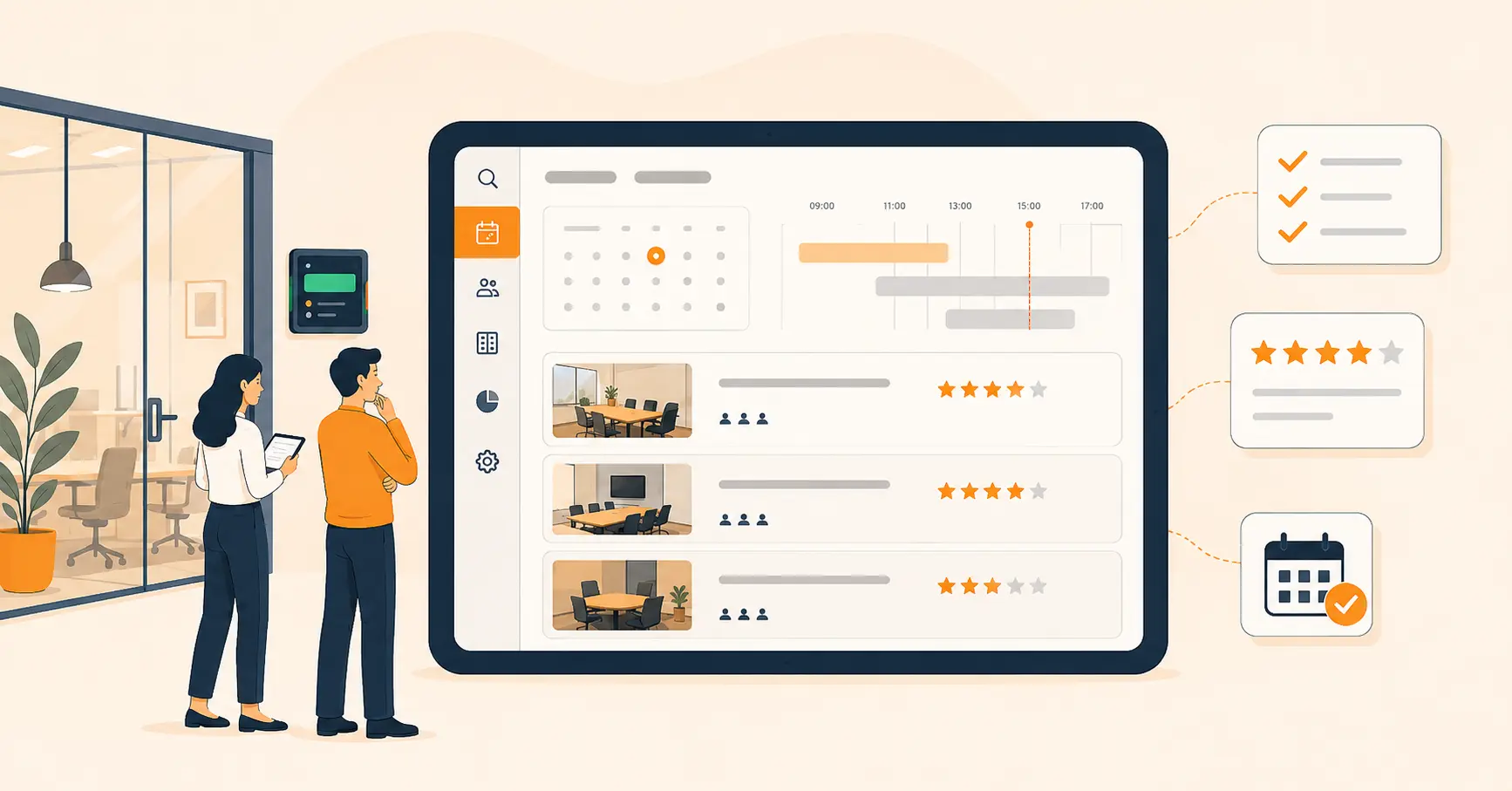
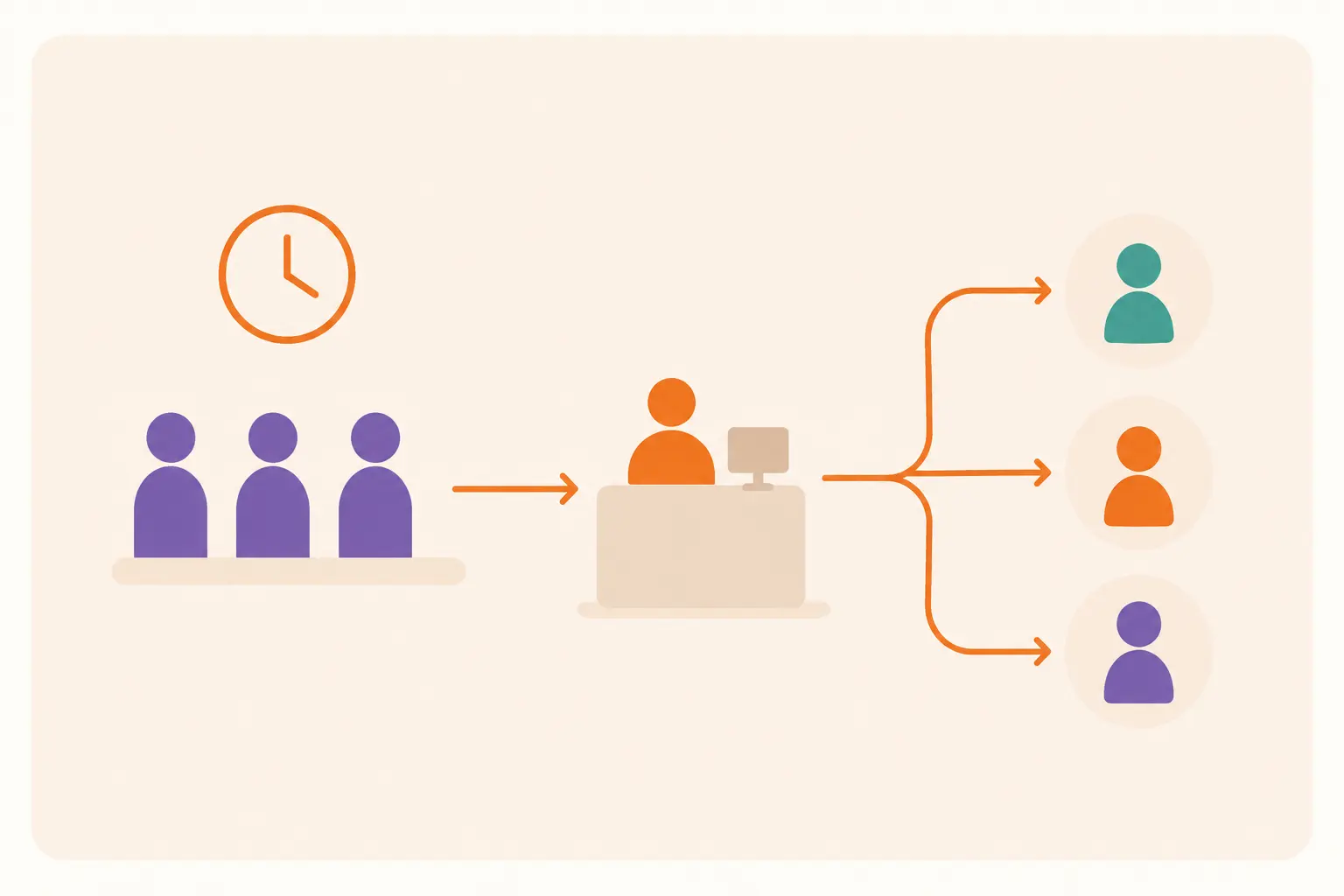
Beyond Take-a-Number: Smarter Queue Management Options
Take-a-number tickets used to be the fair way to run a line. Today they create crowded lobbies and zero visibility for the people standing in them. This piece compares virtual queues, self-service kiosks, QR check-ins, and mobile queue apps, and walks through how to pick and switch to the right one.


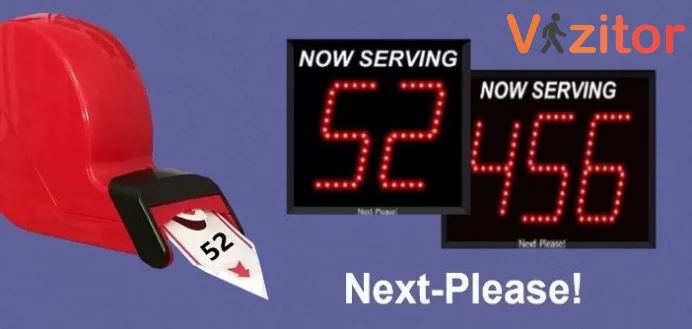
Table of Content
Try Vizitor for Free!
It’s a busy morning at a hospital reception desk. Patients pull paper tickets from a machine bolted to the wall and take a seat.
The room fills up fast. Nobody knows how long the wait actually is. A number gets called, but the patient it belongs to stepped out to take a call and misses their turn.
This scene plays out daily in hospitals, retail stores, and government offices that still run on take-a-number ticket machines. It’s the same system that’s been standard for decades, and it’s starting to show its age.
A queue management system built on paper tickets can still bring order to a chaotic line. What it can’t do is tell a visitor how long they’ll actually wait, let them step away without losing their spot, or give a manager any data on why Tuesdays are always worse than Wednesdays.
Customer patience with lines has also gotten shorter, not longer. A 2024 survey of U.S. consumers found that 61% of people have walked out of a line before their turn came, and about 1 in 7 do it on a regular basis. Nearly two-thirds said waiting leaves them feeling impatient, frustrated, or disrespected, a jump the survey’s authors linked to a 126% rise in reported frustration since the year before (source: Waitwhile’s 2024 State of Waiting survey).
That’s the real case for replacing a take-a-number machine. Not that it’s old technology, but that it can’t answer the one question every waiting customer actually has: when is it my turn, and can I do something else until then?
This piece breaks down what a take-a-number system actually does well, where it breaks down, and the four modern alternatives worth considering: virtual queues, self-service kiosks, QR code check-ins, and mobile queue apps. It also covers how to pick between them and switch without making the rollout worse than the problem you’re fixing.
What Is a Take-a-Number System in Queue Management?
A take-a-number system is the classic queue management method: a visitor pulls a numbered ticket from a dispenser, takes a seat, and waits for a screen or staff member to call that number.
Banks, hospitals, and government offices built entire waiting-room layouts around it for one good reason. It’s simple, and it’s fair. Whoever pulled ticket 47 knows they go after ticket 46, no arguing required.
That fairness is the whole design goal, and it still matters. Here’s what a well-run take-a-number system actually does right.
It creates order. Assigning numbers as people walk in removes the guesswork about who’s next. Nobody has to remember who arrived first.
It frees up staff. A receptionist doesn’t have to referee the line. The dispenser handles sequencing, so the team can focus on actually serving each person.
It scales to a point. A busy government office or hospital lobby can push a lot of people through one dispenser without anyone needing a formal appointment.
It reduces some anxiety. Seeing “now serving 44” while holding ticket 47 gives a visitor a rough sense of where they stand, even without an exact time.
Where it falls short is everything past that basic sequencing. It can’t tell anyone how long the wait actually is, and it can’t let a visitor leave the room without risking their spot.
Where the Traditional Take-a-Number System Breaks Down
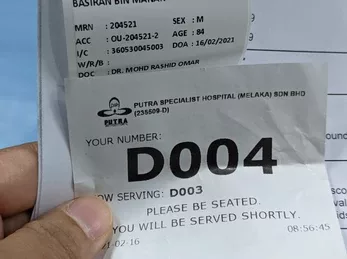
A ticket dispenser solves the fairness problem. It creates a different set of problems that only show up once the lobby fills up.
The wait feels worse than it is. A visitor holding a paper ticket has no idea if they’re 5 minutes or 45 minutes from being called. There’s no running estimate, no notification, and no way to check in remotely. If they step away, even briefly, they risk missing their number entirely and going back to the end of the line. That combination of uncertainty and inflexibility is exactly what drives the abandonment numbers above.
The waiting area becomes the bottleneck. Everyone holding a ticket has to physically stay put to avoid missing their turn. A packed lobby isn’t just uncomfortable. It’s lost revenue too, since a hospital patient or retail customer stuck in a chair can’t browse, shop, or otherwise spend time (and money) anywhere else on the premises.
The hardware becomes a single point of failure. A ticket dispenser needs paper rolls replaced, jams cleared, and the occasional mechanical repair. When it breaks, the whole line loses its structure at once, and a physical machine has no way to prioritize an urgent case over someone who happened to pull a ticket first.
The system can’t flex with demand. A hospital sees a completely different visitor load on a Monday morning than a Friday afternoon, but a ticket dispenser treats every day identically. It doesn’t track how long people actually waited, so managers are staffing counters based on habit rather than data.
Why Businesses Are Moving Past Take-a-Number Machines
Replacing a ticket dispenser isn’t really a technology upgrade. It’s closing the gap between what customers now expect and what a machine built for a different era can deliver.
The same 2024 consumer survey found that 80% of people actively avoid a business when they see a line forming or expect one, and nearly 40% of that group either leave for a competitor or abandon the visit outright (Waitwhile, 2024). A queue that looks chaotic from the doorway is turning customers away before they ever pull a ticket.
Patience isn’t the only thing that’s shifted. Preferences have too. The same research found 70% of consumers now prefer booking an appointment over waiting in an open line, and 52% say they’d rather join a virtual queue than stand in a physical one. Fifty-four percent said they’d tolerate a longer wait if they could see their position update in real time.
That’s the actual argument for modern queue management systems: not that paper tickets are obsolete for their own sake, but that visitors have made it clear what they want instead, and a dispenser can’t provide any of it.
Physical Ticket vs. Digital Queue: A Quick Comparison
| What matters to visitors | Take-a-number ticket | Digital queue (virtual, kiosk, QR, or app) |
|---|---|---|
| Where they can wait | Standing or seated in the lobby | Anywhere in range of a phone or notification |
| Visibility into wait time | None until a number is called | Live position and an estimated wait |
| What happens if they step away | They risk losing their spot entirely | Their place holds; they get notified as their turn nears |
| Data for managers | None, beyond a ticket count | Wait times, peak hours, and no-show patterns |
| Failure mode | One broken dispenser stalls the whole line | Redundant across app, kiosk, and staff-assisted paths |
| Setup and running cost | Paper, ink, and mechanical upkeep | Software subscription and a tablet, screen, or signage |
The table makes the trade-off obvious: a paper system wins on simplicity for very light traffic, and loses on almost everything else once a lobby gets busy.
Top Modern Alternatives to Traditional Take-a-Number Systems
Four approaches now cover most of what businesses need once they outgrow a ticket dispenser. They aren’t mutually exclusive. Most Vizitor customers end up combining two or three.
Virtual Queue Management
A virtual queue lets a visitor join a line remotely through an app, a web link, or a kiosk, instead of standing at a physical counter to pull a ticket.
Once they’ve joined, they’re free to wait wherever suits them: a waiting room chair, a nearby coffee shop, or their car. The system tracks their position and sends an alert as their turn approaches, so nobody has to hover near a screen watching numbers change.
For the business, that same system produces something a ticket dispenser never could: a real record of how long people actually waited, when the lobby peaks, and where the bottlenecks are. That data is what lets a manager add a second counter at 2pm on Fridays instead of guessing.
Self-Service Kiosks
A self-service kiosk at the entry point replaces the ticket dispenser with a touchscreen that does considerably more than issue a number.
A visitor can check in, select the service or department they need, join a virtual queue, and in some setups even complete a form or capture a photo, all without a staff member walking them through it. That’s a meaningful shift from a machine that only ever did one thing.
Vizitor’s kiosk-based queue tools add a few specific pieces on top of that baseline:
Visitors join queues remotely from their own device when they’d rather not use the kiosk at all. Notifications keep them informed of their status without needing to watch a screen. An analytics layer tracks queue trends and peak hours for staffing decisions. And because the whole flow is digital, there’s no paper ticket to print, jam, or run out of.
QR Code-Based Queue Systems
QR code check-ins let a visitor scan a code with their own phone camera and join the queue without touching a shared machine or interacting with staff first.
That contactless step matters most in healthcare and any setting where hygiene is a real concern, but the bigger everyday benefit is speed. There’s no dispenser to walk up to and no ticket to lose. A visitor can scan the code from the parking lot before they even walk in.
Because the whole interaction happens on a phone the visitor already owns, there’s no dedicated hardware to maintain beyond a printed or digital sign. That’s a real cost difference against a mechanical ticket dispenser that needs parts and paper.
Mobile Queue Apps
A mobile queue app takes the same idea further: visitors book a spot, track their live position, and get an alert as their turn nears, all from an app they may already have installed for a different purpose.
This model fits busy sectors especially well: healthcare, retail, and hospitality all deal with visitors who’d rather run an errand or grab a coffee than sit in a lobby watching a number board.
The data trail is the other half of the value. Every check-in through the app tells a business something about customer behavior, from peak arrival times to how often people abandon a queue before their turn, information a paper ticket never generates.
Vizitor’s mobile queue tools run on both iOS and Android, which matters if a business wants one workflow that works the same way for every visitor regardless of what phone they carry.
How to Choose the Right Alternative for Your Business
Picking between these four options isn’t about finding the single best one. It’s about matching the option to how your actual visitors behave. Here’s a practical way to work through it.
Step 1: Count your real volume and peak hours. Pull a week of data, or estimate honestly, on how many people pass through at your busiest hour versus your quietest. A location with real crowding needs a different fix than one that just feels busy sometimes.
Step 2: Look at how your visitors actually arrive. A hospital with scheduled appointments and walk-ins needs a system that handles both streams fairly. A retail counter with pure walk-in traffic has simpler needs.
Step 3: Decide how much you can rely on visitors’ phones. If most visitors are comfortable with an app or QR code, lean toward mobile and QR options. If your visitor base skews older, less tech-comfortable, or often without a phone on them, a kiosk with a staffed fallback matters more than an app-only rollout.
Step 4: Pilot before you commit everywhere. Run the new system at your single busiest location first. It’s the place where problems surface fastest, and the place where a fix pays off soonest.
Step 5: Watch the data for 30 days after launch. Don’t stop at the rollout day. The real value of a digital queue system is the ongoing wait-time and peak-hour data it produces. A queue system nobody checks after the first week is just an expensive ticket dispenser.
Common Mistakes When Switching From Take-a-Number Systems
Treating it as a hardware swap, not a workflow change. Installing a kiosk or app doesn’t automatically change how staff route people. If nobody retrains reception on the new flow, they’ll keep improvising around it the way they did with paper tickets. Walk the front desk team through the new process before go-live, not after the first complaint.
Assuming every visitor owns a smartphone. Some don’t, and some who do won’t want to use it at your counter. Removing every physical option in favor of an app-only queue strands exactly the visitors who need the most help. Keep a staffed kiosk or assisted check-in path running alongside the app.
Pulling the visible number board too soon. Visitors who are used to watching a screen for their number can feel lost without any familiar cue during the transition. Keep a status display running for the first few weeks, even as the underlying system changes.
Never looking at the data the system collects. A virtual queue tool generates wait-time and peak-hour analytics automatically. Plenty of businesses never open that dashboard again after setup, which means they’re paying for insight and ignoring it. Assign someone to review it weekly, at least for the first quarter.
Rolling out at every location simultaneously. One rough launch at a flagship site is recoverable. A rough launch across ten locations at once erodes staff trust in the new system before it’s had a chance to work. Pilot, fix what breaks, then expand.
When a Take-a-Number System Still Makes Sense
Not every counter needs a digital queue. If a location genuinely sees light, predictable traffic, a single counter handling a handful of visitors a day with no real crowding, a basic ticket dispenser may still be the simplest, cheapest option. The problems described above only bite once volume, visibility, or data actually matter to the business.
Connectivity is the other honest limit. An app-based virtual queue depends on a visitor’s phone having signal or Wi-Fi, and a location with unreliable connectivity shouldn’t rely on that path alone. A kiosk-based or hybrid setup, with a staffed fallback, holds up better where signal is inconsistent.
How Vizitor Handles Queue Management
Vizitor’s queue management tools are built to replace a ticket dispenser with something that actually answers the questions visitors have.
Contactless check-in through QR codes and mobile apps keeps the process paperless from the first step. Real-time notifications tell visitors their status, their estimated wait, and when their turn is close, instead of leaving them watching a number board. The system adapts to healthcare, retail, and corporate settings without forcing every business into the same fixed layout. An analytics dashboard turns queue trends and peak hours into decisions about staffing, not guesses.
That same digital check-in approach played out at Retina Centre, a healthcare clinic that replaced paper check-in forms with a fully digital intake. Deployment took a single business day, and the clinic saw its no-show rates and patient wait times both come down after the switch, an outcome specific to Retina Centre’s rollout, not a guaranteed result for every location.
Moving past a take-a-number machine isn’t about chasing the newest technology. It’s about giving visitors the one thing a paper ticket never could: a clear answer to “how much longer,” and the freedom to not spend that time standing in a lobby.
Book a demo to see how Vizitor’s queue tools would handle your specific volume and layout, or explore the full queue management system to compare features against what you’re running today.
Frequently Asked Questions
See Vizitor in action check-in a visitor in under 30 seconds
Trusted by 500+ businesses. QR check-in, badge printing, NDA signing. Plans from $36/mo.