Essential Tips for Effective Conference Room Etiquette


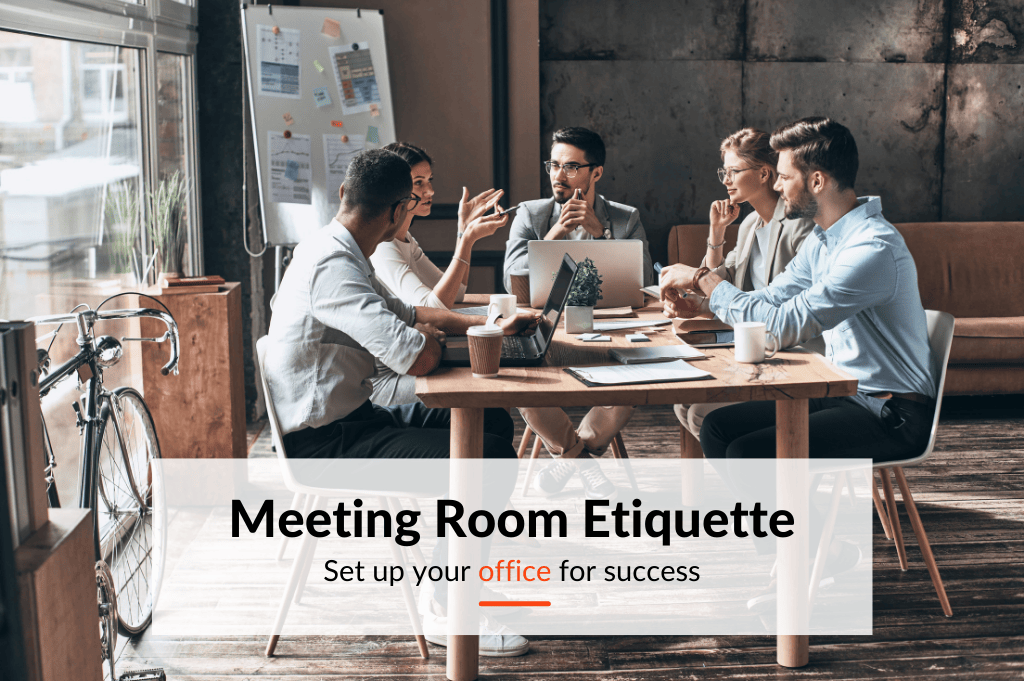
Table of Content
Try Vizitor for Free!
Remember the days of back-to-back Zoom calls throughout the pandemic? While virtual meetings kept us connected, there is no substitute for the power of face-to-face collaboration. Since May 2021, space utilization for meetings increased by up to 238%, reflecting a major shift back to in-person work.
This surge in in-person meetings is not just a trend. It is a return to a more productive way of working. Studies show that face-to-face interactions foster better communication, stronger idea generation, and higher team engagement compared to virtual-only settings.
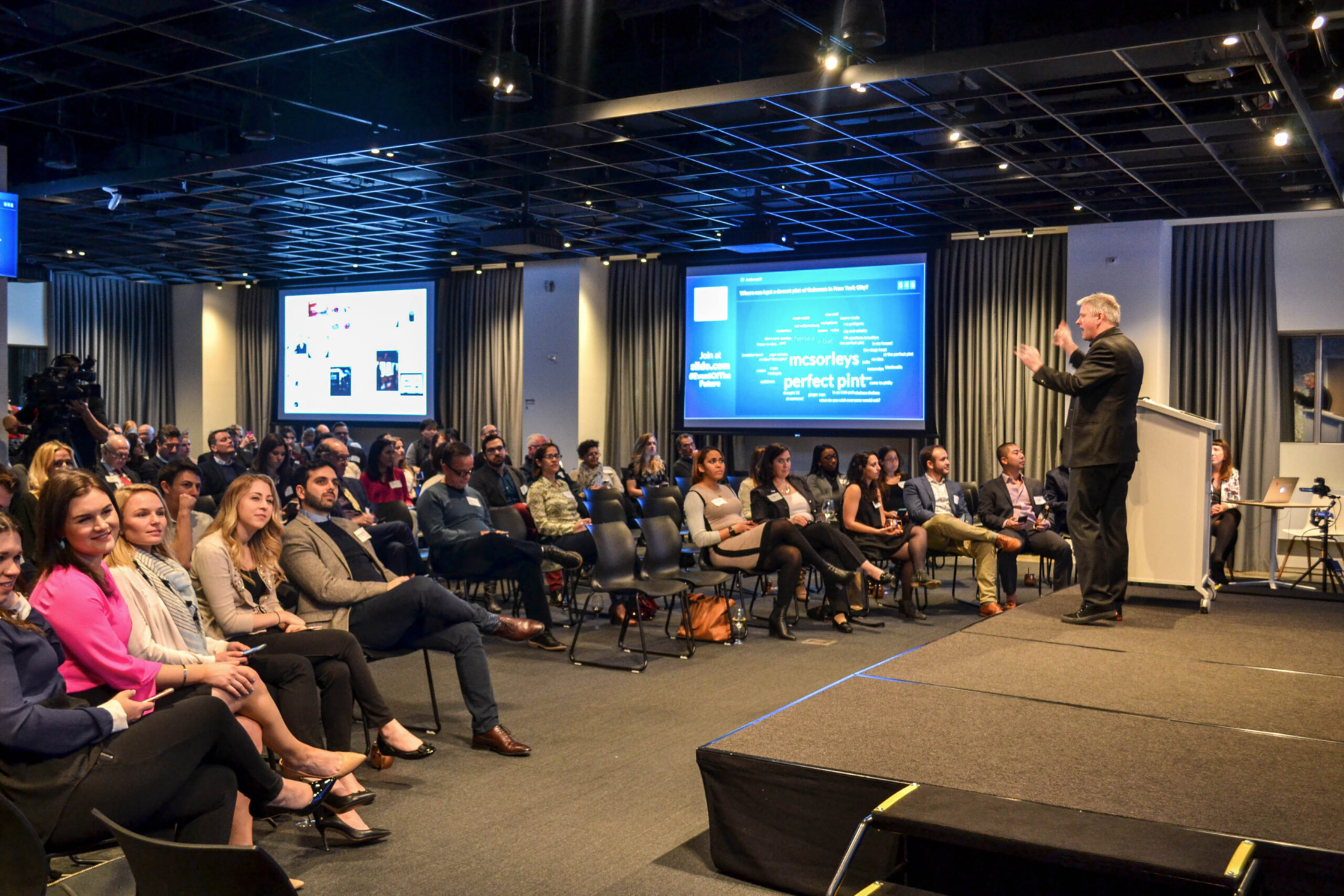
With this shift comes a new set of challenges. Have you ever booked a meeting room only to find it occupied? Or been disrupted by noise from a neighboring meeting? This is where conference room etiquette becomes essential.
What is Conference Room Etiquette?
Conference room etiquette is a set of guidelines that ensures everyone uses shared meeting spaces professionally and considerately. Imagine walking into a booked conference room only to find another team using it, or being interrupted by loud noise from next door.

Good etiquette prevents these situations and creates a smooth, professional experience for everyone who needs to use the space. It covers everything from how you book a room to how you leave it when your meeting ends.
As hybrid work makes shared spaces more valuable, the social contract around using those spaces matters more than ever. A few consistent habits across your team can eliminate most of the friction that makes conference room management frustrating.
Be Considerate of Remote Participants: Use video conferencing tools to ensure remote attendees can hear, be heard, and participate fully in the meeting.
Why Conference Room Etiquette Matters
Conference rooms are shared infrastructure. Every person on your team has a legitimate claim to those spaces, and how one team uses a room directly affects whether the next team can use it effectively.
Poor etiquette creates a cascade of problems:
- Double frustrations: If someone leaves a room in disarray or runs over their time, the next team inherits those problems.
- Reputation damage: How your team behaves in shared spaces reflects on your professionalism, especially when visitors or clients are present.
- Lost productivity: Disorganized workspace layouts, malfunctioning equipment left unreported, and noisy neighboring meetings all chip away at meeting effectiveness.
- Scheduling breakdown: When people do not cancel unused bookings, they create ghost reservations that block colleagues from booking legitimate meetings.
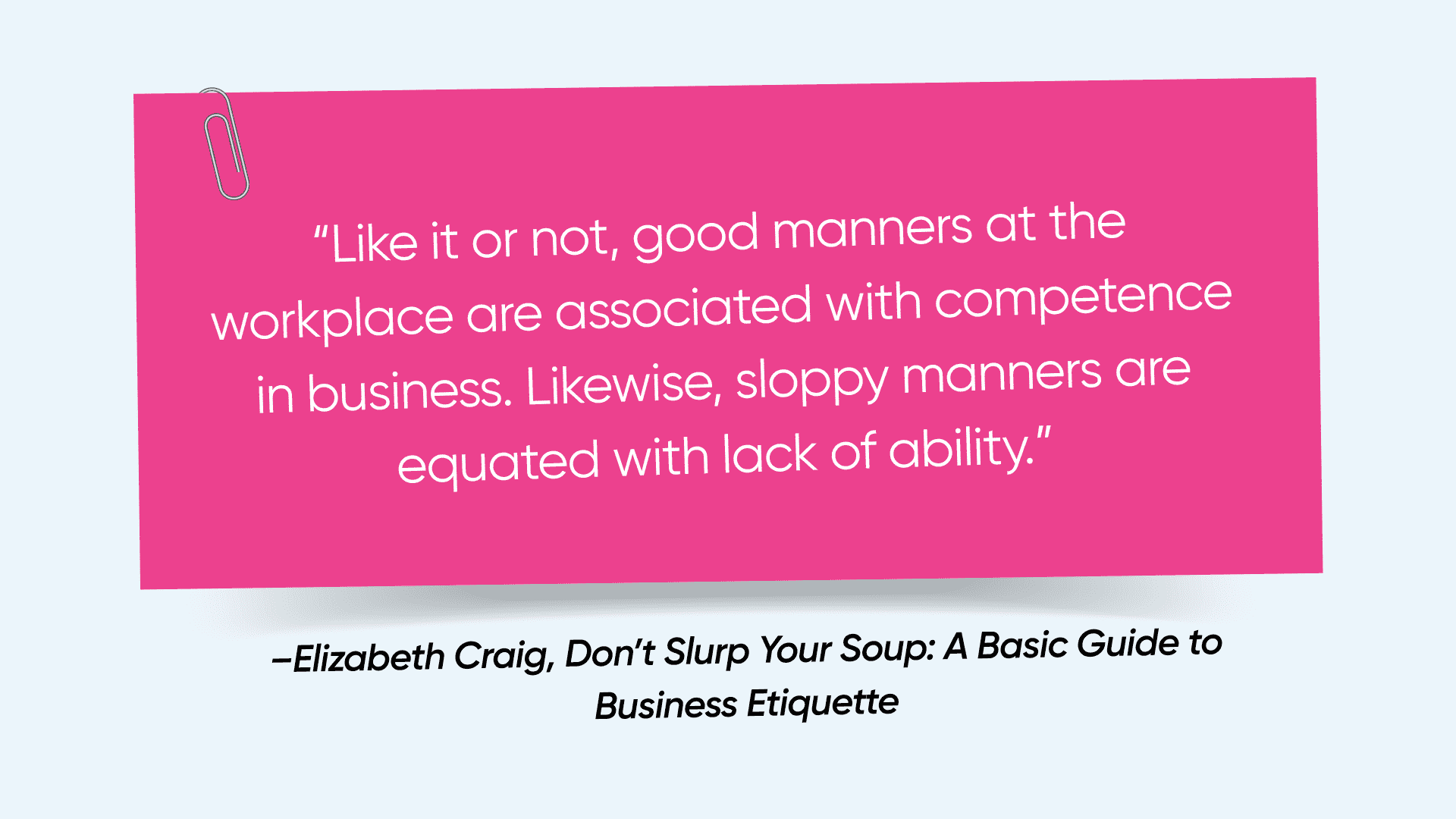
Studies have shown that a disorganized workspace leads to decreased productivity and lower employee satisfaction. Good etiquette costs nothing but pays dividends in how smoothly the entire office operates.
Key Points of Conference Room Etiquette
Book Early and Cancel Promptly Avoid last-minute bookings to give colleagues ample notice and the opportunity to schedule their own meetings. If your plans change, cancel the reservation immediately, not 5 minutes before the meeting starts. Freeing up space early gives someone else a chance to use it productively.
Respect the Schedule Always start and end your meetings on time. Running late creates a domino effect, delaying subsequent meetings and inconveniencing other teams. Use booking systems that display meeting duration to keep everyone accountable. If your meeting wraps up early, release the room immediately rather than continuing to hold it.
Clean Up After Yourself Leave the conference room as clean as you found it, preferably cleaner. Discard trash, put chairs back in place, erase whiteboards, and log out of any video conferencing equipment. A tidy space is a professional courtesy that sets a positive tone for the next group.
Be Mindful of Noise Levels Close the door during meetings to minimize disruption to those working outside. Keep conversations at a professional volume and avoid side conversations that raise the overall noise level. This is especially important in offices with glass-walled rooms where sound carries easily.
Minimize Distractions Put your phone on silent and avoid checking emails or social media during meetings. Focus on the discussion at hand. Every time someone visibly checks their phone, it signals to the rest of the room that the meeting is not worth their full attention.
Dress Appropriately Match your attire to the meeting’s purpose and attendees. An internal brainstorming session may allow casual dress. A client presentation or board meeting warrants business professional attire. When in doubt, dress up rather than down.
Be Aware of Your Surroundings If the conference room has glass walls, be mindful of your body language and avoid behaviors that create distractions for people working outside. Discretion is especially important during sensitive conversations.
Book the Right-Sized Room Match the room to your meeting size. Booking a 20-seat boardroom for a 3-person check-in wastes a resource that a larger team may urgently need. For smaller groups, use huddle rooms or common areas when a large conference room is not warranted. See our meeting room booking system guide for how software can help match room sizes to meeting needs automatically.
Manage Technology Proactively Be familiar with the AV equipment, display, and conferencing tools before your meeting starts. If you need technical assistance, request it before the meeting begins. A 10-minute setup delay at the start of every meeting adds up to enormous wasted time across a company. If you find equipment that is broken, report it through your facility management system immediately.
Limit Food and Drinks Coffee and tea are generally acceptable. Avoid strong-smelling foods, messy snacks, or anything that could stain furniture or leave odors that linger for the next group.
Enhance Your Meeting Experience
Good etiquette covers how you use the room. Good meeting practice covers what happens inside it. Both matter.
Set a Clear Agenda and Objectives Before the meeting, circulate an agenda outlining the topics and desired outcomes. This keeps everyone focused and ensures the meeting does not drift into unrelated territory. Attendees who know what is expected of them come prepared.
Start with Introductions When Necessary If attendees do not know each other, take a few minutes for brief introductions. This is especially important when external participants or new team members are present. Starting with names and roles prevents awkward gaps in communication during the meeting itself.
Invite Participation Actively Encourage active contribution from all attendees. Use techniques like structured brainstorming or round-robin input to draw out quieter voices. A meeting where two people dominate and others sit passively is not a good meeting, regardless of how well the room was booked.
Take Notes and Assign Action Items Designate someone to take notes during the meeting to capture key points and decisions. Assign clear action items with owners and deadlines before the meeting ends. This is what separates meetings that produce results from meetings that produce another meeting.
Follow Up After the meeting, send a quick summary email with key takeaways, decisions made, and assigned action items. This keeps everyone accountable and gives absent stakeholders the information they need.
How Meeting Room Booking Systems Support Better Etiquette
Good etiquette is easier to maintain when the right systems are in place. A meeting room management system removes friction from the process and enforces accountability automatically.
Here is how the right system supports better etiquette:
Centralized Booking Employees can reserve rooms directly from their calendar or a booking app. This eliminates email threads and manual coordination, and gives everyone a real-time view of what is available.
Automated Notifications The system sends confirmation messages to all attendees including room location, agenda, and any relevant materials. This reduces missed meetings and last-minute scrambles.
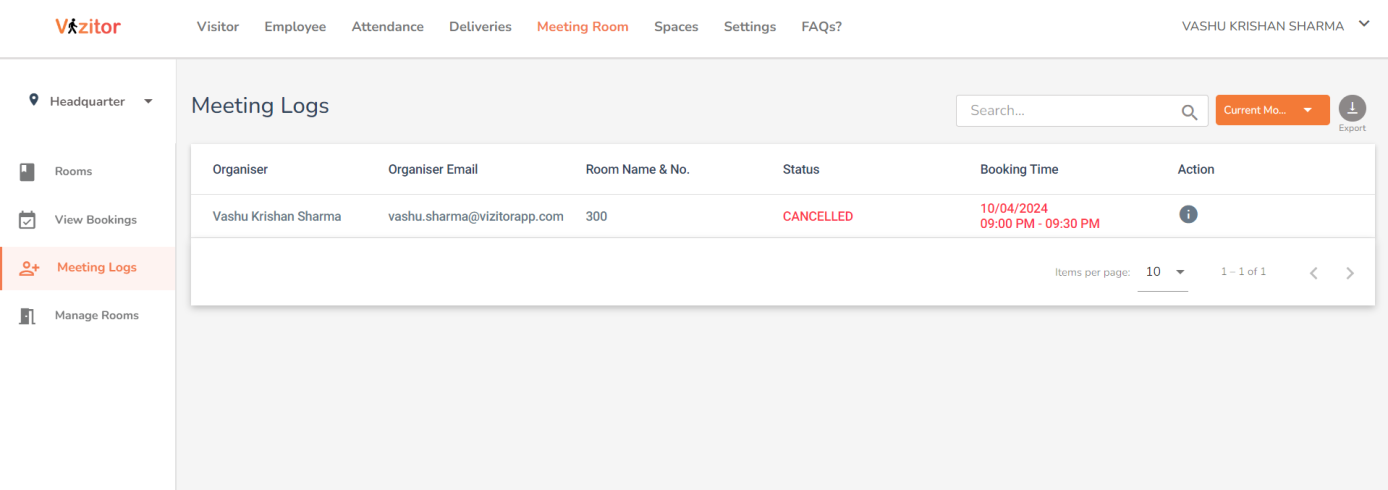
Automated Check-In and Auto-Release When a meeting room system requires check-in and releases rooms automatically if no one shows up within 10-15 minutes, ghost bookings disappear. This one feature alone dramatically improves how available rooms feel to the rest of the office.
Data-Driven Insights Usage data helps identify peak times and underutilized spaces. Facility managers can adjust policies and room layouts based on actual behavior rather than assumptions.
Policy Enforcement Booking rules can be set directly in the system: maximum advance booking windows, time limits per booking, cancellation deadlines. When the system enforces these rules, individual managers do not have to.
For a deeper look at how room management tools help organizations solve systemic booking problems, read our post on 7 common meeting room management challenges.
See how Vizitor handles meeting room booking
Join 2,000+ workplaces using Vizitor to eliminate scheduling conflicts and optimize room usage. Free trial, no credit card required.
Book a DemoBuilding a Culture of Etiquette Across the Team
Individual habits matter, but culture matters more. If etiquette is treated as a personal responsibility rather than a team norm, inconsistency is inevitable. A few steps to build it systematically:
Make it part of onboarding. New employees should learn meeting room etiquette on their first week alongside other workplace policies. A short written guide or video walkthrough sets clear expectations from day one.
Post reminders in the rooms. A simple card or digital display inside each conference room with three to five key guidelines is an unobtrusive prompt that keeps standards visible.
Lead by example. When managers and senior employees model good etiquette consistently, it becomes the default. When they do not, no amount of written policy will fix it.
Address violations directly. When someone consistently blocks rooms they do not use, leaves messes, or runs over time, a direct and private conversation solves the problem faster than passive reminders to everyone.
Use system features to support behavior. Automated check-in requirements, auto-release rules, and booking caps are not punitive. They are structural supports that make good behavior the path of least resistance.
Conclusion
Conference room etiquette is the foundation of a functional shared workspace. By following consistent guidelines and pairing them with a well-configured meeting room management system, you create an environment where every team can rely on the spaces they need, when they need them.
Good etiquette combined with good tools does not just reduce friction. It builds a workplace culture where people trust that the systems around them work. That trust is worth more than the sum of any individual booking policy.
Ready to give your team the tools that make good etiquette easy? Sign up for Vizitor and start a free 10-day trial.
FAQ Section
What is meeting room etiquette?
Meeting room etiquette is a set of guidelines that ensures everyone uses shared meeting spaces professionally and considerately. It covers how to book rooms, how to behave during meetings, and how to leave the space for the next group.
What is conference etiquette?
Conference etiquette is closely related to meeting room etiquette. It covers the behaviors that foster a respectful and productive environment during in-person meetings, including punctuality, preparation, noise management, and appropriate use of shared resources.
What is boardroom etiquette?
Boardroom etiquette is a specific form of meeting room etiquette for formal meetings held in executive spaces. It typically involves stricter dress codes, a more formal tone, and higher expectations around preparation and punctuality.
Why do we need meeting room etiquette?
Meeting room etiquette creates a smooth and respectful experience for everyone who uses shared spaces. It prevents disruptions, ensures every team has fair access to rooms, and builds a professional work environment that employees and visitors respect.
What are the core principles of meeting etiquette?
The core principles include: booking rooms appropriately and canceling promptly when plans change, starting and ending on time, cleaning up after yourself, minimizing distractions, respecting noise levels, choosing the right-sized room, and coming prepared with a clear agenda.
How do meeting room booking systems improve etiquette?
Booking systems enforce accountability at a structural level. Automated check-in, auto-release of unused rooms, booking caps, and cancellation rules make good behavior the easiest path. They reduce the need for individual enforcement and create fair, consistent policies across the entire organization.
How do you properly leave a conference room?
Erase the whiteboard, push chairs back to their original positions, discard any trash, log out of video conferencing equipment, close any windows or blinds you opened, and release the booking in the system if you finish early. Leave the room in a state you would be happy to walk into yourself.
Try Vizitor Free
No credit card required. Setup in under 5 minutes. Manage visitors, queues, meeting rooms, and more.
Start Free Trial