15 Ways to Go Green in Schools: A Practical Guide
See 15 practical ways schools can go green, from energy and recycling to digital check-in that cuts front-desk paper waste and boosts safety.



Table of Content
Try Vizitor for Free!
Every school has a paper problem, and it is bigger than most administrators realize. Going green in schools usually starts with the visible stuff: recycling bins, LED lighting, a vegetable garden. The front desk rarely makes the list, even though it is often the single biggest paper generator on campus.
This guide covers both. It walks through 15 practical, low-friction ways schools can cut waste and energy use, and it spends real time on the one area schools consistently overlook: replacing paper visitor logs, permission slips, and filing cabinets with digital visitor management. That single change is measurable, it is fast to implement, and it does double duty. Less paper, and a safer, better-documented front desk.
Visitor logs filled with indecipherable handwriting. Stacks of permission slips. Filing cabinets overflowing with printed attendance records. Front desk staff printing, re-printing, and manually archiving documents that no one will ever look at again.
It adds up. A school with 500 students and regular visitor activity can easily generate tens of thousands of paper records a year from front-desk operations alone. That is before counting parent communication, internal notices, and administrative paperwork.
Schools have genuinely committed to sustainability in recent years. Recycling programs, LED lighting upgrades, solar panels, and campus gardens are all real steps forward. But the paper problem at the front desk gets overlooked consistently, even though it is one of the easiest and most immediate changes a school can make.
Vizitor’s own green business initiative data puts a number on that. Workplaces running fully digital, paperless check-in see an 85% cut in CO2 emissions compared to a paper-based reception desk, and an 88% lower carbon footprint overall. At 1,000 visitors a month, that works out to roughly 412 trees saved a year and around 24,000 sheets of paper eliminated annually. A school with heavy visitor and volunteer traffic, think open days, sports fixtures, and parent-teacher meetings, sits well inside that range.
This guide is specifically focused on how digital visitor management reduces paper waste in schools, what that means for sustainability goals, and where it fits alongside the other 14 changes schools are already making.
Why Visitor Management Is the Biggest Paper Source Schools Ignore
When schools audit their paper usage, they typically look at printing costs in classrooms and administrative offices. They rarely look at what happens at the front desk.
Consider what a typical school processes manually every single day:
- Visitor sign-in books that get replaced every few weeks
- Contractor and vendor entry logs
- Volunteer check-in sheets for events
- Delivery records for packages and supplies
- Late student arrival logs
- NDA sign-offs and confidentiality agreements for sensitive meetings
- Permission slips for field trips and external activities
- Parent communication printed and sent home
Each of these generates paper. Much of it is stored, filed, and never referenced again. When it is referenced, staff spend time hunting through physical files for one specific entry.
This is not just a sustainability problem. It is an operational inefficiency that costs time, money, and space.
Paper Sign-In Books vs. Digital Visitor Management: The Real Cost
The traditional visitor sign-in book is the most visible symbol of a school’s paper dependency at the front. But the problem goes deeper than the book itself.
The sign-in book problem:
A school sign-in book contains unverified handwritten entries. Anyone can write any name. There is no photo, no ID check, and no automatic notification to the teacher or staff member being visited. If something happens on campus and you need to know who was present on a specific date three weeks ago, you are flipping through pages hoping the handwriting is legible.
Beyond security, the book itself is a continuous paper expense. And the data inside it is close to useless for any analytical purpose.
What digital visitor management replaces:
A visitor management system replaces the sign-in book with a tablet kiosk or mobile check-in process. Visitors scan their ID, answer screening questions, sign any required documents electronically, and receive a printed or digital badge. The host gets notified automatically.
Every entry is timestamped, stored securely in the cloud, and searchable in seconds. No paper. No filing. No hunting through binders.
For a school with 50 visitor entries a week, that is roughly 2,600 entries a year captured digitally instead of in a paper book. Over five years, that is one less filing cabinet, a real drop in consumables, and staff hours redirected from administrative grunt work to actual student support.
How Digital Check-In Supports School Sustainability Goals
Going paperless at the front desk connects directly to several sustainability objectives schools are already tracking.
Carbon Footprint Reduction
Paper production has a real carbon cost. Deforestation, pulp processing, transportation, and disposal all add emissions. When schools eliminate paper records from visitor management, attendance logging, and administrative communication, they directly cut their share of that footprint.
This is not a token gesture. An 85% cut in reception-related CO2 output, the figure Vizitor tracks across paperless workplaces, is a real number that shows up in a sustainability report, not a marketing line.
Resource Efficiency
Digital visitor management removes the need for:
- Visitor log books (bought and replaced regularly)
- Printed visitor badges (replaced with digital or reusable options)
- Filing supplies for physical visitor records
- Staff time spent on manual data entry and archiving
That is a direct cut in consumable spending alongside the environmental benefit.
Compliance Without the Paper Trail
Schools carry safeguarding and compliance requirements that typically create large paper footprints. Background check records, visitor authorization lists, signed agreements, and audit trails traditionally live in filing cabinets.
Digital visitor management systems keep all of this electronically. Audit trails are automatic. Signed documents sit in the cloud. Compliance reports generate in minutes without touching a single sheet of paper.
Touchless Check-In for Schools: Why It Matters
Post-2020, touchless technology moved from a nice-to-have to a genuine operational expectation for schools. Parents and staff expect it. Many local health guidelines recommend it.
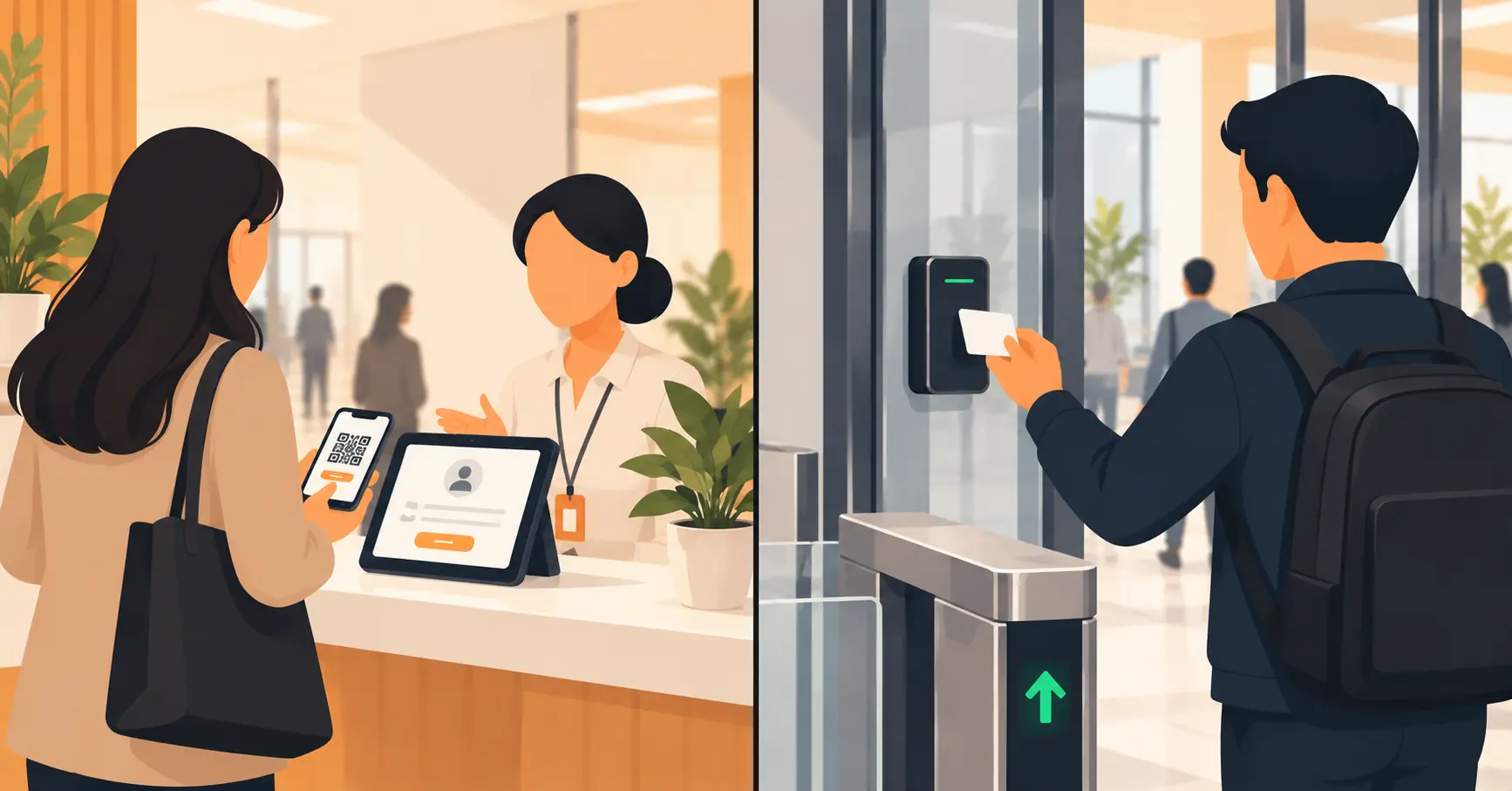
Vizitor’s touchless check-in lets visitors complete the entire entry process without touching a shared surface. They scan a QR code with their phone, complete check-in on their own device, and get their visit confirmation digitally.
From a sustainability standpoint, touchless check-in also removes:
- Printed visitor passes handed to every person who enters
- Physical health declaration forms
- Pen-and-paper screening questionnaires
From a security standpoint, touchless check-in captures verified data tied to a real device, not a handwritten entry in a logbook.
For schools specifically, this matters during high-volume entry periods. Morning drop-off, parent-teacher conference days, and school events create real congestion at the front desk. A touchless system processes visitors faster, with less staff involvement, and produces zero paper waste in the process.
See how Vizitor handles school visitor management
Join 500+ workplaces using Vizitor to go paperless and manage visitors securely. Free trial, no credit card required.
Book a DemoDigitizing NDAs, Permission Slips, and Compliance Documents
One of the most paper-intensive areas in school administration is document collection. Schools routinely collect:
- Media consent forms from parents
- Volunteer NDAs and confidentiality agreements
- Field trip permission slips
- Health and emergency contact forms
- Contractor access agreements
Each of these is typically printed, distributed, signed, collected, and filed. Chasing missing forms is a weekly task for many administrators. Storing signed forms takes physical space and creates retrieval headaches.
Digital visitor management handles this through pre-registration. Before a parent, volunteer, or contractor arrives, they get a digital invite link. Through that link, they complete all required forms electronically. By the time they reach the front desk, their documents are already signed and stored.
This removes:
- Printing and distributing forms
- Physical collection and chasing of missing signatures
- Filing and storage of paper documents
- Time spent locating a specific record when needed
For large school events like open days, sports meets, or graduation ceremonies, pre-registration with digital document collection can process hundreds of visitors with zero paper involved.
Replacing Filing Cabinets with Searchable Digital Records
Most school front desks have at least one filing cabinet dedicated entirely to visitor and compliance records. Some have several. These represent years of accumulated paper that is rarely accessed, takes up real office space, and becomes a real headache when records need to be found or destroyed.
Digital visitor management replaces this entirely. Every record is:
- Automatically timestamped and tagged with visitor information
- Stored securely in the cloud
- Searchable by name, date, purpose of visit, or host
- Exportable for compliance reporting
- Subject to automated retention and deletion policies
This matters beyond sustainability. Schools have data protection obligations. Physical filing cabinets are not compliant by default. Digital records with proper access controls and retention policies are far easier to manage against GDPR, FERPA, or local data protection requirements.
When Digital Records Don’t Fully Replace Paper
Going digital solves most of the problem, not all of it. Two situations are worth planning for honestly before a school commits to a full switch.
Some districts and jurisdictions still require a signed, physical original for specific documents, such as certain medical consent or safeguarding forms, retained for a set number of years. A digital signature satisfies day-to-day operations, but check local retention rules before assuming every wet-signature requirement disappears on day one.
Schools with unreliable internet or aging tablets at the front desk will hit friction during the first term. A short transition period, running digital check-in alongside a small paper backup, avoids a front-desk pileup on a day the network drops. Most schools retire the paper backup within a term once staff trust the system.
Neither issue is a reason to stay on paper. Both are reasons to plan the rollout with IT and compliance before the first digital kiosk goes live.
15 Ways Schools Can Go Paperless and Greener with Technology
Sustainability in schools builds across multiple touchpoints. Here is a practical breakdown of where digital systems make the most impact, starting with the front desk.
1. Replace Visitor Sign-In Books with Digital Kiosks
The single most immediate change. A tablet kiosk at the front desk captures every visitor entry digitally, with no paper required. Entry data is accurate, searchable, and automatically linked to the host.
2. Use Pre-Registration for Events and Appointments
Send digital invite links before any visitor arrives. They complete check-in, sign documents, and declare any relevant information before they even leave home. Arrival is fast and paperless.
3. Switch to Digital Visitor Badges
Reusable badge holders with printed inserts are still more sustainable than disposable paper badges. Fully digital badge systems displayed on a phone are the most sustainable option.
4. Digitize Permission Slips and Consent Forms
Connect your visitor management system to your document workflow so consent forms and permission slips get collected digitally through the pre-registration process.
5. Automate Host Notifications
Instead of staff calling or walking to find the host when a visitor arrives, the system sends an automatic notification by SMS or email. No paper message slips, no phone tag.
6. Switch to Energy-Efficient Lighting
Upgrade to LED lighting with motion sensors in classrooms, washrooms, and corridors. Cuts electricity use with no operational disruption.
7. Install Smart Energy Monitoring
Track energy consumption across buildings. Finding the waste is the first step to eliminating it.
8. Implement Waste Segregation Programs
Labeled bins for recyclables, organics, and landfill waste, paired with student-led accountability, drive real behavior change instead of symbolic intent.
9. Reduce Food Waste in Cafeterias
Audit consumption patterns and adjust portion sizes. Partner with composting vendors to divert organic waste from landfill.
10. Digitize Parent and Staff Communication
Replace printed newsletters and notices with email, SMS, or app-based communication. A school with 500 students that switches from printed to digital communication cuts out thousands of pages a term.
11. Run Student-Led Sustainability Programs
Eco-clubs and monthly sustainability challenges embed green behavior into school culture. Students who join these programs carry the habits home.
12. Optimize HVAC and Ventilation Systems
Regular maintenance of heating and cooling systems keeps them running efficiently. Poorly maintained systems are among the biggest energy wasters in school buildings.
13. Partner with Certified Recycling Vendors
Work with certified vendors for e-waste, paper recycling, and sustainable procurement. This closes the loop on what happens to disposed materials.
14. Introduce Renewable Energy
Solar panels or hybrid energy solutions cut long-term electricity costs and dependency on non-renewable sources. Many schools have offset a real share of their energy consumption through rooftop solar installations.
15. Track and Report Sustainability Goals in Real Numbers
Set measurable targets, track progress, and share results where staff, students, and parents can see them. A digital visitor management system already produces one input for this report automatically: paper sheets eliminated, filed under audit-ready records rather than a manual paper count. Visibility, backed by real numbers, is what creates accountability.
Traditional vs. Green Schools: The Operational Difference
| Factor | Traditional Schools | Schools with Digital Visitor Management |
|---|---|---|
| Visitor records | Paper sign-in books | Cloud-based, searchable digital records |
| Document collection | Printed, hand-collected | Digital, pre-collected via invite link |
| Compliance storage | Physical filing cabinets | Encrypted cloud storage with access controls |
| Host notifications | Manual calls or paper slips | Automatic SMS/email alerts |
| Audit capability | Manual page-searching | Instant search and export |
| Annual paper waste | Thousands of sheets from front-desk alone | Near zero for visitor operations |
Measuring the Impact
Schools often struggle to quantify the benefit of going paperless because they have not measured the baseline. Before implementing a digital visitor management system, spend two weeks counting:
- How many visitor log entries get created per day
- How many forms get printed, distributed, and collected per month
- How many hours staff spend on manual filing and record retrieval
- How many filing cabinets or storage boxes are dedicated to visitor and compliance records
After six months on a digital system, the difference is measurable and concrete. That data is useful for sustainability reporting, budget justification, and showing progress to school boards and parent communities.
For more detail on managing the full visitor experience in educational settings, see the complete guide to school visitor management and how schools are improving campus security with visitor screening. For schools specifically interested in touchless entry, the complete guide to touchless visitor check-in covers implementation in detail.
Frequently Asked Questions
See Vizitor in action check-in a visitor in under 30 seconds
Trusted by 500+ businesses. QR check-in, badge printing, NDA signing. Plans from $36/mo.