Manual visitor logs slow down front desk operations, create security blind spots, and increase compliance risk. This guide explains how organizations can replace paper visitor registers with a digital visitor management system using a phased approach that preserves existing workflows. By introducing pre-registration, digital check-ins, automated notifications, and real-time visibility, front desk teams improve efficiency, security, and visitor experience without operational disruption. Solutions like Vizitor enable this transition while maintaining control and compliance.


Published on: Fri, Feb 6, 2026
Read in 5 minutes
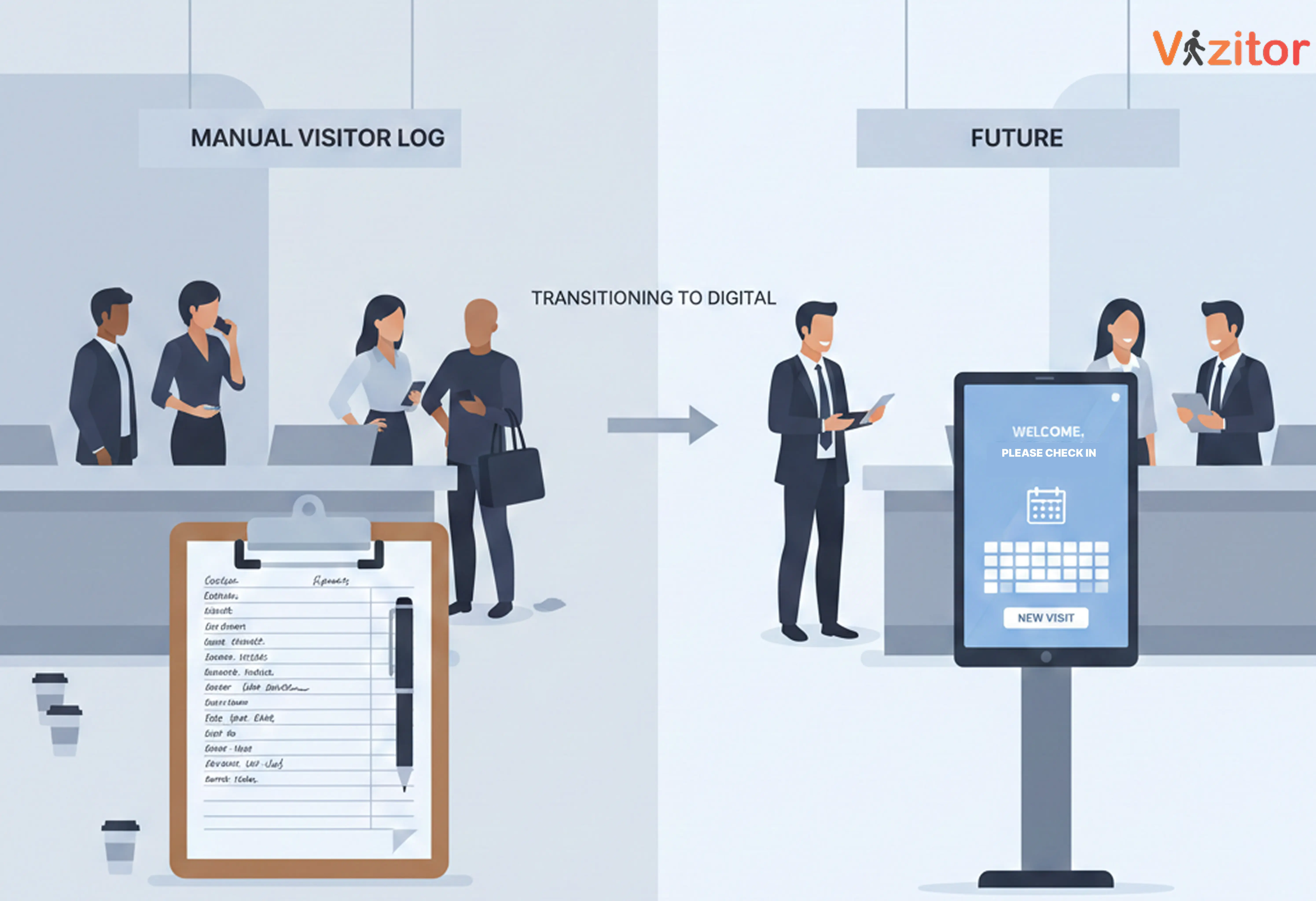
Manual visitor logs slow down front desk operations, create security blind spots, and expose organizations to compliance risks. The most effective way to replace paper visitor registers without disrupting daily operations is to adopt a digital visitor management system through a phased, front-desk-friendly approach. By digitizing check-ins gradually, organizations improve efficiency, security, and visitor experience while keeping reception workflows stable.
This Blog explains how to move away from manual visitor logs without overwhelming front desk teams or changing how they work.
Replacing manual visitor logs is no longer an experimental initiative. It’s an operational upgrade that modern workplaces are expected to execute without disruption.
This step-by-step blueprint outlines how organizations can transition confidently, without overwhelming front desk teams or interrupting daily operations.
Before changing systems, understand reality.
Spend time observing how your front desk actually operates, not how it’s documented. Track:
This baseline becomes your benchmark. Without it, you can’t measure success or justify change.
The most common mistake is jumping straight into demos.
Instead, define what your front desk must be able to do reliably.
Must-have capabilities
Nice-to-have enhancements
Non-negotiables
This clarity prevents overbuying and under-adoption.
At this stage, the question isn’t “What features do you have?”
It’s “How will this work in my front desk reality?”
Ask vendors:
Speak directly to reference customers. Ask what went wrong and how it was handled.
A good partner reduces risk, not just paperwork.
This is where most successful transitions differ.
Do not remove the logbook immediately.
Run manual and digital systems in parallel at a pilot location for 2-4 weeks.
Best practices:
This builds confidence without pressure and surfaces edge cases early.
Training fails when it’s rushed or theoretical.
Use a “train-the-trainer” model:
Role-play real situations, confused visitors, VIP arrivals, language barriers, temporary system downtime.
Confidence comes from practice, not slides.
Visitor adoption determines success as much as staff adoption.
Before arrival
At reception
Language matters:
“We’ve streamlined our check-in, it takes under 30 seconds.”
Not:
“We’re testing something new.”
Once the pilot is stable, expand gradually.
Track:
If issues arise, fix workflows, not people.
Most resistance comes from unhandled edge cases, not unwilling staff.
This approach works because it accepts reality:
Digital visitor management is now a baseline workplace capability, not a future upgrade.
Platforms like Vizitor are built to support this transition without disruption, helping organizations modernize visitor tracking while keeping front desk operations calm, controlled, and trusted.
Replacing manual visitor logs isn’t about adopting new software.
It’s about bringing front desk operations up to the standard modern workplaces already expect.
And the time to do that is now.
Manual visitor logs are increasingly inadequate for modern workplaces. They lack real-time visibility, data protection controls, and audit readiness, which are now baseline operational requirements.
Yes, A phased rollout, starting with pre-registration and running digital check-ins alongside paper logs temporarily, allows front desks to transition smoothly without disruption.
Most organizations complete the transition within a few weeks, depending on visitor volume and number of locations, when using a structured rollout approach.
No, Modern visitor management systems are designed to be intuitive and require minimal training, especially when implemented in small waves.
In most cases, no. Open paper registers expose personal information and lack access controls required under modern data privacy standards.
Because security, compliance, and visitor experience expectations have changed. Digital visitor management is no longer optional, it’s a standard workplace control.