Managing visitors manually can lead to slow check-ins, security risks, compliance challenges, and a poor visitor experience. This blog explores 5 common visitor management problems and demonstrates how Vizitor, a highly customizable and industry-agnostic visitor management system, solves them. With features like QR code check-ins, real-time notifications, visitor badges, access control, and analytics, Vizitor enhances security, ensures compliance, streamlines operations, and delivers a professional visitor experience for businesses of all sizes.


Published on: Sun, Sep 28, 2025
Last updated: 2026-04-05
Read in 10 minutes
Visitor management is a critical aspect of modern business operations. Whether you’re managing a corporate office, a co-working space, or a healthcare facility, ensuring a secure and professional visitor experience is essential for both reputation and compliance.
Traditional methods, including paper logs and manual check-ins, consistently produce the same problems: inefficiencies, security risks, compliance gaps, and poor experiences for visitors. These aren’t edge cases. They’re structural failures built into how manual systems operate.
This post covers five common visitor management problems, why they occur, and how Vizitor solves each one. Vizitor is a cloud-based, customizable visitor management system designed for businesses of all sizes and industries.
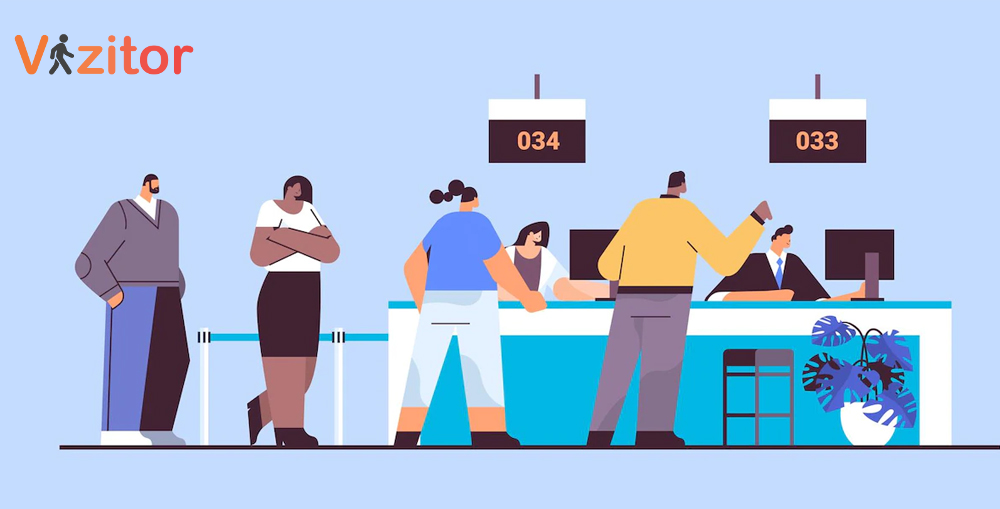
Manual check-in processes are time-consuming and error-prone by design. Visitors fill out forms by hand, resulting in long wait times, inconsistent data quality, and a poor first impression. Reception staff become a bottleneck: every visitor requires individual attention, which slows throughput during peak arrival windows.
The operational consequences extend beyond the reception area. Hosts wait without knowing whether their visitor has arrived. Visitors wait without a clear timeline. Everyone’s time is partially consumed by a process that should take 30 seconds but takes 3 minutes.
For organizations with high visitor volume, this problem scales badly. An office receiving 60 visitors in a 2-hour morning window with 3-minute manual check-ins requires full reception staff attention continuously during that entire window.
Vizitor streamlines the check-in process with multiple fast entry options:
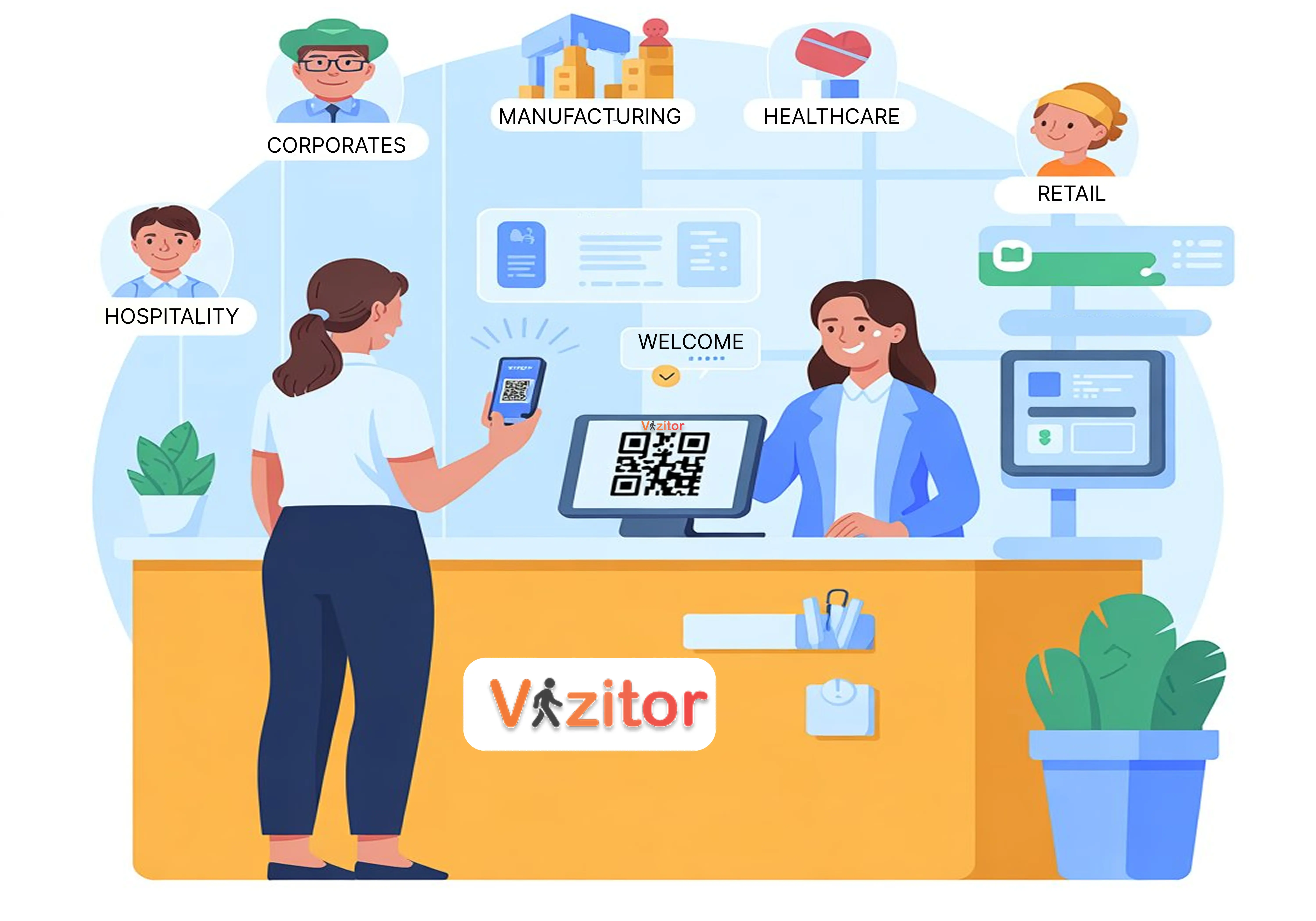
QR code scanning: Visitors pre-register in advance and receive a QR code. At arrival, a scan completes check-in in under 10 seconds. No form filling. No waiting for staff.
Pre-registration: Expected visitors complete their details before arriving. When they reach reception, the kiosk recognizes them and check-in is a confirmation rather than a full data entry process.
Mobile check-in: Visitors check in on their own phone by scanning a QR code displayed at reception. No app required. No hardware congestion.
Tablet kiosk: Self-service check-in on a reception tablet, guided by clear prompts, without requiring staff involvement for standard visitors.
Key Benefits:
Without proper visitor management controls, unauthorized individuals can gain access to restricted areas. Paper logs don’t verify identity. They don’t screen against watchlists. They don’t control physical access. And they don’t create alerts when something looks wrong.
Manual systems rely entirely on the judgment of whoever is at the desk. That means security depends on whether the right person is paying attention at the right moment, which is not a reliable security control.
The results are predictable: unauthorized visitors access areas they shouldn’t, contractors stay on-site beyond their approved window, and security incidents go undetected until after the damage is done.
Vizitor enhances security through multiple layered controls:
Customizable access levels: Different visitor types receive different badge permissions. A client visiting for a meeting has different access than a contractor working on infrastructure. Access is defined at configuration, not left to discretion.
Watchlist screening: The system checks incoming visitors against flagged or blocked lists automatically. When a match occurs, an alert fires before the visitor gains access.
Real-time monitoring: Security staff can see who is on-site at any moment across all locations. The dashboard shows active visitors, their location, and how long they’ve been on-site.
Time-bound badges: Visitor badges are activated for the duration of the approved visit and expire automatically. A visitor who was approved for a 2-hour meeting doesn’t have a badge that works for 6 hours.
Key Benefits:
For a comprehensive view of security features that your VMS should include, see our workplace security features guide.
Many industries require strict compliance with regulations around visitor records. Healthcare facilities need HIPAA-compliant visitor logs. Financial institutions require documented access records for regulated areas. Manufacturing sites need contractor compliance documentation for safety audits. Any organization handling personal data under GDPR needs documented consent and data management processes.
Manual systems make compliance structurally difficult. Paper logs are incomplete, illegible, inconsistent, and impossible to search efficiently. When an auditor asks for the record of everyone who visited a specific area in the past 90 days, a paper logbook cannot provide that answer reliably.
Compliance gaps from inadequate visitor logs can result in regulatory fines, failed audits, and operational restrictions in regulated industries.
Vizitor automates compliance as a built-in system function rather than a manual effort:
Automated record-keeping: Every visitor entry is digitally logged with timestamp, photo, purpose, host, and any signed documents. Records are complete, consistent, and accurate without depending on manual data entry.
Audit-ready reports: Generate compliance reports on demand, filtered by date range, location, visitor type, or any other parameter. What would take hours with paper logs takes seconds with a digital system.
GDPR-compliant data management: Consent is captured digitally during check-in. Data retention policies are configurable. Deletion requests are handled immediately with documentation.
Document signing at check-in: NDAs, safety agreements, health declarations, and any other compliance documents are signed digitally during check-in and stored automatically in the visitor’s record.
Key Benefits:
A slow, confusing, or impersonal check-in process creates a negative first impression that colors the entire visit. The visitor arrives for a meeting with some enthusiasm. If they spend 5 minutes waiting to check in, filling out a paper form, waiting while someone finds their host’s extension, and then waiting again for their host to arrive, they start the meeting slightly frustrated.
This problem is particularly acute in B2B contexts where client visits, partner meetings, and candidate interviews all have relationship stakes. The experience at your front desk is a data point about how you run your business.
Long wait times, confusing instructions, and lack of personalization all signal disorganization, regardless of how strong your actual work is.
Vizitor creates a professional, personalized visitor experience from the first moment:
Personalized greetings: The check-in screen can display a personalized welcome message for expected visitors. The visitor sees their name when they arrive, signaling that your organization was prepared for their visit.
Customizable visitor badges: Badges include the visitor’s name, photo, company, host, and any relevant access information. They’re professional and immediately useful for staff identification.
Instant host notifications: The moment a visitor checks in, their host receives a notification via their preferred channel. No waiting for reception to make phone calls. No uncertainty about when the visitor arrived.
Guided navigation: Digital instructions can direct visitors to waiting areas, conference rooms, or other destinations, reducing confusion in unfamiliar facilities.
Key Benefits:
See how Vizitor handles visitor management
Join 2,000+ workplaces using Vizitor to manage visitors securely. Free trial, no credit card required.
Book a DemoWithout data, organizations miss opportunities to optimize their operations. Manual systems produce no useful analytics. You know how many visitors came (maybe, if the logbook is complete), but you don’t know peak times, repeat visitor frequency, which departments receive the most visitors, or how check-in completion rates compare across locations.
Without this visibility, operational decisions about staffing, facility layout, and security resource allocation are made on intuition rather than evidence. Peak visitor windows are understaffed. Resources are allocated to low-traffic areas while high-traffic areas are under-resourced.
The absence of data also creates compliance blind spots: you may not know whether visitors are completing their check-in flows fully, which means your records may be less complete than you assume.
Vizitor provides real-time analytics and reporting that turn visitor data into operational intelligence:
Real-time dashboards: Live view of all active visitors, categorized by type, department, and location. Security and facility teams can see exactly what’s happening at any moment.
Traffic analytics: Historical data on visitor volume by time of day, day of week, location, and visitor type. This data drives staffing decisions: knowing Monday at 10am is your peak check-in window lets you prepare accordingly.
Completion rate monitoring: Track whether visitors are completing the full check-in flow or abandoning partway through. Low completion rates indicate a flow that needs simplification.
Multi-site comparison: For enterprises with multiple locations, compare performance across sites to identify operational differences that need attention.
Key Benefits:
Vizitor is designed to address each of these challenges through a single, integrated platform. Rather than deploying separate tools for check-in automation, security screening, compliance logging, and analytics, Vizitor provides all of these capabilities in one system.
Key platform characteristics:
For a comprehensive look at what visitor management should cover end-to-end, see our complete visitor management system guide.
What is a visitor management system (VMS)? A VMS is a digital platform that streamlines visitor check-ins, enhances workplace security, and maintains accurate records for compliance. It replaces manual logs with automated workflows, real-time notifications, and reporting features.
How does Vizitor improve visitor security? Vizitor provides customizable access levels, visitor badges, QR code check-ins, watchlist screening, and real-time monitoring, ensuring only authorized visitors access specific areas.
Can Vizitor help businesses comply with regulations? Yes. Vizitor securely logs all visitor data with timestamps, generates audit-ready reports, captures digital consent, and maintains historical visitor records to support compliance with workplace safety and regulatory requirements.
Is Vizitor suitable for small and medium businesses? Yes. Vizitor is scalable and customizable, making it suitable for SMBs across every industry, from single-location offices to multi-site enterprises.
Can visitors check in without staff assistance? Yes. Vizitor supports QR code, mobile, and tablet kiosk check-ins, enabling fully self-service registration and reducing wait times at reception.
Can Vizitor integrate with existing systems? Yes. Vizitor integrates with access control, calendar apps, HRMS, and communication tools including Slack, Teams, WhatsApp, SMS, and email.
What are the benefits of Vizitor over manual visitor logs? Reduced errors, saved time, enhanced security, ensured compliance, real-time analytics, improved visitor experience, and automated host notifications.
Does Vizitor support multiple locations? Yes. Businesses with multiple offices or sites manage all visitor activity from a single centralized dashboard with site-level and enterprise-level views.
How quickly can Vizitor be configured and deployed? Most organizations go live within a single afternoon. Configuration involves setting up visitor types, uploading documents, building the host list, and selecting notification channels.
Try Vizitor Free
No credit card required. Setup in under 5 minutes. Manage visitors, queues, meeting rooms, and more.
Start Free Trial