Choosing a Hospital Queue Management System: Key Features
This article defines hospital queue management, covers the features that matter most (HIPAA-aware data handling, analytics, EHR integration), and compares 25 tools side by side, including Vizitor, Qmatic, Qless, Wavetec, and Qminder.



Table of Content
Try Vizitor for Free!
Patients notice how long they wait. It shapes how they rate your hospital, and long waits push them toward the next provider.
A bad queue costs you more than complaints. It costs you the patient, next time they need care.
There are many tools built to fix this, and this guide compares 25 of them. If your hospital or clinic handles walk-in patients, a queue management system is the one tool that touches every visit, from arrival to appointment.
A hospital queue management system organizes patient flow from arrival to service. It replaces paper sign-in sheets and shouted names with digital check-in, ticket assignment, and live status updates. It matters because every minute a patient waits without information is a minute of frustration you could remove for free, just by telling them where they stand.
Patient queuing software is sometimes called patient check-in software. The difference is subtle. Queuing software is built for the messier case: walk-ins, overflow, and pre-appointment check-in, not just scheduled visits.
Below, we cover the features that actually matter for a hospital, then compare 25 real solutions, including Vizitor’s queue management system, Qmatic, Qless, Wavetec, and others.
Understanding the Impact of Queue Management in Healthcare
A queue management system organizes patient flow so staff spend less time managing crowds and more time on care. Done well, it cuts wait times, reduces walkaways, and gives administrators real visibility into where patients get stuck.
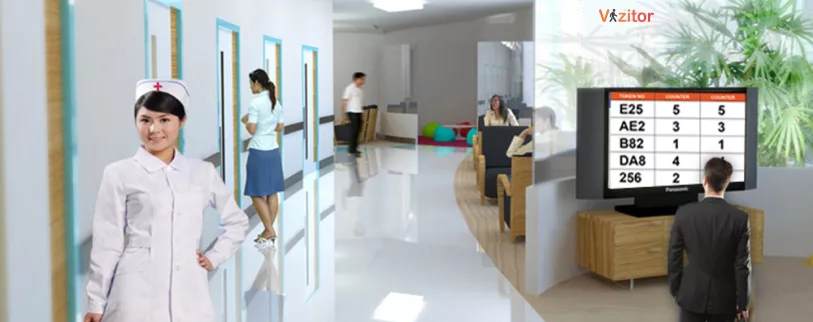 Done badly, a queue system just moves the chaos from the waiting room into a dashboard nobody checks. The difference between the two is almost always the feature list below, not the vendor’s marketing copy.
Key Features to Look for in a Hospital Queue Management System
A well-chosen system reduces wait times, improves care quality, and lowers the daily workload on your front-desk and clinical staff. Here is what to check before you buy.
Patient Data Handling
Any system that stores patient names, visit reasons, or contact details is handling sensitive data. It should encrypt that data in transit and at rest, and restrict access by role, so a receptionist and a billing clerk don’t see the same fields.
In a US healthcare setting, that data handling needs to support HIPAA obligations. Ask the vendor for their current compliance documentation rather than taking a marketing page’s word for it; requirements and vendor certifications both change.
Outside the US, check for data privacy compliance rules relevant to your country, such as GDPR in Europe. A system built for global compliance scales better if your hospital network operates across borders.
User Experience and Accessibility
Patients range widely in age and comfort with technology. Your queue system has to work for all of them, not just the ones who are quick with a phone.
Look for multiple check-in paths: a kiosk, a tablet, a mobile app, and a staffed desk for anyone who needs help. Self-service check-in cuts front-desk bottlenecks during peak hours, but only if the slower path still exists for patients who need it.
Multi-language support matters in diverse communities. So do accessibility features like screen-reader support, for patients with disabilities.
Analytics and Reporting
A queue system generates data most hospitals never had before: wait times, service durations, and foot traffic by hour. That data is only useful if someone reads it.
Look for reporting on patient wait times, service times per provider, and peak-hour patterns. These reports point straight at where to add staff or fix a broken step. Without them, you’re guessing.
Notifications and Alerts
Patients should always know their status. SMS, app push, or a lobby screen showing “next” all work, as long as the update is real-time.
A patient who knows they have 12 minutes left waits calmly. A patient staring at a silent room doesn’t. Staff-side alerts matter too: front-desk and clinical teams should get notified the moment a patient checks in or a queue backs up.
Integration With Hospital Systems
A queue system that lives on its own island creates more work, not less. It should connect to your electronic health record system, appointment scheduler, and billing software.
When a patient checks in, that information should flow to the EHR automatically. That single sync point removes duplicate data entry and keeps the right time slot tied to the right patient, cutting scheduling conflicts and no-shows.
Some systems need dedicated kiosks or signage displays. Check whether that hardware fits your facility, or adds a rollout cost you didn’t budget for.
Support and Uptime
Hospitals run around the clock. A queue system going down at 2 a.m. isn’t a minor bug, it’s a line of patients with no way to check in.
Choose a vendor with 24/7 support that actually understands healthcare workflows, not a generic help desk. Ask what training they provide; a system your staff can’t use confidently on day one will get bypassed within a week.
Customizability and Scalability
No two hospitals run the same way. A 40-bed clinic needs one queue. A multi-department hospital needs several, running in parallel, with department-level routing.
Pick a system flexible enough to match your current setup, and scalable enough to add departments as you grow. A system you’ll outgrow in a year isn’t the cheap option, it’s the expensive one twice.
Common Mistakes Hospitals Make When Choosing a Queue System
Most bad queue rollouts fail for the same handful of reasons, not because the software was wrong.
Buying for the demo, not the busy hour. A vendor demo runs smoothly with three test patients. Your Monday morning after a holiday runs with sixty. Ask specifically how the system behaves under peak load, not just how it looks in a quiet room.
Skipping the EHR integration question. Hospitals assume “integration” means the same thing across vendors. It doesn’t. Some offer a real API connection; others offer a manual export. Confirm the exact integration method before you sign, not after.
Ignoring the patients who won’t use a kiosk. Every hospital has patients who need a human at check-in: elderly patients, first-time visitors, people without smartphones. A system with no staffed fallback path will create a second queue at the one desk that still helps people directly.
Treating analytics as a nice-to-have. Reporting gets bolted on as an afterthought, then nobody assigns a person to read it. The dashboard becomes decoration. Assign ownership of the weekly wait-time report before you go live, not six months in.
Underestimating change management. Staff who’ve run the front desk the same way for years won’t switch because a system is available. They switch when someone trains them, explains why it’s better, and answers their objections in the first week. Skip that step and adoption stalls no matter how good the software is.
Vizitor vs. Other Queue Management Systems for Hospitals
Choosing the right system comes down to reducing wait times, improving efficiency, and keeping the experience simple for both patients and staff.
Hospitals should look for digital check-in and self-service, real-time queue updates, automated patient flow routing between departments, integration with hospital systems, an interface staff can use without IT training, and pricing that scales from a single clinic to a multi-department hospital.
Here is how Vizitor compares to six other queue management tools commonly evaluated for hospital use.
| Feature | Vizitor | Qmatic | Qwaiting | Wavetec | Qless | Advantech | Nemo-Q |
|---|---|---|---|---|---|---|---|
| Digital check-in (kiosk and mobile) | Yes | Yes, hardware-heavy setup common | Yes | Yes | Yes | Yes | Yes |
| Real-time queue updates | Yes | Yes | Basic alerts | Yes | Yes, callback-based | Yes | Yes |
| Automated department routing | Yes | Yes, via Patient Journey Management | Limited | Yes | Yes | Yes | Limited |
| Appointment scheduling integration | Yes | Yes | No | Yes | Yes | Yes | Yes |
| Analytics and reporting | Yes | Yes | Limited | Yes | Yes | Yes | Yes |
| Setup complexity for small teams | Low | Higher, enterprise-oriented | Low | Moderate | Low | Moderate | Low |
| Best fit | Small to mid-size hospitals and clinics | Large hospital networks | Clinics needing basic check-in | Hospitals wanting kiosks and displays | DMV-style high-volume walk-in flow | Hospitality-rooted, adapted for healthcare | Small to mid-size clinics |
Want a queue system built for hospitals specifically, not adapted from banking or retail? Get a free demo of Vizitor.
Why Hospitals Choose Vizitor
Vizitor skips the extra hardware and long setup that enterprise systems like Qmatic often require. Compared with lighter tools like Qwaiting or Nemo-Q, it adds real-time updates and department-level analytics. Compared with kiosk-heavy platforms like Wavetec, it deploys without a hardware rollout.
In Vizitor’s own Retina Centre deployment, a healthcare provider reached 100% digital patient check-in and zero scheduling conflicts within one business day of going live. That is one customer’s result, not a guarantee, but it shows what a fast, no-hardware rollout looks like in a real clinical setting.
“Since we started using Vizitor, patient check-in times have decreased by 30%, and our staff workload has reduced significantly,” says Dr. Shashank of AngelLife IVF.
Want to see whether that fits your hospital? Get a free demo of Vizitor.
Top 25 Queue Management Solutions for Hospitals: At a Glance
With 25 options, scanning full write-ups for each one is slow. This table gives you the shortlist view: what each tool is known for, and who it tends to fit best. Full profiles with links follow below.
| # | Tool | Known For | Best Fit |
|---|---|---|---|
| 1 | Vizitor | Digital check-in, department routing, no hardware rollout | Small to mid-size hospitals and clinics |
| 2 | Aurionpro (OptiQ) | Branch-style queue management adapted for healthcare | Multi-branch healthcare networks |
| 3 | Advantech | Kiosk and signage-based queueing, hospitality roots | Facilities already using Advantech hardware |
| 4 | Qminder | Contactless check-in with patient messaging and analytics | Clinics wanting a modern, lightweight setup |
| 5 | Qless | Callback-style virtual queuing, no in-room waiting | High-volume walk-in clinics and DMV-style flow |
| 6 | QueueTix | Mobile and tablet-based ticketing | Facilities wanting an app-first, low-hardware setup |
| 7 | Qtrac by Lavi Industries | Hardware and software for complex patient flows | Larger hospitals with multi-step visits |
| 8 | Wavetec | Kiosks, digital signage, patient journey management | Hospitals wanting a full on-site display setup |
| 9 | Qnomy | General-purpose queue and patient journey tracking | Varied healthcare settings |
| 10 | Nemo-Q | Simple, user-friendly patient flow management | Small to mid-size clinics |
| 11 | QueuePad | Lightweight patient queue management | Smaller clinics |
| 12 | Awebstar | Scalable queue management for facilities of any size | Growing healthcare networks |
| 13 | Q-flow (ACF Technologies) | Queue management paired with patient experience tools | Modern healthcare providers |
| 14 | Leyline | Focus on cutting patient wait times specifically | Facilities prioritizing wait-time reduction |
| 15 | Hate2wait | Simple queuing aimed at minimizing wait | Facilities wanting a simple, no-frills tool |
| 16 | Earlyone | Wait-time reduction through queue automation | Small to mid-size facilities |
| 17 | Qwaiting | Digital engagement with cloud-based, multi-channel check-in | Asian-market healthcare providers |
| 18 | Qmagic | Digital integration with a focus on patient satisfaction | Facilities wanting a modern check-in experience |
| 19 | Qtip | Essential queuing functions, minimal complexity | Smaller healthcare facilities |
| 20 | Timeacle | Versatile scheduling and queuing | Clinics to large hospitals |
| 21 | Zoho Assist Service Queue | Support-ticket-style queuing, not patient-visit specific | IT/support teams inside a hospital, not front-desk patient flow |
| 22 | Qticket | Simple, industry-agnostic queue ticketing | Facilities wanting a straightforward tool |
| 23 | Engageware | Queue management tied to appointment scheduling | Facilities wanting scheduling and queuing combined |
| 24 | Verint | Enterprise queue management for service-oriented orgs | Larger, multi-department organizations |
| 25 | Qmatic | Enterprise-grade queueing with custom hardware options | Large, complex hospital networks |
Pricing for most of these vendors is quote-based and depends on patient volume, department count, and hardware needs. None publish flat public pricing for healthcare deployments, so request a quote directly rather than relying on a third-party estimate, including this one.
Full Vendor Profiles
1. Vizitor
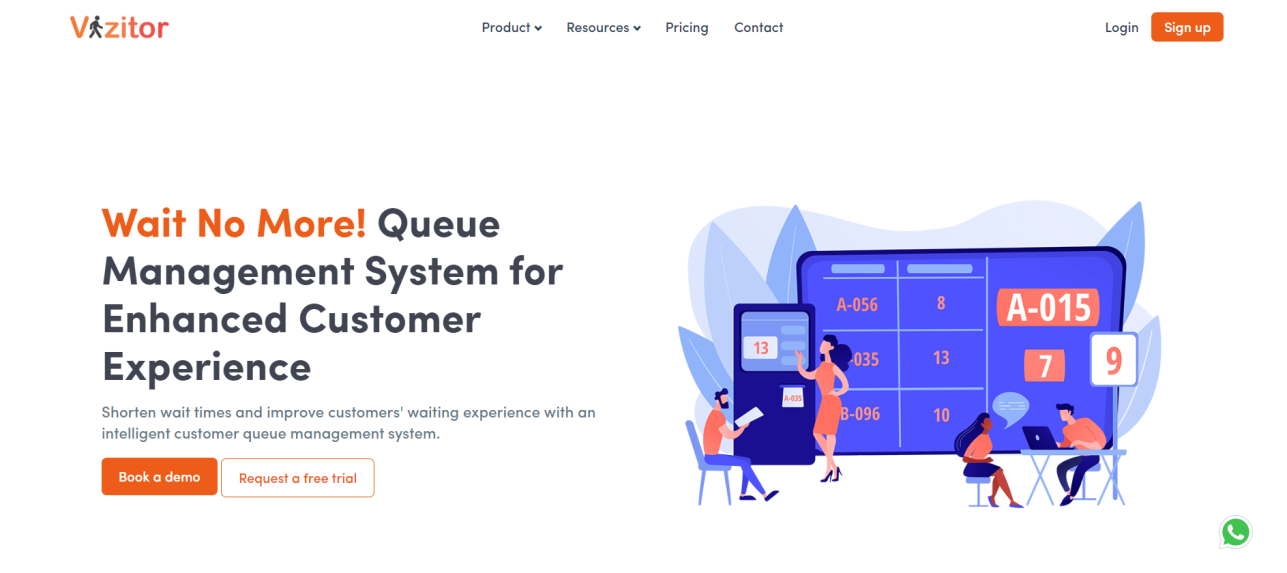
Vizitor’s queue management system generates digital tokens, routes patients between departments automatically, and sends real-time notifications to staff and patients. It is built for healthcare, retail, banking, government, and education, with no dedicated hardware required.
Website: /queue-management-system/
2. Aurionpro (OptiQ)
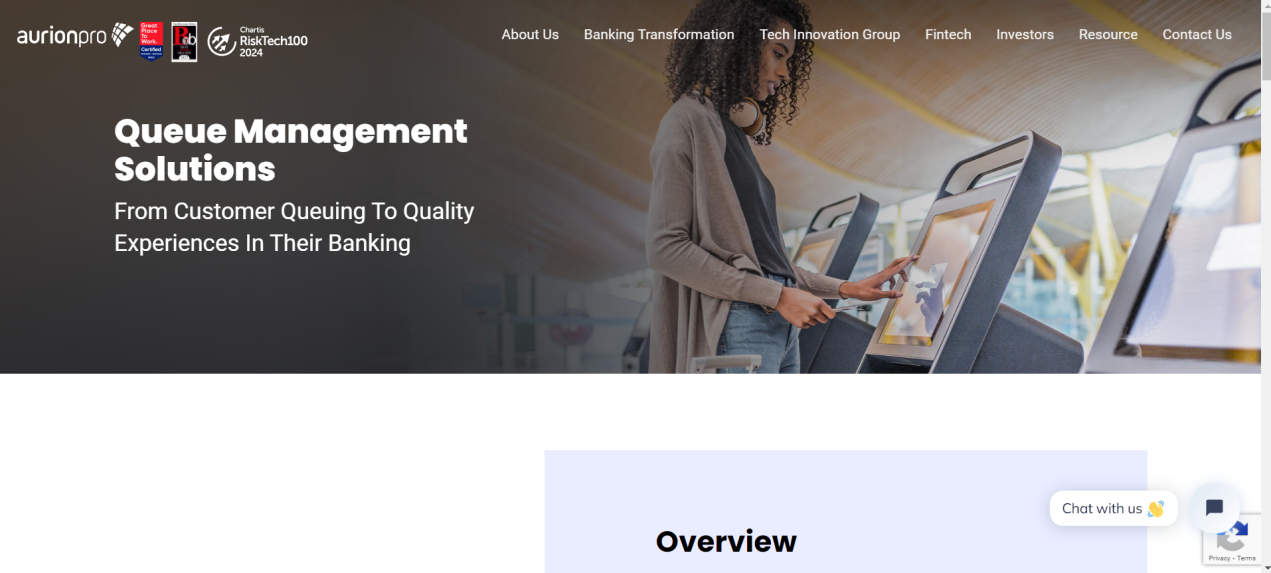
Aurionpro’s ACE suite includes OptiQ, a branch-style queue management product built for banking and retail, and adapted for healthcare deployments that need multi-location consistency.
Website: https://www.aurionpro.com/ace/queue-management-system/
3. Advantech
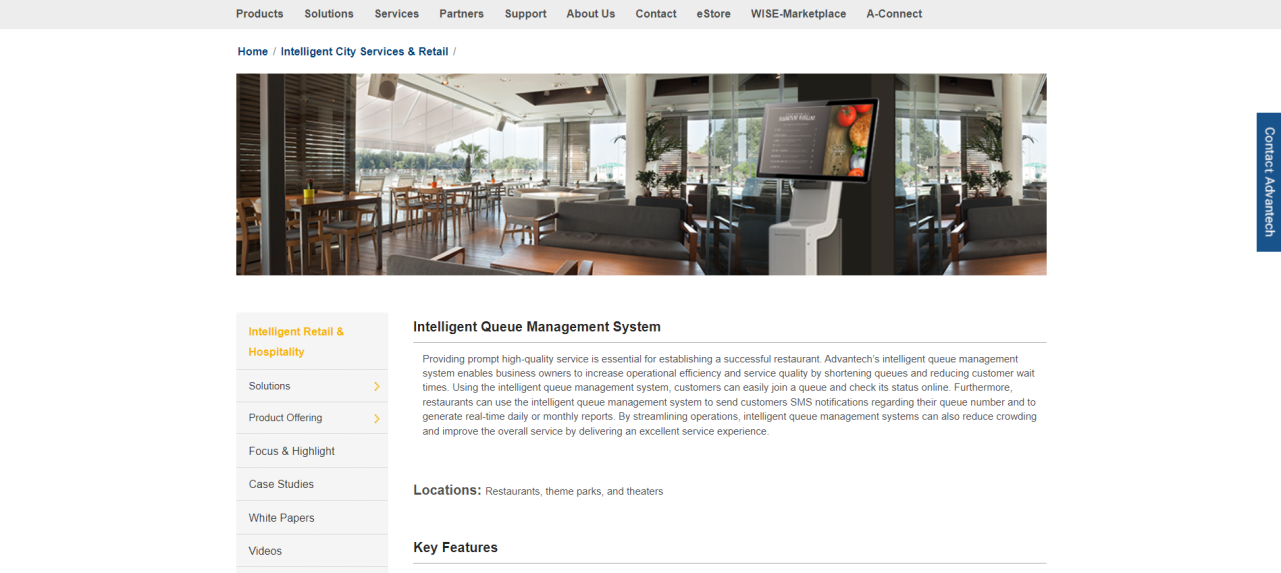
Advantech’s queue management line grew out of retail and hospitality kiosks, then extended into healthcare-specific deployments with digital signage and wait-time reporting.
4. Qminder
Qminder offers contactless patient check-in, appointment scheduling, real-time patient messaging, and analytics built around reducing no-shows and wait times in clinics and hospitals.
Website: https://www.qminder.com/industries/healthcare/
5. Qless
Qless is built around callback-style virtual queuing: patients join a line remotely and get a text when it’s their turn, instead of waiting in a physical room. It’s widely used by DMVs and healthcare organizations in the US.
Website: https://qless.com/
6. QueueTix (QTix)
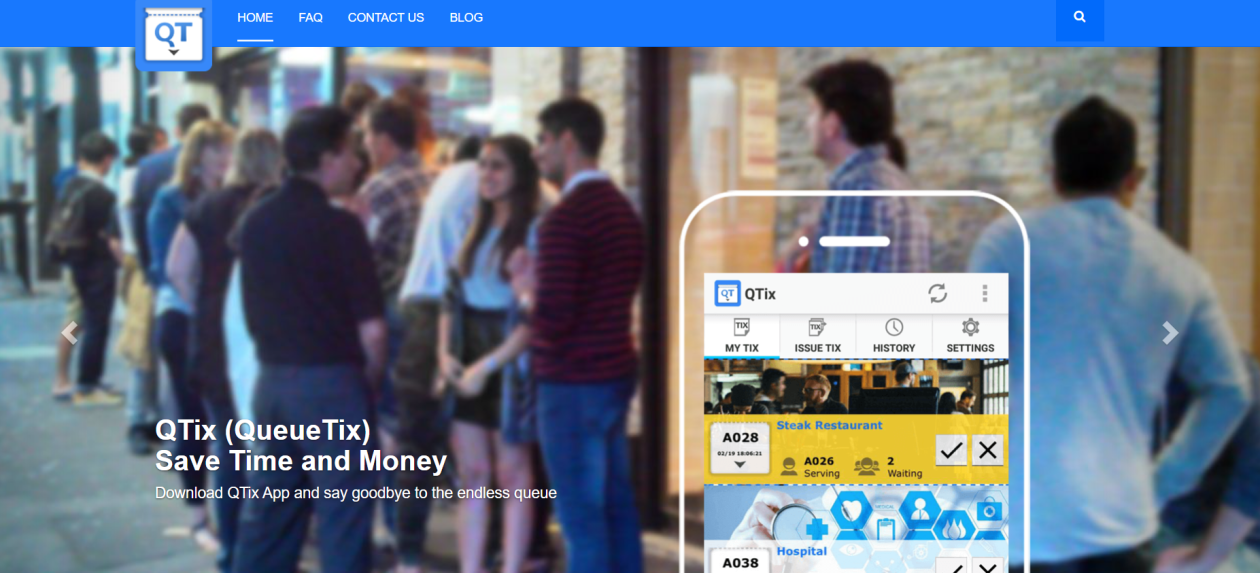
An app-based alternative to take-a-number systems, with mobile and tablet integration for facilities that want to skip physical ticket hardware.
Website: https://queuetix.com/
7. Qtrac by Lavi Industries
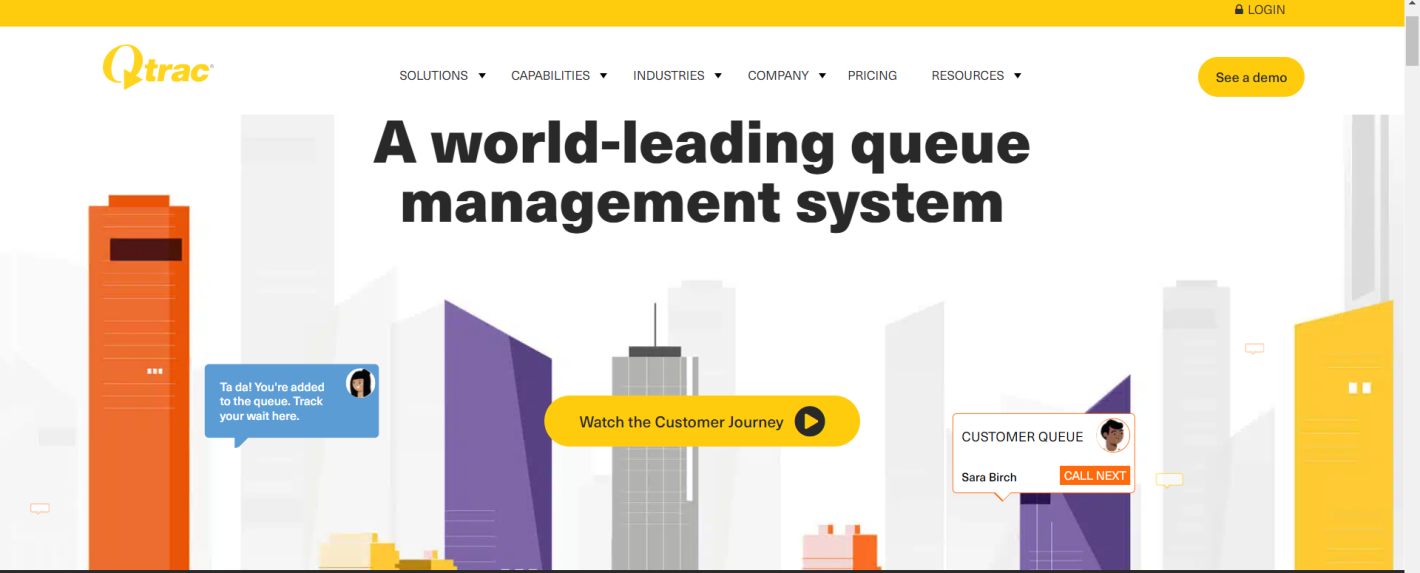
Built for hospitals with complex, multi-step patient journeys, Qtrac pairs hardware and software for facilities that need more than a single check-in point.
Website: https://qtrac.com/
8. Wavetec
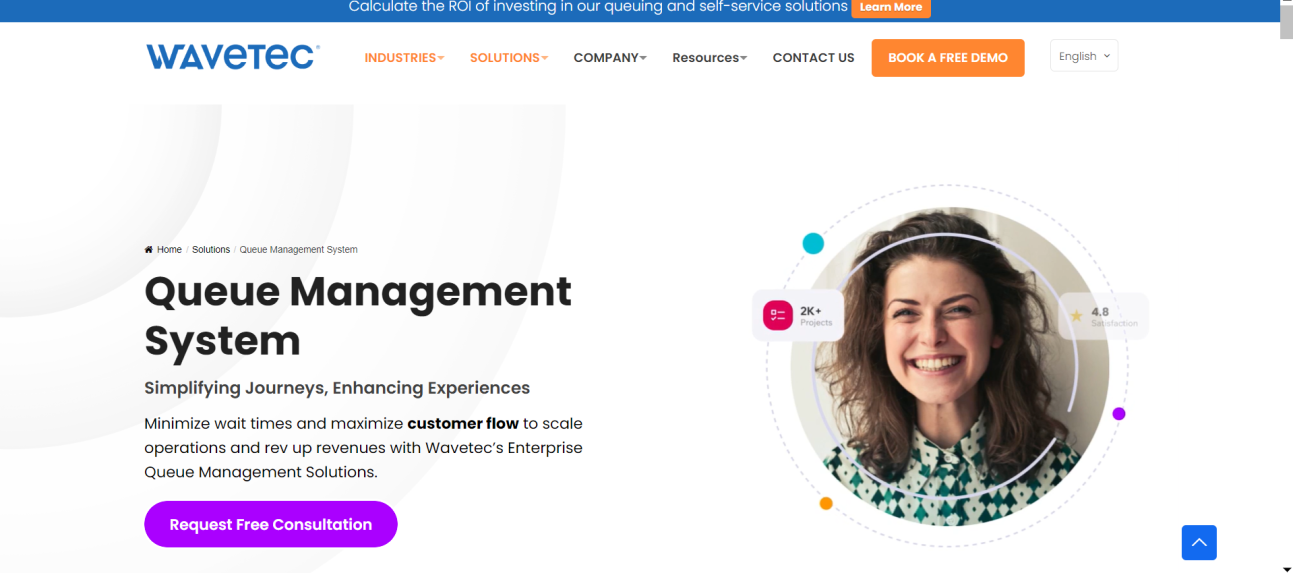
Wavetec’s Patient Journey Management product covers appointment setting, queue management, self-service kiosks, and post-visit feedback, with a strong hardware and signage component. The company reports installations across more than 70 countries.
Website: https://www.wavetec.com/solutions/queue-management-system/
9. Qnomy
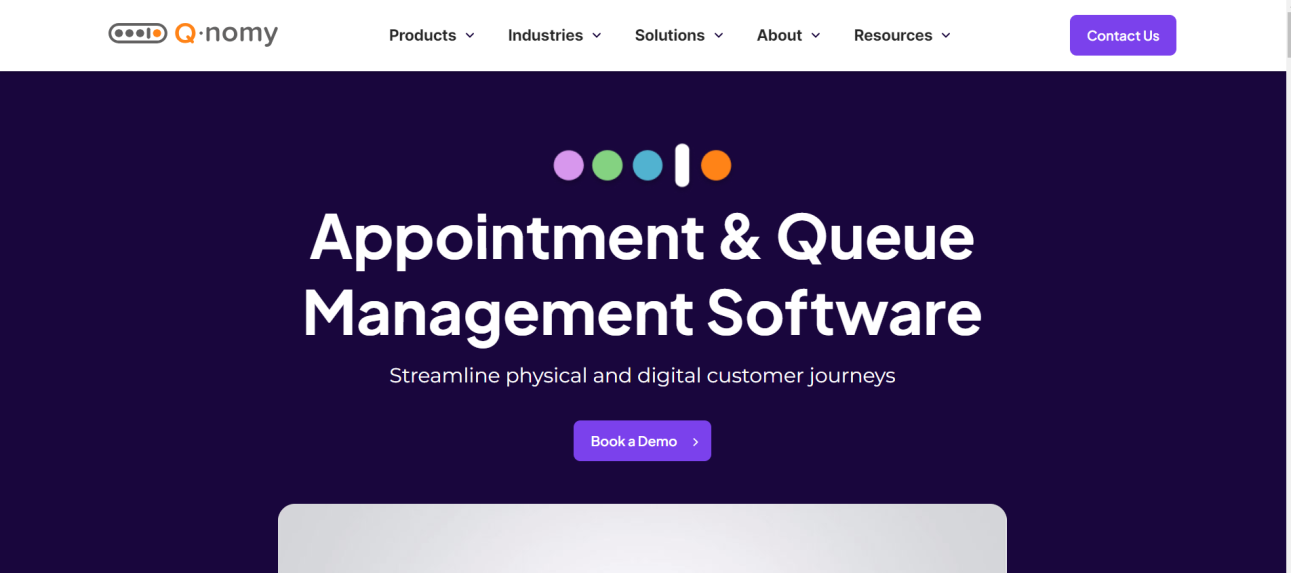
A general-purpose queue and patient journey tracking platform suited to varied healthcare settings.
Website: https://www.qnomy.com/
10. Nemo-Q
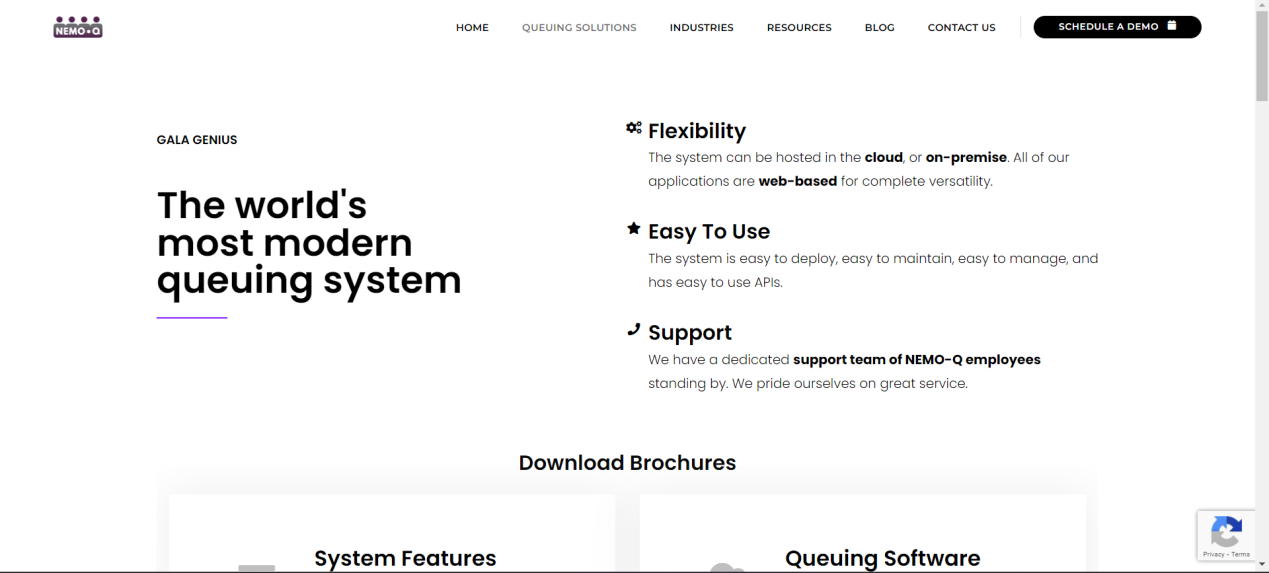
Known for a simple, user-friendly interface, Nemo-Q fits small to mid-size clinics managing patient flow without a large IT team.
Website: https://www.nemo-q.com/queuing-management/
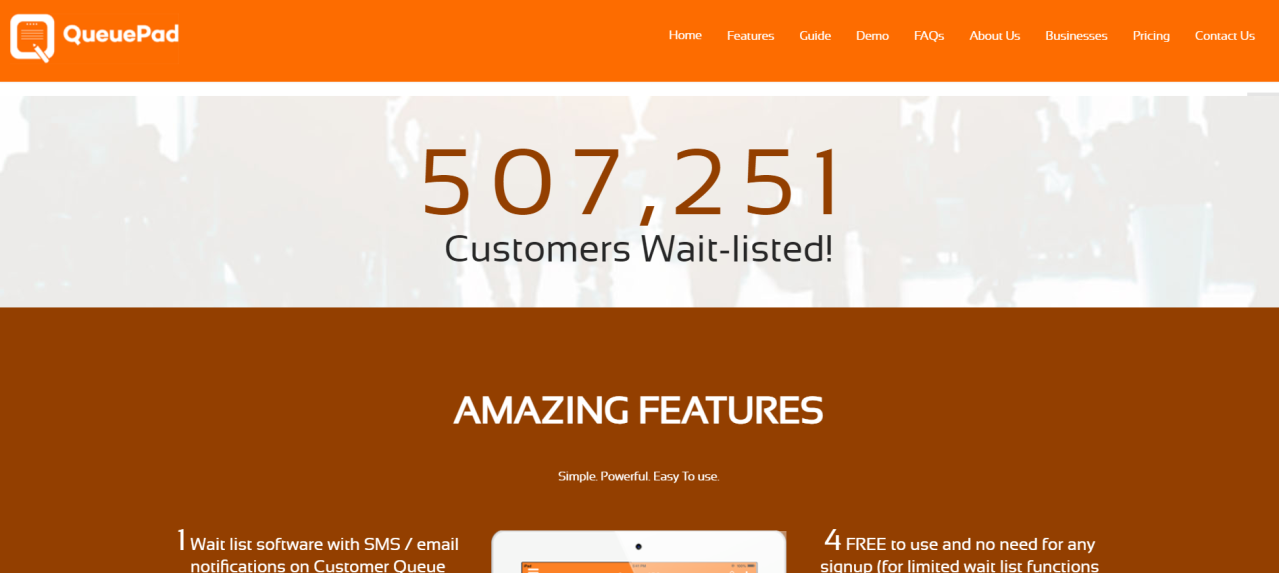
11. QueuePad
A lightweight tool aimed at smaller clinics that need basic patient queue management without enterprise overhead.
Website: https://www.queuepad.com/
12. Awebstar
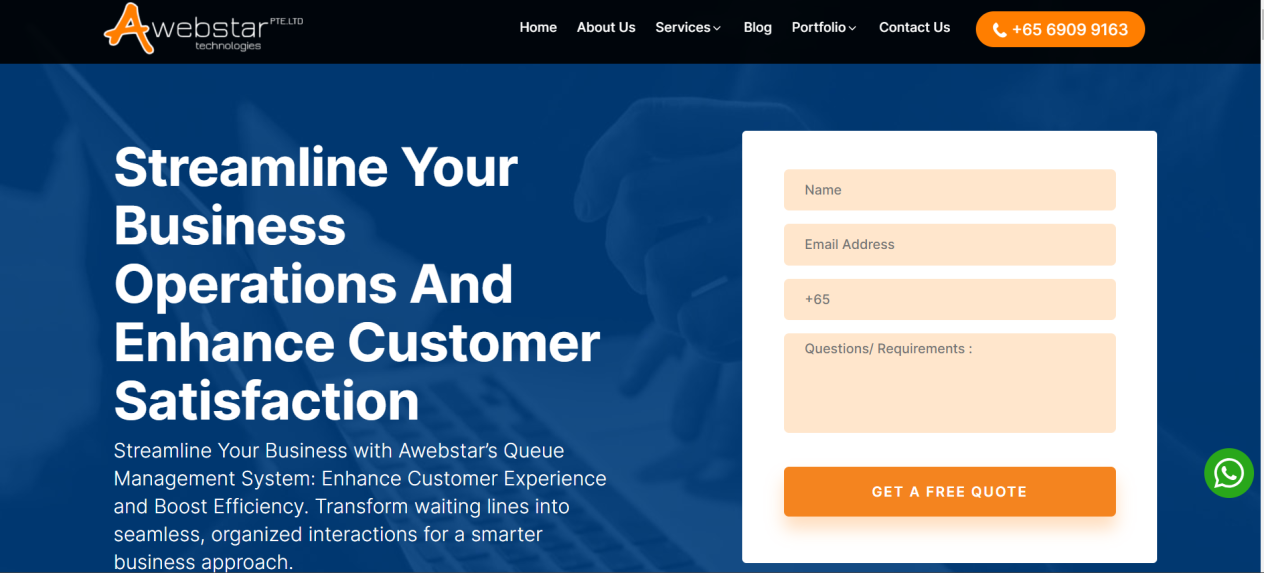
Awebstar offers a scalable queue management system aimed at healthcare facilities of varying sizes.
Website: https://awebstar.com.sg/queue-management-system.html
13. Q-flow (ACF Technologies)
Q-flow combines queue management with broader patient experience tools, aimed at modern healthcare providers that want more than a ticket number.
Website: https://www.acftechnologies.com/q-flow

14. Leyline
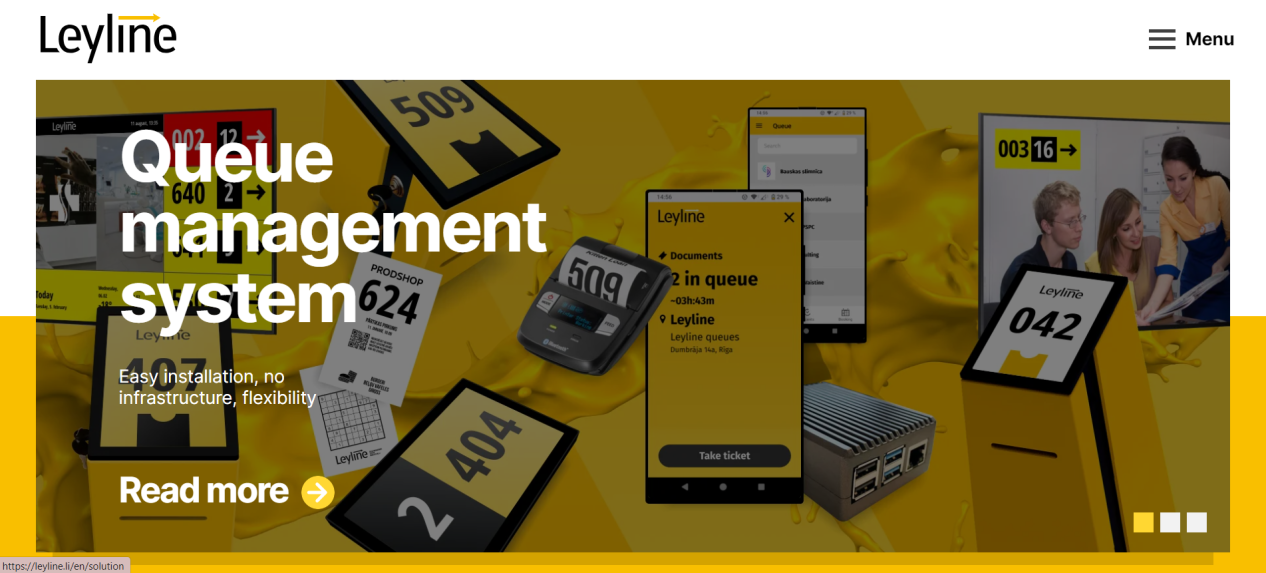
Leyline focuses specifically on cutting patient wait times and improving service quality through queue automation.
Website: https://leyline.li/
15. Hate2wait
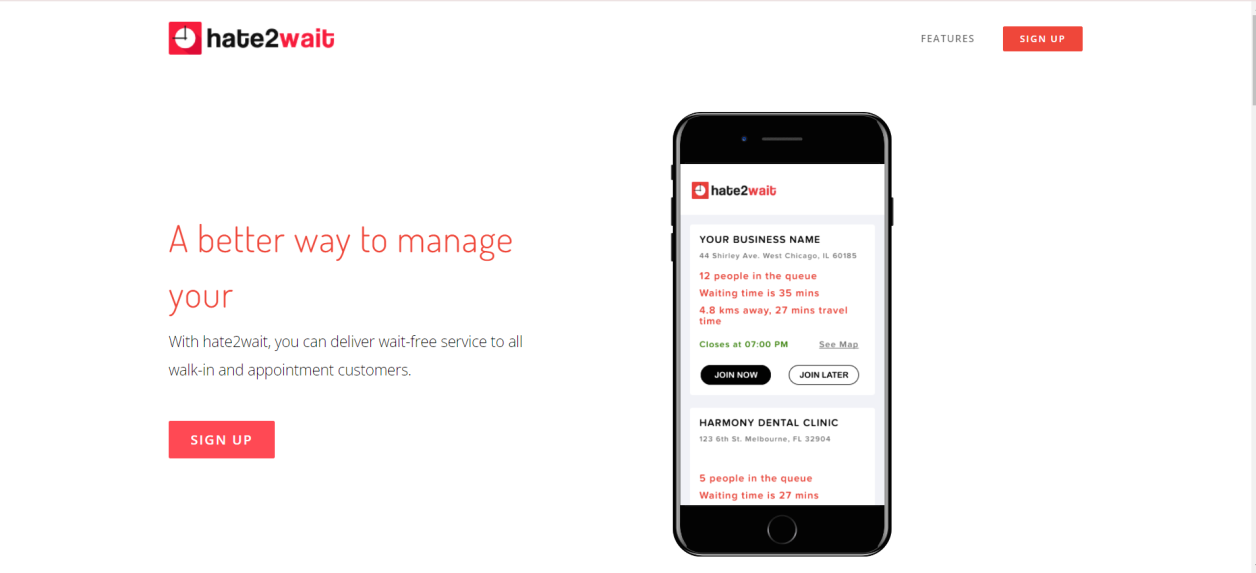
As the name suggests, Hate2wait is built around minimizing wait time with a streamlined, no-frills queuing experience.
Website: https://hate2wait.io/
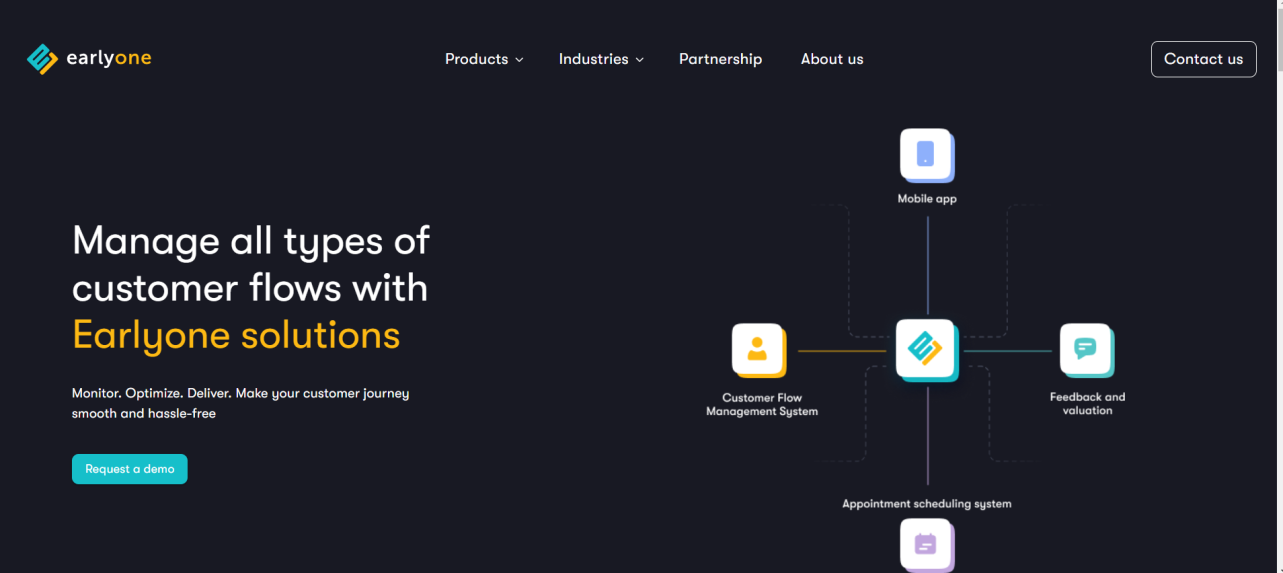
16. Earlyone
Earlyone targets wait-time reduction and service efficiency through queue automation, aimed at smaller facilities.
Website: https://earlyone.com/
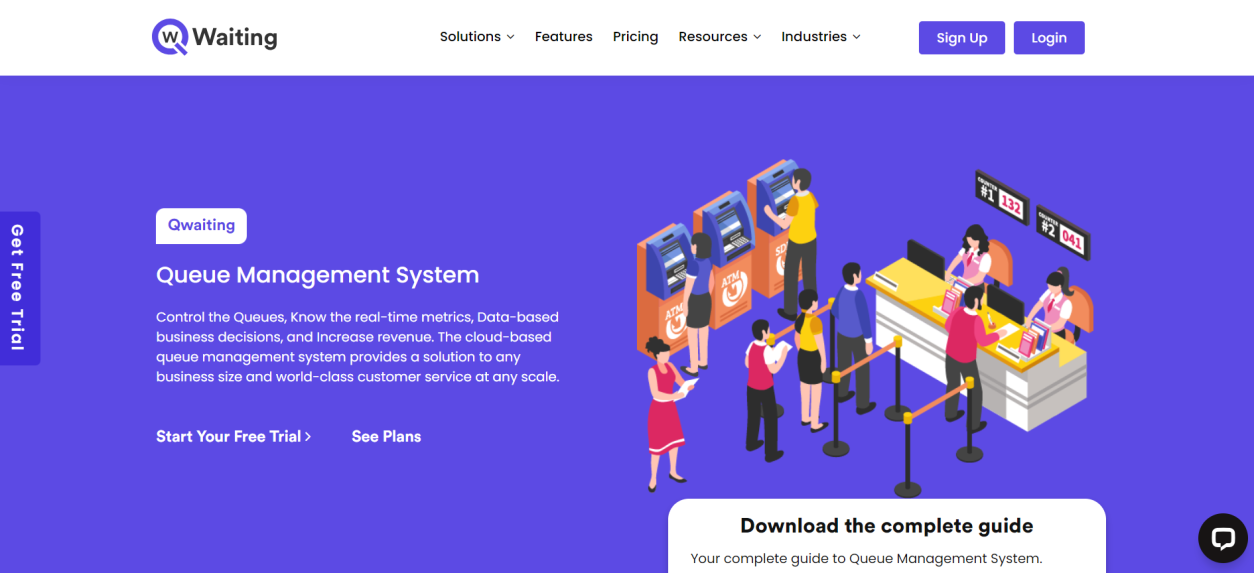
17. Qwaiting
Qwaiting has a strong presence in Asian healthcare markets, offering multi-channel check-in (kiosk, app, online booking), SMS and email updates, and feedback collection.
Website: https://qwaiting.com/solutions/queue-management-solution
18. Qmagic
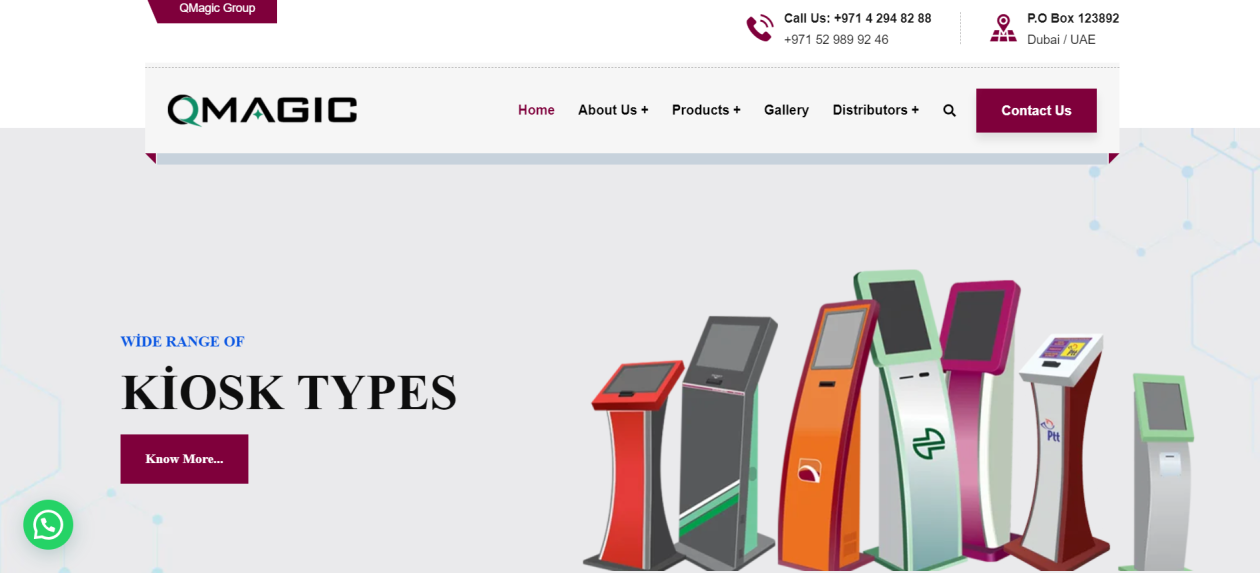
Qmagic focuses on digital integration and patient satisfaction as its core differentiators in a crowded queuing market.
Website: https://qmagic.com/
19. Qtip
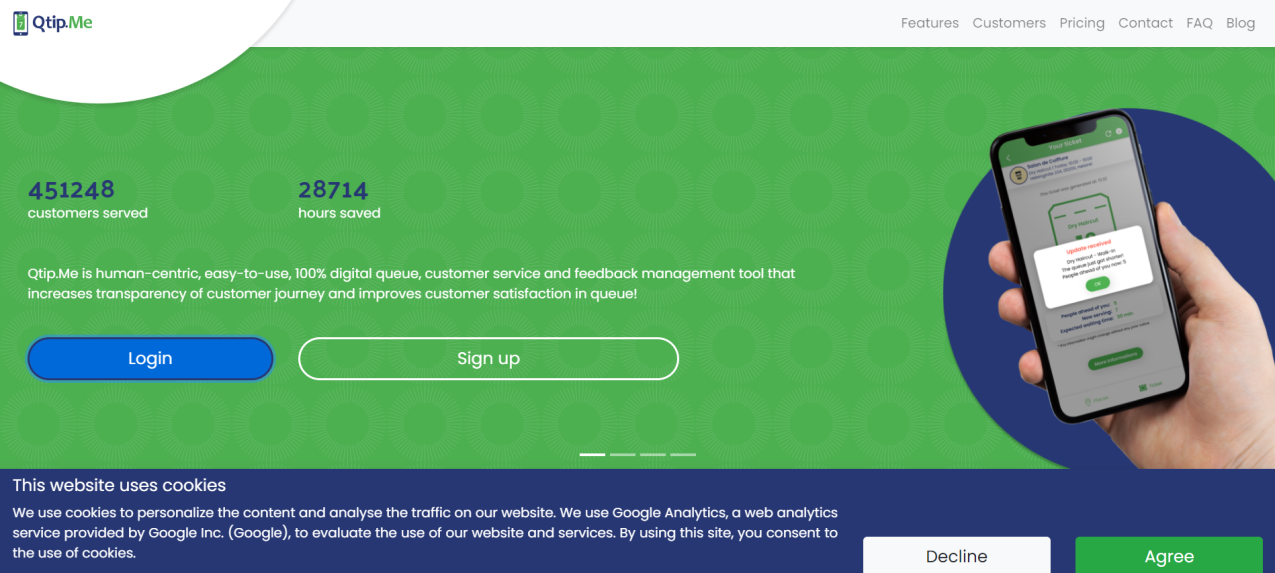
A simple tool providing essential queuing functions for smaller healthcare facilities that don’t need a full enterprise platform.
Website: https://qtip.me/
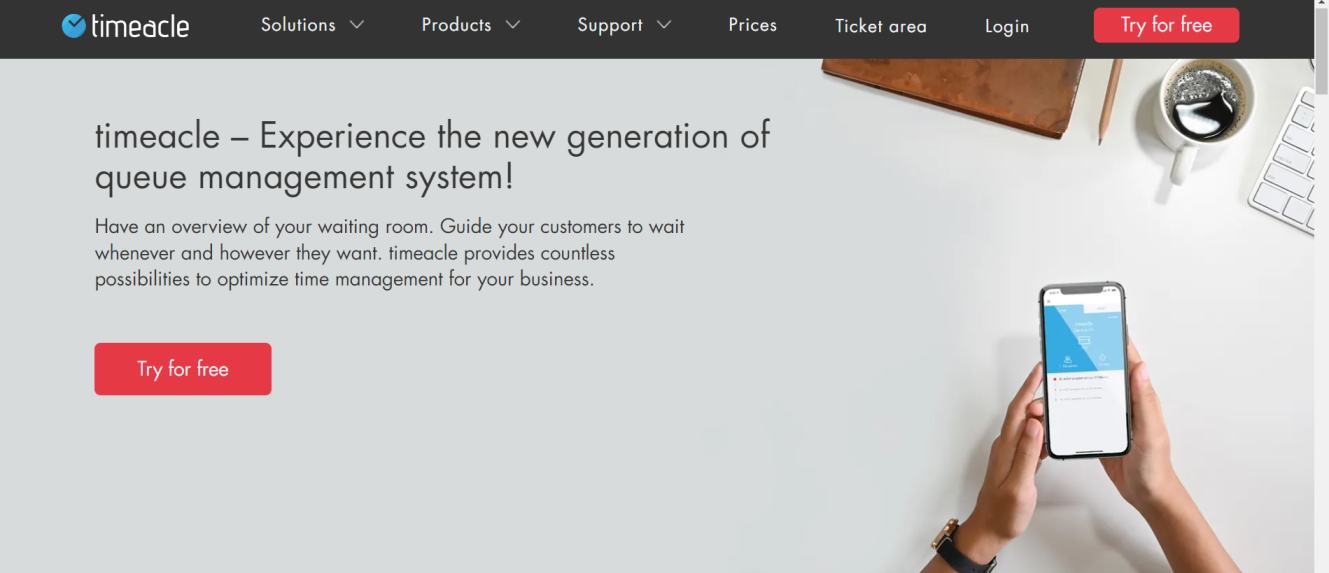
20. Timeacle
Timeacle covers both small clinics and large hospitals with a versatile, scalable approach to scheduling and queuing.
Website: https://timeacle.com/en/
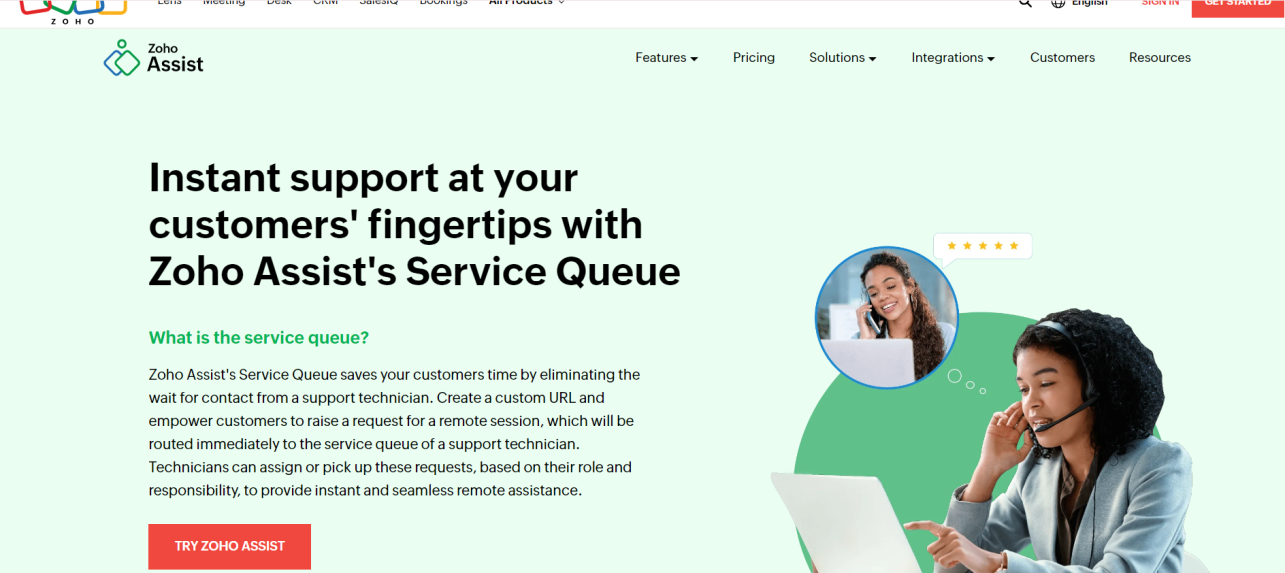
21. Zoho Assist Service Queue
Zoho’s Service Queue is a support-ticket queuing tool, not a patient-visit queuing system. It fits a hospital’s internal IT or support desk better than its front-of-house patient flow.
Website: https://www.zoho.com/assist/service-queue.html
22. Qticket
A user-friendly, industry-agnostic queue ticketing tool that works across sectors, including healthcare.
Website: https://www.qticketapp.com/
23. Engageware
Engageware pairs queue management with appointment scheduling, aimed at organizations that want both in one system.
Website: https://engageware.com/appointment-scheduling/queue-management/
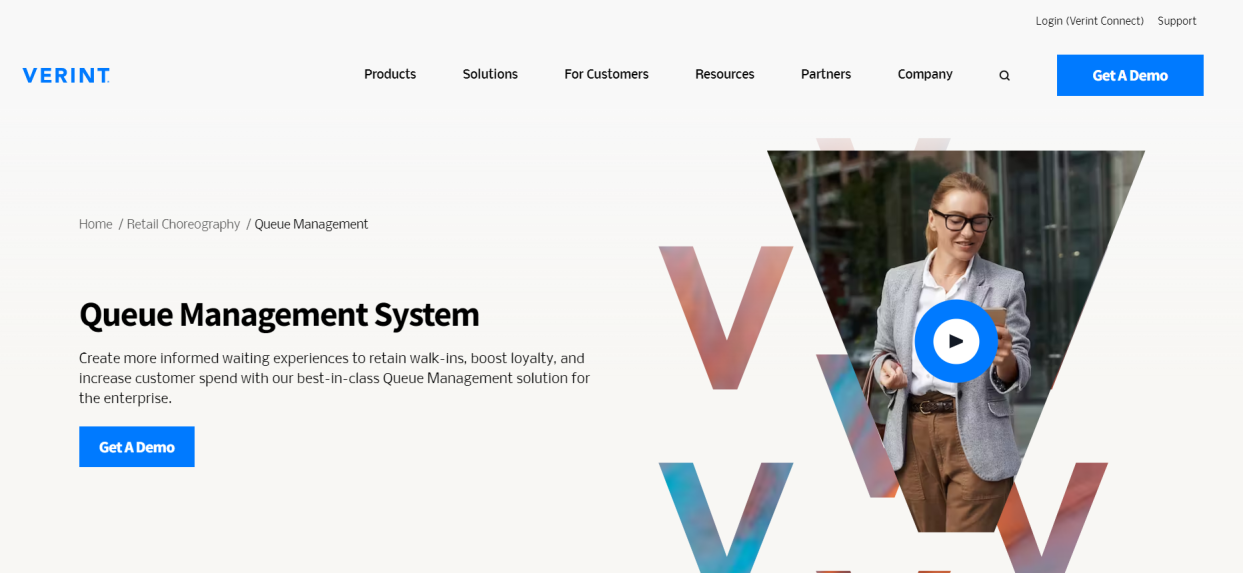
24. Verint
Verint offers enterprise-scale queue management aimed at larger, multi-department service organizations.
Website: https://www.verint.com/queue-management/
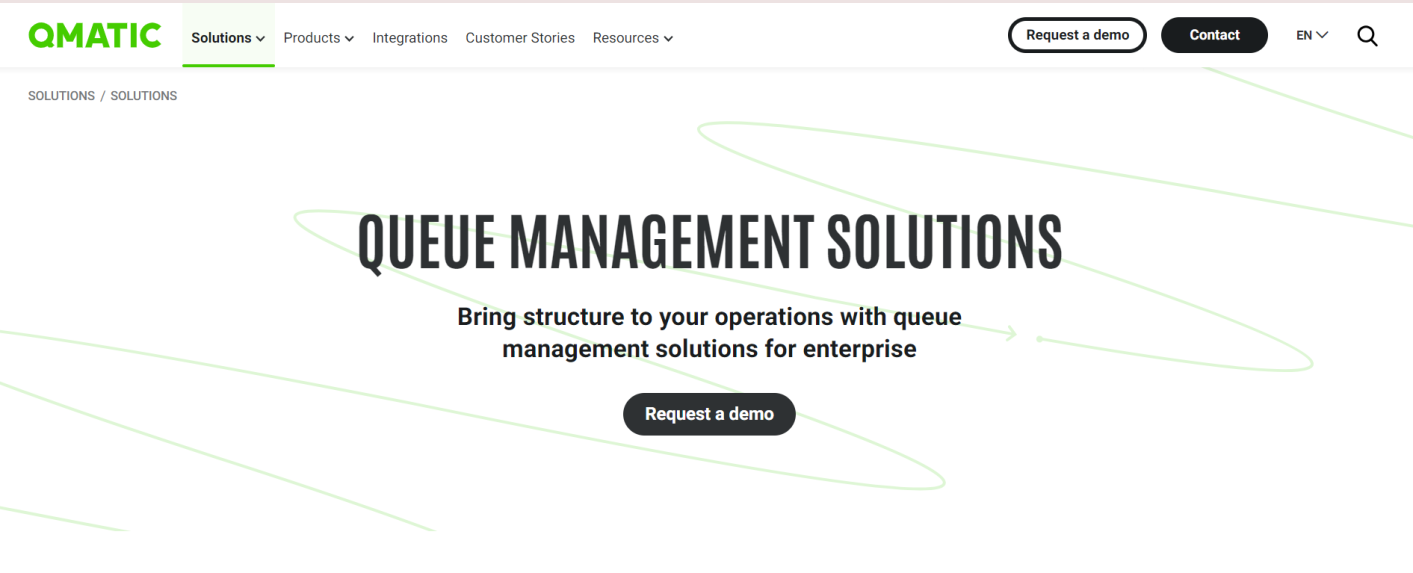
25. Qmatic
A long-standing name in queue management, Qmatic offers enterprise systems and custom hardware for complex healthcare environments, along with a cloud-based Patient Journey Management product for facilities that want to skip hardware.
Website: https://www.qmatic.com/solutions/queue-management/
How to Choose the Right Queue Management System for Your Hospital
The right system depends on your facility’s size, patient volume, and workflow complexity. Work through these steps in order.
Step 1: Assess your hospital’s needs. High patient volume calls for a system built for scale, with multi-location support. If walkaways are your main problem, prioritize real-time SMS updates and mobile queuing. Small to mid-size hospitals usually do better with an easy-to-deploy option, like Vizitor or Nemo-Q, that skips a heavy hardware install.
Step 2: Check integration capabilities. Confirm the system connects to your appointment scheduling software, your electronic health records, and any digital signage you already run. Ask for specifics, not a yes or no.
Step 3: Prioritize the patient experience. Look for touchless check-in, mobile app notifications, and multi-language support. A system that reduces friction for patients reduces friction for your front desk, too.
Step 4: Evaluate support. Hospitals run 24/7. Confirm the vendor offers round-the-clock support and on-site setup help if your rollout needs it.
Step 5: Request a demo. Test the system yourself before you commit. Schedule demos with two or three shortlisted vendors and have your actual front-desk staff try the check-in flow, not just your IT team.
When a Queue Management System Isn’t the Right Fit
Most of the failures below aren’t about the software. They’re about the rollout.
A queue system won’t fix a hospital that hasn’t defined its own department routing yet. If you don’t know which patients go where today, digitizing that confusion just makes it faster and better documented.
It also won’t help if staff never get trained on it. A system nobody explains gets ignored at the first busy hour, and your front desk quietly goes back to paper.
Facilities with very low walk-in volume, like a single-provider specialty clinic seeing a handful of patients a day, may not need a dedicated queue system at all. A simple appointment scheduler with wait notifications can cover that case without the added cost.
And if your patient population skews heavily toward people without smartphones or reliable connectivity, a mobile-first system without a strong in-person fallback will create a second, informal queue at your one staffed desk. Check that fallback path before you commit to a vendor.
The Future of Queue Management in Healthcare
Queue management is moving past simple number systems. Expect more vendors to add predictive patient flow modeling, automated staff allocation for peak hours, and real-time bottleneck detection.
Hospitals that adopt these tools early get a real advantage: fewer walkaways, better staff allocation, and a patient experience that starts calm instead of frustrated.
FAQs
1. What is a hospital queue management system?
A hospital queue management system organizes patient flow from arrival to service. It replaces manual queuing with digital check-in, ticket assignment, and real-time status updates that show patients where they stand. The system also gives staff analytics on wait times and patient volume patterns.
2. How does a queue management system work in a hospital?
Patients check in via a kiosk, mobile app, or receptionist, and the system assigns them a queue number or token. They get an SMS or screen update showing their position and estimated wait time. When their number is called, staff direct them to the right department or counter.
3. Why is queue management important in healthcare?
Long wait times directly lower patient satisfaction and can push patients toward other providers. Organized patient flow also reduces staff stress, prevents bottlenecks in busy departments, and helps urgent cases get prioritized.
4. Which queue system is best for small clinics?
Vizitor and Nemo-Q fit small hospitals and clinics well, since both deploy quickly without complex hardware. They cover the essentials: digital check-in, wait time notifications, and basic analytics.
5. Does a hospital queue management system need to handle patient data carefully?
Yes. Any system touching patient identifiers or visit details should encrypt data and restrict access by role. In a US healthcare setting, that supports HIPAA obligations. Ask any vendor for their current compliance documentation directly, since certifications and requirements both change over time.
6. Can queue management systems integrate with hospital information systems?
Yes, many modern systems connect with electronic health record platforms, appointment schedulers, and billing software through APIs. This reduces duplicate data entry and improves coordination across departments. Confirm the exact integration method with the vendor, since depth of support varies.
7. What metrics can hospitals track with a queue management system?
Hospitals can track average patient wait times, service durations, peak footfall hours, department-wise throughput, and patient satisfaction scores. Historical data also helps hospitals prepare for seasonal demand spikes, like flu season.
See the Difference for Yourself
Hospitals switch to Vizitor for calmer front-desk operations and a queue system built around real-time patient flow, not adapted from banking or retail.
Start your free trial, or book a free demo to see how it fits your hospital.
Try Vizitor Free
Setup in under 5 minutes. Manage visitors, queues, meeting rooms, and more.
Start Free TrialFrequently Asked Questions
See Vizitor in action check-in a visitor in under 30 seconds
Trusted by 500+ businesses. QR check-in, badge printing, NDA signing. Plans from $36/mo.