Touchless Workplace Systems: Why Offices Run on Them in 2026
Touchless workplace technology began as a hygiene response and is now standard office infrastructure. This guide covers what it includes, why offices adopt it for speed, data, and first impressions, what it does not fix, and where touchless visitor check-in fits.


Table of Content
Try Vizitor for 10 Days!
Touchless workplace technology lets people enter, check in, book, and pay without touching shared surfaces: QR code check-in, facial recognition or smartphone access, motion-sensor doors and elevators, voice controls, and contactless payments. It matters because the reasons offices adopt it have changed. What started as a hygiene measure is now standard infrastructure, chosen because it is faster, produces usable data, and gives visitors a better first impression.
What a touchless workplace actually includes
- Entry and access: keycards, smartphones, or biometric systems replace sign-in sheets and reception-issued badges.
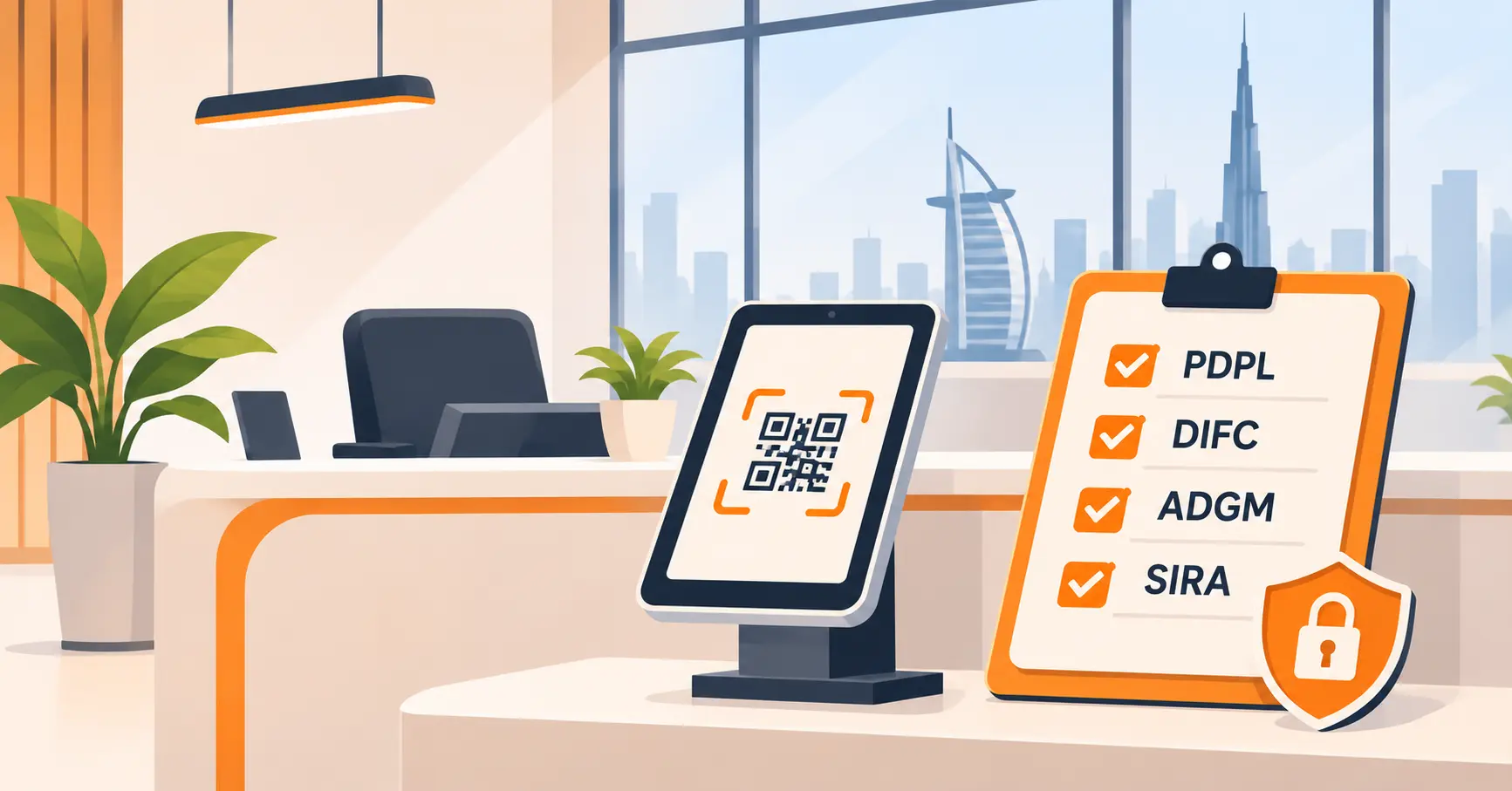
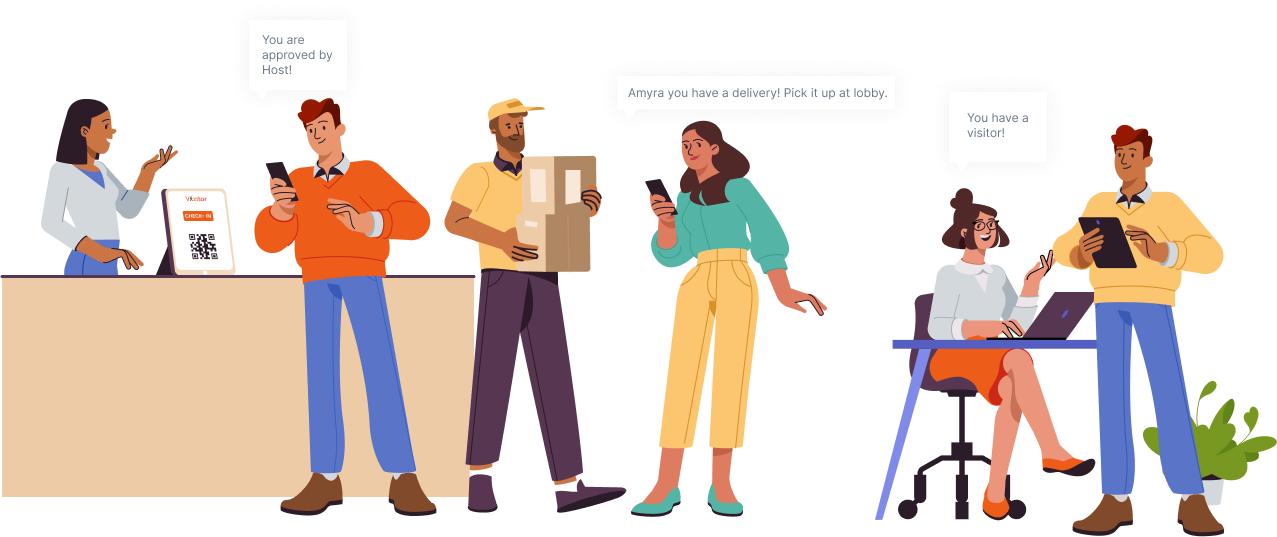
- Visitor check-in: guests pre-register online, receive a QR code, and check themselves in on arrival. Hosts get notified automatically.
- Meeting rooms and desks: booking through an app instead of touch panels or a front-desk logbook.
- Shared facilities: motion-activated doors, elevators, lights, and restroom fixtures.
- Payments and printing: contactless payment at cafeterias and vending, badge printing that requires no handoff.
Why offices adopt it now, and it is not what you think
The hygiene argument is real but no longer the driver. Three practical reasons account for most adoption today.
Speed at the front desk. A visitor who pre-registers and scans a QR code is checked in within seconds, compared to the minutes a manual sign-in, phone call to the host, and badge handoff take. When Snapdeal replaced its paper sign-in process with Vizitor’s digital check-in, check-in became 5 times faster, with zero manual errors in visitor records since go-live.
Data you can act on. Every touchless check-in creates a timestamped record. That data answers questions a paper log never could: peak arrival hours, average wait, which entrances get used, which hosts receive the most visitors. Offices use this to staff reception correctly and to plan space.
A professional first impression. Visitors notice when check-in is smooth. A contactless flow reads as a company that has its operations together, which a paper register and a waiting phone call do not.
What touchless does not fix
A touchless system organizes entry and check-in. It does not replace physical security judgment, and it does not help if the underlying process is broken. If hosts ignore arrival notifications, visitors wait just as long as they did with a phone call, only with newer hardware. Rollouts also fail when the manual fallback is missing: a visitor whose phone is dead or who never received the QR email still needs a fast human path at the desk.
Where Vizitor fits
Vizitor’s touchless visitor management system covers the check-in layer of a touchless workplace: pre-registration with QR codes, contactless check-in on arrival, automatic host notifications, digital badge printing, and a searchable visitor log that doubles as a compliance record. Health screening questions can be added to check-in where a workplace still wants them, but the core value today is speed, records, and a front desk that runs itself for routine visits.
If your reception still runs on a paper register, the fastest way to evaluate the switch is to count how long a routine visitor check-in takes today, start to host-notified. That number is what a touchless flow compresses. Book a demo to see it against your own front desk.
Frequently Asked Questions
See Vizitor in action check-in a visitor in under 30 seconds
Trusted by 500+ businesses. QR check-in, badge printing, NDA signing. Plans from $36/mo.