Comparing Queue Management Systems by Price, Features, and Fit
This roundup compares 12 of the best queue management systems for businesses of different sizes, covering features, pricing tiers, pros and cons, and recommendations by industry such as healthcare, banking, and retail. It also lists the key features to evaluate when choosing a queue management solution.


Table of Content
Try Vizitor for Free!
Managing long queues and wait times can significantly impact customer satisfaction and operational efficiency. Businesses across every sector are turning to advanced queue management software to streamline customer flow, reduce bottlenecks, and improve service delivery across both physical and virtual environments.
Modern queue management systems (QMS) go far beyond line control. They offer features like virtual queuing, digital check-ins, appointment scheduling, and real-time customer updates. Whether you’re in healthcare, retail, banking, education, or public services, the right queue system software can enhance the overall experience while optimizing internal operations.
This guide compares 12 of the best queue management systems on the market today, covering top-rated features, pricing models, scalability, and industry-specific use cases. From small businesses to enterprise-level organizations, we cover the tools that help you reduce wait times, gather customer insights, and drive efficiency.
Queue software is only one piece of the puzzle. Appointment scheduling, visitor management, and meeting room booking all touch the same customer or visitor journey, and this breakdown of how these tools fit into the bigger customer flow picture is worth a look before you commit to a single-purpose tool.
Before diving into the list, let’s break down the essentials:
What is a queue management system?
A Queue Management System (QMS) is a set of tools and processes designed to streamline and optimize the flow of customers or clients waiting for service, whether physically or virtually. More than just a tool to manage lines, a QMS aims to reduce wait times, enhance customer experience, and boost operational efficiency across various sectors.
From retail queuing systems to queue management apps, these solutions help businesses in industries such as retail, healthcare, banking, and government improve transparency and convenience. By integrating queue management software, organizations can effectively manage customer interactions, improve staff productivity, and provide a smooth experience for everyone involved.
The best queue management systems not only control the flow of people but also deliver real-time insights, enabling businesses to refine their operations. Whether it’s a physical queuing system or a virtual setup, these tools ensure the waiting process is efficient, organized, and customer-friendly.
For businesses seeking to enhance customer satisfaction, implementing a modern queuing system is a step toward operational excellence.
Why use one?
Queue management systems streamline operations by eliminating physical queues and their associated costs (barriers, space, traffic management). Plus, they unlock valuable customer insights from user data, empowering you to make data-driven decisions that reduce customer waiting times and improve service.
1. Vizitor
Say goodbye to long waits and chaos in your waiting areas with Vizitor’s Queue Management System (QMS). Designed to enhance customer satisfaction and streamline operations, Vizitor’s QMS empowers businesses to optimize customer flow, improve staff efficiency, and provide a smooth waiting experience.
Why Choose Vizitor’s Queue Management System?
Vizitor’s QMS combines advanced features like token generation, real-time notifications, and department transfers to create a smooth and hassle-free queuing process. Perfect for industries like retail, healthcare, banking, government, and education, Vizitor’s solutions are built to reduce wait times and elevate service quality. Vizitor’s own product data shows that customers who switch to its digital queue system see up to a 50% drop in wait times and a 30% improvement in staff efficiency once paper tokens and manual call-outs go away.
Standout Features of Vizitor’s QMS
- Token Generation: Unique department-wise tokens ensure smooth customer handling.
- Real-Time Notifications: Instant alerts for visitor arrivals keep staff informed and ready.
- Department Transfers: Effortlessly guide visitors to the right department for a smooth experience.
- Customizable Reporting: Generate detailed insights into customer flow, staff performance, and department efficiency.
- Automatic Serial Number Reset: Prepare your QMS daily with a hassle-free reset mechanism.
Benefits of Vizitor’s QMS
- Reduced Waiting Times: Minimize congestion, even during peak hours.
- Enhanced Visitor Tracking: Monitor and manage visitors with precision.
- Increased Staff Productivity: Equip your team with timely updates for improved service.
- Smooth Department Transfers: Ensure customers are guided to the right place effortlessly.
- Real-Time Updates: Keep everyone informed, reducing uncertainty and boosting satisfaction.
Pricing: Contact our sales team for pricing scoped to your business.
Data Handling: Every token, timestamp, and department transfer is recorded in a full audit log automatically.
Free Trial: Start your free trial
Website: Vizitor’s queue management system
#2. Skiplino
Skiplino is a modern, cloud-based queue management solution designed to eliminate the frustration of physical queues by offering a fully virtual experience. Tailored for industries like banking, telecommunications, government, and healthcare, Skiplino empowers customers to join queues remotely, book appointments in advance, and receive real-time status updates, all from their mobile device.
At its core, Skiplino helps organizations streamline customer journeys while offering analytics and reporting tools to improve service quality. It’s a solid fit for businesses looking to reduce wait times, gather actionable customer data, and maintain operational efficiency without a heavy cost burden.
Key Features of Skiplino
- Virtual Queue System: Allow customers to join queues via mobile, web, or kiosk.
- Appointment Scheduling: Customers can pre-book visits for specific services or departments.
- Customer Feedback Collection: Instant post-service feedback surveys help you monitor satisfaction.
- Real-Time Queue Monitoring: Managers get live insights on service times, peak hours, and performance.
- Multi-Branch Management: Control queues across multiple locations from a unified dashboard.
Pros
- Mobile-Friendly Interface
Customers can manage their place in line through an intuitive mobile app. - Quick Setup
Cloud-based and easy to deploy without hardware dependency. - Cost-effective for SMBs
Offers flexible pricing plans suitable for small and medium businesses. - Built-in Feedback Loop
Post-service surveys help track agent performance and customer satisfaction. - Multi-Channel Accessibility
Works across kiosks, websites, and mobile apps, which helps with omni-channel consistency.
Cons
- Limited Offline Capabilities
Internet dependency can affect queue visibility during outages. - Basic UI Design
The dashboard could benefit from a more modern, intuitive interface. - Customization Constraints
Some users find the configuration options limited compared to enterprise-level tools.
Pricing: Starts at $99/month
Free Trial: Yes, 14 days
Data Security: GDPR compliant, per Skiplino’s own marketing materials
Best For: Banks, telecom providers, and public service offices
Website: skiplino.com
Skiplino hosts its own product screenshots on its site; check skiplino.com directly for current visuals of the interface.
#3. JRNI
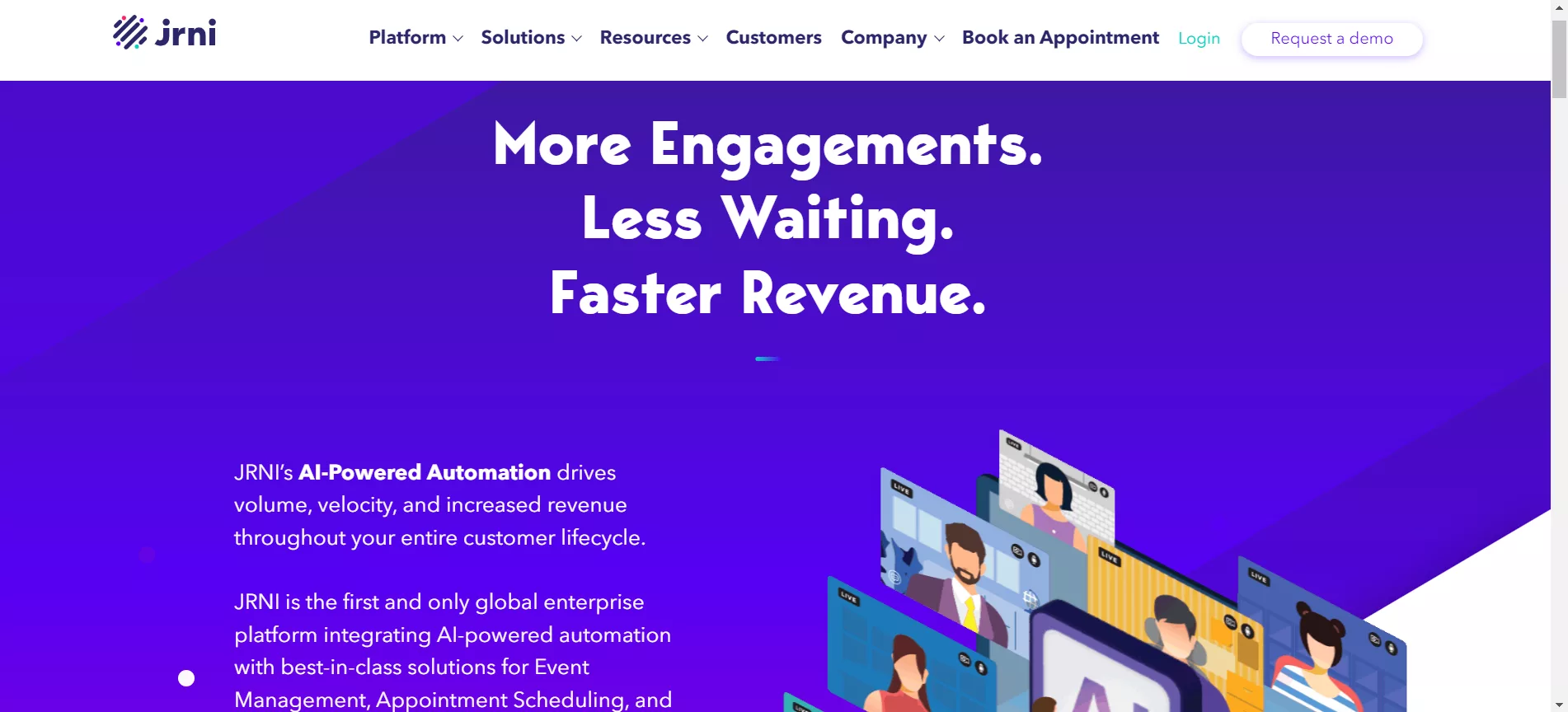
Best For: Enterprise-level retailers focusing on appointments, live queues, and events.
Key Features: Customer engagement platform, appointment booking, visitor check-in, built-in integrations.
Pricing: Custom quotation.
Data Security: Unspecified.
Website: jrni.com
#4. Qmatic
Qmatic is more than just a queue management system. It’s a platform designed to give businesses deep insights into queuing behavior and trends. For organizations that prioritize understanding their queues to enhance operations and customer experience, Qmatic is a major improvement.
Why I Chose Qmatic
When I needed a tool with standout analytics capabilities, Qmatic consistently rose to the top. Its ability to deliver intricate, actionable insights into queue dynamics left a lasting impression. For businesses that prioritize data-driven decisions, Qmatic is a clear leader in the field.
Standout Features & Integrations
Qmatic offers a suite of features designed to make queue management smarter and more efficient:
- Predictive Wait Time Calculations: Anticipate wait times to better manage customer expectations.
- Real-Time Data Analytics: Understand queue trends as they happen.
- Comprehensive Reporting: Dive deep into your queue dynamics with detailed reports.
- Smooth Integrations: Works effortlessly with CRM systems, feedback tools, and appointment scheduling platforms, ensuring a holistic approach to queue management.
Pros and Cons
Pros:
- Predictive wait times create smoother customer experiences.
- Integrates well with other essential business platforms.
- Robust analytics and reporting provide actionable insights.
Cons:
- Initial setup might require training, adding to implementation time.
- The system may be overly complex for small businesses with simpler needs.
- Pricing details aren’t transparently listed online, requiring direct inquiries.
Key Features: Ticket printers, various notification methods, hardware solutions, customer feedback, and third-party integrations.
Pricing: Custom quotation.
Website: qmatic.com
Looking specifically for a Qmatic replacement? See our dedicated comparison of the 5 best Qmatic alternatives, with verified G2 ratings and pricing.

#5. Qless
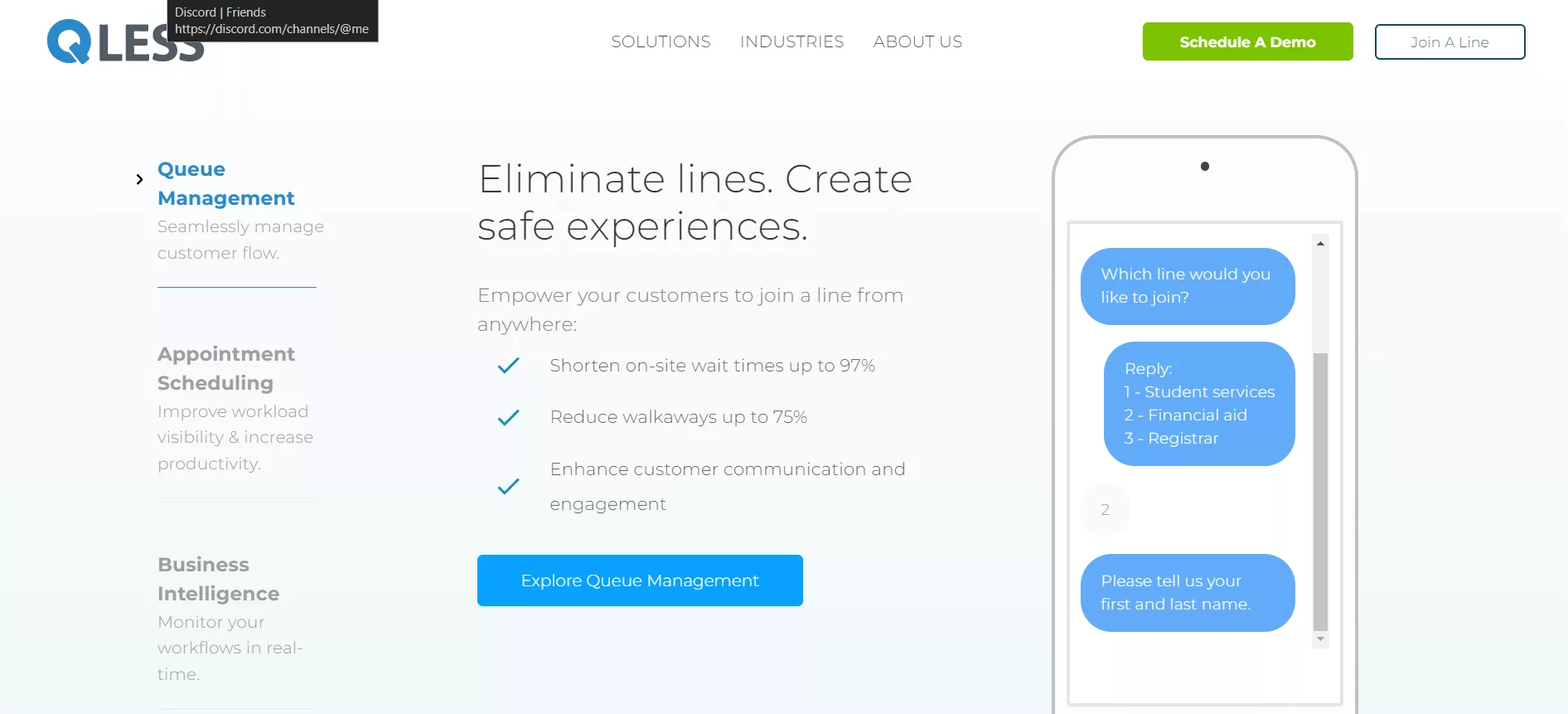
QLess is a dynamic queue management system designed to eliminate the need for physical lines and enhance customer experiences. By offering a virtual queue system, QLess empowers customers to join queues remotely, saving them time and reducing stress. Businesses benefit from increased efficiency and happier customers, making QLess a win-win solution.
Why I Picked QLess
When searching for a tool that prioritizes both customer convenience and operational efficiency, QLess stood out. Its focus on minimizing wait times and providing real-time updates resonated with my need for a modern, flexible solution. For businesses looking to modernize their queuing process, QLess is an excellent choice.
Standout Features & Integrations
- Virtual Queue Management: Customers can join queues via mobile apps, SMS, or web portals.
- Appointment Scheduling: Streamline operations by allowing customers to book time slots in advance.
- Real-Time Updates: Notify customers of their turn or delays, reducing frustration.
- Analytics and Reporting: Gain insights into service efficiency and customer behavior.
- Smooth Integrations: Works well with CRMs and other business tools for a unified experience.
Pros and Cons
Pros:
- Eliminates physical waiting lines, enhancing customer satisfaction.
- Flexible joining options through apps, SMS, and online platforms.
- Real-time notifications keep customers informed, reducing uncertainty.
- Comprehensive analytics help businesses improve their service strategies.
Cons:
- May require training for staff to adapt to the virtual queue system.
- Smaller businesses might find some features underutilized.
- Cost may be a consideration for startups or budget-conscious organizations.
Data Security: HIPAA-ready, SOC 2 Type II, CCPA, GDPR/UK GDPR compliant.
Best For: Public service and governmental offices.
Key Features: Multiple check-in options, comprehensive dashboard, real-time alerts, wait time forecasts.
Pricing: Custom quotation.
Website: qless.com
#6. Qtrac by Lavi Industries
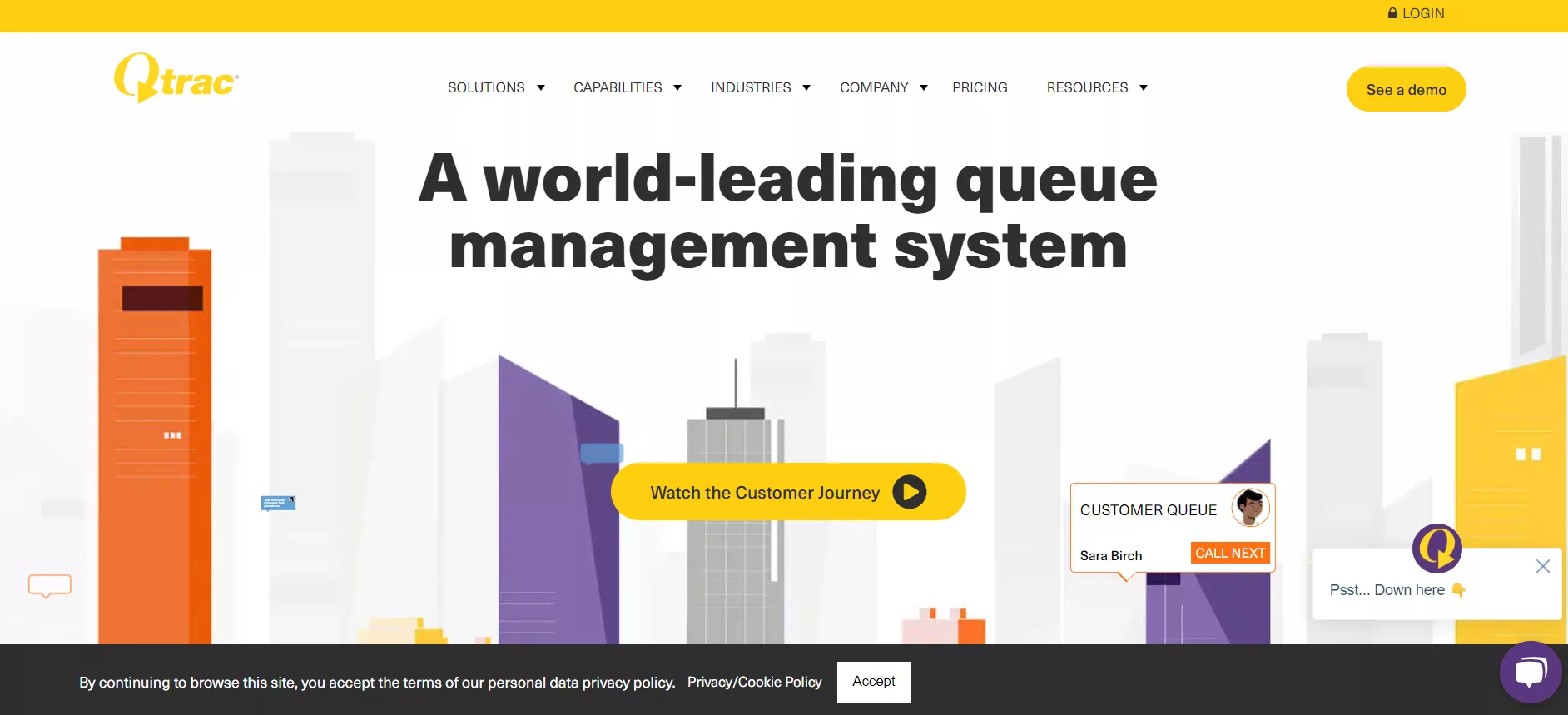
Qtrac is a cloud-based virtual queue management system designed to modernize brick-and-mortar experiences. It streamlines customer interactions, empowers associates, and uses deep insights to optimize business operations. From eliminating physical lines to providing actionable data, Qtrac ensures a smooth and efficient customer journey.
Features
-
Virtual Queuing
- Allows customers to join queues remotely via mobile, email, or SMS notifications, reducing physical crowds and wait times.
-
Appointment Scheduling
- Enables 24/7 booking for customers, offering convenience and managing operational capacity effectively.
-
Real-Time Reporting and Analytics
- Provides actionable insights into customer behavior, associate productivity, and operational efficiency.
-
Contextualized Marketing
- Personalizes customer interactions by understanding purchasing behaviors and preferences.
-
Enterprise-Grade Security and APIs
- Ensures privacy, security, and accessibility through robust integrations and compliance standards.
Why Choose Qtrac?
- Enhanced Customer Engagement: Offers personalized interactions from arrival to departure, boosting satisfaction and loyalty.
- Smooth Operations: Streamlines workflows for associates, empowering them with the right tools to serve customers efficiently.
- Data-Driven Insights: Unlocks business opportunities through detailed reporting and analytics tailored to your industry.
- Flexibility and Scalability: Adapts to businesses of all sizes and industries, from retail to public sector organizations.
Benefits
-
30% Reduction in Wait Times
- Shorter queues lead to happier customers and faster service delivery.
-
40% Decrease in Abandonment Rates
- Virtual queuing keeps customers informed and engaged, reducing frustration.
-
Boosted Staff Productivity
- Real-time updates and streamlined processes free up associates to focus on delivering exceptional service.
-
Improved Customer Retention
- Personalized experiences foster long-term relationships with customers.
-
Operational Efficiency
- Optimized workflows and appointment scheduling ensure businesses run smoothly, even during peak times.
Disadvantages
-
Complex Initial Setup
- Businesses may require dedicated training to implement and adapt to Qtrac’s advanced features.
-
Dependence on Technology
- The system relies heavily on stable internet and device compatibility, which could be a challenge in certain environments.
-
Cost Considerations
- While highly effective, Qtrac’s solutions may not fit the budget of smaller businesses or startups.
Best For: Transportation and industries needing high customization.
Key Features: Various check-in methods, notifications, advanced queue management, hardware support, and condition alerts.
Pricing: Starts at $238.59/month.
Data Privacy: Unspecified.
G2 Scores: Ease of use: 8.9, Implementation: 9.0.
Website: qtrac.com
#7. Qudini
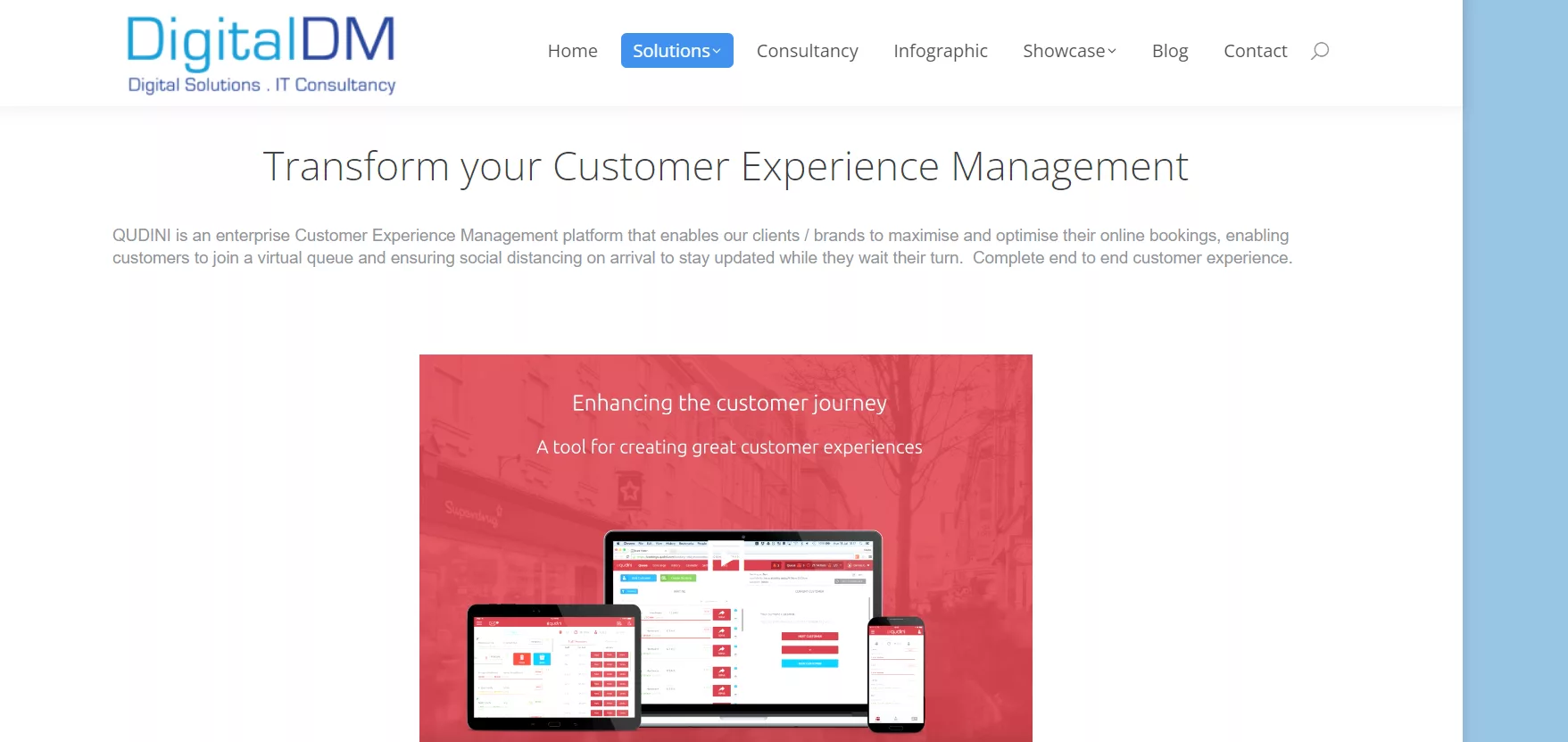
Best For: Enterprise retailers with multiple customer touchpoints.
Key Features: Varied visitor check-in options, notifications, pre-order waitlists, video appointments, and task management.
Pricing: Custom quotation.
Data Security: ISO 27001, GDPR.
Website: digitaldm.com (Qudini’s product page, now under Digital Dispatch)
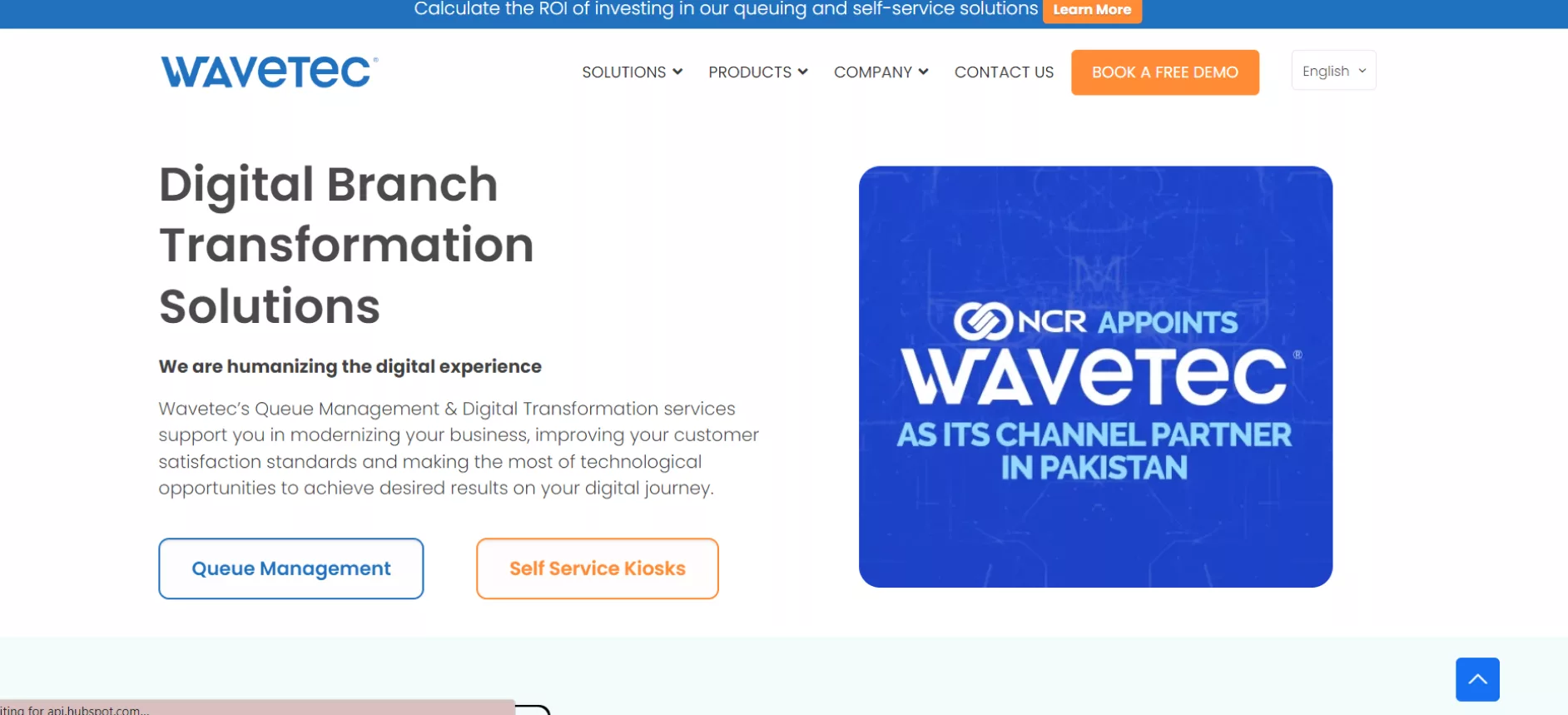
#8. Wavetec
Wavetec specializes in queue management systems and digital transformation solutions that streamline customer journeys, reduce wait times, and enhance operational efficiency. Trusted by businesses in 70+ countries, Wavetec uses AI, predictive analytics, and self-service kiosks to deliver smooth experiences.
Key Features
- Queue Management: Optimize customer flow with real-time monitoring and WhatsApp queuing.
- Self-Service Kiosks: Shift up to 70% of transactions to self-service for efficiency.
- Digital Signage: Engage customers with dynamic, informative displays.
- Customer Feedback: Gather actionable insights to improve satisfaction.
- Analytics & Reporting: Use predictive data to drive better decisions.
Why Wavetec?
- Global expertise with 20,000+ installations.
- AI-powered solutions for smarter operations.
- Customizable systems for industries like healthcare, banking, and retail.
Key Features: Ticket dispensaries with digital screens, notifications, appointments with WhatsApp, mobile app, and live reporting.
Pricing: Custom quotation.
G2 Scores: Ease of use: 9.3, Implementation: 9.3.
Website: wavetec.com
#9. Waitwell
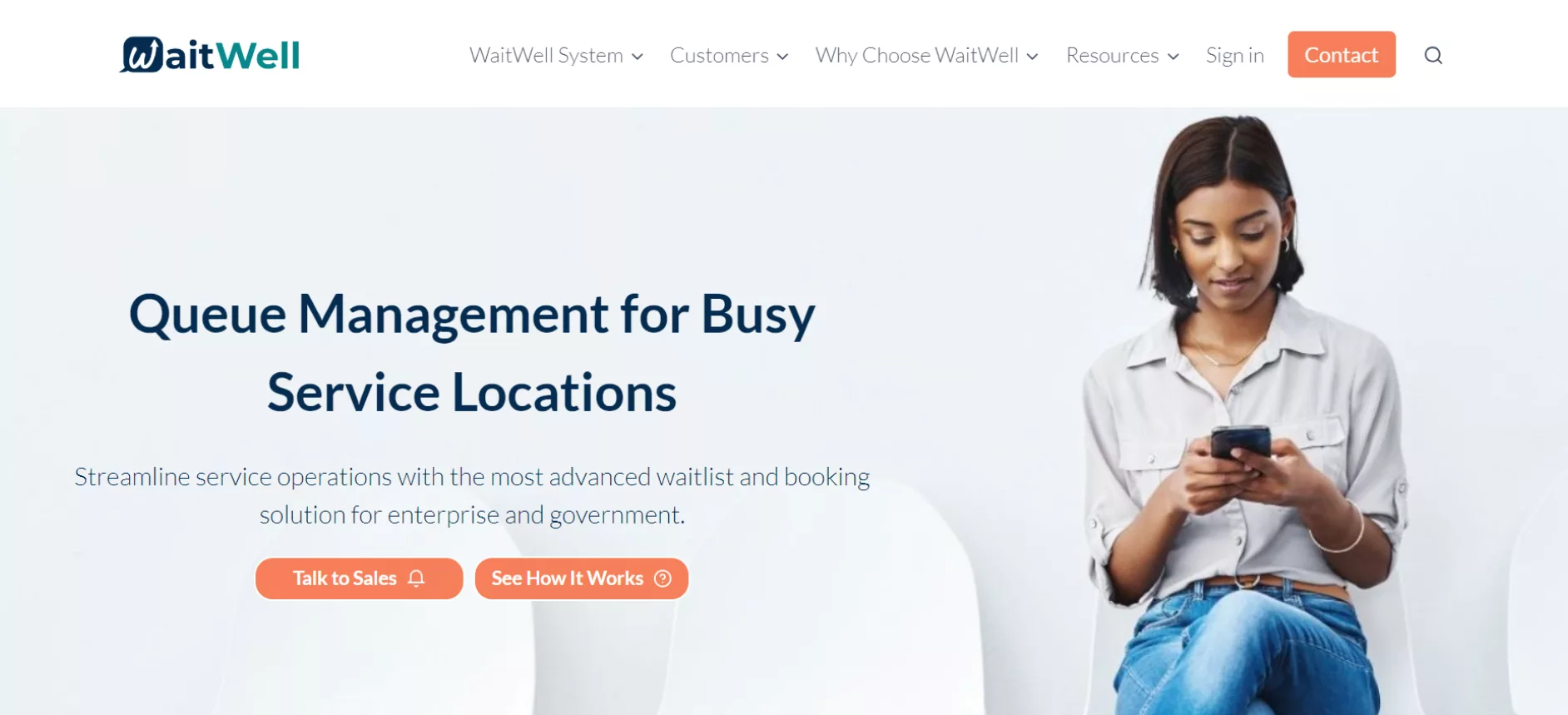
WaitWell is an advanced queue management system designed to streamline operations for organizations handling high volumes of customers across multiple services. Its configurable platform adapts to unique workflows, improving efficiency and delivering an exceptional customer experience.
Features
- Queue Management: Replace physical lines with a virtual system for smooth check-ins and reduced wait times.
- Appointment Management: Manage walk-ins, virtual, and booked appointments all in one view.
- Service Workflow Automation: Automate tasks and communications to enhance staff productivity.
- Virtual Service Integration: Offer in-person or virtual service options for flexibility.
- Analytics & Reporting: Track real-time metrics like wait times, service times, and customer satisfaction across multiple locations.
- Customer Insights: View service history, notes, and reviews for personalized interactions.
Why Choose WaitWell?
- Customizable Features: Turn features and workflows on/off with ease to match your needs.
- Actionable Insights: Real-time dashboards and reports to monitor and optimize operations.
- Ease of Use: A user-friendly platform designed for both customers and staff.
- White Glove Setup: Tailored workflows with dedicated account management.
- No Hidden Costs: Free support with no additional charges.
Benefits
-
Enhanced Customer Experience
- Let customers check in from anywhere, choose service types, and manage appointments smoothly.
-
Improved Staff Productivity
- Centralized tools and automated workflows reduce stress and improve focus.
-
Operational Efficiency
- Actionable data ensures better decision-making and optimized workflows.
-
Multi-Service Adaptability
- Perfect for industries like healthcare, government, retail, and education.
Who Uses WaitWell?
WaitWell serves healthcare, government offices, higher education, veterinary clinics, retail, hospitality, and more, empowering organizations of all sizes, from SMBs to enterprises.
Best For: Managing low-volume foot traffic and appointments.
Key Features: Various check-in options, notifications, queue management, and appointment bookings.
Pricing: Custom quotation.
Website: waitwell.ca
#10. Engagis
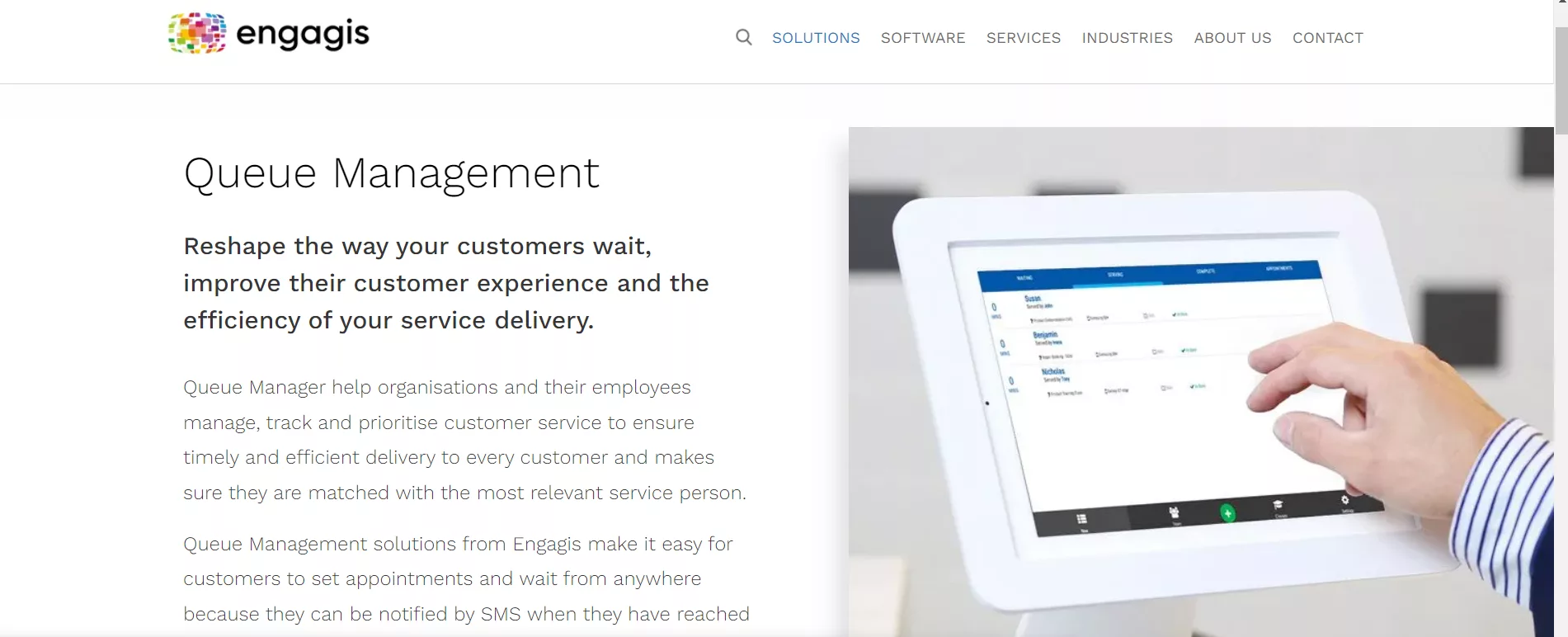
Engagis specializes in creating innovative digital solutions for some of Australia’s leading brands. With over 20 years of experience, Engagis designs, builds, and manages cutting-edge technologies that transform physical spaces into dynamic, engaging environments.
What We Do
As an end-to-end managed service provider, Engagis handles every aspect of digital media solutions, including:
- Hardware: Sourcing, staging, and installation.
- Software: Advanced tools like smart digital signage and interactive kiosks.
- Content Services: Creating and automating engaging content for customers.
- Managed Support: Ongoing maintenance with exceptional customer care.
Industries We Serve
Engagis supports a wide range of industries, including:
- Retail: Enhancing customer experiences with digital signage and kiosks.
- Telco: Streamlining content automation and localization.
- Banking: Upgrading in-branch technology for smooth engagement.
- Workplace: Transforming meeting spaces with modern AV solutions.
- Healthcare & Aged Care: Elevating communication and experiences for patients and residents.
Why Choose Engagis?
- Expertise
Over two decades of experience delivering tailored solutions to top brands. - End-to-End Services
From concept to installation and support, Engagis handles it all. - Reliability
Known for customer-obsessed project management and ISO-certified processes. - Customer Success
Proven track record with brands like Telstra, EssilorLuxottica, Lids NBA, and Quest Apartment Hotels.
Featured Solution
- Smart Digital Signage
Engage customers and teams with dynamic, branded content at scale. - Interactive Kiosks
Simplify processes and enhance user experiences through self-service technologies. - Audio-Visual Solutions
Upgrade workplaces and meeting spaces with cutting-edge AV systems. - Content Automation
Eliminate manual tasks with localized, automated content management.
Our Commitment
- ISO Certified: Ensuring quality, safety, and security standards across all operations.
- Sustainability: Solutions designed to minimize environmental impact.
- Customer Focus: Tailored strategies for each client’s unique needs.
Best For: Visitor management with digital signage features.
Key Features: Self-check-in kiosks, customizable display screens, engaging waiting rooms, and visitor badges.
Pricing: Custom quotation.
Website: engagis.com
#11. Acf technologies
ACF Technologies specializes in appointment, event, and queue management solutions, creating smooth connections between organizations and their customers. With over 20 years of industry leadership, ACF designs solutions that prioritize human interaction and deliver exceptional experiences.
Our 4-Step Process
-
Listen
- We fully understand your business goals and craft solutions that align with your objectives.
-
Design
- Tailored solutions created to meet your unique operational and customer needs.
-
Build
- Implementation of cutting-edge technology for smooth integration.
-
Analyze
- Post-implementation review to optimize and continuously improve systems.
Key Features
- Queue Management: Streamline customer flow and reduce wait times with dynamic queue management tools.
- Appointment Scheduling: Enable omni-channel scheduling for in-person and online appointments.
- Event Management: Manage events efficiently with user-friendly tools.
- Customer Insights: Use data to track satisfaction, performance, and service history.
- Multilingual Support: Enhance accessibility with systems tailored to diverse audiences.
Industries Served
- Government: Connect citizens with essential services.
- Healthcare: Streamline patient journeys across clinics, hospitals, and labs.
- Finance: Improve in-branch experiences and integrate with digital transactions.
- Retail: Deliver personalized shopping experiences and empower staff efficiency.
- Telecommunications: Optimize customer engagement with flexible software.
- Education: Eliminate student lines and improve campus services with digital tools.
- DMV: Modernize appointment scheduling and customer flow.
Why Choose ACF Technologies?
-
Connection
- Bridging gaps between customers and businesses to deliver human-centric experiences.
-
Collaboration
- Combining innovative technology with a strong partnership approach.
-
Commitment
- Standing by clients to face challenges and achieve shared goals.
Best For: High volume of appointment bookings.
Key Features: Check-in kiosks, notifications, wait time estimations, customer verification, service analytics.
Pricing: Custom quotation.
G2 Scores: Ease of use (Online Appointment Scheduling): 9.4, Implementation: 9.8.
Website: acftechnologies.com
#12. NextMe
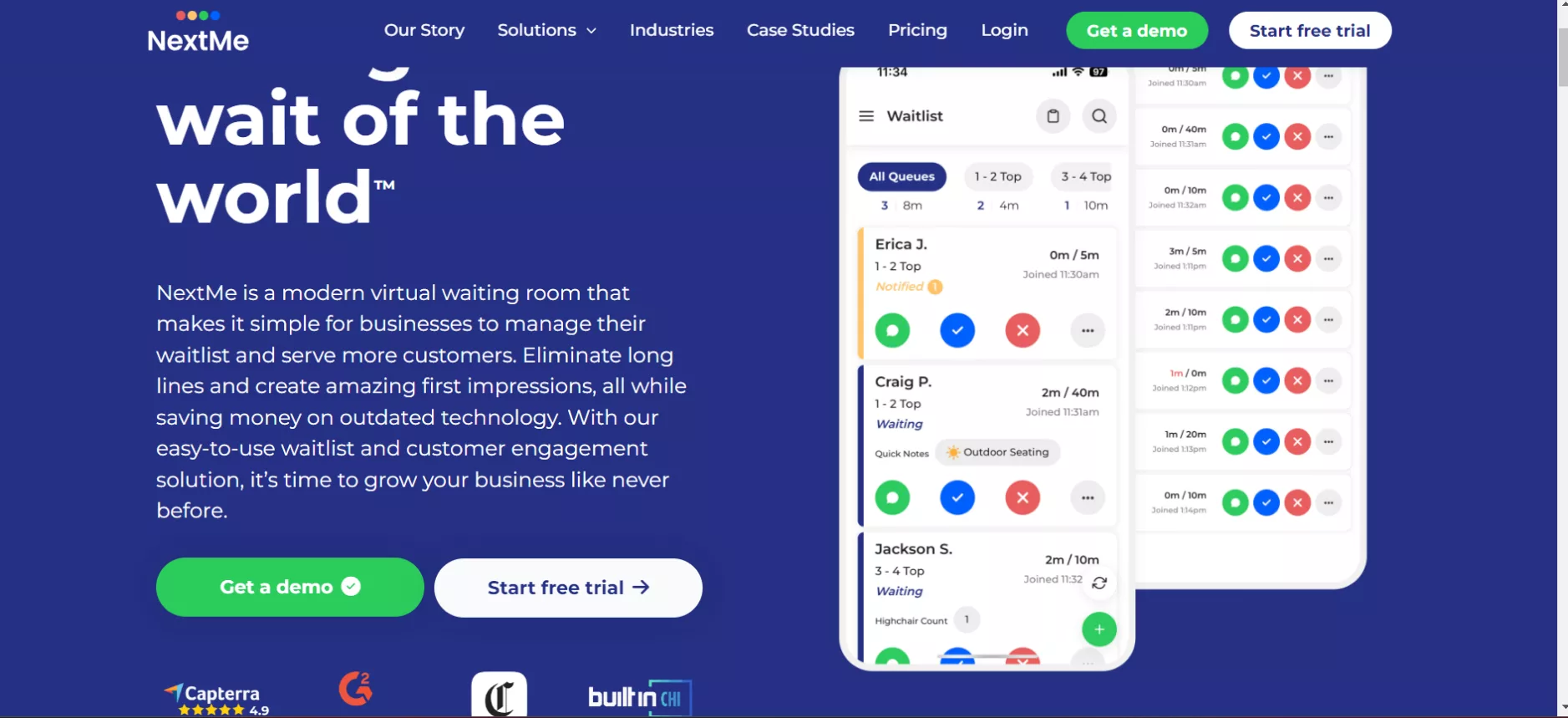
NextMe is a modern queue management system designed to eliminate long lines, streamline operations, and create memorable customer experiences. From virtual waiting rooms to self-check-in, it’s built to improve efficiency and engagement across industries.
Key Features
- Virtual Waiting Room: Engage guests with branded content while they track their position.
- Self Check-in: Enable customers to join queues via QR codes or kiosks.
- Custom SMS: Tailored communication at every step.
- Multi-Device Support: Manage queues from any device.
- Analytics: Optimize staffing and customer insights with powerful reporting.
Why NextMe?
- 32% cost savings over traditional solutions.
- 35% more customers retained.
- 25% increase in sales.
Best For:
Businesses seeking simple, efficient solutions for retail queuing systems, queue management apps, and virtual waiting rooms.
NextMe for Hospitals
Hospitals and clinics can benefit from NextMe’s tailored features for managing patient appointments, reducing congestion, and enhancing overall patient experience.
The Goal of Waiting-Line Management
With NextMe, the focus is on minimizing customer frustration and improving service efficiency by reducing wait times and ensuring smooth queue transitions.
Pricing: Custom quotation, contact NextMe directly for a quote.
Website: nextmeapp.com
How to Choose the Right Queue Management System for Your Business
Choosing the right queue management system (QMS) can transform your business by improving customer experience, streamlining operations, and boosting overall efficiency. Based on the criteria below, here’s what to check before you commit to one.
Core Functionality
- Virtual Queuing: Enables customers to join queues without being physically present.
- Real-Time Analytics: Tracks wait times, service times, and customer feedback for quick adjustments.
- Appointment Scheduling: Supports online and in-person appointment management.
Key Features
- Multi-Channel Notifications: Updates via SMS, email, or apps.
- Customization: Allows personalized queue sequences and themes.
- Scalability: Grows with your business needs without performance dips.
- Data Export: Provides analytics in formats like CSV or PDF for integrations.
Usability
- Intuitive Dashboard: Visualizes real-time queue updates for efficient monitoring.
- Ease of Onboarding: Provides clear guides and training materials.
- Role-Based Access: Customizable access levels for staff.
- Responsive Support: Quick resolutions during setup and troubleshooting.
Score each vendor above against your own peak-hour volume, not just the feature list on their homepage. A platform that looks identical to a competitor on paper can behave very differently once your actual Monday-morning line hits it. Confirm pricing directly with each vendor’s sales team before you commit, since most of the platforms compared here quote custom pricing rather than publishing a flat rate.
If Vizitor’s approach to token generation, department routing, and real-time notifications fits how your front desk or service counter runs, book a demo to see it against your own visitor volume.
Frequently Asked Questions
See Vizitor in action check-in a visitor in under 30 seconds
Trusted by 500+ businesses. QR check-in, badge printing, NDA signing. Plans from $36/mo.