Building a More Secure Front Desk, Step by Step
Front desk security is your workplace's first line of defense and often the difference between a safe environment and a vulnerable one. In this blog, we outline five proven steps to protect your office, from implementing a digital Visitor Management System (VMS) and verifying every entry to training front desk staff, integrating smart security tools, and staying audit-ready for compliance. With solutions like Vizitor, organizations globally can ensure efficient check-ins, real-time monitoring, and a professional, secure visitor experience.


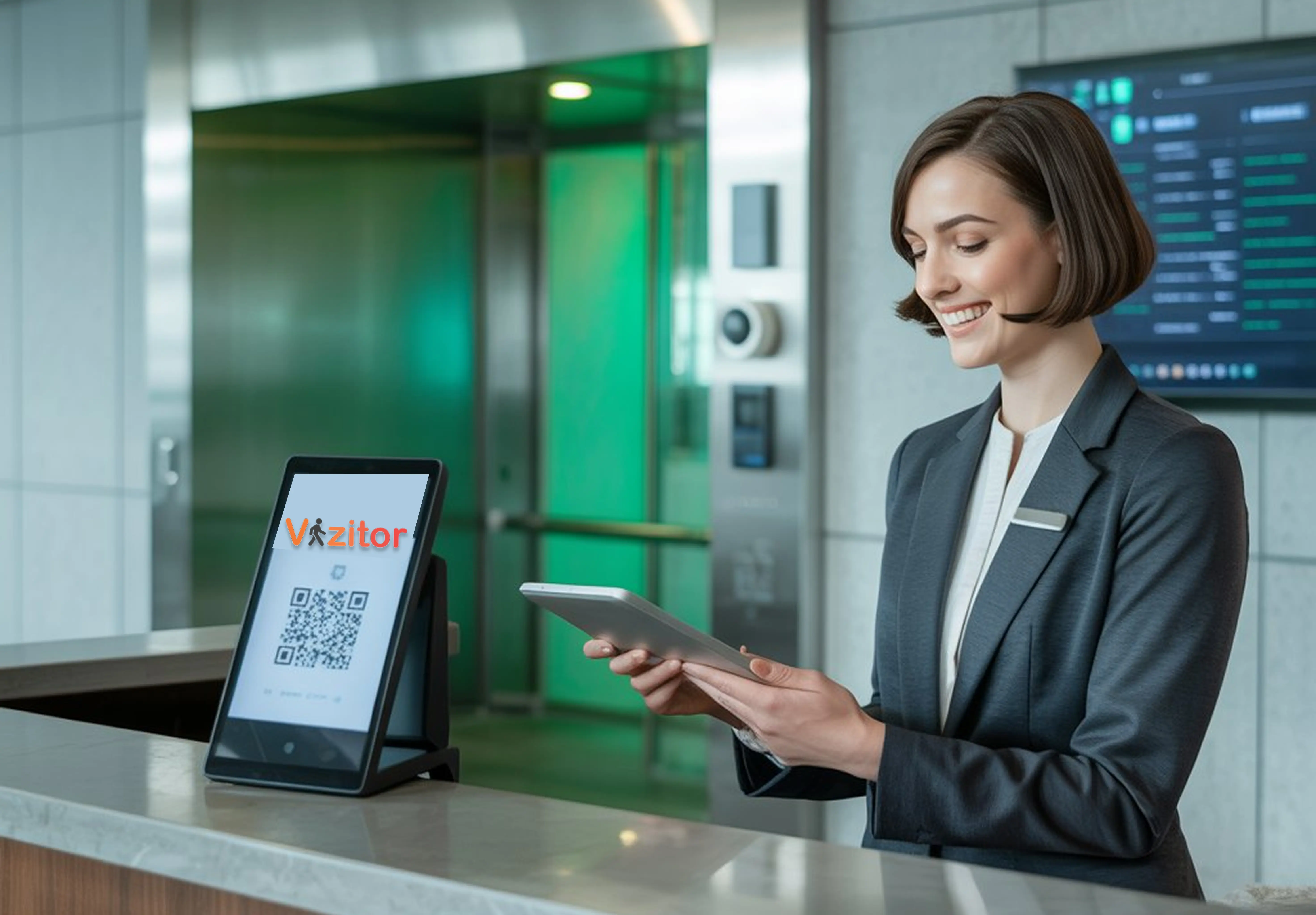
Table of Content
Try Vizitor for Free!
Introduction
The front desk is not just the first point of contact for visitors. It is also the first line of defense for your workplace. Whether you run a corporate office, a co-working hub, or a manufacturing facility, front desk security is critical for protecting employees, assets, and sensitive data.
Many organizations still rely on outdated manual logbooks or under-trained reception setups. These gaps expose businesses to risks including unauthorized access, identity fraud, theft, and compliance violations. The consequences are not limited to physical security breaches. A compromised front desk can result in data theft, regulatory penalties, and lasting reputational damage.
The good news is that with the right front desk security strategy, businesses can transform their reception areas into smart, secure, and welcoming spaces. This guide covers 5 essential steps to protect your workplace, along with actionable best practices and tools that forward-looking organizations are adopting globally.
By the end, you will have a step-by-step security framework that keeps your workplace safe, compliant, and ready for whatever comes next.
Why Front Desk Security Matters
The reception area defines how visitors perceive your organization, but it also determines how safe your people feel inside it. A weak front desk is an open invitation to a range of threats that most organizations underestimate until an incident occurs.
Common risks of weak front desk security:
- Unauthorized access to sensitive areas like server rooms, executive offices, or R&D labs
- Tailgating, where visitors follow employees through secured doors without scanning
- Stolen data, laptops, or physical equipment
- Direct threats to employee safety from unvetted visitors
- Compliance penalties in regulated industries like healthcare, banking, education, and defense
Organizations in both India and the US face distinct challenges. In India, front desks often operate with manual paperwork, leading to delays and missed security checks. In the US, compliance-driven industries demand advanced visitor authentication and digital audit trails to satisfy regulators.
The shift to digital is already underway. Companies worldwide are adopting Visitor Management Systems (VMS), digital ID verification, QR-based check-ins, and integrated access control to modernize front desk operations.
A secure front desk is no longer optional. It is a business necessity.
Step 1: Implement a Digital Visitor Management System
The first and most impactful step is replacing manual sign-in sheets with a digital Visitor Management System.
The problems with paper logbooks:
Paper logbooks are not just inefficient. They are a security liability. Anyone standing at the reception desk can read the names, contact details, and appointment times of every previous visitor. There is no audit trail, no real-time visibility, and no way to flag a person of interest before they walk through the door.
What a modern VMS delivers:
A platform like Vizitor gives your front desk capabilities that paper simply cannot match:
- Touchless QR code check-in so visitors move through quickly and hygienically
- Visitor pre-registration so hosts can approve expected guests before arrival
- Instant badge printing with visitor name, photo, host name, and access permissions
- Real-time notifications to hosts the moment a visitor checks in
- Digital visitor logs that are searchable, exportable, and audit-ready at any time
- Watchlist screening that flags a visitor against a blocklist before they are admitted
For businesses operating across India, a digital VMS eliminates paper clutter and speeds up lobby operations during peak hours. For US-based organizations, it ensures compliance with OSHA, HIPAA, and GDPR through timestamped, encrypted digital records.
A VMS is the foundation that makes every other step on this list more effective. For a broader look at the office-wide gaps a VMS closes beyond the front desk, see our guide on strengthening office security with a visitor management system.
Step 2: Strengthen Identity Verification at Entry
Knowing who is in your building at any given moment is non-negotiable. Yet many organizations still let visitors walk in with little more than a first name written in a logbook.
The risks of weak ID verification:
- Impersonation by someone posing as an authorized visitor or contractor
- Security breaches when an unknown individual gains access to a restricted area
- Liability exposure when an unverified individual causes an incident on your premises
Modern identity verification methods:
Digital VMS platforms now support multiple layers of verification that go far beyond a signed logbook:
- Government ID scanning: Aadhaar in India, Driver’s License or Passport in the US and globally
- Photo capture: A visitor’s photo is taken at check-in and stored with the visitor record
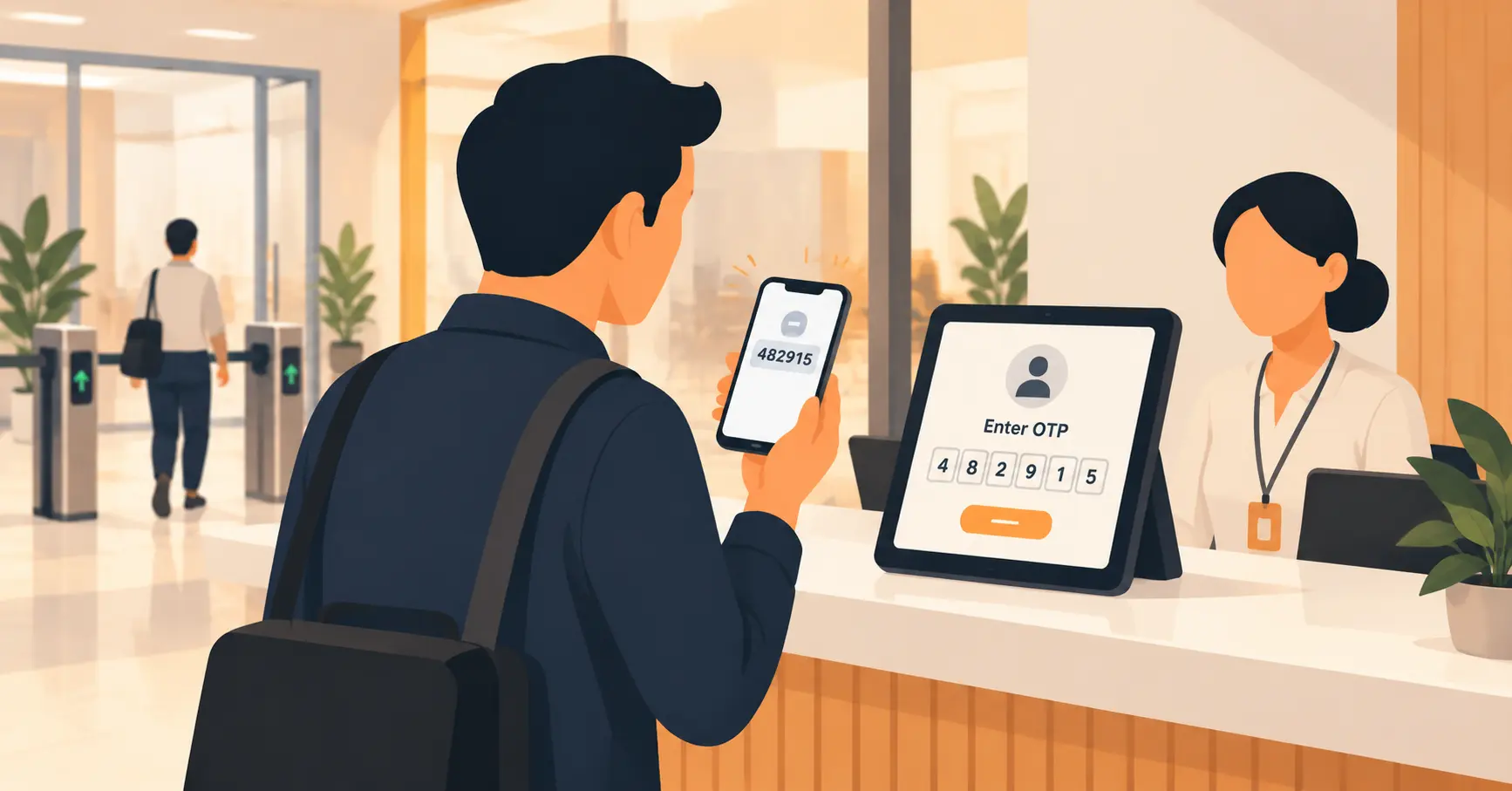
- OTP-based mobile verification: A one-time passcode sent to the visitor’s phone confirms identity
- Pre-approval workflows: Hosts confirm a visitor’s identity before the visitor even arrives
With Vizitor’s multi-level verification, only genuine, pre-verified visitors gain entry. If a visitor appears on a watchlist or cannot confirm their identity, front desk staff receive an immediate alert. This removes the guesswork and gives your team a defensible process for every entry.
Step 3: Train Front Desk Staff for Security Awareness
Technology alone does not secure a front desk. The people operating it matter just as much. Front desk staff are your first responders during security incidents and your day-to-day enforcers of your workplace visitor policy.
What front desk staff need to do well:
- Enforce visitor policies consistently without creating friction for legitimate guests
- Spot suspicious activity and escalate appropriately
- Handle emergencies calmly, including evacuation coordination
- Understand data privacy requirements and handle visitor information responsibly
Critical training areas:
Emergency protocols: Staff should know exactly what to do in the event of a fire, a suspicious package, an aggressive visitor, or a medical emergency. Drills should be run at least twice a year.
Data privacy handling: Front desk staff are the first to collect visitor personal data. They need to understand what can and cannot be shared, how long data should be retained, and what to do if a visitor requests data deletion.
Conflict resolution and escalation: Not every difficult visitor situation needs security called immediately. Staff need practical skills to de-escalate tense interactions and know when to involve management.
In India, training priorities often focus on basic digital adoption and awareness of compliance requirements as organizations modernize from paper-based systems. In the US, training requirements are more mature and often mandate annual refreshers on regulatory compliance and crisis management protocols.
Well-trained staff turn your VMS from a check-in tool into a genuine security asset.
See how Vizitor handles front desk security
Join 500+ workplaces using Vizitor to screen visitors, manage access, and stay audit-ready. Free trial available.
Book a DemoStep 4: Integrate Access Control with Visitor Management
A visitor check-in system is most powerful when it connects directly to your access control infrastructure. This integration ensures that a verified check-in translates into precisely scoped physical access, and nothing more.
Why access control integration matters:
Physical access control prevents unauthorized entry into sensitive areas: server rooms, R&D labs, executive floors, financial offices, and storage areas containing valuable equipment or data. Without integration, a visitor who checks in at reception could theoretically wander anywhere in the building.
How Vizitor integrates with access control:
- Biometric and ID card access: Visitor check-in data syncs with access control panels to enable or restrict movement in specific zones
- QR passcodes for one-time entry: Visitors receive a unique QR code valid only for their visit window, granting access to approved areas only
- Expiry-based visitor badges: Badges automatically deactivate when a visit ends, removing any risk of re-entry after checkout
The outcomes this delivers:
- A complete audit trail that logs where each visitor went and when
- Dramatic reduction in tailgating because doors only open for verified credentials
- Cleaner compliance documentation for audits in regulated industries
- Faster incident response because security teams know exactly where visitors are at all times
For businesses pursuing workplace security management, access control integration is the step that closes the gap between a welcoming front desk and a genuinely secure facility.
Step 5: Monitor, Audit, and Continuously Improve
Security is not a one-time project. Threats evolve, staffing changes, and visitor volumes shift. The organizations that maintain strong front desk security are those that review their systems regularly and use data to identify weak spots before they become incidents.
What to monitor on a regular basis:
- Visitor logs: Are check-in and check-out times being recorded accurately? Are any visitors failing to check out?
- Unauthorized access attempts: How many times has the system flagged a watchlist match or blocked an unapproved entry?
- Peak entry times: When are your highest-risk periods, and is staffing adequate to cover them?
- Badge compliance: Are all visitors wearing badges throughout their visit?
Using data for better decisions:
Vizitor’s analytics dashboard gives security managers and operations leads a real-time view of visitor traffic, patterns, and anomalies. Reports are exportable for compliance submissions, insurance reviews, and internal audits. Over time, this data helps organizations:
- Optimize front desk staffing levels to match peak demand
- Identify recurring access anomalies that warrant a policy review
- Demonstrate regulatory compliance to auditors with complete, timestamped records
- Benchmark security posture over time and track improvement
Best practices to layer on top:
- Define clear visitor policies including maximum visit duration and no-show handling
- Use contactless check-in solutions for hygiene and efficiency
- Align front desk procedures with fire drill and evacuation protocols
- Keep all system software updated to prevent security vulnerabilities
Organizations that approach front desk security as an ongoing practice rather than a fixed installation are significantly better positioned to respond to emerging threats.
Industry-Specific Considerations
Different sectors have different exposure points and compliance requirements. Here is how front desk security demands vary across industries:
Healthcare: HIPAA compliance requires audit trails for every individual who accesses areas where patient data is present. Visitor management systems must capture and store visit records securely, with automatic deletion after the retention period.
Financial services: Regulatory auditors expect documented evidence of who accessed which areas and when. Visitor logs must be complete and tamper-proof.
Manufacturing and defense: ITAR and similar regulations require that foreign nationals be identified, logged, and in some cases denied access to areas where controlled technical data is present.
Corporate offices: The primary risks are data theft and unauthorized access to executive or IT infrastructure. Badge-controlled zones and watchlist screening are the most critical controls.
Education: Schools and universities need to balance open, welcoming campuses with the ability to identify and track every adult visitor on-site, particularly in K-12 settings.
A well-configured VMS can be tailored to address each of these contexts without adding complexity to the visitor experience.
The Business Case for Upgrading Front Desk Security
Organizations sometimes treat front desk security as a cost center. The more accurate framing is that a secure, well-managed front desk prevents costs that dwarf the investment.
A single unauthorized access incident can result in data loss, legal liability, regulatory fines, and reputational damage that takes years to recover from. The cost of a digital VMS starts at $20 per month with Vizitor. The cost of a data breach or compliance violation runs into hundreds of thousands of dollars, and in regulated industries, into the millions.
Beyond risk mitigation, a modern front desk also creates direct operational value:
- Faster check-in reduces lobby congestion and frees reception staff for higher-value tasks
- Pre-registration reduces no-shows and helps hosts prepare for meetings
- Digital records eliminate the time spent searching through paper logbooks during audits
- Integration with access control reduces the security staff headcount needed to manage physical access
The ROI case is straightforward. The question is not whether to invest, but how quickly to get started.
Frequently Asked Questions
See Vizitor in action check-in a visitor in under 30 seconds
Trusted by 500+ businesses. QR check-in, badge printing, NDA signing. Plans from $36/mo.