How a Workplace Management Suite Helps Mid-Size Companies Scale
This blog explains why mid-size companies need a modern Workplace Management Suite (WMS) to manage hybrid work, space usage, visitors, and daily operations. It highlights how workplace management evolved over time, the benefits of using a WMS, and the common challenges companies face during adoption. Throughout the article, Vizitor WMS is positioned as a simple, scalable solution that helps mid-size organizations streamline workflows, reduce costs, and build a more efficient, future-ready workplace.


Table of Content
Try Vizitor for Free!
I. Introduction: The Modern Workplace Challenge
- The Dilemma: Today’s diverse office structures, including hybrid models, require sophisticated management of space, time, and talent to achieve optimal productivity.
- Workplace Management Suite (WMS): A WMS acts as a digital conductor, managing space allocation, resource distribution, and employee flow.
- Mid-Size Company Significance: Mid-size companies, poised for growth, often outgrow traditional management methods like spreadsheets. A WMS is crucial for sustainable growth.
- Objective: To acquire and utilize a WMS effectively while managing costs.
II. Historical Evolution of Workplace Management
- Pre-1980s (“Before Times”): Characterized by manual systems like paper schedules and punch cards, with a focus on quantifying individual movements (e.g., Taylorism). Management was largely art and often ineffective.
- 1980s-1990s (Dawn of Digital): PCs introduced early project management software, email, and digital calendars. These tools were primarily accessible to large corporations, leaving mid-size firms behind.
- 2000s-2010s (Cloud Revolution): Broadband, Software as a Service (SaaS), and Enterprise Resource Planning (ERP) systems democratized technology, making sophisticated tools cost-effective and accessible to a wider range of businesses.
- 2020s-Present (“Oh Crap, Hybrid Work!” Era): The COVID-19 pandemic accelerated remote work adoption. Artificial Intelligence (AI) and automation became essential for team cohesion and productivity. Hybrid work is predicted to become the standard.
III. Functionality and Benefits of a WMS
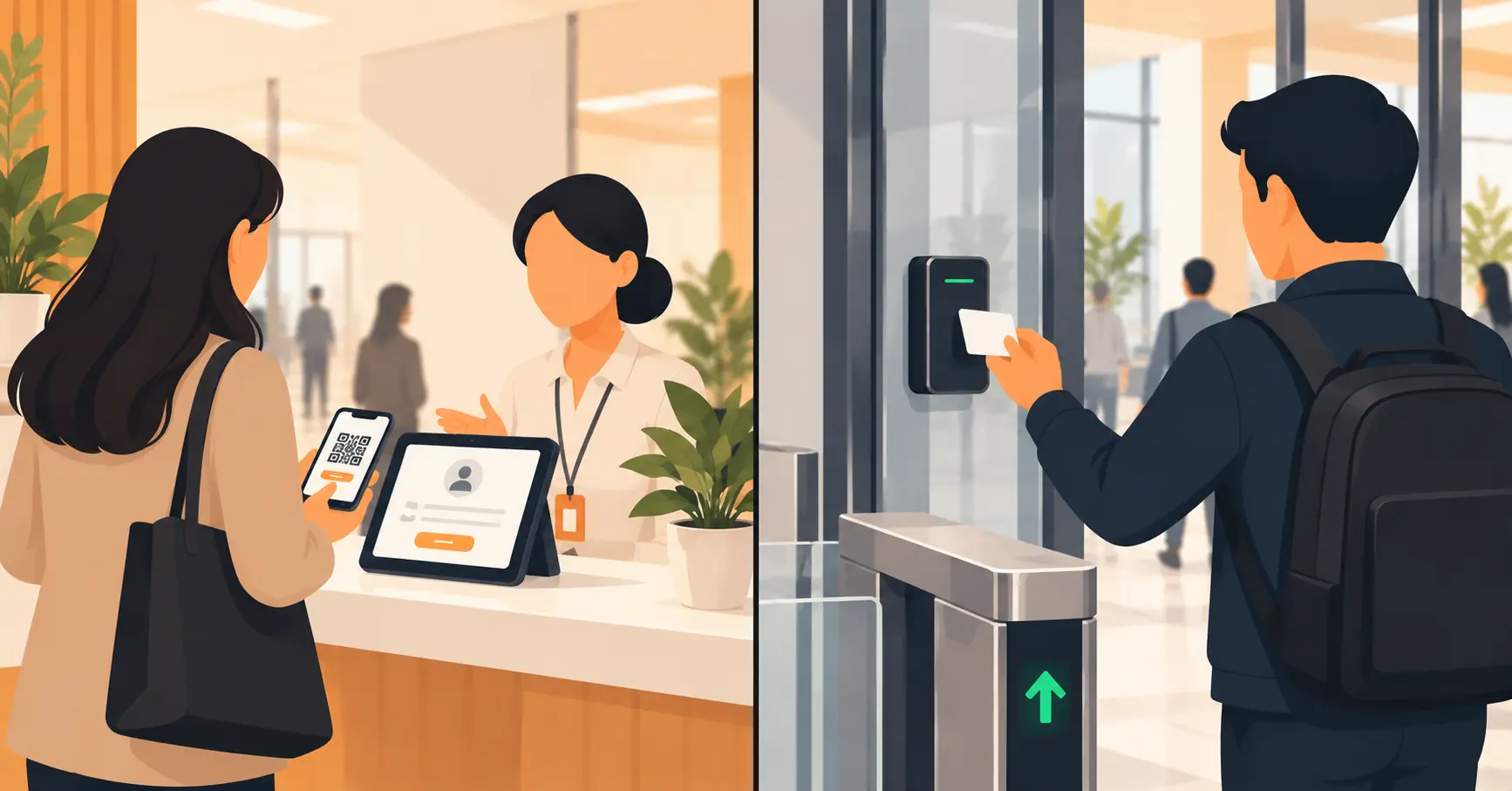
- Beyond Basic Booking: Modern WMS offer comprehensive tools, including meeting room booking and visitor check-ins, replacing rudimentary systems.
- Office Resource Management: Enables effortless management of resources like parking spots, lockers, and shared technology, with real-time dashboards for office occupancy visibility.
- Data Analytics: Provides space utilization analytics to identify underused areas, informing data-driven decision-making.
- Integration Capabilities: Smooth integrates with existing systems like Outlook, Slack, and HR platforms for a unified digital environment.
Not sure a full suite is the right call yet, or whether your current admin tools are enough? Why a workplace management suite isn’t just office software with a new label breaks down the actual difference.
Key Payoffs for Mid-Sizers:
- Cost Savings: Up to 30% reduction in real estate costs through optimized space utilization.
- Productivity & Satisfaction: Potential 25% boost in employee satisfaction and productivity by streamlining logistics.
- Hybrid Work Support: Facilitates easy management of a dynamic, distributed workforce.
- Informed Decisions: Empowers data-driven choices regarding office layout and expansion.
- Operational Efficiency: Frees HR and facilities teams from administrative tasks.
- Scalability: Solutions that grow with the company.
- Security: Enhanced visitor and access management for a safe environment.
IV. Current Hurdles and Expert Insights
Even though mid-size companies increasingly recognize the need for a Workplace Management Suite, adopting one isn’t always straightforward. Leaders often want the benefits better space usage, smoother collaboration, and operational clarity but struggle with systems that are either too complex, too expensive, or too rigid for their real-world workflows.
This is exactly where Vizitor WMS stands out. It delivers the essential capabilities today’s mid-size companies need; meeting room scheduling, visitor management, asset and space tracking, analytics, and secure access workflows without the heavy implementation burden that traditional enterprise systems bring.
Adoption Challenges:
- Learning Curve: Requires commitment and training for widespread adoption.
- Lean Team Strain: Implementation can be challenging for resource-constrained teams.
- Culture Clash: Formal systems may disrupt the intimate atmosphere of smaller companies.
- Data Migration: Transitioning legacy data can be complex and time-consuming.
- “Special Snowflake” Problem: Difficulty finding solutions for niche industry requirements.
- Talent Management: Need for compelling employee experiences to attract and retain talent.
- AI ROI: Companies are still working to realize tangible revenue gains from AI investments; managing expectations is crucial.
V. Cost Management and Vendor Traps
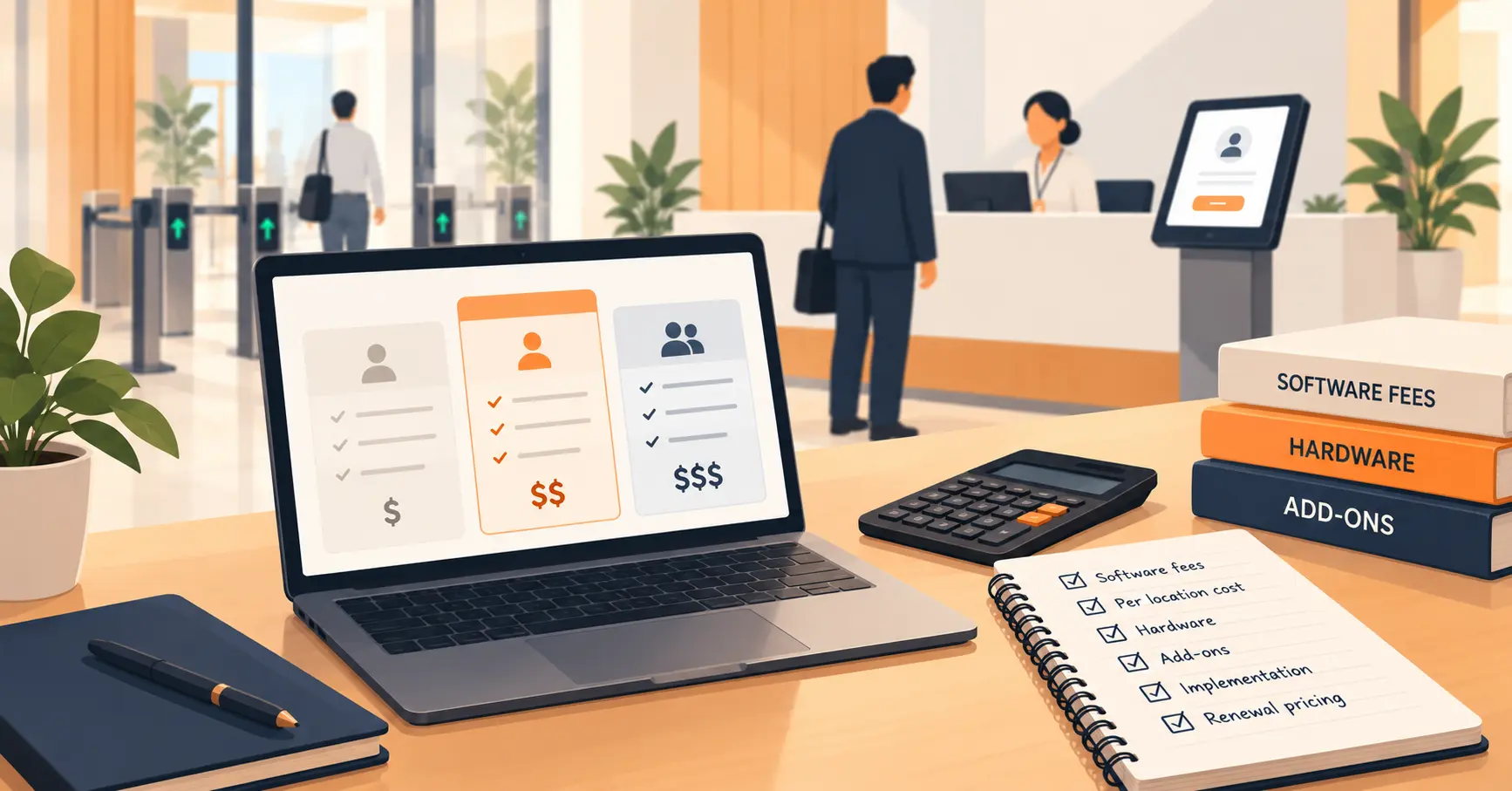
- Pricing Complexity: Involves per-user fees, per-space charges, tiered subscriptions, and custom quotes.
- Implementation Tax: Data migration, training, and custom development can add 15-25% to annual contract costs.
- Integration Fees: Additional charges for connecting to existing systems.
- Customization Creep: Accumulation of costs from minor modifications.
- Exceeding Limits & Renewal Shocks: Unexpected charges for exceeding usage limits and significant price increases upon auto-renewal.
- “Shelfware” Syndrome: Paying for unused features.
- Vendor Lock-in: Achieved through proprietary technology, long contracts, and high switching costs, leading to loss of control and vulnerability to price hikes.
Blueprint for Cost-Effective Upgrade:
- Cloud-First: Embrace cost-effectiveness and scalability of cloud-based solutions.
- Phased Rollouts: Implement gradually to spread costs and minimize disruption.
- Use Vendor Support: Utilize provided training resources.
- Scalable Solutions: Pay only for needed features, with expansion capabilities.
- Prioritize Core Needs: Focus on essential requirements, avoiding superfluous features.
- Integration Intelligence: Choose WMS that integrates smooth with existing technology to minimize compatibility and integration costs.
VI. Future Trends in Workplace Management
- AI Everywhere: AI will drive smart decision-making, enhance cybersecurity, and transform HR/talent management. Generative AI will be central to workplace optimization.
- Reimagined Offices: AIoT (AI + IoT) technologies will create personalized spaces, optimize energy efficiency, and enable predictive maintenance.
- Hybrid Work Persistence: Demand for flexible work technologies fostering dynamic, remote-friendly environments will increase.
- Human Touch Enhanced by Tech: WMS will focus on employee experience, collaboration, transparency, and upskilling opportunities.
- Emergence of “Frontier Firms”: Expect human-AI teams and potentially AI workforce managers.
- Smart Adoption, Smarter ROI: Mid-size companies must rigorously evaluate AI value propositions and integrate strategically.
VII. Conclusion: Empowering Mid-Size Companies
A WMS is an essential tool for mid-size companies to manage growth, hybrid work, and the evolving future of work, moving beyond an extravagance.
By understanding historical context, current challenges, cost factors, and emerging technologies, mid-size companies can create efficient, engaging, and resilient workplaces.
Evaluate WMS options to transform workplace management from a cost center into a competitive advantage.
Stop juggling spreadsheets and manual processes.
Automate your workplace with Vizitor WMS, free to try.
Frequently Asked Questions
See Vizitor in action check-in a visitor in under 30 seconds
Trusted by 500+ businesses. QR check-in, badge printing, NDA signing. Plans from $36/mo.