Office Software or Workplace System: Which Fits Your Business?
Office management software and workplace management systems get pitched as interchangeable, but G2 and Capterra list them as separate software categories for a reason. This guide breaks down what each one actually does, where the line between them sits, and how to pick the right one for your business.


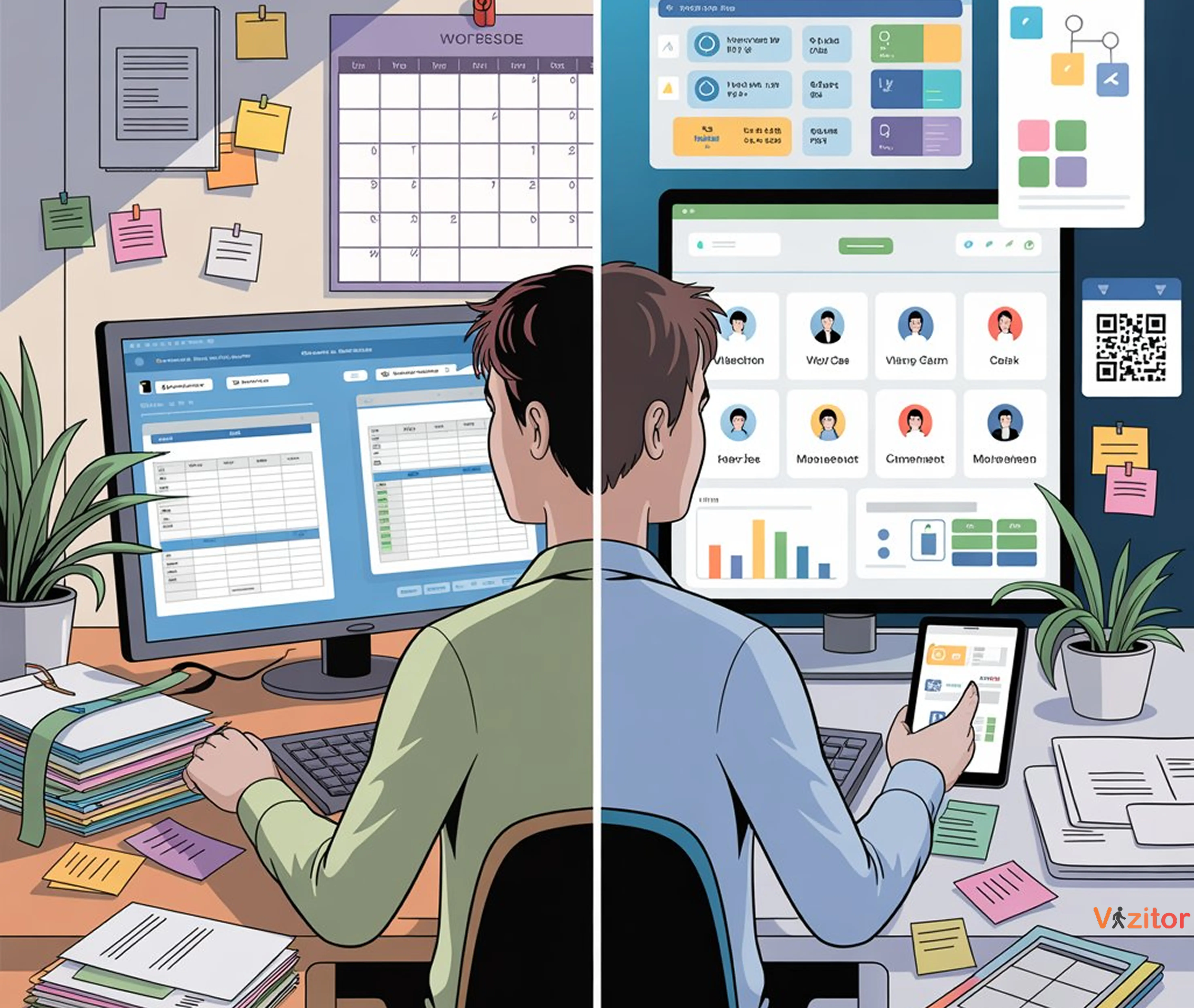
Table of Content
Try Vizitor for Free!
Office management software and a workplace management system are not the same product wearing two different names. One runs your admin tasks. The other runs your building.
That distinction gets lost easily, because both categories promise to make your office run smoother, and both show up in the same search results when you type “office software” into Google. But the two biggest software review marketplaces, G2 and Capterra, list them as separate categories for a reason. They solve different jobs, for different buyers, at different points in a company’s growth.
Office management software is built for administrative work: scheduling, records, tasks, and internal communication. A workplace management system is built for something bigger: running the physical workplace itself, visitors, desks, rooms, deliveries, and attendance, through one connected, data-driven platform. That difference decides which one your business actually needs, and buying the wrong one wastes months, not just money.
This guide breaks down what each category actually covers, why the software industry keeps them separate, and how to tell which one fits your office today.
What Office Management Software Actually Handles
Office management software keeps day-to-day administrative work organized. It’s the digital backbone for traditional office admin, not a tool for managing physical space or the people moving through it.
Typical functions include:
- Managing employee directories and task lists
- Tracking supplies, assets, and maintenance requests
- Scheduling meetings and routing internal communication
- Recording attendance and timesheets
- Maintaining general records and documentation
Zoho Office Suite, Asana, and Trello are the most common examples. They’re genuinely good at what they do. Project tracking, document management, and team communication are their job, and they do that job well.
What they don’t do is manage physical space or people flow. They have no concept of a visitor walking through your lobby, a desk sitting empty on a Tuesday, or a meeting room that’s double-booked right now. Most weren’t built to talk to IoT sensors, badge readers, or occupancy hardware, so they stay useful for a static office and start straining the moment your workplace gets more complicated than one location and one fixed schedule.
What a Workplace Management System Adds
A workplace management system (WMS) is a connected, data-driven platform that goes past admin work. It optimizes how people, spaces, and processes interact, in real time, not just on a calendar.
Core capabilities usually include:
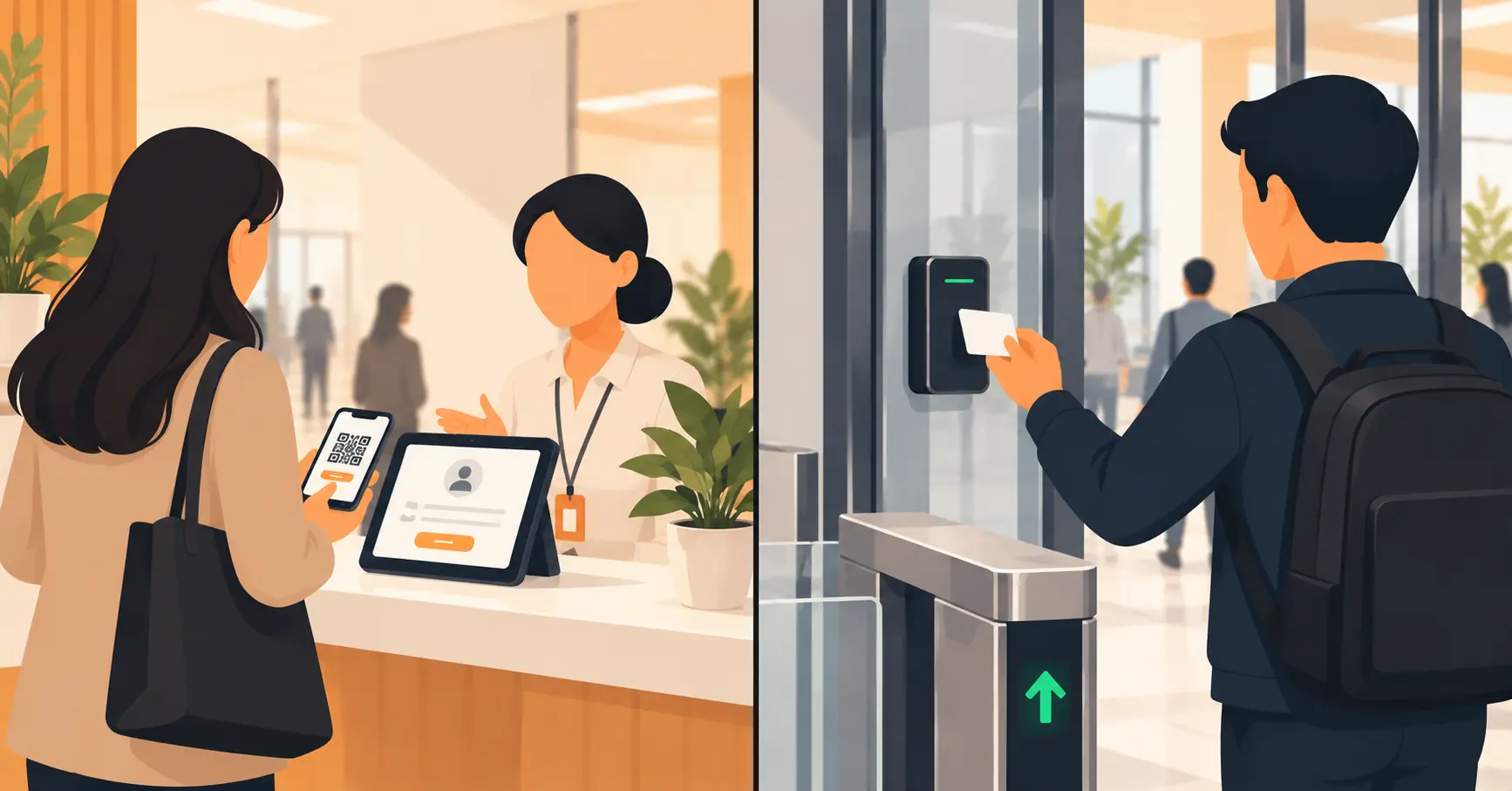
- Visitor management: secure check-in through QR codes, host alerts, and digital badges
- Meeting room management: live booking, no-show release, and room-usage analytics
- Space management: utilization data for desks, floors, and departments
- Deliveries and queue management: organized visitor flow and package handling
- Access control integration: digital entry logs and compliance-ready records
A workplace management system like Vizitor combines automation, analytics, and real-time data to make the physical office safer and easier to run, which matters most for hybrid teams juggling shared desks and unpredictable daily headcounts.
Why the Two Are Treated as Separate Categories, Not Marketing Spin
It would be easy to assume “office management software” and “workplace management system” are just two labels vendors use for the same thing, chosen for whatever keyword ranks better that quarter. The software marketplaces that buyers actually shop from don’t see it that way.
G2 runs Office Management Software as its own product category (g2.com/categories/office), separate from its Integrated Workplace Management Systems category (g2.com/categories/integrated-workplace-management-systems-iwms). Capterra draws the same line from the other direction, listing IWMS software as its own category built around booking and managing physical office space, with a different set of vendors and different buyer questions than a task-management tool would answer (capterra.com/iwms-software).
That’s not a technicality. Category placement on those marketplaces is based on what a product actually does and who buys it, not how a vendor wants to be perceived. If the two categories kept getting merged into one, the marketplaces built specifically to help buyers compare software wouldn’t have kept them apart.
Workplace Management System vs Office Management Software: Key Differences
| Feature | Office Management Software | Workplace Management System |
|---|---|---|
| Purpose | Handles admin and record-keeping tasks | Manages people, spaces, and workflow |
| Scope | Internal administrative use | End-to-end workplace ecosystem |
| Data insights | Basic task and calendar reporting | Real-time occupancy and usage analytics |
| Scalability | Fits a single-office setup | Built for multi-site and hybrid offices |
| Integration | Works with a limited tool set | Connects with IoT, access control, and HR systems |
| User experience | Operational | Strategic, decision-driving |
Office management software digitizes the office. A workplace management system runs it.
If neither category fits and what you actually need is CRM, invoicing, or marketing automation, that’s a third bucket entirely. See how seven general business management systems compare on 2026 pricing to check whether your problem is even a workplace-software problem in the first place.
Common Mistakes When Choosing Between Them
Buying a workplace management system before you have a workplace problem. An eight-person team in one office, with no visitor traffic and no room-booking conflicts, doesn’t need occupancy analytics yet. Match the tool to a real pain point, not to what a vendor’s demo makes look exciting.
Treating office software as a compliance tool. Asana and Trello don’t log who entered your building or when. If an auditor or a security incident ever asks “who was on-site that day,” a task tracker has no answer. That’s a workplace management system’s job, not an add-on feature of a project tool.
Trying to force a task tool into a job it wasn’t built for. Some teams try to manage room bookings through a shared calendar or visitor sign-ins through a spreadsheet bolted onto their project tool. It technically works, the same way a spreadsheet technically works as a database, until the office grows past a dozen people and the workarounds start breaking.
Running both systems in parallel “just in case." Switching to a workplace platform but keeping the old admin tool logging the same information creates two systems of record. Reception checks one. Facilities checks the other. Neither is trusted fully, and the reporting never matches.
Choosing by brand recognition instead of by module fit. A well-known enterprise IWMS is overkill for a single 40-person office that just needs visitor check-in and desk booking. Buy for the specific workflows you have today, with room to add modules later, not for a logo that looks good on a vendor slide.
Which One Does Your Business Actually Need?
| Question | If your answer is “Yes,” you need a… |
|---|---|
| Do you need to automate visitor check-ins or room bookings? | Workplace management system |
| Is your team hybrid or remote-enabled? | Workplace management system |
| Do you want real-time insight into space or people movement? | Workplace management system |
| Is your only pain point task tracking, scheduling, or internal messaging? | Office management software |
That last row matters as much as the first three. A single-site team of twenty, with one shared calendar and a front desk that already knows every regular visitor by name, may genuinely be fine with office software for now. The coordination problem a workplace system solves doesn’t exist yet if there’s no hybrid schedule, no visitor volume, and no space conflict to fix. Buying ahead of that need adds a subscription and a rollout project without solving anything you’re currently stuck on.
If your goal is efficiency and scale as headcount or site count grows, a workplace management system like Vizitor is built to grow with you instead of getting replaced in eighteen months.
Why Businesses Are Moving Toward Workplace Management Systems
End-to-end visibility. A workplace management system gives facility and HR teams one view of who’s in the building and how meeting rooms and desks are actually used, instead of piecing that picture together from three separate tools.
Support for hybrid schedules. Static admin tools can’t keep up with a workforce that isn’t in the office on a fixed pattern. Real-time scheduling, flexible desk booking, and live space data are built for a headcount that changes day to day.
Better security and compliance posture. Visitor tracking, digital logs, and access control integrations give a business a documented record to point to, which matters when data privacy and security standards come up in a client contract or an audit.
Decisions backed by data instead of guesses. Usage data turns into real answers about which floors are underused and which hours create the longest waits, the kind of input that’s simply unavailable from a calendar app.
One connected system instead of five disconnected ones. Office software tends to work in isolation. A workplace management system pulls visitor, room, desk, and delivery data into a single record, which cuts the “let me check with three people” tax most offices have learned to live with.
Where Vizitor Fits
Vizitor is a workplace management platform built for the hybrid office, not a repackaged task tool with a new name. It connects people, process, and space through automation and shared data, rather than tracking each one separately.
With Vizitor, a team can digitize visitor check-ins with QR-based entry, manage meeting rooms and shared spaces, automate attendance and access logs, and monitor deliveries and queue flow in real time, all from one dashboard.
Vizitor’s Snapdeal deployment is a useful proof point for what that looks like in practice: 5x faster check-in, zero manual errors since deployment, and full rollout across Snapdeal’s corporate offices in a single day, replacing a manual sign-in process that used to bottleneck reception during peak hours. That’s one customer’s result, not a guarantee, but it shows what a connected system changes versus a logbook and a spreadsheet.
If a team also needs the administrative side, general task tracking, internal scheduling, document workflows, Vizitor’s broader office management software lineup covers that too. But the workplace layer, visitors, rooms, desks, deliveries, and attendance, is where the platform earns its place in a corporate HQ, a manufacturing plant, or a coworking space.
Frequently Asked Questions
Is a workplace management system the same as office management software?
No. Office management software handles admin tasks like scheduling, record-keeping, and communication. A workplace management system manages people, spaces, and workflows across the whole organization, through automation, real-time analytics, and integrations with access control and IoT systems. G2 and Capterra both list them as separate software categories.
Can small businesses use a workplace management system?
Yes. Platforms like Vizitor scale down as easily as they scale up, so startups and small teams can start with one module, like visitor check-in or room booking, and add more as headcount or site count grows.
What are examples of office management software?
Zoho Office Suite, Asana, and Trello are common examples. They handle project tracking, document management, and internal communication well. None of them check in a visitor, book a meeting room, or log a delivery, because that isn’t the job they were built for.
Why does data analytics matter more in workplace management than office management?
Office tools report on tasks and calendars. Workplace management systems report on space and people flow: which desks sit empty, which rooms double-book, which hours create the longest queues. That data drives real estate and staffing decisions office software was never built to inform.
Does a workplace management system replace my existing office software?
Not usually, and it shouldn’t try to. Most teams keep tools like Asana or Google Workspace for task and document work, and add a workplace management system specifically for visitor, space, and attendance workflows those tools don’t cover. The two run side by side, not one instead of the other.
Is Vizitor an office management system or a workplace management system?
Vizitor is a workplace management system. It connects visitor check-in, meeting room booking, desk and space management, attendance, and deliveries into one platform, built around people and space, not documents and tasks.
How does Vizitor differ from traditional office software?
Vizitor integrates visitor management, meeting room scheduling, attendance tracking, and real-time analytics into a single platform. Traditional office software handles administrative tasks only. Vizitor is built for the physical workplace: who’s in the building, which spaces are free, and what needs following up on.
The Bottom Line
Office management software and a workplace management system solve different problems, and picking the wrong one costs more than a subscription fee. It costs a rollout that gets abandoned six months in because the tool never matched the actual job.
If your workplace is one office with a fixed schedule and your only pain points are tasks and internal messaging, office software still does its job well. If you’re managing hybrid schedules, visitor traffic, shared desks, or more than one site, a workplace management system is what closes the gap between “we track this in a spreadsheet” and “we can answer that question in thirty seconds.”
Ready to see what a connected workplace platform looks like in practice? Book a demo with Vizitor and we’ll walk through visitor check-in, room booking, and attendance in one live session.
Frequently Asked Questions
See Vizitor in action check-in a visitor in under 30 seconds
Trusted by 500+ businesses. QR check-in, badge printing, NDA signing. Plans from $36/mo.