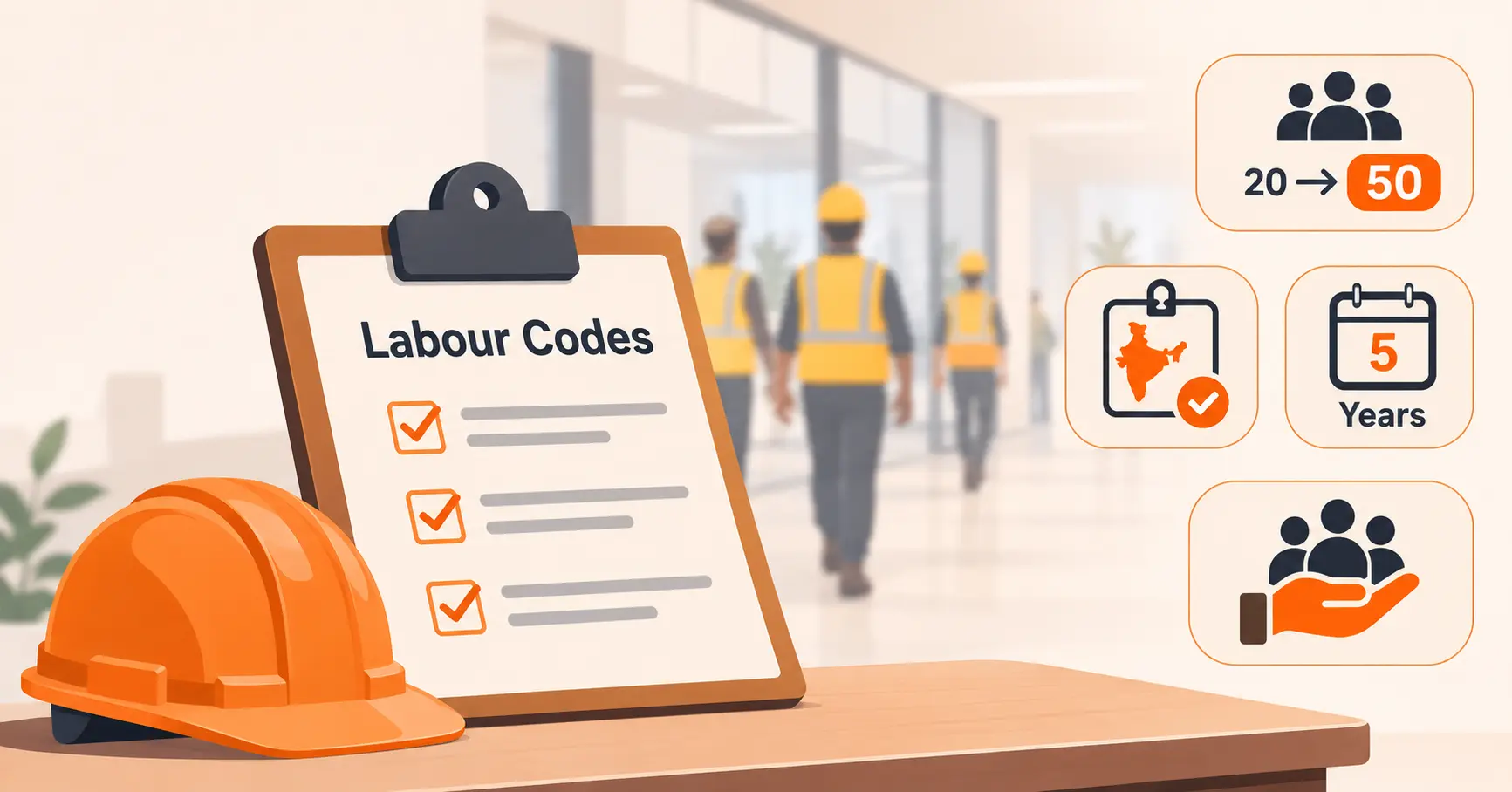
Contractor Management System: The Complete Guide
A complete guide to contractor management systems in the facilities sense of the term (not the separate 1099-payroll category the same name also refers to). It covers how the process actually works prequalification through ongoing monitoring, the core features a real system needs, three common types (standalone, VMS-bundled, and enterprise-EHS-embedded), honest benefits grounded in verifiable facts (IFMA's 37% rise in outsourcing, OSHA's Multi-Employer Citation Policy, current 2026 penalty amounts) rather than invented ROI percentages, the industries that rely on it most, how it differs from a visitor management system, and a buying checklist. It closes with where Vizitor's own contractor management module fits.


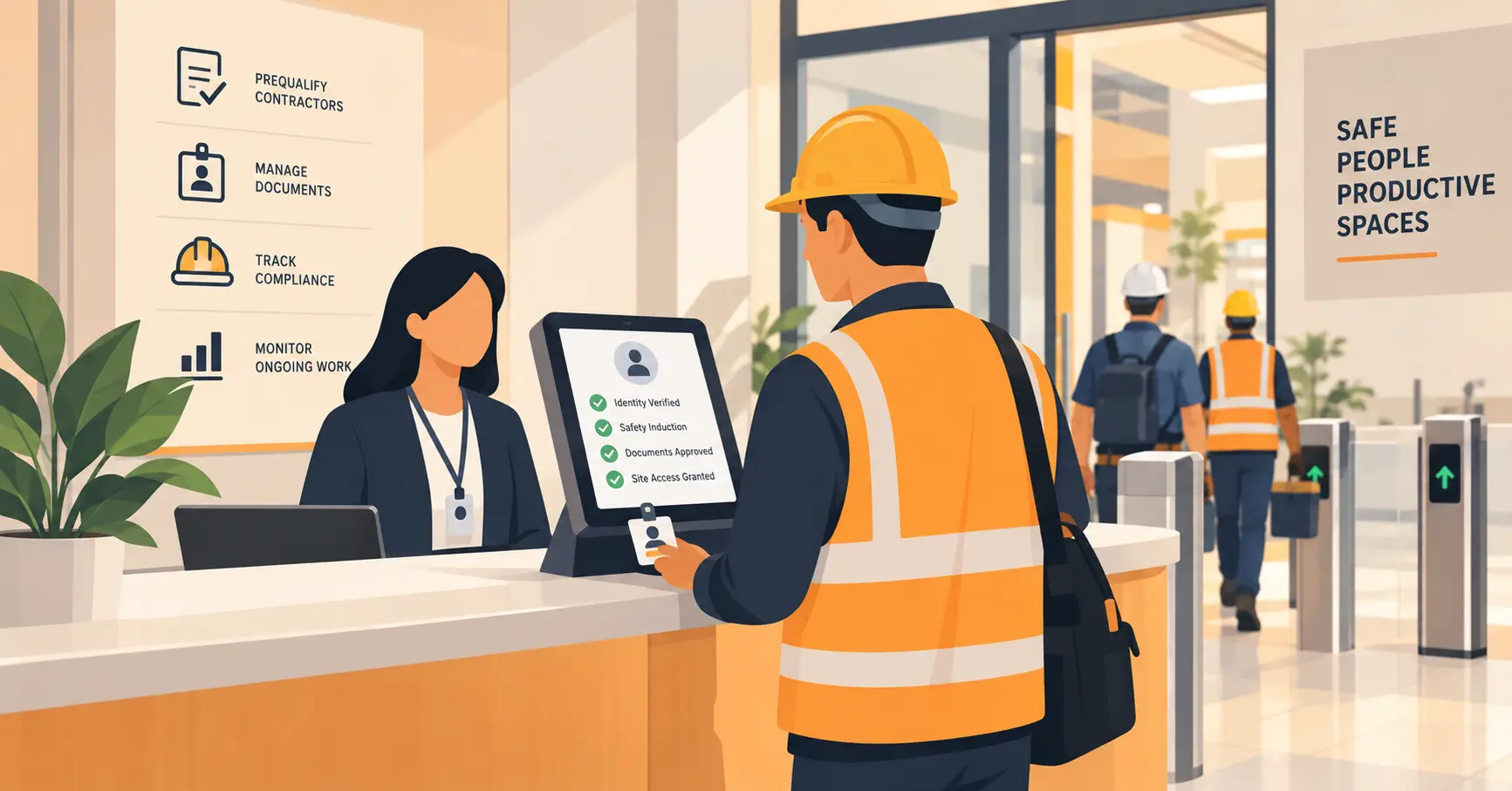
Table of Content
Try Vizitor for Free!
A contractor management system tracks every contractor working at a physical site: their insurance, licenses, and safety certifications, whether those documents are current, and which areas they’re actually cleared to access. It replaces the spreadsheet-and-email-chain approach most facilities start with, before that approach quietly stops working.
One thing worth clearing up first: this term means two different things, and most search results for it don’t tell you which one you’re looking at. This guide covers the facilities meaning, tracking contractors at a physical location. A separate category of software, used by platforms like Deel or TalentDesk, uses the same name for something else entirely: hiring and paying independent (1099) contractors and freelancers, with contracts and international payroll. If that’s what you’re actually looking for, this isn’t the right guide. If you’re trying to track who’s physically on site and whether their paperwork is current, keep reading.
How It Actually Works
A contractor management system follows a facility’s contractors through four stages, not just a single check-in moment.
1. Prequalification. Before a contractor is ever scheduled, their company gets added to the system with the documents required for their trade: insurance certificates, licenses, safety certifications, and any site-specific requirements. This is the gate that decides whether a contractor is even eligible to be booked.
2. Onboarding and induction. Before a specific job starts, the contractor confirms they’ve read site-specific hazards, rules, and emergency procedures. This gets recorded as part of that job’s file, not as a one-time signature that never gets checked again.
3. Ongoing monitoring. Documents expire. A real system tracks those dates and flags them, typically 90, 60, and 30 days out, so a lapsed certificate gets caught before the next job, not discovered when an inspector asks for it.
4. Site access and the audit trail. Access gets tied to a specific work order, zone, and time window, not a blanket badge. Every check-in, document check, and access decision lands in one searchable record for when a client, insurer, or OSHA inspector asks who was on site and what they were cleared to do.
Core Features
Document management with expiry alerts. The center of the system. Insurance, licenses, and certifications all expire, and the system needs to flag that automatically, not rely on someone remembering to check.
A compliance dashboard. Rather than opening each contractor’s file individually, a dashboard shows which contractors are compliant, which are at risk, and which have missing or expired documents, across every site if you run more than one.
A risk register. A ranked list of exactly which contractors and documents need attention right now, so review time goes to the highest-risk gaps first instead of a flat, unsorted list.
Safety induction and acknowledgment tracking. Confirmation that a contractor has read site-specific hazards and rules, recorded as part of the job file.
Site-specific access control. Zone-based or time-limited access tied to a specific work order, so a contractor cleared for one job doesn’t automatically have access everywhere.
Audit-ready export. A report formatted for an inspection or audit, generated in minutes, not assembled from scratch when someone asks.
Role-based access. Different views for facilities managers, EHS staff, security, and department owners, so sensitive compliance data is visible only to people who actually need it.
Integration with visitor management and access control. Contractor compliance status connects to the physical check-in process, so an expired document can actually block entry instead of being a fact that lives in a separate system nobody checks at the door.
Three Types of Contractor Management Systems
Standalone systems, built specifically for contractor compliance and nothing else. These tend to go deep on document tracking and compliance reporting, without handling general visitor check-in at all.
Contractor management bundled into a visitor management platform. Vizitor and several other vendors take this approach: one account handles both general visitor check-in and contractor-specific compliance, so the two records live together instead of in separate tools.
Contractor management embedded in a larger enterprise EHS or facilities suite. Larger organizations sometimes get contractor management as one module inside a much bigger platform that also covers incident reporting, asset management, and broader safety programs. This fits real enterprise scale, at real enterprise cost and implementation time.
None of the three is universally right. A single-site business with occasional contractors doesn’t need the same tool as a multi-site industrial operator running dozens of contractors weekly.
The Real Benefits, Honestly
A lot of vendor content around this topic cites precise-sounding ROI numbers (specific percentages for reduced admin time, cost savings, fewer incidents) with no named study or methodology behind them. Rather than repeat those, here’s what’s actually verifiable.
It reduces real citation exposure. Under OSHA’s Multi-Employer Citation Policy, a facility can be cited as a controlling or exposing employer for a hazard that only affected a contractor’s own workers, not the facility’s employees. Current 2026 penalties run up to $16,550 per serious violation and $165,514 per willful or repeat violation. A documented, enforced contractor process is the evidence of reasonable diligence that policy actually looks for.
It matches a real shift in how work gets done. IFMA’s own research found that 37% of organizations increased how much they outsource over the past year. More of the actual work happening at a facility is being done by contractors, not employees, which makes contractor documentation a bigger and more constant job than an occasional filing exercise.
It replaces a process that fails quietly, not loudly. A spreadsheet or email-based system doesn’t announce that it’s broken. It just produces a gap, an expired certificate nobody caught, a contractor in a zone they weren’t cleared for, that stays invisible until an audit or an incident makes it visible at the worst possible time.
It gives you a real answer during an emergency. A facility with heavy machinery, hazardous materials, or restricted zones needs an accurate, real-time list of who’s on site. A stale or manual record is a bigger liability here than in a typical office.
Industries That Rely on This Most
Construction. Subcontractors change from phase to phase, and site access, training verification, and incident response all need to move at the same pace as the project.
Oil and gas and energy. Refineries and pipeline projects often have dozens of contractors on site at once. Without centralized tracking, confirming who’s trained and cleared for a specific job becomes genuinely difficult at that scale.
Manufacturing. High contractor volume (electricians, equipment vendors, inspectors), hazardous zones, and real safety stakes, covered in more depth further down.
Healthcare. Facilities and biomedical contractors need access to sensitive areas under real compliance requirements, with patient safety adding another layer of stakes to getting access control right.
Education. Contractors working on school or campus facilities, often during hours when students are present, need the same rigor around identity and clearance as any other high-stakes site.
Logistics and warehousing. High contractor turnover for maintenance, equipment servicing, and seasonal work makes manual tracking break down faster than in a lower-volume environment.
How This Differs From a Visitor Management System
The two get bundled together often, and for good reason: many platforms, Vizitor included, handle both from one account. But they’re not the same job.
A visitor management system handles check-in for anyone arriving on site: guests, deliveries, candidates, contractors included. Its core job is the front-desk moment, verifying identity, notifying a host, printing a badge.
A contractor management system goes further specifically for contractors: tracking their documents over time, flagging expirations before they become a problem, and tying access to a specific work order rather than a general visit. A visitor tool tells you someone arrived. A contractor management system tells you whether they were actually allowed to be there, and for how long.
How to Choose
Match the type to your actual scale. A standalone tool or a VMS-bundled option covers most single or multi-site businesses. An enterprise EHS suite makes sense once contractor management is one piece of a much larger safety program you’re already running.
Check whether documents actually block access, or just get filed. The real value is in enforcement: an expired certificate should stop a check-in, not just sit flagged in a report nobody reads until later.
Confirm the audit export is genuinely fast. Ask a vendor to show you the export, not describe it. The difference between minutes and a manual pull is the difference between a real audit trail and a promise of one.
Ask how site-specific access actually works. Not every system supports zone or time-limited access tied to a specific work order. If yours doesn’t, a badge that works everywhere is a real safety gap, not just an inconvenience.
Decide if it needs to connect to visitor management at all. If contractors and general visitors already move through the same front door, a connected system avoids running two disconnected tools that don’t share data.
What This Looks Like Operationally
The system above is the record-keeping layer. The door-level process, verifying identity, capturing the induction, badging, and logging sign-out, is a separate but connected piece. Our contractor check-in checklist covers that four-stage process directly: before arrival, at the door, on site, and sign-out.
Where Vizitor Fits
Vizitor’s contractor management system gates check-in on document expiry, insurance, permits, and safety inductions, so an expired certificate blocks entry instead of slipping past a busy front desk. Every contractor rolls up into a compliance dashboard with automated 90, 60, and 30-day expiry alerts and a risk register showing exactly which contractors need attention. It connects to the same platform running visitor check-in, so contractor compliance and general visitor traffic live in one record instead of two disconnected tools.
For manufacturing and industrial sites specifically, where contractor volume tends to be highest, our comparison of visitor management systems built for manufacturing covers how several vendors, Vizitor included, handle this differently.
Book a demo to see contractor documents, expiry alerts, and site access working from one dashboard.
Frequently Asked Questions
See Vizitor in action check-in a visitor in under 30 seconds
Trusted by 500+ businesses. QR check-in, badge printing, NDA signing. Plans from $36/mo.