How a Visitor Gate Pass System Authorizes Facility Entry
This page explains what a visitor gate pass is an entry authorization document issued to non-employees visiting a facility, covering the standard format, required fields, all gate pass types including visitor, contractor, vendor, material, vehicle, and long-duration passes, and a clear distinction from airport gate passes. It includes a paper versus digital comparison, a step-by-step breakdown of how digital gate pass systems work, industry-specific requirements across corporate, healthcare, education, manufacturing, and government facilities, and guidance on when organizations should transition from paper to digital.


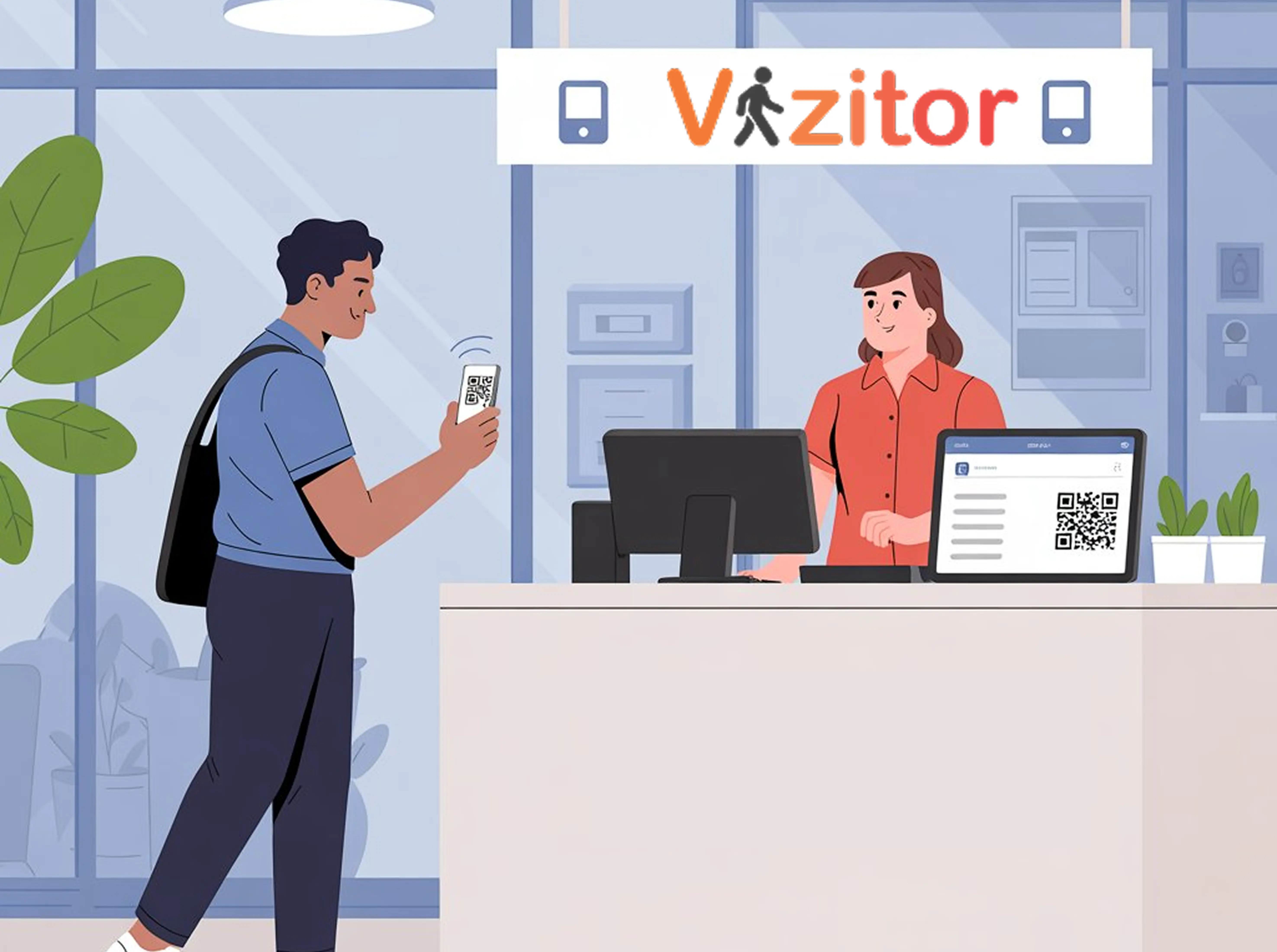
Table of Content
Try Vizitor for Free!
Introduction
Think about the first impression your workplace gives to visitors. Is it a crowded reception desk with paper registers, manual slips, and guards writing names by hand? Or is it a smooth digital process where guests receive a secure pass on their phone, scan a QR code, and walk in with confidence?
This is the difference a Visitor Gate Pass System creates.
A visitor gate pass is no longer just a slip of paper, it’s a digital identity badge that ensures security, saves time, and enhances professionalism. Whether it’s a corporate office, hospital, school, or factory, businesses worldwide are moving towards gate pass online systems for visitors entry and tracking.
In this guide, we’ll explore what a visitor gate pass system is, why traditional gate passes are outdated, its key features, benefits, industry use cases, and how to implement it in your organization.
What is a Visitor Gate Pass?
A visitor gate pass is an entry authorization document issued to a person visiting a facility. It confirms that the visitor has been registered, that their visit has been authorized by a host, and that they are permitted to be on the premises during a specific time window.
The pass travels with the visitor throughout their time on-site. At the entrance, security verifies it. At restricted areas, it defines what the visitor can and cannot access. At departure, the pass is surrendered, and the exit time is recorded.
Think of it as a temporary identity document specific to that visit distinct from a permanent employee ID card, valid only for the duration of the authorized visit, and tied to a specific host and purpose.
What Does a Standard Visitor Gate Pass Include?
A visitor gate pass format, whether printed or digital, should consistently capture the same core information. The exact fields vary by organization and industry, but these are the standard elements.
Pass number - A unique identifier for every pass issued. Used for tracking, audit purposes, and distinguishing one visit from another.
Visitor name - Full legal name as it appears on their ID. First name alone creates identification problems; partial names make audit trails unreliable.
Visitor company / organization - Where the visitor is from. Important for vendor management, contractor tracking, and compliance documentation.
Visitor contact number - Used to reach the visitor during their time on-site or to confirm their identity.
Government-issued ID reference - The ID type and number used to verify the visitor’s identity at check-in. Driver’s license, passport, or other photo ID.
Date and time of arrival - Timestamped at the point of entry.
Purpose of visit - Why the visitor is there: client meeting, vendor delivery, maintenance, interview, audit, etc.
Host name - The employee who authorized and is responsible for the visitor during their time on-site.
Host department - Which team or area of the facility the visit relates to.
Areas authorized - Which floors, departments, or zones the visitor is permitted to enter. For controlled facilities, this is a security requirement.
Date and time of departure - Recorded when the visitor checks out.
Security personnel signature - Confirms the pass was checked and authorized at the gate.
Visitor signature - Confirms the visitor acknowledges the facility’s terms of entry.
Visitor Gate Pass Format: What It Looks Like in Practice
A standard printed visitor gate pass is typically a small card or slip, A6 or A5 size divided into two sections: the record copy (retained by security or reception) and the visitor copy (carried by the visitor).
Header: Organization name, logo, and “VISITOR GATE PASS” title. Pass number prominently displayed.
Visitor details section: Name, company, contact number, ID reference.
Visit details section: Date, arrival time, purpose, host name, host department, areas authorized.
Authorization section: Security signature, visitor signature, and any required supervisor or admin approval for high-security areas.
Footer: Departure time (completed at exit), pass validity window (for multi-day or time-limited passes).
For digital gate passes, the same information is captured on a kiosk or mobile app at check-in. The visitor receives a QR code on their phone scanned by security at entry and a digital badge is optionally printed. The record is stored automatically in the system, no paper retained.
Types of Visitor Gate Passes
Not every person entering a facility falls under the same access category. Most organizations use different gate pass types for different visitor categories, each with fields and approval requirements tailored to the specific use case.
Visitor Pass (One-Time / Short Visit)
The most common type. Issued to clients, business guests, job candidates, auditors, family members, or anyone making a one-off visit. Valid for the specific day and time of the visit. Tracks: visitor name, host, purpose, entry and exit times.
Contractor Pass
Issued to contractors, service providers, or third-party workers who are on-site to complete specific work. May be valid for the duration of a project rather than a single day. Typically requires additional information: contractor company name, work order reference, equipment brought on-site. May need a safety induction acknowledgment attached.
Vendor / Delivery Pass
Issued to delivery personnel or vendors dropping off goods. Shorter interaction, focused on: delivery company, items being delivered, recipient department. Often restricted to the loading area or reception not general building access.
Material / Equipment Pass
Used when someone is bringing significant equipment, materials, or goods onto the premises. Records what’s being brought in, quantities, and purpose. A corresponding outward pass is issued when the items leave, ensuring nothing leaves the facility without authorization.
Vehicle Pass
Issued to visitors arriving by vehicle and requiring parking access. Captures: vehicle registration number, driver name, and parking area assigned. Used in facilities with secured parking lots or controlled vehicle access points.
Long-Duration / Recurring Pass
Issued to regular visitors with frequent or extended access such as long-term contractors, embedded consultants, or visiting researchers. Valid for a defined period (weekly, monthly) rather than a single visit. Requires periodic renewal and updated host authorization.
Paper Gate Passes vs. Digital Gate Passes
Paper gate passes have been the default in most facilities for decades. They work until they don’t. Here’s an honest comparison of where each approach holds up and where it doesn’t. For a deeper breakdown of what staying manual costs in time, errors, and audit prep, see our manual vs. digital gate pass cost comparison.
| Feature | Paper Gate Pass | Digital Gate Pass |
|---|---|---|
| Issuance speed | 2-4 minutes per visitor | Under 15 seconds with QR code |
| Identity verification | Manual, relies on staff attention | Photo capture, ID scan, OTP verification |
| Data accuracy | Illegible handwriting, incomplete fields common | Structured digital fields, mandatory completion |
| Audit trail | Paper retained on-site, often incomplete | Searchable cloud database, tamper-proof |
| Host notification | Staff calls or messages manually | Instant automated alert via SMS, email, or Slack |
| Real-time tracking | Not possible | Live dashboard showing current visitors |
| Emergency evacuation | Paper log may be inaccessible | Instant digital export from any device |
| Multi-location management | Not possible | Centralized dashboard across all sites |
| Pass forging or duplication | Possible | QR codes are unique and expire |
| Storage and retrieval | Physical files, often lost over time | Permanent searchable cloud records |
When Does Paper Stop Being Enough?
Most facilities start with paper and know they’ve outgrown it before they do anything about it. These are the clearest signals:
You can’t answer “who is in the building right now?"
If security or management had to know the current occupancy count for a fire drill, an incident, or an inspection they’d have to walk the floor. That’s not a system. That’s a headcount.
Records are incomplete or unreadable.
Visitors skip fields, handwriting is illegible, and sign-out times are routinely not recorded. Any compliance audit built on these records is built on gaps.
The same person has to be registered every time they visit.
For repeat contractors or frequent vendors, re-entering the same information every visit creates unnecessary friction and delays. Digital systems recognize returning visitors and streamline the process.
A security incident required visitor records that weren’t reliable.
If you’ve ever needed to know exactly who was on-site last Thursday afternoon and couldn’t confidently answer the question that’s the moment most organizations decide to go digital.
You’re managing more than one location.
Paper-based systems make cross-location visibility impossible. Each site has its own logbooks, with no way to see patterns, enforce consistent policies, or run a combined report.
How a Digital Visitor Gate Pass System Works
A digital gate pass system replaces the paper form and manual process with an automated workflow that runs the same way every time regardless of who is staffing reception or how busy the lobby is.
Step 1: Pre-registration (optional but recommended)
The host sends a digital invitation to the visitor in advance. The visitor receives a unique QR code before arriving. On-site check-in becomes a scan rather than a registration process.
Step 2: Arrival and check-in
The visitor arrives and either scans their pre-sent QR code or enters their details on a self-service kiosk or tablet. The system captures all required gate pass fields in structured digital format no incomplete entries possible.
Step 3: Identity verification
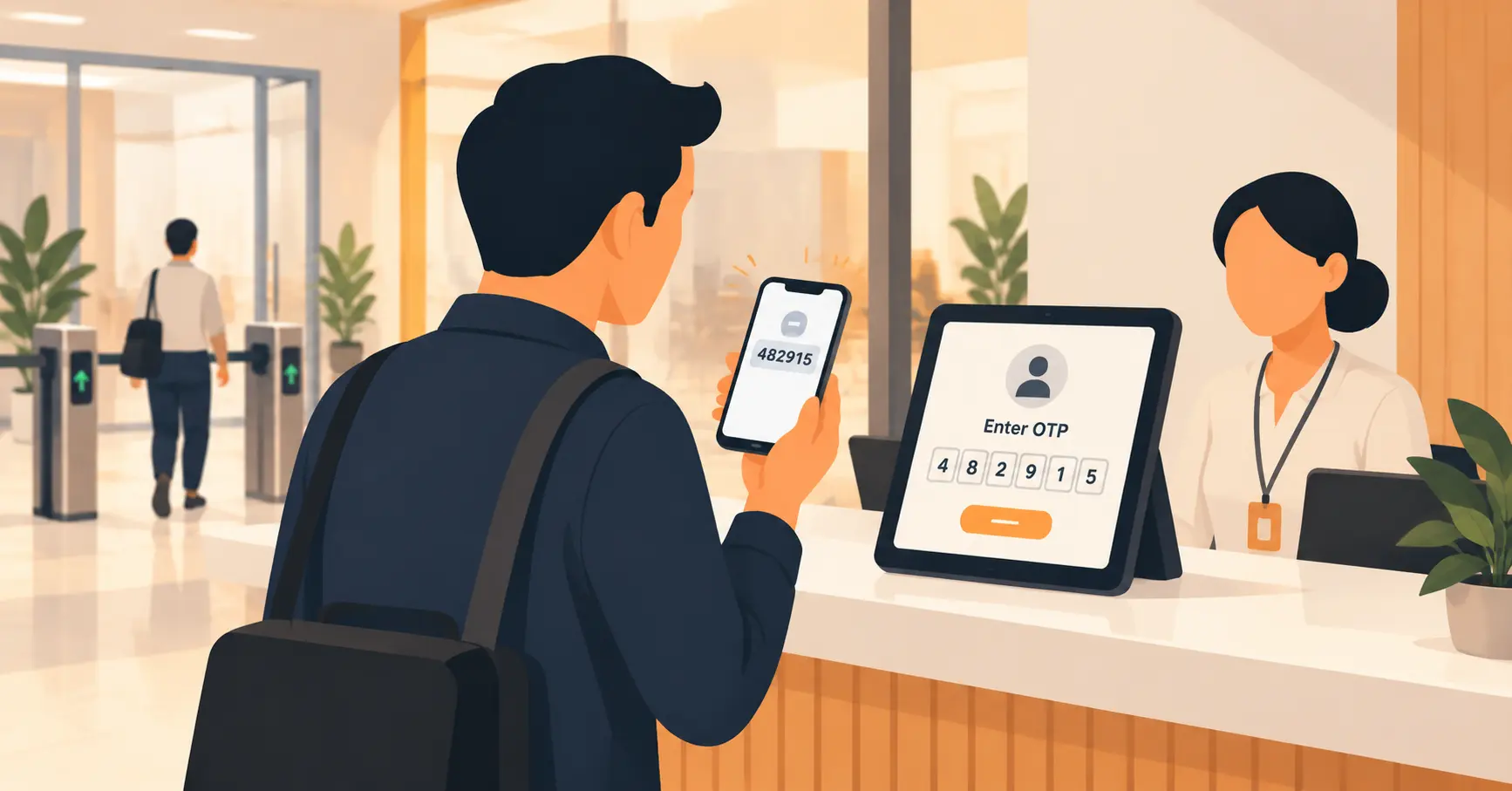
Depending on security requirements: photo capture, government ID scan, OTP verification, or watchlist screening. The verification is logged with the visit record.
Step 4: Host notification
The host receives an instant automated alert SMS, email, or Slack the moment the visitor completes check-in. No manual communication required.
Step 5: Digital gate pass issuance
A QR code badge is issued to the visitor’s phone. Optionally, a physical badge is printed at the kiosk. The QR code is unique to this visit and expires when the visitor checks out.
Step 6: On-premises tracking
The visitor’s status shows as active on the real-time dashboard. Security staff can see who is on-site across all locations. Overstay alerts can be configured for visits that exceed the expected duration.
Step 7: Check-out and record completion
The visitor checks out through the kiosk or app. The departure time is logged, completing the visit record. The digital gate pass is deactivated.
Step 8: Searchable, audit-ready records
Every visit is permanently stored in a cloud database. Visitor records can be searched by name, date, host, department, or pass type instantly, from any device.
Visitor Gate Pass Requirements by Industry
Corporate Offices
Standard visitor pass for clients and guests. Contractor passes for vendors and service providers. NDA signing often required before entry to sensitive areas. Multi-floor access restrictions common in large facilities.
Hospitals and Healthcare
Visitor passes restricted by ward and time window, as covered in visitor management for hospitals. Documented access to patient care areas is a compliance requirement in most regions, HIPAA in the US being the best-known example, with equivalent health-data rules elsewhere. Contractor passes for medical equipment vendors require specific authorization. Emergency evacuation lists must be accurate and instantly accessible.
Schools and Universities
All visitor passes for universities require photo ID verification. Sex offender registry screening is standard practice in regions with a public registry to check, such as the US; elsewhere, schools typically rely on ID verification and host sign-off instead. Custody restriction checks required for student pickup. Contractor passes for maintenance staff require background verification documentation.
Manufacturing and Warehouses
Safety induction acknowledgment required before entry to production areas. Contractor passes include work order and equipment list. Vehicle passes for delivery trucks include gate entry and exit logging. Restricted zone access tied to specific pass types.
Government and Defense Facilities
Highest-security visitor pass requirements: full identity verification, security clearance cross-reference, escort required at all times. All visits logged for compliance and audit purposes. Zero unauthorized access tolerance.
Residential Communities
Visitor passes for societies, delivery drivers, and domestic workers. Resident-approved entry workflow before pass is issued. Vehicle passes for service vehicles. Long-duration passes for recurring domestic help.
Visitor Data and Compliance Considerations
A gate pass captures personal data by definition: a name, a photo, a government ID reference, sometimes a vehicle number. That data is subject to whatever privacy law applies in the visitor’s location, not just the facility’s own policy.
In India, the Digital Personal Data Protection Act, 2023 makes the front desk or security team, not the software vendor, the legal Data Fiduciary for that information. That means consent at check-in, a defined retention period, and the ability to produce or delete a visitor’s record on request. Our breakdown of DPDP compliance for visitor sign-in covers what that requires in practice.
Organizations operating in the EU or UK carry equivalent obligations under GDPR, and healthcare facilities layer on sector-specific rules like HIPAA in the US. The common requirement across all of them: a gate pass system should let you set a retention window, purge records on schedule, and export a visitor’s data on request, not just collect it and hope nobody asks.
Common Mistakes Organizations Make With Gate Passes
Treating the pass as paperwork instead of a security control. A pass filled in after the fact, or left blank on busy days, isn’t authorizing anything. It’s just a form nobody enforces.
Not reconciling entries against exits. A stack of arrival slips without matching departure times is exactly the gap that shows up during an audit, or worse, during an actual emergency evacuation.
Issuing passes without host confirmation. A visitor who says they’re here to see someone should have that host actually confirm it before the pass is authorized, not after the visitor is already inside.
No policy for overstays. A visitor expected for one hour who’s still on-site four hours later needs a defined next step, not silence until someone happens to notice.
Using one pass type for every visitor. A one-off client meeting and a six-month contractor engagement need different fields and different renewal rules. Forcing both through the same generic pass loses the details that matter for each.
Assuming paper is fine because nothing’s gone wrong yet. Most organizations only discover their gate pass records are unreliable when they actually need them, during an incident investigation, a compliance audit, or a lost-visitor situation, which is the worst time to find out.
How Vizitor Handles Digital Gate Passes
Vizitor’s visitor management platform issues digital gate passes automatically as part of the check-in process no manual form to fill out, no paper to retain, no staff intervention required for standard visits.
When a visitor arrives and completes check-in through a QR code or kiosk, the system:
- Captures all required gate pass fields in structured digital format
- Verifies identity through photo capture or ID scan
- Notifies the host instantly via SMS, email, WhatsApp, or Slack
- Issues a QR code digital pass to the visitor’s phone
- Prints a physical badge if required
- Logs the complete visit record with timestamp in the cloud
For multi-location organizations, every gate pass issued at every location is centralized in the same dashboard searchable, exportable, and audit-ready from day one.
Conclusion
A visitor gate pass is one of the simplest security tools an organization can implement and one of the most neglected. It doesn’t require advanced technology to be useful. A well-designed paper format, consistently filled in and retained, provides a meaningful record of who entered and when.
What digital systems change is reliability, speed, and depth. The record is always complete because incomplete entry is blocked at the source. The host always knows their visitor has arrived because the notification is automatic. The audit trail is always ready because it’s stored in a searchable database rather than a physical binder.
Whether your organization needs a printable template, a kiosk-based check-in system, or a fully integrated digital gate pass platform, the right format depends on your visitor volume, security requirements, and compliance obligations.
The starting point is the same regardless: knowing who is in your building, why they’re there, and when they left.
See how Vizitor issues and manages digital visitor gate passes →
Frequently Asked Questions
See Vizitor in action check-in a visitor in under 30 seconds
Trusted by 500+ businesses. QR check-in, badge printing, NDA signing. Plans from $36/mo.