Virtual Front Desk: What It Is and How It Works
A complete guide to virtual front desks, covering both meanings of the term: the workplace kind (self-service check-in kiosks that replace or support a physical receptionist) and the phone-based kind (AI or human agents answering calls remotely). It explains how the workplace version works step by step, the four common setup types, real pros and cons, and pricing across Vizitor, Envoy, and Greetly compared to a receptionist's salary. It covers who actually needs one, by industry, and a checklist for choosing the right setup, closing with how Vizitor's own virtual front desk handles check-in, host notification, and badge printing without a receptionist at the desk.


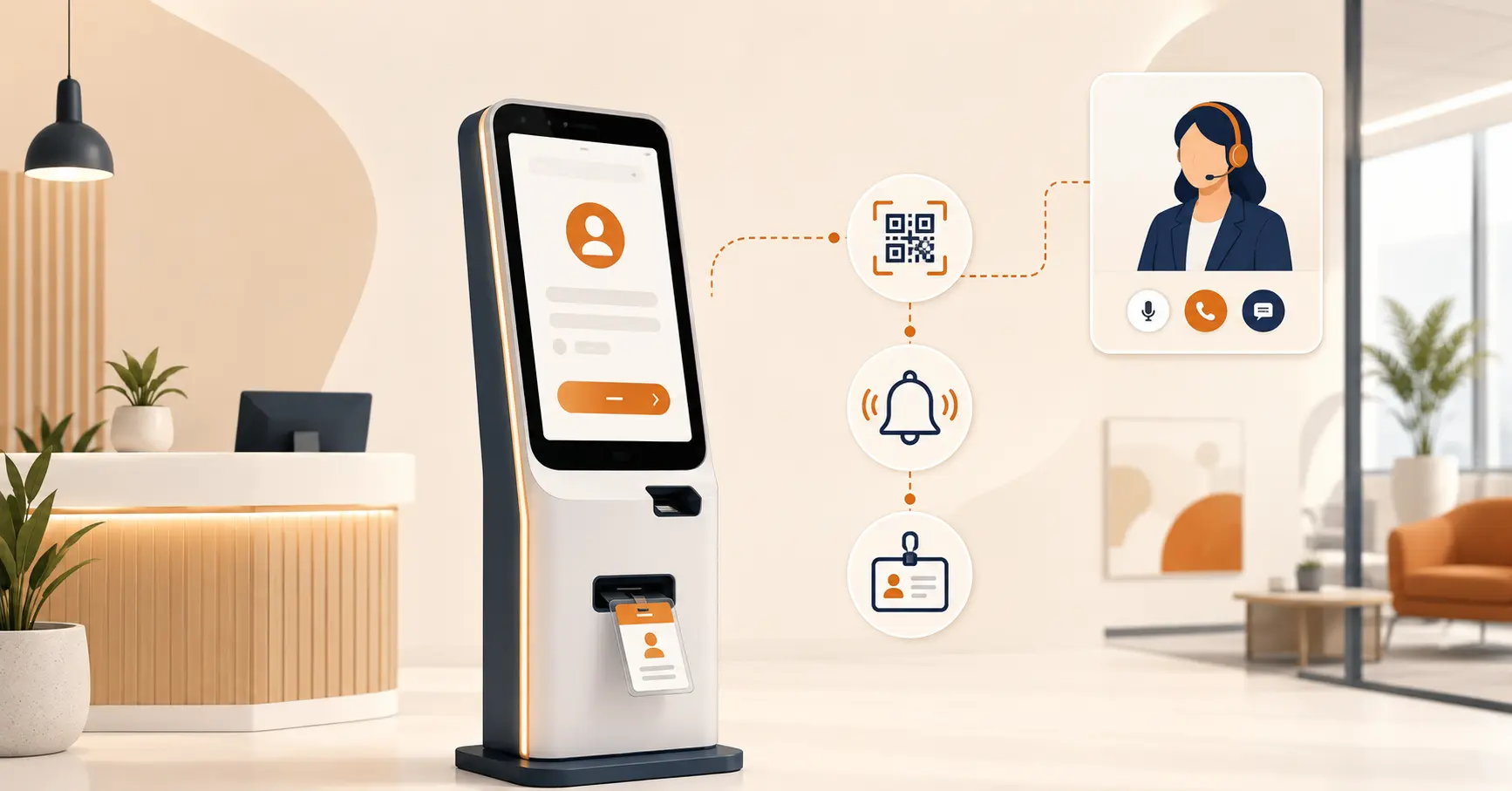
Table of Content
Try Vizitor for Free!
A virtual front desk is a system that handles reception, checking visitors in, notifying the person they are there to see, printing a badge if needed, without requiring someone to sit at the desk to do it. Visitors interact with a tablet, a QR code, or their own phone instead of a person, and a remote staff member or automated workflow handles anything the software cannot.
Here is the part most articles on this topic skip: “virtual front desk” gets used for two genuinely different products. One is a workplace check-in kiosk that replaces or supports a physical receptionist. The other is a phone-answering service, human or AI, that handles calls remotely and has nothing to do with anyone walking through a door. This guide covers both, clears up which one you probably mean, and then goes deep on the workplace kind, since that is what most people searching this term while evaluating a system for an actual office, clinic, or building are trying to solve.
Two Different Things People Mean by “Virtual Front Desk”
Search this term and you will land on results for both categories, often with no explanation that they are different products. Here is the split:
| Workplace virtual front desk | Phone-based virtual receptionist | |
|---|---|---|
| What it handles | Visitors, deliveries, and guests arriving at a physical location | Incoming phone calls, regardless of location |
| How visitors interact | Tablet, kiosk, QR code, or a link on their own phone | Calling a phone number |
| Who resolves exceptions | A remote staff member by video or intercom, or on-site security | A live human agent or AI voice system |
| Typical buyers | Offices, coworking spaces, manufacturing sites, clinics, apartment buildings | Law firms, home service businesses, medical practices, real estate agents |
| Related search terms | Digital front desk, digital reception, visitor management system | Virtual receptionist, AI receptionist, answering service |
Both are legitimate categories worth understanding. This guide focuses on the workplace kind (check-in kiosks, host notifications, badge printing) since that is the more common intent behind this specific phrase, and it is what a system like Vizitor is actually built for. If you searched this term because you want someone to answer your business phone line remotely, jump to the comparison table further down, which places that category side by side with the workplace kind so you can tell which one you actually need.
What a Workplace Virtual Front Desk Actually Does
Strip away the marketing language and a workplace virtual front desk does four things a human receptionist used to do manually:
- Verifies who a visitor is and why they are there. Name, company, host, and purpose of visit, captured digitally instead of on a paper log.
- Notifies the host. An SMS, email, or Slack message goes out the moment check-in completes, instead of someone walking down a hallway or making a call.
- Issues a badge or credential. A printed or digital badge, sometimes tied into an access control system so it only unlocks the doors that visitor is cleared for.
- Handles the exception. When something does not fit the standard flow (a visitor without an appointment, a delivery that needs a signature, someone who needs help using the kiosk), a remote staff member steps in over video or intercom, or the system flags it for on-site security.
The point is not to remove humans from reception entirely. It is to remove the requirement that a human be physically stationed at a desk to make basic reception function.
How a Virtual Front Desk Works, Step by Step
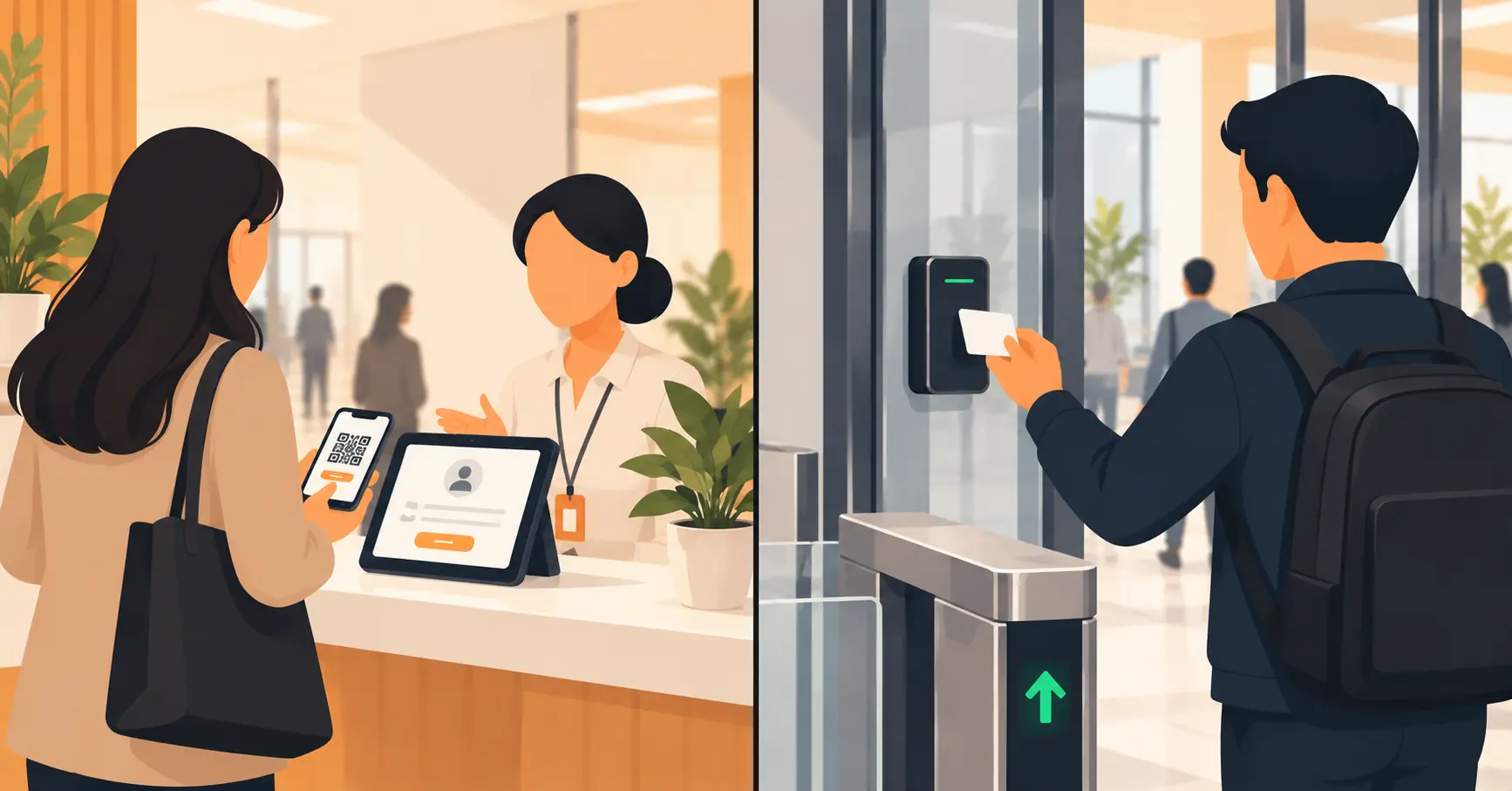
- A visitor arrives and checks in via a tablet at the entrance, a QR code they scan with their own phone, or a pre-sent link if the visit was scheduled in advance.
- They enter their name, the person or department they are visiting, and the purpose of the visit. Some systems add ID verification or a photo capture at this step.
- The host receives an instant notification. Most systems support SMS, email, and Slack or Microsoft Teams integration, so the notification reaches whichever channel the host actually checks.
- If a badge is required, it prints automatically, sometimes encoded to work with the building’s access control system for the specific areas that visitor is authorized to enter.
- If anything falls outside the routine flow, a video or intercom connection routes the visitor to a remote staff member who can see and talk to them in real time.
- The visit is logged, with a timestamp, in a digital record that replaces the paper logbook and stays searchable later, which matters for compliance audits, security incidents, or simply knowing who was in the building on a given day.
Four Types of Virtual Front Desk Setups
Not every workplace needs the same level of automation. These are the four common configurations, in order of how much human involvement they keep:
| Setup type | How it works | Best for |
|---|---|---|
| Fully self-service | Visitors complete check-in with no live human involved at any point, except pre-programmed escalation rules | Low-visitor-volume offices, routine deliveries, environments with predictable, simple visits |
| Remote-assisted | Self-service by default, with a remote receptionist reachable instantly by video or intercom for anything unusual | Most corporate offices and coworking spaces; the most common setup |
| Hybrid (staffed peak hours) | A physical receptionist during business hours, virtual coverage before, after, or during lunch breaks | Offices that want a human presence during the busiest hours but do not need 24/7 staffing |
| Digital-assisted (receptionist still on-site) | A human receptionist remains at the desk but uses the same digital check-in tools to speed up the process and keep records | Front desks that want the efficiency gains without removing the in-person role entirely |
Virtual Front Desk vs. Traditional Reception vs. Phone-Based Virtual Receptionist
This is the comparison that actually answers “which one do I need,” since the three options solve different problems.
| Traditional (staffed) reception | Workplace virtual front desk | Phone-based virtual receptionist | |
|---|---|---|---|
| Availability | Limited to staffed hours | 24/7, since there is no shift to cover | 24/7 for AI plans; limited by agent hours for human plans |
| Handles walk-in visitors | Yes | Yes | No |
| Handles phone calls | Sometimes, if the receptionist also answers phones | No, unless bundled with a separate phone system | Yes, this is its core function |
| Ongoing cost | A full-time salary, roughly $37,000 a year on average in the US | Roughly $36 to $362 a month per location, depending on features | Roughly $25 to $300 a month (AI) or $135 to $325-plus a month (human) |
| Personal touch | Highest, a person is physically present | Moderate, video/intercom fills the gap | Depends entirely on whether the plan is human or AI |
| Setup time | N/A, ongoing role | Typically hours to a few days | Typically minutes to a few days |
The Real Advantages of a Virtual Front Desk
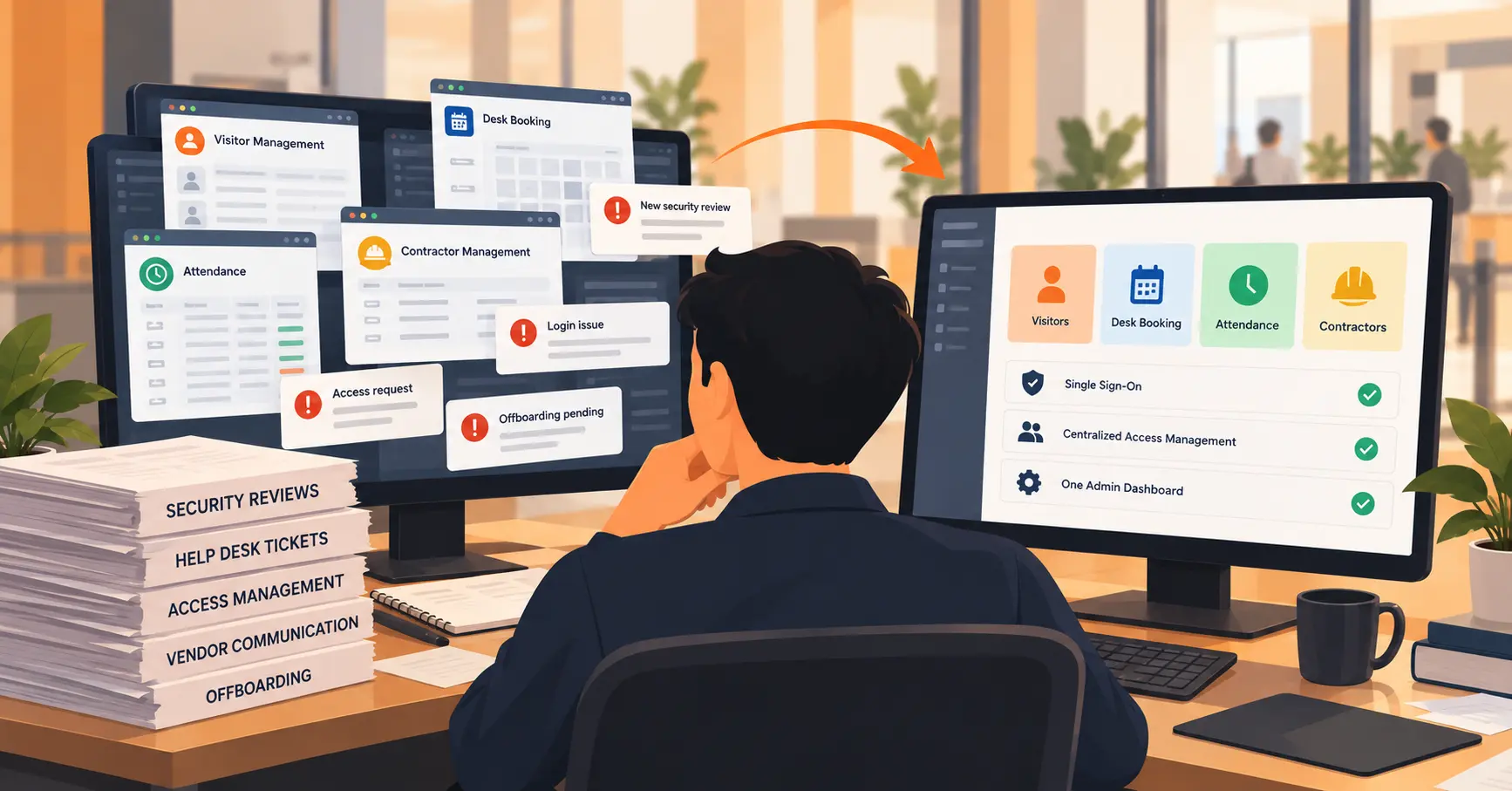
Coverage without a schedule. A virtual front desk does not call in sick, does not need a lunch break covered, and works identically at 7 AM or 11 PM. For a manufacturing site with early-shift deliveries or an office with staff working odd hours, this alone solves a real staffing headache.
Visitors move faster. Self-service check-in usually takes under a minute per visitor, compared to however long a busy receptionist juggling phones and walk-ins takes to get to each person.
Lower ongoing cost than a dedicated hire. A receptionist’s average pay in the US runs close to $17.86 an hour, or roughly $37,000 a year full-time, before benefits and payroll taxes (Indeed, 2026). Even the higher end of virtual front desk pricing, a few hundred dollars a month, comes in well under that for most single-location businesses.
Consistent record-keeping. Every check-in gets a timestamp automatically. Paper logs and a busy human receptionist juggling ten things at once do not produce the same reliability, which matters the moment you need to answer “who was in the building last Tuesday at 3 PM.”
Scales across locations without hiring per site. A five-location business would need five receptionists to staff every desk the traditional way. A cloud-based system built for multi-site offices manages all five from one dashboard instead, with local customization where it matters (visitor scripts, badge design, host lists).
The Real Drawbacks, Honestly
It is less personal. A screen and a video call is not the same as a person greeting you by name. For businesses where the reception experience itself is part of the brand (a boutique hotel, a high-end client meeting), that tradeoff matters and should be weighed deliberately, not assumed away.
It depends on hardware and connectivity. A tablet that loses power or a WiFi outage takes the front desk down with it, unless there is a manual fallback procedure in place. Ask any vendor directly what happens during an outage before assuming the system degrades gracefully.
Some visitors need more help than a kiosk gives. Older visitors, people unfamiliar with touchscreens, or anyone visiting for a sensitive reason may need more hand-holding than a self-service flow provides by default. This is exactly why the remote-assisted model, not the fully unmanned one, is the more common real-world setup.
See a virtual front desk running on your own workplace data
Vizitor's virtual front desk handles check-in, host alerts, and badge printing without a receptionist stationed at the desk. Free trial available.
Book a DemoWhat a Virtual Front Desk Costs
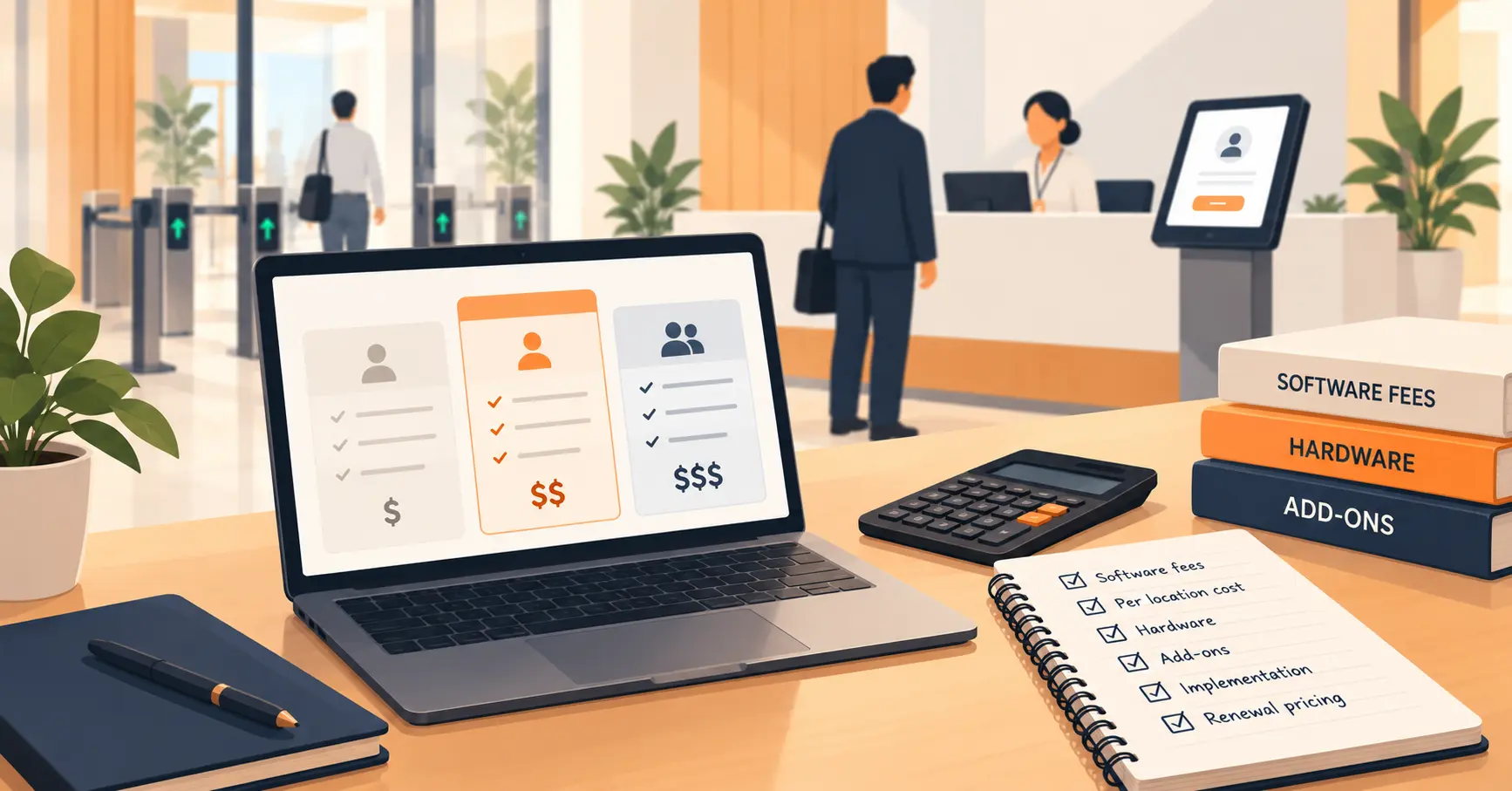
Pricing depends heavily on which category you are buying. Here is what the real numbers look like across both.
| Provider or category | Price range | What is typically included |
|---|---|---|
| Vizitor (workplace, entry tier) | From $36/month per location | Core check-in, QR-based sign-in, host notifications |
| Greetly (workplace, Essential) | $99/month (billed annually) | Touchless check-in, multi-channel notifications, watchlist alerts |
| Greetly (workplace, Pro) | $159/month (billed annually) | Everything in Essential, plus badge printing and ID verification |
| Envoy (workplace, Premium, includes Virtual Front Desk feature) | $362/month per location | Custom branding, video-intercom virtual front desk, badge printing, legal document signing, analytics |
| AI phone-based virtual receptionist | $25 to $300/month | Automated call answering, appointment booking, FAQs |
| Human-staffed phone-based virtual receptionist | $135 to $325-plus/month (entry tier) | Live agents answering and routing calls |
| In-house receptionist (for comparison) | Around $37,000/year, before benefits | Full-time, on-site presence, phone and walk-in coverage |
The workplace category (Vizitor, Envoy, Greetly) and the phone category are not substitutes for each other. A business handling both walk-in visitors and a high call volume may reasonably need both.
Who Actually Needs a Virtual Front Desk
Corporate offices and coworking spaces. The most common use case: employees, clients, and vendors checking in without tying up a receptionist for routine visits.
Manufacturing and industrial sites. Contractors, delivery drivers, and inspectors need to be logged and often screened before entering a facility, frequently outside standard business hours.
Apartment buildings and multi-tenant properties. Guests, contractors, and deliveries need a way in without a 24-hour staffed lobby, which most residential properties cannot justify financially. Apartment security is usually the driving concern here, not convenience.
Medical and dental clinics. Patient check-in, insurance verification prompts, and compliance-friendly logging, often paired with a receptionist for the parts of the visit that genuinely need a human.
Multi-location retail or service businesses. Centralized management across sites without hiring a dedicated receptionist at every single location.
How to Choose the Right Virtual Front Desk
Start with visitor volume and complexity, not the feature list. A single-location office with a handful of daily guests needs something different from a facility screening dozens of contractors against a compliance requirement every day.
Match the setup type to how much judgment your check-ins actually require. If most visits are routine and predictable, fully self-service works. If visits vary widely (VIP clients, first-time vendors, occasional security concerns), the remote-assisted model earns its cost.
Check what happens during a hardware or connectivity failure. Every vendor should have a straight answer here. If they do not, that is itself useful information.
Verify security and compliance features match your industry. Healthcare and government environments have real documentation requirements. A generic check-in tool without watchlist screening or an auditable log is not enough for those environments, and it is worth knowing the common front-desk security gaps before a system is chosen rather than after an incident.
Confirm it connects to what you already use. Access control systems, Slack or Teams, existing visitor policies. A virtual front desk that cannot integrate becomes a second, disconnected system your team has to manage alongside everything else.
Where Vizitor Fits
Vizitor’s virtual front desk covers the workplace category this guide focuses on: QR-based check-in, instant host notifications by SMS, email, or Slack, and digital badge printing tied to who a visitor is actually cleared to see. For organizations screening visitors against a security list before they reach the door, watchlist screening runs as part of the same check-in flow rather than a separate step. Businesses running more than one site manage all of them from a single visitor management system dashboard instead of five disconnected ones.
Vizitor does not offer the phone-answering category described earlier in this guide. If a remote receptionist answering your business phone line is what you actually need, that is a different product from a workplace check-in system, and worth shopping for separately rather than expecting one vendor to cover both.
Book a demo to see how the check-in, notification, and badge flow works with your own visitor data.
Frequently Asked Questions
See Vizitor in action check-in a visitor in under 30 seconds
Trusted by 500+ businesses. QR check-in, badge printing, NDA signing. Plans from $36/mo.