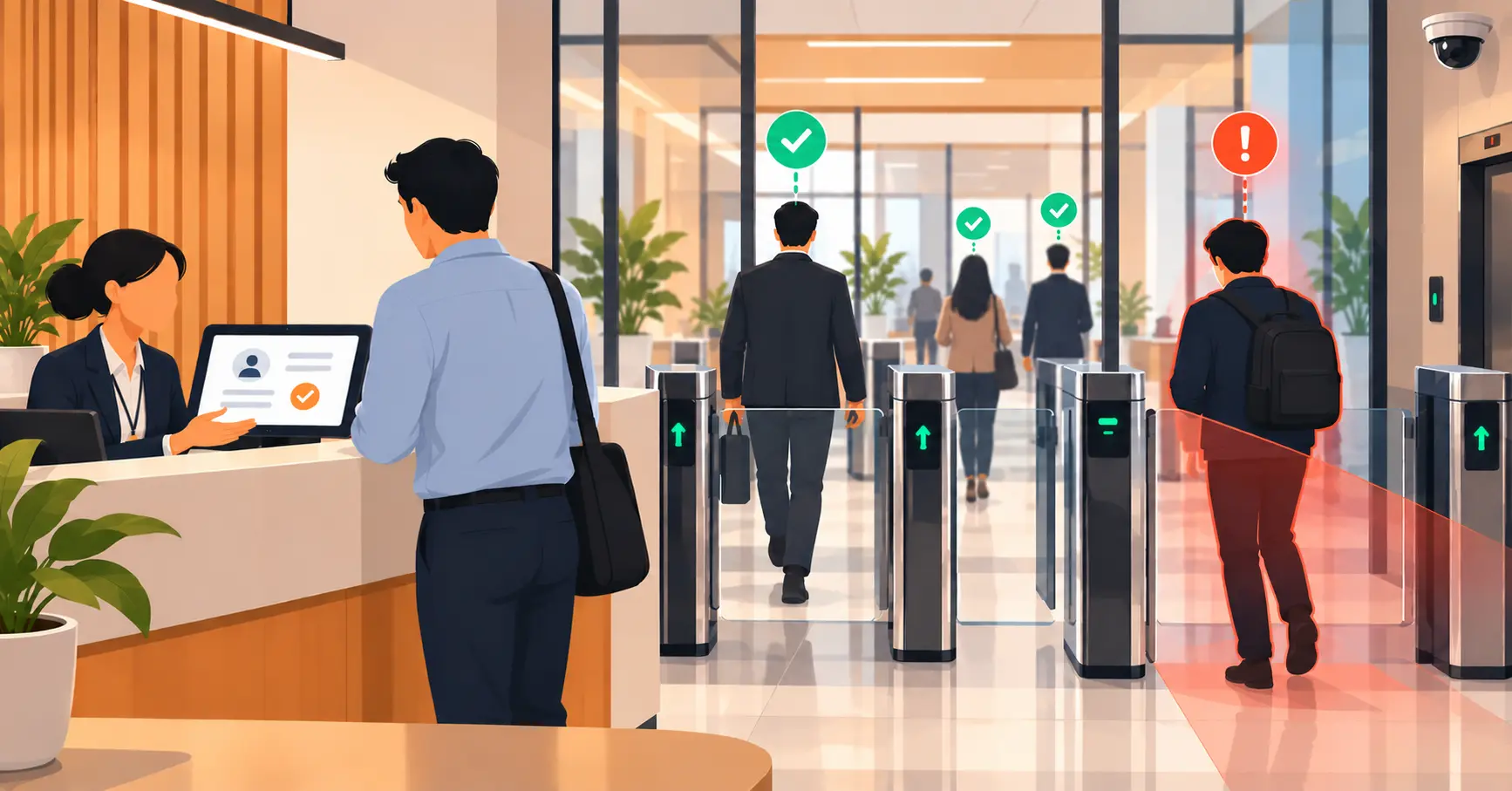
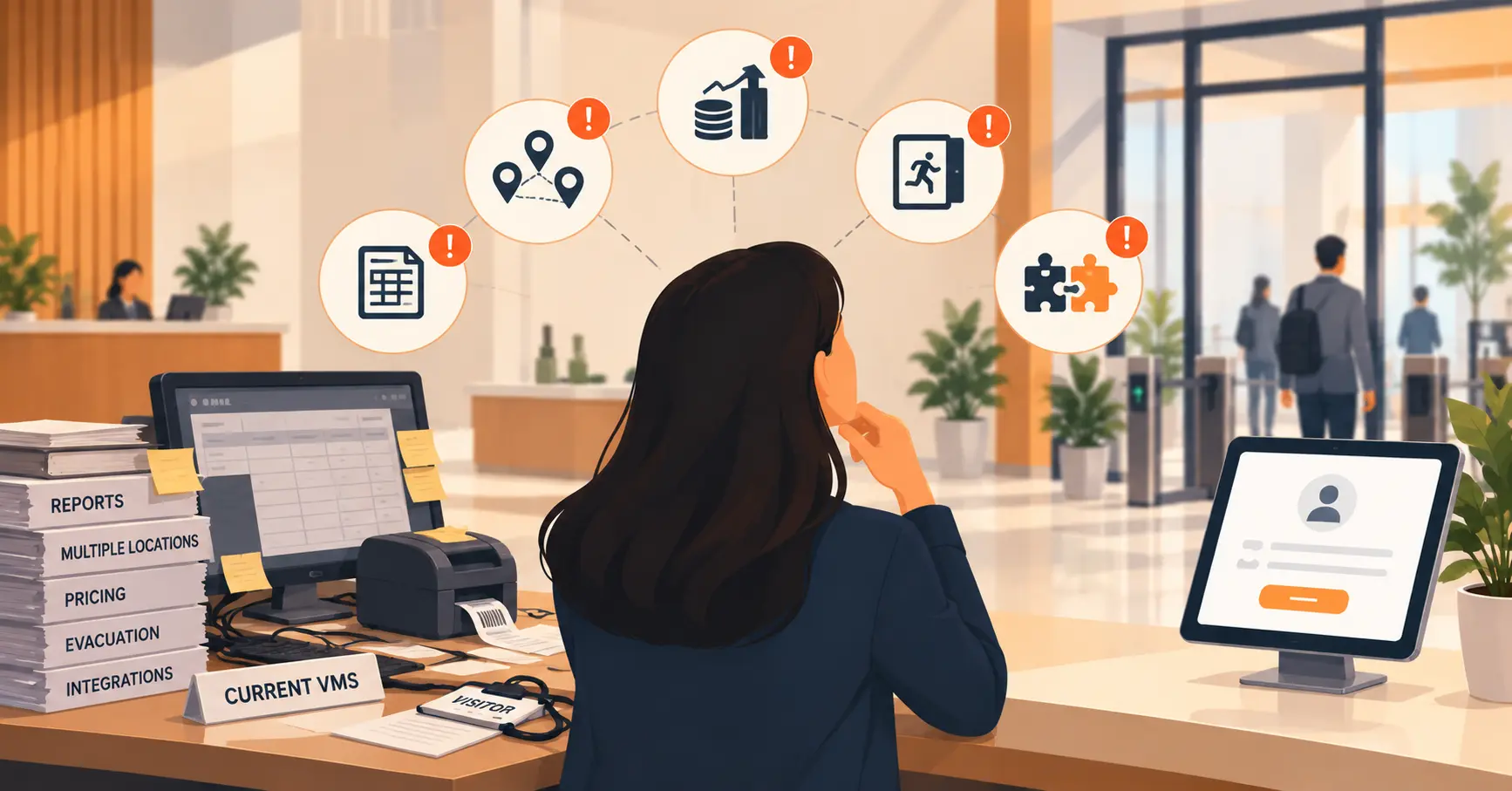
6 Hidden Costs of Using Separate Apps for Workplace Tasks
Disconnected workplace tools, separate apps for visitor check-in, attendance, desk booking, and deliveries create hidden costs through context-switching, manual data re-entry, and fragmented audit trails that rarely appear as a single line item. The fix is not adding more tools but connecting or consolidating overlapping workflows into a unified platform with one shared record. Vizitor offers this through two connected apps; Vizitor for reception and Vizitor PASS for employees covering visitor management, attendance, desk and room booking, and deliveries, start with a free trial.



Table of Content
Try Vizitor for Free!
Your front desk runs on one app. Attendance lives in another. Desk and meeting-room bookings sit in a third, deliveries get logged in a fourth, and a spreadsheet quietly holds the parts none of them talk to. Each tool was a good decision on the day you bought it. Together, they’re costing you more than the sum of their subscriptions.
Disconnected workplace tools are the separate, non-integrated apps a company uses to run daily operations: visitor check-in, attendance, desk and room booking, deliveries, none of which share data with each other. The hidden cost isn’t the monthly fee. It’s the friction between the tools: the re-keyed records, the time lost switching screens, the audit trail that’s split across four logins, and the small mistakes that creep in when nobody owns the whole picture. It rarely shows up as a line item, which is exactly why it grows.
This guide breaks down where that cost actually hides, how to estimate your own, and how to fix it without simply buying a fifth tool.
How offices end up with a patchwork
Nobody sets out to build a fragmented stack. It happens one sensible purchase at a time.
You start with a visitor sign-in app because the paper logbook looked unprofessional. Then hybrid work arrives, so you add desk booking. Someone in HR wants cleaner attendance data, so that becomes its own system. Reception keeps getting interrupted by couriers, so a delivery tracker joins the pile. Every step solved a real problem. The trouble is what got left behind: four tools that each know one slice of your workplace and none that knows the whole thing.
This is workplace tool sprawl, and it’s the default state of most growing offices not a sign of bad decisions, but the natural result of good ones that never got connected.
The hidden costs, named
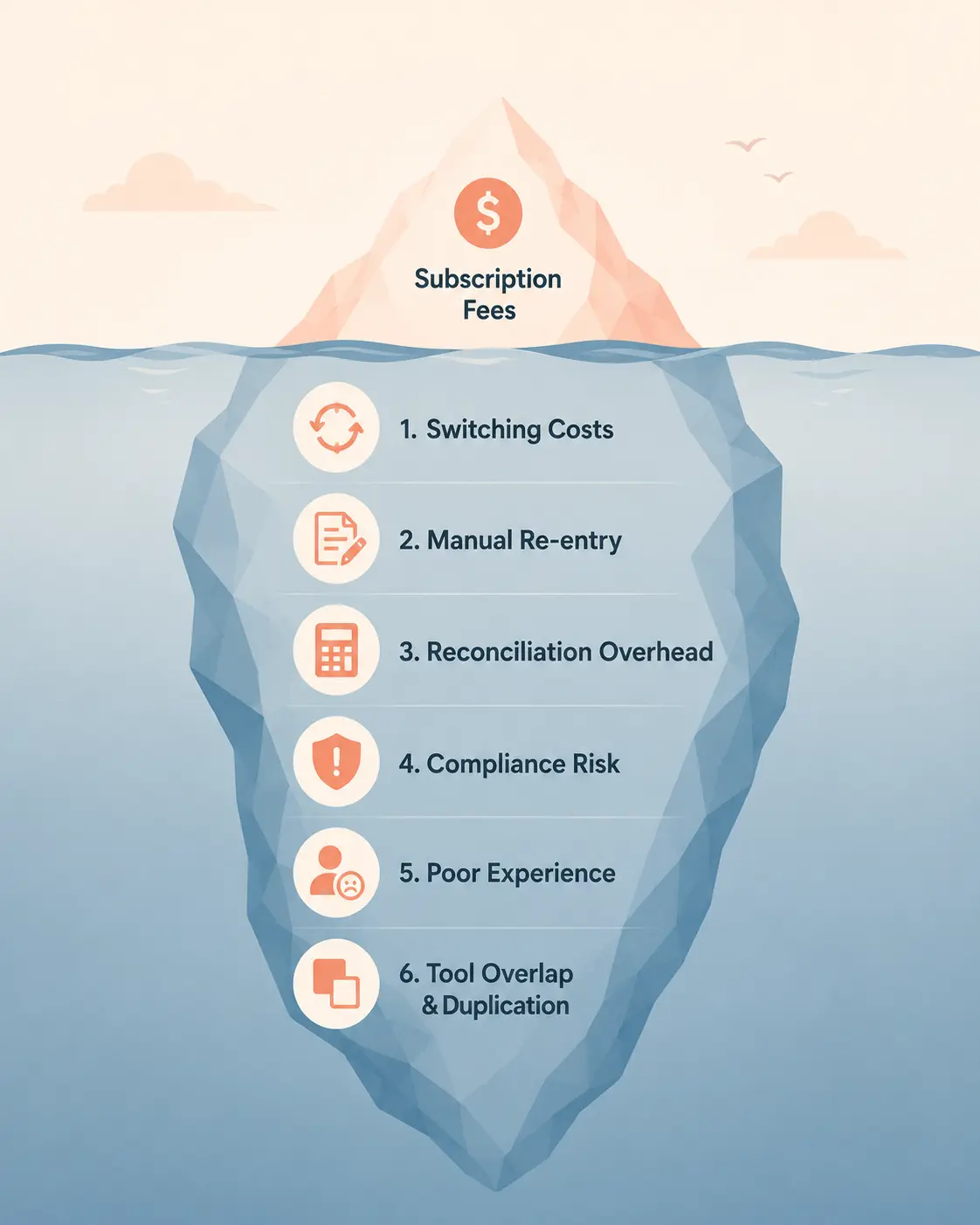
The reason this problem is so easy to ignore is that the costs are spread out. Here’s where they actually live.
1. The context-switching tax
Every time your office manager jumps from the visitor dashboard to the attendance report to the room-booking calendar, their attention has to reset. The research on this is unforgiving. A landmark University of California, Irvine study by Gloria Mark found it takes an average of 23 minutes and 15 seconds to fully refocus after an interruption. A separate Qatalog and Cornell University study put the cost of resuming work after toggling to a different app at roughly 9.5 minutes.
Now multiply that by a front-desk or ops person doing it dozens of times a day. The switching itself feels like work. It isn’t, it’s the tax you pay for work being scattered.
2. The manual re-entry tax
When systems don’t share data, people become the integration. A visitor’s details get typed into the check-in app, then copied into a spreadsheet for the security audit. A new hire gets added to the attendance system, then again to the desk-booking tool, then again to the access list. Each handoff is a few minutes and one more chance to fat-finger a name, a date, or a department.
This is the cost that hides best, because it looks like someone “just doing their job.” In reality it’s a job that a connected system would do in zero clicks.
3. The no-single-source-of-truth tax
Ask a fragmented office a simple question, who was in the building last Tuesday afternoon? and watch what happens. Reception checks the visitor app. Facilities checks the desk bookings. HR checks attendance. Three answers, three timestamps, no agreement. When your records are split across four logins, you don’t have data. You have fragments that someone has to reconcile by hand, usually under pressure, usually during the exact moment you needed a clean answer fast.
4. The compliance and security blind spot
Digital logs are essential for workplace compliance, and a scattered stack is a scattered audit trail. If a contractor walked through your floor without signing an NDA, or a visitor’s record never made it from the kiosk into your retention log, you find out the hard way. Workplace data, visitor logs, attendance records, who accessed what, increasingly sits under data-protection and workplace-safety rules that expect a coherent, retrievable record.
A note on this: data-protection and visitor-record requirements vary by region and industry. India’s DPDP Act, the EU’s GDPR, and sector rules (healthcare, finance, government) all set different expectations. Treat any compliance claim as something to verify against your own jurisdiction, no software guarantees compliance on its own. The point here is narrower: four disconnected logs make any standard harder to meet than one connected record.
5. The employee-experience tax
Your people feel the fragmentation too. An employee who has to use one app to book a desk, a second to clock in, and a third to pre-register a guest doesn’t experience three tools, they experience friction. Adoption drops. They fall back to messaging a colleague or skipping the step entirely, which quietly corrupts the very data those tools were bought to capture.
6. The overlap-and-license tax
This one’s literal money. Run enough point solutions and their features start to overlap, two of them send host notifications, three of them store employee directories, and you’re paying for the same capability more than once. Add the admin time to manage four vendors, four renewals, and four support queues, and the “cheap” stack stops looking cheap.
How to estimate your own hidden cost
You don’t need a consultant for a first-pass number. Run this rough estimate:
Weekly hours lost = (app-switches per person per day) × (=9.5 minutes to resume) × (people affected) × (working days) ÷ 60
It’s deliberately illustrative, not a precise audit but even conservative inputs tend to surprise people. A small ops team toggling between separate workplace systems a few dozen times a day routinely loses the equivalent of a full working day every week to nothing but the gaps between tools. That’s time nobody invoices for, which is why it never makes the budget conversation.
Pair the time estimate with a quick stack map: list every workplace tool you pay for, mark where the same data lives in more than one, and circle every handoff a human performs manually. The overlaps and the handoffs are your cost.
The fix isn’t another tool, it’s connection
Here’s the trap most teams fall into: they feel the friction and respond by adding software, an integration layer, a dashboard, a fifth app to tie the other four together. Sometimes that’s right. Often it just adds a fifth thing to maintain.
The better first move is to ask what actually belongs together. Visitor check-in, attendance, desk and meeting-room booking, and deliveries aren’t four unrelated problems, they’re four views of the same thing: who is in your workplace, and what are they doing there. When that lives in one connected system, the context-switching tax, the re-entry tax, and the reconciliation tax mostly disappear at once.
When you genuinely don’t need to consolidate
Consolidation isn’t always the answer, and it’s worth being honest about that. Stay with your current setup if:
- Your point solutions already integrate cleanly and data flows between them without manual re-entry. A connected best-of-breed stack beats a mediocre all-in-one.
- One tool is mission-critical and deeply specialized, if a single workflow is your whole business, a dedicated tool may out-perform a platform module.
- You’re tiny. If one person handles the front desk and you get three visitors a week, a single app (or even a tidy logbook) is fine. Don’t buy a platform to solve a problem you don’t have.
If none of those apply, if your team is the integration layer consolidation is usually where the money is.
What a consolidated workplace platform looks like
To make this concrete, here’s how a unified workplace management platform like Vizitor handles it. Instead of four logins, the day-to-day workplace lives in two connected apps:
- Vizitor is the reception side, the kiosk app where visitors check in (QR or photo, badge printing, NDA signing, host notifications by SMS, email, Slack, Teams, or WhatsApp, plus exit tracking and a live dashboard).
- Vizitor PASS is the employee side, one app for staff to mark attendance (via GPS and QR, no biometric hardware required), book a desk or meeting room, and approve their own guests.
Behind both sits one record. A visitor signed in at the kiosk, an employee’s attendance, a courier delivery logged at the front desk; same system, same source of truth, no re-keying. That’s the difference between owning four tools and running one workplace.
To be fair, plenty of strong standalone products exist for each of these jobs, and a well-integrated stack of them is a legitimate choice. The case for a single platform is about removing the seams, not about any one feature being better in isolation.
How to start (this week)
- Map the stack - List every workplace tool, what it does, what it costs, and who uses it.
- Find the overlaps - Mark every place the same data is entered or stored twice.
- Count the handoffs - Every manual copy between systems is a candidate for elimination.
- Pick the hub - Decide what the single source of truth should be then either integrate toward it or consolidate into it.
- Pilot, don’t big-bang - Move one workflow first (visitor check-in is a common, low-risk starting point), prove the time saved, then expand.
The goal was never “fewer apps” for its own sake. It’s a workplace that runs on one clear record instead of four arguing ones and the hours, accuracy, and trust you get back when it does.
If you want to see what a connected setup looks like in practice, you can try Vizitor free and start by mapping just your front desk.
Conclusion
Your workplace stack probably didn’t break on a single bad day. It drifted, one reasonable purchase at a time until the tools outnumbered the people managing them. The cost isn’t dramatic. It’s quiet: a few minutes lost switching screens, a record re-entered that was already entered somewhere else, an audit question that takes three logins to answer.
That’s the thing about hidden costs. They don’t announce themselves. They just make every day slightly harder than it needs to be.
The fix doesn’t have to be dramatic either. Map your stack, find where humans are doing the work a connected system would do automatically, and start there. One workflow at a time.
If your front desk, attendance, and space booking are still running on separate apps, try Vizitor free. See what one connected record feels like before committing to anything.
Disconnected tools are one symptom among several. For the operational trends driving offices toward connected systems in 2026, fragmentation shows up right alongside readiness gaps and inconsistent visitor handling.
Frequently Asked Questions
See Vizitor in action check-in a visitor in under 30 seconds
Trusted by 500+ businesses. QR check-in, badge printing, NDA signing. Plans from $36/mo.