Building a Smart Workplace Your Employees Will Actually Use
This guide defines what a smart workplace actually is and covers six practical strategies for building one: centralizing workplace data, self-service desk and room booking, occupancy data, automation, employee-controlled comfort settings, and a phased rollout. It also covers the mistakes that sink most rollouts and when a smart workplace isn't worth building yet.


Table of Content
Try Vizitor for Free!
A smart workplace is an office that runs on connected software and sensors instead of manual processes and spreadsheets. It matters because manual coordination, chasing desk conflicts, re-entering attendance data, tracking down a package, eats employee time that should go to actual work.
Most people picture gadgets first: automated lights, smart thermostats, badge scanners. Those are real, but they’re not the point. The point is fewer disconnected tools and less guessing about how the office is actually used.
The global smart office market is on track to hit $55 billion in 2026, growing at roughly 11% a year through 2033, according to Coherent Market Insights. The same report found that over 60% of large enterprises already run at least one smart office system. Adoption isn’t a future trend anymore. It’s already the default at scale.
This guide covers six strategies that actually move the needle, the mistakes that sink most rollouts, and when a smart workplace isn’t worth building yet. If you haven’t made the internal case yet, start with why the investment curve is bending this fast, then come back for the how-to.
Why Most Smart Workplace Efforts Fail
Most rollouts don’t fail because the technology is bad. They fail because of how the project gets started and run.
They buy tools before defining the problem. A team sees a competitor’s smart lighting demo and buys similar hardware, without first asking which daily task is actually broken. Sensors get installed. The underlying problem, usually a scheduling or space conflict, stays exactly the same.
IT owns it, but employees never get asked. A system rolled out without employee input gets ignored within weeks, no matter how capable it is. People go back to the group chat and the whiteboard because that’s what they trust.
Nobody plans for the data. Occupancy sensors and booking systems generate data from day one. Few teams assign anyone to actually review it, so insights about wasted space or peak-hour conflicts sit unused.
The rollout is all-or-nothing. Companies try to switch every workflow, desks, rooms, attendance, visitors, at once. When one piece breaks, employees lose trust in the whole system, including the parts that were working fine.
6 Strategies to Build a Smart Workplace for Employees
1. Put Workplace Data in One System, Not Five
Most offices run desk booking, room scheduling, attendance, and visitor check-in as separate tools that don’t talk to each other. That gap is where double-bookings and lost package disputes come from.
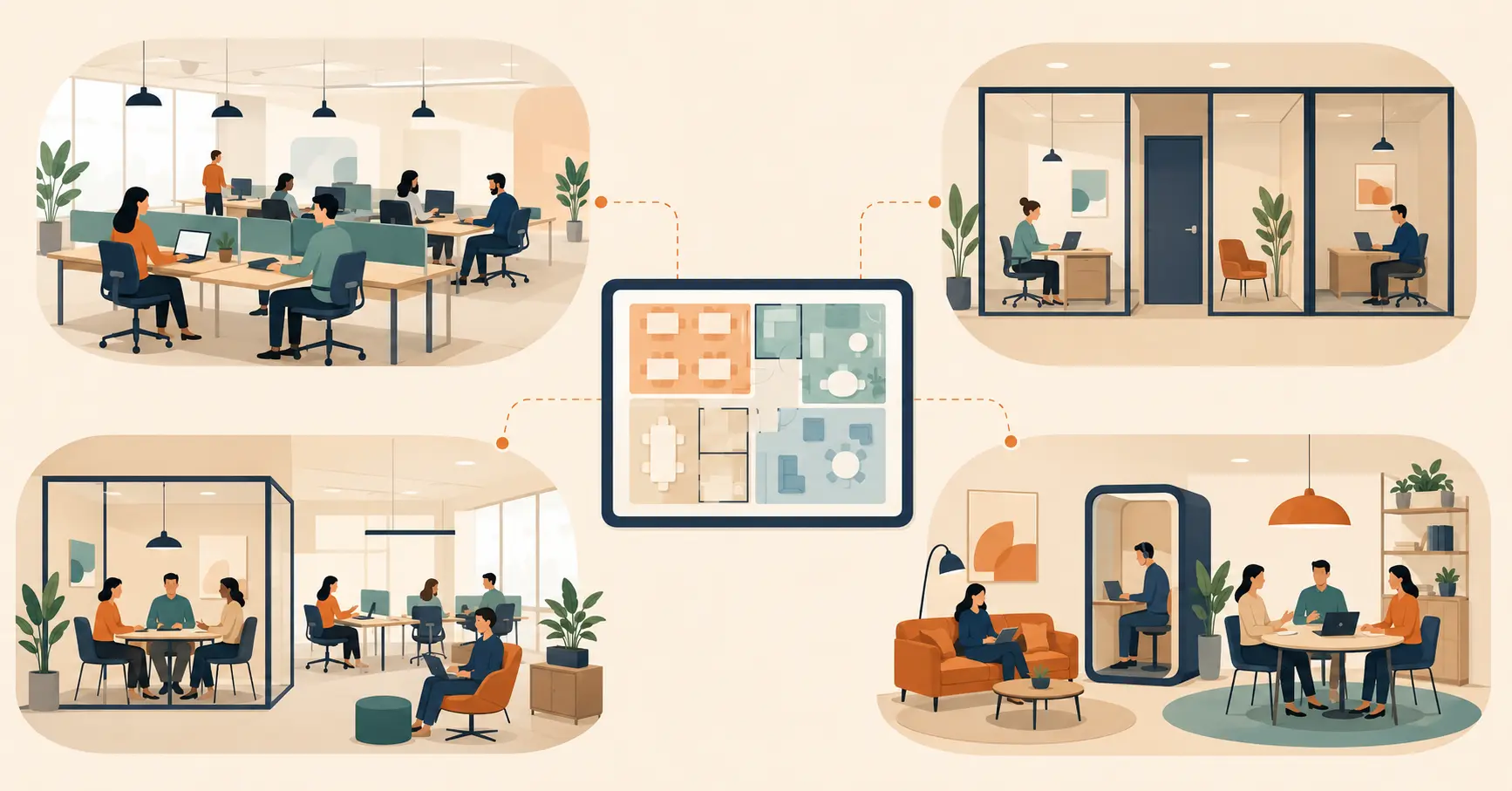
A connected workplace management platform keeps all of that in one record. When a room is booked, the system knows it. When a visitor checks in, reception doesn’t need a second spreadsheet to confirm who they’re there to see. Fewer systems means fewer places for a mistake to hide.
2. Let Employees Book Their Own Desks and Rooms
Hybrid schedules made fixed desk assignments impractical for a lot of offices. Employees now need to see what’s free and book it themselves, without emailing an admin.
Self-service desk booking software solves this directly. Employees check availability on their phone, book a desk near their team, and cancel it if plans change. That single change removes a huge share of the email traffic reception used to handle manually.
3. Use Occupancy Data Instead of Guesses
Most facilities teams still plan office layouts based on headcount, not actual usage. That’s why so many floors look full on paper and half-empty in person.
Occupancy sensors and space management software show which desks, rooms, and floors get used and when. That data turns a layout decision from a guess into a measurable one, and it’s the same data that catches wasted square footage before a lease renewal forces the question.
4. Automate the Paperwork Employees Hate
Manual attendance logs, printed visitor forms, and paper sign-in sheets all create the same problem: someone has to enter that data twice, once on paper and once into a system, if it ever gets digitized at all.
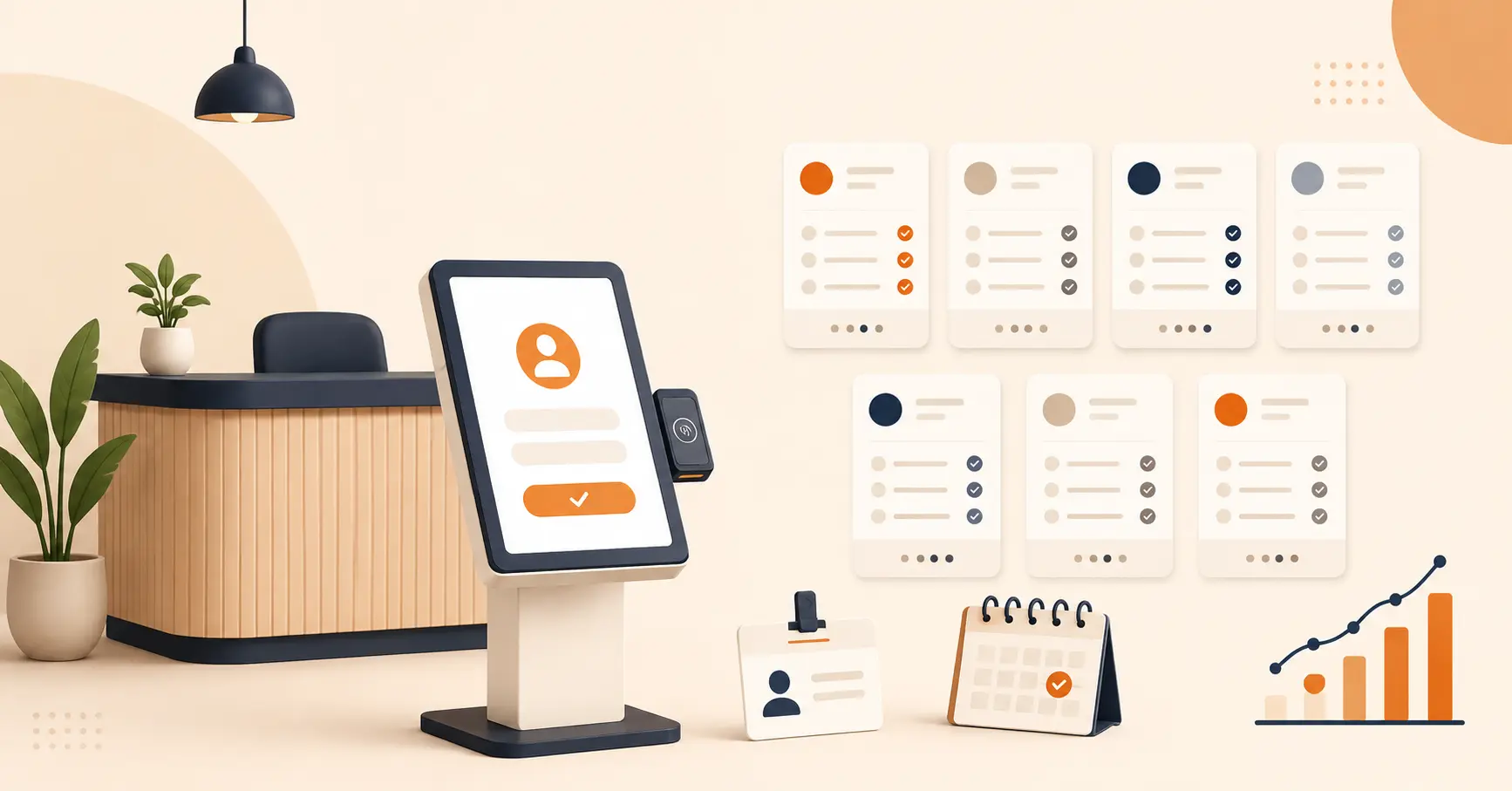
Attendance management software and digital check-in remove that duplicate step. Employees clock in once. Visitors sign in once. The record exists immediately, and nobody spends Friday afternoon reconciling a week of handwritten logs.
5. Give Employees Control Over Their Own Comfort Settings
Centralized automation is useful for energy savings, but employees resent losing control over their own space. Automated lighting that ignores what a specific desk or room needs will get overridden with tape over sensors and space heaters under desks.
Set defaults that save energy, then let individual rooms or zones adjust temperature and lighting within a set range. Automation should reduce manual work, not remove employee input entirely.
6. Roll Out One Workflow at a Time
Pick the single workflow causing the most daily friction, usually desk booking or visitor check-in, and fix that first. Prove it works for a few weeks before adding the next module.
This staged approach does two things a full rollout doesn’t. It gives your team a working example to point to when the next department pushes back, and it limits the damage if one part of the rollout needs adjusting.
Common Mistakes to Avoid
Skipping the pilot. Rolling out to the whole company at once means every bug or gap in training shows up everywhere simultaneously, instead of on one floor where it’s easy to fix.
Leaving reception and front-desk staff out of training. They’re the ones fielding questions when a visitor or new hire can’t figure out the new check-in flow. Train them first, not last.
Ignoring the data-privacy question upfront. Occupancy sensors and attendance tracking raise real employee questions about what’s being recorded. Answer that before rollout, not after someone asks.
Assuming one configuration fits every location. A layout that works for a 40-person office rarely fits a 400-person campus without adjustment. Multi-location rollouts need local input, not a copy-paste setup.
Not assigning an owner after launch. Someone needs to review the occupancy and usage data, fix access issues, and keep the system current. Without a named owner, that job quietly falls to nobody.
When a Smart Workplace Isn’t Worth It Yet
A smart workplace isn’t the right move for every office, and pretending otherwise sets up a rollout to fail.
Under roughly 20-30 people in a single location, manual coordination usually isn’t the actual bottleneck. A shared calendar and a group chat solve most of what a full system would.
It’s also not worth it if there’s no one to own the system after launch. Sensors and booking software need someone checking the data and fixing access issues; without that, the investment degrades within months.
And if employees haven’t been part of the decision, a technically solid rollout can still fail on adoption alone. Fix the buy-in problem before adding more technology on top of it.
Where Vizitor Fits
If you’re building toward the strategies above, a workplace management platform that already connects desk booking, room scheduling, attendance tracking, and visitor management in one system removes the “five disconnected tools” problem from day one instead of stitching it together later.
For a deeper look at the sensors, AI tools, and access-control tech behind a smart office, see our guide to smart workplace technology. If your rollout also needs to account for hybrid schedules, our guide on making hybrid work actually work covers the scheduling side in more depth.
Start with the one workflow causing the most friction in your office today. See Vizitor’s pricing to find the right starting point for your team’s size.
Frequently Asked Questions
See Vizitor in action check-in a visitor in under 30 seconds
Trusted by 500+ businesses. QR check-in, badge printing, NDA signing. Plans from $36/mo.