Why Your Front Desk's QR Code Type Actually Matters
A technical comparison of static and dynamic QR codes specifically for visitor check-in, not QR codes in general. Covers what actually changes between a fixed, reusable code and a per-visit, time-bound one, the real security trade-off (a static code is just a picture, and a picture can be screenshotted and forwarded), where a static code is still perfectly fine (wayfinding, a general info link), where it isn't (anything that functions as an entry credential), and the three common ways a dynamic QR actually gets generated in a visitor management workflow.


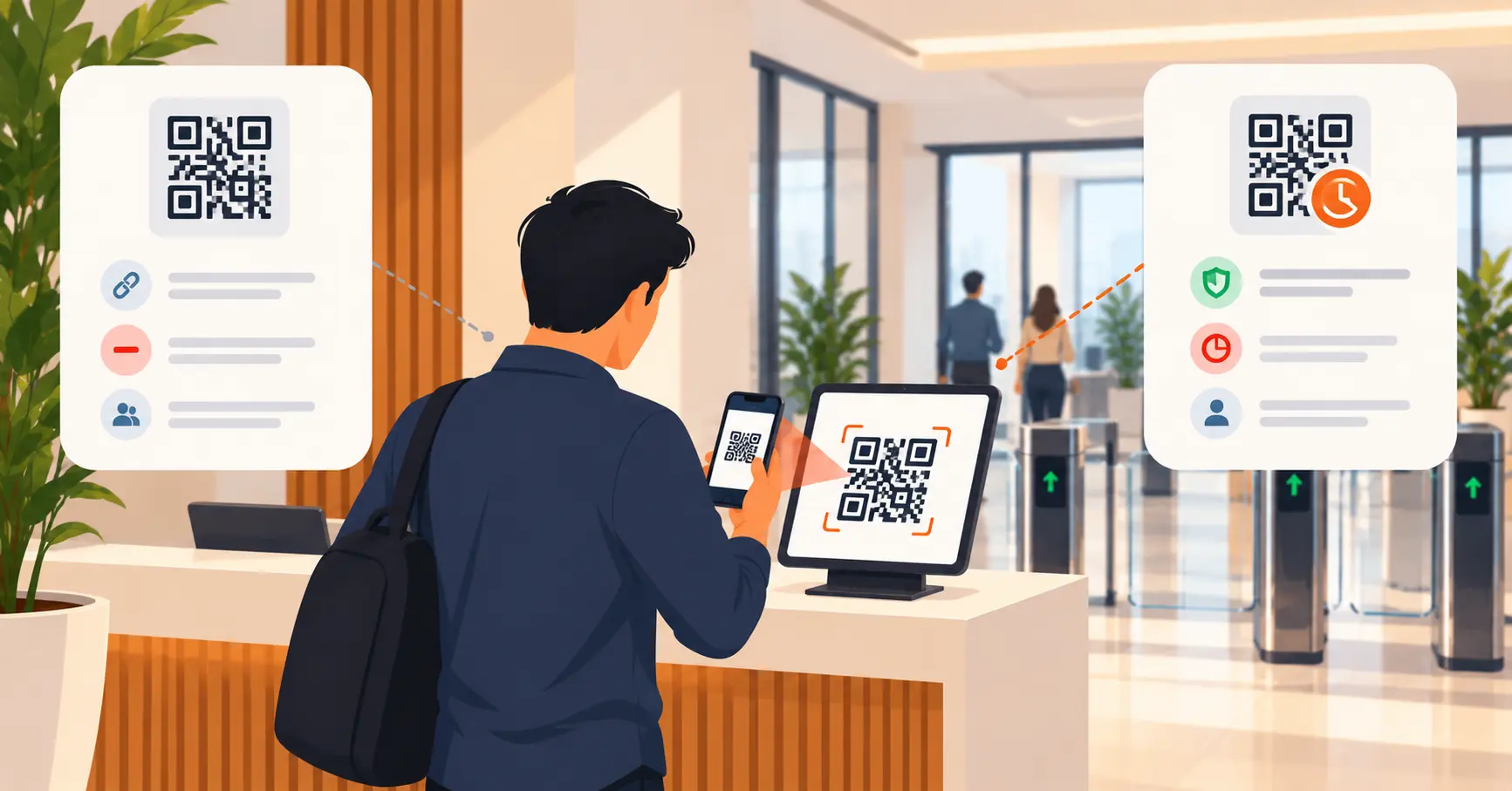
Table of Content
Try Vizitor for Free!
Most articles about QR code visitor management skip a detail that actually matters: not all QR codes work the same way, and the difference changes what a “scan to check in” process is actually protecting against.
A static QR code has data baked into it permanently. Scan it today, scan it in six months, it’s the same code doing the same thing, for anyone who has it. A dynamic QR code points to something a system controls instead, so it can expire, get tied to one specific visit, or get marked used and rejected on a second attempt. For visitor check-in, that difference is the whole security story.
The Core Difference, Mechanically
| Static QR code | Dynamic QR code | |
|---|---|---|
| What’s encoded | The actual data (a URL, text, visitor info) baked in permanently | A reference pointer a backend system resolves, so the destination or validity can change |
| Can it expire | No | Yes, systems typically allow anywhere from a few minutes to a full day depending on the visit type |
| Can it be reused | Yes, indefinitely, by anyone with a copy | Can be restricted to a single scan or a single visitor |
| Can it be revoked after printing | No, the code itself never changes | Yes, since the system resolves it live rather than reading fixed data |
| Generation cost | Free, any basic QR generator | Requires a backend system tracking state per code |
| Right fit for check-in | Only for low-stakes, non-credential uses | Yes, for anything functioning as an actual entry or attendance record |
Why This Matters Specifically for Check-In, Not QR Codes Generally
A QR code used as a menu link or a WiFi password doesn’t need to know who’s scanning it. A QR code used to check someone into a building does, at least implicitly, since the whole point is producing a reliable record of who entered and when.
Here’s the practical failure mode with a static code at a front desk. If the same code is printed once and displayed for every visitor, the system can’t tell a legitimate scan from someone scanning a photo of that same code later. A QR code is just a picture. A picture can be screenshotted and forwarded in seconds, same as any other image. The code itself carries no awareness of who used it or when.
A dynamic code generated per visit closes that specific gap. Not because it’s somehow unphotographable, a screenshot of a dynamic code still technically scans, but because the backend can mark it used, expired, or already-claimed the moment the real visit happens. The security lives in the system checking the code’s state, not in the QR format itself.
When a Static Code Is Genuinely Fine
Not every QR code at a front desk needs to be dynamic. Static is a reasonable, even preferable, choice for anything that isn’t functioning as a credential:
- A wayfinding sign pointing to a floor directory or a parking map
- A general info link, like a visitor conduct policy or a WiFi guest network password
- A feedback form posted near the exit
- A link to a visitor pre-registration page that visitors fill out before their actual check-in code gets generated
The pattern across all of these: nobody treats scanning the code itself as proof that a specific, verified visit happened. The moment that stops being true, the code needs to be dynamic.
When Dynamic Is the Only Reasonable Choice
- Any code that functions as an entry credential. If scanning it is what gets someone through a door, counted as checked in, or logged as present, static doesn’t hold up.
- Multi-visitor or high-volume environments. A single static code shared across dozens of daily visitors makes it structurally impossible to tell who actually checked in versus who had a photo of the code.
- Regulated or compliance-sensitive sites. Healthcare facilities, contractor-heavy industrial sites, or anywhere visitor records need to hold up to an audit need a record tied to an individual, not a shared image.
- Pre-registered visits with host notification. If scanning is meant to instantly alert a host that their specific guest arrived, a static code breaks that link entirely. The system has no way to know which visitor among many just scanned.
How a Dynamic QR Actually Gets Generated in Practice
There isn’t one single method. Three patterns cover most real implementations:
- Pre-registration-based. A host invites a visitor in advance, and the system emails or texts a unique code tied to that specific booking, valid only for the scheduled window.
- Walk-in, generated at the desk. A visitor enters basic details on a tablet, and the system issues a one-time code for that session immediately, rather than displaying a pre-printed code for them to scan.
- Session-refreshed display codes. A code shown on a lobby screen rotates on a timer, so even if someone photographs what’s currently displayed, it’s no longer valid by the time they’d try to reuse it.
Which pattern fits depends on whether most visits are scheduled in advance or walk-in, and how much host-notification speed actually matters for that building.
The Mistake Worth Checking For
A surprising number of offices install a genuinely capable visitor management system, then undercut it by printing one QR code and taping it to the reception desk “so people can just scan to sign in.” That single step turns a system built for per-visitor tracking into something functionally identical to a shared static code. None of the audit, host-notification, or security benefit survives. If a front desk’s QR code never changes and never gets regenerated, it’s worth checking whether that’s an intentional low-stakes use or an accidental static-code mistake.
Where Vizitor Fits
Vizitor generates a dynamic QR code per visit, tied to that specific visitor’s pre-registration or walk-in record, rather than a single reusable image. Each code works within its visit window, triggers a host notification the moment it’s scanned, and feeds into the same digital record used for visitor badges and compliance logs. For sites that also need identity checks before access, watchlist screening runs at the same check-in step rather than as a separate process.
See Per-Visit QR Check-In in Action
A unique, time-bound code for every visitor, not one static code taped to the front desk.
Frequently Asked Questions
See Vizitor in action check-in a visitor in under 30 seconds
Trusted by 500+ businesses. QR check-in, badge printing, NDA signing. Plans from $36/mo.