The Business Case for Visitor Management at Multinational Firms
This guide explains why large companies and MNCs standardize on one visitor management system: stronger security, audit-ready records, a consistent brand experience, and portfolio-level data. It covers eight reasons, real results from IKEA Services India and Snapdeal, a multi-site rollout plan, and what to ask vendors.


Table of Content
Try Vizitor for 10 Days!
Key Facts
Large companies adopt a visitor management system to run one consistent, auditable check-in process across every site, replacing paper logbooks that cannot be searched, verified, or compared.
- The three drivers: security (knowing who is on site), compliance (audit trails, NDAs, safety briefings), and experience (a fast, professional welcome).
- Proof point: IKEA Services India moved from a handwritten register to Vizitor in one day and has managed 4,895+ visitors with zero manual errors (case study).
- Speed: Snapdeal's digital check-in made visitor entry 5 times faster than paper, with zero manual errors in visitor records (case study).
- Multi-site bonus: portfolio-level visitor data that paper logs can never produce.
Walk into the head office of most large companies and you will not find a paper logbook at reception. Multinationals standardize on a visitor management system because a handwritten register cannot tell security who is in the building right now, cannot prove compliance in an audit, and looks different at every site. This guide covers the eight reasons enterprises make the switch, how a multi-site rollout works, and what to ask vendors before you choose.
What a visitor management system does for a large company
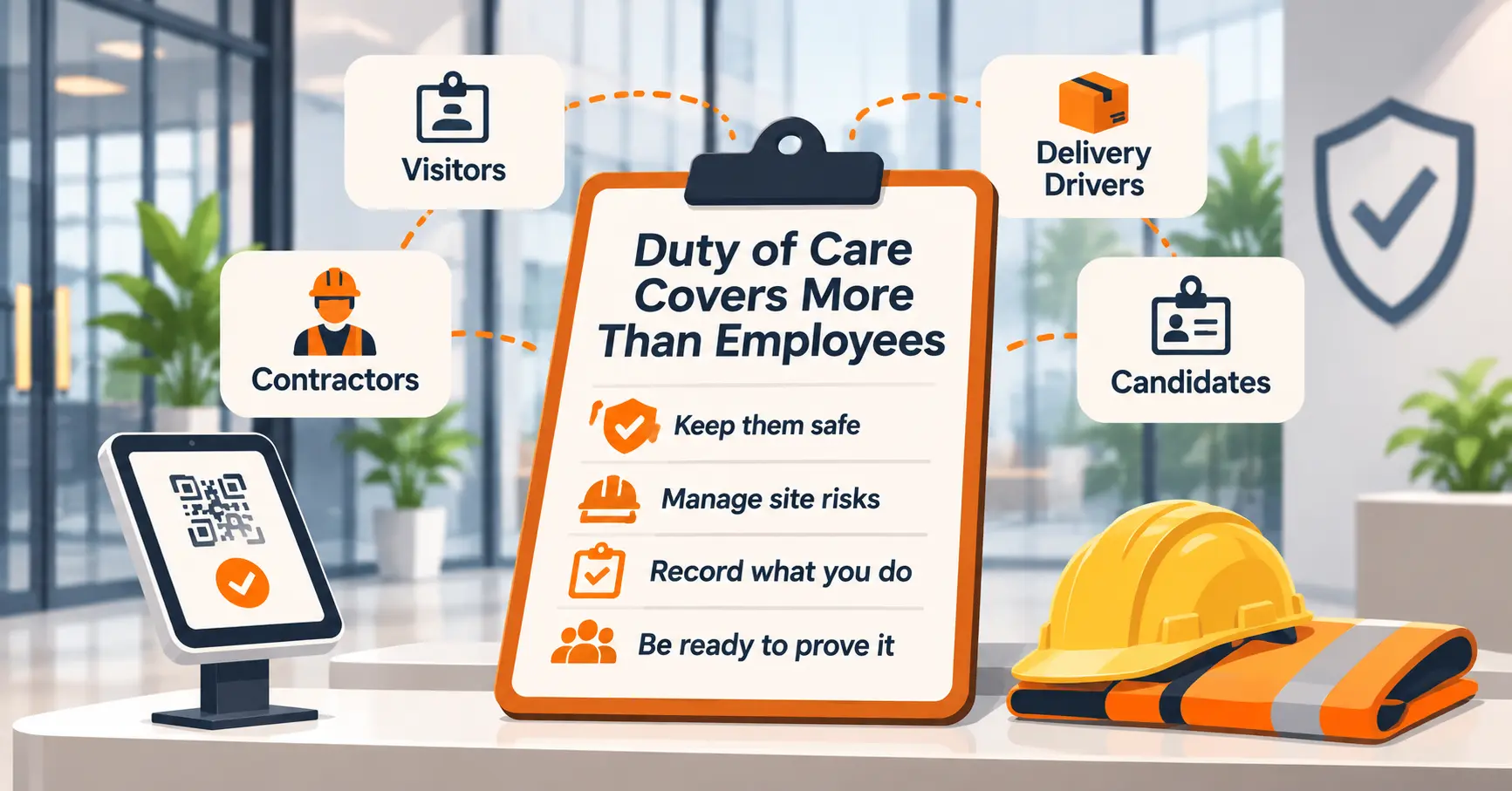
A visitor management system (VMS) is software that registers, identifies, notifies, and tracks every non-employee who enters a building: guests, vendors, contractors, candidates, and officials. For one office, it replaces a clipboard. For a multinational, it becomes shared infrastructure: the same check-in flow, badge design, watchlist rules, and records across every location, managed from one place.
Why leading MNCs use a visitor management system
1. Office modernization
Paper check-in is slow, and the delay lands on the visitor’s first impression. See the specific bottlenecks manual sign-in creates and how each gets fixed. A digital system lets visitors enter their own details on a kiosk, tablet, or web page: name, contact details, and purpose of the visit.
- Cloud storage means visitor data can be retrieved from any location at any time, which suits MNCs with multiple locations.
- Going paperless removes registration forms, logbooks, and printed passes, supporting corporate sustainability goals.
- Customizable design and hardware fit any reception area, in any industry.
2. Stronger security
The security of people, assets, and information is a top priority at scale, and a paper log is not enough to protect it.
- Photo capture and ID verification let you identify each visitor accurately.
- Pre-registration and scheduling let security screen guests before they arrive.
- Visitor tracking shows where a visitor is and helps spot violations quickly.
- Custom security policies let you set visitor types, access levels, and visit durations to match the organization’s requirements.
- Watchlist checks flag individuals who should not be admitted, and instant alerts reach security staff.
Front-desk weak points apply at any size, so see these security gaps at your front desk as a checklist.
3. Digital reporting and audit trails
Large companies answer to auditors, clients, and regulators. A digital system turns every visit into a searchable, timestamped record instead of a page in a binder.
- Audit-ready logs show who visited, who hosted them, when they arrived, and when they left.
- NDA capture and consent can be built into check-in, so signed agreements are stored with the visit.
- Saved visitor profiles let hosts reuse details for repeat visitors.
- Reports support general data analysis and external reporting requirements.
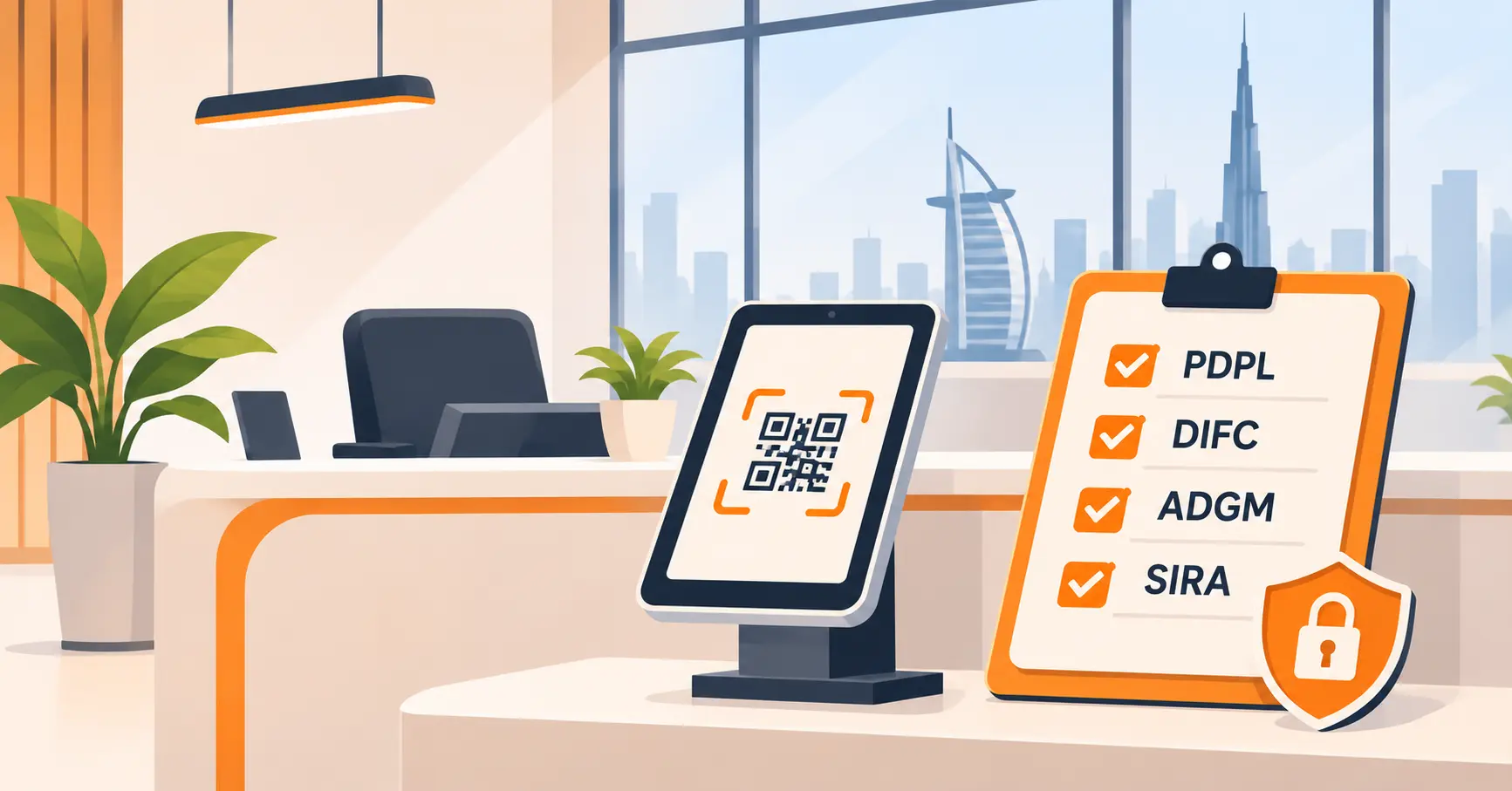
For security and privacy details, see Vizitor’s security and compliance page.
4. Tracking and monitoring visitor activity
Facilities must keep visitors away from dangerous or restricted areas, and know who is present at all times.
- A VMS shows where visitors are, where they are going, and how many people are inside the facility.
- In an emergency such as a fire, natural disaster, or security breach, the live list is what a muster point roll call depends on. See Vizitor’s emergency evacuation management for how that works.
- Visitor trends and patterns support better resource planning for meeting rooms and equipment.
- Check-in flows and badge designs can be configured per site, visitor type, or department.

5. Customized and digital visitor badges
Badges let staff see at a glance which guests are authorized to be on the premises. A badge with a photo lets any employee check that the face matches, and a printed badge at reception makes a strong impression. Multiple colors, fonts, and orientations let you tell visitor types apart, and a dedicated visitor badge management system keeps them consistent across sites. For more, see the guide to digital visitor badges.
6. A consistent brand experience
An MNC’s lobby in one city should feel like its lobby in another. Standardized check-in flows, branded badges, and pre-arrival emails make the visitor experience a company standard rather than a local habit. It also signals a modern, organized approach to security and compliance, and it contrasts with competitors still using paper. For a side-by-side look at platforms, see our visitor management software alternatives comparison.
7. Fast pre-registration
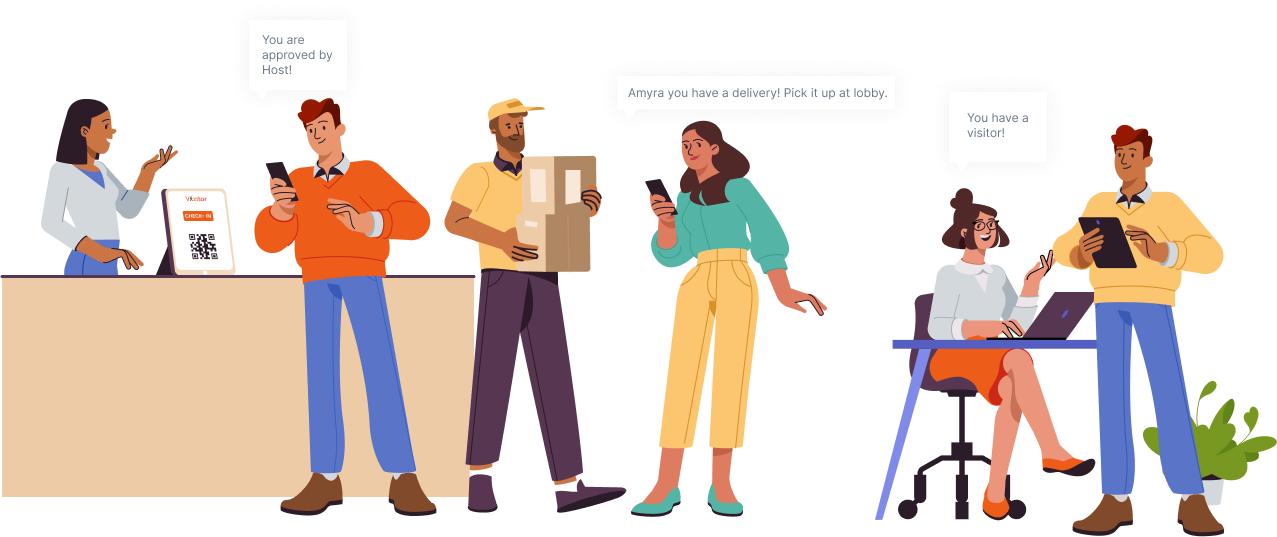
Pre-registration removes the need for guests to re-enter their details at every visit. Hosts invite guests in advance, and guests receive an automatic SMS or email with a QR code for quick check-in. For high-volume sites, this cuts front-desk congestion, and the host is notified the moment the guest arrives. See how pre-registration works.
8. Contactless, self-service check-in
Visitors sign in on their own phones instead of touching a shared screen. That is faster for the visitor, frees reception for exceptions, and leaves fewer shared touchpoints. Most enterprises treat it as a baseline expectation now. See the touchless visitor management page for the full flow.
Real-world results
IKEA Services India ran its reception on a handwritten register for visitors ranging from supply chain vendors to government officials. After a one-day deployment of Vizitor, the team has managed 4,895+ visitors with zero manual errors, and reports a front desk that matches the company’s global standards (IKEA case study).
Snapdeal processed hundreds of visitors daily, including job applicants, vendors, and partners, and found reception becoming a bottleneck. After switching to self check-in, visitor check-in became 5 times faster with zero manual errors in visitor records (Snapdeal case study).
How a multi-site rollout works
- Audit current practice. List how each site registers visitors today and where the gaps are.
- Design one global flow. Agree visitor types, required fields, NDA and safety-briefing steps, and badge rules once.
- Allow a short list of justified local differences. Language, local regulations, and site-specific access zones are valid; “we have always done it this way” is not.
- Pilot at one or two sites. Measure check-in time, host response, and exceptions.
- Roll out in waves and train front-desk teams. Include security and facilities, not only reception.
- Review the data centrally. Look at peak times, visitor types, and contractor volume per site.
Standardization projects usually fail when every site keeps its own exception. Plan one flow and defend it.
What large companies look for in a VMS
- Multi-site management from a single dashboard.
- Single sign-on support for enterprise identity providers. Vizitor works with Azure Active Directory and SSO providers.
- Audit trails, consent capture, and encrypted records that satisfy security reviews.
- Integrations with calendars, access control, and messaging.
- Configurable workflows for different visitor types and sites.
- A staff-assisted fallback at the desk for visitors without a phone.
Common enterprise objections, and honest answers
“Our sites are all different." They are, which is why you design one flow with a short list of justified local differences, not a separate system per site.
“Guests will not use it." Pre-registration and QR codes mean most guests do very little on arrival. Keep a staff-assisted path for the rest, and track how many guests need it.
“It adds IT overhead." Cloud-based systems that support single sign-on and run on standard tablets keep IT involvement light. Ask vendors exactly what IT needs to do at each site.
“What about privacy?" Collect only what the visit requires, set retention limits, and restrict who can see records. See the GDPR-oriented visitor management page for how data handling is approached.
“Our current process works." Ask whether it could answer, today, who is in the building and who visited a given site last quarter. If the answer takes hours, it is not working.
Is a VMS only for big companies?
No. A single office gets the same security and experience benefits at a smaller scale. Large companies simply feel the gaps sooner, because volume and audit pressure are higher. The full visitor management system overview explains the options by company size.
Want to see how this would work across your locations? Book a demo and we will walk through a multi-site setup.
Frequently Asked Questions
See Vizitor in action check-in a visitor in under 30 seconds
Trusted by 500+ businesses. QR check-in, badge printing, NDA signing. Plans from $36/mo.