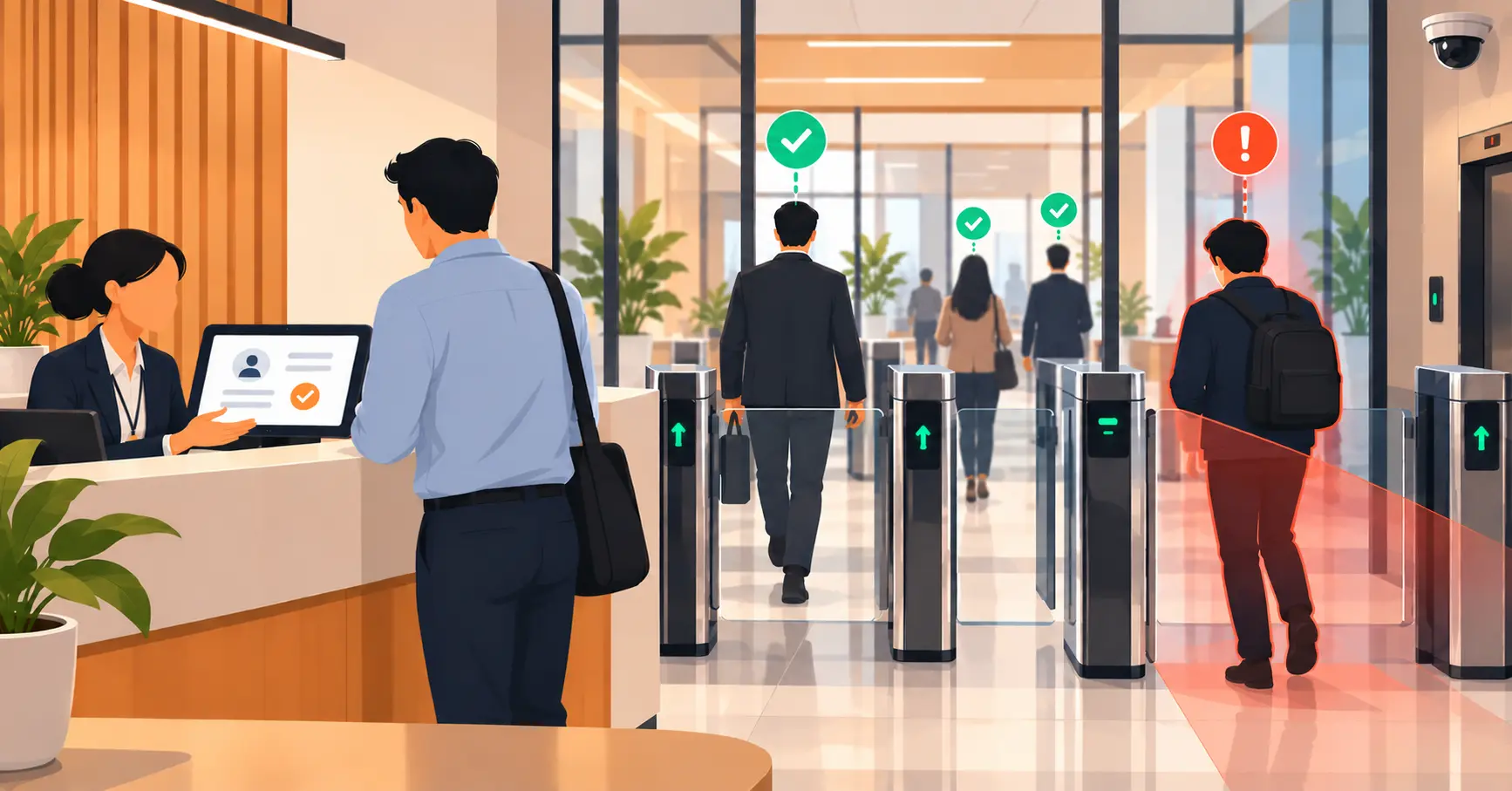
What to Actually Text Someone Waiting in a Queue
A practical guide to queue text notifications: the three messages worth sending (join confirmation, a heads-up as someone nears the front, and the turn alert), why carrier delivery delay means the final text has to go out before a person is actually next, what the copy should actually say, and how long a spot should hold before a no-show gets marked. Covers SMS, WhatsApp, and push as channels and where this overlaps with Vizitor's own queue notification features.


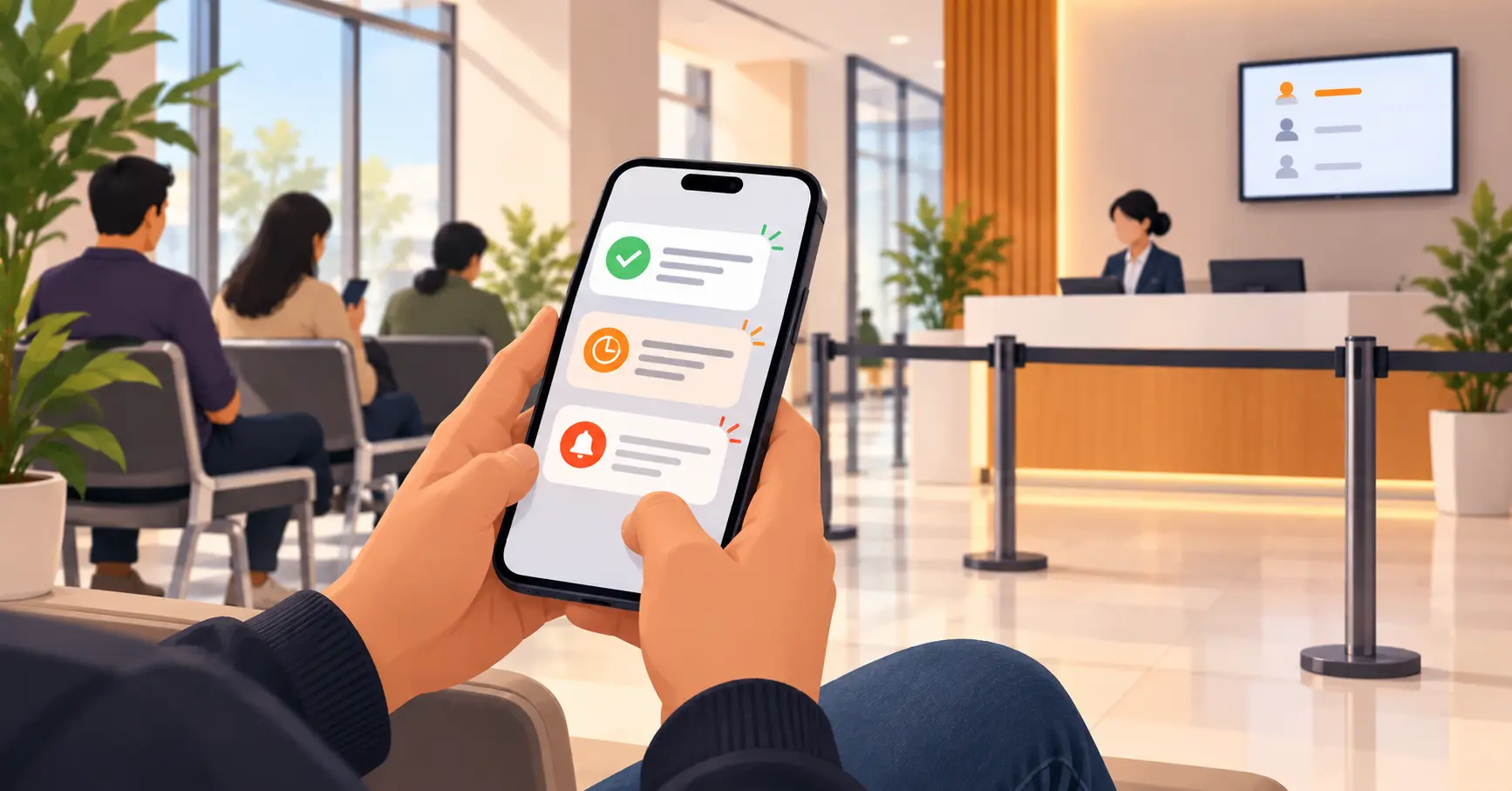
Table of Content
Try Vizitor for Free!
Most queue systems default to one text: “it’s your turn.” That’s one message short, and it’s timed wrong. The message that actually prevents missed turns and abandoned lines is a short sequence sent at specific points, not a single alert fired the instant someone’s called. This is the narrow, practical half of the topic, not the full picture of how notifications fit into a queue system overall.
The Three Messages That Actually Matter
Join confirmation, sent immediately. Confirms the person is in the queue and gives a rough wait estimate. This is the easy one, most systems already do it, and it matters mainly because it sets the expectation that more texts are coming.
The heads-up, sent a few spots out. Sent when roughly two or three people remain ahead of them, not right when they join. This is the one most systems skip entirely, and it’s the one that actually reduces no-shows, since it gives someone time to wrap up a call or walk back from the parking lot instead of being caught off guard.
The turn alert, sent before it’s literally their turn. This is the message people mean when they say “the queue text.” It needs the clearest instruction of the three: where to go, and how long the spot holds.
Why Timing the Last Text Is Harder Than It Looks
Carrier delivery delays are real, and they matter most for exactly this message. A text sent the instant someone’s called can arrive after they’ve already missed their window, especially on networks with any congestion. Knock’s guidance on SMS notifications recommends immediate delivery specifically for time-sensitive, critical alerts, but immediate delivery doesn’t guarantee immediate arrival.
The fix isn’t a better carrier. It’s sending the alert slightly early, when one or two people remain ahead, instead of waiting for the exact moment of zero. That buffer absorbs the delay instead of letting it eat into the person’s actual hold time.
What the Text Should Actually Say
Concise and specific beats friendly and vague. The University of Michigan’s queue notification system sends a plain, direct line: “It’s your turn in queue,” with a link to the queue page itself. No filler, no exclamation points doing the work a clear instruction should do.
A text that says “You’re next!” tells someone they’re close. It doesn’t tell them where to go or how long they have. A text that says “Your turn, Counter 3, please arrive within 5 minutes” does both in one line. MagicBell’s SMS guidance makes the same point more generally: good SMS copy is tied to a specific action, not just a status update.
The Grace Period Problem
A turn alert without a stated hold time puts the staff member running the counter in an awkward position: how long do you actually wait before moving to the next person? A short, fixed window, often a few minutes, stated in the text itself, removes the guesswork. The person knows their deadline. Staff know when it’s fair to move on without manually deciding case by case.
Does the Channel Change the Message?
Not much. SMS, WhatsApp, and push notifications all work for this because they’re pull-free, the person doesn’t have to have an app open or be looking at a screen, which is also why requiring an app for virtual queuing backfires for a lot of walk-in traffic. The one real difference is reach: SMS works on any phone, no internet connection required, which matters in venues with unreliable Wi-Fi or a customer base that doesn’t use the vendor’s app. WhatsApp adds read receipts and richer formatting where it’s already the default messaging app, which is the case across much of the world outside the US.
Common Mistakes
Bad notification timing shows up directly in the complaints customers actually raise about queuing, so these are worth getting right specifically.
Sending more than three texts. Every additional message past the three that matter is a message someone’s more likely to mute or ignore the next time.
Treating “your turn” as a status update instead of an instruction. Tell people exactly what to do, not just where they stand.
No stated hold time. Without a deadline in the text itself, “your turn” becomes a guessing game for both the customer and whoever’s running the counter. No-show rate is also one of the KPIs worth tracking once notifications are in place, since it’s the clearest signal of whether the timing is actually working.
Where Vizitor Fits
Vizitor’s queue management module sends SMS, WhatsApp, and push notifications as a customer’s position approaches the front, in addition to calling their number on the public display board. Recall timing is configurable, so a spot holds for a set window before being marked a no-show, rather than staff deciding case by case. The same notification logic runs whether a business is on SMS, WhatsApp, or both, since the underlying queue position data drives the alert either way.
See Queue Notifications That Actually Time Themselves Right
Configurable SMS, WhatsApp, and push alerts, tied to real queue position, not a fixed timer.
Frequently Asked Questions
See Vizitor in action check-in a visitor in under 30 seconds
Trusted by 500+ businesses. QR check-in, badge printing, NDA signing. Plans from $36/mo.