Manual vs Smart Room Booking: What It Actually Costs You
Manual meeting room booking looks free because nobody sees a line item for it. This piece walks through what it actually costs in wasted search time, ghosted bookings, and untracked no-shows, using sourced research rather than guesses, then compares that against what a smart room booking system like Vizitor's changes and where manual coordination still holds up fine.


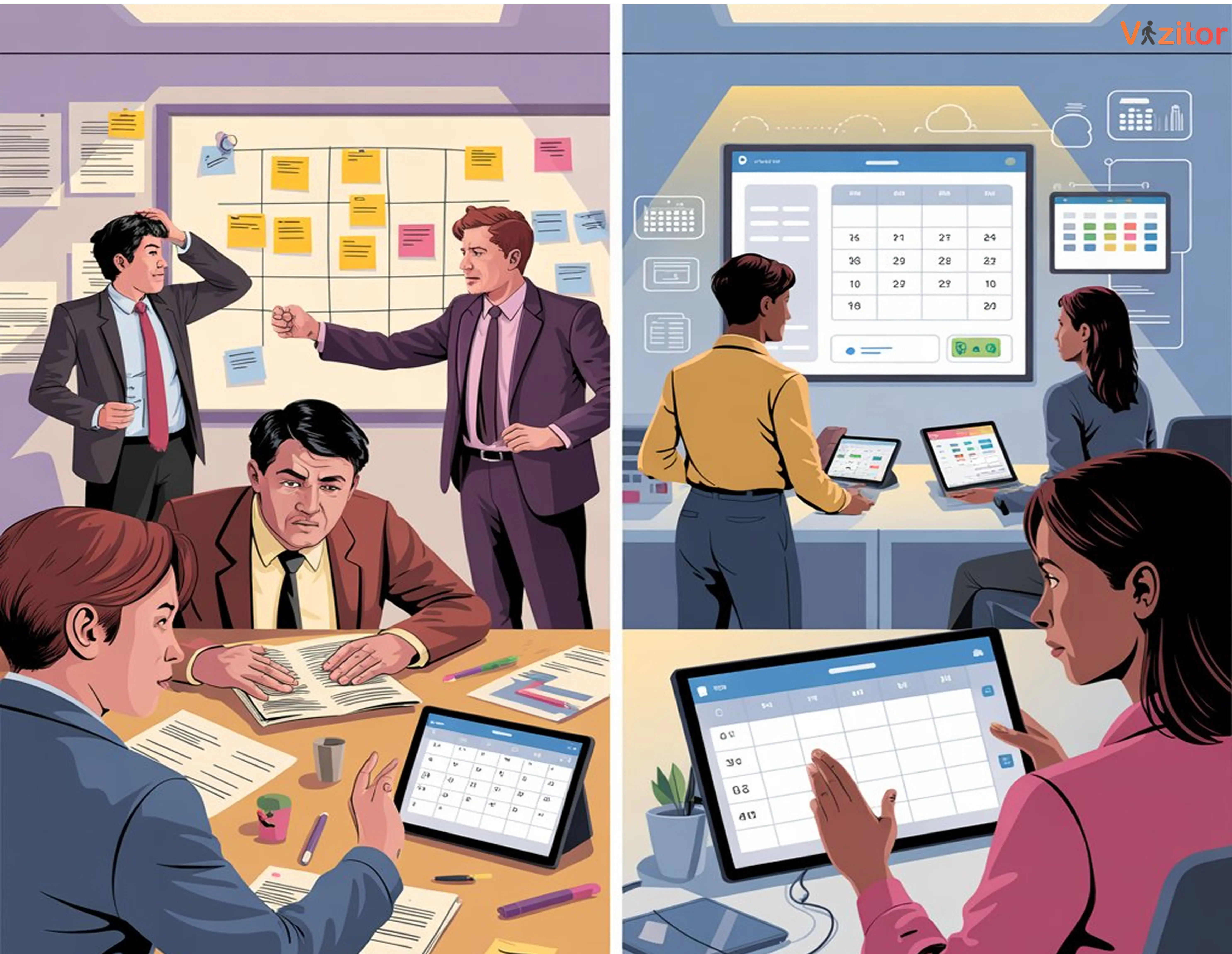
Table of Content
Try Vizitor for Free!
A meeting room marked “booked” on a shared calendar looks handled. It often isn’t. Someone reserved it three weeks ago for a project that wrapped, or double-checked nothing because the spreadsheet said it was free, and now two teams are standing in the same doorway.
Manual room booking is coordinating meeting spaces by hand: a shared spreadsheet, an email thread, a sign-up sheet taped to the door, or a verbal “I’ve got that room.” Smart room booking replaces that with software that shows real-time availability, syncs to the calendar people already use, and releases a room automatically when nobody shows up. The difference matters because manual coordination doesn’t fail loudly. It fails quietly, one wasted search and one ghosted booking at a time, until the cost is large enough that someone finally asks why meetings keep starting late.
This piece compares what each approach actually costs, using research that’s been checked against its source rather than numbers that sound plausible. Then it covers where a smart system like Vizitor’s meeting room booking system earns its cost, and where a small office is genuinely fine sticking with a calendar.
The Real Cost of Manual Room Booking
Manual booking doesn’t show up on an expense report, so it’s easy to assume it’s free. It isn’t. It just moves the cost into time, and time is harder to notice disappearing.
Searching costs more than people admit. A Steelcase Workplace Survey, cited by workplace-tech firm Comeen, found that 40% of employees waste up to 30 minutes a day looking for an available meeting room. That’s not one bad morning. Repeated across a five-day week, it’s the better part of a workday spent walking hallways and checking doors instead of working.
Ghost bookings are more common than most offices assume. Workplace analytics firm Density combined sensor occupancy data with Google Calendar records across two Fortune 500 office locations in Atlanta and Chicago, covering 783 total room bookings. More than 25% of those bookings were ghosted: reserved, never attended, never cancelled. The room shows occupied. Nobody’s inside it.
Recurring meetings carry most of that waste. A one-time meeting that gets cancelled takes its room booking down with it. A standing meeting doesn’t work that way. The project ends, half the invitees stop showing up, and the booking keeps renewing anyway because nobody’s job is to kill it. Comeen’s internal analysis found that 45% of recurring meetings become ghost meetings over time, which is why fixing recurring meetings specifically closes a bigger gap than most one-off booking fixes.
Even “well-utilized” space wastes more than it looks like. PointGrab’s WASH Index, built from hundreds of sensor deployments, found that roughly 15% of meeting room time across a floor is lost to single-occupancy abuse: one person sitting in a room built for eight, blocking it from anyone who actually needs the capacity. In a floor with 20 rooms, that’s the equivalent of three rooms sitting effectively unusable at any given moment, even though every one of them shows as “in use.”
None of this requires bad intentions. It’s what happens when room availability depends on someone remembering to update a shared document, and nobody’s actually accountable for keeping it accurate.
The Density figure isn’t an outlier, either. Gartner research, cited by Comeen in the same analysis, puts the broader industry number at more than 20% of all booked meeting rooms going unused. Two different data sources, one company-specific and one industry-wide, land in the same range.
The Gap Doesn’t Disappear at Well-Run Companies
It’s tempting to assume this is a problem for offices still running on paper. It isn’t only that. Worklytics’ 2025 benchmark data on meeting-room performance, drawn from tech firms already using booking software, found real gaps between what gets booked and what gets occupied at every company size:
Startups under 100 employees book rooms 52% of the time and hit 78% occupancy when they do, giving roughly 41% utilization efficiency.
Mid-size companies (100 to 1,000 employees) book at 58% and occupy at 72%, for about 42% efficiency.
Large companies (1,000+ employees) book at 61% and occupy at 69%, also around 42% efficiency.
The pattern holds regardless of size: booked time and occupied time never fully match, even with software already in place. Worklytics also found real city-to-city variance among North American tech hubs, Austin’s offices ran a 62% booking rate and 76% occupancy, while New York trailed at 58% and 69%. A national average would hide that gap; a company checking its own numbers against a single blended benchmark wouldn’t catch it either. The tool closes the manual-coordination failure modes. It doesn’t erase the gap between what a calendar says and what a sensor would show, which is exactly why the utilization reporting covered further down matters as much as the booking mechanism itself.
Manual Booking vs. Smart Room Management: Side by Side
| Criteria | Manual Booking | Smart Room Management |
|---|---|---|
| Booking method | Email, spreadsheet, verbal request | Real-time app or dashboard |
| Visibility | None, requires manually checking | Live availability across floors and offices |
| Double bookings | Common, depends on someone checking first | Structurally prevented by two-way calendar sync |
| No-show handling | Requires someone to notice and manually free the room | Auto-release after a set check-in window |
| Data on usage | None | Utilization reports and no-show tracking |
| Recurring meetings | Booking outlives the meeting by default | Flagged or auto-cancelled when attendance drops |
Manual systems don’t fail because people are careless. They fail because nothing in the system catches the gap between what’s booked and what’s actually happening in the room.
What a Smart Room Booking System Actually Fixes
Real-time visibility replaces the guessing game. Instead of walking a hallway or sending a “is this room free?” message, employees see live status on a dashboard or room display. No back-and-forth, no assuming a closed door means occupied.
Auto-release turns ghost bookings from permanent to temporary. If nobody checks in within a set window, the system releases the room automatically. That single rule directly attacks the 25%+ ghost-booking rate Density measured. The room comes back into circulation instead of sitting reserved for a meeting that already ended in someone’s head.
Two-way calendar sync closes the gap manual systems can’t. Google Workspace, Outlook, and Microsoft Teams integrations mean a booking made in one place shows everywhere else instantly. Worklytics’ 2025 benchmark data on meeting-room performance found booking rates of 52% to 61% and occupancy rates of 69% to 78% depending on company size, meaning even in tech firms with decent tooling, a real gap persists between what gets booked and what gets used. Sync alone won’t close that gap completely, but it removes the specific failure mode, two people acting on stale information at the same time, that manual coordination structurally can’t fix.
Utilization data turns space decisions from guesses into evidence. Meeting room analytics show which rooms sit empty, which get double-booked constantly, and which time slots create the most conflict. Facilities teams can act on that instead of guessing which floor needs another room.
Fewer conflicts mean fewer interrupted meetings. When a room’s status is accurate and enforced, teams stop losing the first five minutes of every meeting sorting out whose booking is real.
The Real Cost of Staying Manual: A Worked Example
Example, illustrative numbers, not a Vizitor customer figure:
Take an office with 10 meeting rooms, each booked for roughly 30 hours a week. Using the midpoint of Worklytics’ 2025 booking-versus-occupancy gap, about 25%, that’s roughly 75 room-hours a week reserved on the calendar but never actually occupied across the office.
If each room-hour represents about $40 in blended rent, utilities, and admin overhead (a figure you’d calculate from your own lease and headcount costs, not a Vizitor-supplied number), that 75-hour gap is worth roughly $3,000 a week. Over a year, that’s north of $150,000 in space that shows as “in use” while sitting empty.
Formula: Wasted weekly cost = Booked room-hours per week × Booking-to-occupancy gap (%) × Cost per room-hour.
The number changes with your own lease costs and booking volume, but the mechanism doesn’t. Every point of gap between what’s booked and what’s occupied is space you’re paying for twice: once for the lease, and once again in the meetings that couldn’t find a room because the calendar said none were free.
How Vizitor’s Meeting Room Booking System Works
Vizitor is a workplace management platform that brings meeting room booking, visitor management, and access workflows into one system instead of separate tools that don’t talk to each other.
Its meeting room module handles the specific failure points covered above:
Live dashboard visibility shows every room’s status across floors and locations, so nobody has to walk a hallway to find space.
Calendar integrations with Google Workspace and Outlook keep the booking system and the calendar people already check in sync, closing the two-source-of-truth problem that causes most double bookings.
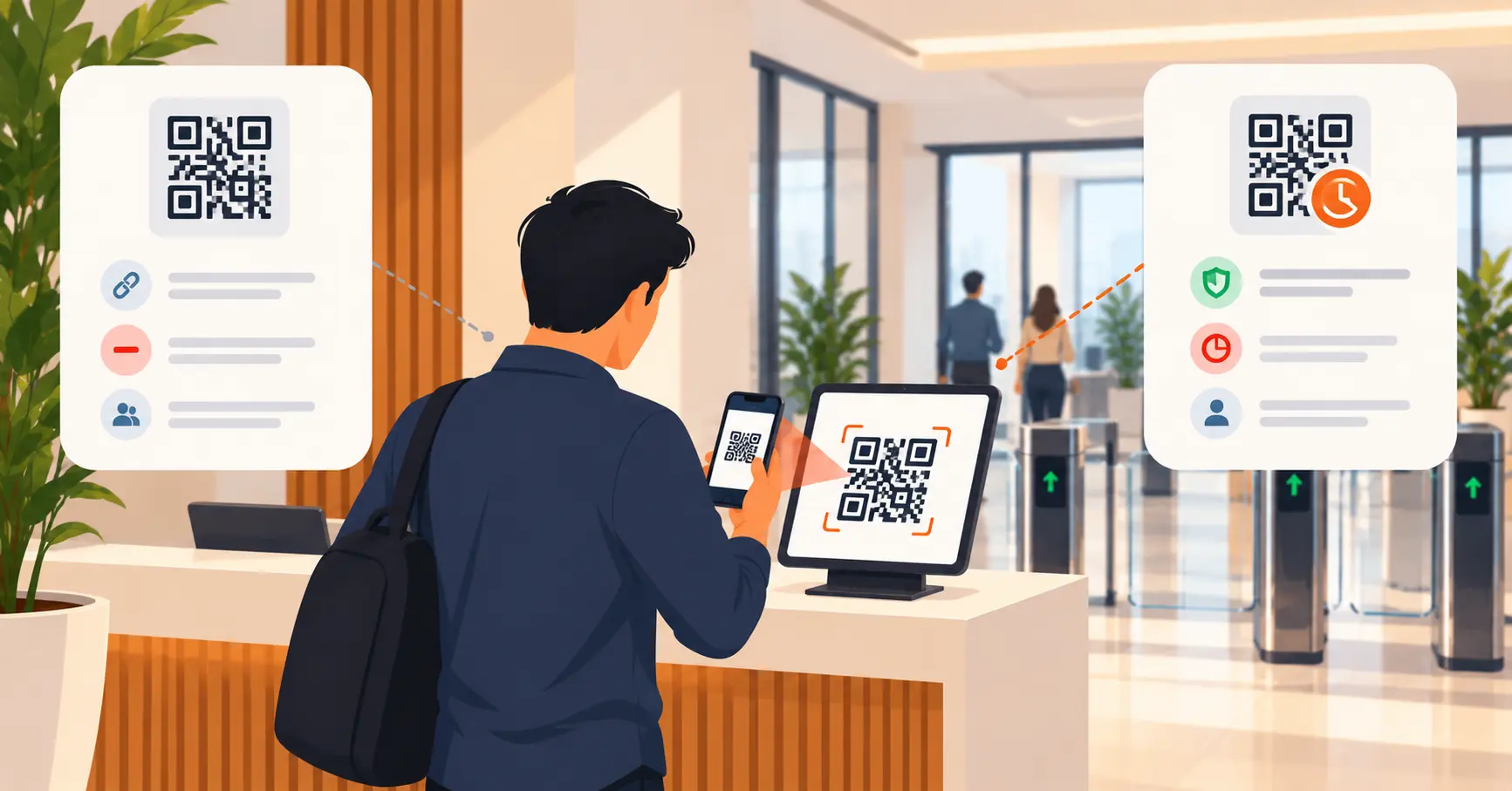
QR-based check-in confirms a booking is actually being used, feeding the auto-release rule that turns a ghost booking back into available space.
Utilization reporting gives facilities and workplace teams the same kind of data Density and Worklytics used in their research, but for their own office, not an industry average.
None of that requires replacing how teams already schedule meetings. It replaces the manual coordination layer sitting underneath it.
Common Mistakes When Moving Off Manual Booking
Assuming the spreadsheet is “good enough” because nobody’s complained. Complaints undercount the real problem. People don’t file a ticket when a room search wastes ten minutes; they just start avoiding the system, booking rooms they don’t need “just in case,” which makes the underlying scarcity worse.
Rolling out software without an auto-release rule. Without it, a digital booking tool inherits the exact ghost-booking problem it was supposed to fix. The room still shows occupied after the meeting ends; it’s just occupied in an app instead of on paper.
Not connecting the tool to the calendar people actually use. A booking system that lives separately from Outlook or Google Calendar creates a second source of truth, and double bookings return the moment someone books in the wrong place.
Treating utilization reports as a one-time audit. Usage patterns shift as teams grow, reorganize, or go hybrid. A report run once at rollout goes stale within a quarter.
Skipping a written booking policy. Software enforces rules only if a workplace actually sets them: maximum booking duration, check-in windows, rules for recurring series. Without a policy, the tool just automates the same chaos faster.
When Manual Booking Is Still the Right Call
Not every office needs software for this. A single shared room, a team under ten people, and a history of nobody actually double-booking it can run fine on a shared calendar and an honesty policy. The moment that changes, a second room, a second floor, a hybrid schedule, is the point where manual coordination stops scaling and the cost math above starts applying. For a fuller walkthrough of that decision, including what to evaluate once you’re past the small-office stage, see the meeting room software buyer’s guide.
Where Room Booking Is Headed
Booking systems are adding more automatic decision-making: assigning rooms based on group size or past usage patterns, tying occupancy sensors to lighting and HVAC, and surfacing utilization data without anyone having to pull a report. None of that changes the core math in this piece. It just makes the gap between booked and occupied harder to hide, which is good news for offices already tracking it and a wake-up call for the ones still running on a spreadsheet.
Key Takeaway
Manual room booking isn’t free. It costs time in searching, money in space nobody’s using, and trust in a system people quietly stop believing. A smart room booking system doesn’t remove every inefficiency, the Worklytics data shows a gap persists even at well-tooled companies, but it closes the specific failure modes, ghost bookings, double bookings, and untracked usage, that manual coordination structurally can’t fix on its own.
Ready to see what that looks like for your own rooms? Book a demo of Vizitor’s meeting room management system, or start a free trial.
Frequently Asked Questions
See Vizitor in action check-in a visitor in under 30 seconds
Trusted by 500+ businesses. QR check-in, badge printing, NDA signing. Plans from $36/mo.